For purchasing, sales and analysts who move tables from supplier portals, CRMs and reports into Excel every day. One click and you get a clean .xlsx.
Install free on ChromeBefore: copy-paste drops leading zeros and shifts columns. After: one click on TableListo and the Excel file comes out clean.
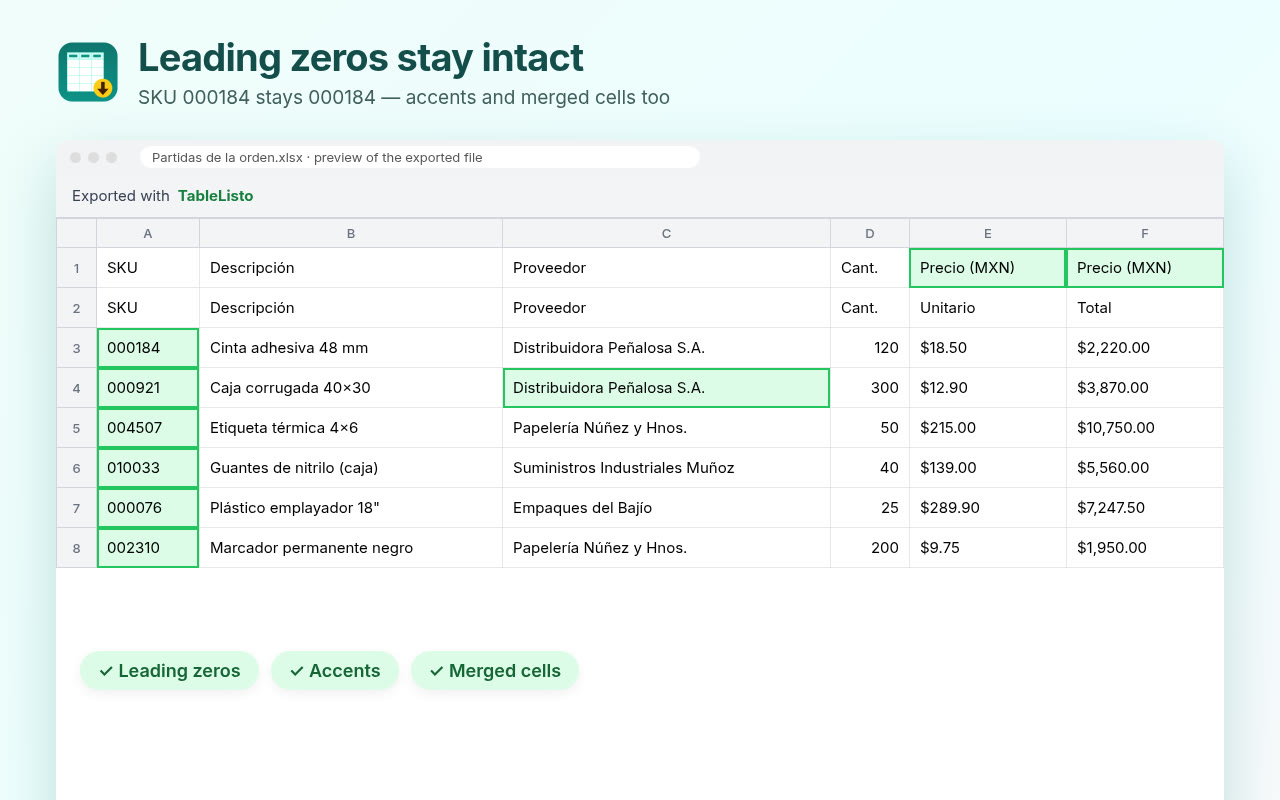
SKU 000184 stays 000184. Codes, invoice and part numbers are kept as text.
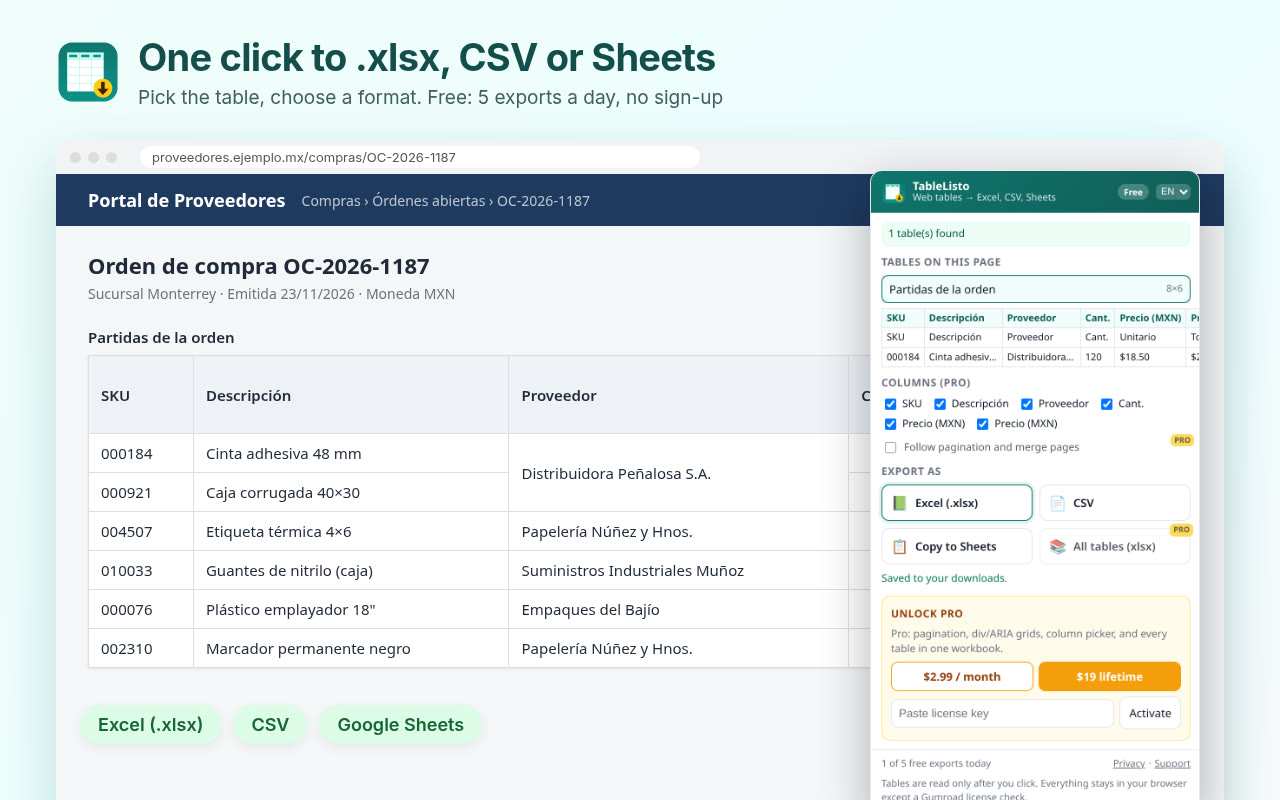
Pick the table and the format. Merged cells don't shift columns and accents stay readable.
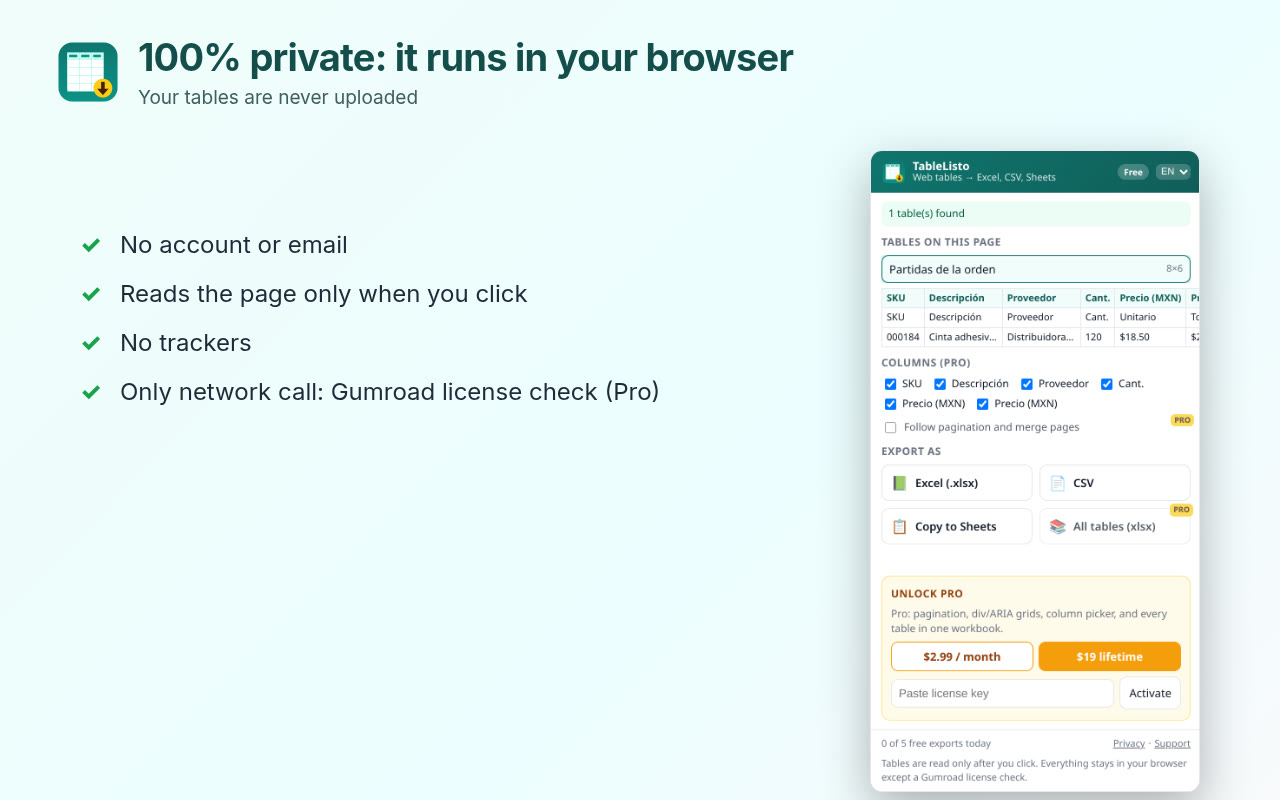
Everything is converted in your browser. Your tables are never uploaded.
Purchase orders and price lists from supplier portals, with SKUs intact.
Leads, quotes and order status from your CRM or a distributor portal.
Report and dashboard tables into Excel or Sheets without fixing them by hand.
If it isn't useful, reply to your Gumroad receipt within 30 days and you get a full refund.
No. Install the extension and use it. The free plan doesn't ask for an email or a license.
No. The table is read only when you click and converted in your browser. The only network call is the Pro license check with Gumroad.
With HTML tables on any site you're viewing. Div-based or ARIA grids (common in modern portals) export with Pro.
No. The .xlsx is built inside the extension. You can also export CSV or paste into a new Google Sheet.
Buy on Gumroad, copy the license key from the receipt, open TableListo, paste it and click Activate.
Monthly cancels anytime from Gumroad. Every purchase has a 30-day money-back guarantee.
Free: 5 exports/day · no sign-up · no account
 TableListo