Bildschirm Hochformat Nutzen with James Solomon blog

James Solomon Nov 26, 2026

Found It: Bildschirm Hochformat Nutzen in One Place

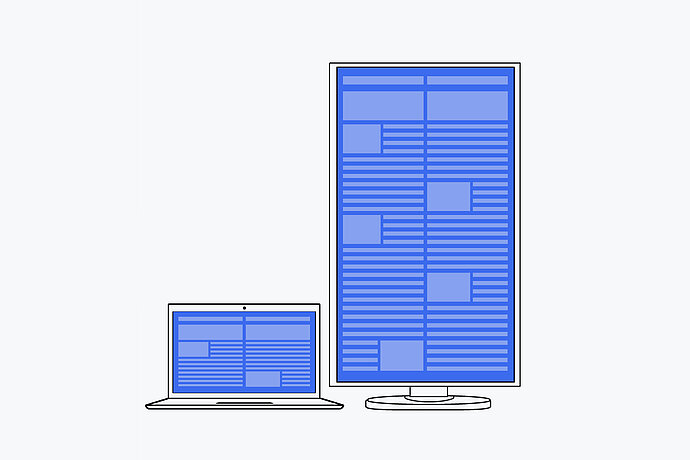
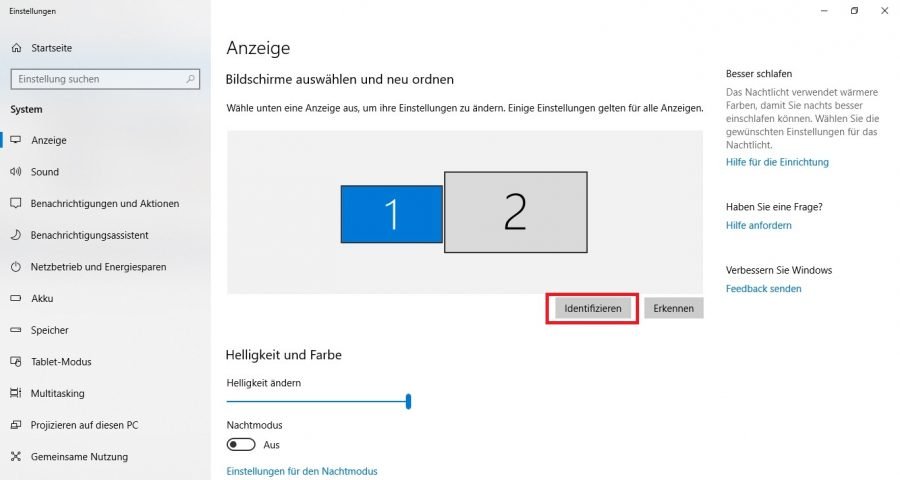
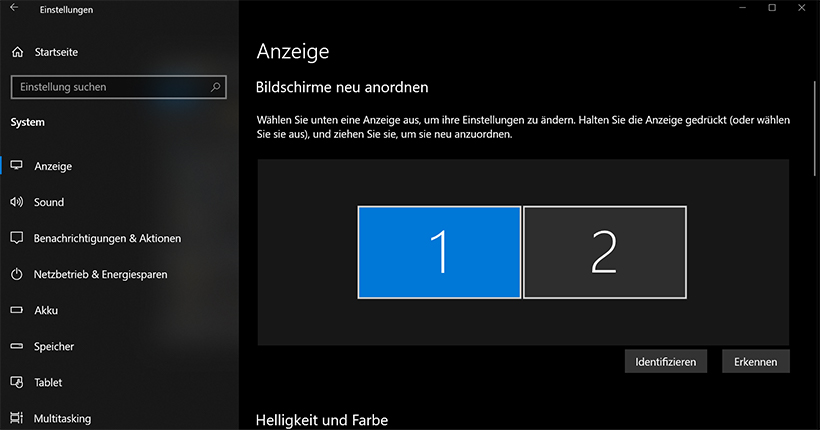
EIZO Monitorwissen: Mehrere Bildschirme unter Windows 10 anschliessen ...

Bildschirm Hochformat Nutzen is what brought you here, and this page delivers it, presented through a broad set of image examples you can browse freely.

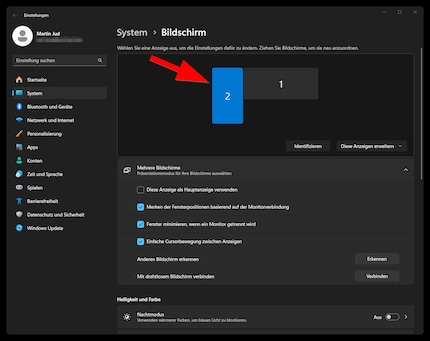
Mehrere Monitore einrichten │ Windows 11 - YouTube

A description can only go so far before a picture does the job better, and that is exactly why visual references work so well here.

Example Images of Bildschirm Hochformat Nutzen
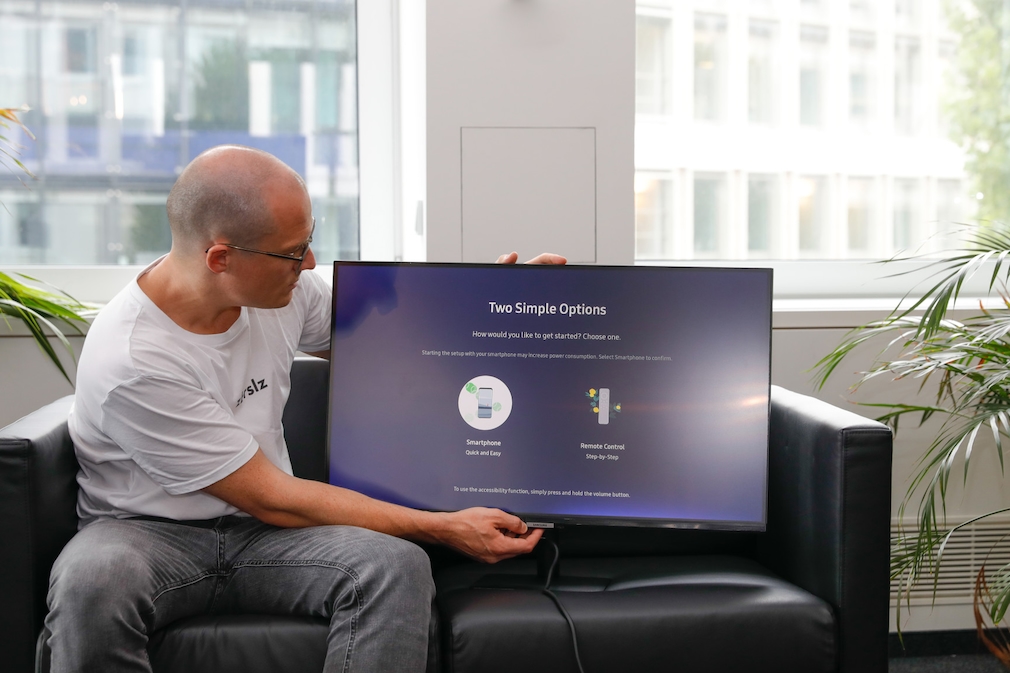
Samsung M7B im Test: Monitor und TV in einem! - COMPUTER BILD

The images below show Bildschirm Hochformat Nutzen in many different forms and settings, which makes it easy to spot the differences between variations.

Take your time moving through the collection, and familiarity builds faster than you might expect.
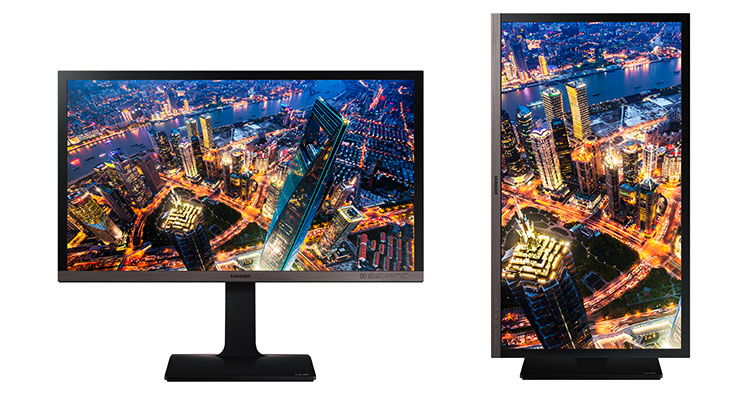
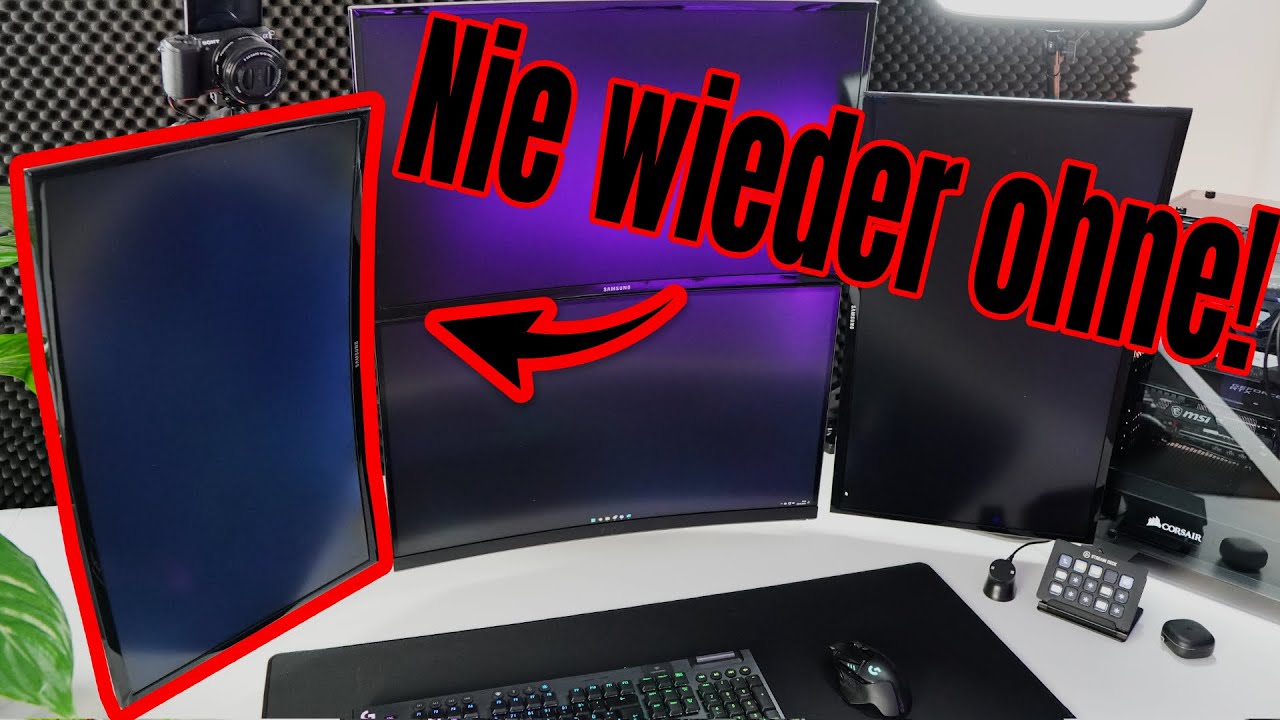
Samsung setzt bei neuen PC-Bildschirmen auf Curved- und auf UHD-Modelle ...

What These Pictures Explain

Each image works as a small explanation of its own, so you can recognize the qualities worth noticing.

Watch for the elements that appear again and again, and those repeated features are what make it recognizable.

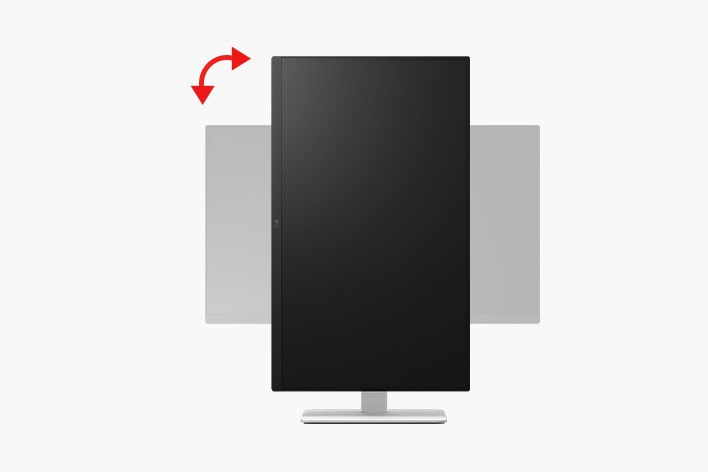
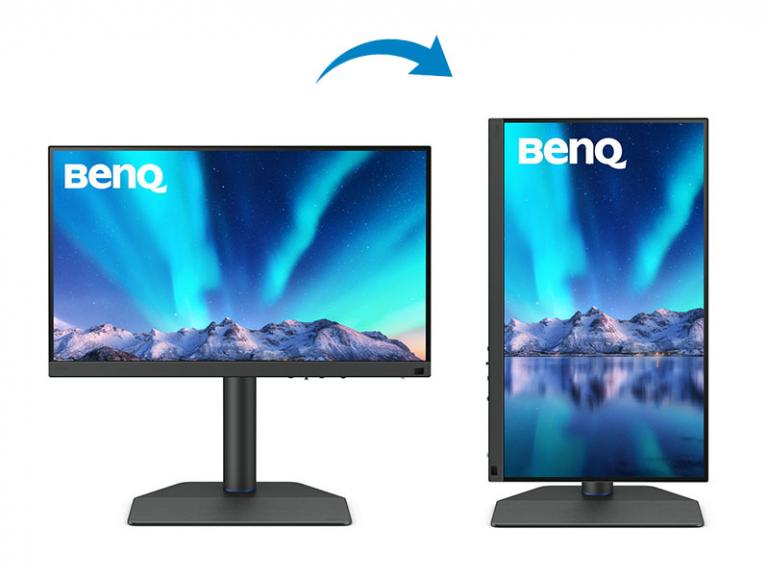
So stellen Sie Ihren Monitor von Querformat auf Hochformat um

From One Style to Another

Variety is the whole point of a reference collection, a few lean traditional while others feel modern, and seeing them together makes your own preference obvious.

A strong reaction to one example is always useful information, because that instinct usually points toward what you are really looking for.

Laptop als zweiten Bildschirm benutzen: So geht’s

How to Use These Examples for Reference

Every picture here can serve as a working reference, like marking the images that match your idea.

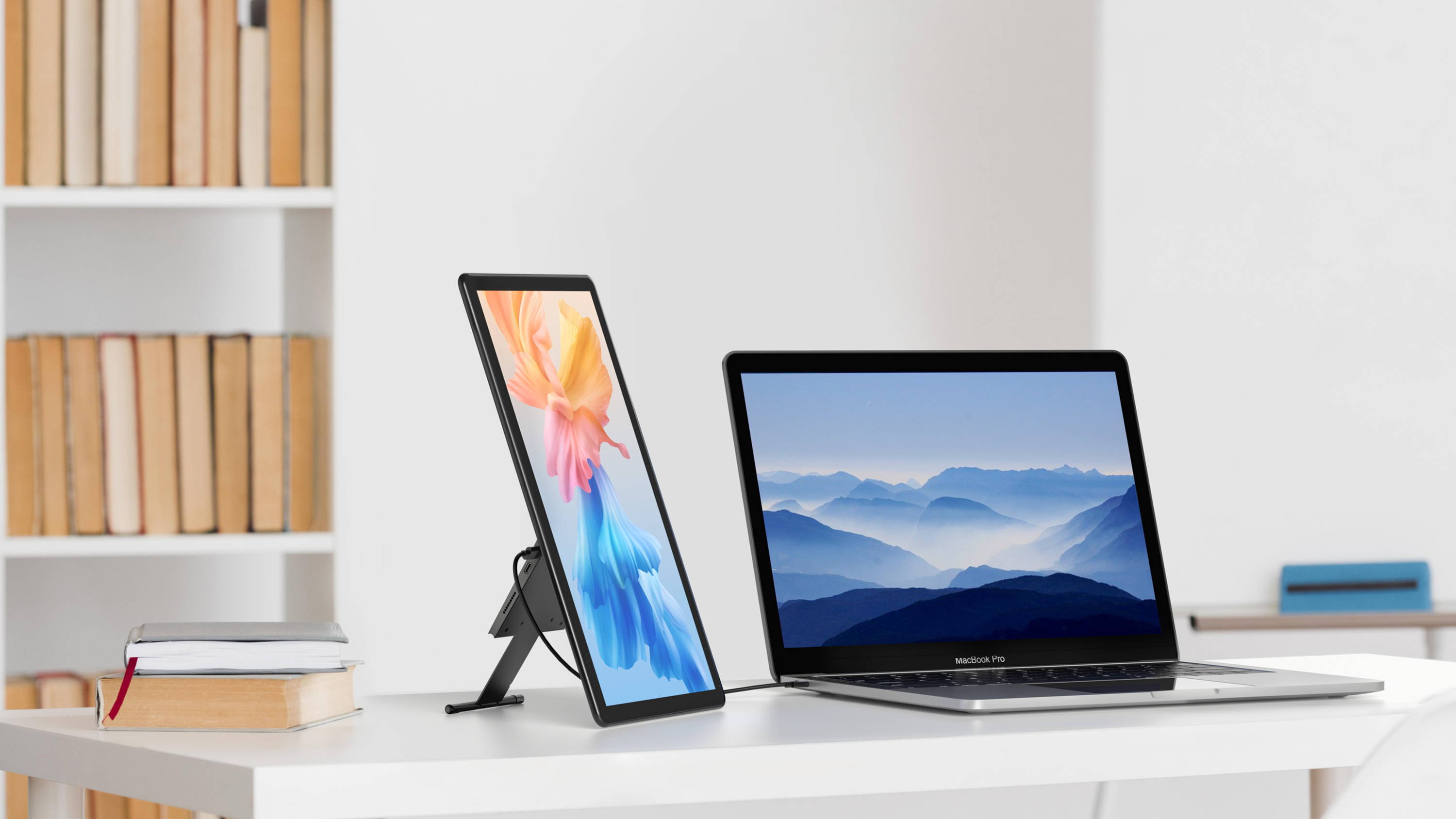
Monitor-Test: 9 Bildschirme fürs Home-Office im Vergleich - IMTEST
Vertical Monitor Hochformat Touchscreen Bildschirm | UPERFECT – UPERFECT-DE
Mit einem externen Monitor effektiver am Notebook arbeiten
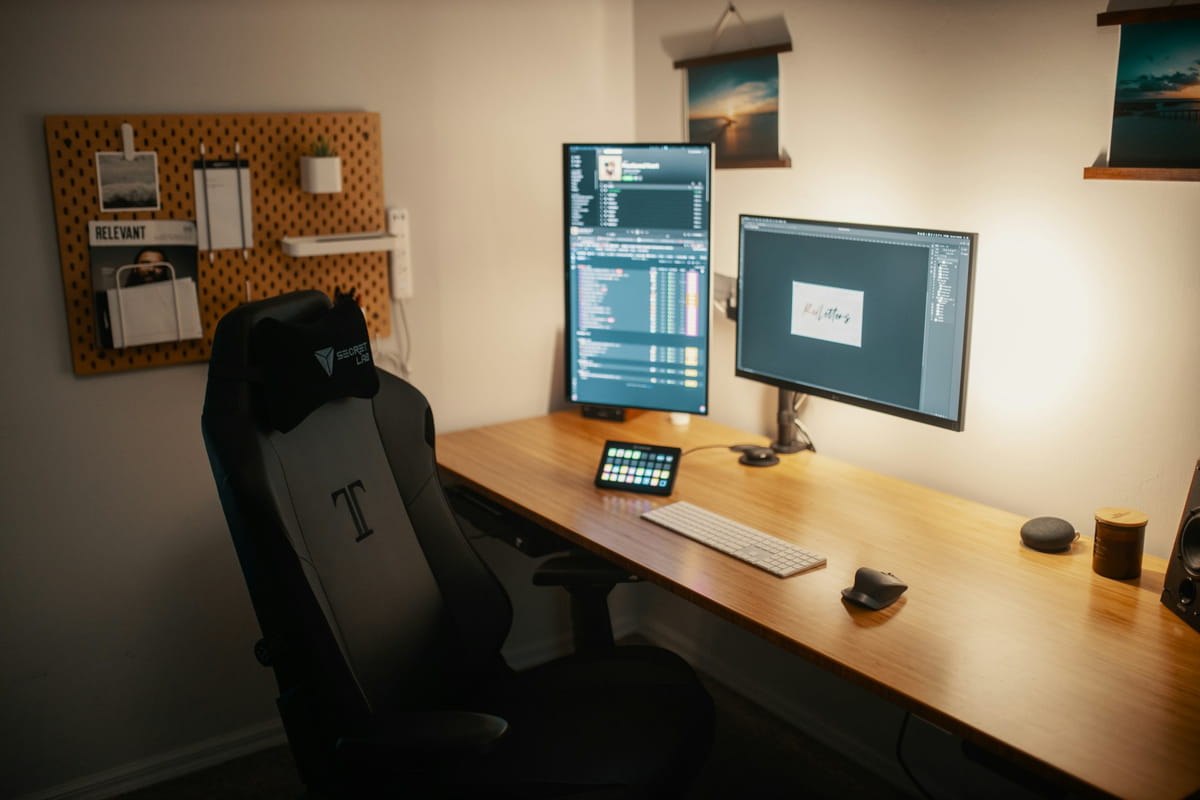
LG DualUp Monitor: Dieses Hochkant-Display soll Gaming und Arbeiten ...
Mobiler Dual-Screen-Arbeitsplatz: Portables USB-C-Display ausprobiert ⋅ ...
Windows 10: Bildschirmausrichtung drehen und zurückdrehen - Basic Tutorials
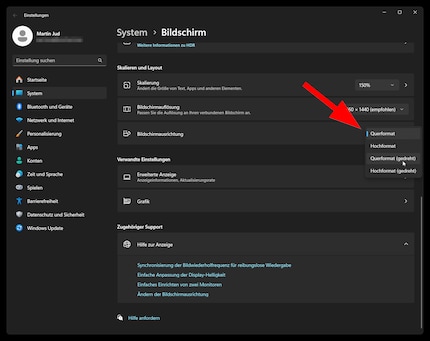
Wie man mehrere Monitore unter Windows 11 anschließt und nutzt
Windows Bildschirm drehen mehrere Bildschirme – Electron
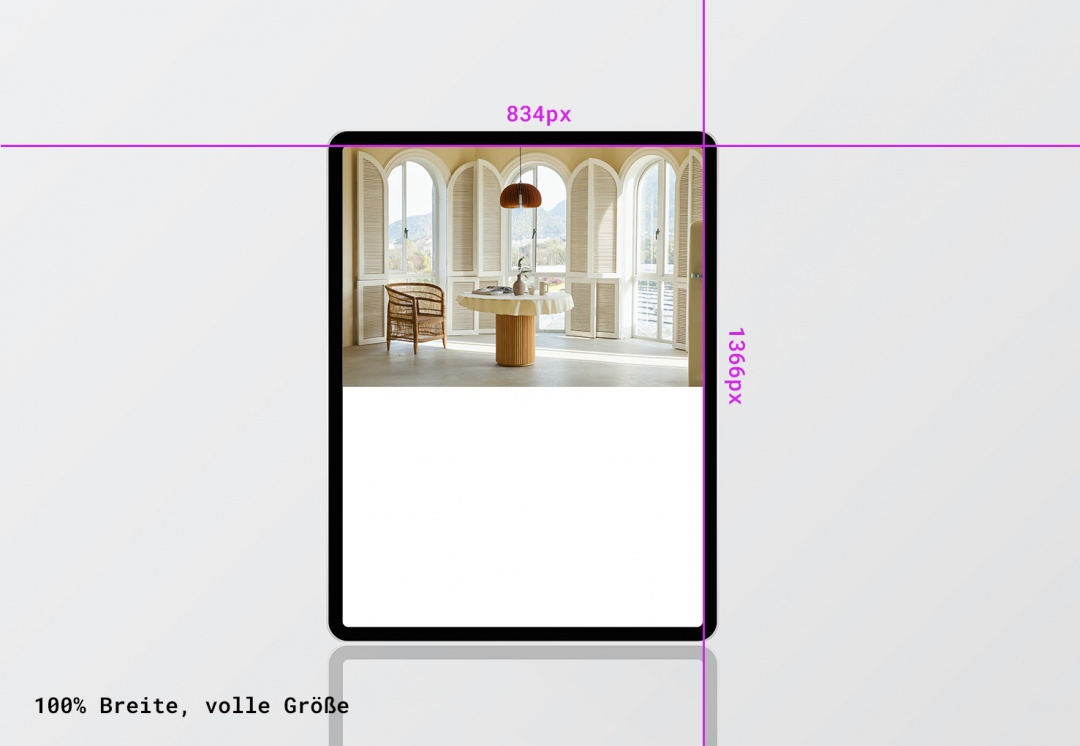
Responsive Bilder mit festen Höhen auf unterschiedlichen Displaygrößen ...
Asus ProArt PA278QV Monitor im Test 🖥️ gut und günstig? » 99blickwinkel
Windows-Tipp: Bildschirmausrichtung ändern - Galaxus
Windows 11 Hintergrundbild strecken über 2 Monitore oder mehrere ...
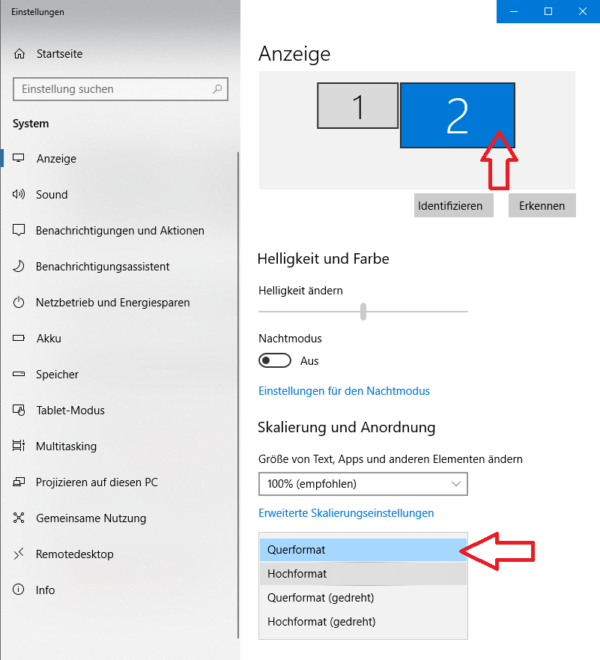
Zwei Bildschirme unter Windows 10 einrichten und optimal nutzen
LG DualUp Monitor: Dieses Hochkant-Display soll Gaming und Arbeiten ...
Windows-Tipp: Bildschirmausrichtung ändern - Galaxus
27 Zoll 4K UHD UltraFine™ IPS-Monitor - 27US550-W | LG Deutschland
Bildschirm drehen & hochkant einstellen - Windows 11 Tutorial - YouTube
Monitore für Homeoffice und Gaming: Top-Modelle 2025
Mac Display-Anzeige rotieren: Anleitung für Hochformat-Monitore » Sir ...
Auf jedem virtuellen Desktop ein unterschiedliches Hintergrundbild ...
2 Bildschirme anschließen: Was ihr braucht und wie es geht
Bildschirm im Quer - oder Hochformat nutzen - YouTube
Praxistest Eizo EV2730Q: Ein Quadrat für’s Hochformat - fotointern.ch ...
Laptop als zweiten Bildschirm benutzen: So geht’s
Das BESTE Monitor Setup! Monitor vertikal aufstellen | Pivot Funktion ...
Windows-Tipp: Bildschirmausrichtung ändern - Digitec
BenQ SW272U im Test: fast perfekter Monitor [SEHR GUT]
Responsive Bilder mit festen Höhen auf unterschiedlichen Displaygrößen ...
Windows 10 und 11: Zwei Monitore anschließen an PC & Laptop

You can also use the images to explain the idea to someone else, so the other person sees exactly what you see.

The Small Details That Matter

Beyond the first impression, each image contains useful details, paying attention to textures, proportions, colors, and how things are arranged.

Depth beats speed when it comes to visual learning, and let a few carefully chosen references guide your direction.

The Power of Example Images

It is no accident that people search for images first, an image delivers the subject directly with no filter.

This is precisely why galleries like this one are valuable, and whatever your reason was, the gallery has a use for it.

Browse More Images Whenever You Need

Keep this gallery close for whenever the question resurfaces, because needs change and new examples make old ones more useful.

The more examples you absorb, the sharper your eye becomes, so scroll back up and give the collection another look.