Paint Lineal Anzeigen with James Solomon blog

James Solomon Nov 26, 2026

Found It: Paint Lineal Anzeigen in One Place

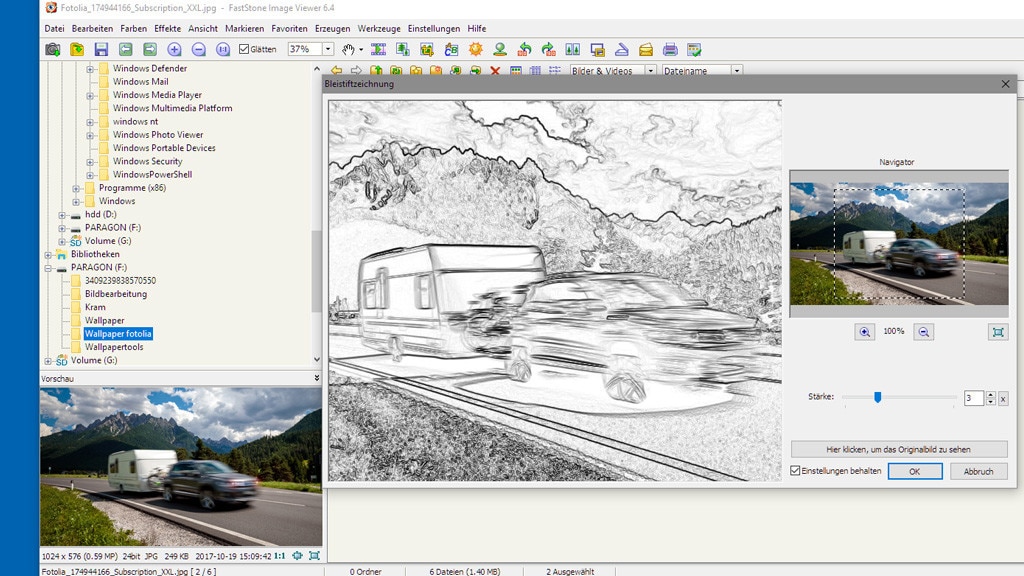
In Paint ein Icon erstellen (mit Bildern) – wikiHow

If you arrived here looking for Paint Lineal Anzeigen, you are in the right place, with a growing collection of example images collected as visual reference.

Bildschirm Lineal Kostenlos : So Fugen Sie Dem Windows Desktop Mit Dem ...

A description can only go so far before a picture does the job better, which is why browsing through the images is often the fastest way to understand it.

A Visual Collection of Paint Lineal Anzeigen

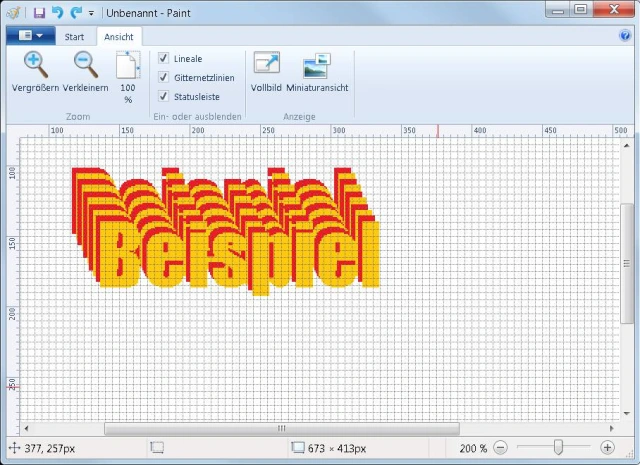
Paint Lineal : MS Paint mit Win 10: Maßstab richtig einstellen? – EPIMGQ

The images below show Paint Lineal Anzeigen in many different forms and settings, giving you a fuller picture than any single example could.

Let the gallery speak for itself as you move downward, because the more images you see, the clearer the overall idea becomes.
Windows: System-Tray anzeigen – Hotkey holt Icons hervor - COMPUTER BILD

What These Pictures Explain

Every photo tells you something a description would miss, so you can recognize the qualities worth noticing.

Compare a few examples and observe what repeats, since repetition across images signals what defines it.
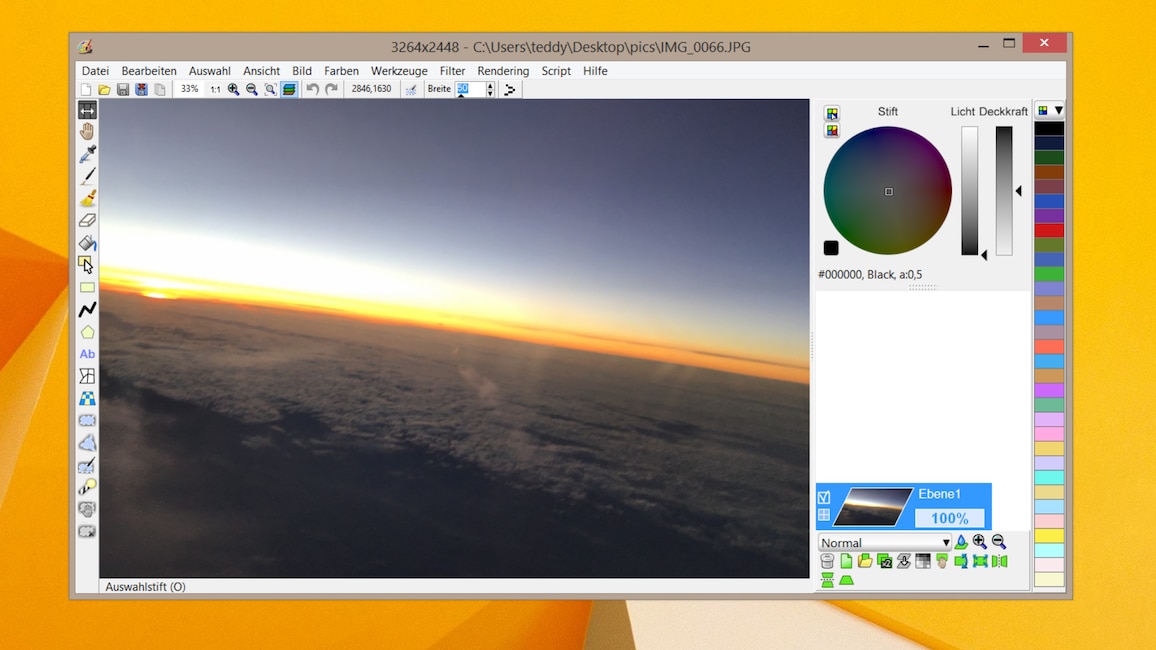
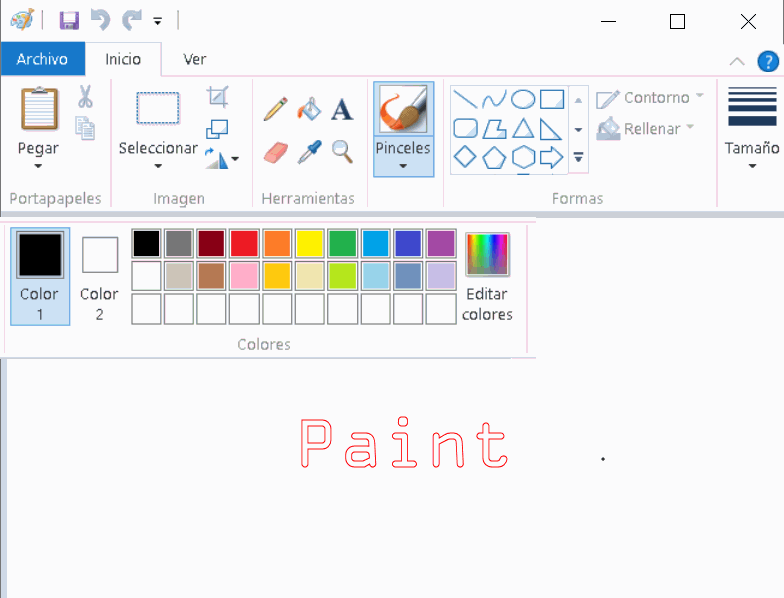
Microsoft Paint: Linien zeichnen – und hierfür die Farbe ändern ...

All the Different Looks of Paint Lineal Anzeigen

No two examples in the gallery look exactly the same, some are simple and minimal, others are bold and detailed, and seeing them together makes your own preference obvious.

A strong reaction to one example is always useful information, since your natural preference reveals itself faster than you think.

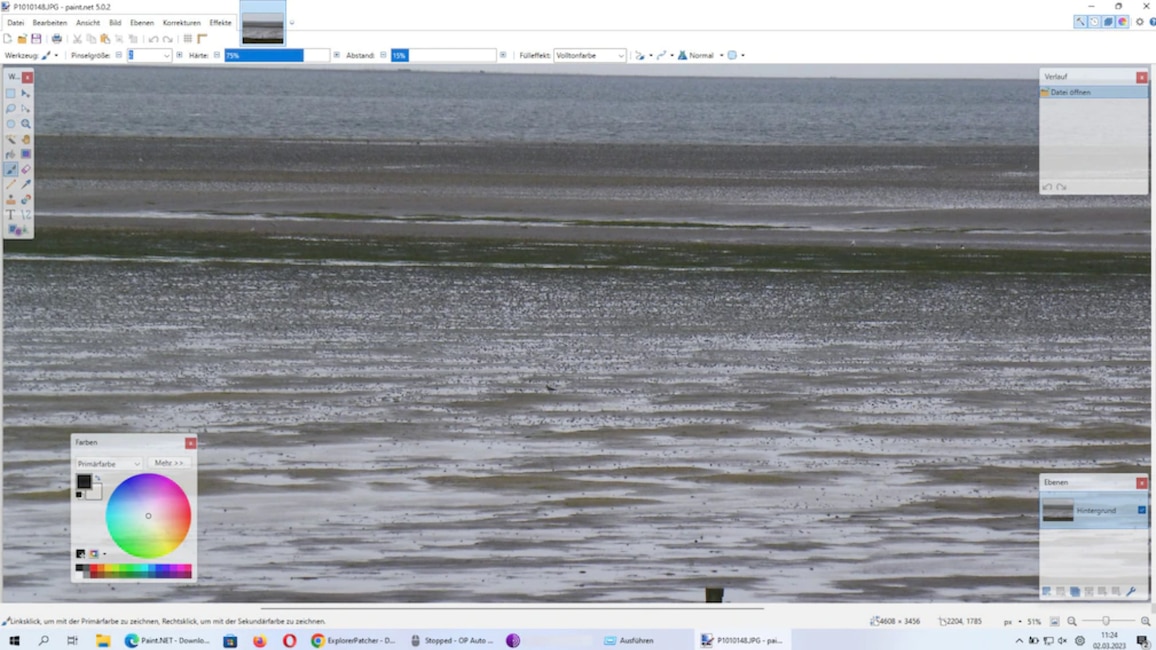
Paint.NET - Lineal anzeigen - YouTube

Getting Practical Value From the Images

These images are meant to be used, not just viewed, like marking the images that match your idea.

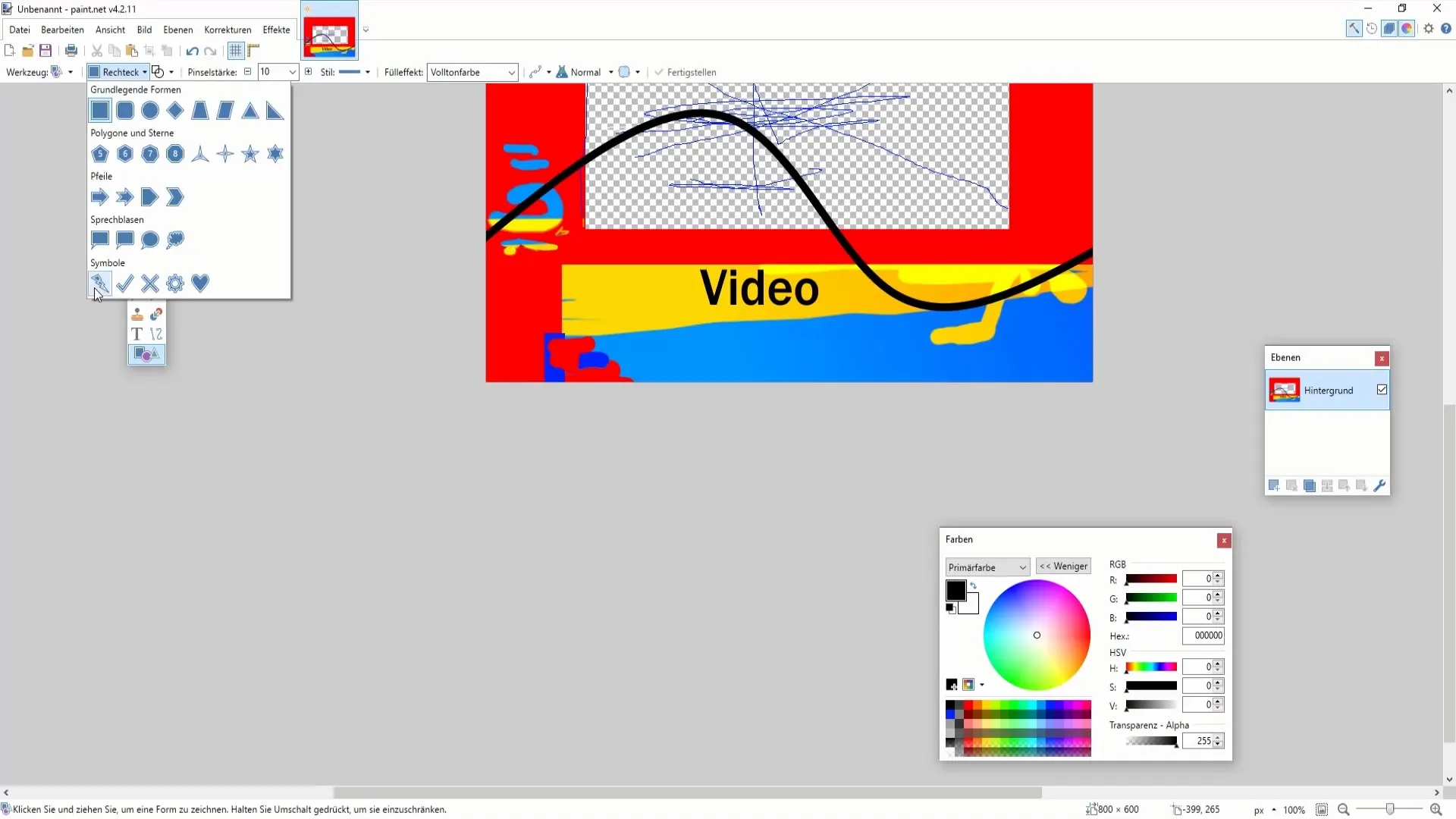
Linien und Kurven in Paint — Theoretisches Material. Informatik, 10 ...
Paint.NET Werkzeuganleitung: Effiziente Nutzung der Tools
Ein Lineal Benutzen – Verwenden des Lineals in Word – YQBB
So verwenden Sie Microsoft Paint in Windows
Entlang des Lineals zeichnen
Lineal und Gitternetz verwenden
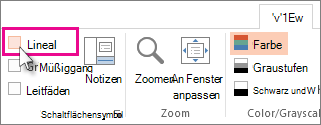
Ein- oder Ausblenden des Lineals | Microsoft Support
Paint.NET - Maßeinheit Lineal einstellen - YouTube
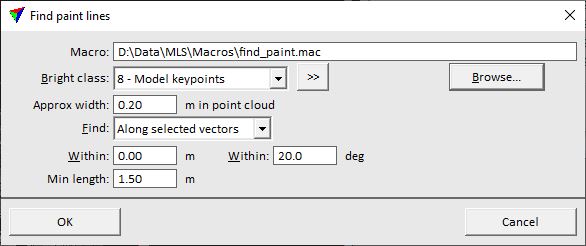
Find Paint Lines
Find Paint Lines
Tipps & Tricks für Grafikdesign mit Canva | Medienkompass
Entlang des Lineals zeichnen
Microsoft Paint: Linien zeichnen – und hierfür die Farbe ändern ...
Paint 3D Linien Erstellen | Microsoft Paint: Linien zeichnen – LQPPM
Microsoft Paint: Linien zeichnen – und hierfür die Farbe ändern ...
Lineale & Hilfslinien in Photoshop nutzen | Fotografen Andenmatten ...
Paint Lineal : MS Paint mit Win 10: Maßstab richtig einstellen? – EPIMGQ
Microsoft Paint: Linien zeichnen – und hierfür die Farbe ändern ...
Sieben Tipps für MS Paint | PCtipp
Paint Striche Entfernen | Microsoft Paint: Linien zeichnen – YBZGM
Maßstabsgetreue In Paint Erstellen – IDOCTJ
Zeichnen und einfärben mit Microsoft Paint – wikiHow
Draw Lines | How to use Microsoft Paint | MS Paint Tutorial | Part 18 ...
Linien in PDF zeichnen mit PDF Lineal [3 bewährte Arten]
Microsoft Paint: Linien zeichnen – und hierfür die Farbe ändern ...
Corel Painter Hilfe | Eigenschaftsleisten anzeigen
Microsoft Paint: Linien zeichnen – und hierfür die Farbe ändern ...
Onenote Lineal Aktivieren | OneNote Add-Ins: Nützliche Erweiterungen ...
How Do I Draw A Straight Line In Paint - Design Talk
How to use Line tool in ms paint #mspaint #mspainttutorial #art # ...

You can also use the images to explain the idea to someone else, so the other person sees exactly what you see.

Closer Looks at the Examples

The second viewing always reveals more than the first, paying attention to textures, proportions, colors, and how things are arranged.

Depth beats speed when it comes to visual learning, so choose the closest matches and examine those thoroughly.

Seeing Is Understanding

There is a simple reason image searches are so popular, a picture removes interpretation and shows the thing itself.

A broad image set answers questions before they are asked, so whatever brought you here, the images can carry you the rest of the way.

Browse More Images Whenever You Need

Keep this gallery close for whenever the question resurfaces, because needs change and new examples make old ones more useful.

Over time, you will notice details casual viewers miss, and each pass through the images adds to what you already know.