How To Add Bullet Points In Quip: Right Where You Need It
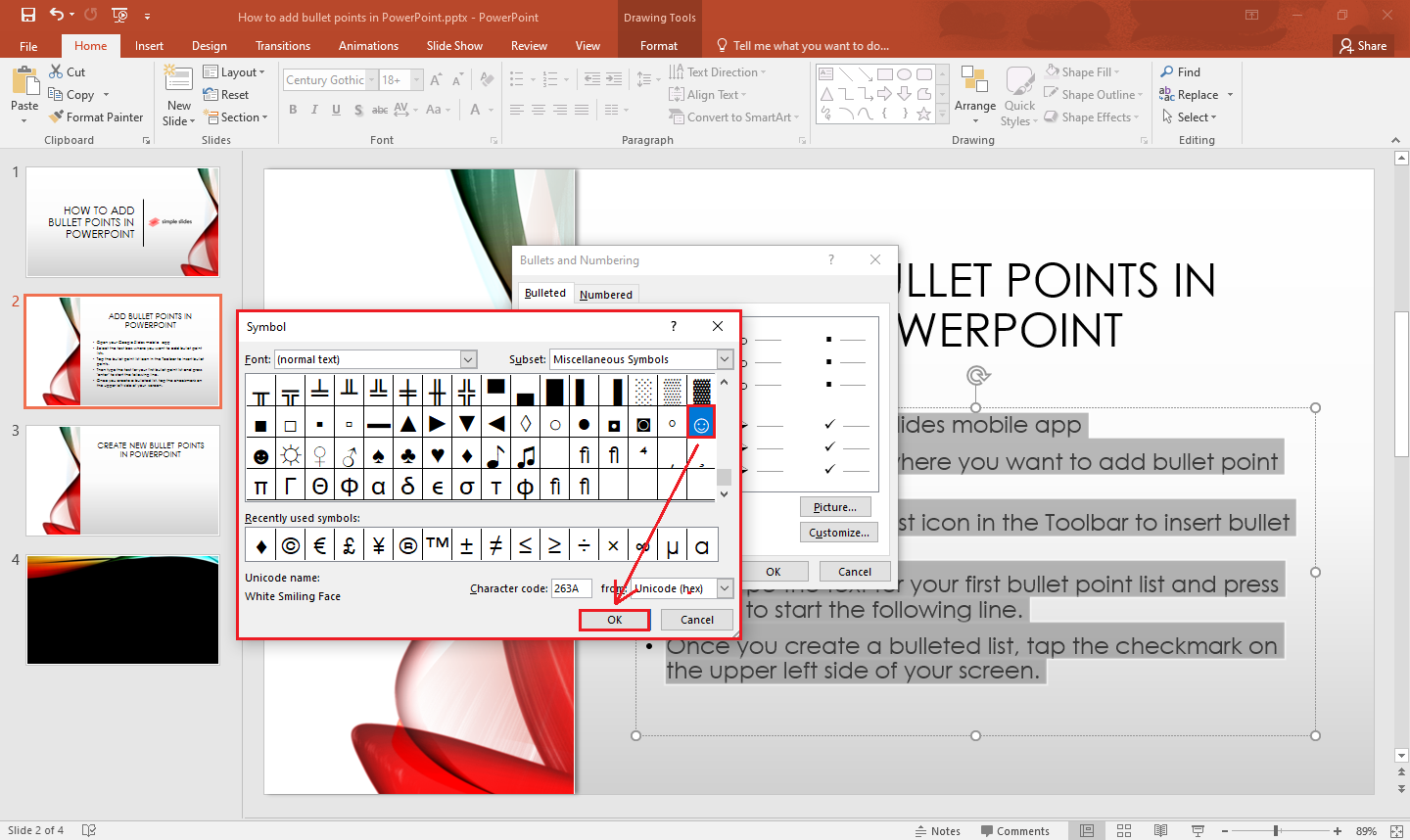
If you arrived here looking for How To Add Bullet Points In Quip, you are in the right place, supported by a wide range of real example pictures for reference.

Text can only take your search so far, which is why browsing through the images is often the fastest way to understand it.
Example Images of How To Add Bullet Points In Quip
Every example image highlights a slightly different version of How To Add Bullet Points In Quip, giving you a fuller picture than any single example could.
Scroll slowly and let each image register, because the more images you see, the clearer the overall idea becomes.

Reading How To Add Bullet Points In Quip Through Images
Every photo tells you something a description would miss, showing details that are hard to put into words.
Watch for the elements that appear again and again, and these shared traits are your best guide.

Many Forms and Variations
The differences between examples are part of what makes browsing useful, certain images favor a clean look while others go for something richer, so studying the range helps you identify which style suits you best.
Notice which image makes you stop scrolling, that reaction is a better guide than any checklist.
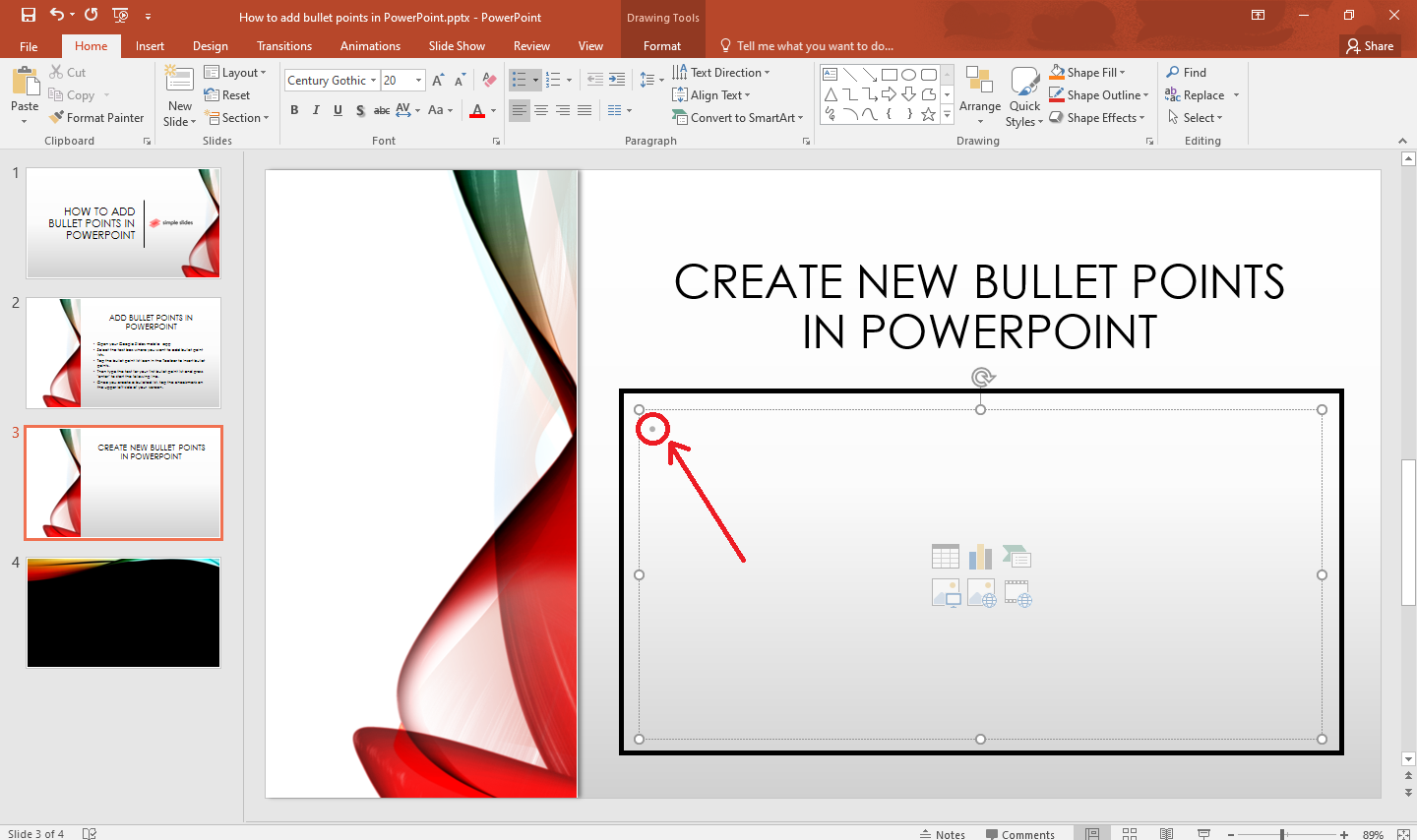
Making the Most of the Gallery
The collection works best when you do something with it, such as saving the examples closest to what you need.


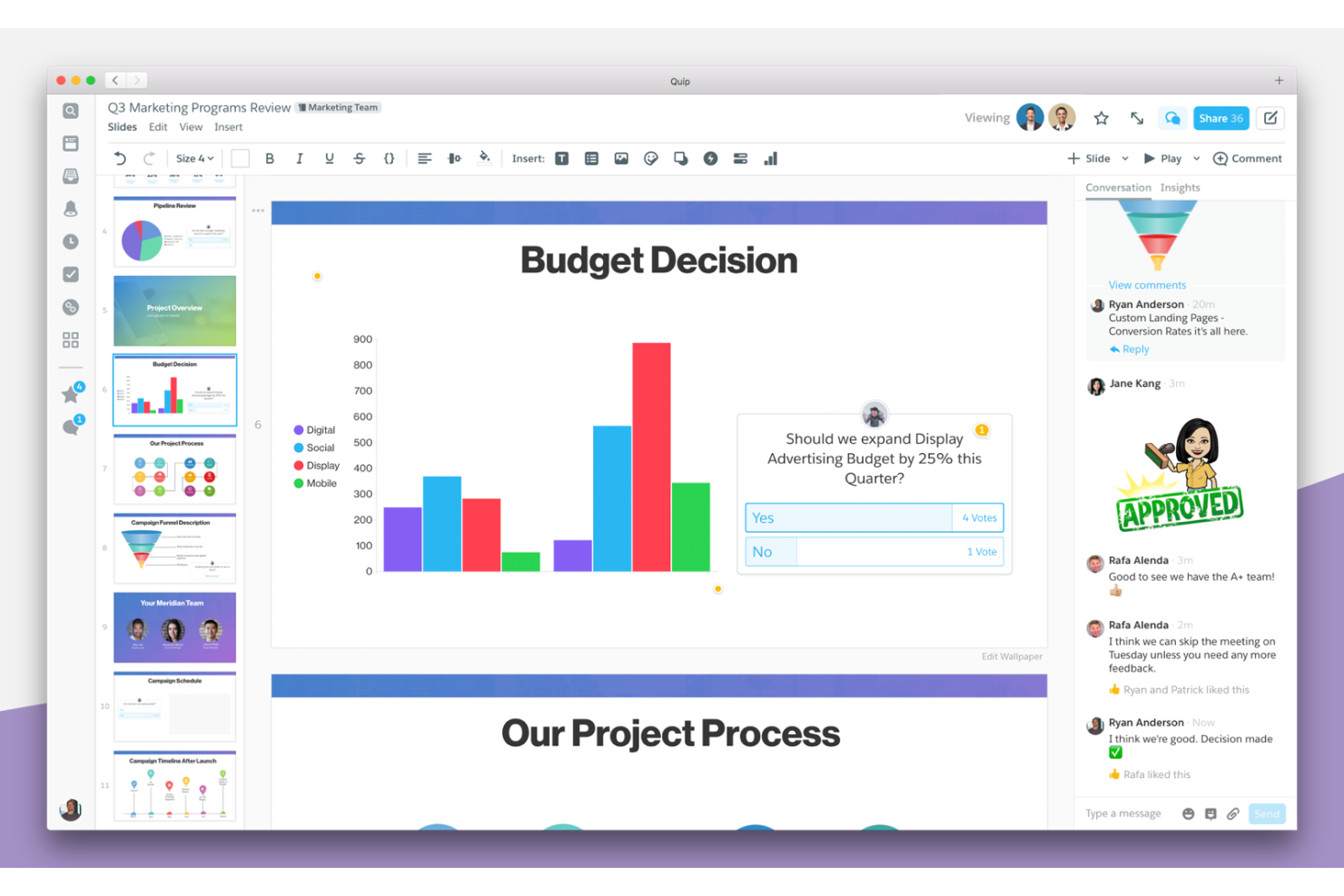







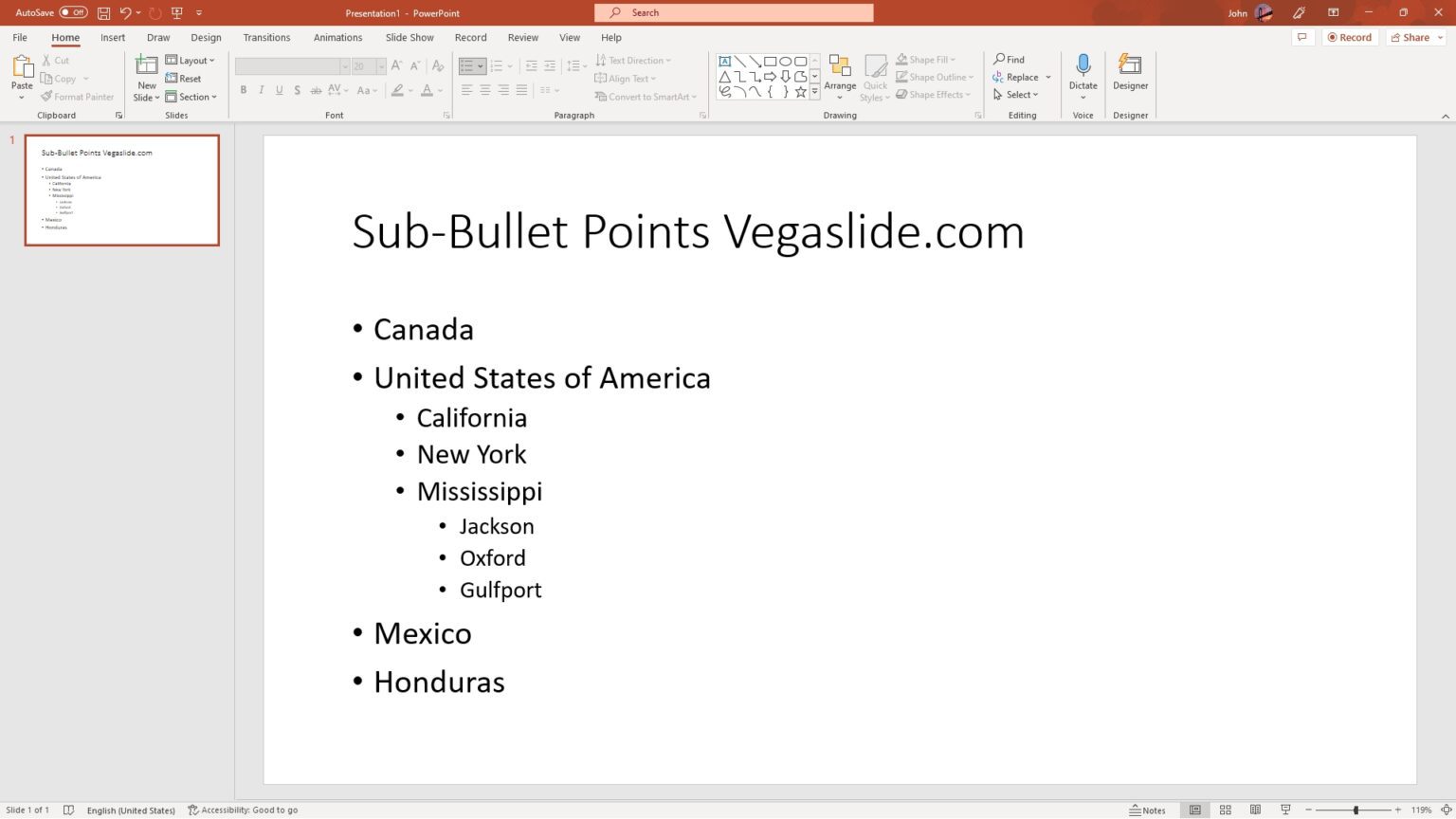
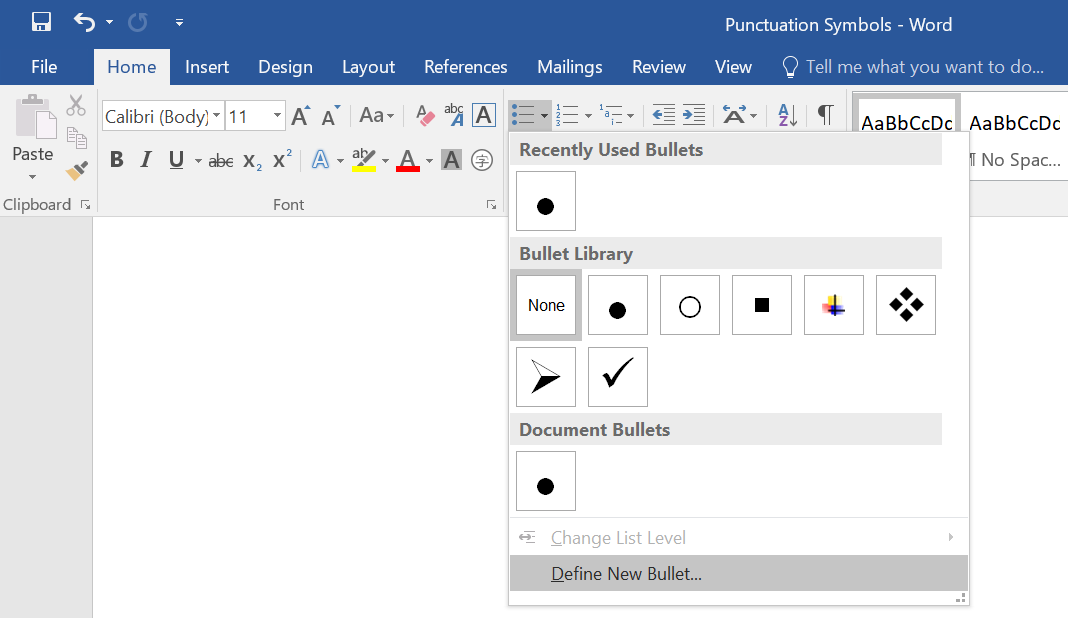
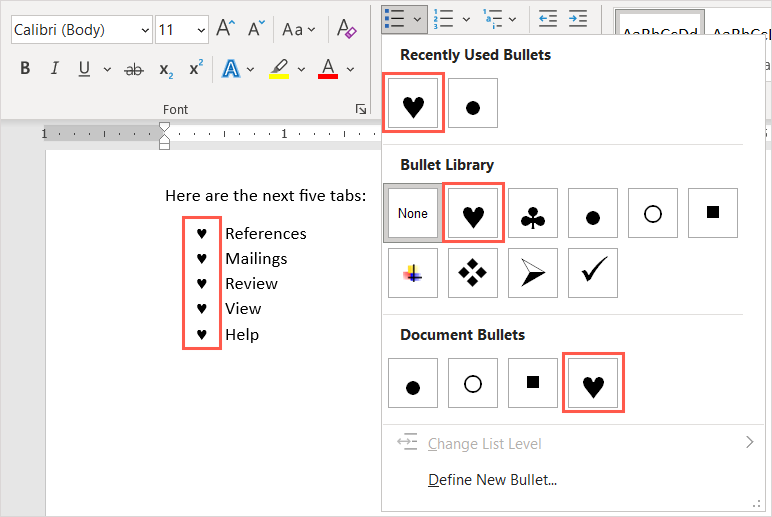
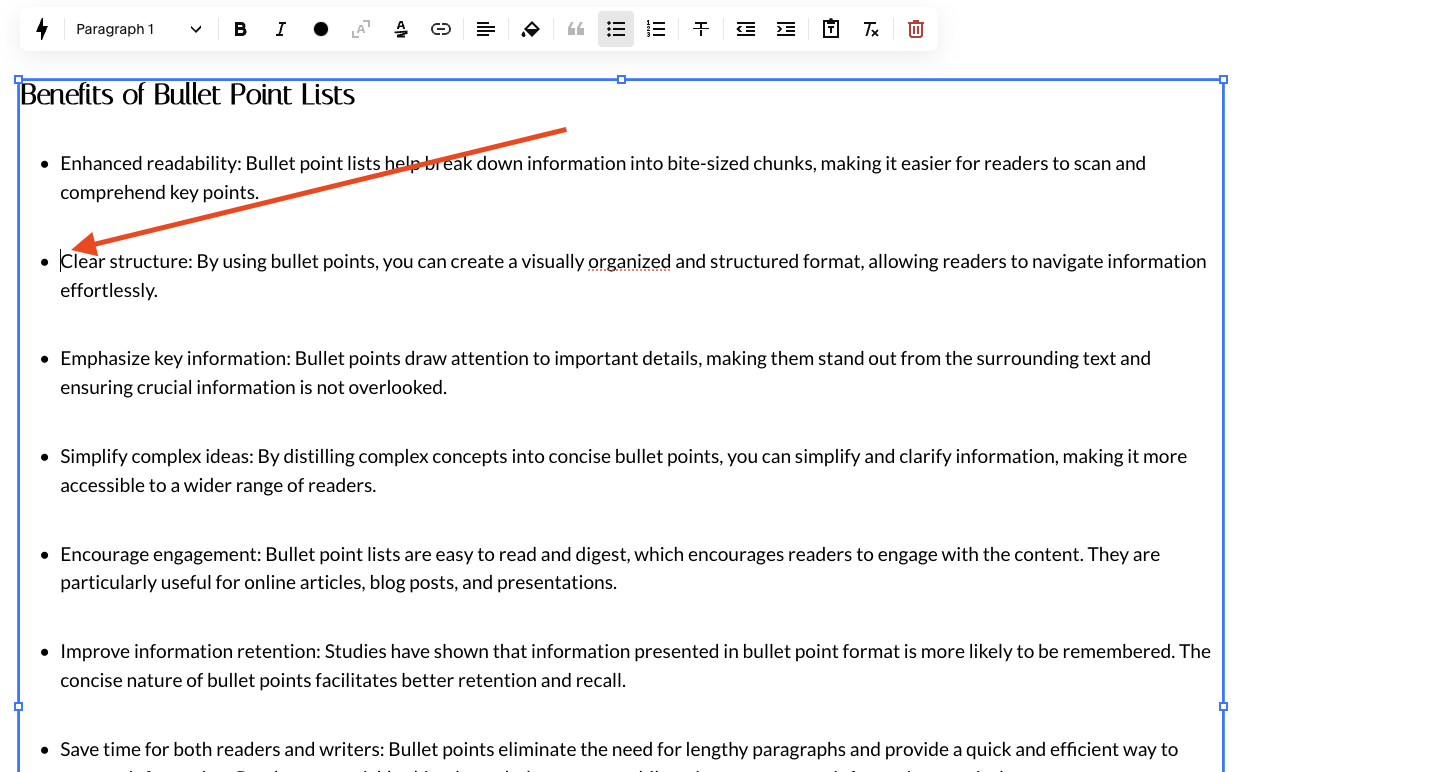

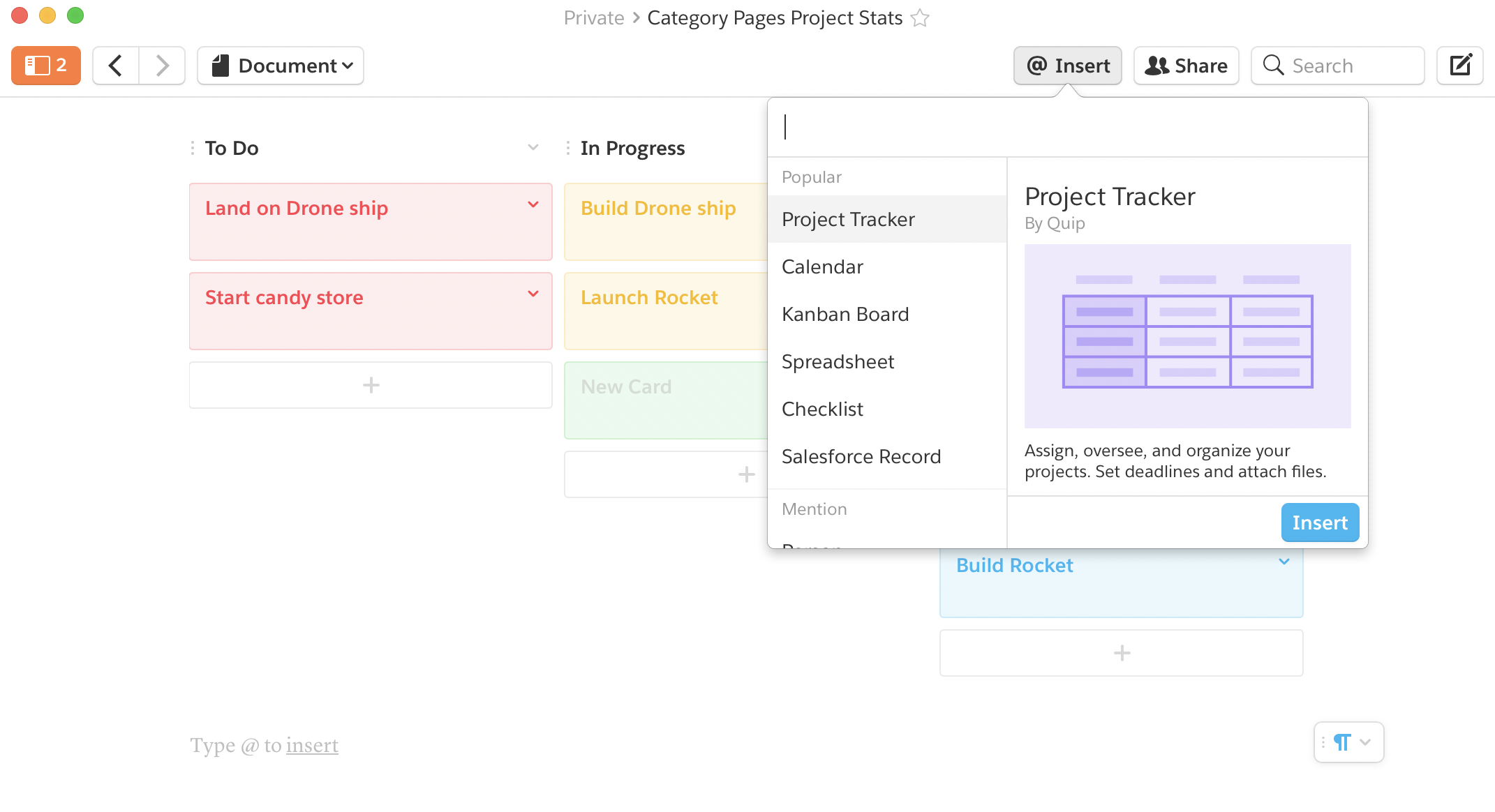
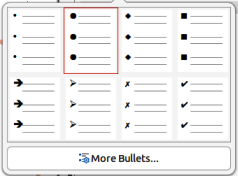


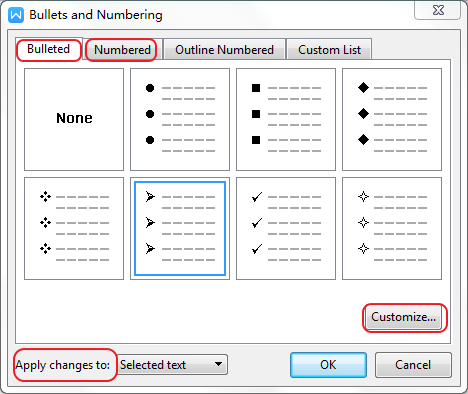
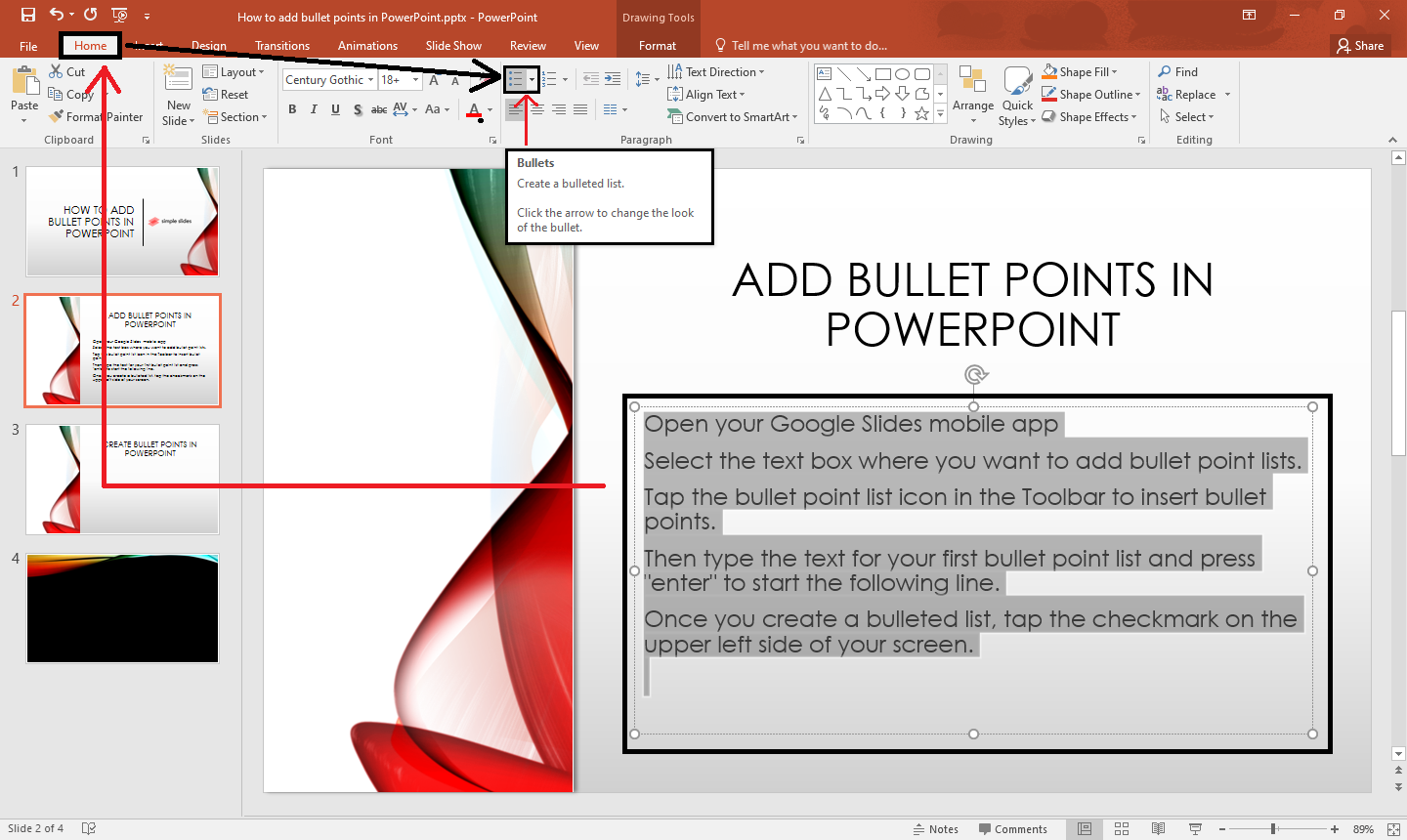
Pictures remove the guesswork from conversations, because pointing to a real example replaces a long and error-prone description.
The Small Details That Matter
Slow down and examine fewer images more carefully, paying attention to textures, proportions, colors, and how things are arranged.
The pictures you look at longest often teach the most, so choose the closest matches and examine those thoroughly.
Why Visual References Work So Well
Visual search exists because the human brain processes pictures instantly, a visual cuts straight past every possible misunderstanding.
That is why a varied collection like this is so effective, be it ideas, verification, or simply knowing what to call it.
The Reference Is Here Whenever You Need It
Bookmark this collection of How To Add Bullet Points In Quip examples, because needs change and new examples make old ones more useful.
Every return visit trains your judgment a little further, and each pass through the images adds to what you already know.