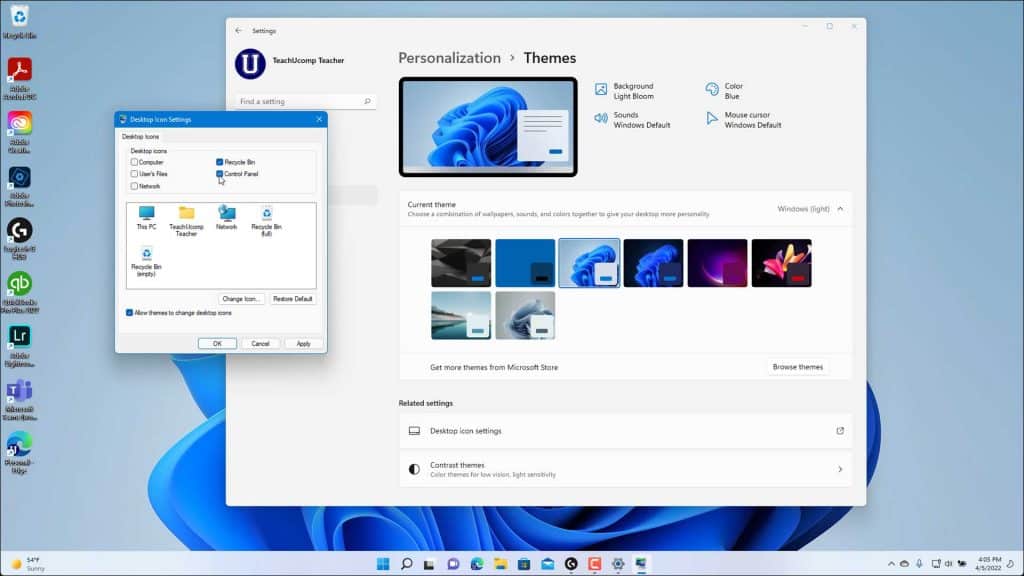
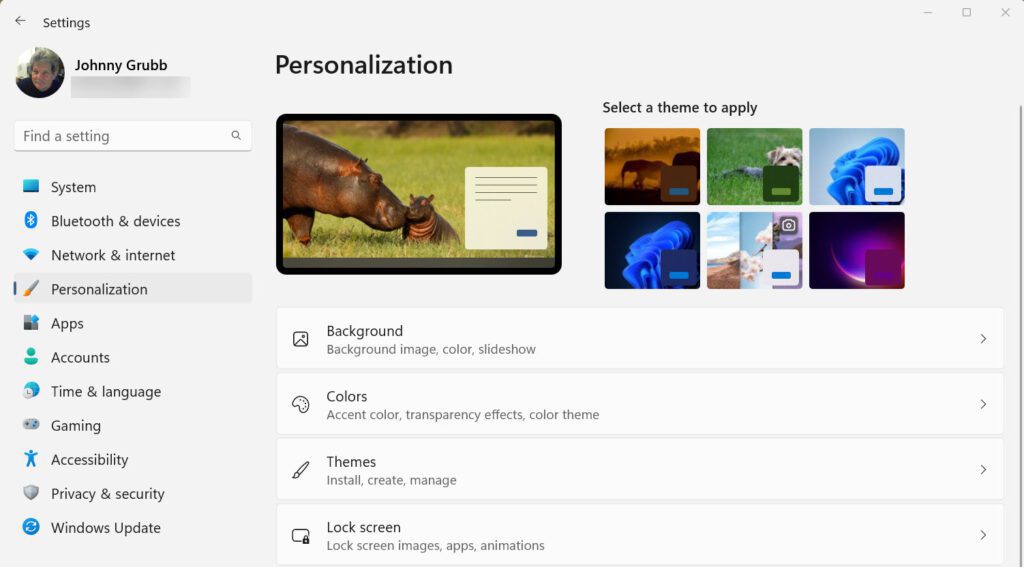
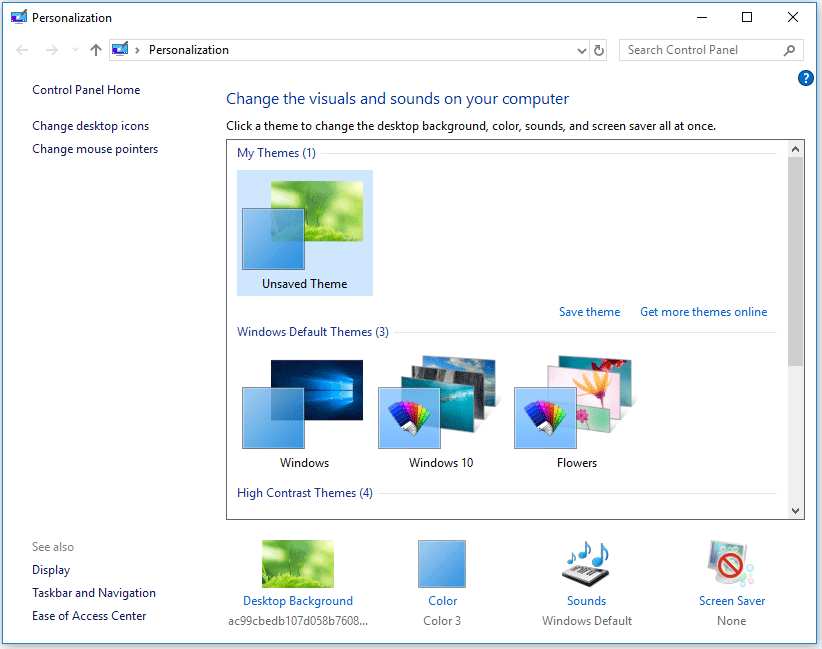
Windows Desktop Theme Change with Robert Fernandez blog

Found It: Windows Desktop Theme Change in One Place
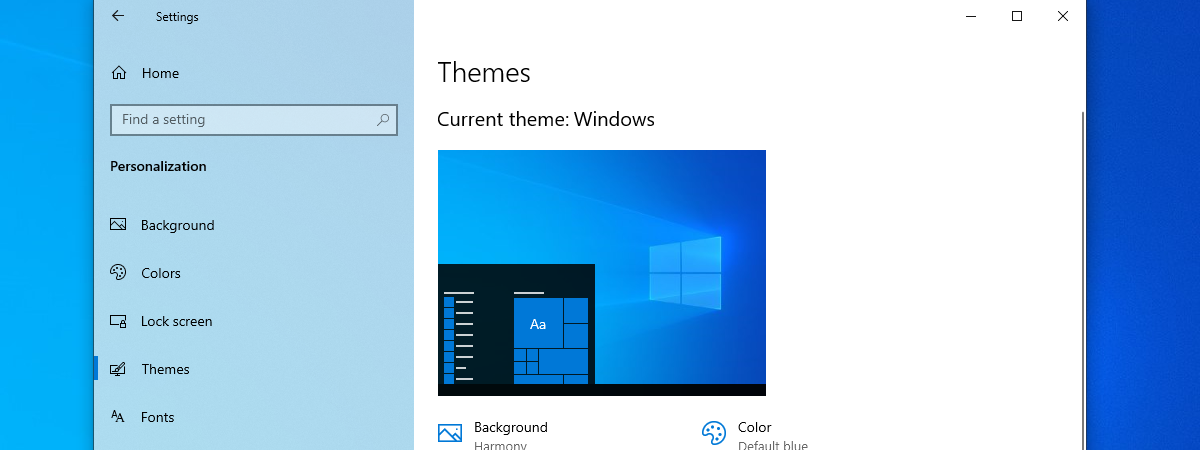
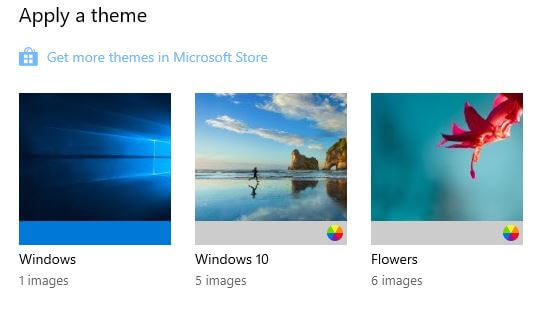
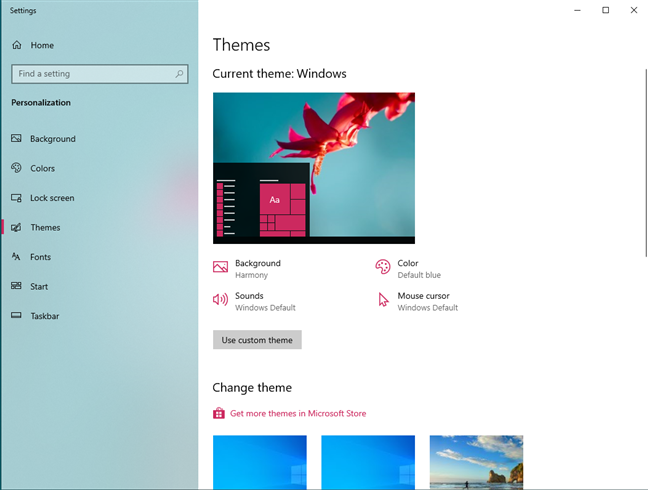
How to change the Windows 10 theme - Digital Citizen

Windows Desktop Theme Change is what brought you here, and this page delivers it, shown here as a varied gallery of reference images.
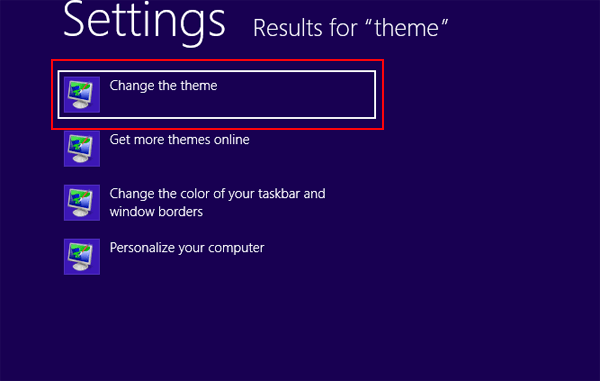
Easily Change Desktop Theme on Windows 8/8.1

Reading about something is one thing; seeing it is another, and that is exactly why visual references work so well here.

Windows Desktop Theme Change in Actual Pictures

Easily Change Desktop Theme on Windows 8/8.1

The images below show Windows Desktop Theme Change in many different forms and settings, and you will quickly see how much variety exists.

There is no need to rush past the pictures, because the more images you see, the clearer the overall idea becomes.
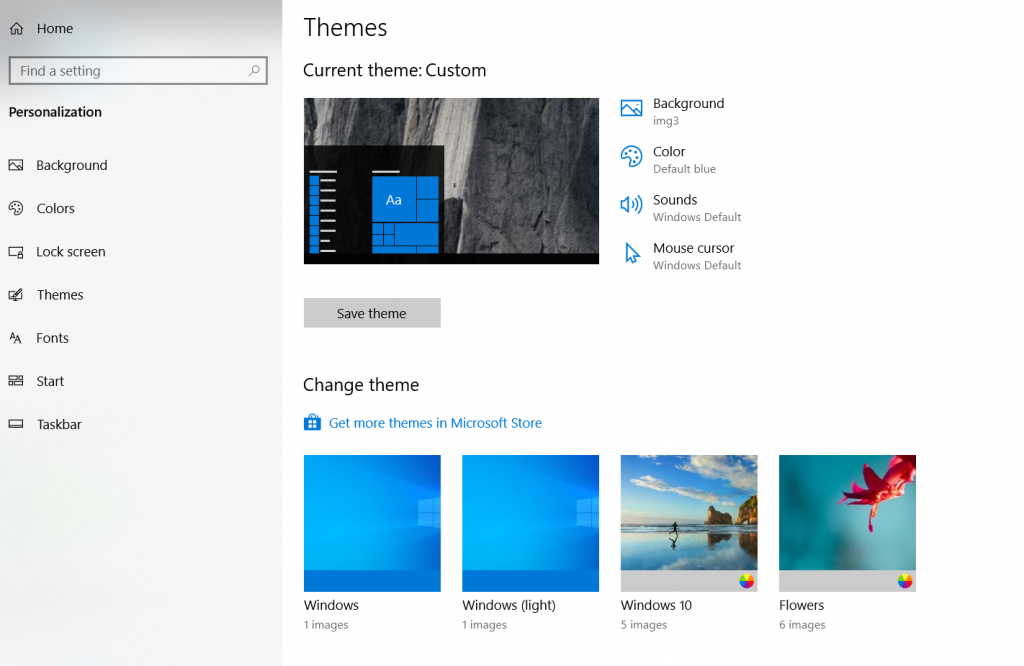
How to Customize the Windows 10 Desktop

Reading Windows Desktop Theme Change Through Images

Think of each example as a visual definition, showing details that are hard to put into words.

Notice which details stay consistent across the pictures, since repetition across images signals what defines it.

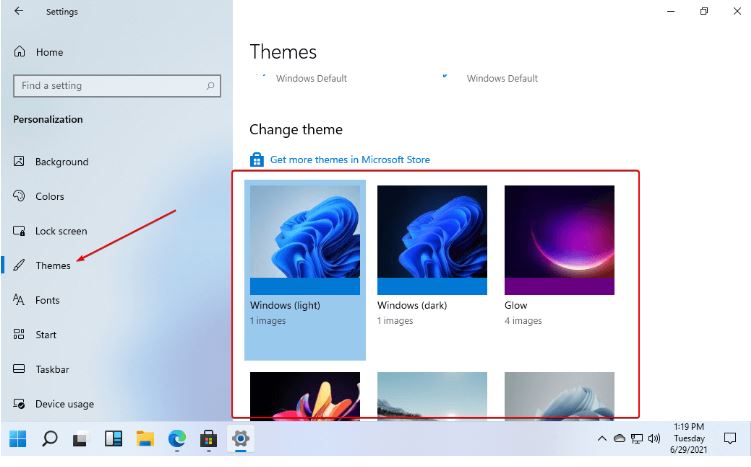
How to Add or Change Desktop Theme in Windows 10 - StackHowTo

From One Style to Another

There is a surprising range of styles and interpretations here, certain images favor a clean look while others go for something richer, and that discovery is exactly what a reference gallery is for.

Whenever a particular picture stands out, stop and study it, and it often matches what you will want in the end.

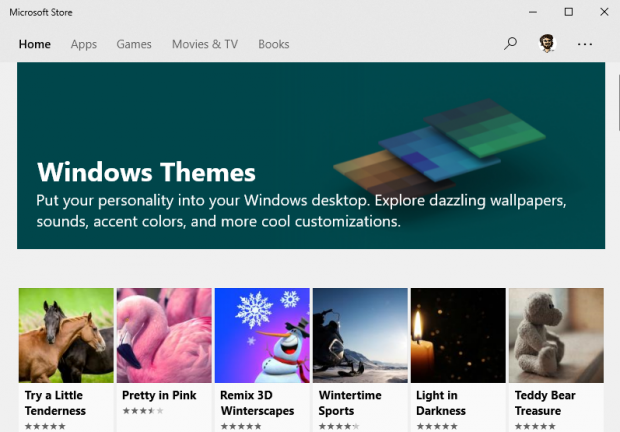
How to use themes on the Windows 10 Creators Update | Windows Central

Making the Most of the Gallery

These images are meant to be used, not just viewed, comparing your reaction across several examples.
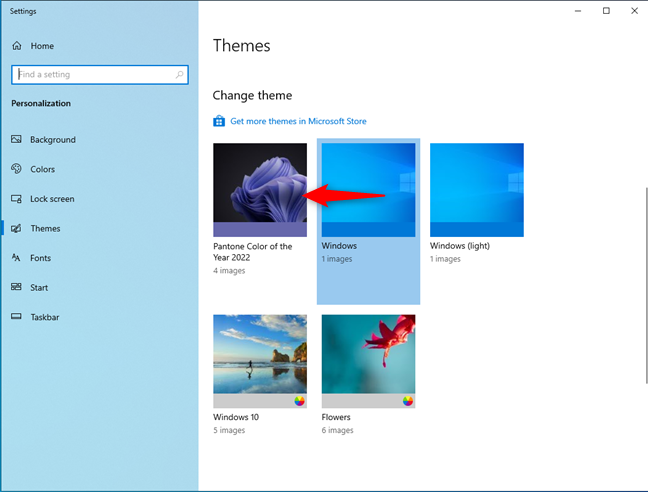
How to change the Windows 10 theme - Digital Citizen
How to Create and Install Themes in Windows 10? – WebNots
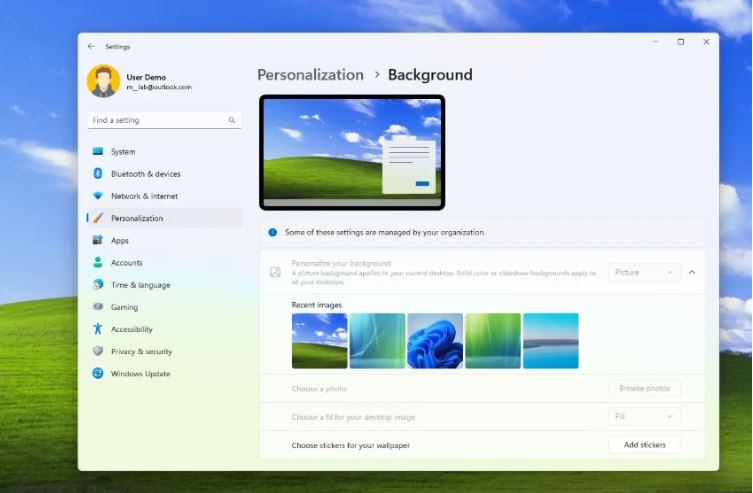
How to Change Your Desktop Background in Windows 11/10
How to Prevent Users from Changing Theme in Windows?
7 Ways to Change the Desktop Wallpaper in Windows 11
How to change Windows 10 Desktop Theme?
How to Change Your PC Desktop Theme Image To Something Beautiful
How to customize Windows 10 look and feel | Windows Central
How to change the desktop theme in Windows-10 (download)?
How To Change Desktop Theme : Using Dark Mode in Windows 11 – SOZEEG
How to change desktop theme in Windows 10 to customize your interface ...
How to Change the Theme in Windows 11
How To Change Theme in Windows 10 (All Ways)
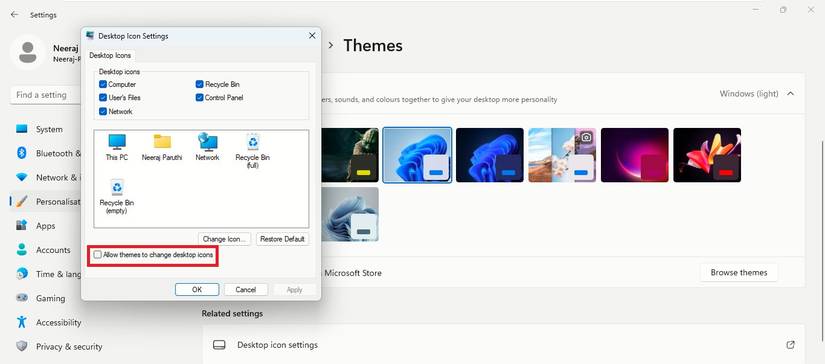
How to Keep Default Desktop Icons and Mouse Pointer While Changing ...
How To Change Desktop Theme : Using Dark Mode in Windows 11 – SOZEEG
How to change the desktop theme in Windows-10 (download)?
Easily Change Desktop Theme on Windows 8/8.1
How to change the Desktop theme in Windows® 8.1 - YouTube
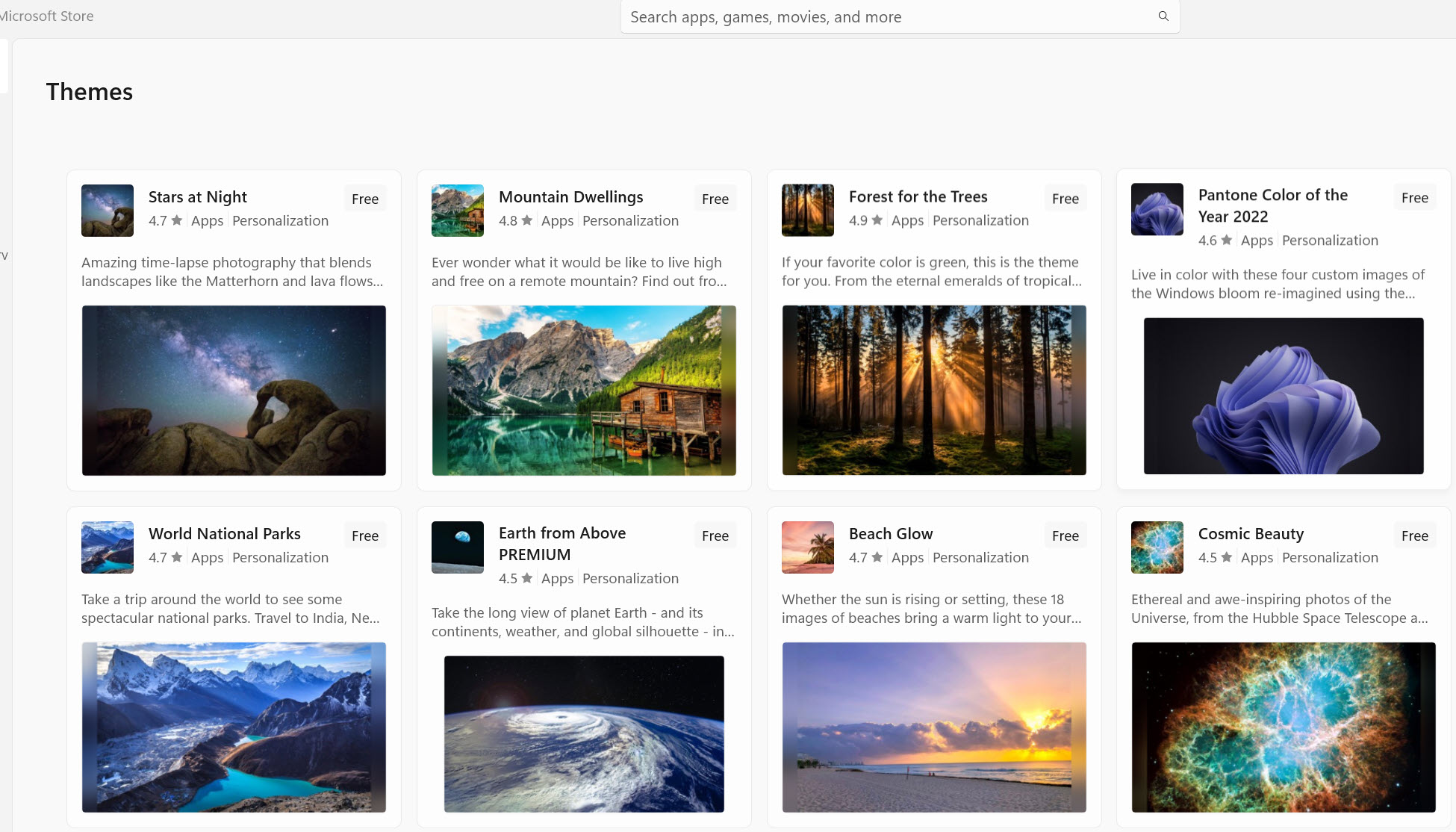
Customize Your Windows 11 Desktop – Change Themes - 4KCC
Easily Change Desktop Theme on Windows 8/8.1
How to change Windows 10 Desktop Theme?
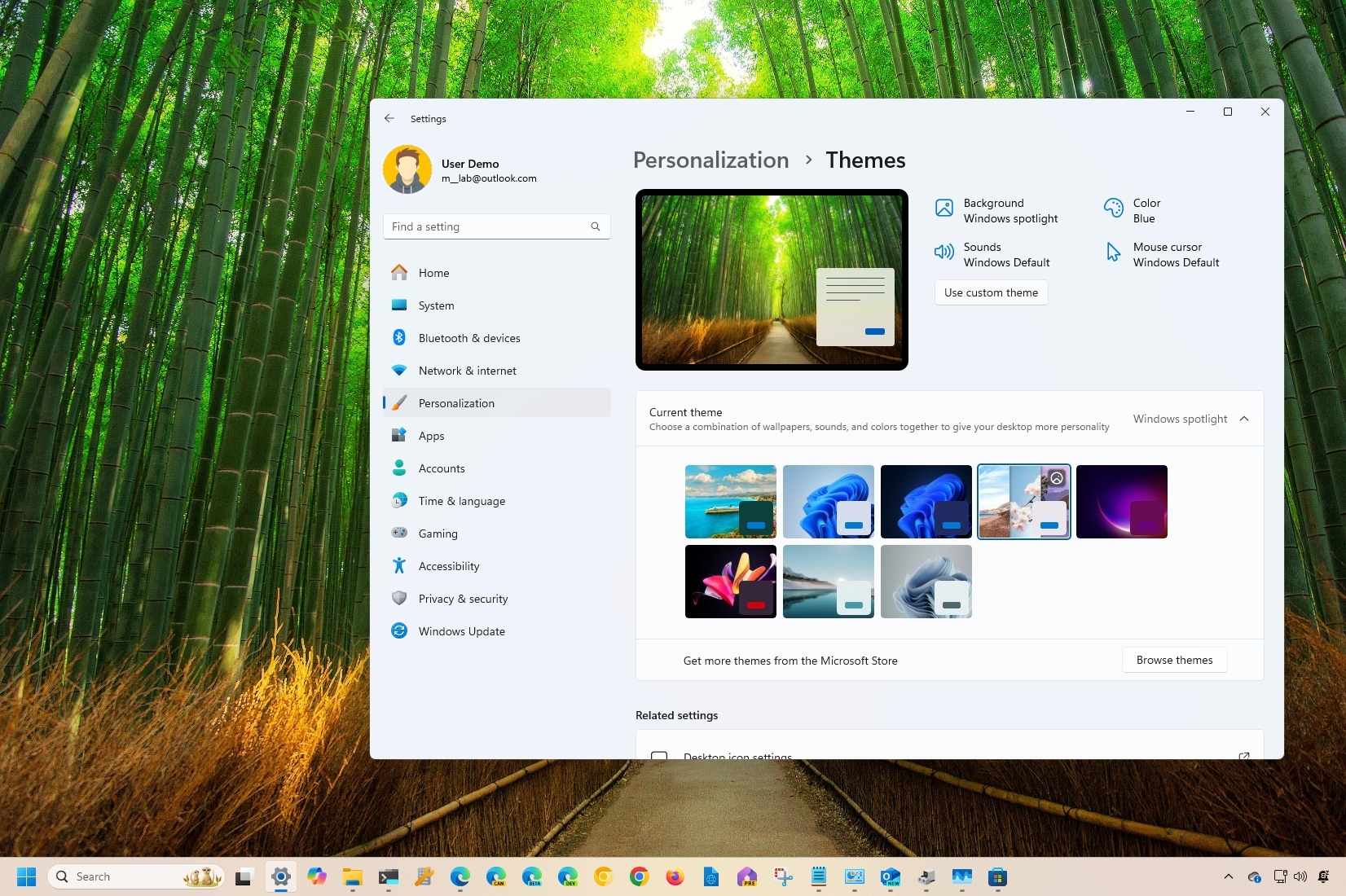
How to use themes to personalize the desktop on Windows 11 | Windows ...
How to Change Windows Theme to Dark, to Light, to Any
How to change the Windows 10 theme - Digital Citizen
How to Change the Theme in Windows 11- Instructions
Customize Your Windows 11 Desktop – Change Themes - 4KCC
How to use themes to personalize the desktop on Windows 11 | Windows ...
5 Ways to Change Theme in Windows 11/10 - MiniTool Partition Wizard

Pictures remove the guesswork from conversations, because pointing to a real example replaces a long and error-prone description.

Closer Looks at the Examples

The second viewing always reveals more than the first, looking at how each part relates to the whole.

The images you linger on will shape your understanding most, because a small set of well-understood images is worth a large pile of quick glances.

Why Visual References Work So Well

It is no accident that people search for images first, an image delivers the subject directly with no filter.

That is the strength of having many examples side by side, be it ideas, verification, or simply knowing what to call it.

Come Back to This Gallery Anytime

Keep this gallery close for whenever the question resurfaces, as your preferences may shift the second time you look.

The more examples you absorb, the sharper your eye becomes, and let the gallery keep doing what it does best.