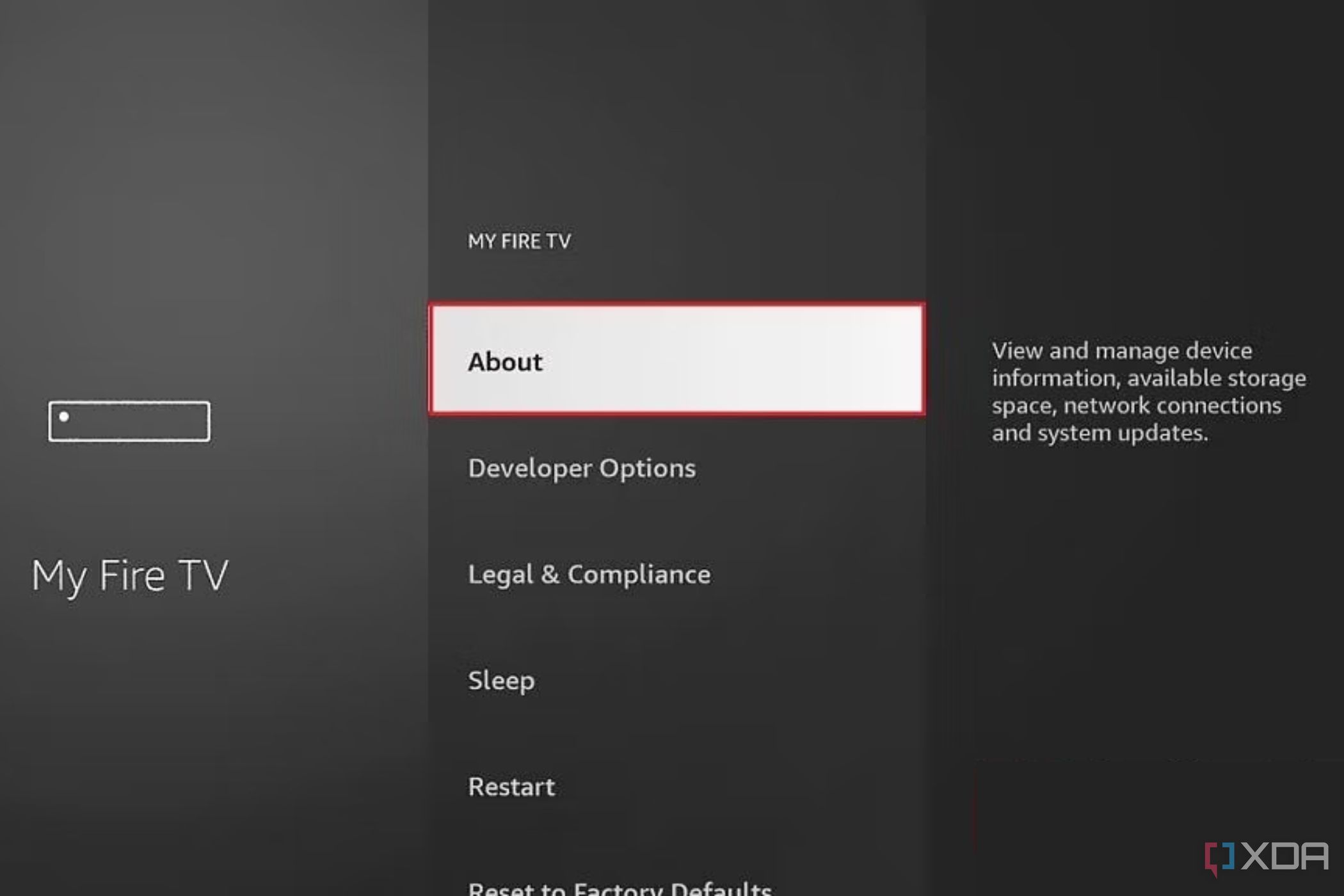
Settings On My Fire with Cindy Smith blog

Cindy Smith Nov 26, 2026

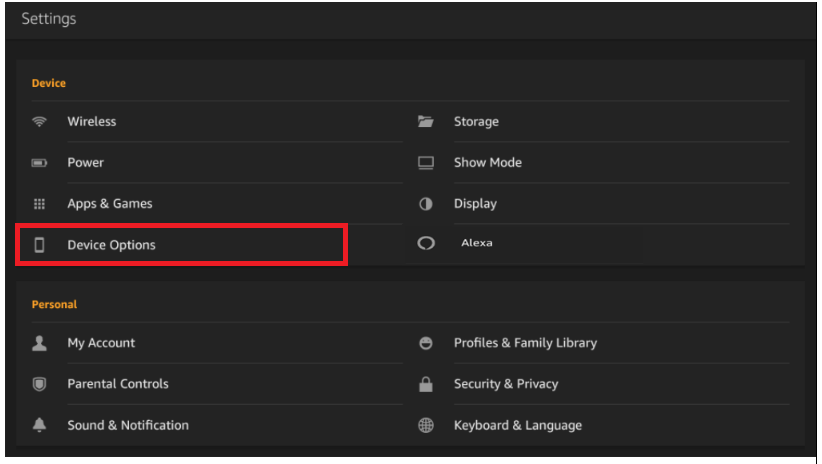
Found It: Settings On My Fire in One Place
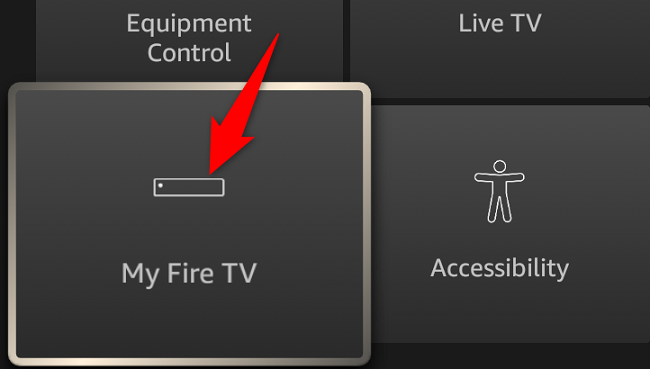
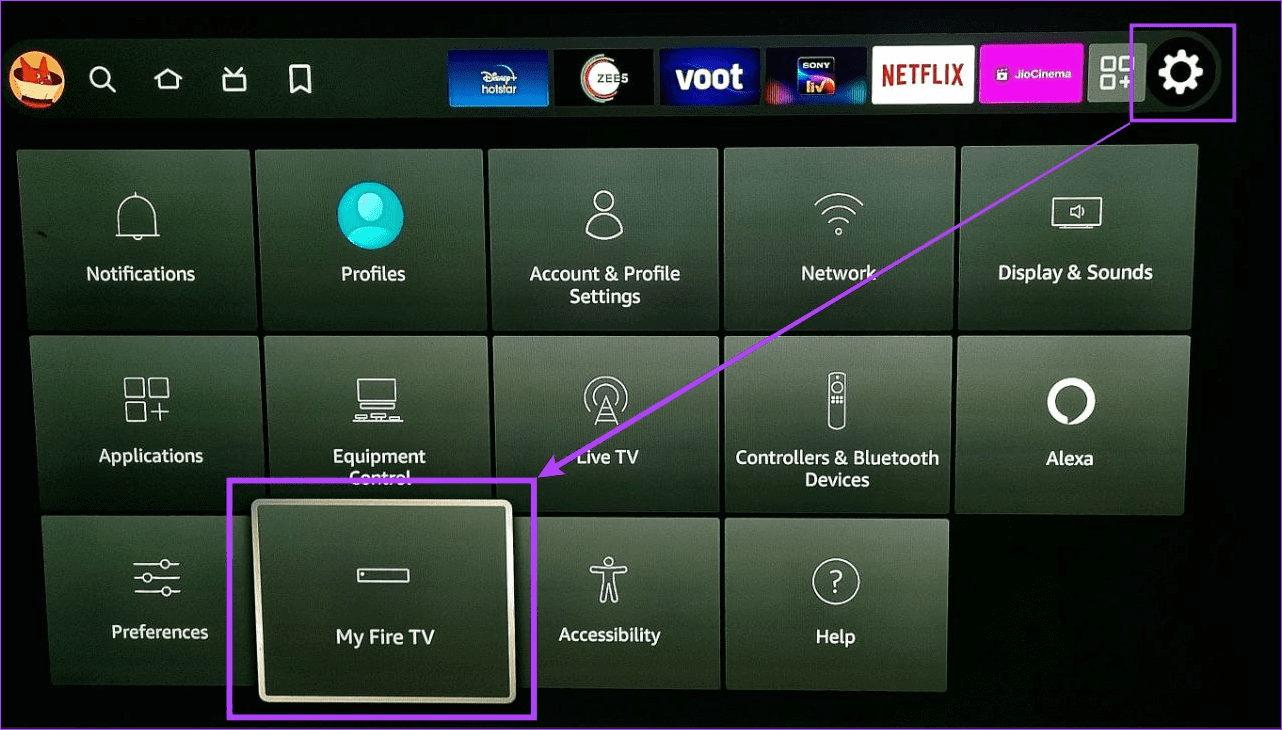
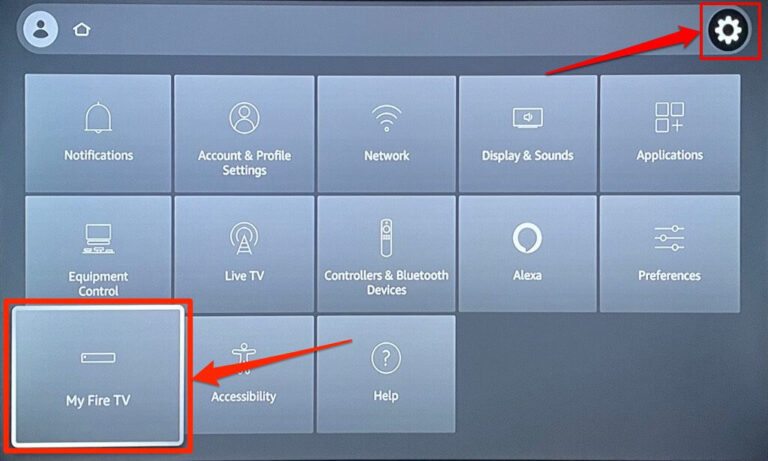
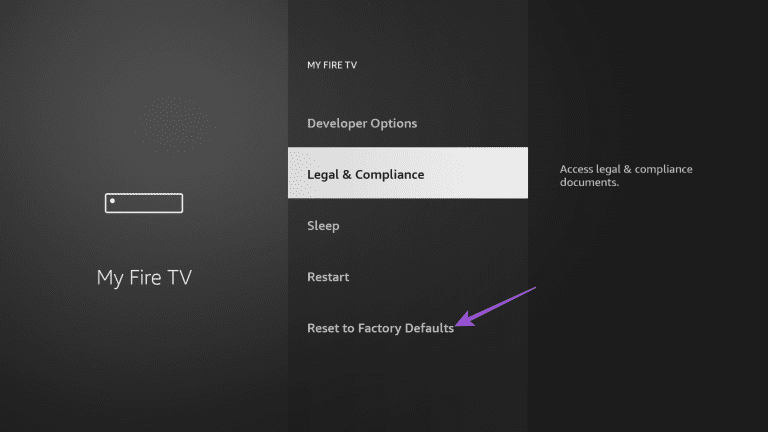
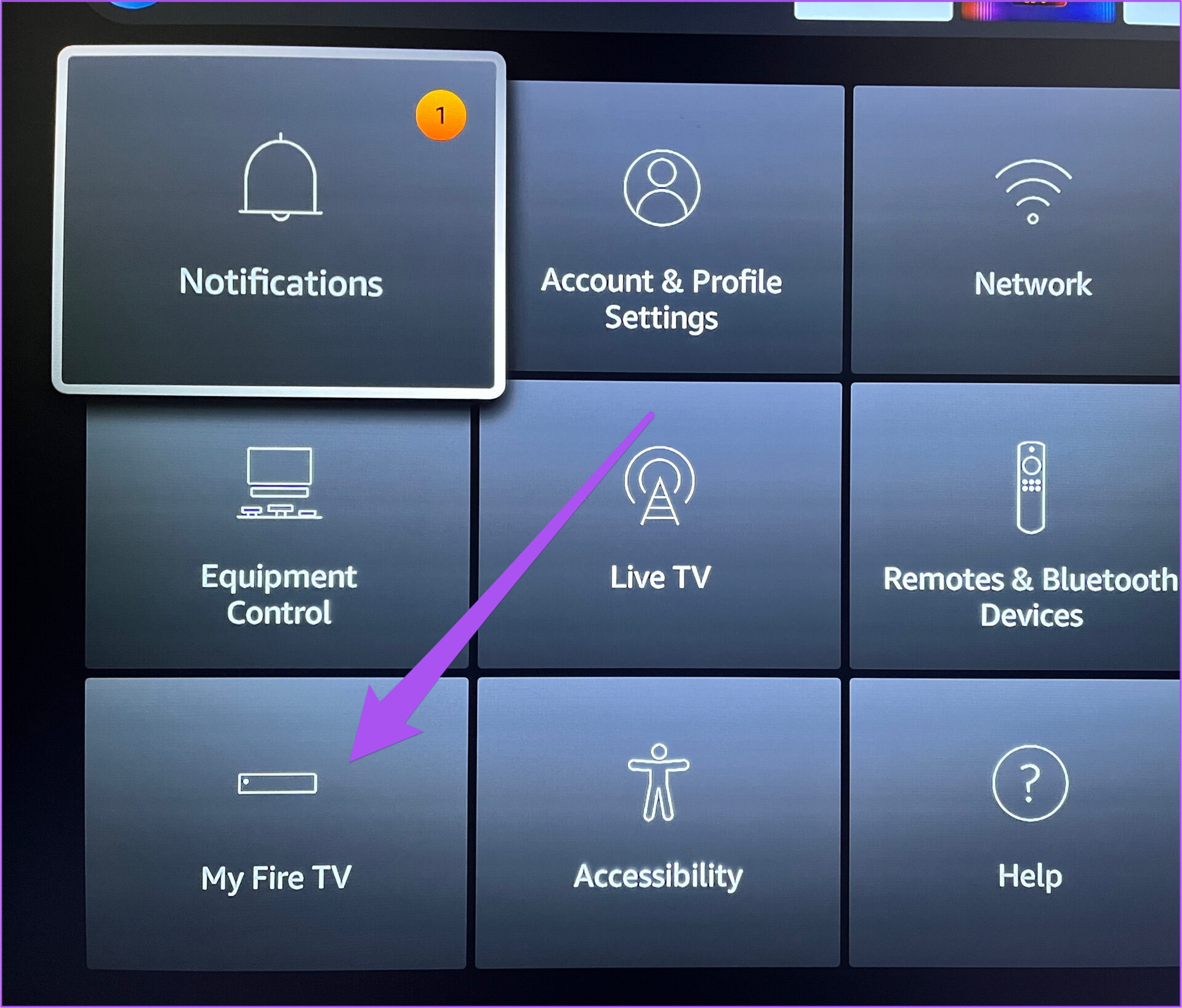
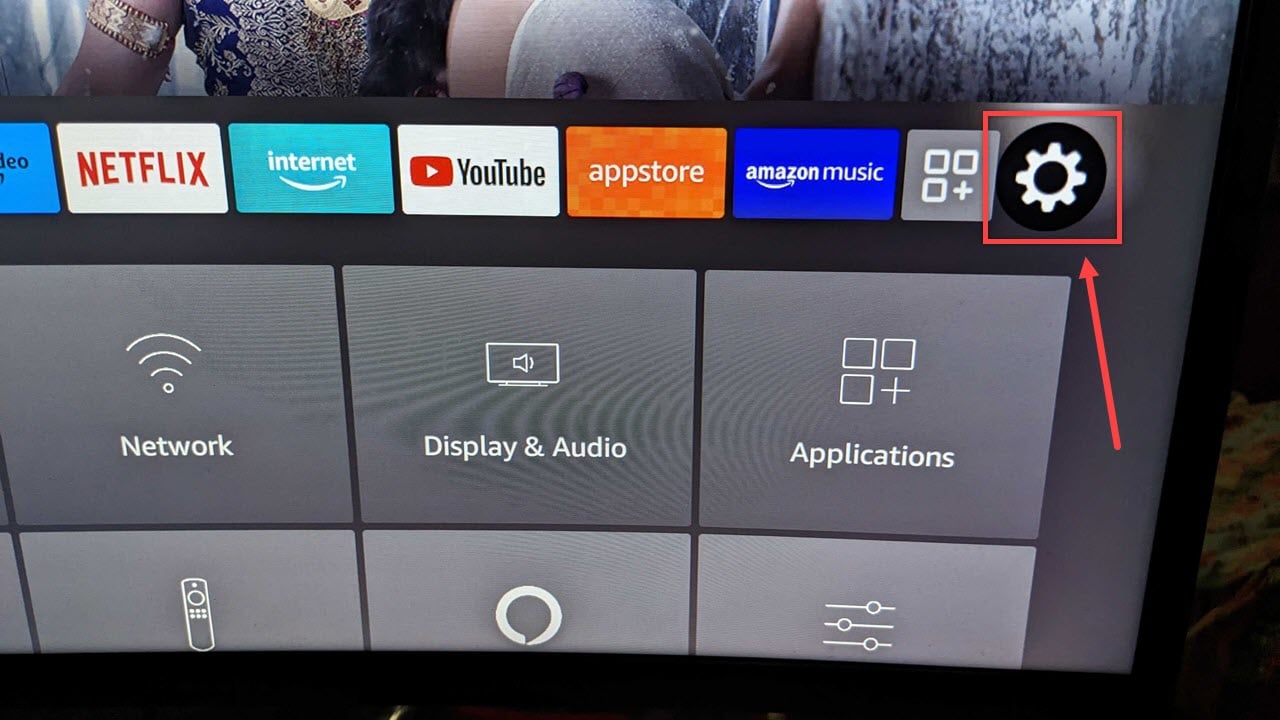
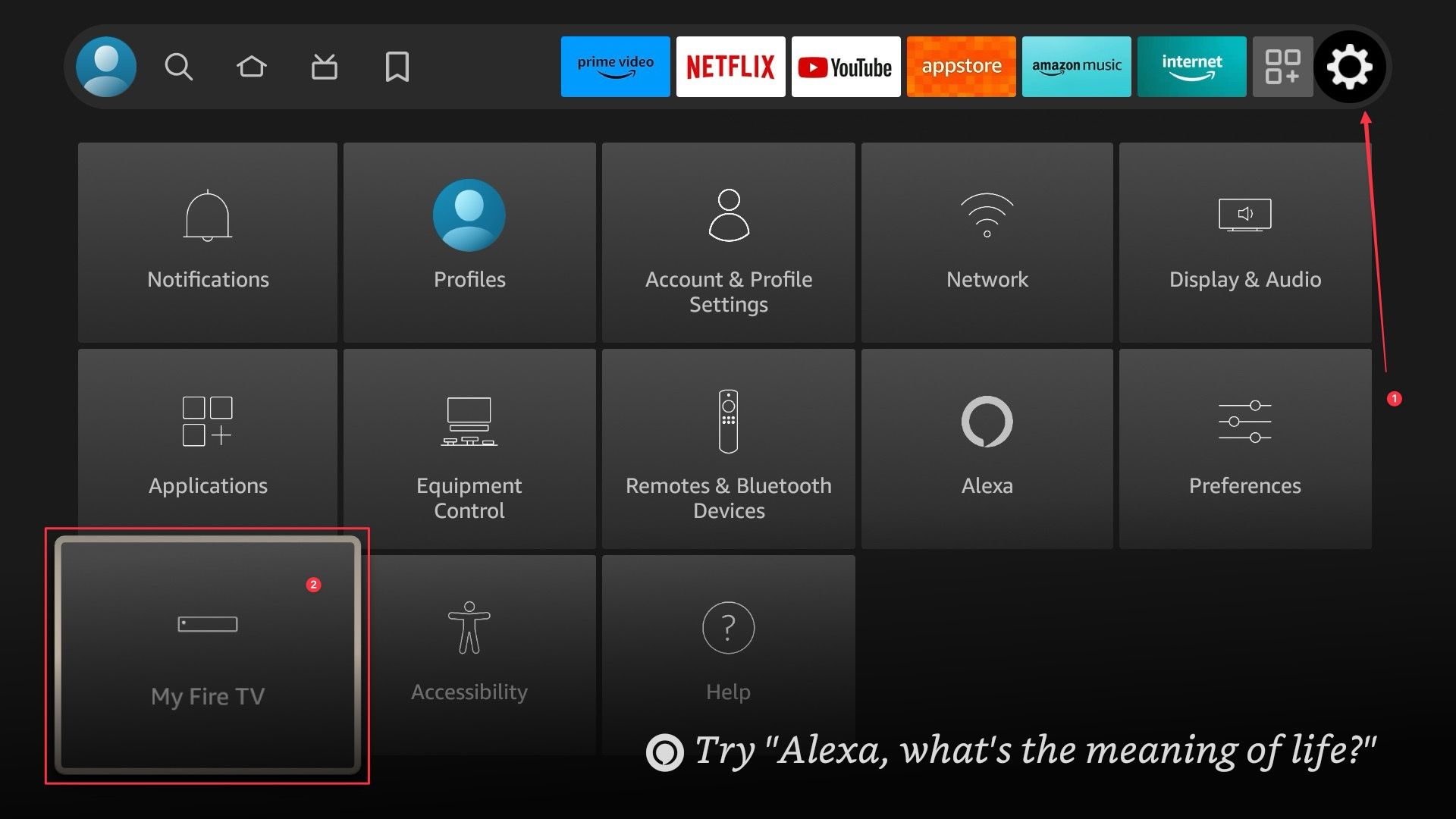
How to Restart Your Fire TV: Step-by-Step Guide to Settings My Fire TV ...

Since you are searching for Settings On My Fire, this page was made for you, supported by a wide range of real example pictures for reference.

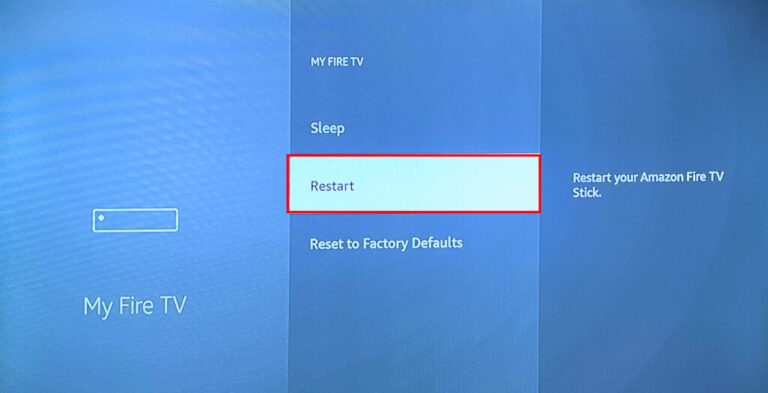
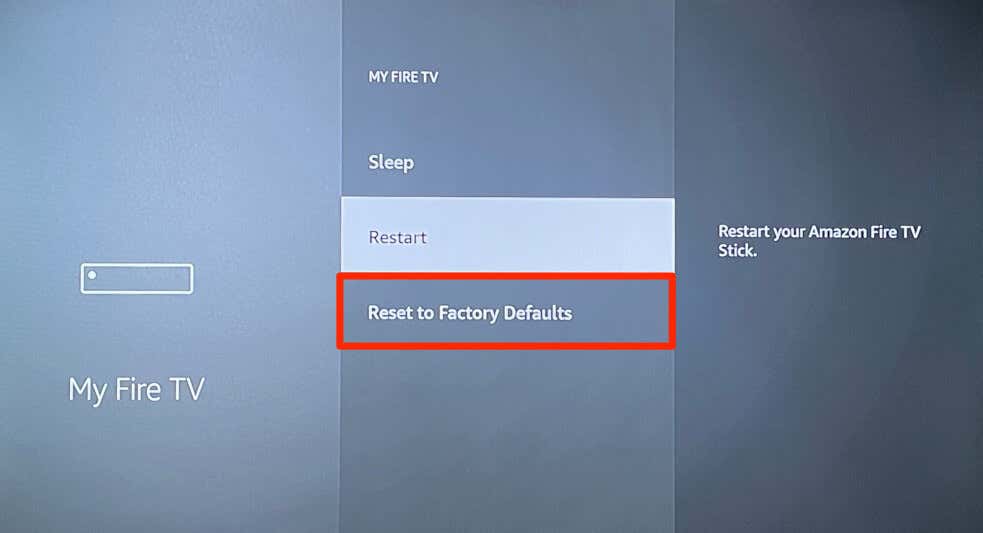
How To Restart And Reboot Your Amazon Fire Stick

Text can only take your search so far, so looking at real examples explains far more than any description can.

Settings On My Fire in Actual Pictures

Fire TV 스틱을 다시 시작하는 방법

Every example image highlights a slightly different version of Settings On My Fire, giving you a fuller picture than any single example could.

There is no need to rush past the pictures, since patterns start to appear after just a few examples.
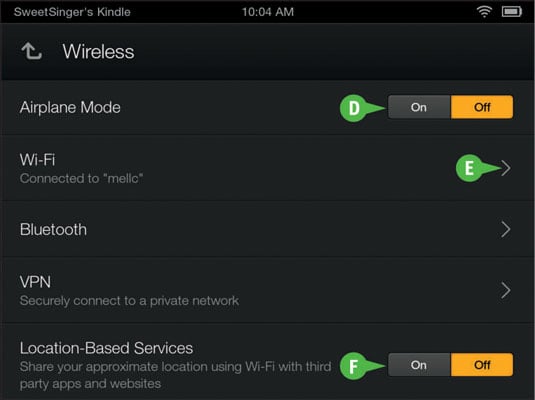
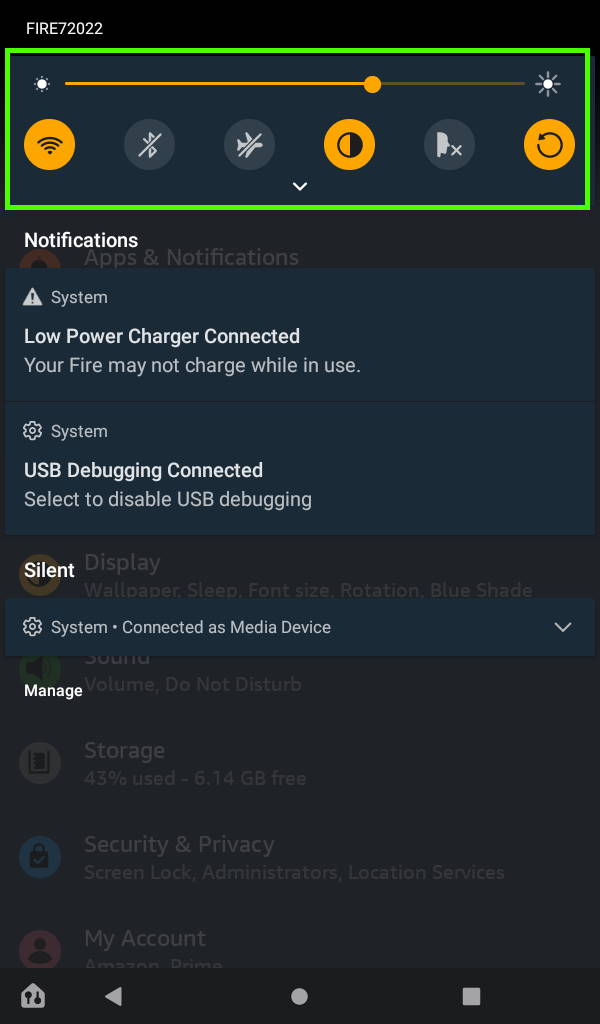
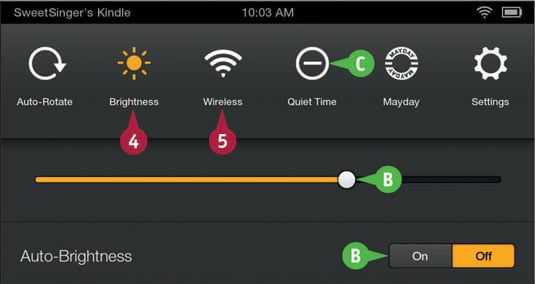
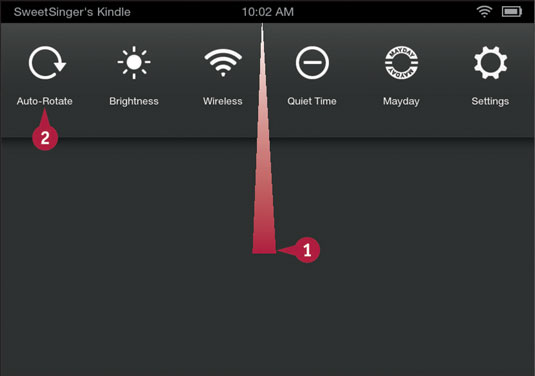
Using Quick Settings on Your Fire Tablet - dummies

How the Gallery Helps You Understand

Each image works as a small explanation of its own, making it much easier to judge what fits your needs.

Notice which details stay consistent across the pictures, because consistent details are usually the essential ones.
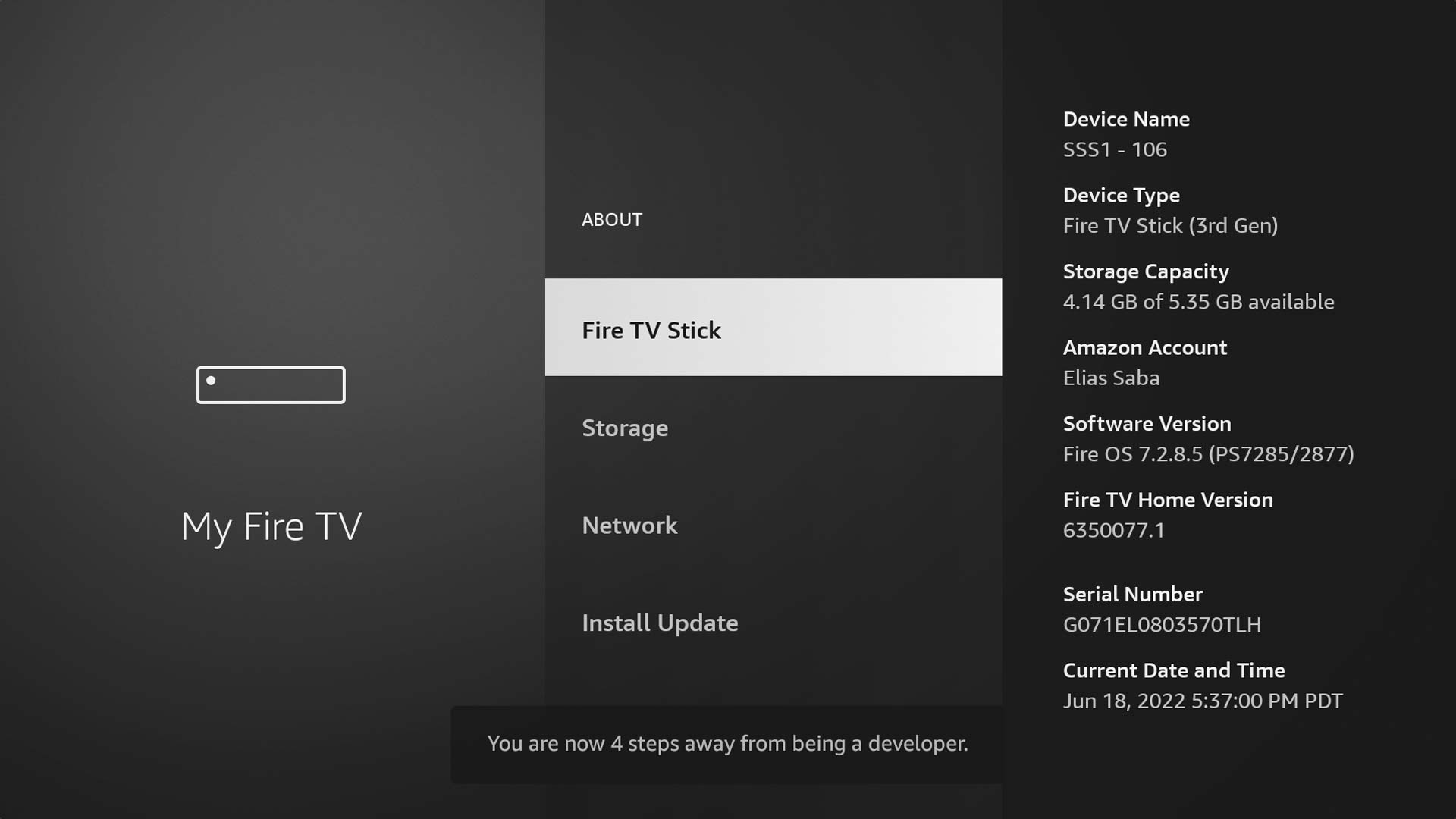
Downloader by AFTVnews - Ita Master

All the Different Looks of Settings On My Fire

The differences between examples are part of what makes browsing useful, each one leans toward a slightly different taste, so studying the range helps you identify which style suits you best.

A strong reaction to one example is always useful information, that reaction is a better guide than any checklist.
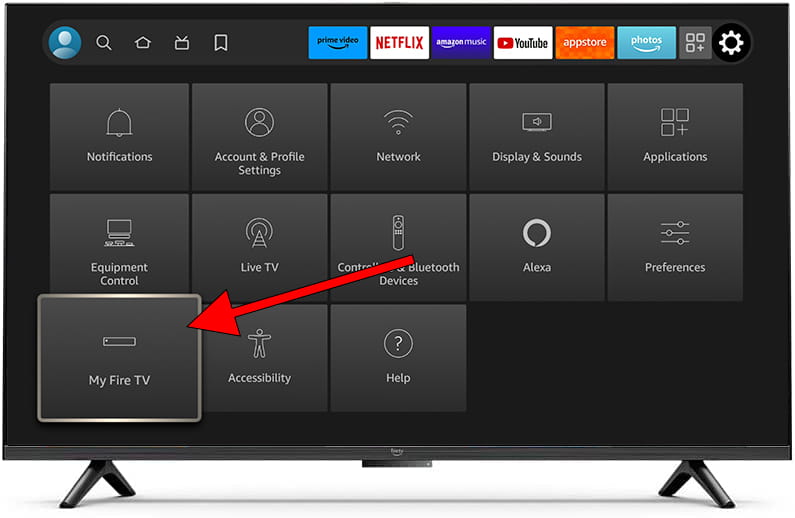
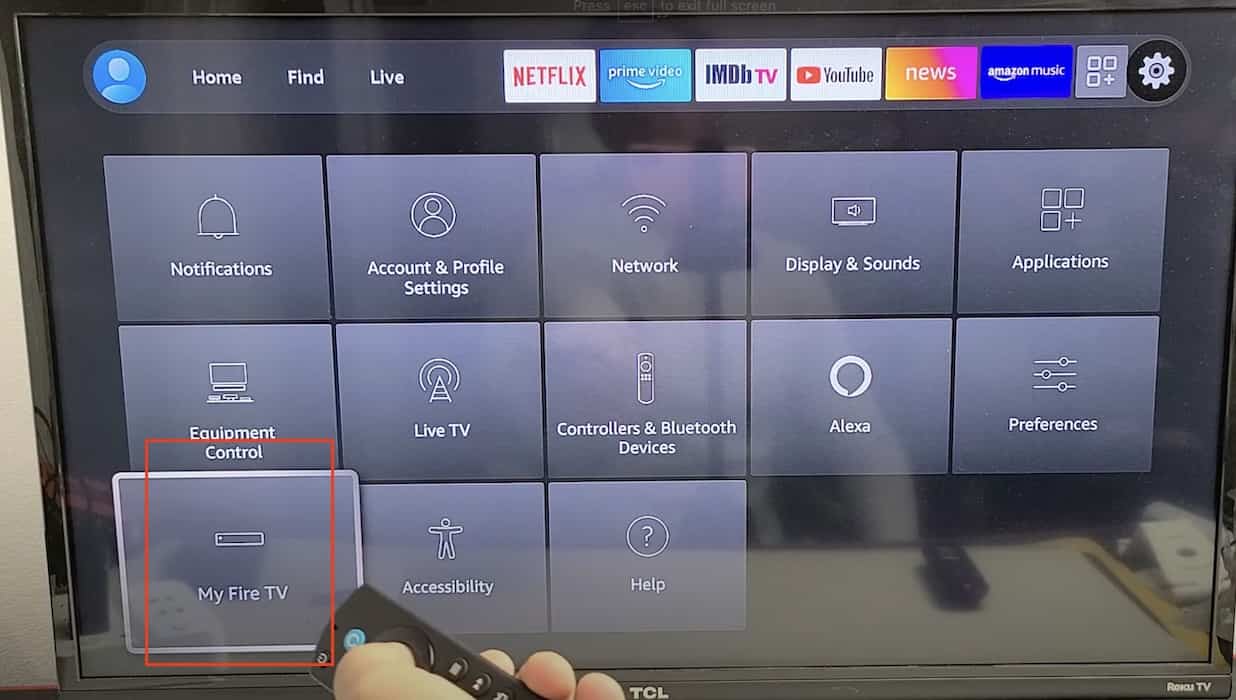
How to update TCL 65" F35 Class 4K UHD HDR LED Smart TV with Fire TV ...

Making the Most of the Gallery

The collection works best when you do something with it, for instance, keeping a shortlist of your favorite pictures.

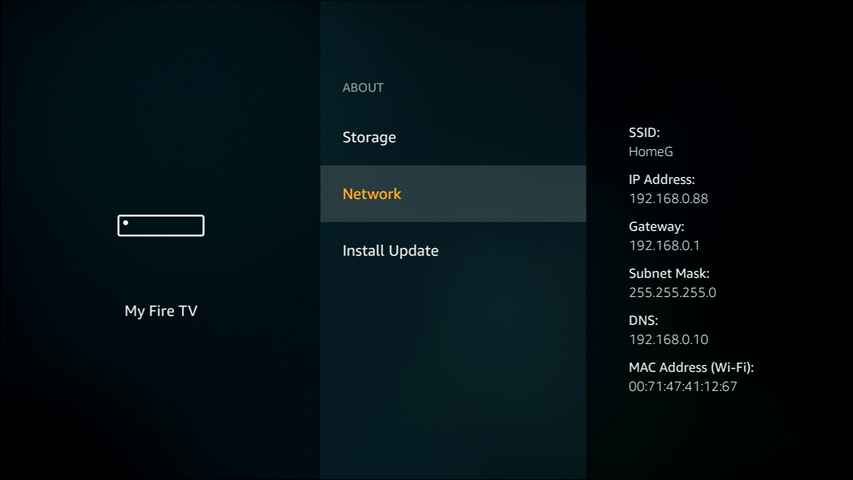
6 Fire TV Settings You Should Change Right Now – Kodi-Guide.com
Install Additional TLS Root CA's on Amazon Fire TV | Unibia.net
3 Fixes for Amazon Fire TV Stick 4K Not Playing 4K Content - Guiding Tech
Amazon Fire TV Stick: How to clear the cache
4 Best Ways to Manage Subtitle Settings on Amazon Fire TV Stick ...
How to Clear the Cache on a Fire TV Stick
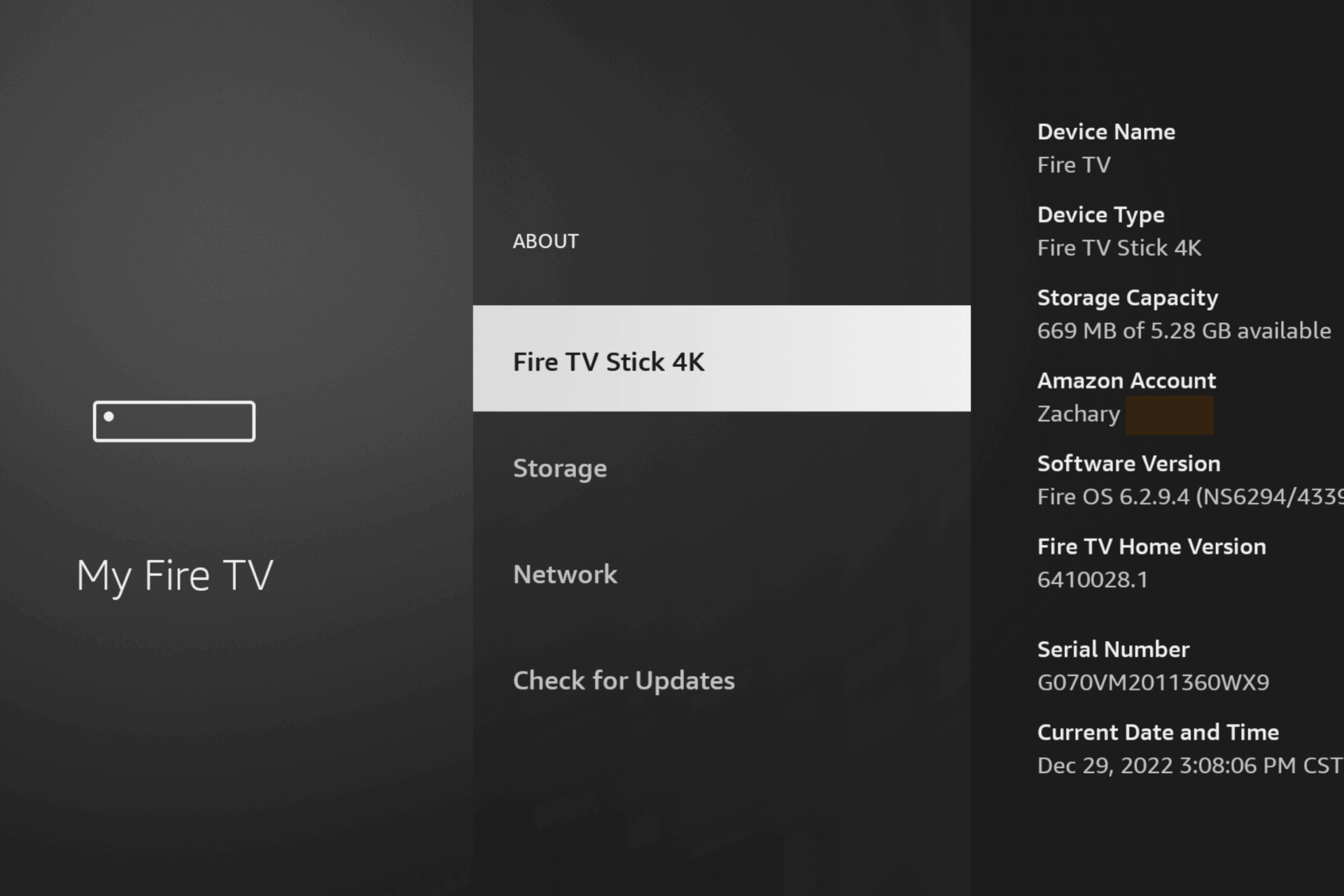
How to Find Which Fire TV Stick Model You Have - Guiding Tech
How to Reset Your Fire TV Device to Factory Settings
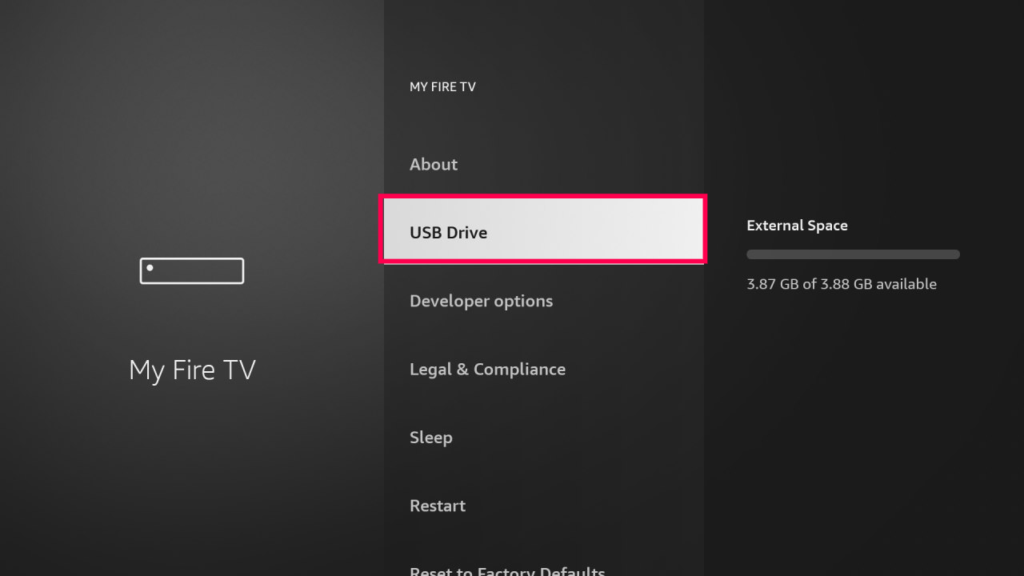
3 Fixes for Amazon Fire TV Stick 4K Not Recognizing USB Drive - Guiding ...
How to Reset Your Fire TV Device to Factory Settings
How to Connect Bluetooth Devices to Your Fire TV
What to Do If Your Amazon Fire Tablet Won’t Turn On
Fire Tablet Split Screen Settings – LFMP
6 Fire TV Settings You Should Change Right Now – Kodi-Guide.com
4 Best Ways to Manage Subtitle Settings on Amazon Fire TV Stick ...
12 Fixes that Resolve Firestick Buffering Issues - Guaranteed [Updated ...
How to Update Your Fire TV Device
How to update your Fire TV - Dignited
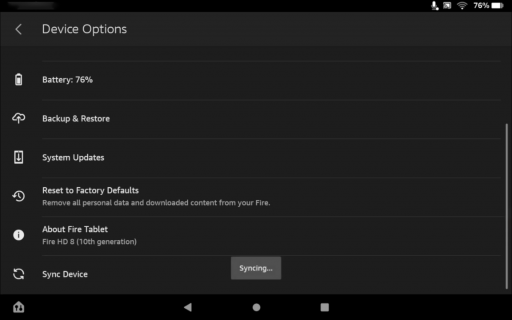
How To Use Quick Settings to Sync a Fire Tablet
Using Quick Settings on Your Fire Tablet - dummies
Fire TV AirPlay Not Working? Here’s How To Fix That - The Mac Observer
Firestick Remote Blinking Orange (or Yellow): 6 Quick Fixes [2023]
Fire TV Keeps Restarting? 8 Fixes to Try
Using Quick Settings on Your Fire Tablet | dummies
How to update apps on FireStick?
Amazon Fire TV: How to sideload an app to your streaming device
How to Install or move apps to microSD card or USB external storage on ...
Installing OpenVPN on Amazon FireStick – RickyAdams.com
How to Update Apps on Fire Stick

Sometimes the fastest way to communicate is to share the picture itself, and alignment happens in seconds instead of paragraphs.

The Small Details That Matter

Every example rewards a second, closer look, such as positioning, scale, material feel, and overall balance.

A closer look at one good image beats skimming twenty, so choose the closest matches and examine those thoroughly.

Why Visual References Work So Well

Visual search exists because the human brain processes pictures instantly, a visual cuts straight past every possible misunderstanding.

This is precisely why galleries like this one are valuable, be it ideas, verification, or simply knowing what to call it.

The Reference Is Here Whenever You Need It

Keep this gallery close for whenever the question resurfaces, since every revisit tends to surface details you missed.

Repeated exposure quietly builds real visual understanding, so treat every revisit as a chance to see something you skipped.