Blender How To Select Inverse with Joan Rowe blog

Blender How To Select Inverse: Right Where You Need It

Blender Select Inverted Normals at Justin Poole blog

You came here for Blender How To Select Inverse, and everything below is exactly that, shown here as a varied gallery of reference images.

shaders - How to invert shading on an object? - Blender Stack Exchange

A description can only go so far before a picture does the job better, because one clear image can answer what paragraphs cannot.

Real Picture Examples for Blender How To Select Inverse

Blender How To Select Inverse at Charli Fiaschi blog

This collection gathers all kinds of Blender How To Select Inverse in one scrollable view, so you can compare them side by side as you scroll.

Let the gallery speak for itself as you move downward, because the more images you see, the clearer the overall idea becomes.

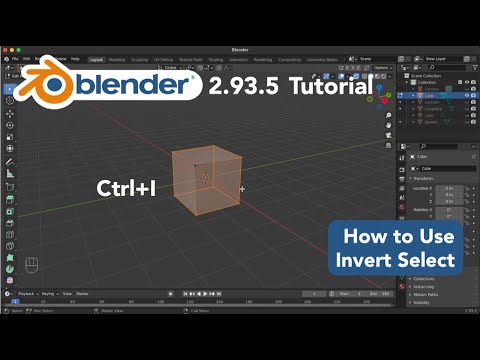
Learn Invert Selection in Blender! - YouTube

What the Images Can Show You

Think of each example as a visual definition, so you can recognize the qualities worth noticing.

Compare a few examples and observe what repeats, because consistent details are usually the essential ones.
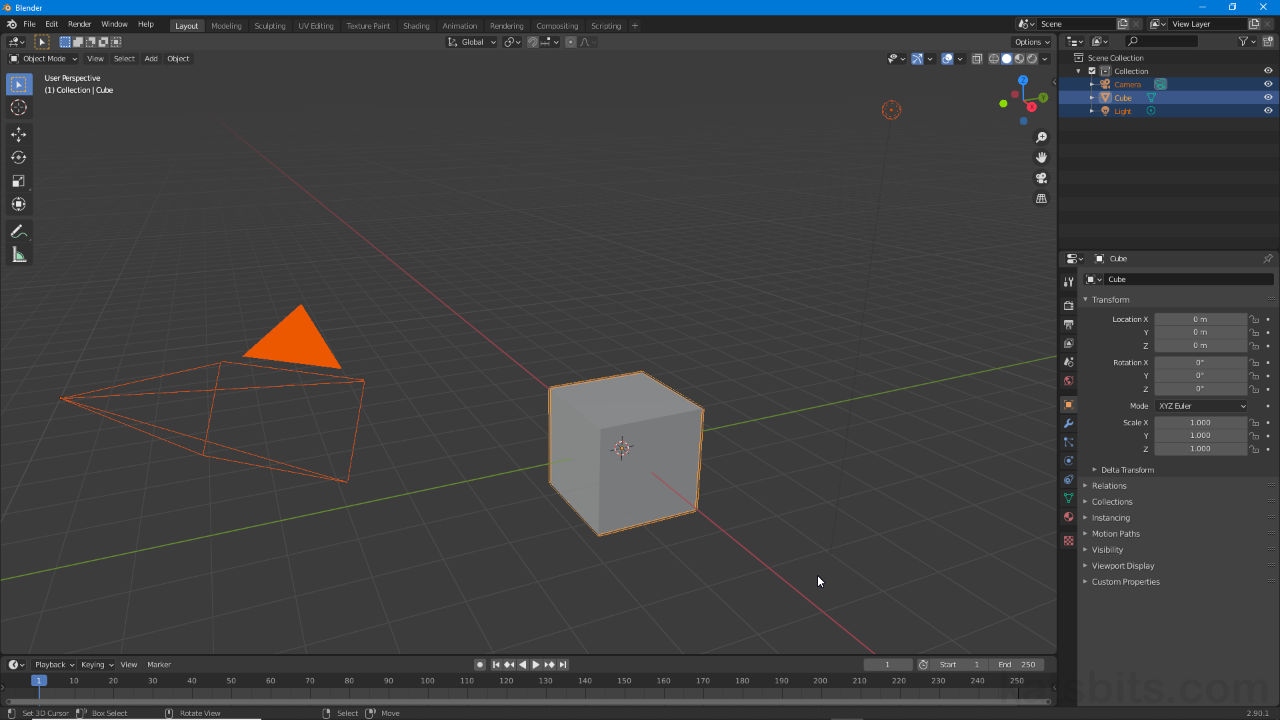
(De)select All – Blender Knowledgebase

From One Style to Another

The differences between examples are part of what makes browsing useful, some are simple and minimal, others are bold and detailed, which helps you quickly narrow down what you actually want.

A strong reaction to one example is always useful information, because that instinct usually points toward what you are really looking for.

Blender how to invert selection - YouTube

How to Use These Examples for Reference

The collection works best when you do something with it, for instance, keeping a shortlist of your favorite pictures.

How to deselect an object in edit mode? (inverse select linked ...
Geometry Nodes, Invert Selection - Blender Stack Exchange
Blender Tutorial: How To Invert Selection In Blender - YouTube
Invert Node — Blender Manual
How to invert colors properly? (Invert Node overbrights the texture ...
Blender invert selection with shortcut tutorial
Blender How To Select Inverse at Charli Fiaschi blog
How to invert a value in animation nodes? - Blender Stack Exchange
Blender Invert Selection: Blender Reverse Mesh – EMYX
Geometry Nodes, Invert Selection - Blender Stack Exchange
Blender flip face orientation tutorial
Blender How To Select Inverse at Charli Fiaschi blog
My selection is inverted, my blender only selects objects that are ...
Blender invert selection with shortcut tutorial
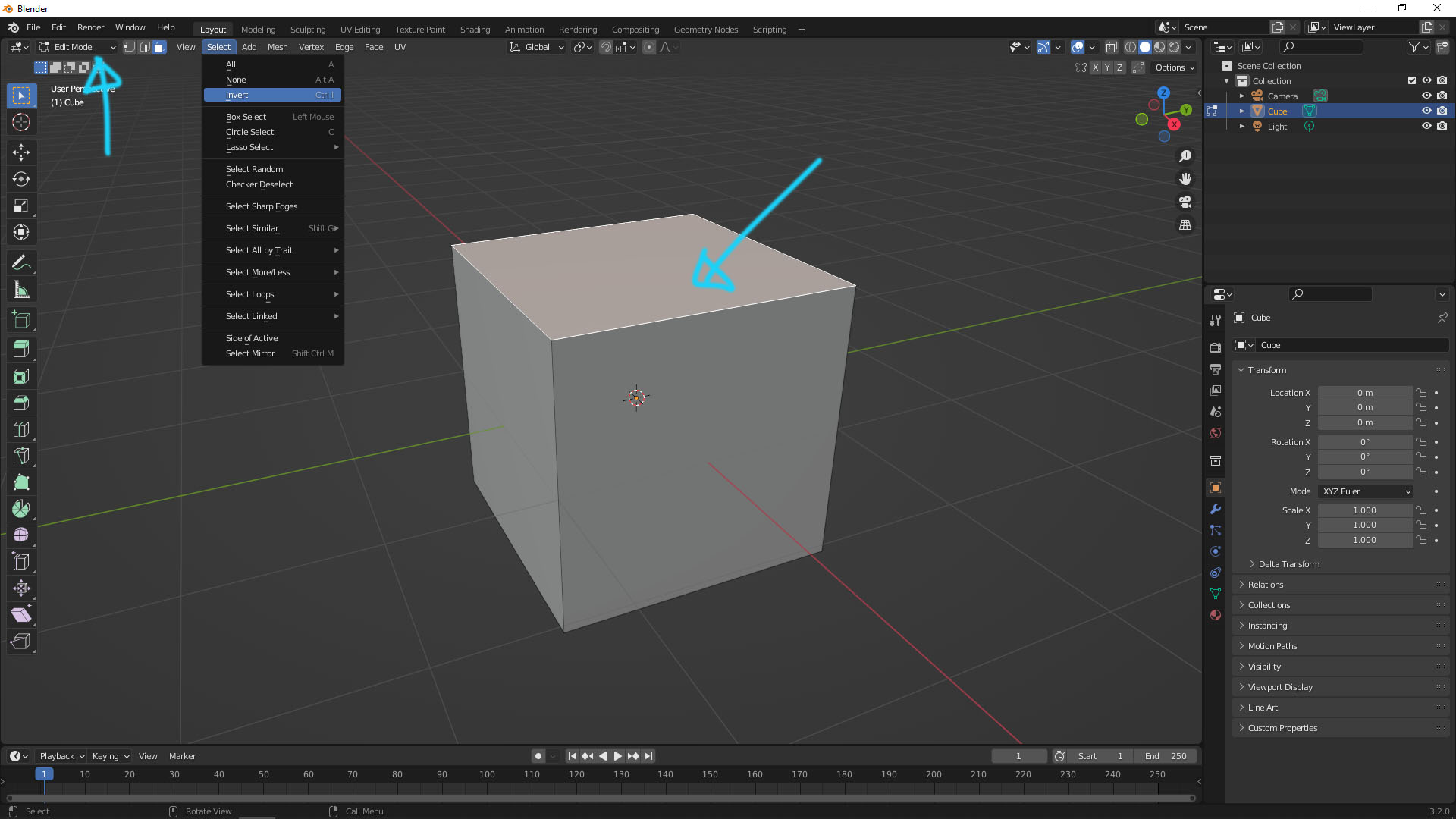
mesh - In Edit Mode, is it possible to invert selection? - Blender ...
Blender Invert Selection
How to invert face orientation in Blender - YouTube
select - Why is inverting the selection selecting all vertices ...
Blender Invert Selection
How to invert selection in Blender - YouTube
Blender How To Select Inverse at Charli Fiaschi blog
Blender invert selection with shortcut tutorial
How to invert f curves? - Blender Stack Exchange
mesh - In Edit Mode, is it possible to invert selection? - Blender ...
Blender How To Select Inverse at Charli Fiaschi blog
edit mode - How to invert the selection while keeping the previous ...
How to invert a value in animation nodes? - Blender Stack Exchange
Geometry Nodes, Invert Selection - Blender Stack Exchange

Sometimes the fastest way to communicate is to share the picture itself, which prevents most of the usual misunderstandings.

What to Notice in Each Picture

The second viewing always reveals more than the first, looking at how each part relates to the whole.

The pictures you look at longest often teach the most, so choose the closest matches and examine those thoroughly.

Pictures Explain Faster Than Words

There is a simple reason image searches are so popular, an image delivers the subject directly with no filter.

That is why a varied collection like this is so effective, be it ideas, verification, or simply knowing what to call it.

Keep Exploring the Collection

Whenever Blender How To Select Inverse comes up again, these images will be here, because needs change and new examples make old ones more useful.

The more examples you absorb, the sharper your eye becomes, so scroll back up and give the collection another look.