Featured Article

How To Align Image In Coreldraw with Kevin Thompson blog

Kevin Thompson Nov 13, 2026

You Searched for How To Align Image In Coreldraw — Here It Is

Align Tool Coreldraw at Nettie Kenneth blog

How To Align Image In Coreldraw is what brought you here, and this page delivers it, supported by a wide range of real example pictures for reference.
How to Align and Position Objects in CorelDraw

Sometimes words are not enough to describe what you have in mind, and that is exactly why visual references work so well here.

Example Images of How To Align Image In Coreldraw
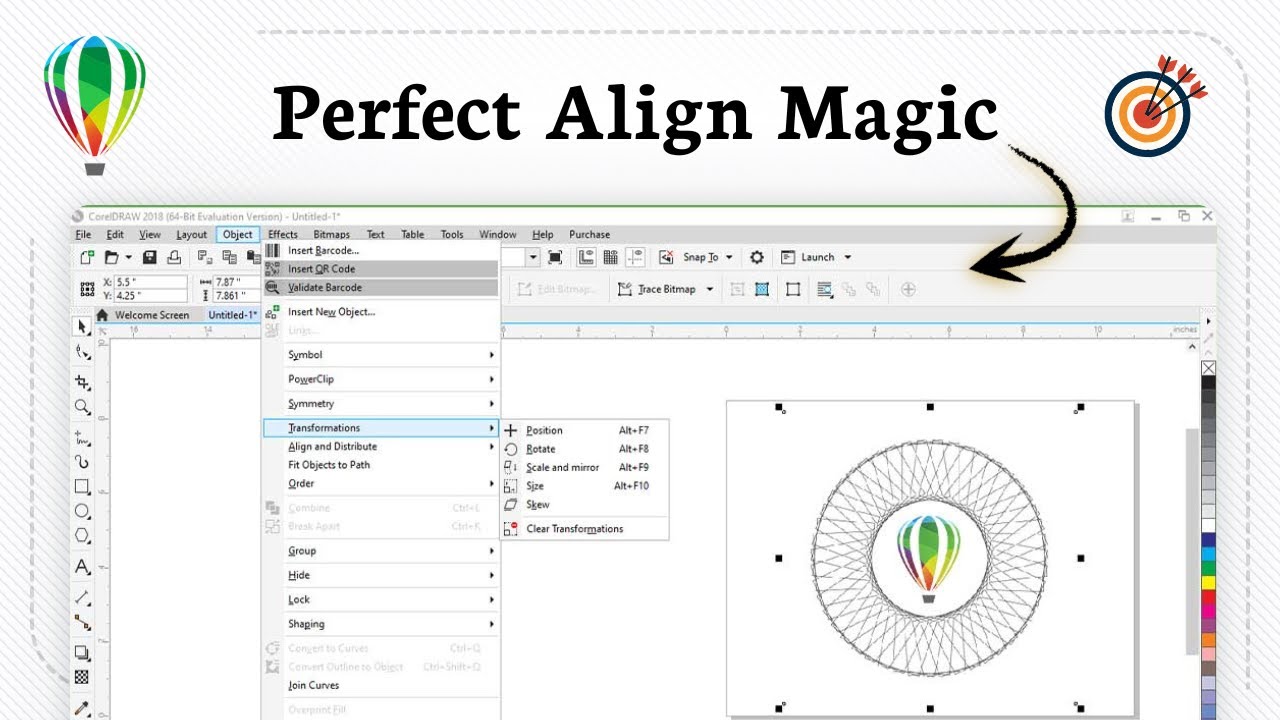
How to center an object in CorelDRAW (Smart Align) - YouTube

This collection gathers all kinds of How To Align Image In Coreldraw in one scrollable view, giving you a fuller picture than any single example could.

Let the gallery speak for itself as you move downward, since patterns start to appear after just a few examples.

Coreldraw Align Text To Circle at Rose Thyer blog

What These Pictures Explain

Each image works as a small explanation of its own, so you can recognize the qualities worth noticing.

Notice which details stay consistent across the pictures, and these shared traits are your best guide.
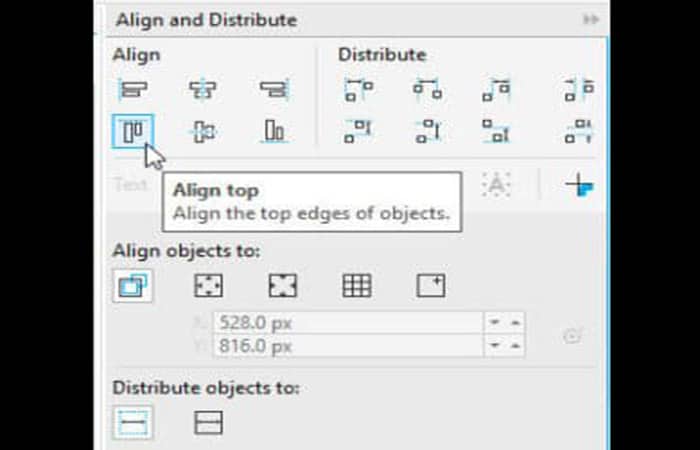
How to Align and Position Objects in CorelDraw

All the Different Looks of How To Align Image In Coreldraw

No two examples in the gallery look exactly the same, a few lean traditional while others feel modern, and that discovery is exactly what a reference gallery is for.

A strong reaction to one example is always useful information, and it often matches what you will want in the end.

Align Tool In Coreldraw at William Ribush blog

Turning Pictures Into Useful Reference

Every picture here can serve as a working reference, such as saving the examples closest to what you need.
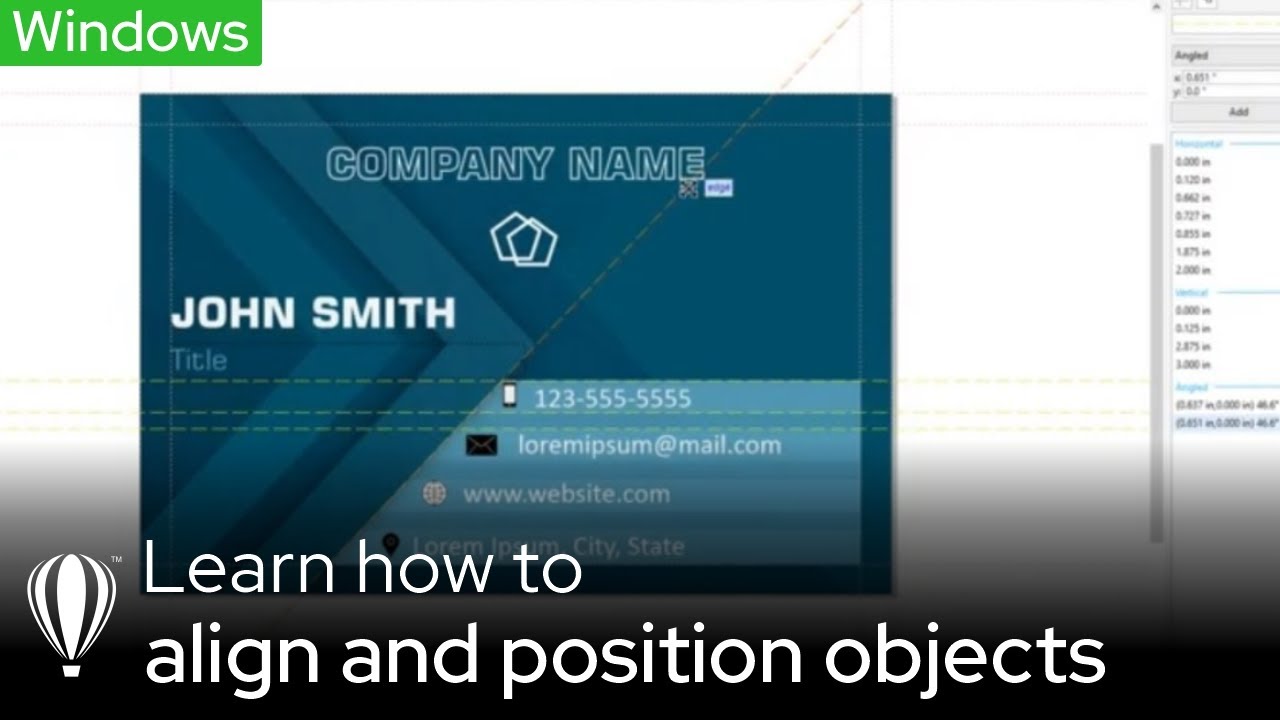
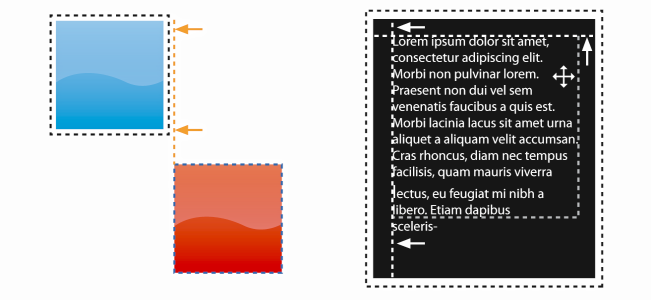
How to Align and Position Objects with the Enhanced Guidelines Docker ...
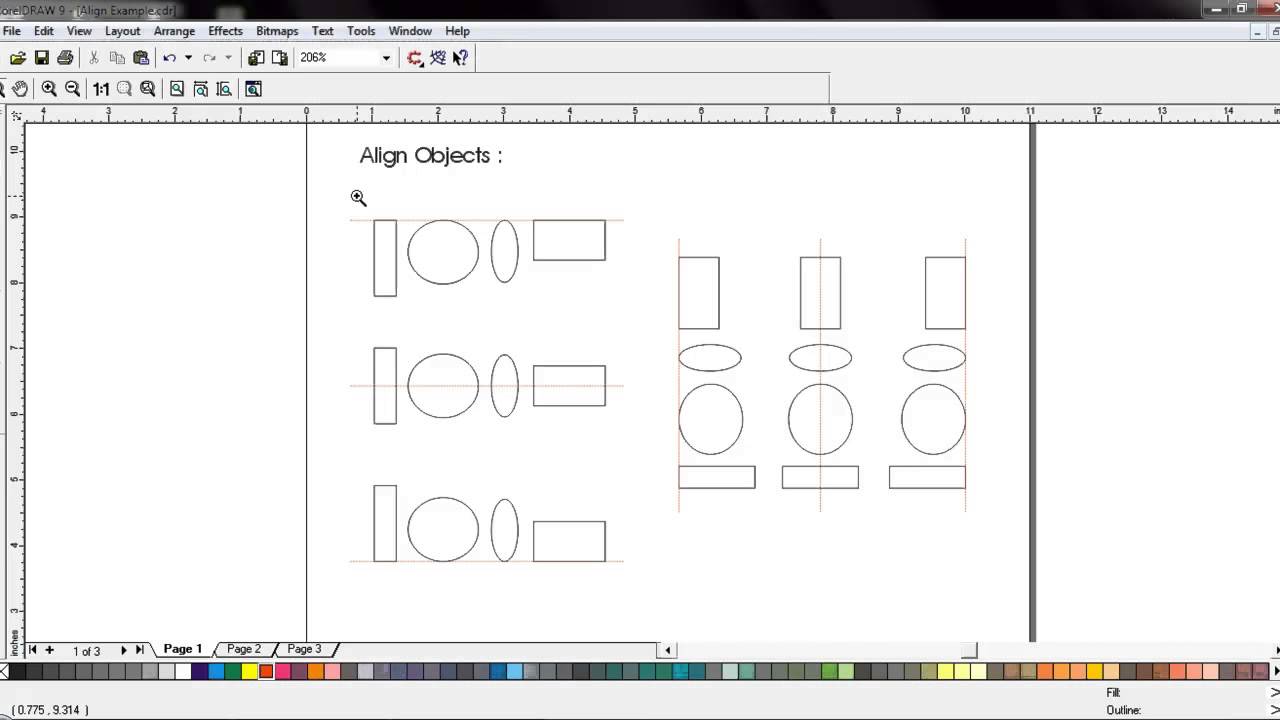
Align Object | How to Align Object in Corel Draw | Corel Draw tutorial ...
How to Align and Position Objects in CorelDraw
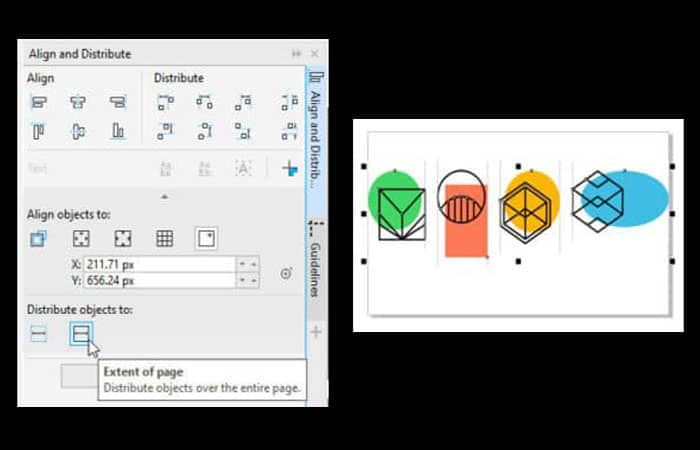
Alignment & Distribution in CorelDraw| How to Align & Distribute items ...
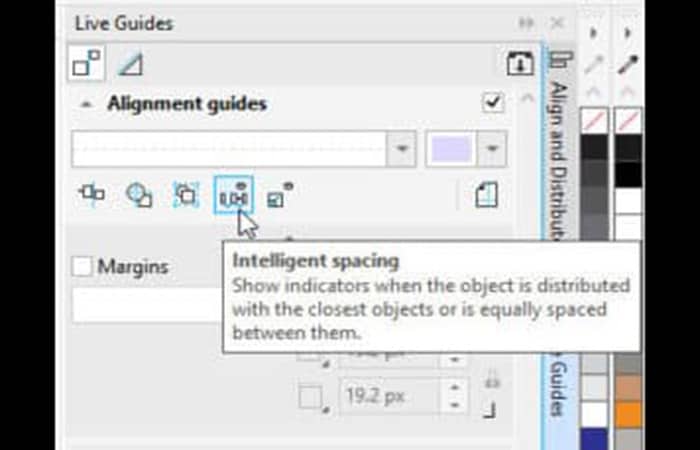
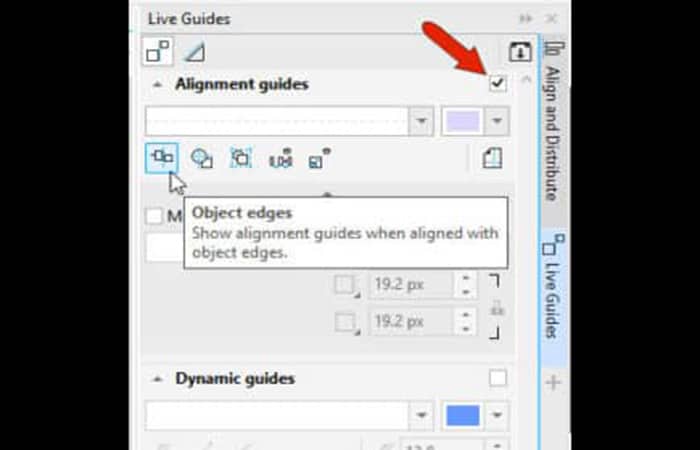
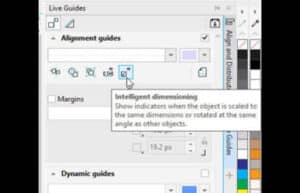
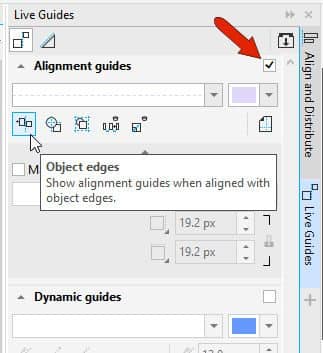
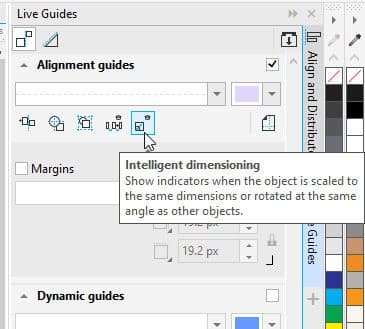
CorelDRAW Help | Alignment guides
How To ALIGN And DISTRIBUTE In CorelDRAW (QUICK & EASY) 2026 - YouTube
Aligning objects in CorelDraw Tutorial - Alex Galvez's Blog - Blogs ...
How to Align and Position Objects in CorelDraw
eCut for CorelDRAW - Functions > Align and Distribute
How to align and position objects - Corel Discovery Center
Align Tool In Coreldraw at William Ribush blog
How to Align and Position Objects in CorelDraw
How to Align objects in CorelDraw - YouTube
Cara menampilkan Align and Distribute pada CorelDRAW X7 X8 - YouTube
How to use Align & Distribute in Coreldraw 2018 - YouTube
How to align and position objects - Corel Discovery Center
How to Align and Position Objects in CorelDraw
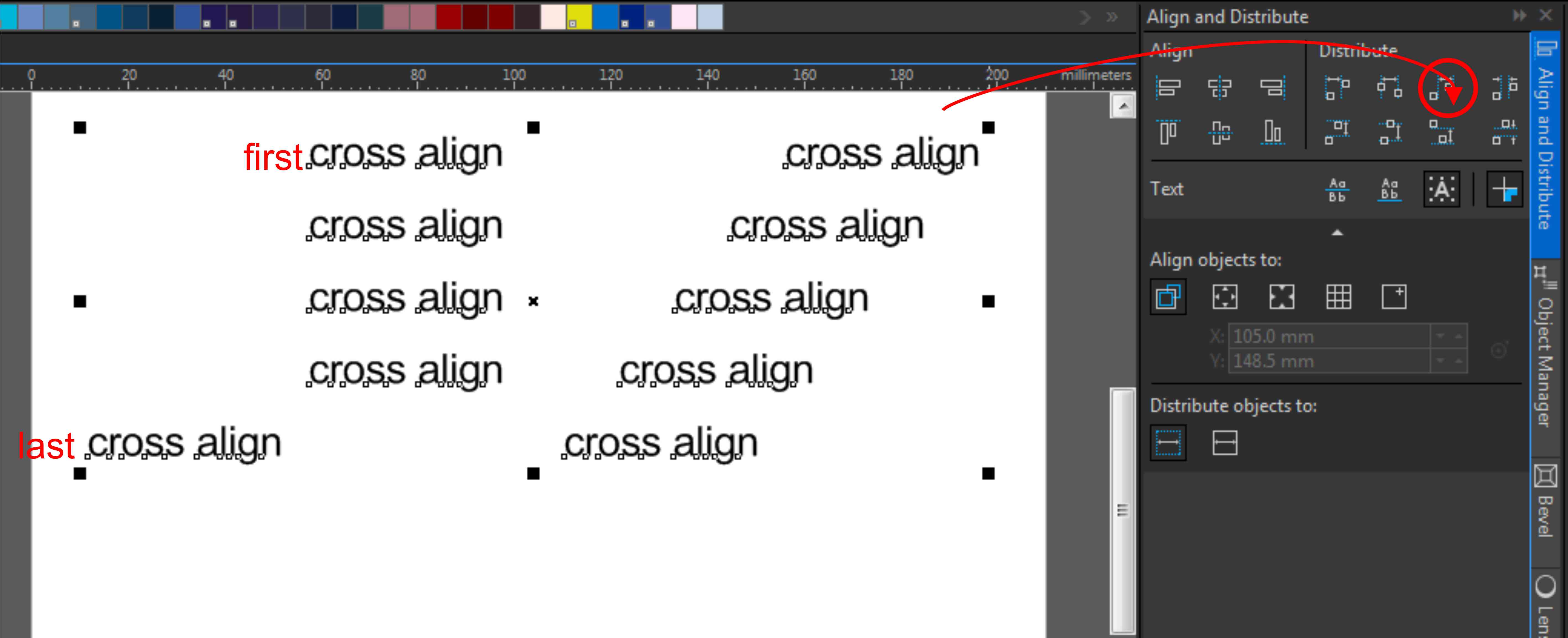
RE: How to Cross Align Artistic Text in Coreldraw
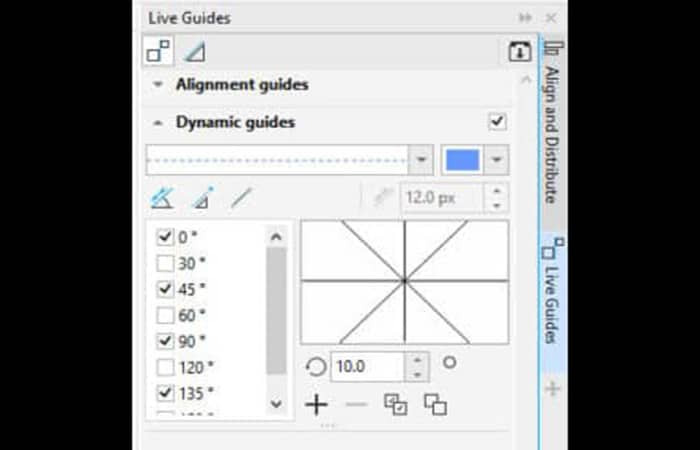
CorelDRAW Ayuda | Uso de las guías de alineación
How to Align and Position Objects in CorelDraw
This is the Function of Align and Distribute - CorelDraw X7 - YouTube
Align Object in CorelDraw - YouTube
How to use Align and Distribute in CorelDRAW - YouTube
How to align and position objects - Corel Discovery Center
Align Tool In Coreldraw at William Ribush blog
How to align and position objects - Corel Discovery Center
how to align text in coreldraw tamil/coreldraw tamil tutorial - YouTube
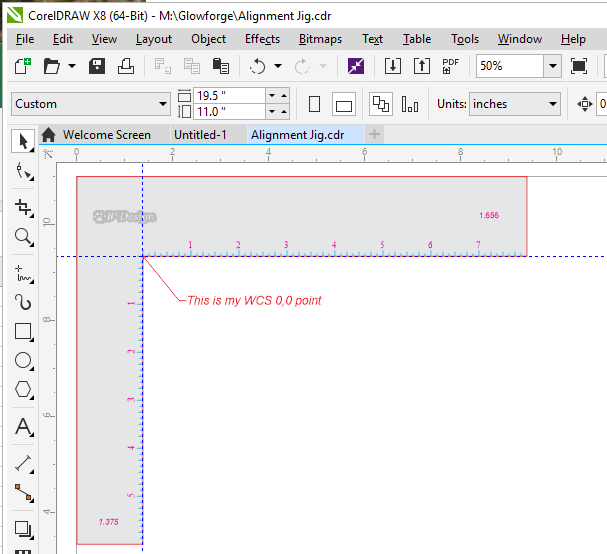
Corel Draw alignment – repeatable setup - Everything Else - Glowforge ...

Visual references make it much easier to describe what you want, so the other person sees exactly what you see.

What to Notice in Each Picture

Every example rewards a second, closer look, noting the choices that give each example its character.

Depth beats speed when it comes to visual learning, so instead of racing through all the examples, study a handful properly.

Why Visual References Work So Well

It is no accident that people search for images first, a real example eliminates the gap between description and reality.

This is precisely why galleries like this one are valuable, so whatever brought you here, the images can carry you the rest of the way.

Browse More Images Whenever You Need

Bookmark this collection of How To Align Image In Coreldraw examples, as your preferences may shift the second time you look.

Over time, you will notice details casual viewers miss, so treat every revisit as a chance to see something you skipped.