Featured Article

How To Clean Up Macbook System Storage with Kevin Thompson blog

Kevin Thompson Nov 13, 2026

You Searched for How To Clean Up Macbook System Storage — Here It Is
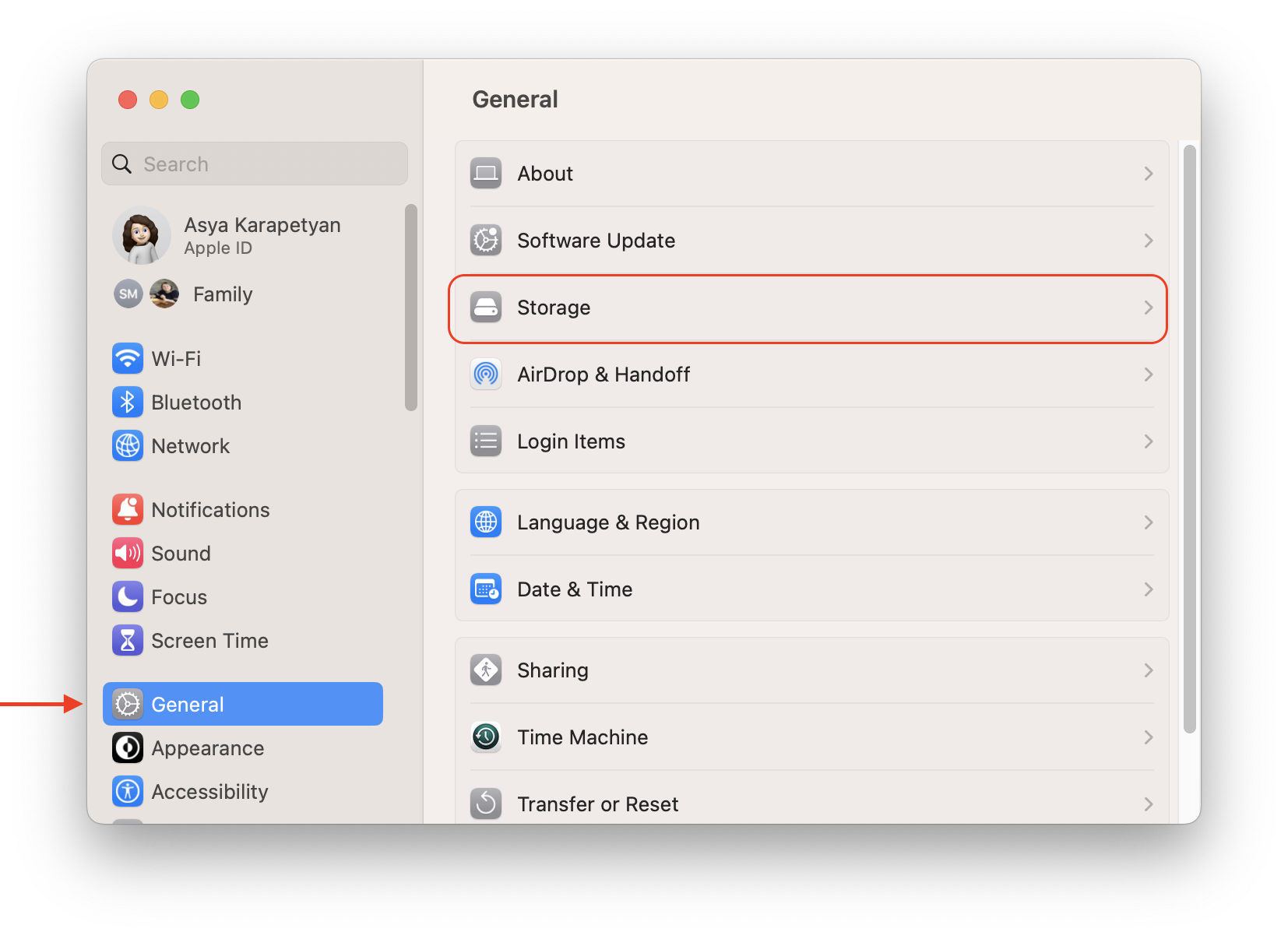
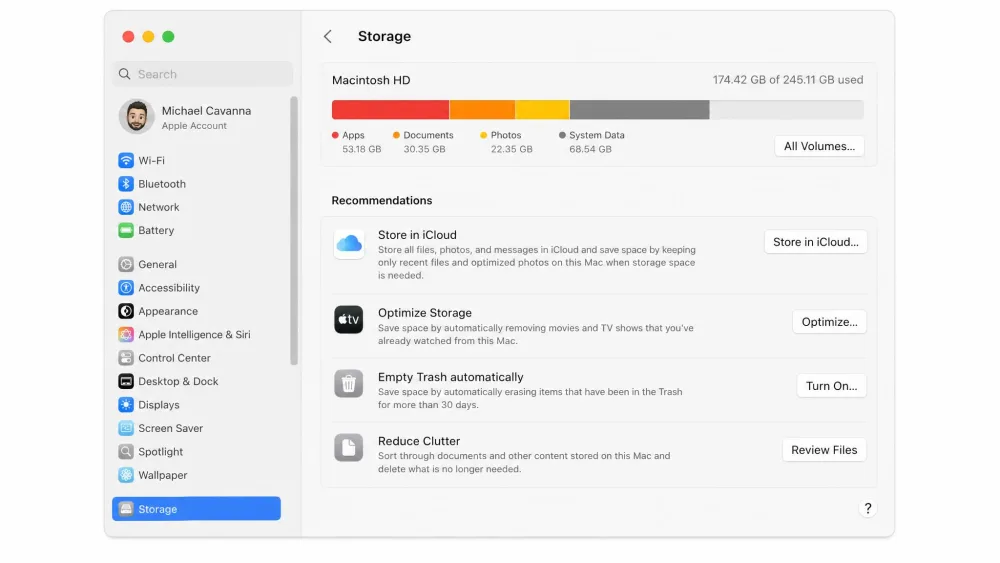
How to Clean Up MacBook Pro - Free Up Storage

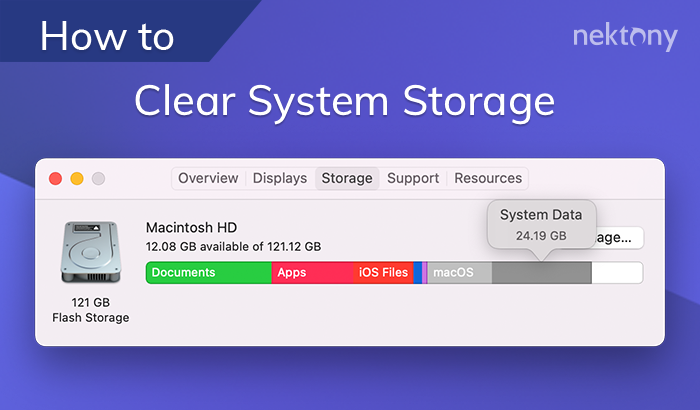
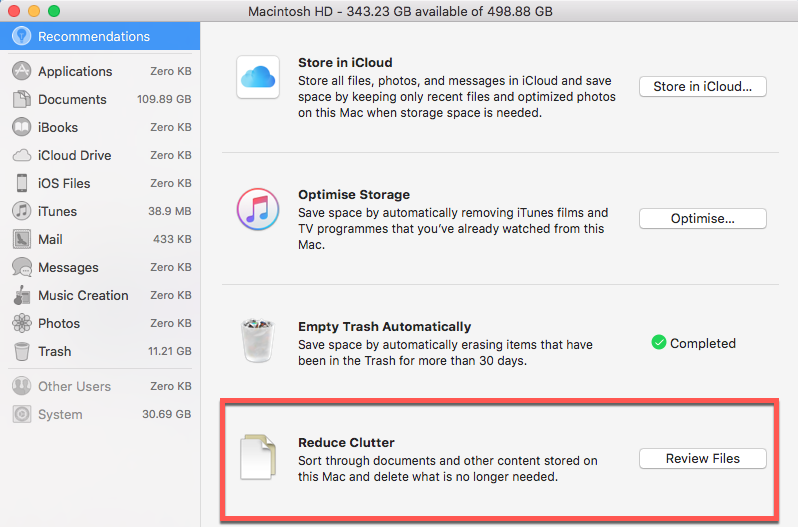
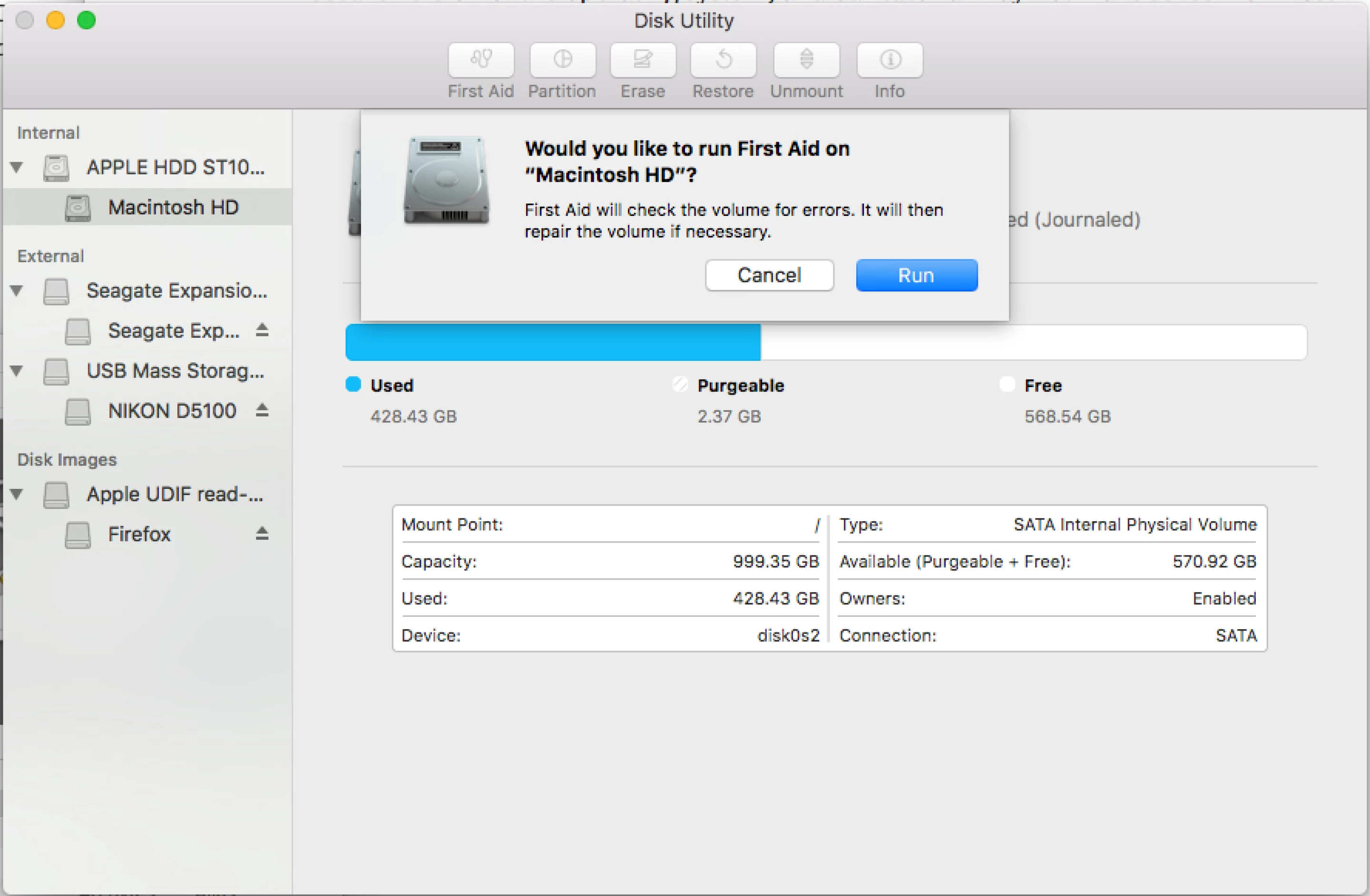
Since you are searching for How To Clean Up Macbook System Storage, this page was made for you, shown here as a varied gallery of reference images.
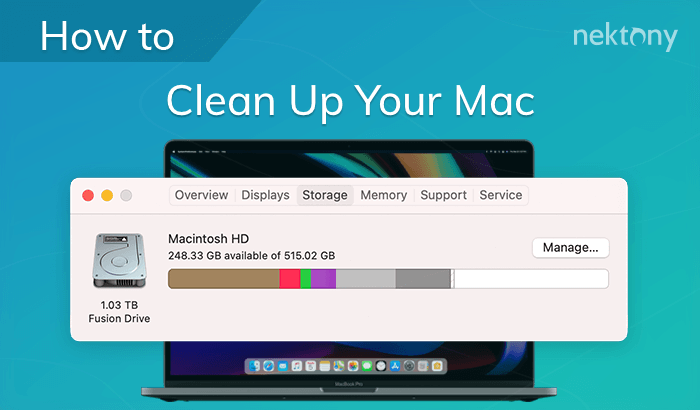
How to clear cache on MacBook - Fast & safe methods

Sometimes words are not enough to describe what you have in mind, which is why browsing through the images is often the fastest way to understand it.

How To Clean Up Macbook System Storage in Actual Pictures
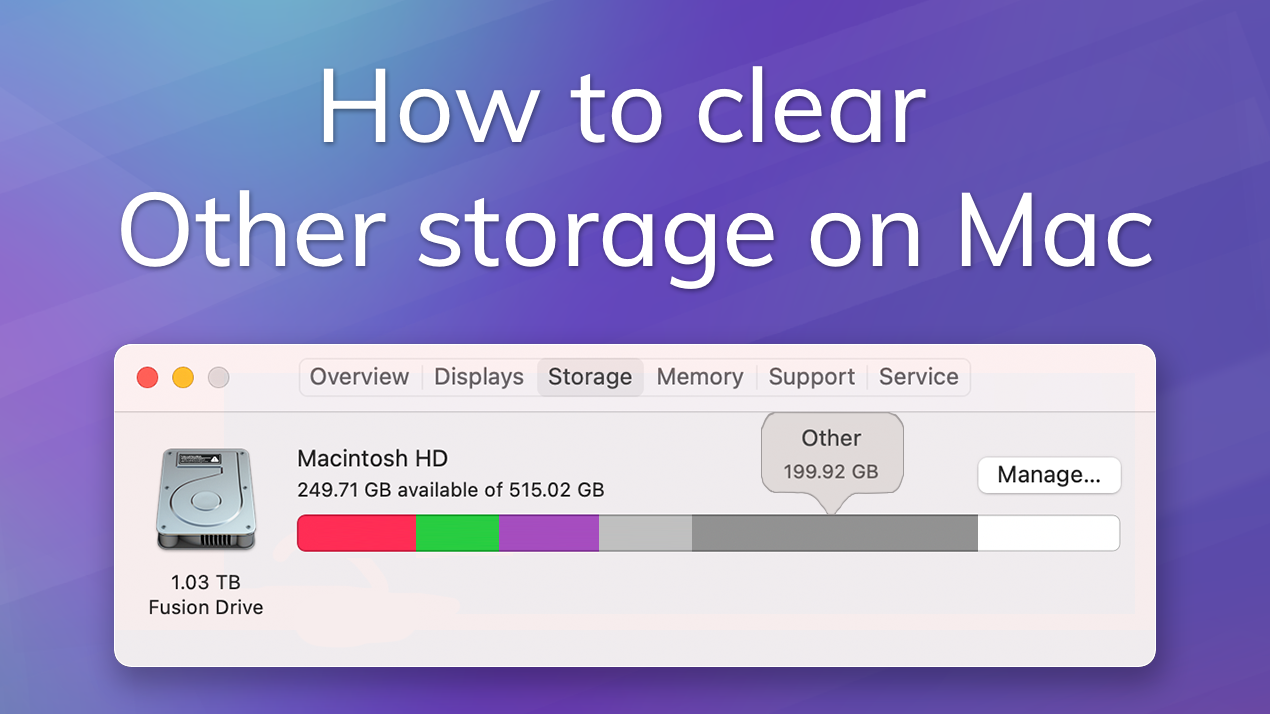
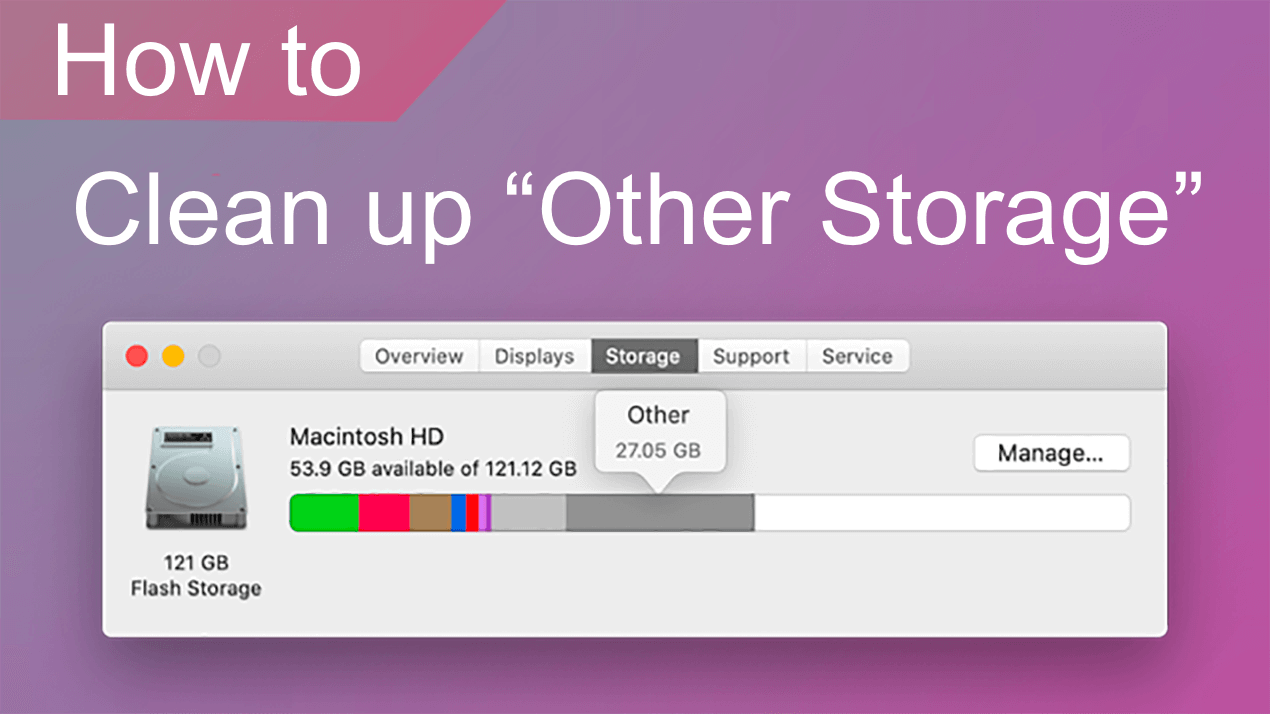
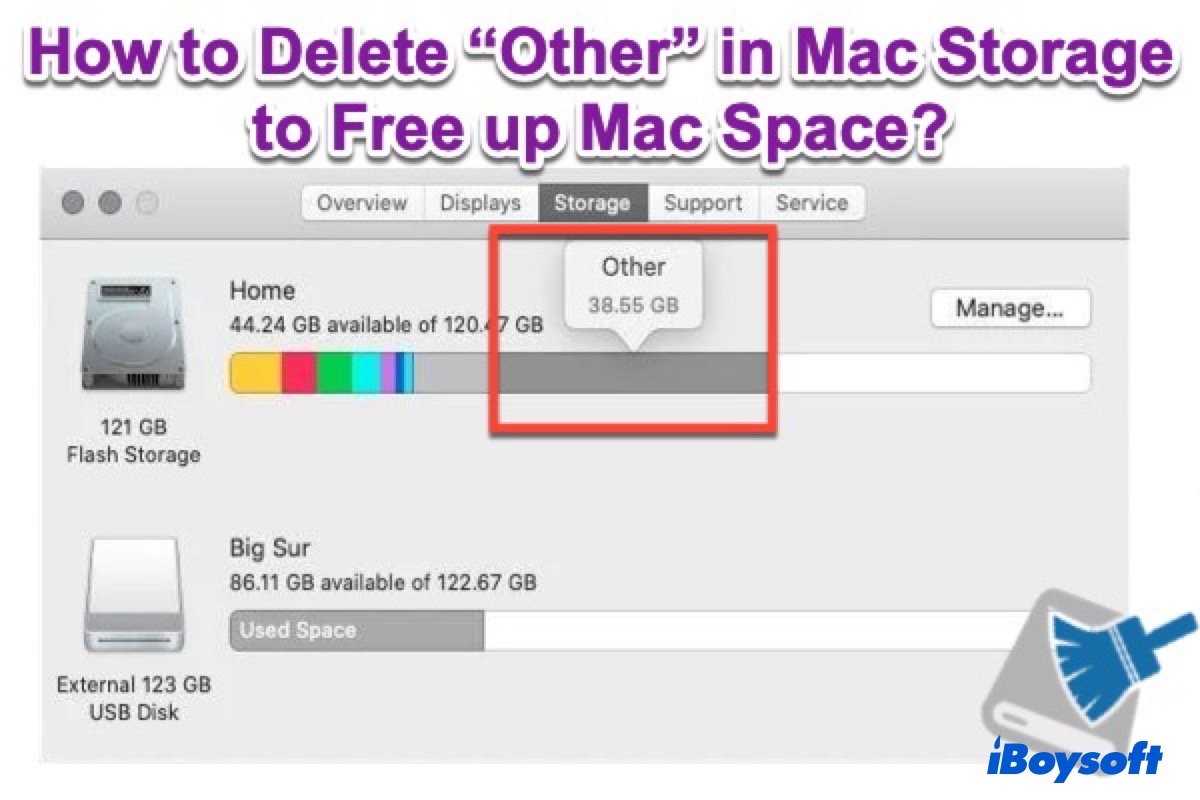
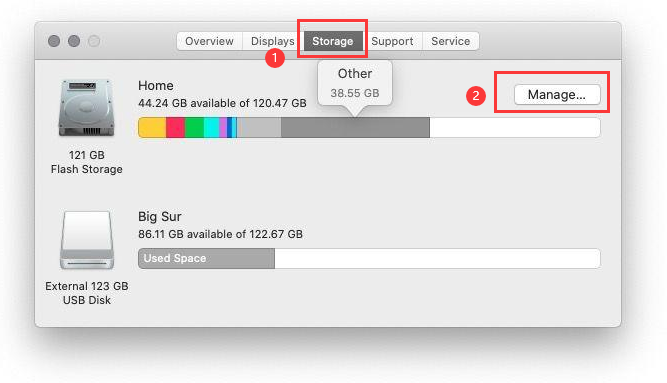
How to Clean Other Storage on Mac: Ultimate Guide for More Space

This collection gathers all kinds of How To Clean Up Macbook System Storage in one scrollable view, and you will quickly see how much variety exists.

There is no need to rush past the pictures, because the more images you see, the clearer the overall idea becomes.
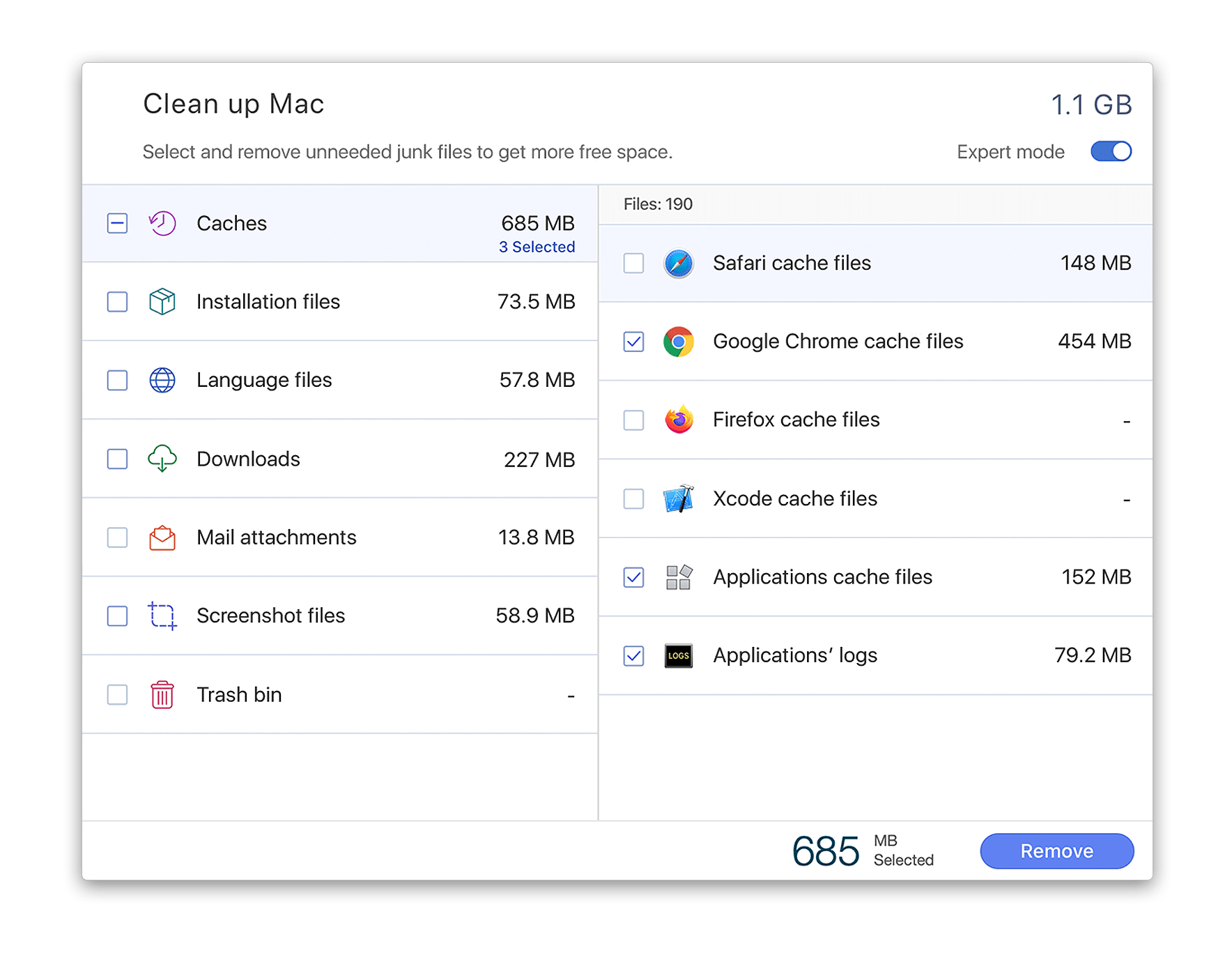
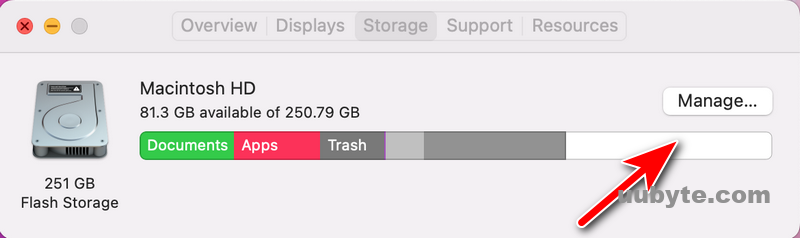
How to clean up mac system storage - gasemedi

How the Gallery Helps You Understand

Think of each example as a visual definition, making it much easier to judge what fits your needs.

Look at how the same subject changes from image to image, and these shared traits are your best guide.
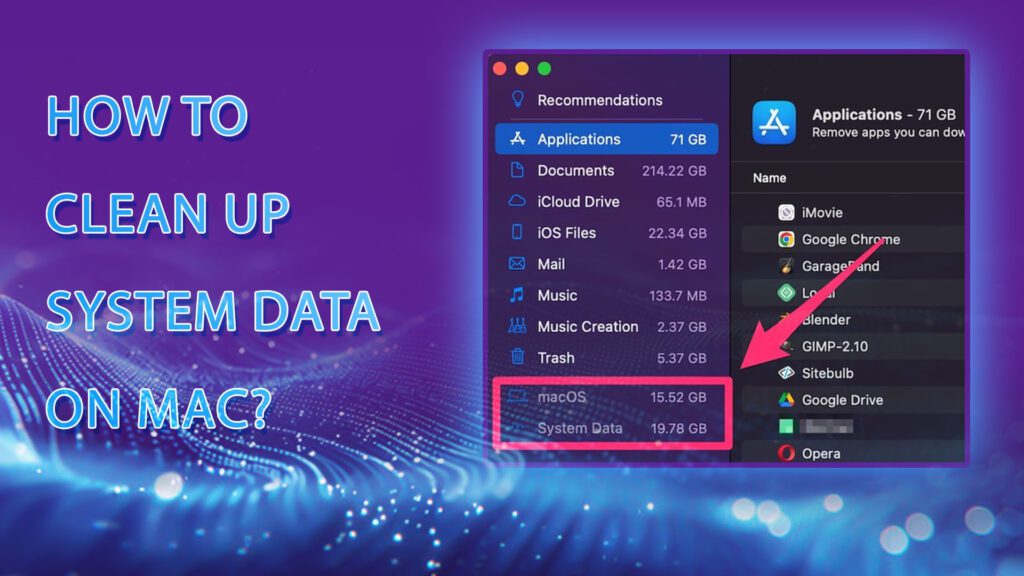
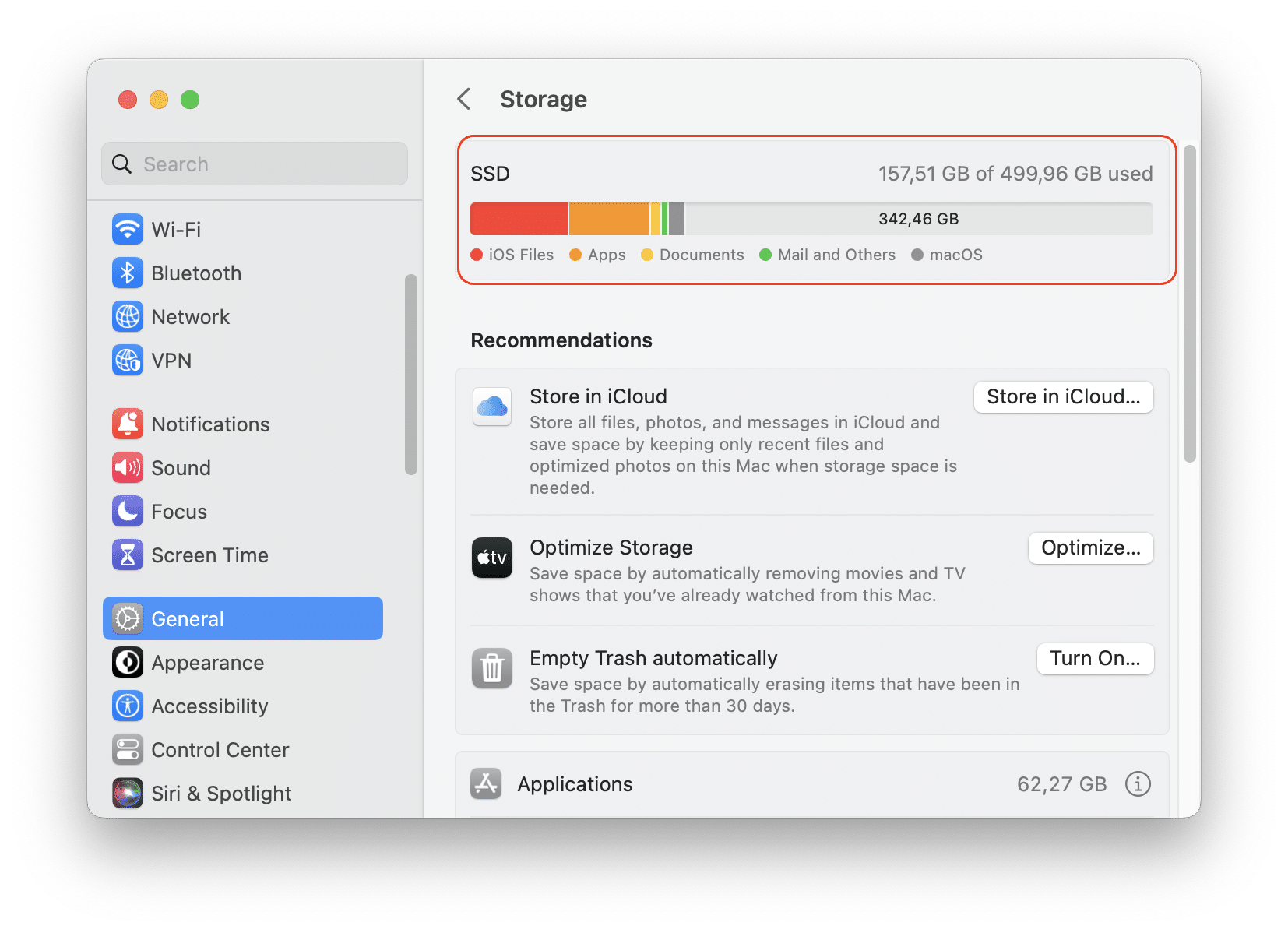
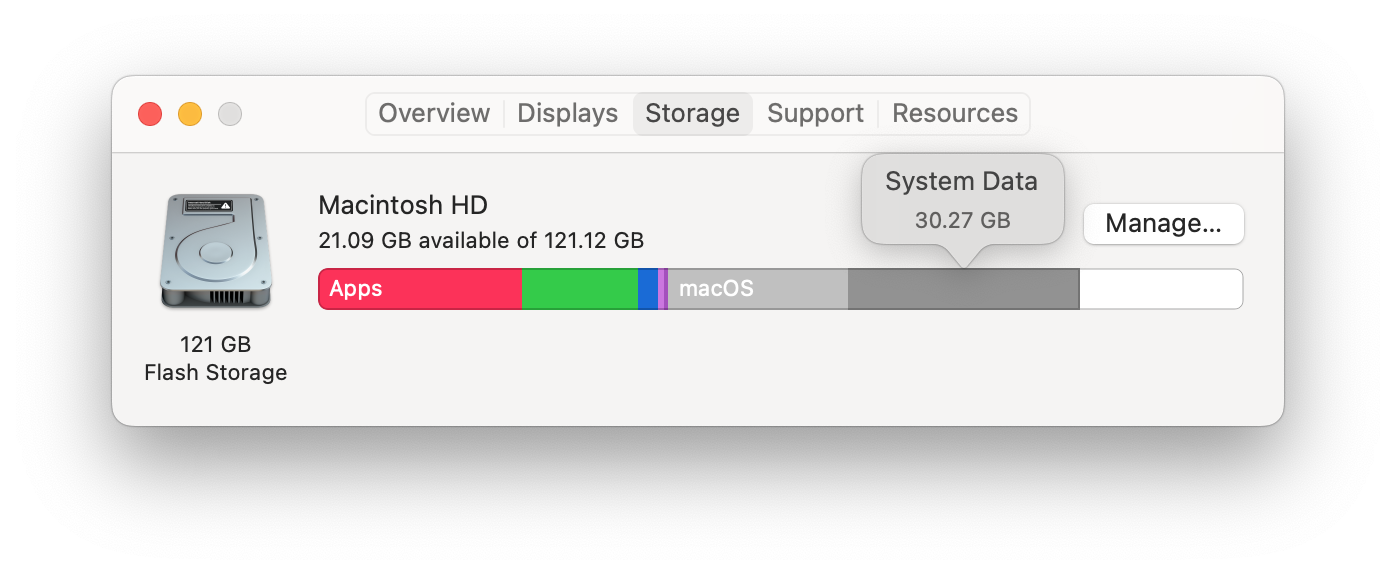
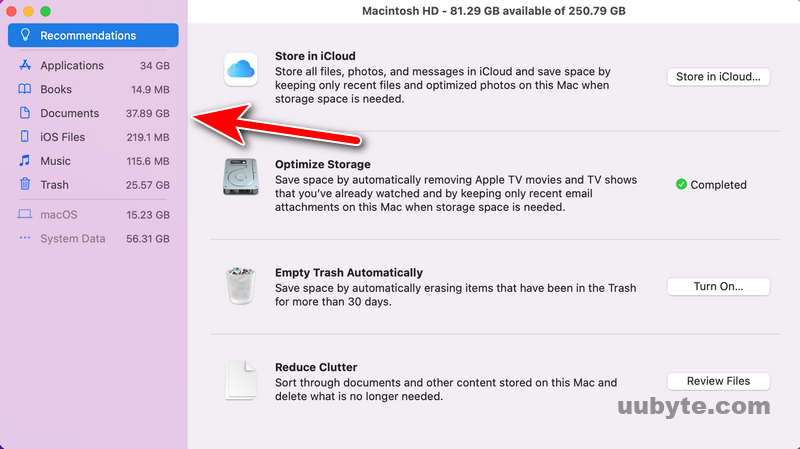
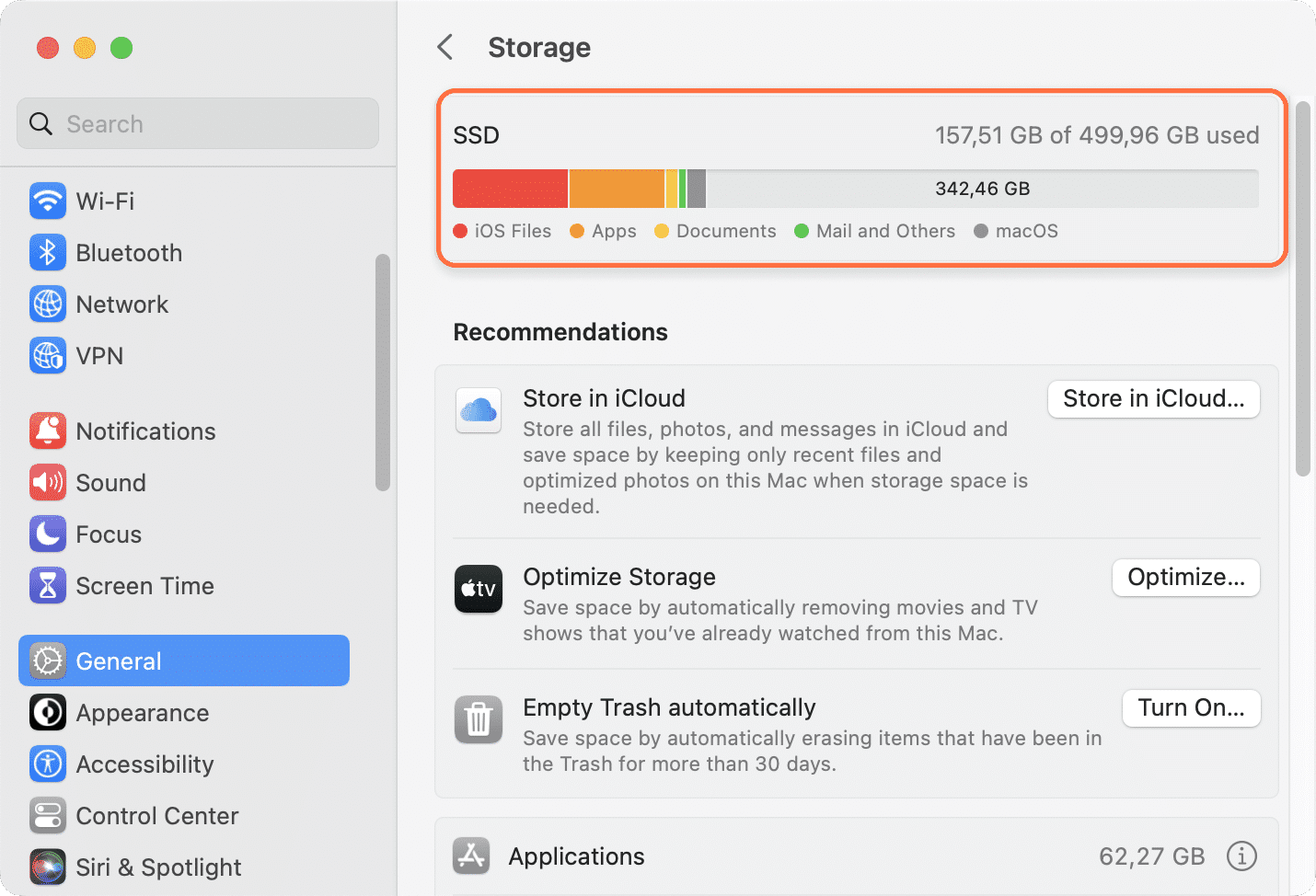
How to Clean Up System Data on Mac: 9 Simple Steps

All the Different Looks of How To Clean Up Macbook System Storage

There is a surprising range of styles and interpretations here, some are simple and minimal, others are bold and detailed, and seeing them together makes your own preference obvious.

If one image catches your eye, pause on it and ask why, because that instinct usually points toward what you are really looking for.

6 Leading Approaches on How to Clear System Storage on Mac

Turning Pictures Into Useful Reference

Every picture here can serve as a working reference, like marking the images that match your idea.
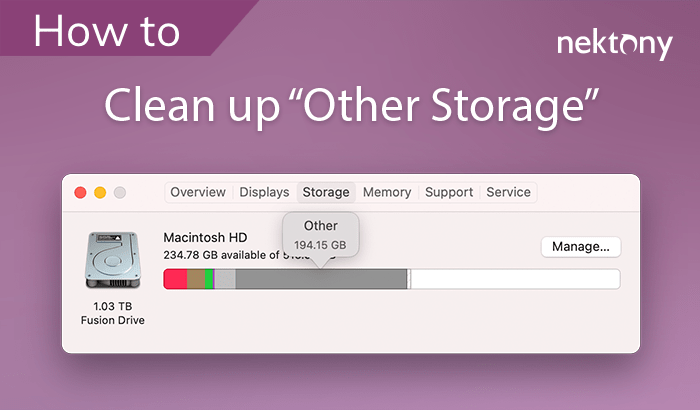
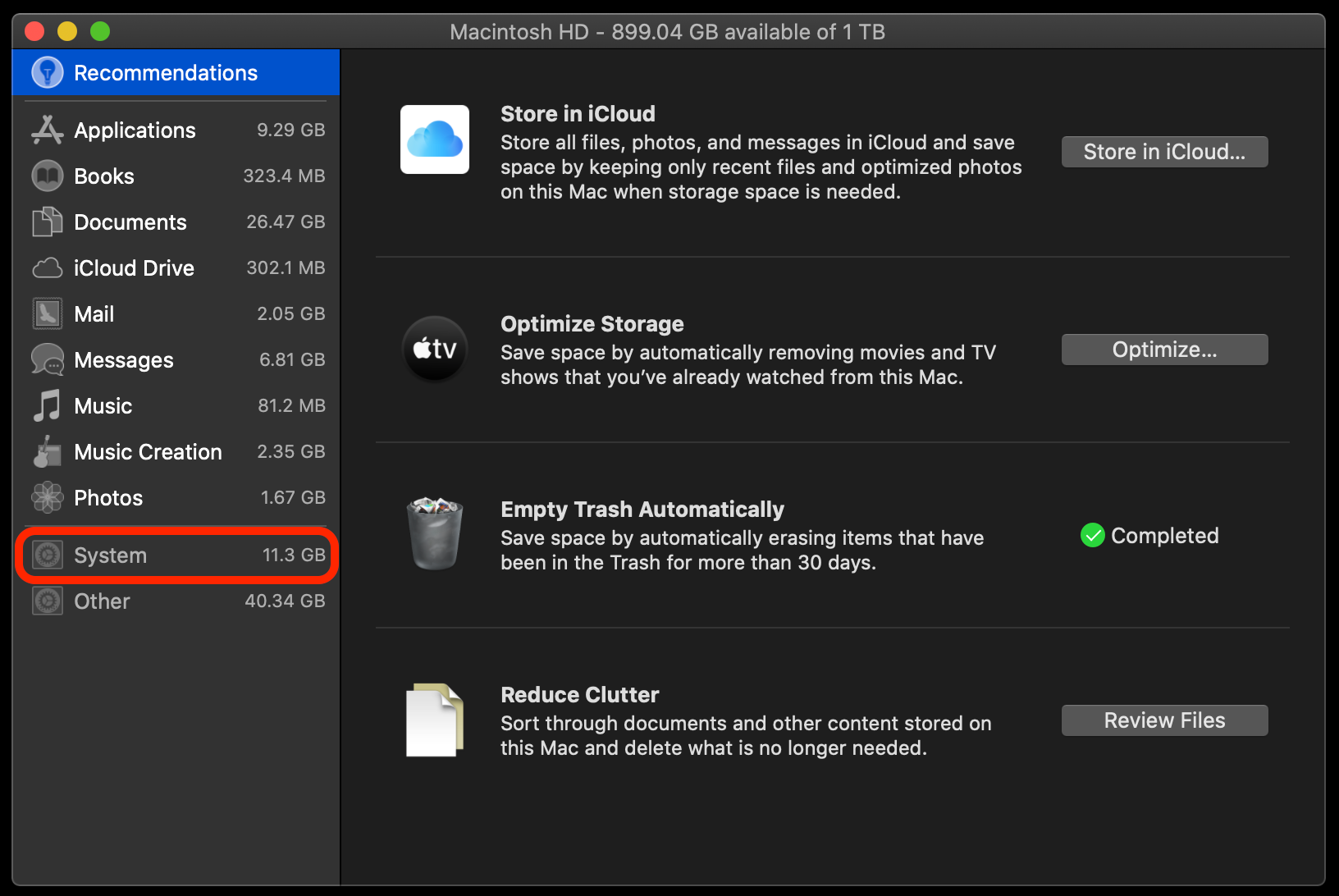
How to clear System Data on Mac: 10-method guide
How To Clean Macbook System Storage at Brayden Watts blog
How to clean up mac storage - knowple
How to clean up mac system files - wopoitk
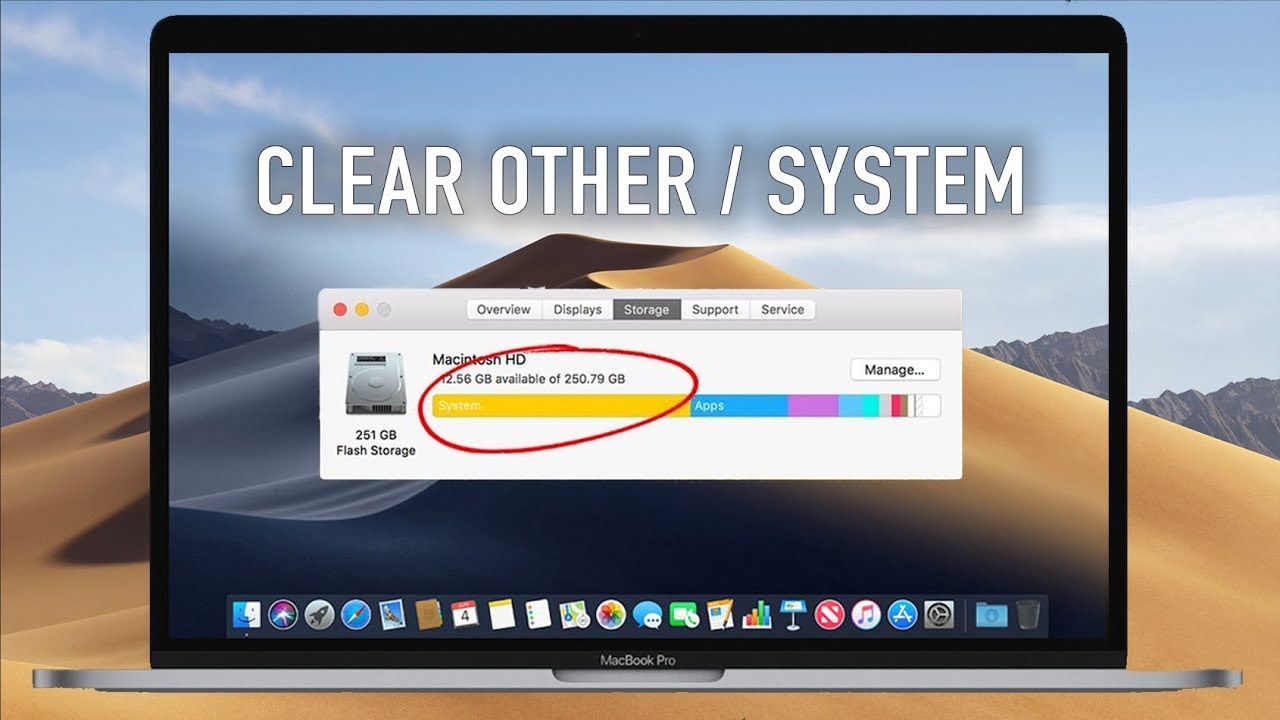
How to Clear System Storage on MacOS High Sierra - (Other Space) - YouTube
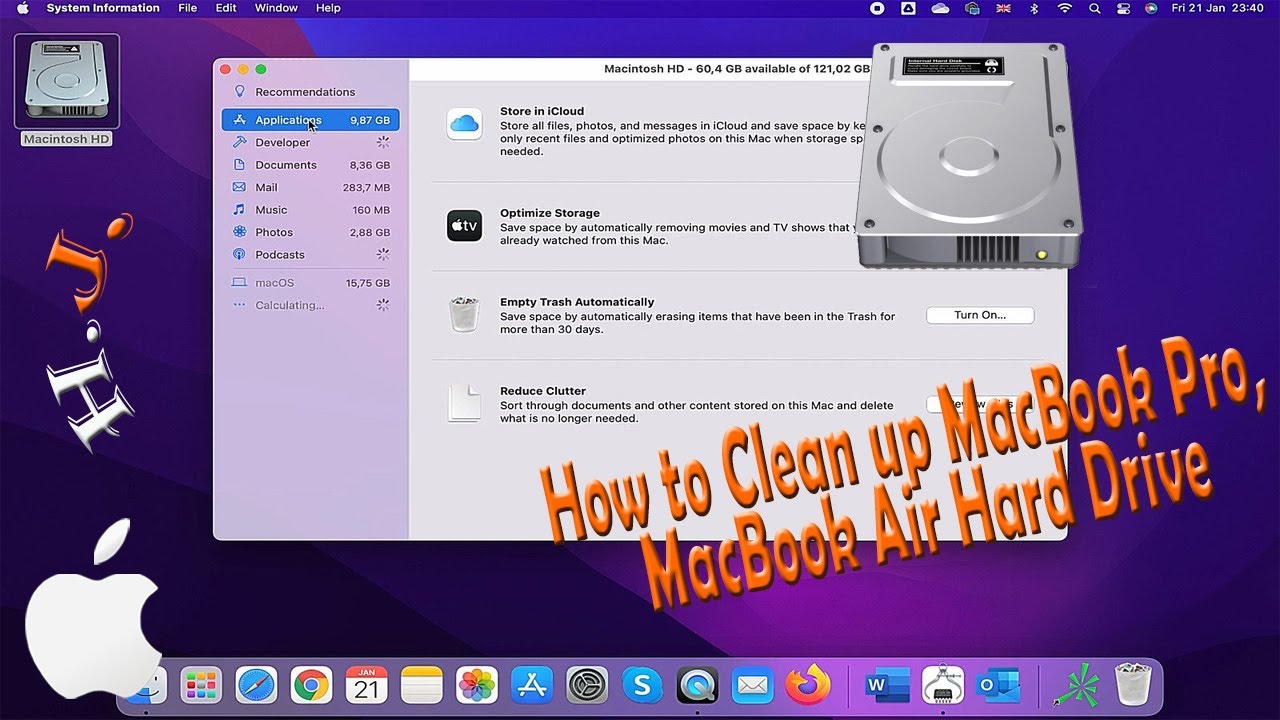
How to Clean up MacBook Pro, MacBook Air Hard Drive - YouTube
How to Clean Up MacBook Pro - Free Up Storage
How to clear disk space on macbook air - naacd
How to Cleanup System Data and Other Storage in Mac? – WebNots
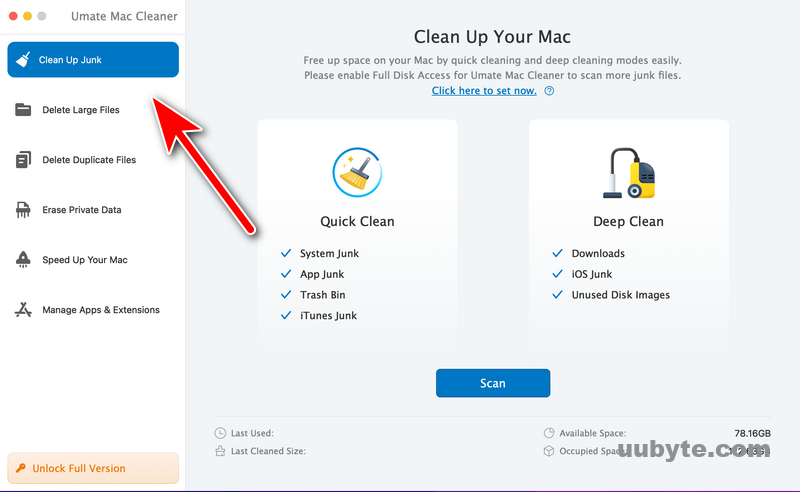
2024: How to Clean up Mac Operating System and Make it Run Faster
How to Clean Up MacBook Pro | Nektony
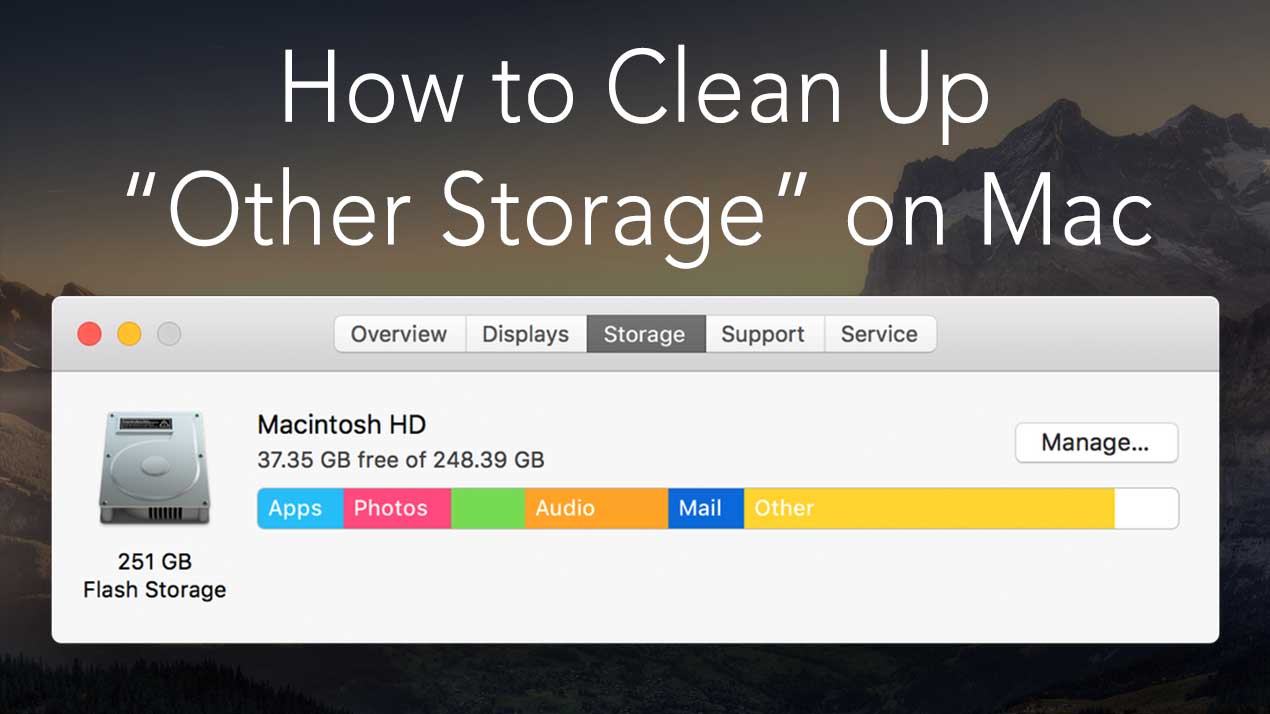
How to clean up "Other Storage" on Mac | Nektony Blog
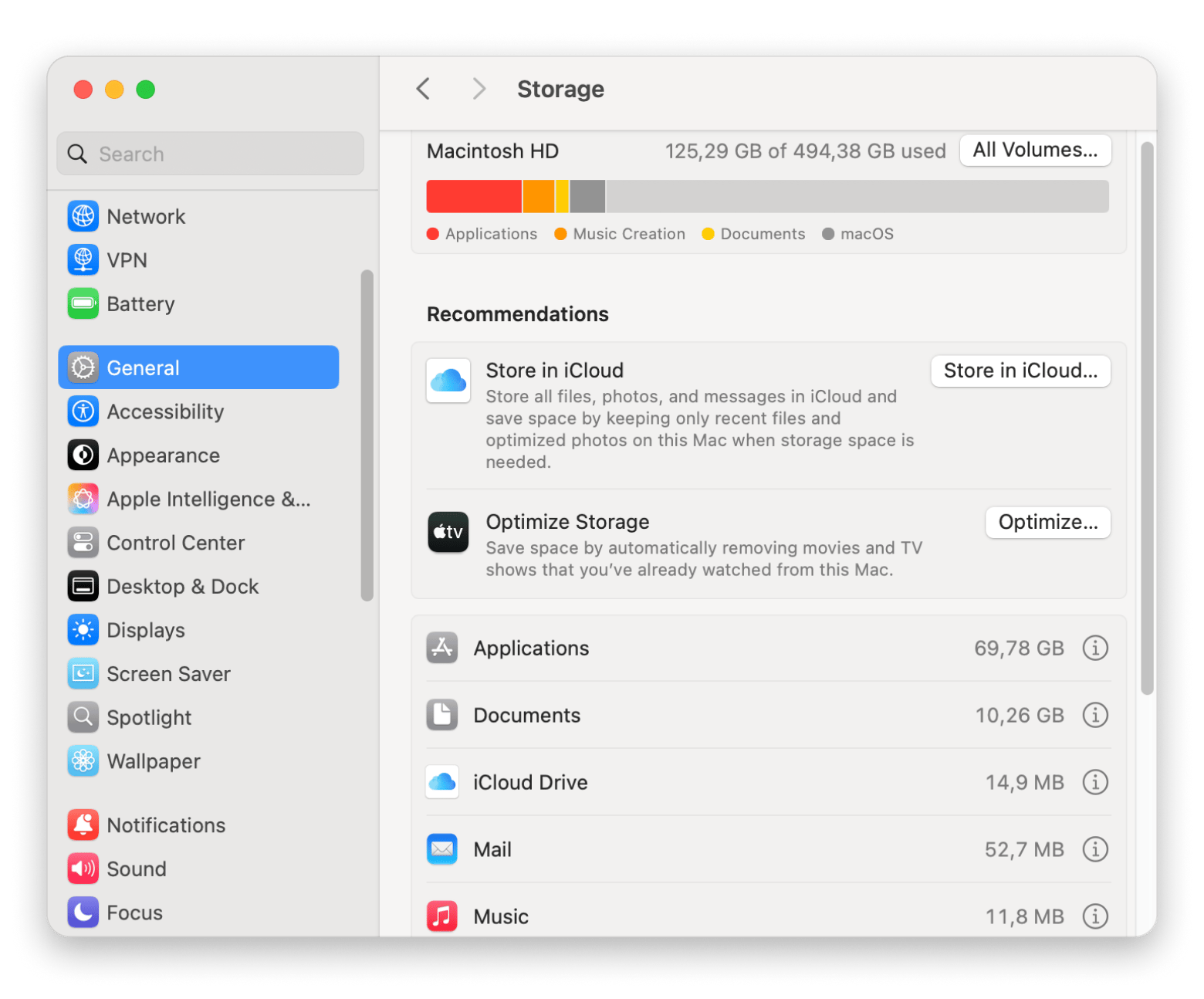
How to clear system data storage on Mac
MacBook Storage Full? Clean System Data NOW - YouTube
How to Clean Up your Mac’s System Storage | Nektony
2023: How to Clean up Mac Operating System and Make it Run Faster
Clean Up Mac System Storage - YouTube
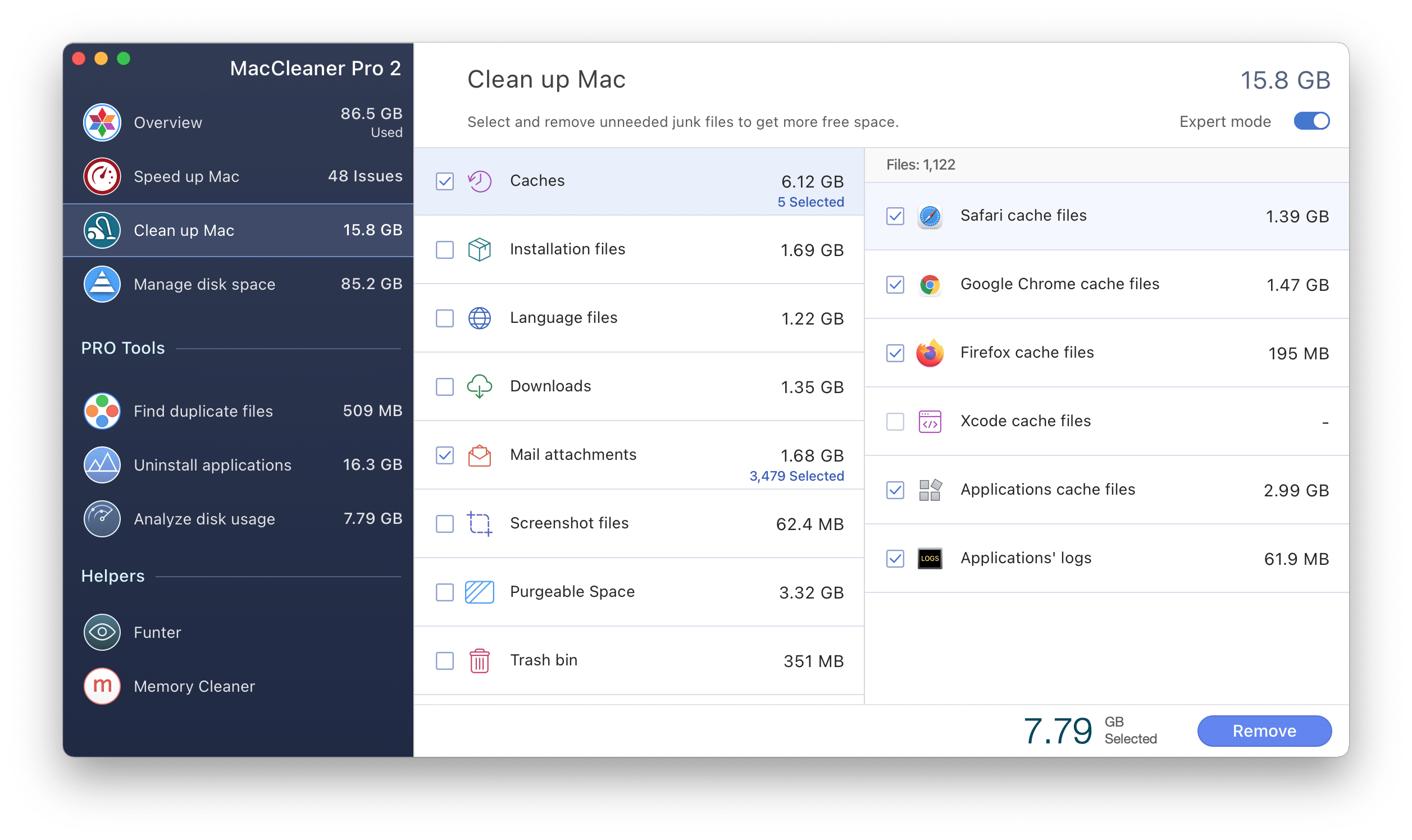
How to Clean Up Your Mac: 12 Easy Ways to Free Space
How to clean macbook air storage - studioposa
How to clear System Data on Mac storage - Detailed guide
How to clean macbook storage - naaforms
Know About Other Storage in Mac and How to Clean up
How to clean up your Mac
MAC Disk Cleanup: Ultimate Guide - Rene.E Laboratory
Complete Mac Cleanup Guide
memory - How to clean up 123 GB of System Data MacBook Air - Super User
How to clean up your Mac’s system storage - YouTube
MacBook cleaning tips: How to quickly free up space
2023: How to Clean up Mac Operating System and Make it Run Faster

Sometimes the fastest way to communicate is to share the picture itself, because pointing to a real example replaces a long and error-prone description.

Details Worth Zooming In On

Beyond the first impression, each image contains useful details, paying attention to textures, proportions, colors, and how things are arranged.

The images you linger on will shape your understanding most, so choose the closest matches and examine those thoroughly.

Why Visual References Work So Well

Visual search exists because the human brain processes pictures instantly, a picture removes interpretation and shows the thing itself.

That is the strength of having many examples side by side, and whatever your reason was, the gallery has a use for it.

The Reference Is Here Whenever You Need It

Keep this gallery close for whenever the question resurfaces, as your preferences may shift the second time you look.

Repeated exposure quietly builds real visual understanding, so scroll back up and give the collection another look.