Featured Article

Live Clock On Powerpoint with Kevin Thompson blog

Kevin Thompson Nov 13, 2026

Live Clock On Powerpoint: Right Where You Need It
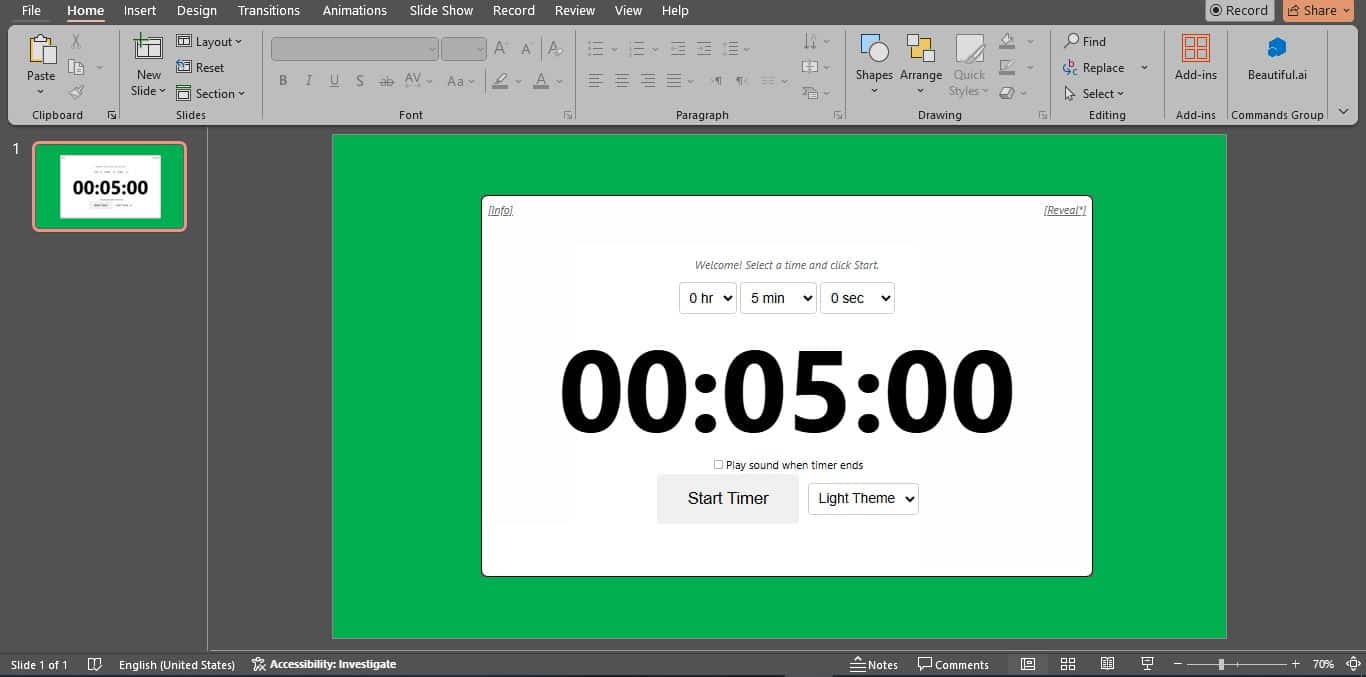
5 Easy Ways to Add a Timer and countdown in PowerPoint

Live Clock On Powerpoint is what brought you here, and this page delivers it, supported by a wide range of real example pictures for reference.
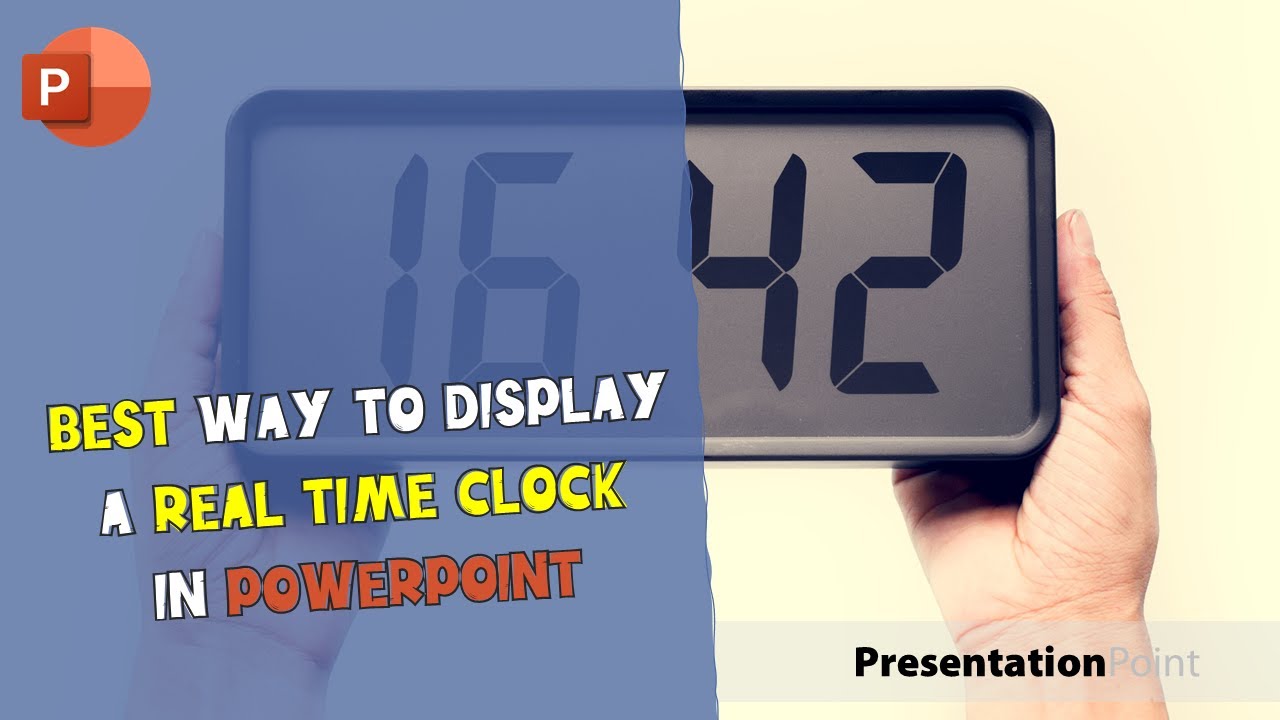
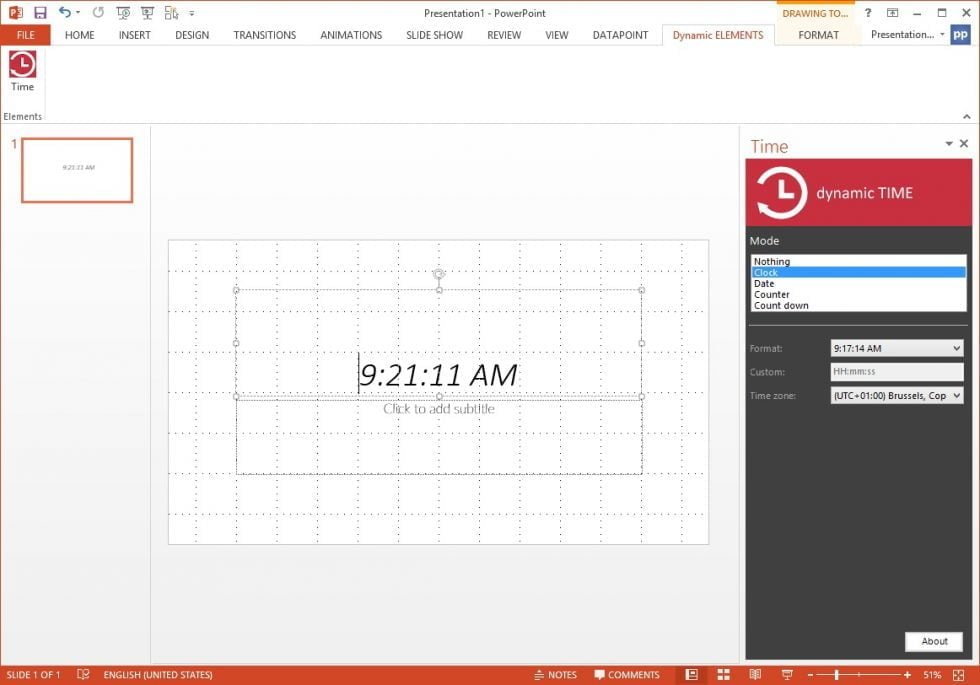
Interactive Clock Powerpoint at Erin Love blog

A description can only go so far before a picture does the job better, and that is exactly why visual references work so well here.

A Visual Collection of Live Clock On Powerpoint
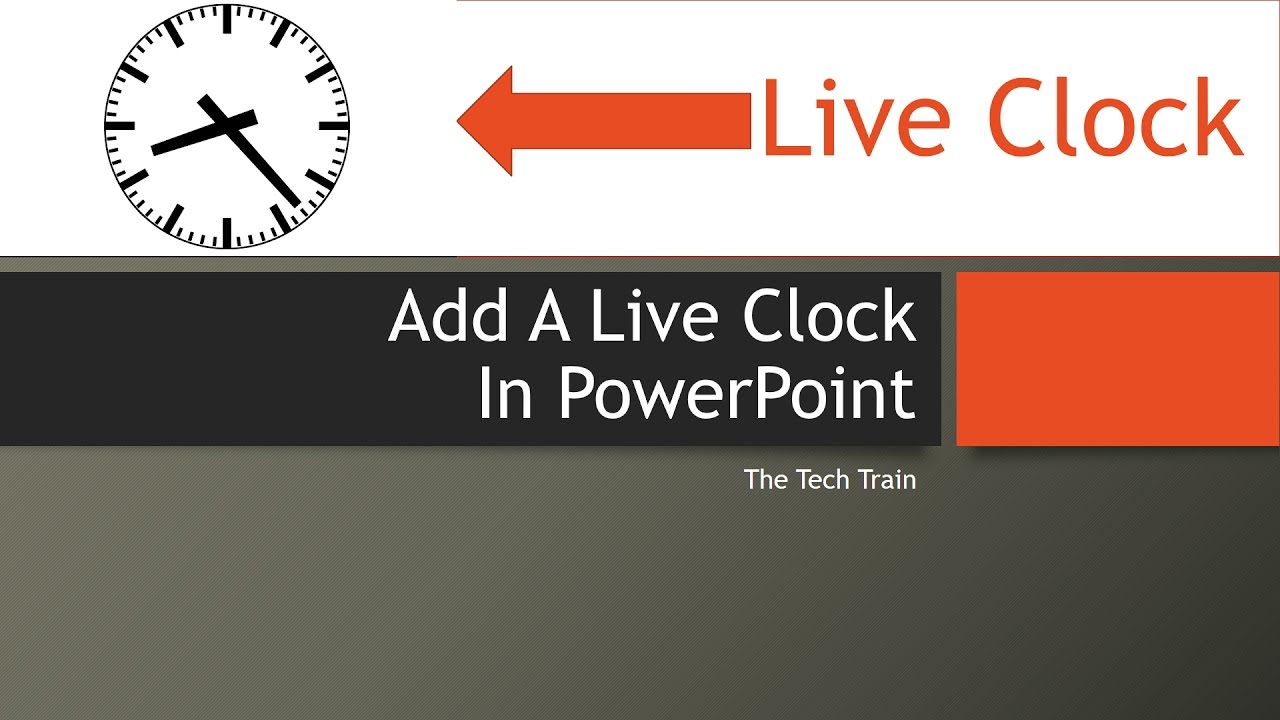
Add A Live Clock In Microsoft PowerPoint - YouTube

Each picture captures Live Clock On Powerpoint from a different angle or context, giving you a fuller picture than any single example could.

Let the gallery speak for itself as you move downward, because the more images you see, the clearer the overall idea becomes.

⏱ Create Live Analog Clock || PowerPoint - YouTube

Reading Live Clock On Powerpoint Through Images

Think of each example as a visual definition, capturing exactly the kind of details people usually ask about.

Notice which details stay consistent across the pictures, because consistent details are usually the essential ones.
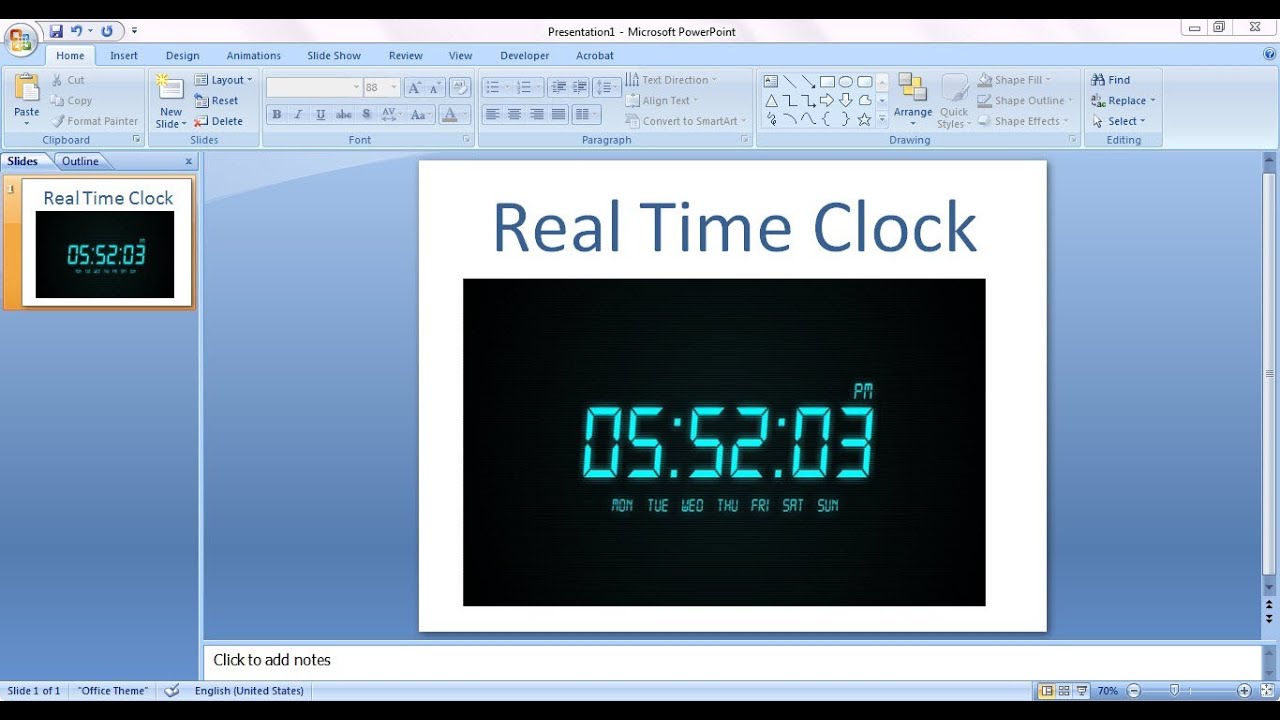
Insert Countdown Clock In Powerpoint – ELZYL

From One Style to Another

Variety is the whole point of a reference collection, certain images favor a clean look while others go for something richer, which helps you quickly narrow down what you actually want.

Notice which image makes you stop scrolling, since your natural preference reveals itself faster than you think.

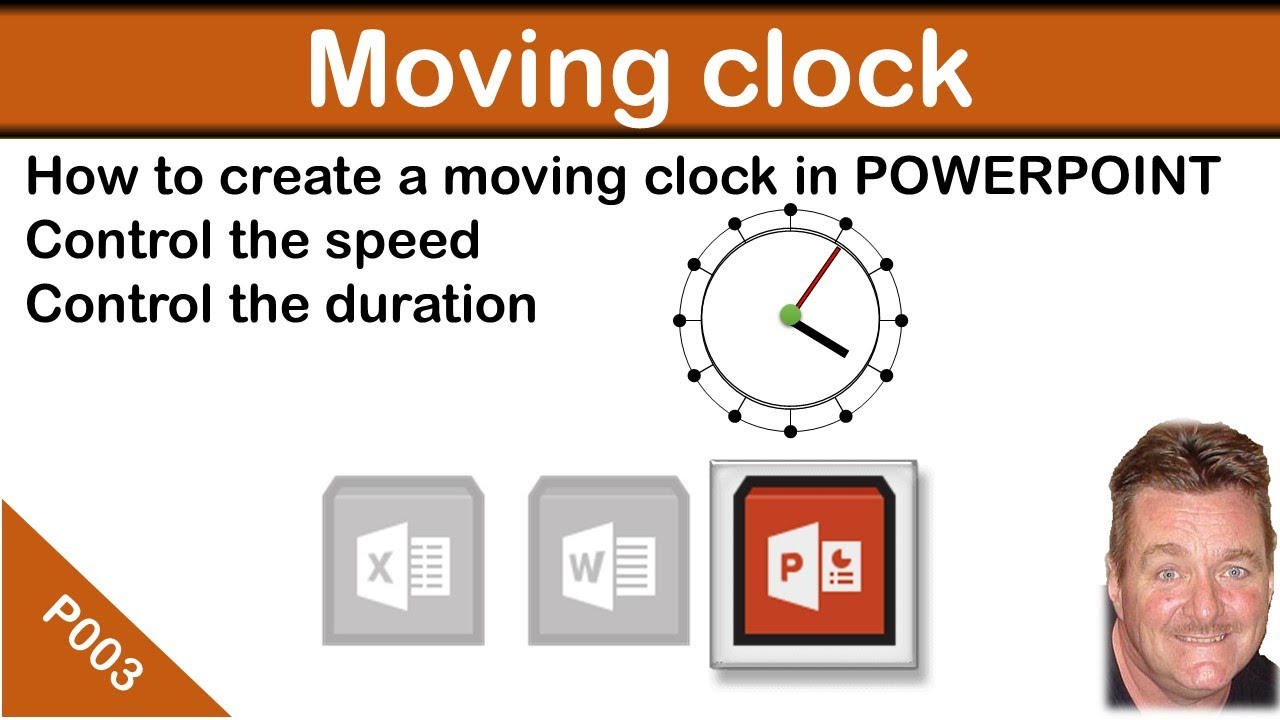
Create Moving Clock Animation in PowerPoint | Powerpoint, Event program ...

Making the Most of the Gallery

These images are meant to be used, not just viewed, like marking the images that match your idea.

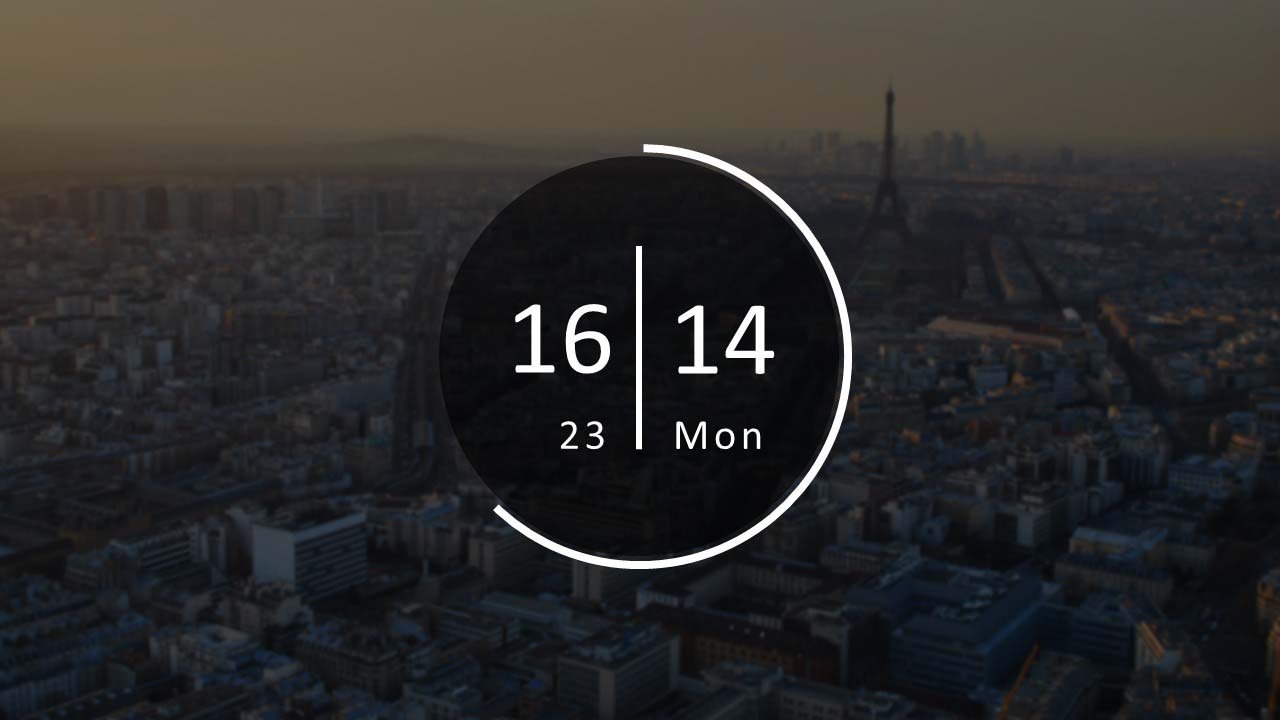
PowerPoint Clock with Date & Time Display • PresentationPoint
How To Insert A Clock In A Powerpoint at Benjamin Mott blog
Add a PowerPoint Clock | Flash Clock for PPT Alternatives
How To Display a Live Clock in PowerPoint?
How To Create Clock In Powerpoint at Marva Owens blog
How To Display a Live Clock in PowerPoint?
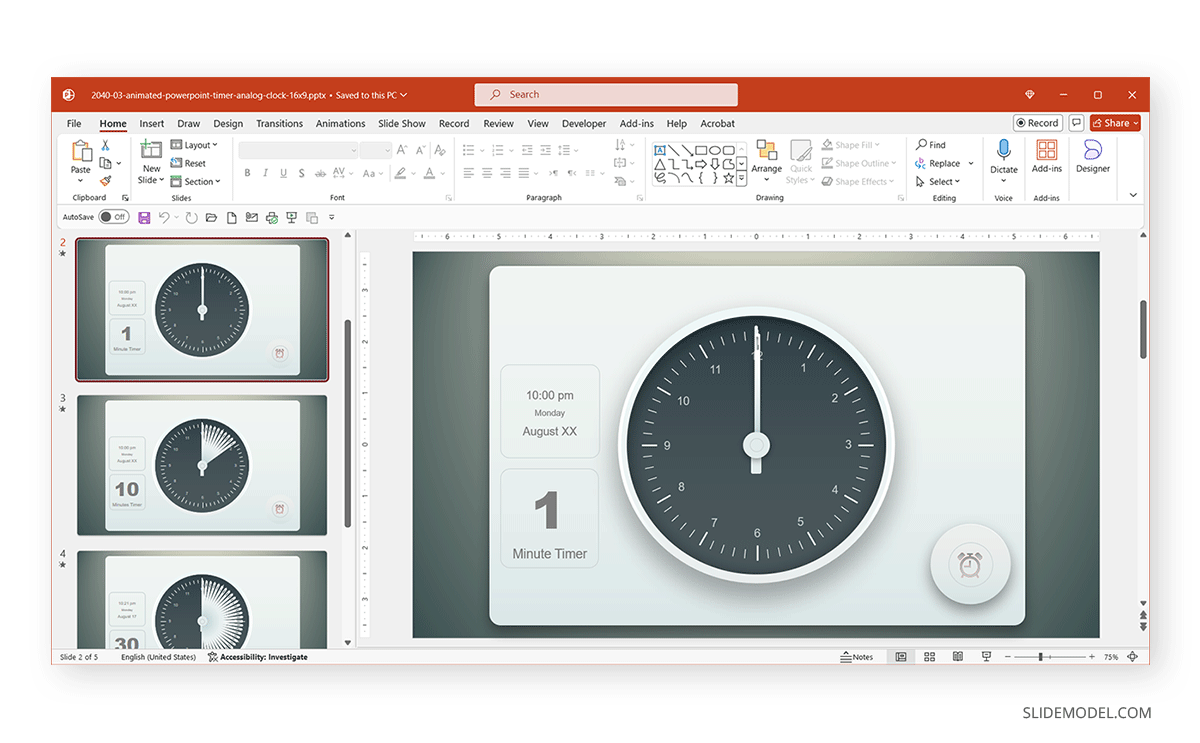
How to Add a Timer to PowerPoint - SlideModel
How To Create A Digital Clock In Powerpoint at Pam Calhoun blog
How To Display a Live Clock in PowerPoint?
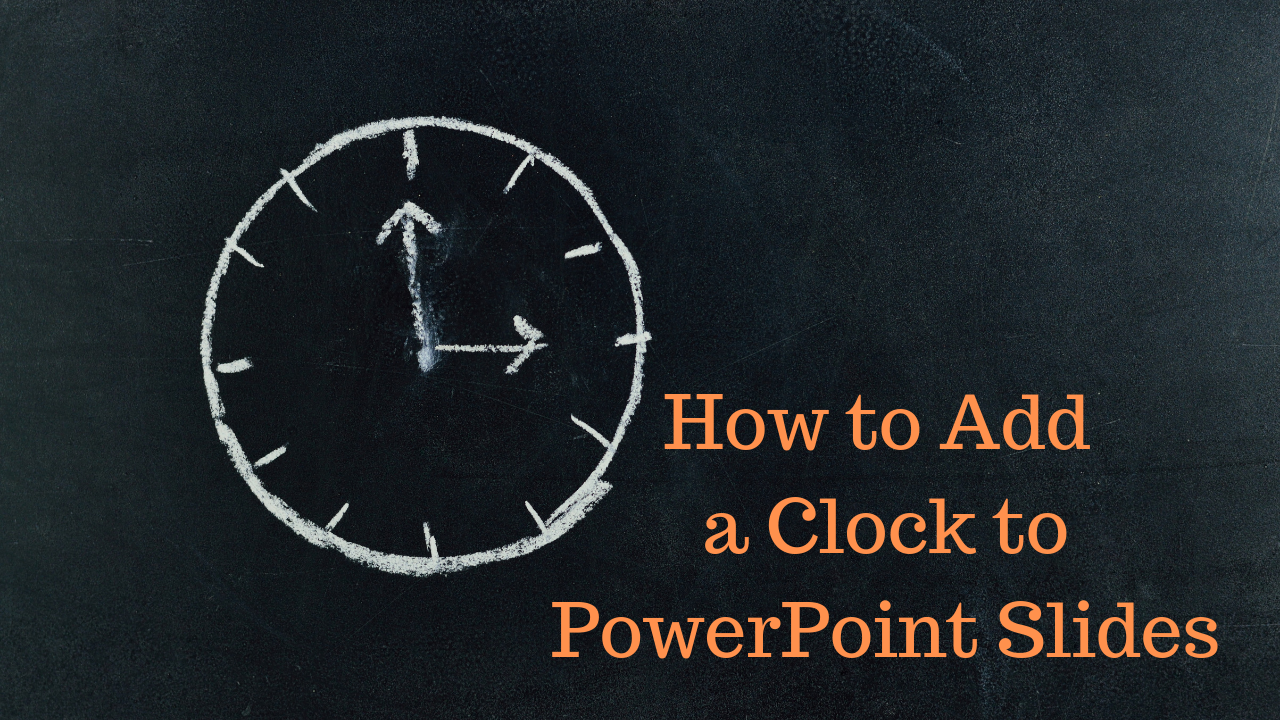
How to Add a Live Clock to PowerPoint Slides | Admin Technology ...
How To Add Clock In Powerpoint Presentation at Micheal Wilder blog
How To Display a Live Clock in PowerPoint?
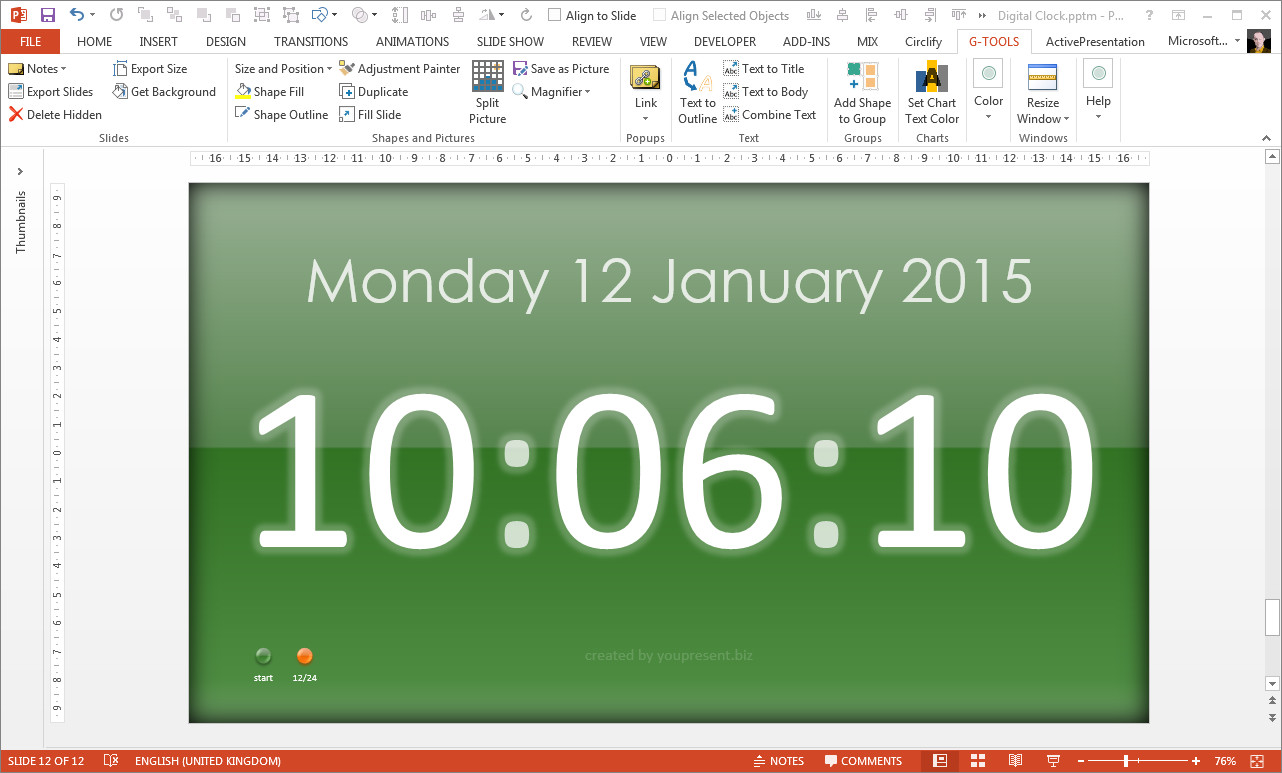
Editable Digital Clock For PowerPoint Free Download
How To Display a Live Clock in PowerPoint?
Free Clocks Google Slides Themes and PowerPoint Templates
How To Insert A Clock In Powerpoint – ZLHLBD
Interactive Clock Powerpoint at Erin Love blog
How to Add a Live Clock to PowerPoint Slides | Admin Technology ...
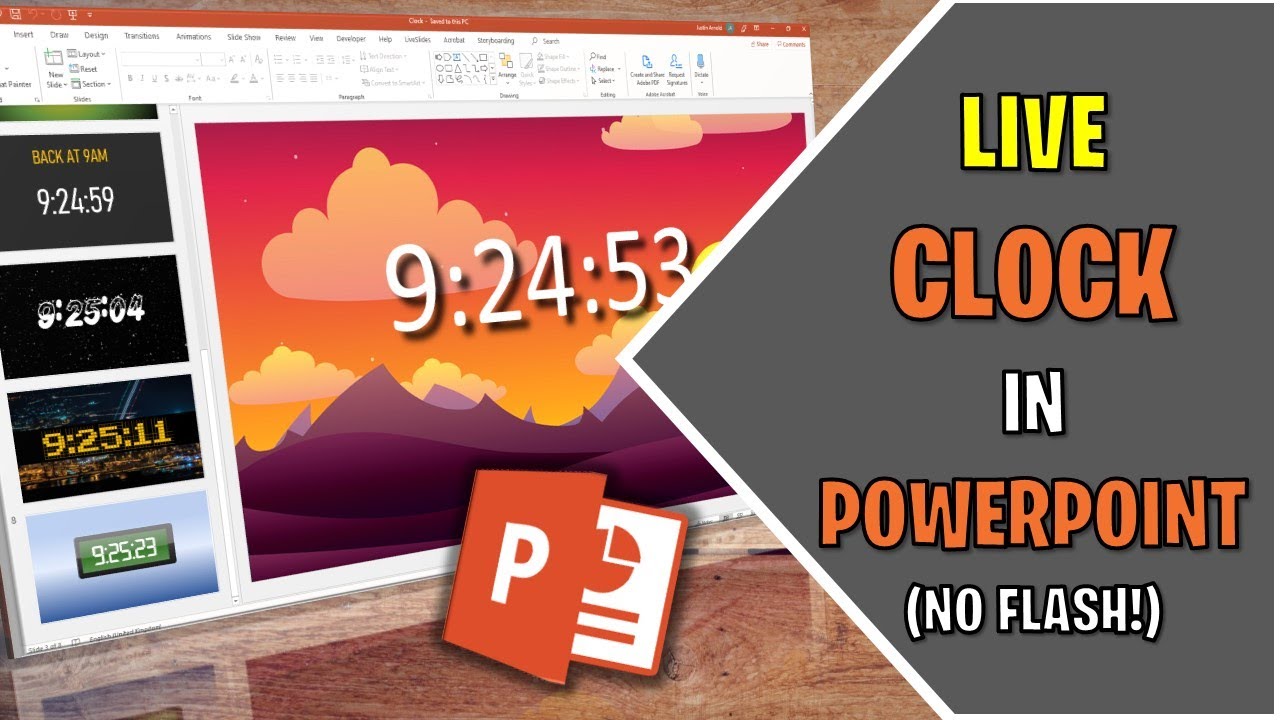
Create A Live Clock In Any PowerPoint Presentation (No Flash!) - YouTube
How To Make A Live Clock In Powerpoint at Neida Caitlyn blog
How to Add an Animated Clock to PowerPoint Slides - Classwork
Clock Animation in PowerPoint | PowerPoint Clock Animation Tutorial ...
How To Display a Live Clock in PowerPoint?
How to Make a Realistic Animated Clock in PowerPoint | Step-by-Step ...
How to run a live countdown timer in PowerPoint - YouTube
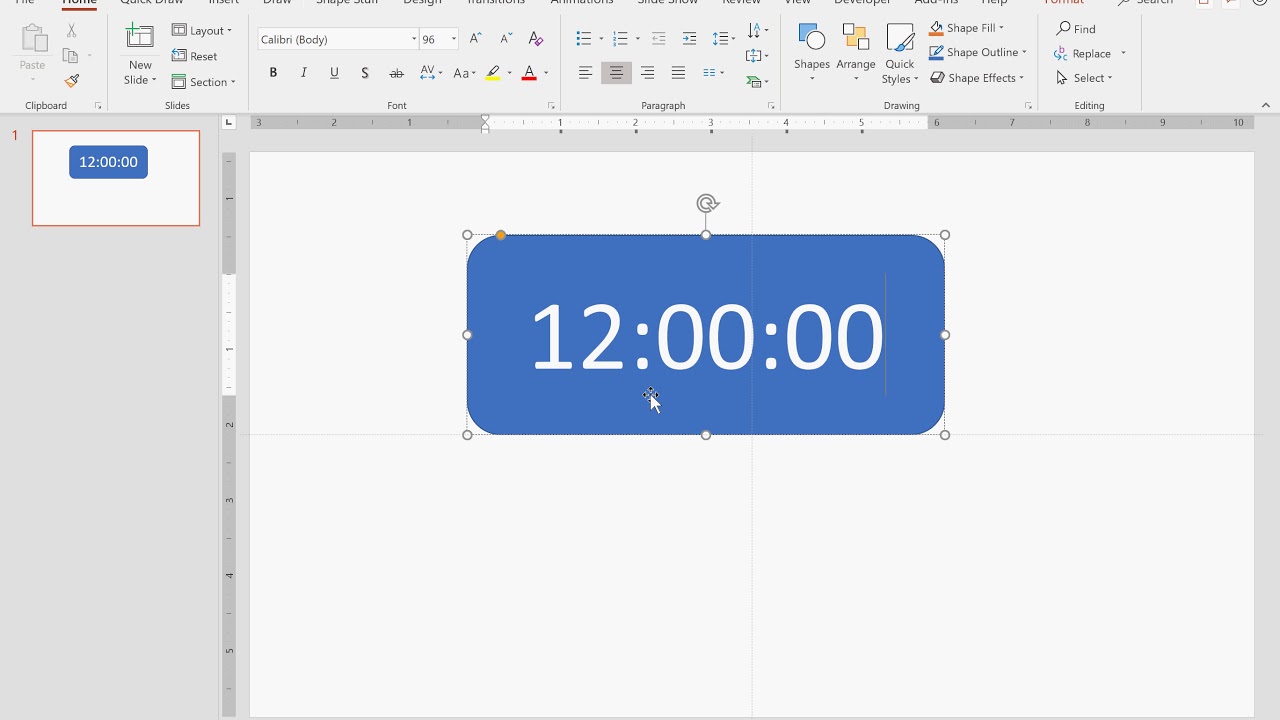
Live Digital Clock in PowerPoint - YouTube

You can also use the images to explain the idea to someone else, and alignment happens in seconds instead of paragraphs.

Closer Looks at the Examples

Every example rewards a second, closer look, noting the choices that give each example its character.

Depth beats speed when it comes to visual learning, so choose the closest matches and examine those thoroughly.

Why Visual References Work So Well

Our preference for images is not a trend, it is how understanding works, a real example eliminates the gap between description and reality.

That is the strength of having many examples side by side, be it ideas, verification, or simply knowing what to call it.

Come Back to This Gallery Anytime

Bookmark this collection of Live Clock On Powerpoint examples, and a fresh look at the same gallery often reveals something new.

Every return visit trains your judgment a little further, and each pass through the images adds to what you already know.