Zoom Icon In Outlook with Jennifer Morgan blog

Jennifer Morgan Nov 27, 2026

You Searched for Zoom Icon In Outlook — Here It Is

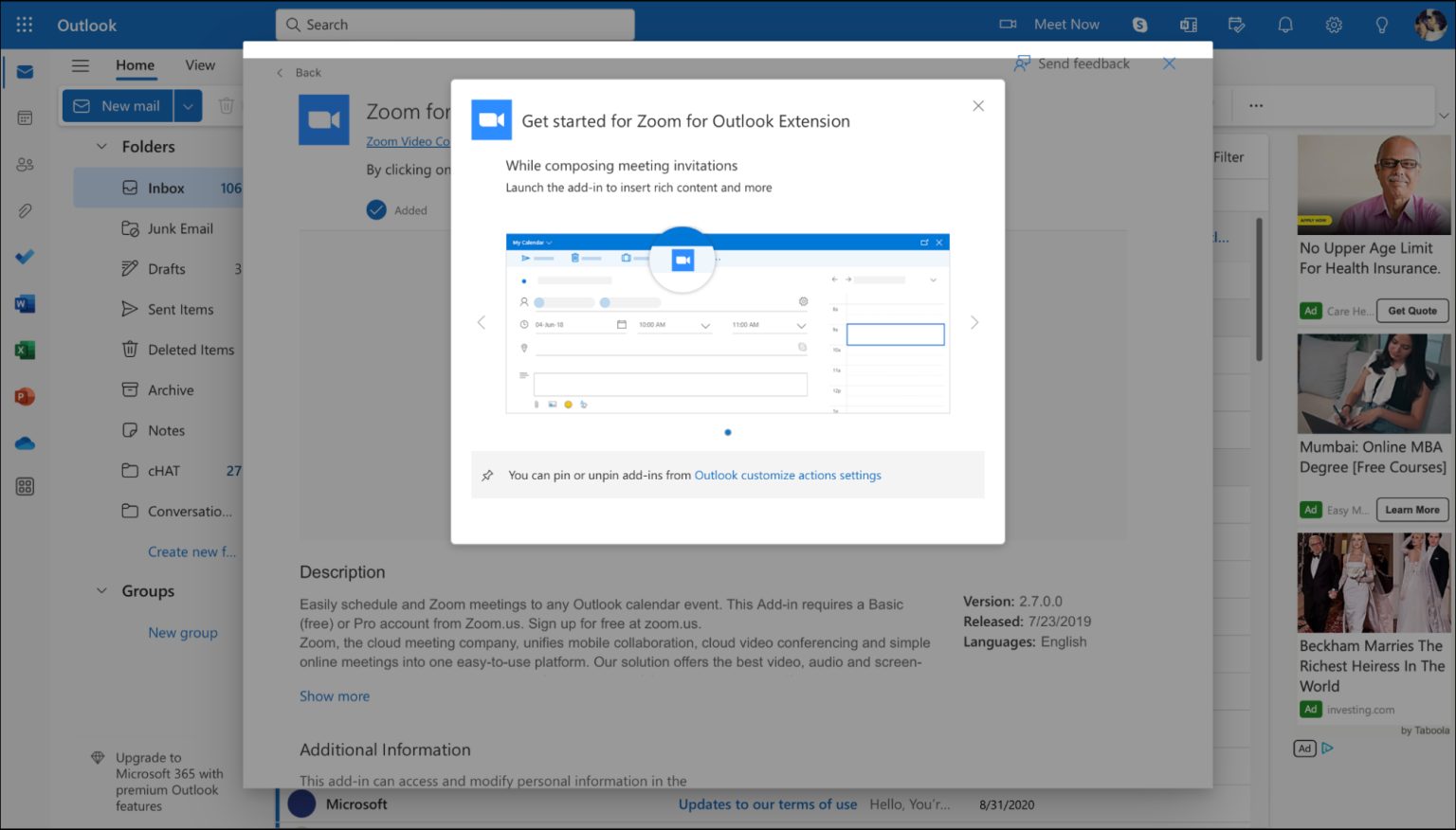
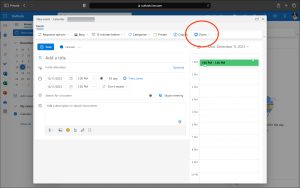
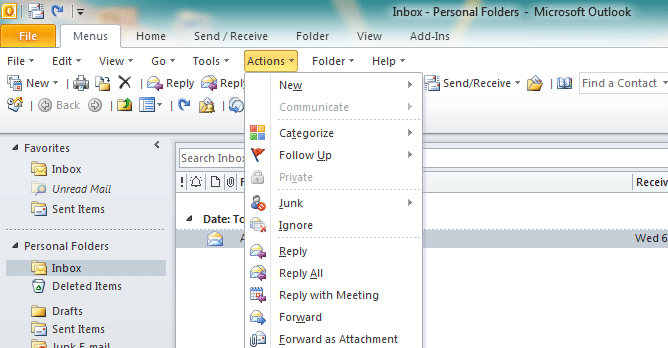
Zoom for Outlook Integration - Setup and Use Instructions - UNC Student ...

If you arrived here looking for Zoom Icon In Outlook, you are in the right place, with a growing collection of example images collected as visual reference.

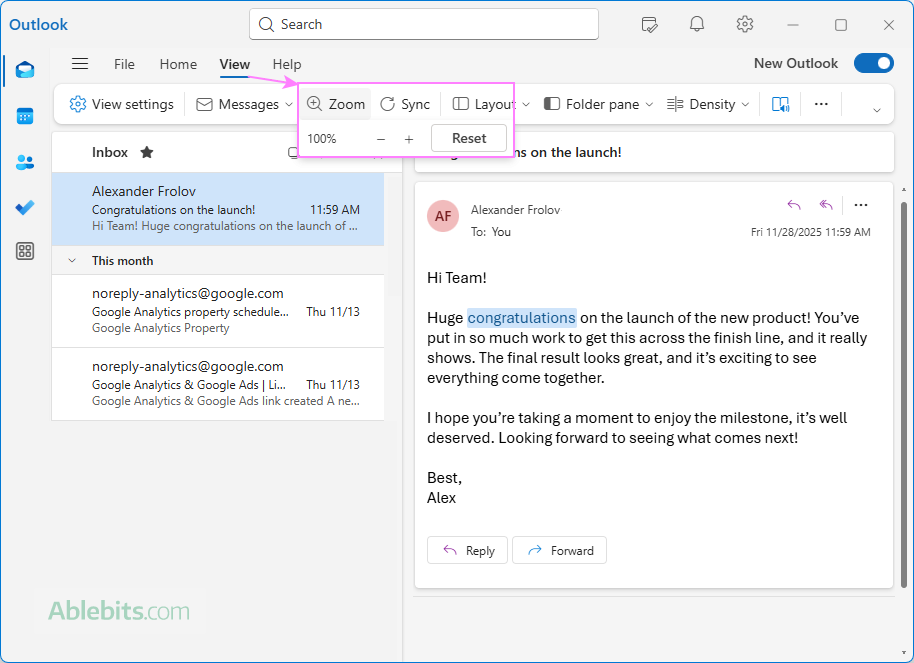
How to adjust zoom of reading pane and messages in Outlook?

Reading about something is one thing; seeing it is another, so looking at real examples explains far more than any description can.

Example Images of Zoom Icon In Outlook
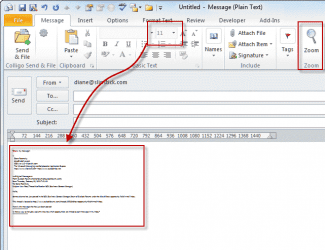
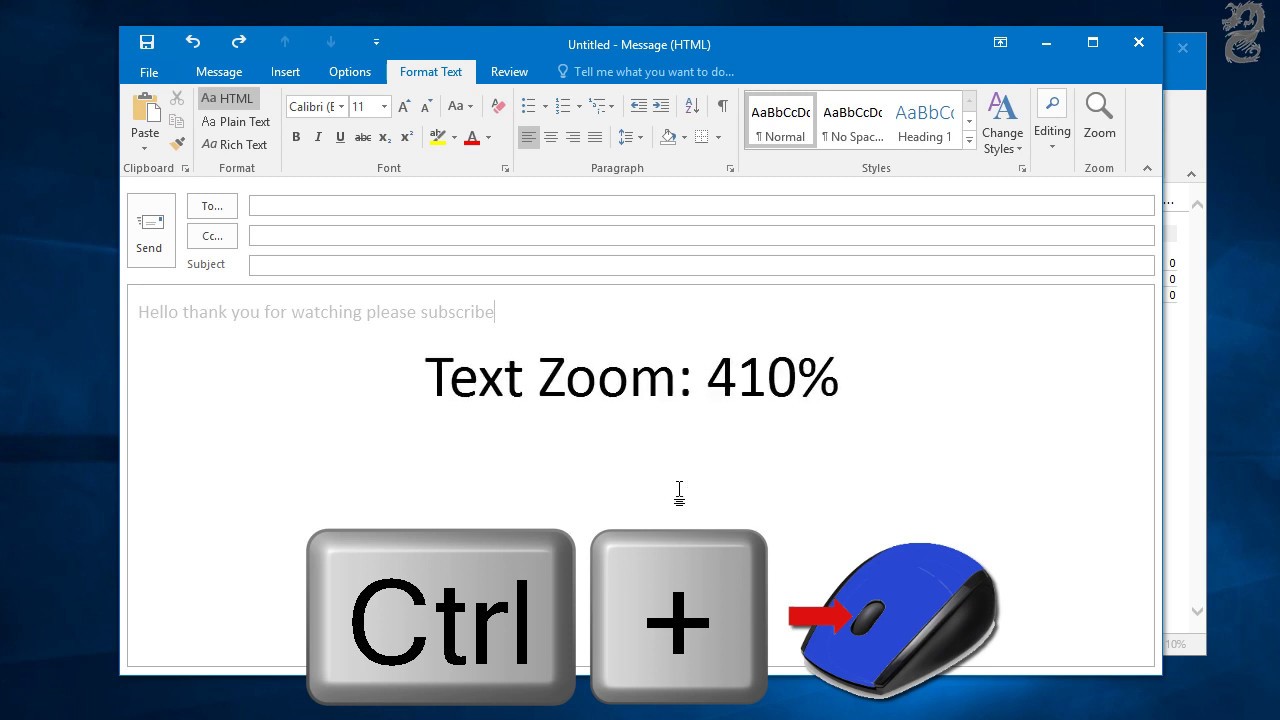
Adjusting Outlook's Zoom Setting in Email | Slipstick Systems

This collection gathers all kinds of Zoom Icon In Outlook in one scrollable view, so you can compare them side by side as you scroll.

Scroll slowly and let each image register, and familiarity builds faster than you might expect.

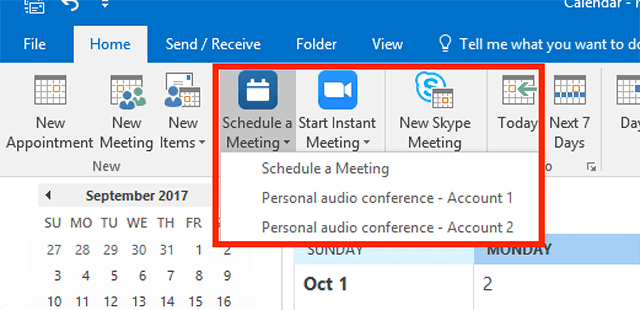
Use the Microsoft Zoom Add-in for Outlook | IT@Cornell

Reading Zoom Icon In Outlook Through Images

Every photo tells you something a description would miss, making it much easier to judge what fits your needs.

Notice which details stay consistent across the pictures, because consistent details are usually the essential ones.

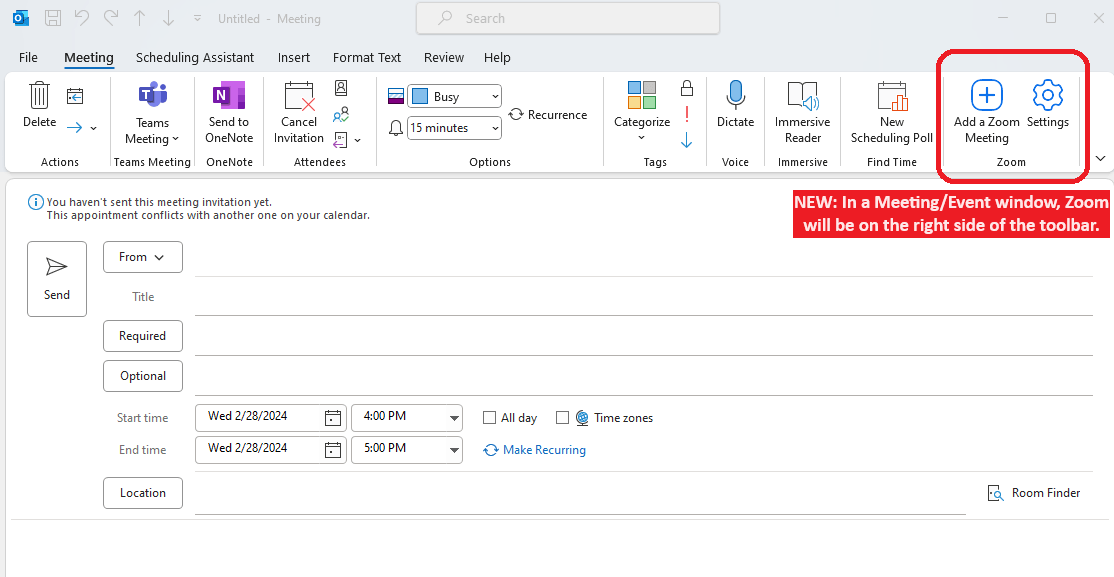
How Do I Enable Zoom In Outlook at Jerry Grantham blog

Different Variations, Different Styles

No two examples in the gallery look exactly the same, each one leans toward a slightly different taste, so studying the range helps you identify which style suits you best.

Notice which image makes you stop scrolling, since your natural preference reveals itself faster than you think.

Zoom for Outlook Integration - Setup and Use Instructions - UNC Student ...

How to Use These Examples for Reference

Treat the gallery as a practical tool rather than decoration, comparing your reaction across several examples.

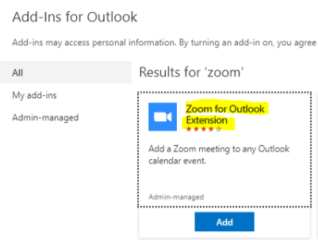
Use the Microsoft Zoom Add-in for Outlook | IT@Cornell
Zoom for Outlook Integration - Setup and Use Instructions - UNC Student ...
Como adicionar o Zoom Meeting ao Outlook (Web, desktop e celular)
How to Add Zoom Meeting to Outlook (Web, Desktop & Mobile)
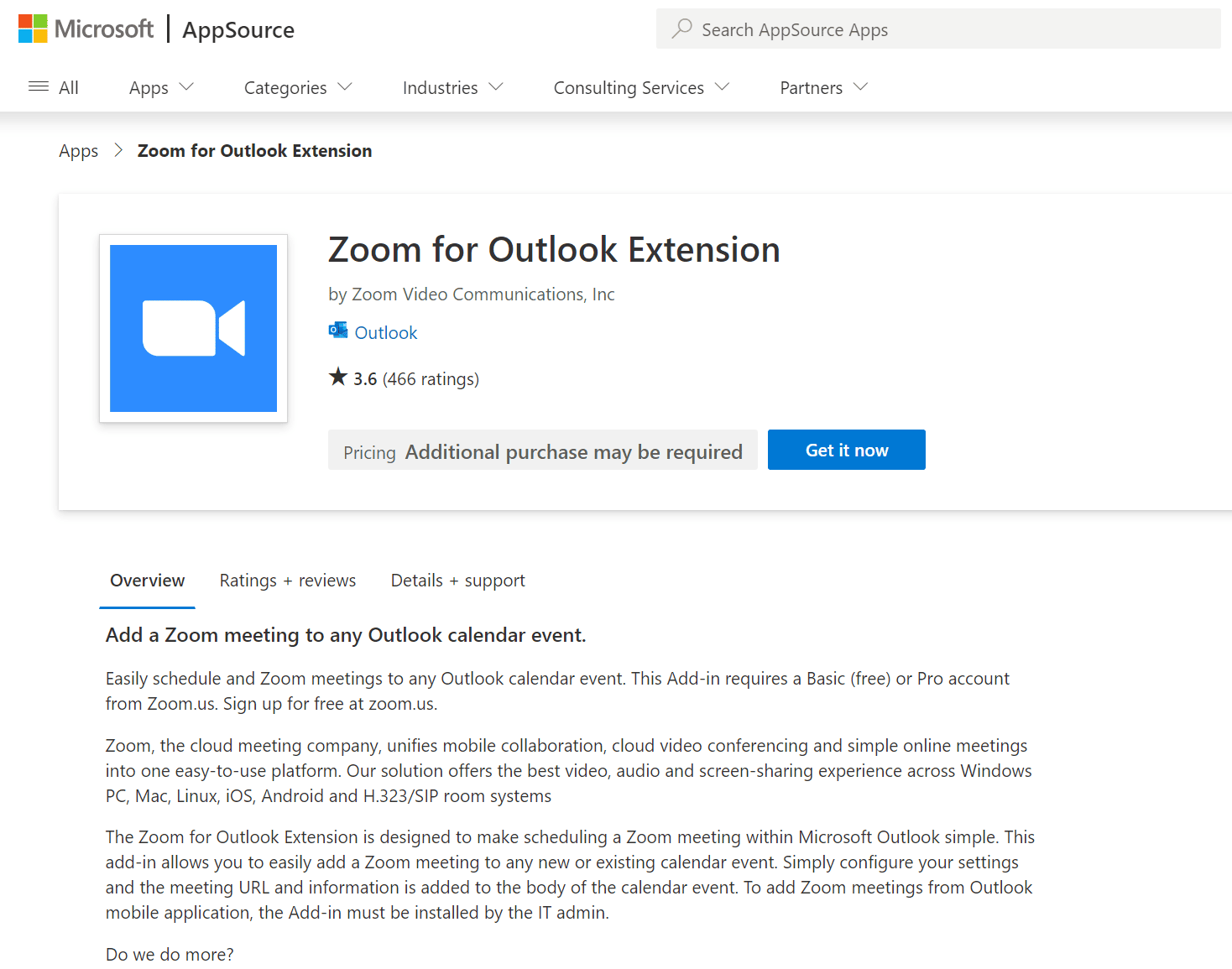
Zoom for Outlook Add-in Update to Follow Microsoft Authentication ...
Creating Zoom Meetings from Outlook (Windows only) Using the Plugin ...
How to Add & Set Up Zoom in Outlook
How to Add Zoom to Outlook
Outlook in-app zoom button crashes Outlook when using it in a previewed ...
Adjusting Outlook's Zoom Setting in Email
How to Add Zoom to Outlook
Zoom plugin (Outlook) : Support Hub
How to zoom in and out on Outlook and change zoom settings
Zoom for Outlook Add-in - UW-IT
How To Connect Zoom To Outlook – DUCY
How to Add Zoom to Outlook
Using the Zoom button in Outlook - YouTube
How to Add Zoom to Outlook: Setup Guide for All Versions | Noota
Zoom for Outlook Integration - Setup and Use Instructions - UNC Student ...
How to Use the Zoom for Outlook Add-in | Information Technology ...
Zoom Button Greyed Out In Outlook at Larry Childs blog
Where is Zoom in Microsoft Outlook 2010, 2013, 2016, 2019 and 365
What is Zoom Plugin for Outlook and How to Use it
Use the Microsoft Zoom Add-in for Outlook | IT@Cornell
Zoom for Outlook Add-in - UW-IT
Use the Microsoft Zoom Add-in for Outlook | IT@Cornell
How to Integrate Zoom with Outlook with No Hassle
Installing the Outlook Add-in for Zoom | Wharton Knowledge Base

Pictures remove the guesswork from conversations, which prevents most of the usual misunderstandings.

Details Worth Zooming In On

The second viewing always reveals more than the first, looking at how each part relates to the whole.

A closer look at one good image beats skimming twenty, because a small set of well-understood images is worth a large pile of quick glances.

Pictures Explain Faster Than Words

It is no accident that people search for images first, a real example eliminates the gap between description and reality.

That is the strength of having many examples side by side, be it ideas, verification, or simply knowing what to call it.

The Reference Is Here Whenever You Need It

Keep this gallery close for whenever the question resurfaces, since every revisit tends to surface details you missed.

Every return visit trains your judgment a little further, and let the gallery keep doing what it does best.