How To Edit My Bookmarks On Mac with Natasha Giles blog

Natasha Giles Oct 25, 2026

You Searched for How To Edit My Bookmarks On Mac — Here It Is
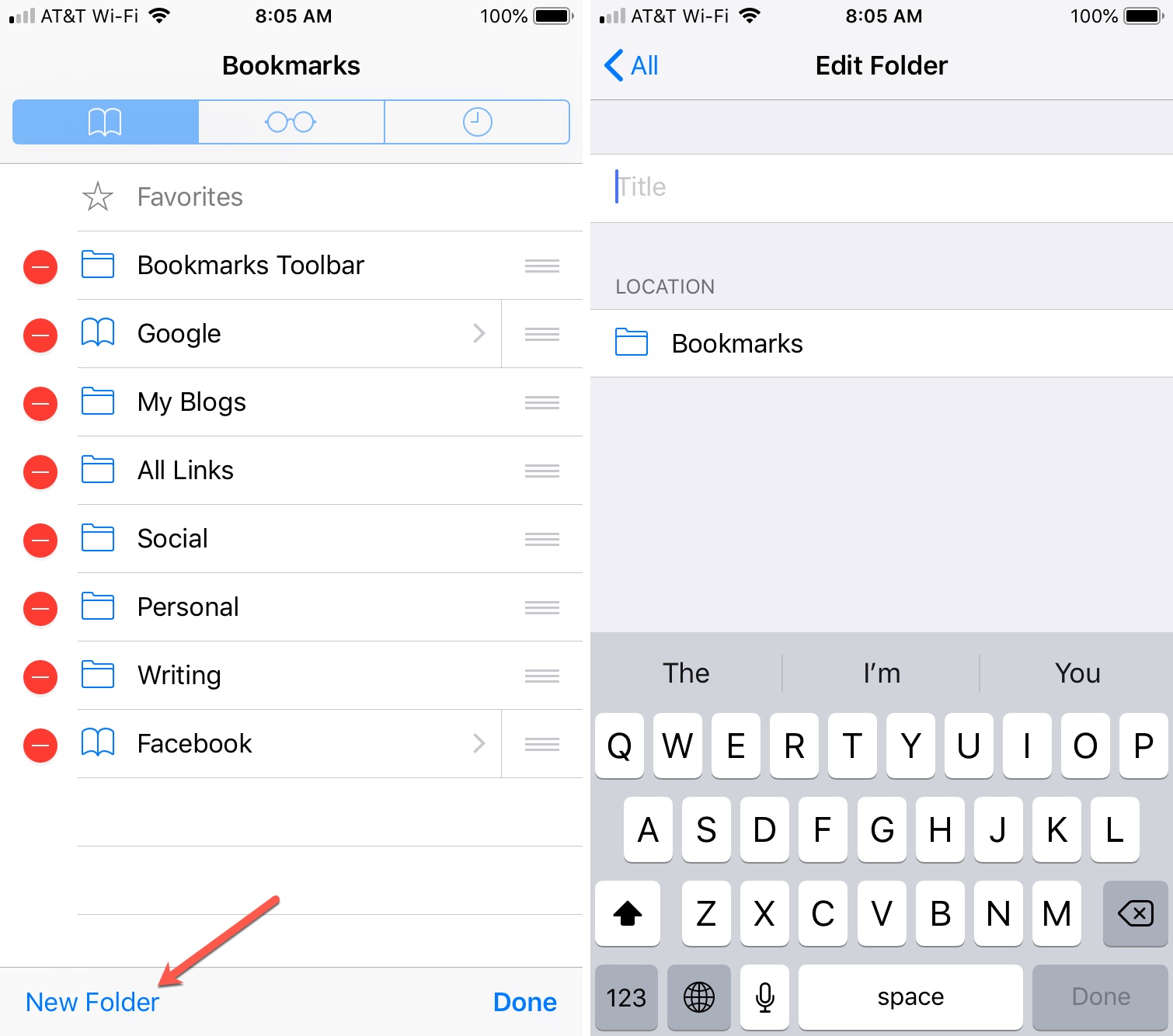
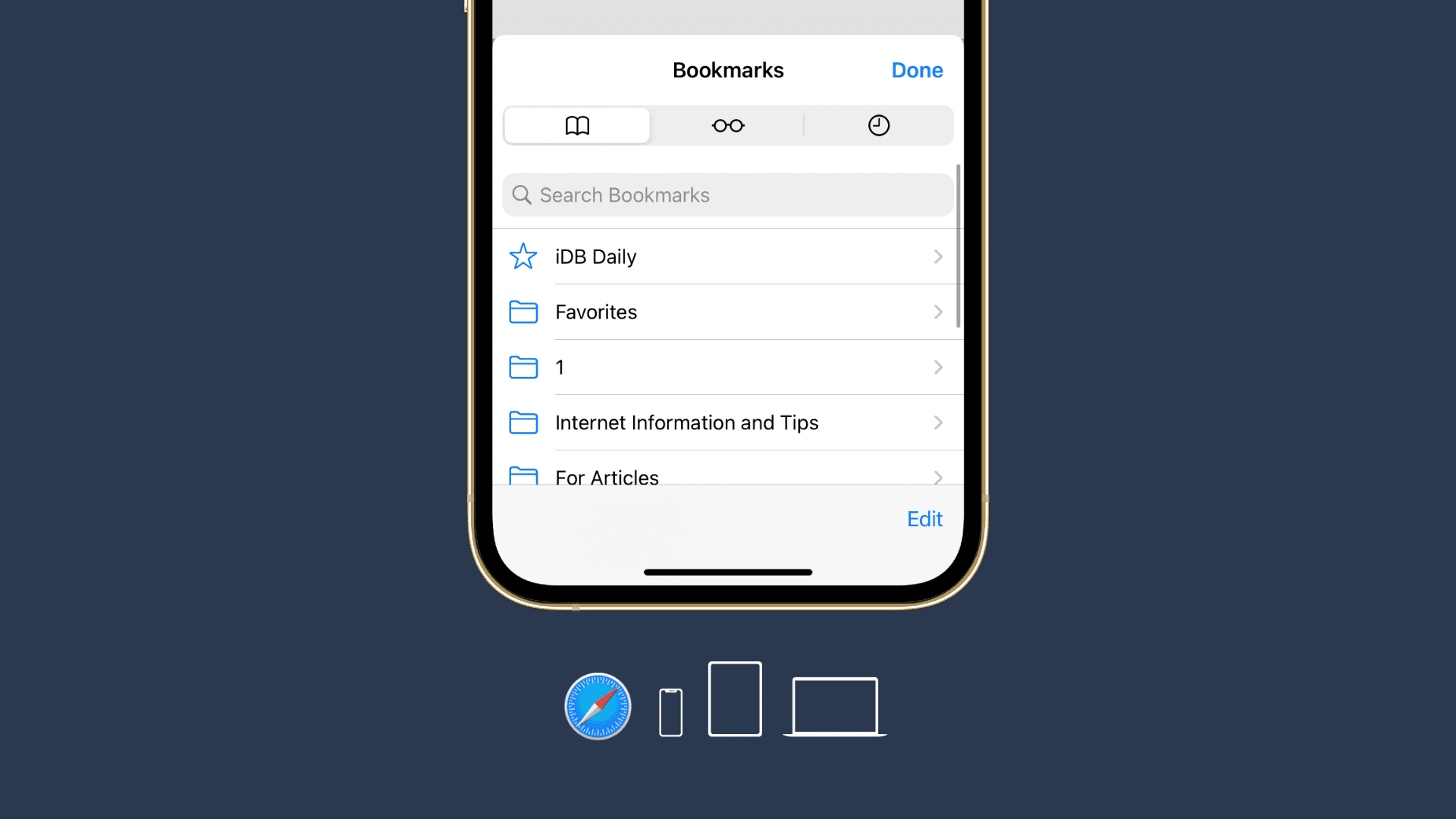
How to manage bookmarks in Safari on iOS and Mac

Since you are searching for How To Edit My Bookmarks On Mac, this page was made for you, presented through a broad set of image examples you can browse freely.
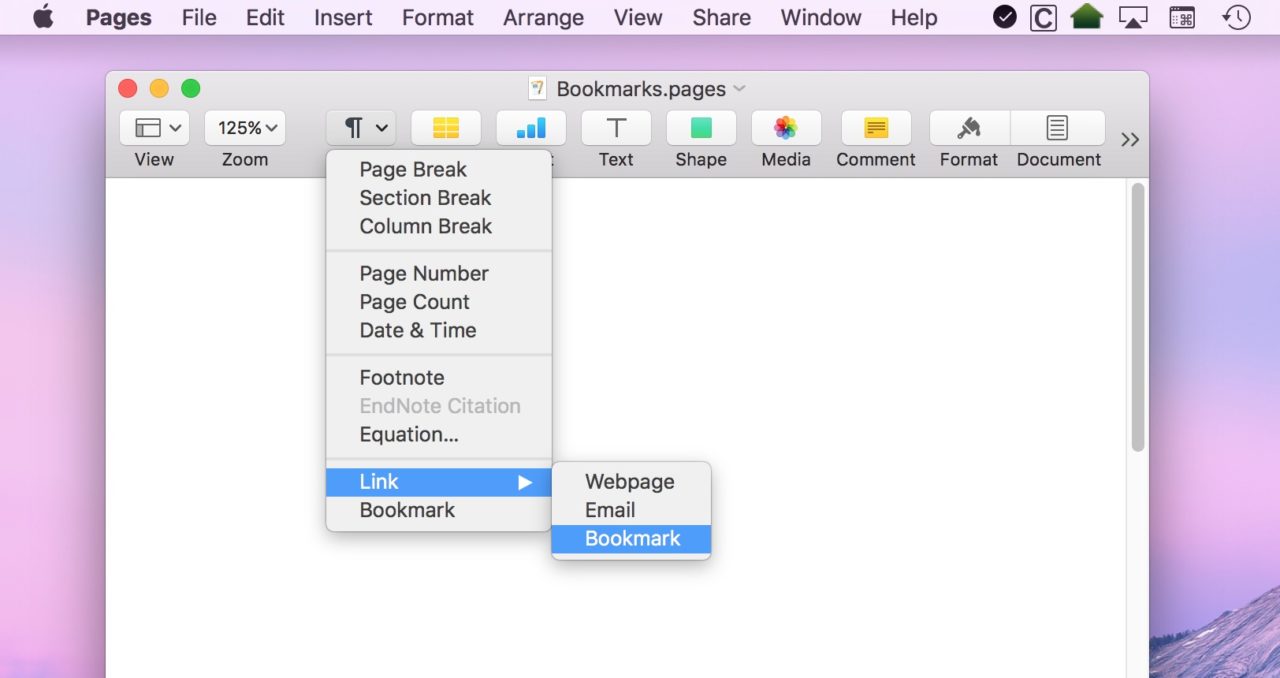
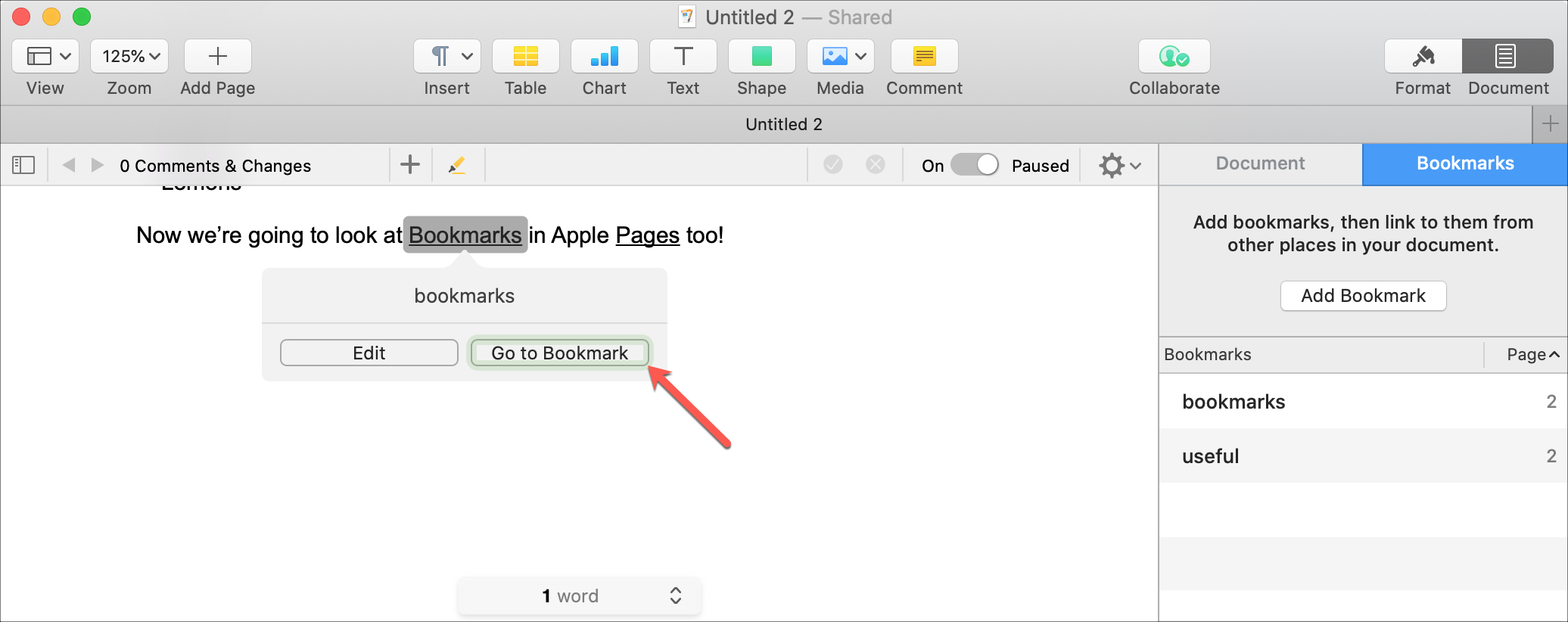
How to Use Bookmarks in Pages on the Mac

A description can only go so far before a picture does the job better, so looking at real examples explains far more than any description can.

A Visual Collection of How To Edit My Bookmarks On Mac

How to bookmark on Mac?

Every example image highlights a slightly different version of How To Edit My Bookmarks On Mac, so you can compare them side by side as you scroll.

Let the gallery speak for itself as you move downward, and familiarity builds faster than you might expect.
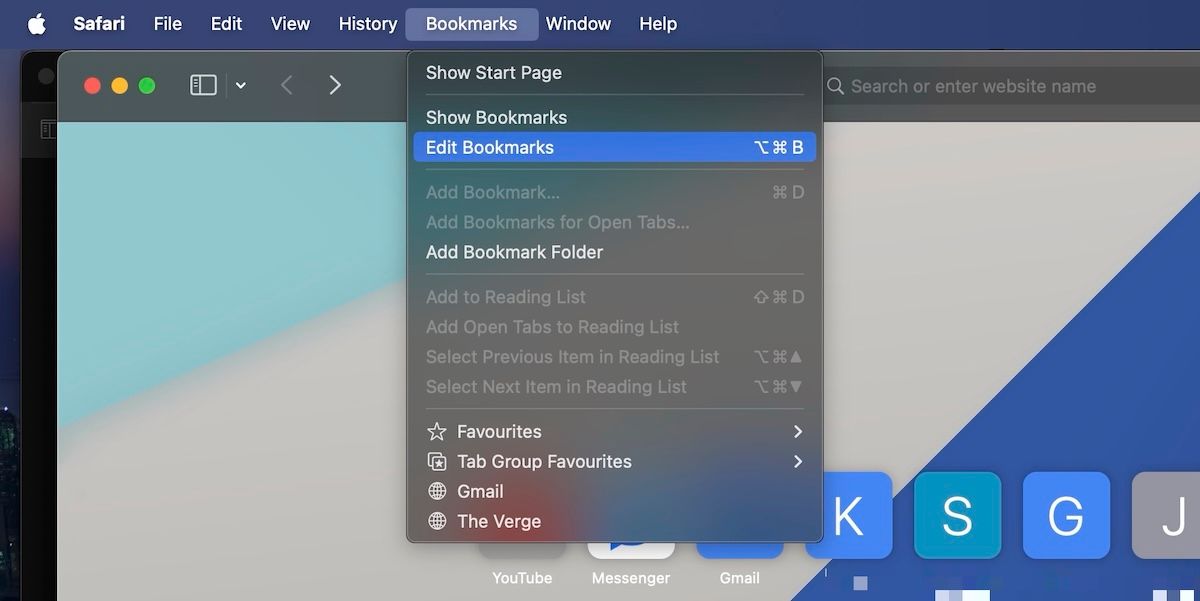
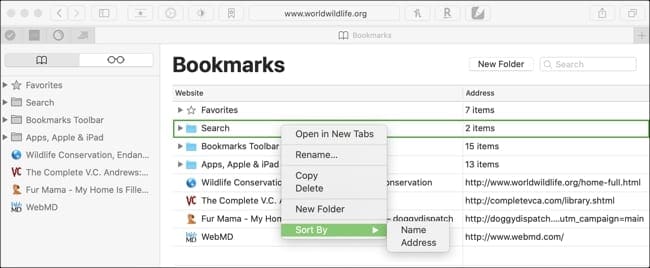
How To Edit Your Bookmarks On Safari at Marshall Hite blog

Reading How To Edit My Bookmarks On Mac Through Images

A single picture can communicate shape, scale, style, and context at once, capturing exactly the kind of details people usually ask about.

Watch for the elements that appear again and again, since repetition across images signals what defines it.

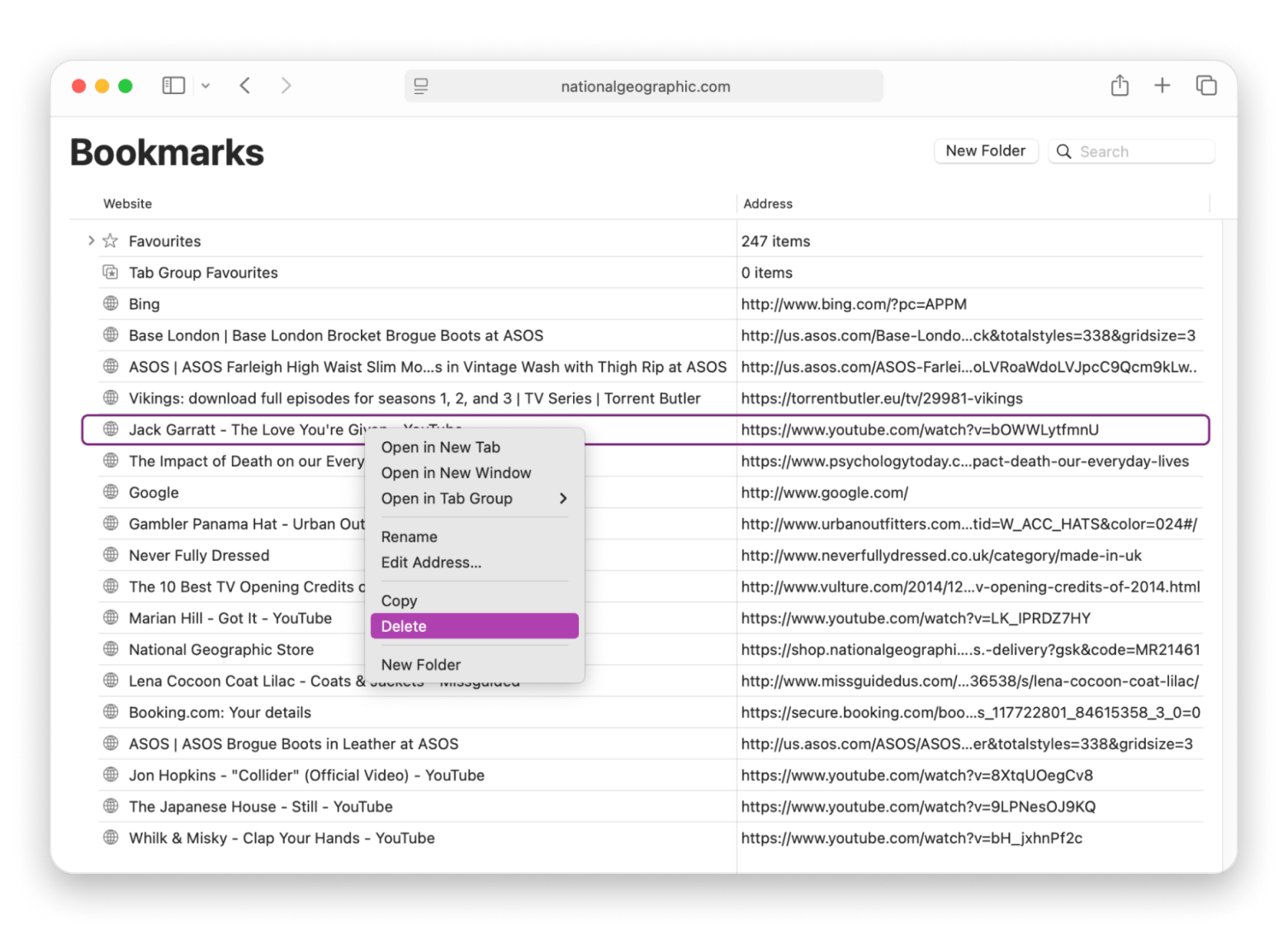
Edit Bookmarks Macbook Pro at Teresa Hooker blog

From One Style to Another

The differences between examples are part of what makes browsing useful, a few lean traditional while others feel modern, so studying the range helps you identify which style suits you best.

A strong reaction to one example is always useful information, that reaction is a better guide than any checklist.

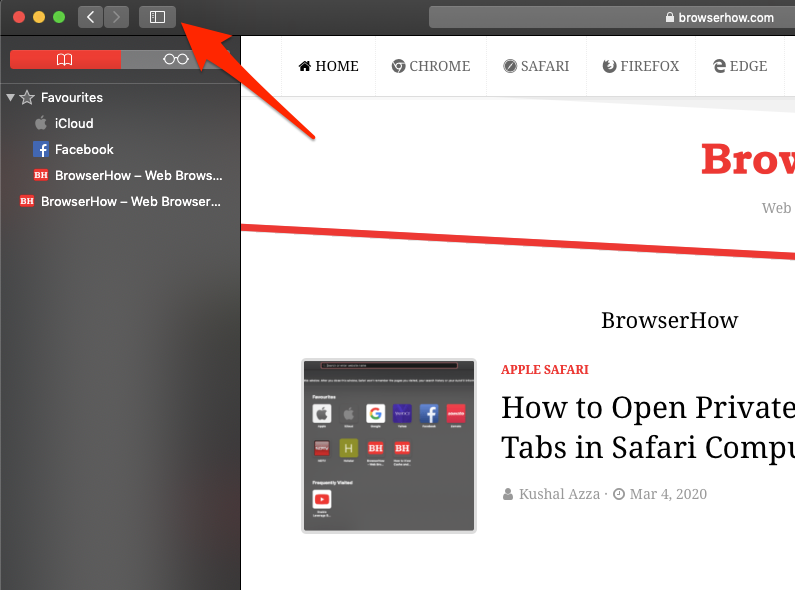
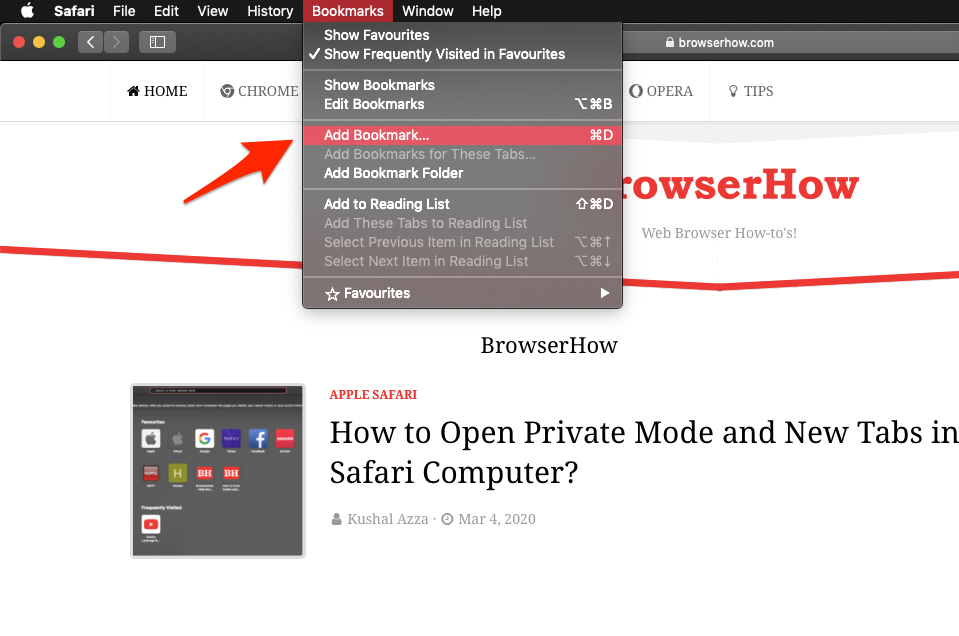
How to Add Bookmark in Safari on Mac (Tutorial) - YouTube

How to Use These Examples for Reference

Treat the gallery as a practical tool rather than decoration, comparing your reaction across several examples.
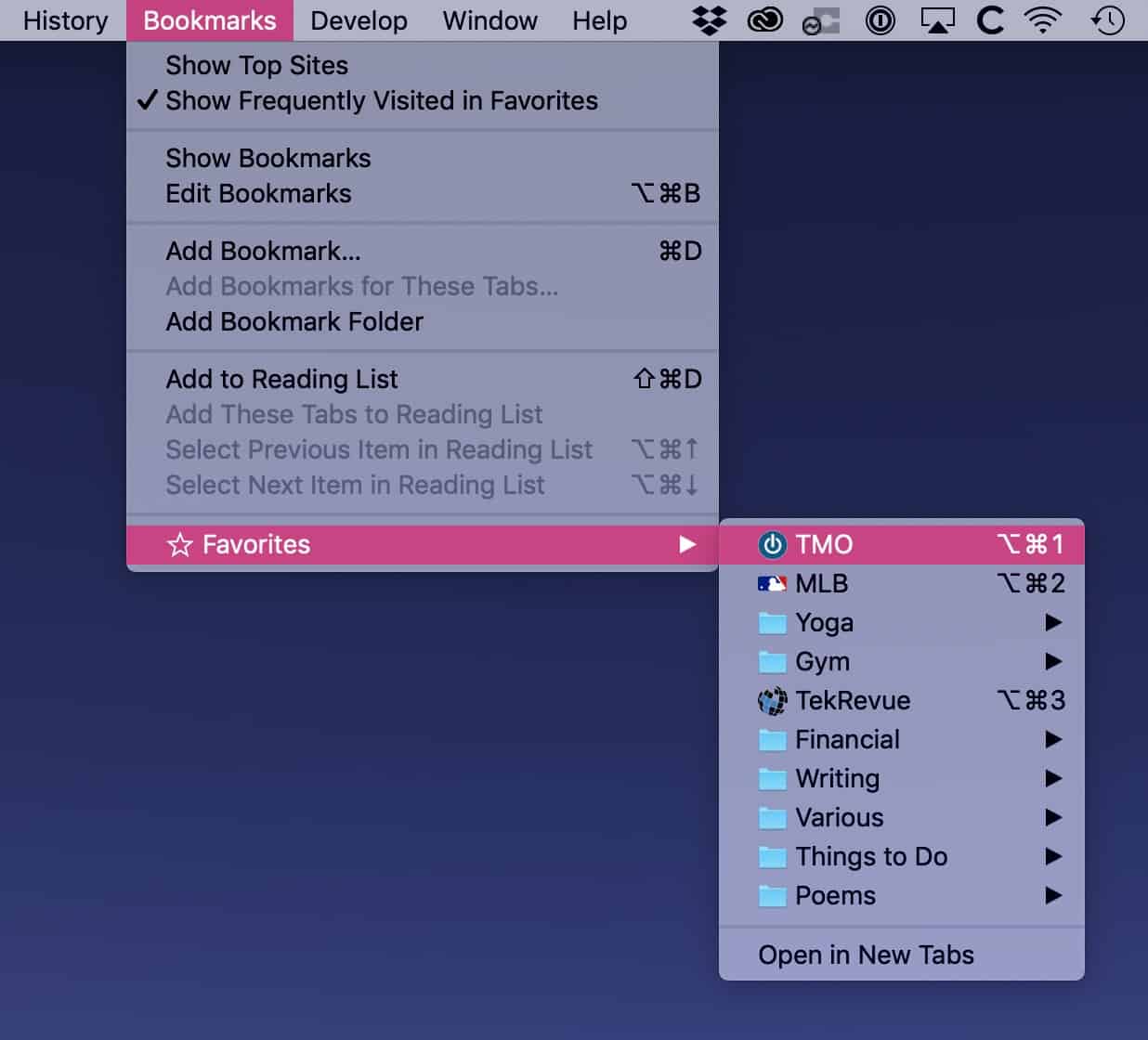
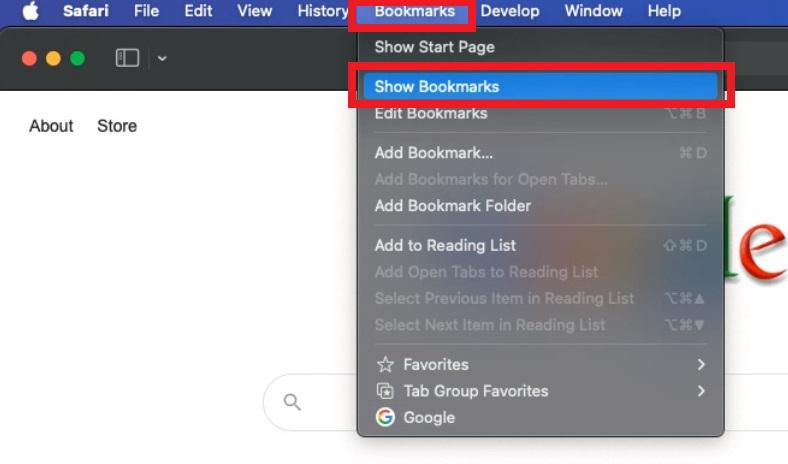
Bookmarks Safari Add at Samantha Tomlinson blog
Bookmark in Apple Safari Browser - GeeksforGeeks
How to Manage Bookmarks and Favorites in Safari on Mac: A Complete Guide
How to Manage Bookmarks in Safari on iOS and Mac - AppleToolBox
How to Manage Bookmarks and Favorites in Safari on Mac: A Complete Guide
How to bookmarks on Mac
How to bookmark on Mac: All the essentials in one place
How to Create Bookmarks and Manage in Safari browser on Mac
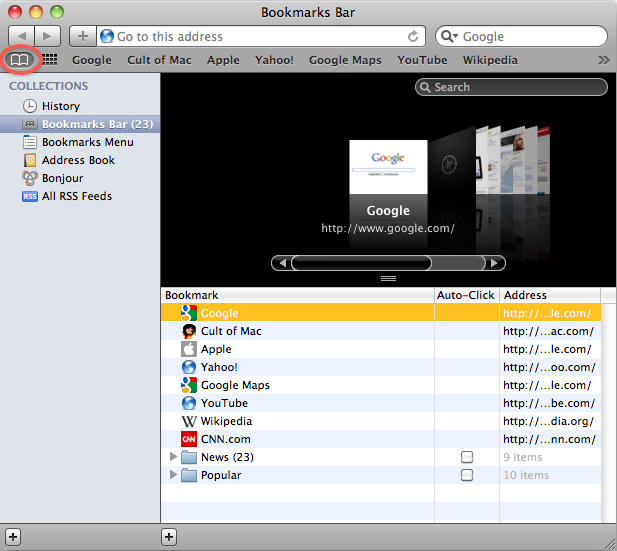
How To Manage Safari Bookmarks Efficiently [MacRx] | Cult of Mac
How to Bookmark on a Mac - Bookmark Manager Guide | Nektony
How to Create Bookmarks and Manage in Safari browser on Mac
How to Create, View, Edit, and Restore Bookmarks in Safari on Mac ...
How to use bookmarks in Pages to jump to spots in the document
如何在 iPhone、iPad 和 Mac 上的 Safari 瀏覽器中管理書籤 - Wwtyrd.com
How to Manage Bookmarks in Safari on iOS and Mac - AppleToolBox
How to manage bookmarks in Safari on iOS and Mac
How to Create, View, Edit, and Restore Bookmarks in Safari on Mac ...
How to Manage Bookmarks and Favorites in Safari on Mac: A Complete Guide
How to Manage Bookmarks in Safari on iOS and Mac - AppleToolBox
How to Create, View, Edit, and Restore Bookmarks in Safari on Mac ...
How to Add or Edit Bookmarks of any PDF file for free in Windows, Mac ...
Add bookmarks and link to them in Pages on Mac - Apple Support (MD)
How to start using Safari on Mac | iMore
How to Create, View, Edit, and Restore Bookmarks in Safari on Mac ...
Edit Bookmarks Macbook Pro at Teresa Hooker blog
How to Create, View, Edit, and Restore Bookmarks in Safari on Mac ...
How to Manage Bookmarks and Favorites in Safari on Mac: A Complete Guide
How to Create, View, Edit, and Restore Bookmarks in Safari on Mac ...
How To Add Bookmark In Safari On Mac - YouTube

Pictures remove the guesswork from conversations, which prevents most of the usual misunderstandings.

Details Worth Zooming In On

Slow down and examine fewer images more carefully, looking at how each part relates to the whole.

A closer look at one good image beats skimming twenty, so choose the closest matches and examine those thoroughly.

The Power of Example Images

It is no accident that people search for images first, a visual cuts straight past every possible misunderstanding.

This is precisely why galleries like this one are valuable, and whatever your reason was, the gallery has a use for it.

Come Back to This Gallery Anytime

Keep this gallery close for whenever the question resurfaces, as your preferences may shift the second time you look.

Every return visit trains your judgment a little further, so treat every revisit as a chance to see something you skipped.