Photo Scanner For Chromebook with Natasha Giles blog

Natasha Giles Oct 25, 2026

Looking for Photo Scanner For Chromebook? Here It Is
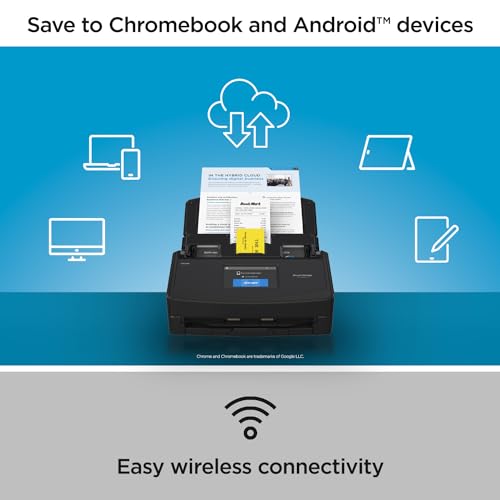
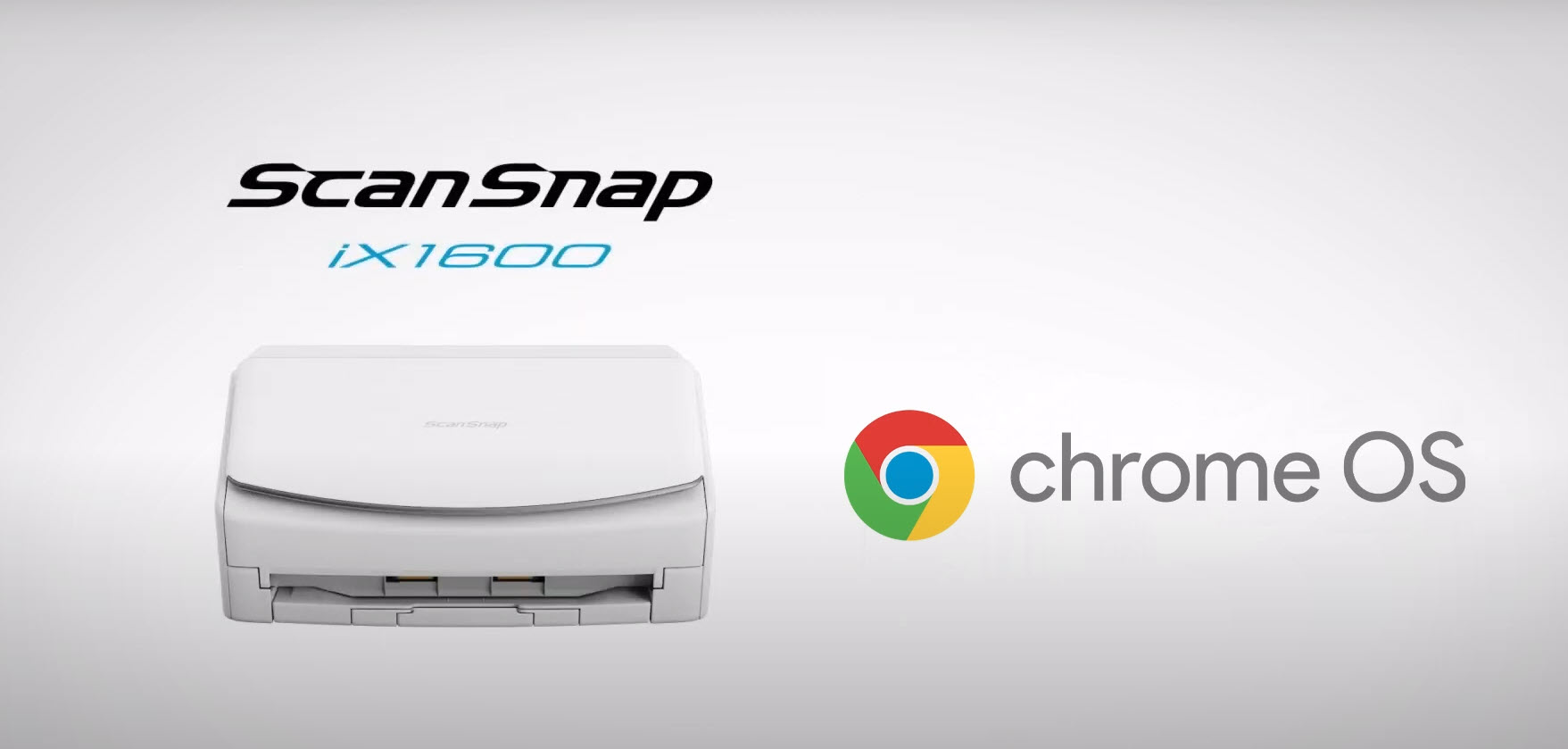
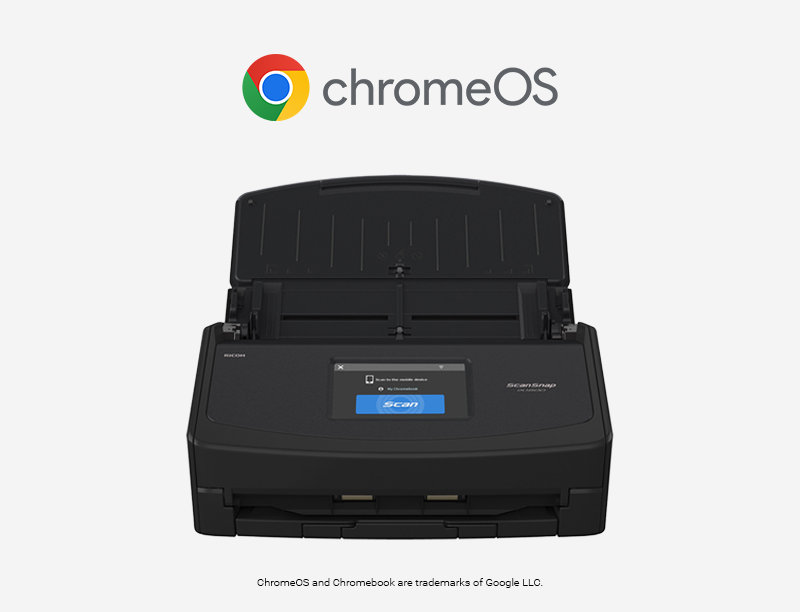
ScanSnap iX1600 Chromebook Edition Wireless Color Duplex Document Scan ...

Photo Scanner For Chromebook is what brought you here, and this page delivers it, shown here as a varied gallery of reference images.

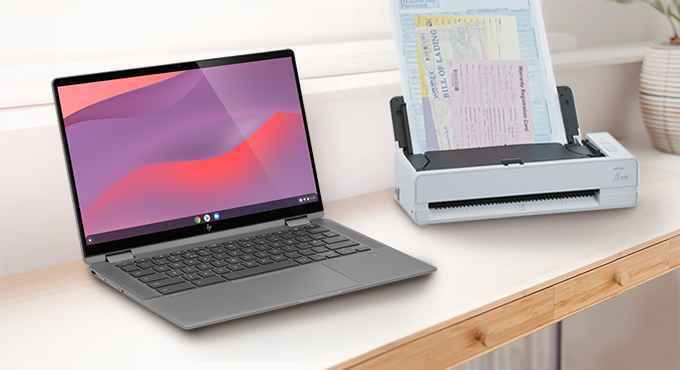
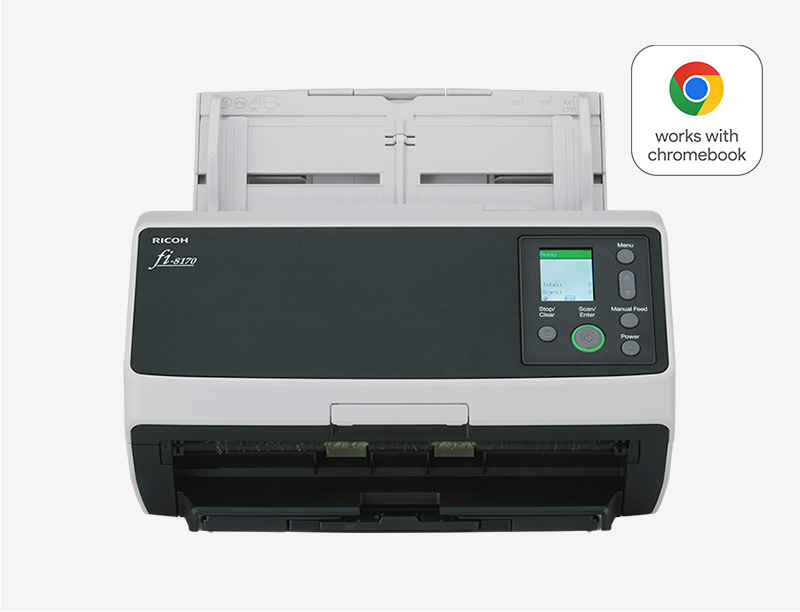
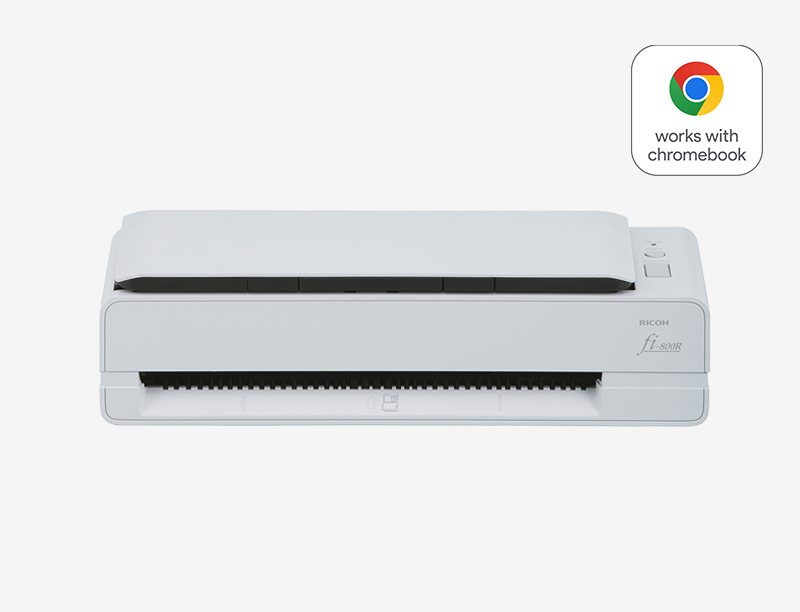
Chromebook Compatible Document Scanners

Reading about something is one thing; seeing it is another, which is why browsing through the images is often the fastest way to understand it.

A Visual Collection of Photo Scanner For Chromebook

Scan With Chromebook

Every example image highlights a slightly different version of Photo Scanner For Chromebook, so you can compare them side by side as you scroll.

There is no need to rush past the pictures, because the more images you see, the clearer the overall idea becomes.

Escanear con Chromebook

Reading Photo Scanner For Chromebook Through Images

Each image works as a small explanation of its own, showing details that are hard to put into words.

Compare a few examples and observe what repeats, and these shared traits are your best guide.

Snapklik.com : ScanSnap iX1600 Chromebook Edition Wireless Color Duplex ...

From One Style to Another

No two examples in the gallery look exactly the same, certain images favor a clean look while others go for something richer, so studying the range helps you identify which style suits you best.

If one image catches your eye, pause on it and ask why, that reaction is a better guide than any checklist.
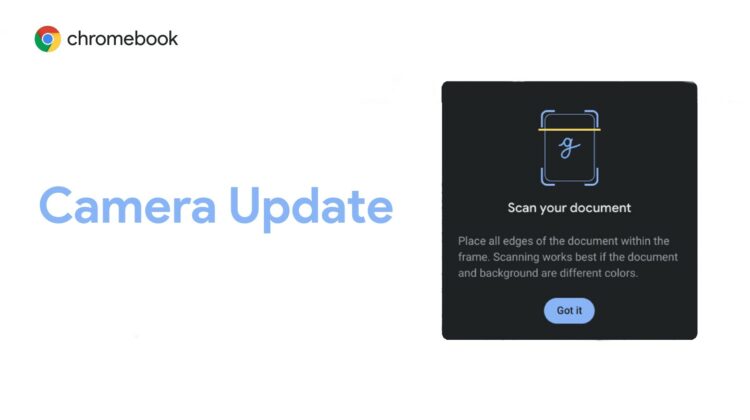
Just point and shoot – Your Chromebook camera will soon be able to scan ...

Turning Pictures Into Useful Reference

These images are meant to be used, not just viewed, like marking the images that match your idea.
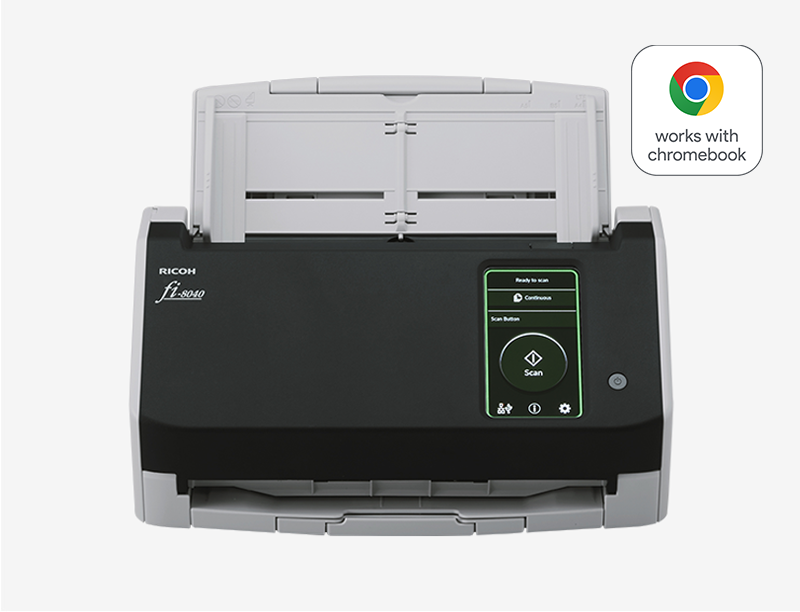
Chromebook Compatible Document Scanners
Scan into a Chromebook
Effortless Ways to Scan Photos on Your Chromebook Without Extra ...
Start Scan On Chromebook _ Logiciel de numérisation de documents ...
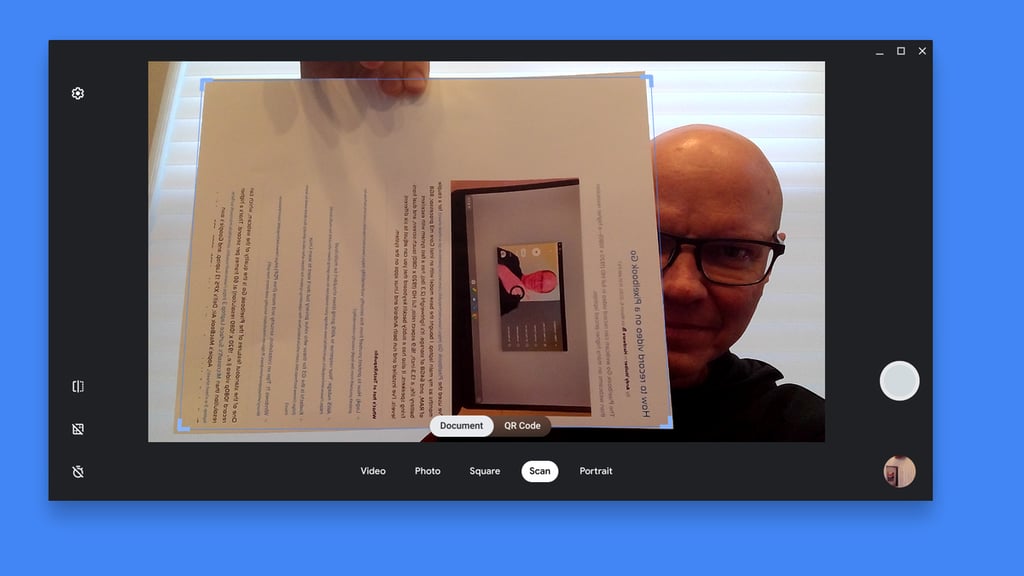
Chromebook Tips: Use the Chromebook Camera to Scan a Document – GCA ...
The Best Photo Scanners of 2024
ScanSnap iX1600 Chromebook Edition Review: The Ultimate Chromebook ...
How to use the Camera app on your Chromebook as a scanner - TechRepublic
Scan With Chromebook
Scanner For Chromebook at Alexander Hickson blog
Education Scanners - Scanner For School & Classroom
Snapklik.com : ScanSnap iX1600 Chromebook Edition Wireless Color Duplex ...
Chromebook Compatible Document Scanners
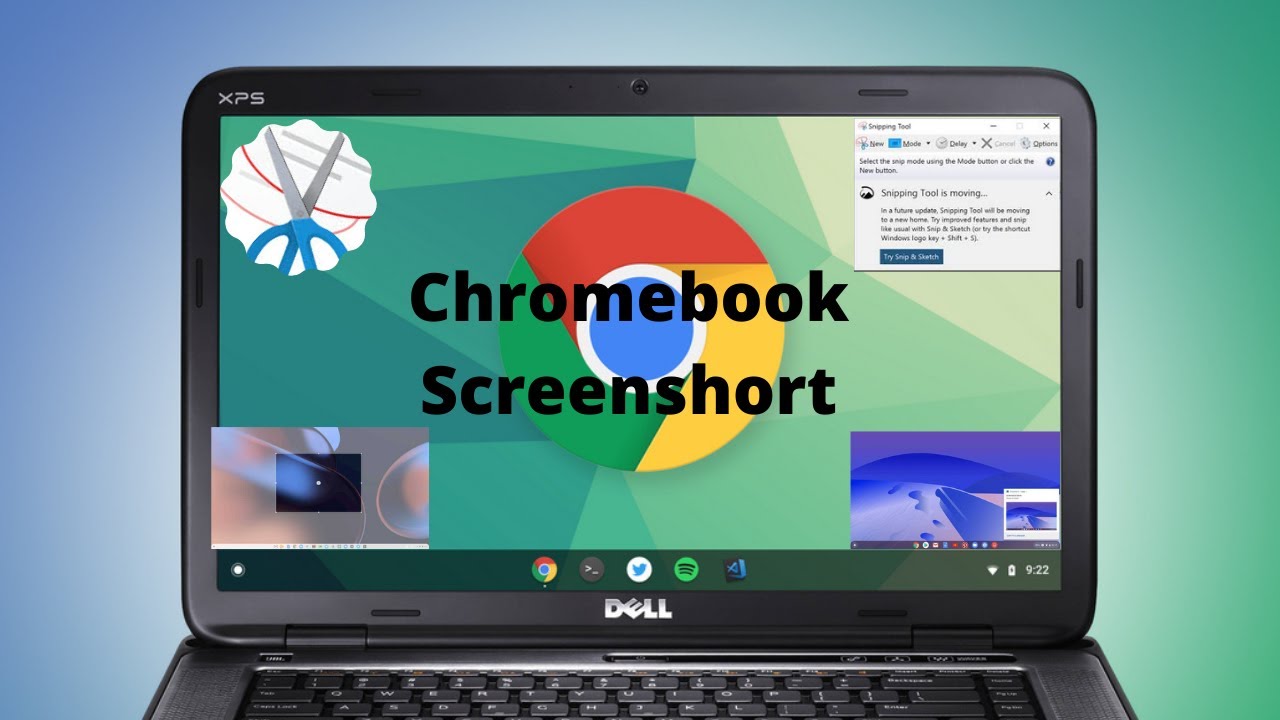
How To Scan & Print With Chromebook? - YouTube
ScanSnap Document Scanners - The Easy, One-Touch Scanning Solution ...
Utiliser son Chromebook en scanner à main : r/chromebook_fr
Scan To Chromebook – SCANNER DES DOCUMENTS SUR CHROME OS ET CHROMEBOOK ...
Chrome OS - Scannerizzare un documento
Chromebook Compatible Document Scanners
How to Setup an USB Scanner on a Chromebook Laptop - YouTube
Chromebookが複数ページスキャンに対応し、ひとつのPDFとして保存できるようになるかもしれません | HelenTech
Chromebook Compatible Document Scanners
11 Best Portable Photo Scanners to Digitize Your Memories Effortlessly ...
Easy To Use Photo Scanner – 7 Best Photo Scanners in 2025 – TSDG
Snapklik.com : ScanSnap iX1600 Chromebook Edition Wireless Color Duplex ...
Utiliser son Chromebook en scanner à main - Mychromebook.fr
Snapklik.com : ScanSnap iX1600 Chromebook Edition Wireless Color Duplex ...
How To Scan On A Chromebook - YouTube

Visual references make it much easier to describe what you want, because pointing to a real example replaces a long and error-prone description.

What to Notice in Each Picture

Every example rewards a second, closer look, noting the choices that give each example its character.

A closer look at one good image beats skimming twenty, so instead of racing through all the examples, study a handful properly.

Pictures Explain Faster Than Words

Our preference for images is not a trend, it is how understanding works, a visual cuts straight past every possible misunderstanding.

That is why a varied collection like this is so effective, so whatever brought you here, the images can carry you the rest of the way.

The Reference Is Here Whenever You Need It

Keep this gallery close for whenever the question resurfaces, and a fresh look at the same gallery often reveals something new.

The more examples you absorb, the sharper your eye becomes, and let the gallery keep doing what it does best.