How To Measure In Vcarve with Natasha Carroll blog

Natasha Carroll Nov 26, 2026

You Searched for How To Measure In Vcarve — Here It Is

Single pass full depth in vectric v-carve - Easel Community Forum

How To Measure In Vcarve is what brought you here, and this page delivers it, supported by a wide range of real example pictures for reference.

V-Carving for the Absolute Beginner – Part 1 – How It Works - YouTube

Reading about something is one thing; seeing it is another, and that is exactly why visual references work so well here.

Example Images of How To Measure In Vcarve
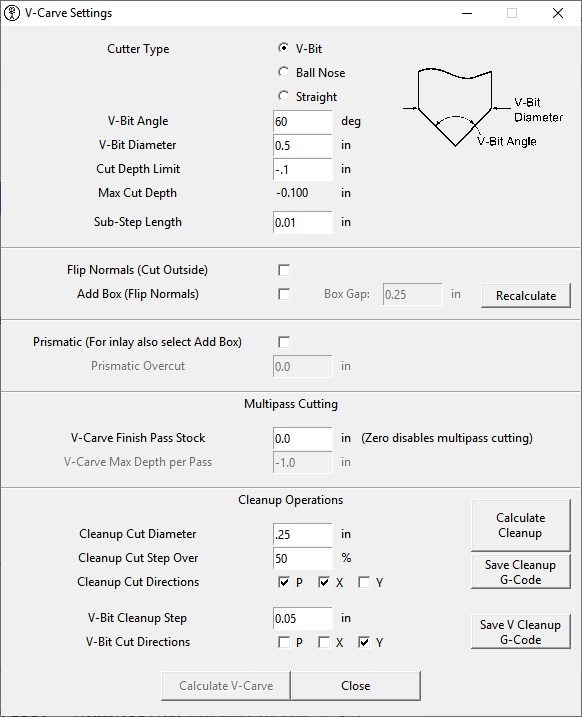
F-Engrave Manual
F-Engrave Manual

This collection gathers all kinds of How To Measure In Vcarve in one scrollable view, and you will quickly see how much variety exists.

Take your time moving through the collection, and repeated details across images reveal what truly matters.

Tools — Learn Your CNC

What the Images Can Show You

A single picture can communicate shape, scale, style, and context at once, capturing exactly the kind of details people usually ask about.

Watch for the elements that appear again and again, because consistent details are usually the essential ones.
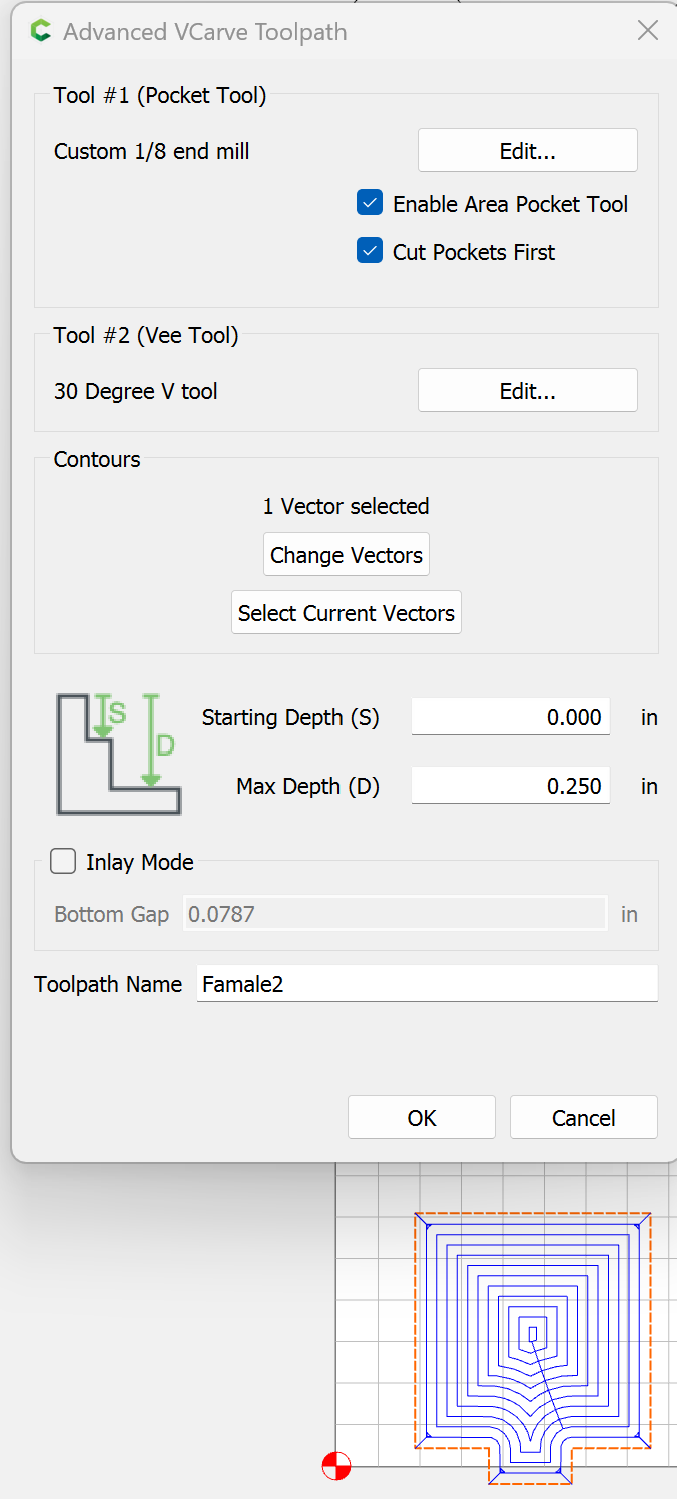
Help With Advanced Vcarve Inlay - Carbide Create - Carbide 3D Community ...

All the Different Looks of How To Measure In Vcarve

Variety is the whole point of a reference collection, each one leans toward a slightly different taste, so studying the range helps you identify which style suits you best.

Whenever a particular picture stands out, stop and study it, because that instinct usually points toward what you are really looking for.

How to VCarve the end of a shape? - How To - Carbide 3D Community Site

Getting Practical Value From the Images

The collection works best when you do something with it, like marking the images that match your idea.

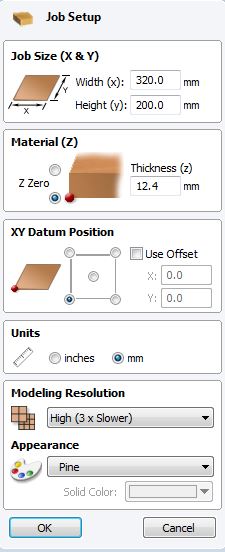
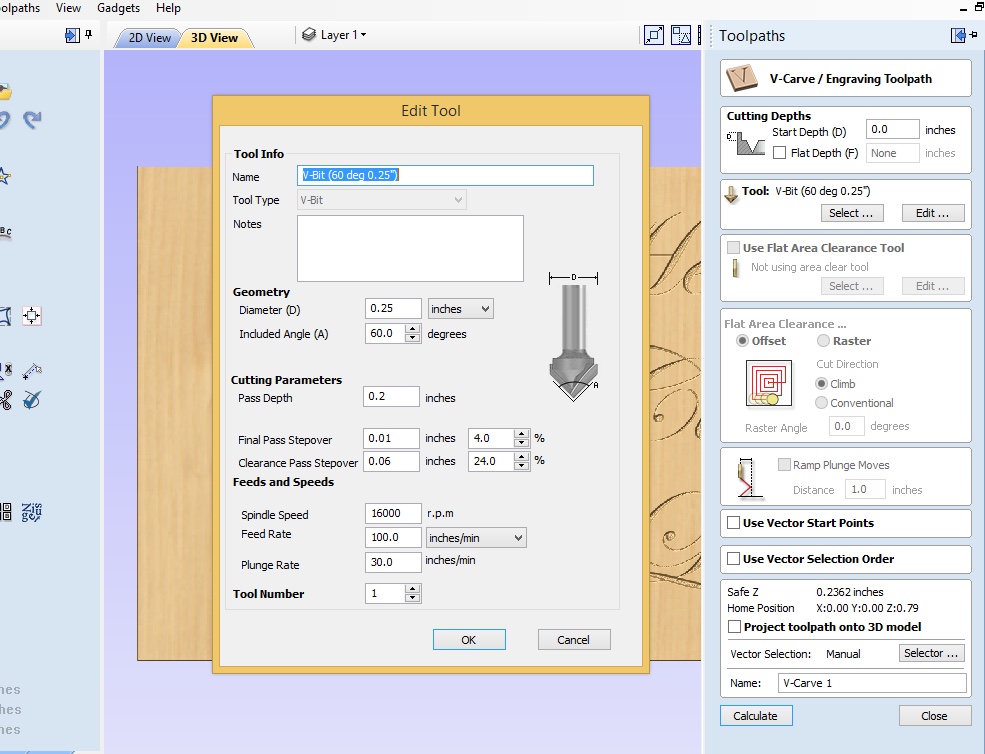
Vcarve Pro Adding New Tooling Step 3 - YouTube
VCarve Pro tutorial - Waag/Fablab Amsterdam
How to carve cutting board and kitchen measurement in vcarve pro - YouTube
Daniela Barranco - Week 07
What is V-Carving? - MyPlaceIsHome.com
Vcarve on rough surface - How To - Carbide 3D Community Site
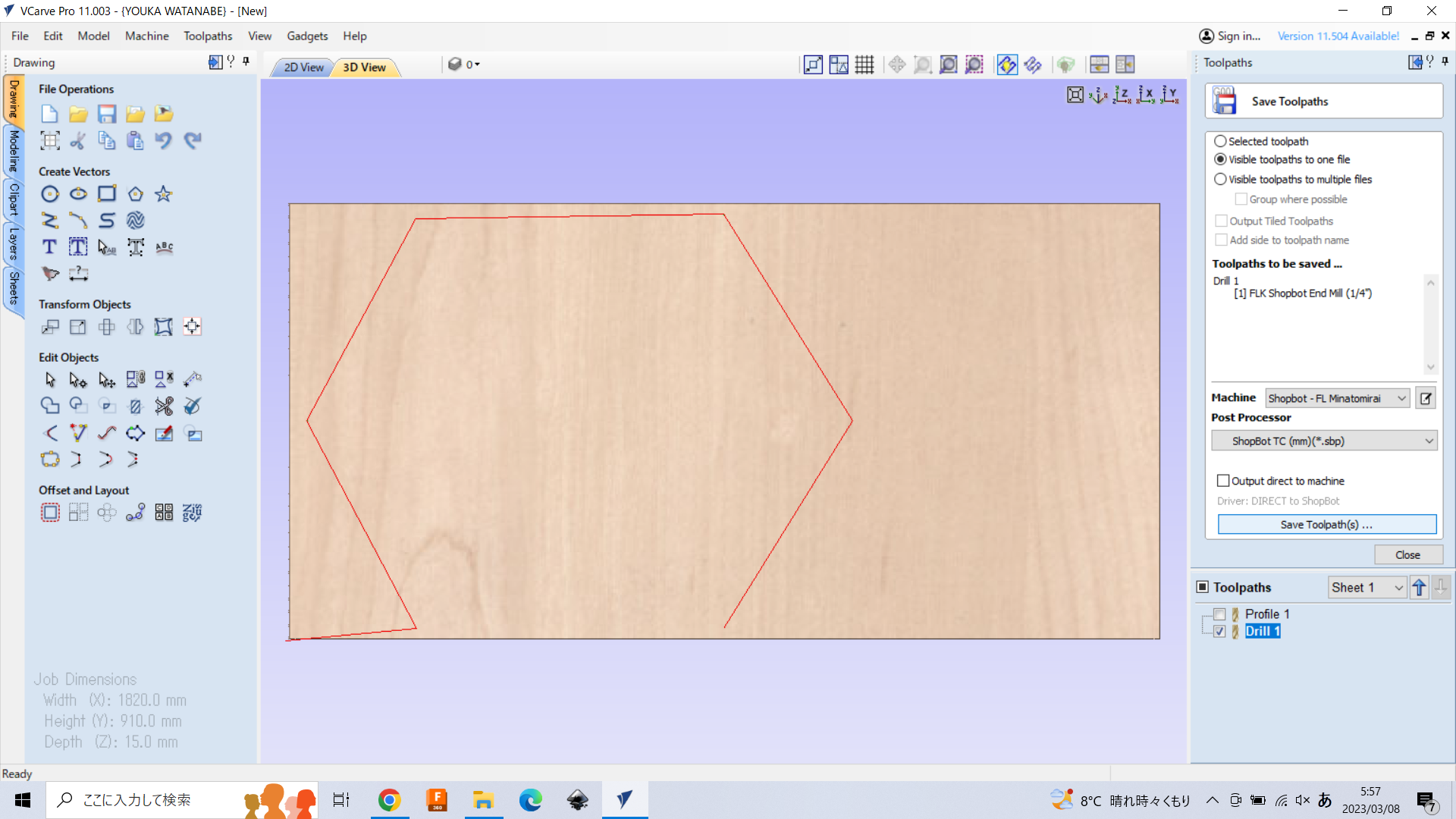
VCarve Pro and Aspire Drilling Tutorial - YouTube
Image 17
Image 17
Vcarve on rough surface - How To - Carbide 3D Community Site
How to set the depth in v carve - Shapeoko - Carbide 3D Community Site
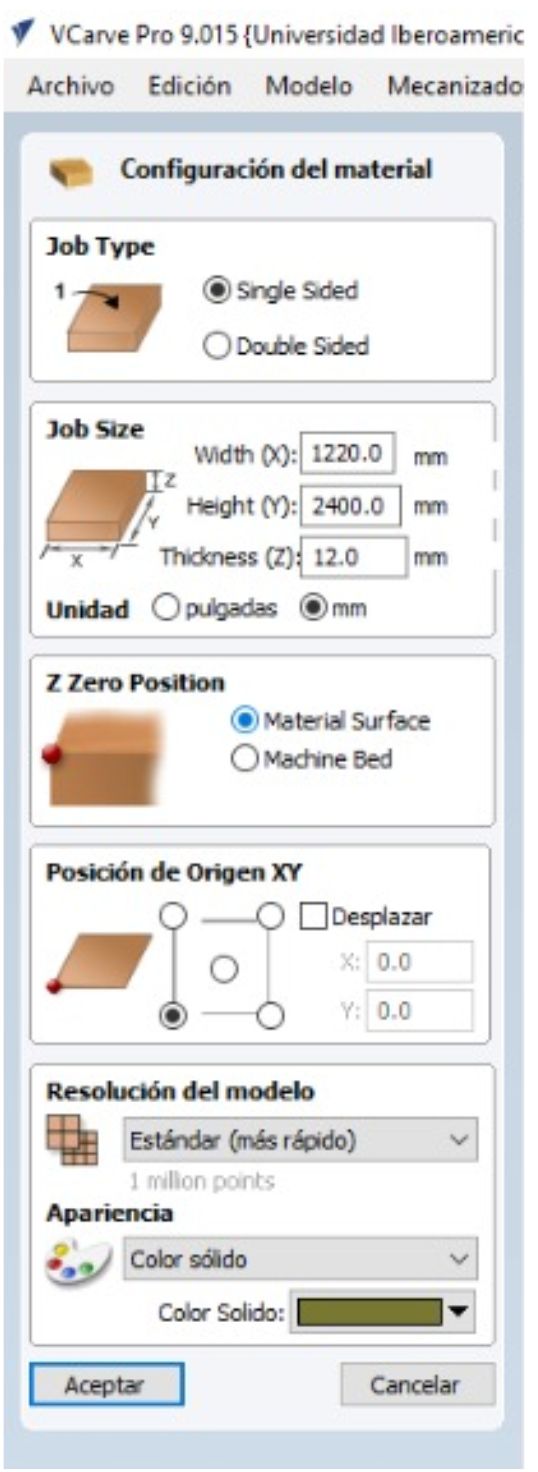
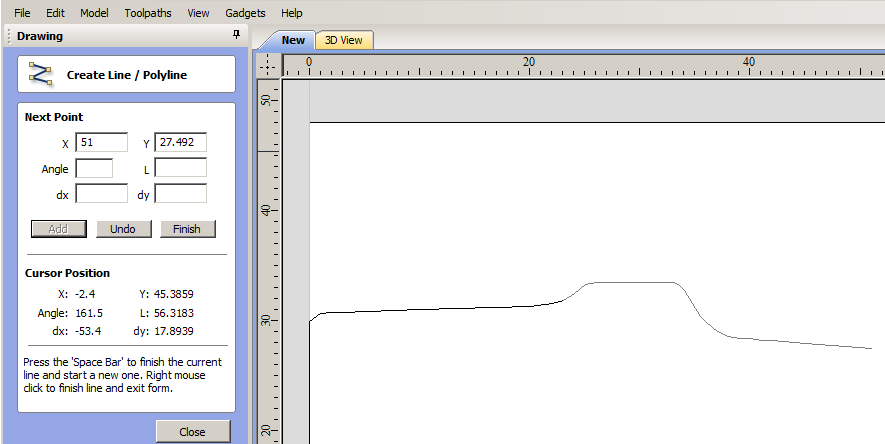
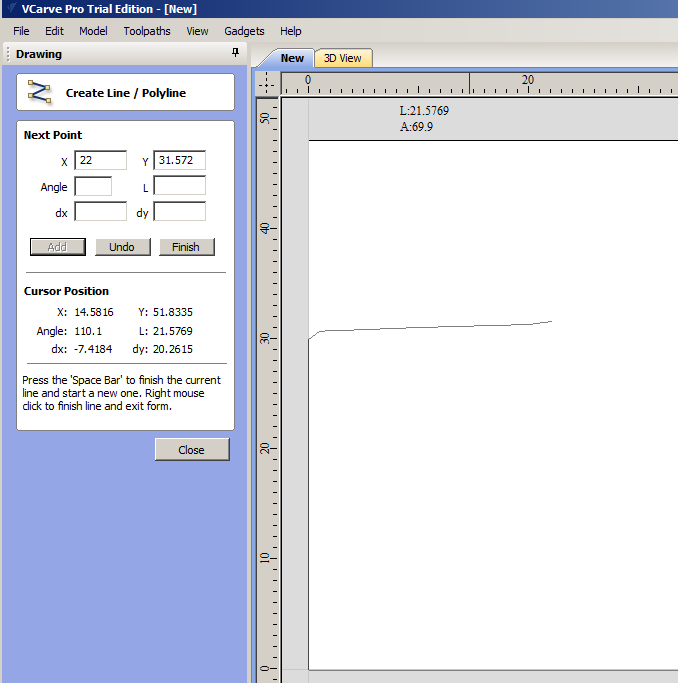
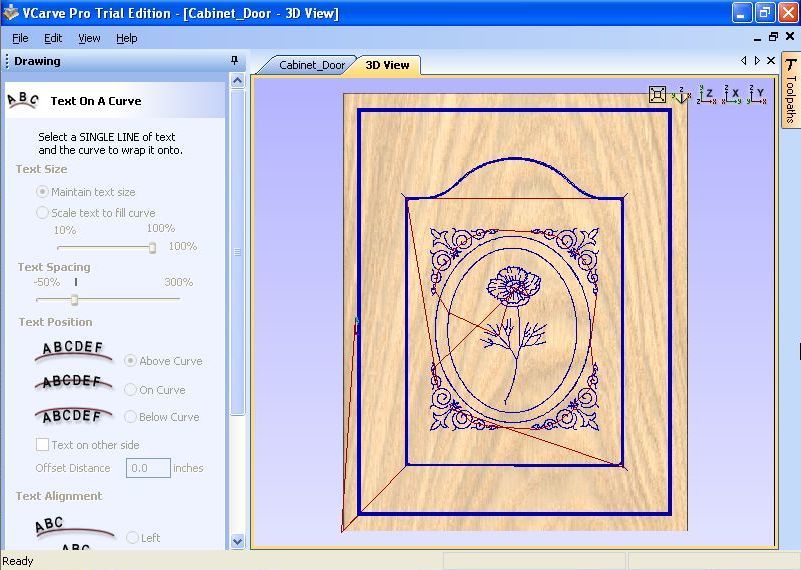
Drawing - VCarve Pro - CLASSIC ARCADE CABINETS
V-Carve Inlay Depth Calculation Guide | PDF
Measure Shape's Area, Perimeter, Circumference, & Volume - Vectric ...
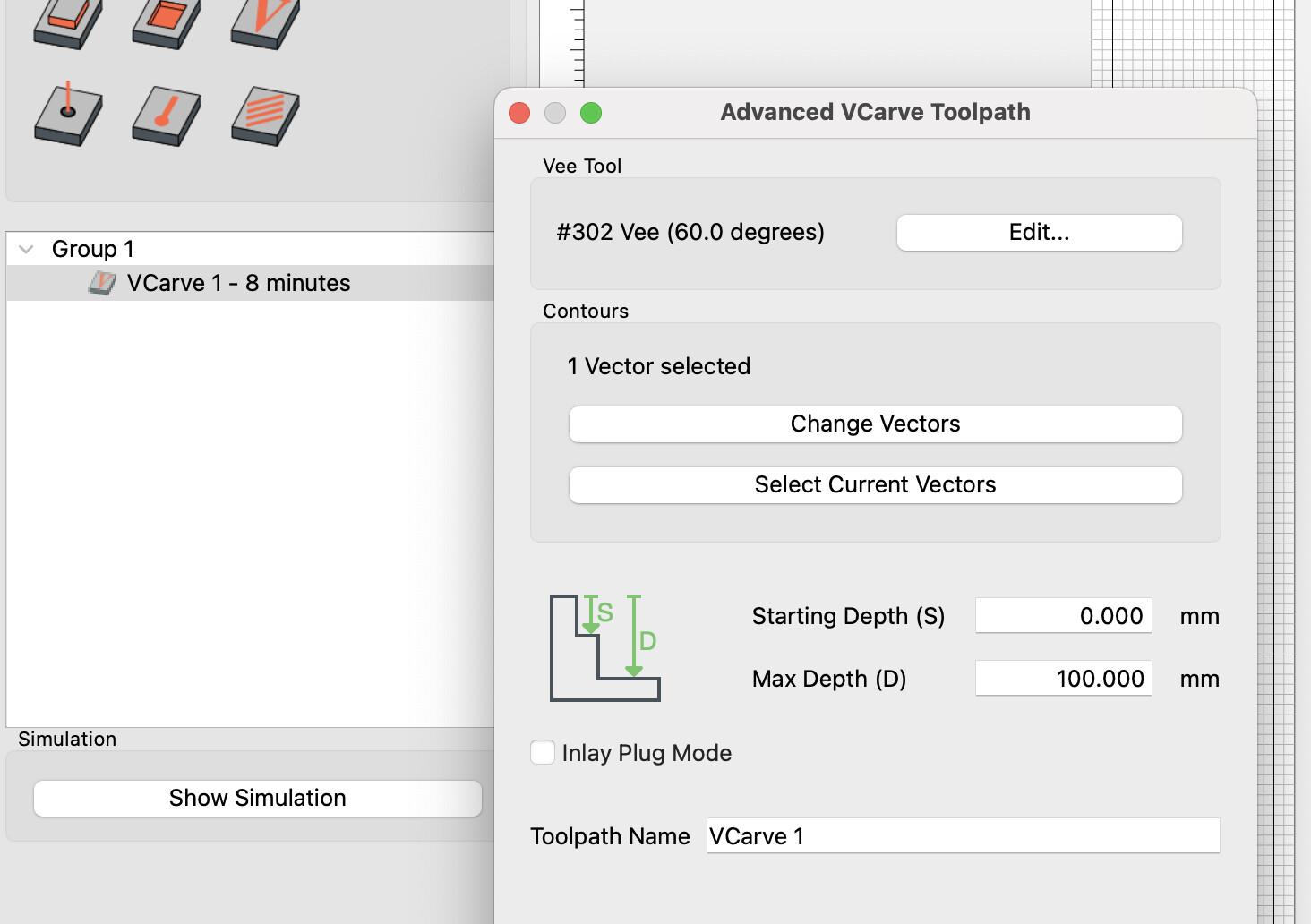
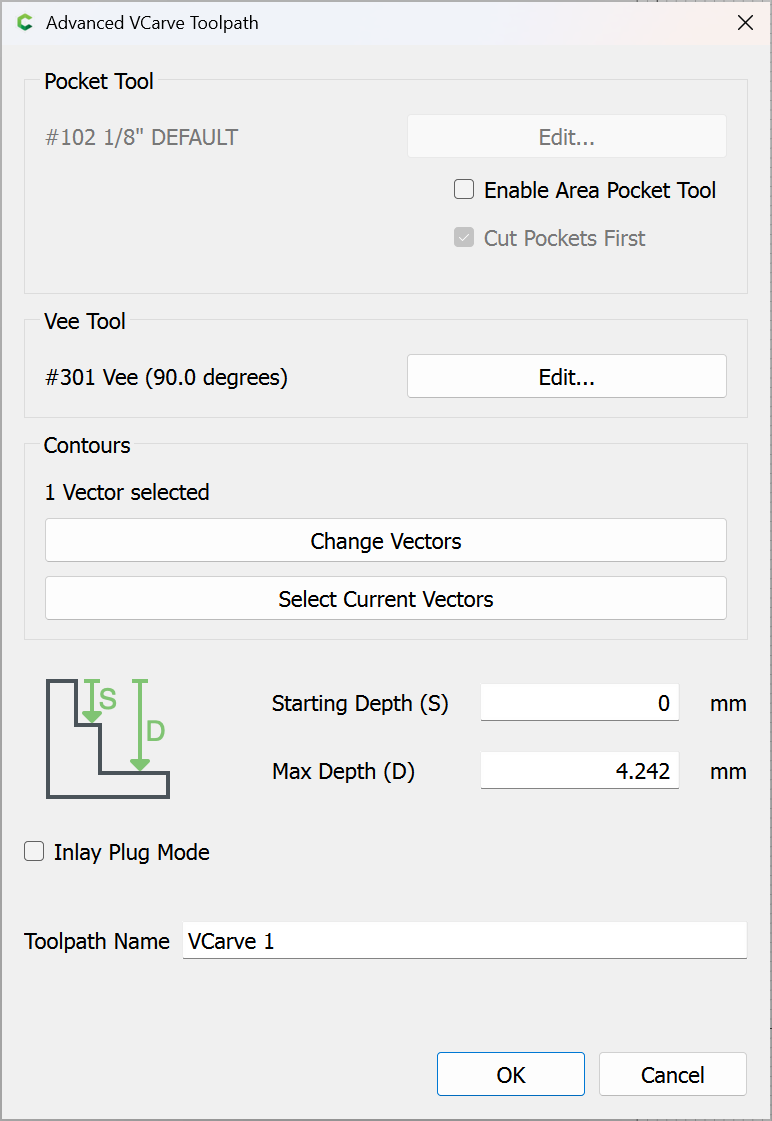
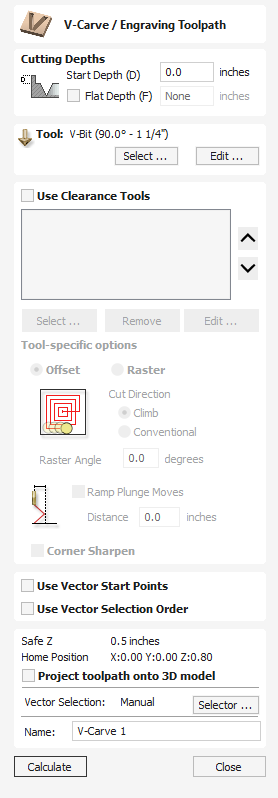
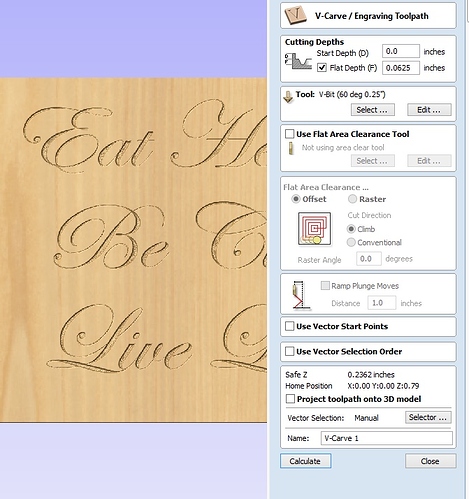
V-Carve Toolpath
V-Carve Toolpath
VCarve〡Vectric
VCarve〡Vectric
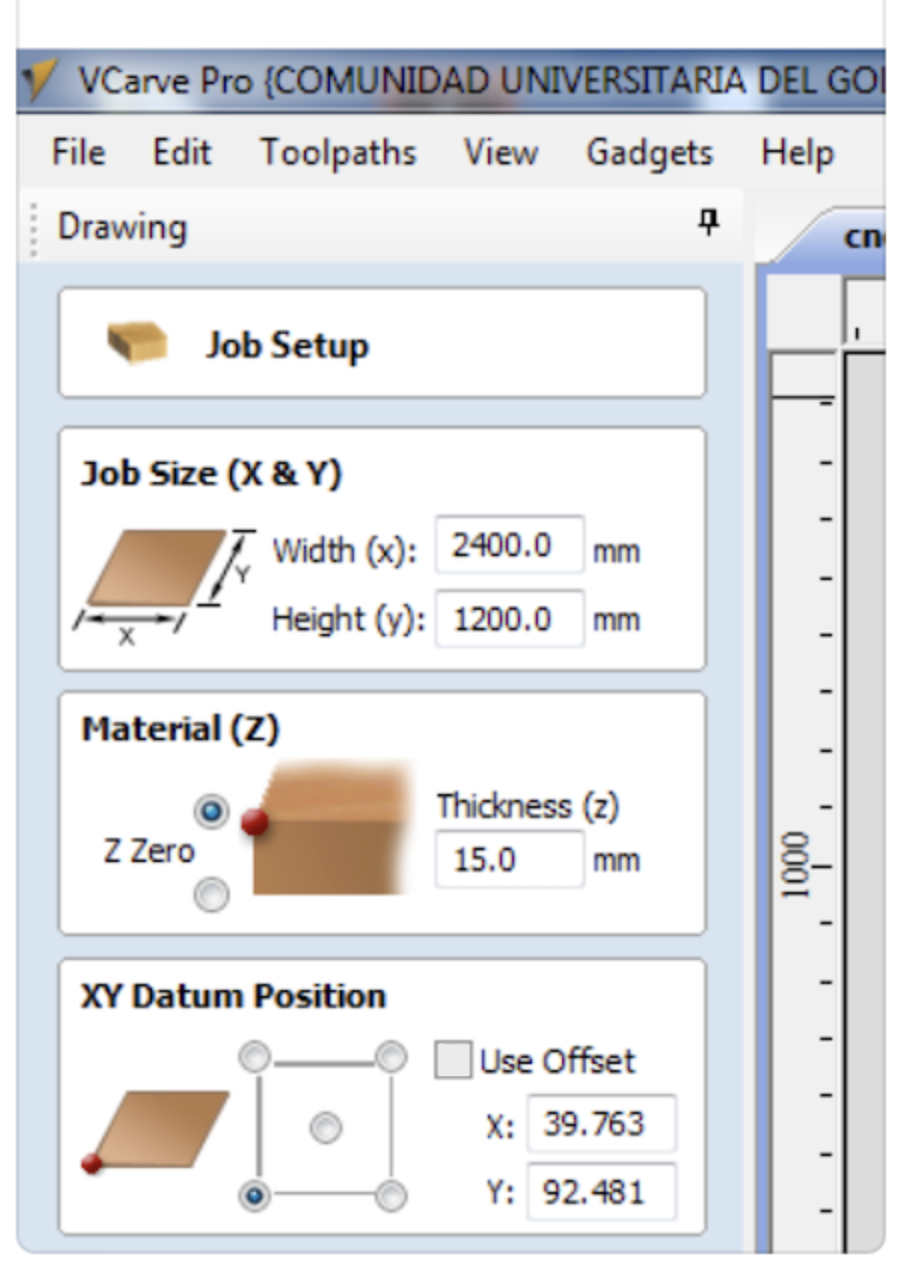
Drawing - VCarve Pro - CLASSIC ARCADE CABINETS
Pin on Быстрое сохранение
VCarve〡Vectric
VCarve〡Vectric
JG VCarve Tuto
JG VCarve Tuto
Vcarve and lettering - Shapeoko - Carbide 3D Community Site
Tips on Scaling Objects and How to Convert MM to Inches - Vectric ...
VCarve Pro download for free - SoftDeluxe
VCarve Tutorial - FabLab KAMAKURA
Help with Vcarve file Please - Shapeoko - Carbide 3D Community Site
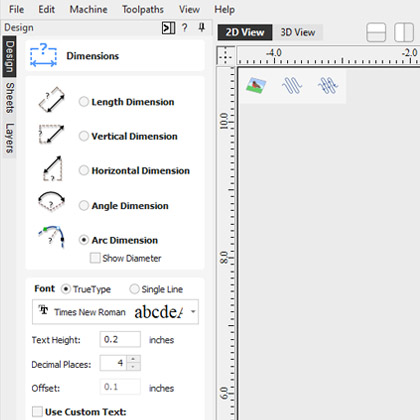
Vcarve Pro Adding Dimensions - YouTube
VCarve Pro tutorial - Waag/Fablab Amsterdam
Vcarve and lettering - Shapeoko - Carbide 3D Community Site
VCarve – Bantam Tools
2 Ways to Measure Thickness of Double Sided 3D Models - Vectric VCarve ...

You can also use the images to explain the idea to someone else, so the other person sees exactly what you see.

Details Worth Zooming In On

Slow down and examine fewer images more carefully, looking at how each part relates to the whole.

The pictures you look at longest often teach the most, because a small set of well-understood images is worth a large pile of quick glances.

Pictures Explain Faster Than Words

Visual search exists because the human brain processes pictures instantly, a real example eliminates the gap between description and reality.

That is why a varied collection like this is so effective, be it ideas, verification, or simply knowing what to call it.

The Reference Is Here Whenever You Need It

You can return to this page of How To Measure In Vcarve images anytime, as your preferences may shift the second time you look.

Over time, you will notice details casual viewers miss, so treat every revisit as a chance to see something you skipped.