Feature Story

Insert Symbols In Word with Joseph Madden blog

You Searched for Insert Symbols In Word — Here It Is
5 Great Microsoft Word Tips For Better Productivity | Next7 IT

Since you are searching for Insert Symbols In Word, this page was made for you, with a growing collection of example images collected as visual reference.

How To Add Symbols In MS Word | Cashify Blog

Text can only take your search so far, and that is exactly why visual references work so well here.

A Visual Collection of Insert Symbols In Word
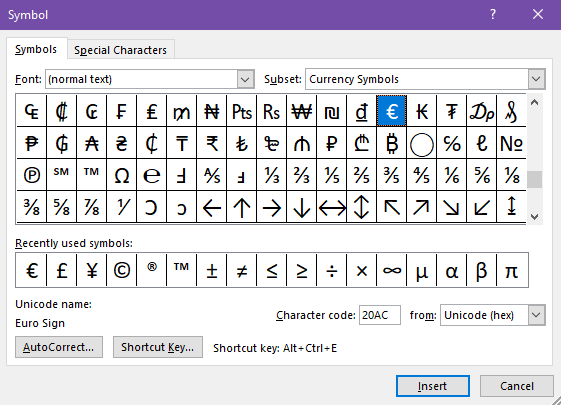
Keyboard shortcuts to insert symbols - rbtop

Every example image highlights a slightly different version of Insert Symbols In Word, giving you a fuller picture than any single example could.

There is no need to rush past the pictures, since patterns start to appear after just a few examples.

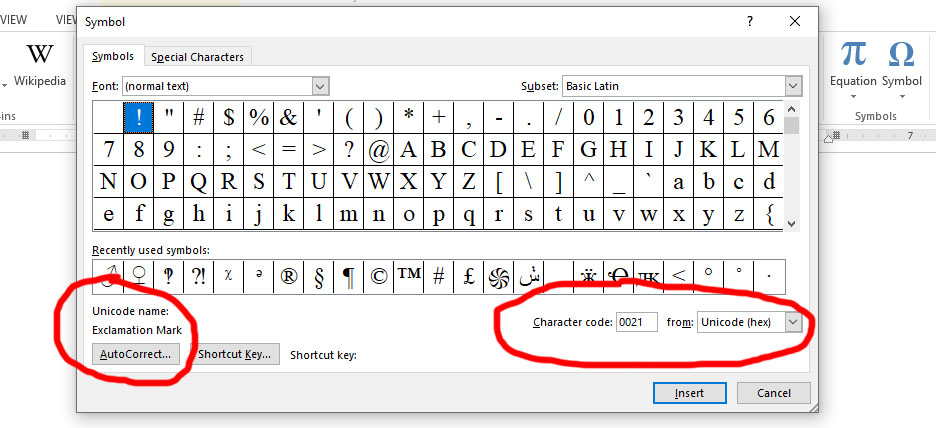
How To Insert Symbols In Microsoft Word

What These Pictures Explain

A single picture can communicate shape, scale, style, and context at once, so you can recognize the qualities worth noticing.

Notice which details stay consistent across the pictures, and these shared traits are your best guide.
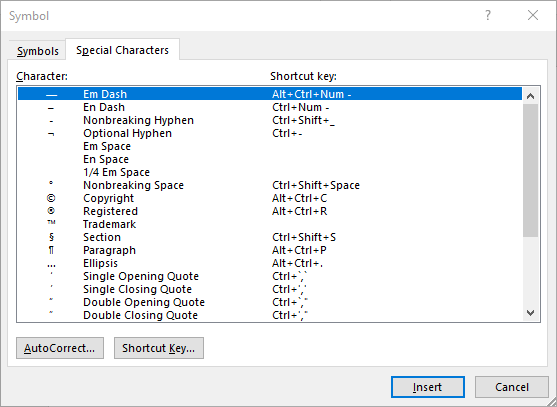
Inserting symbols and special characters - Legal Office Guru

Many Forms and Variations

Variety is the whole point of a reference collection, each one leans toward a slightly different taste, and seeing them together makes your own preference obvious.

Notice which image makes you stop scrolling, that reaction is a better guide than any checklist.
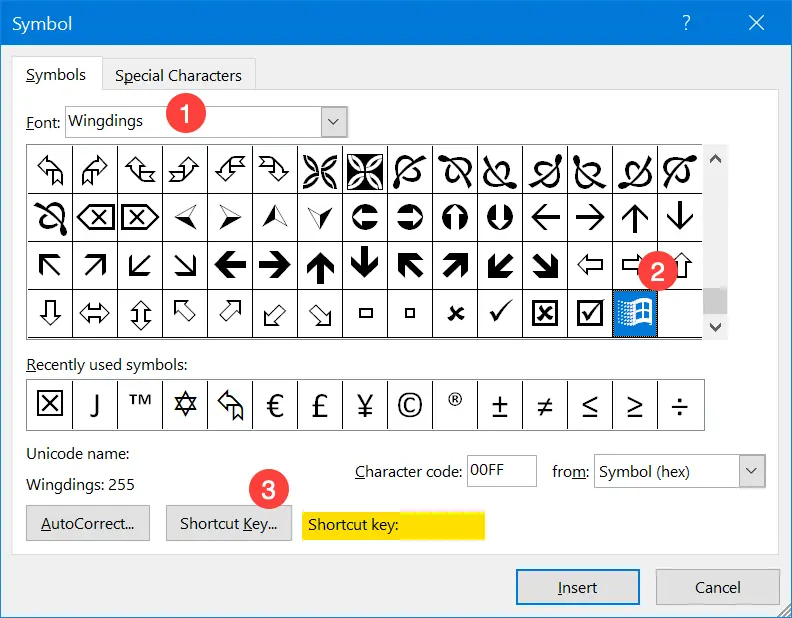
How to Create Custom Shortcuts for Symbols in Microsoft Word? – WebNots

Getting Practical Value From the Images

Treat the gallery as a practical tool rather than decoration, such as saving the examples closest to what you need.
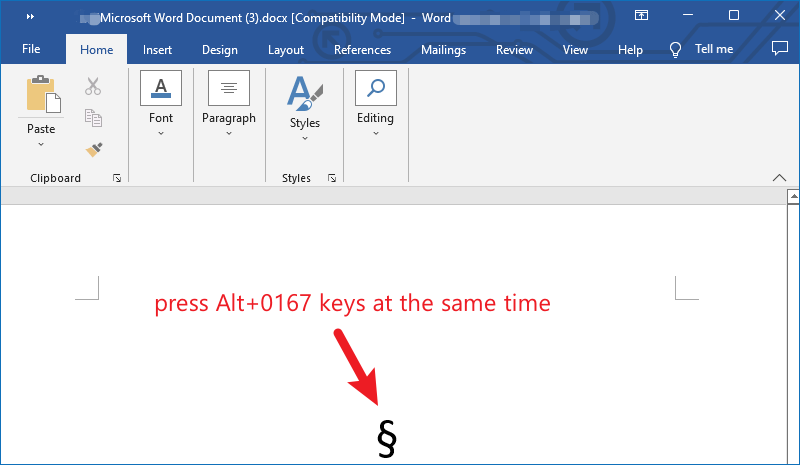
4 Ways to Insert the Section Symbol in Microsoft Word Document
How to Create Custom Shortcuts for Symbols in Microsoft Word? – WebNots ...
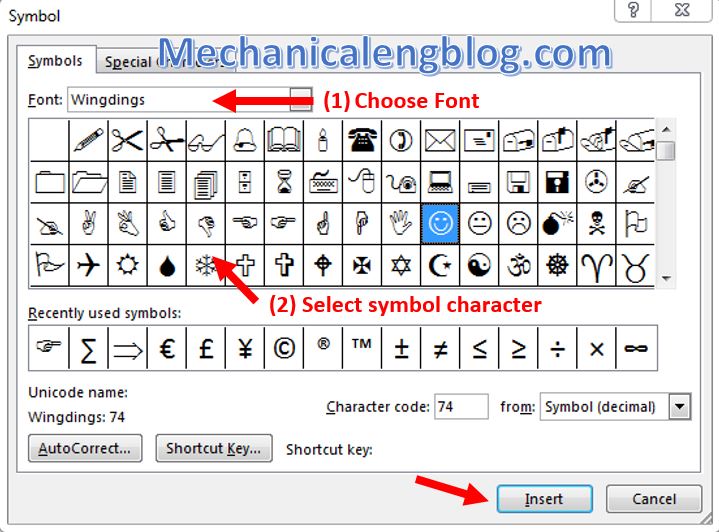
How to Insert Symbol in MS Word - Symbol and Special Characters
Insert Symbols and Special Characters in MS Word - GeeksforGeeks
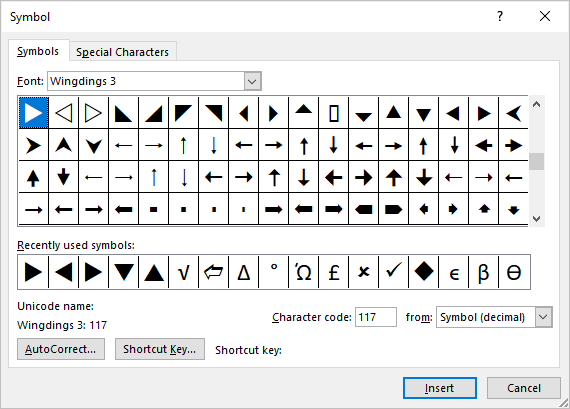
4 Ways to Insert or Type a Triangle Symbol in Word ( )
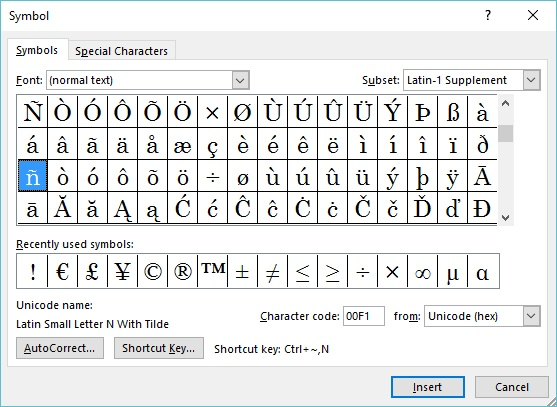
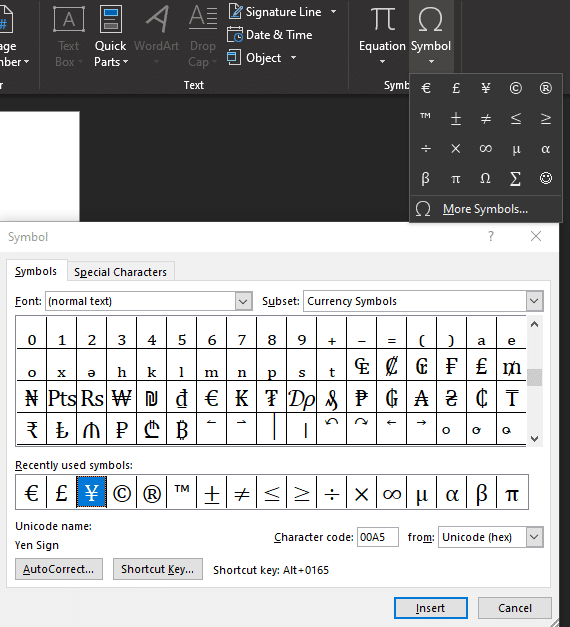
How to Type and Insert Symbols and Special Characters in Word 2016
List of symbols in microsoft word - holfbabe
Better Ways to Insert Symbols (Microsoft Word)
Insert A Tools Symbol In Word at Karrie Keane blog
Three Ways to Insert Special Characters in Microsoft Word
4 Different Ways to Insert Symbol in Word Using Shortcut Key - YouTube
Insert A Tools Symbol In Word at Karrie Keane blog
How To Get Location Symbol In Word at Michael Doxey blog
Cross Symbol Keyboard _ ALT Key Shortcuts to Insert Symbols in Windows ...
How To Insert Symbols In Microsoft Word Printable Templates - Free Word ...
Teaching Ideas: Microsoft Word - Insert Symbol
How to Insert Symbols in an MS Word Document: Windows & Mac
How to Insert Symbol in MS Word - Symbol and Special Characters
Insert Symbols and Special Characters in MS Word - GeeksforGeeks
How to Insert Symbols in Word using Keyboard Shortcuts
How to Insert Symbol in MS Word - Symbol and Special Characters
How To Insert Symbols In Microsoft Word - Printable Forms Free Online
How to get special characters using Alt key codes or the Word Symbols ...
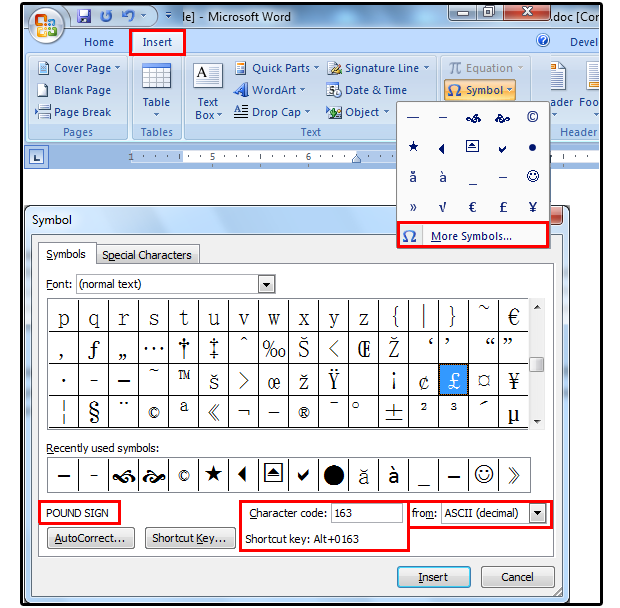
How To Insert Symbols In Ms Word 2007
How to Insert Symbols in an MS Word Document: Windows & Mac
How To Insert Symbols In Word Ipad at Hannah Colquhoun blog
How to Use Symbols in Word 2013
How To Insert Symbols In Microsoft Word

Pictures remove the guesswork from conversations, and alignment happens in seconds instead of paragraphs.

Details Worth Zooming In On

The second viewing always reveals more than the first, noting the choices that give each example its character.

The images you linger on will shape your understanding most, so choose the closest matches and examine those thoroughly.

Pictures Explain Faster Than Words

Our preference for images is not a trend, it is how understanding works, a real example eliminates the gap between description and reality.

That is the strength of having many examples side by side, so whatever brought you here, the images can carry you the rest of the way.

Come Back to This Gallery Anytime

Keep this gallery close for whenever the question resurfaces, and a fresh look at the same gallery often reveals something new.

Over time, you will notice details casual viewers miss, so treat every revisit as a chance to see something you skipped.