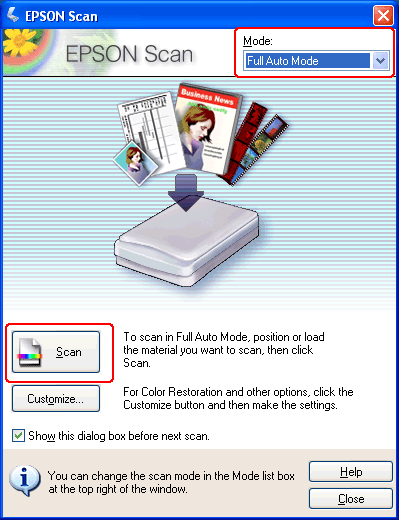
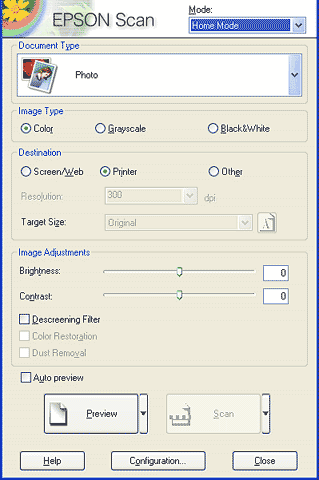
Epson Xp Scan Multiple Pages with Justin Pittman blog

You Searched for Epson Xp Scan Multiple Pages — Here It Is

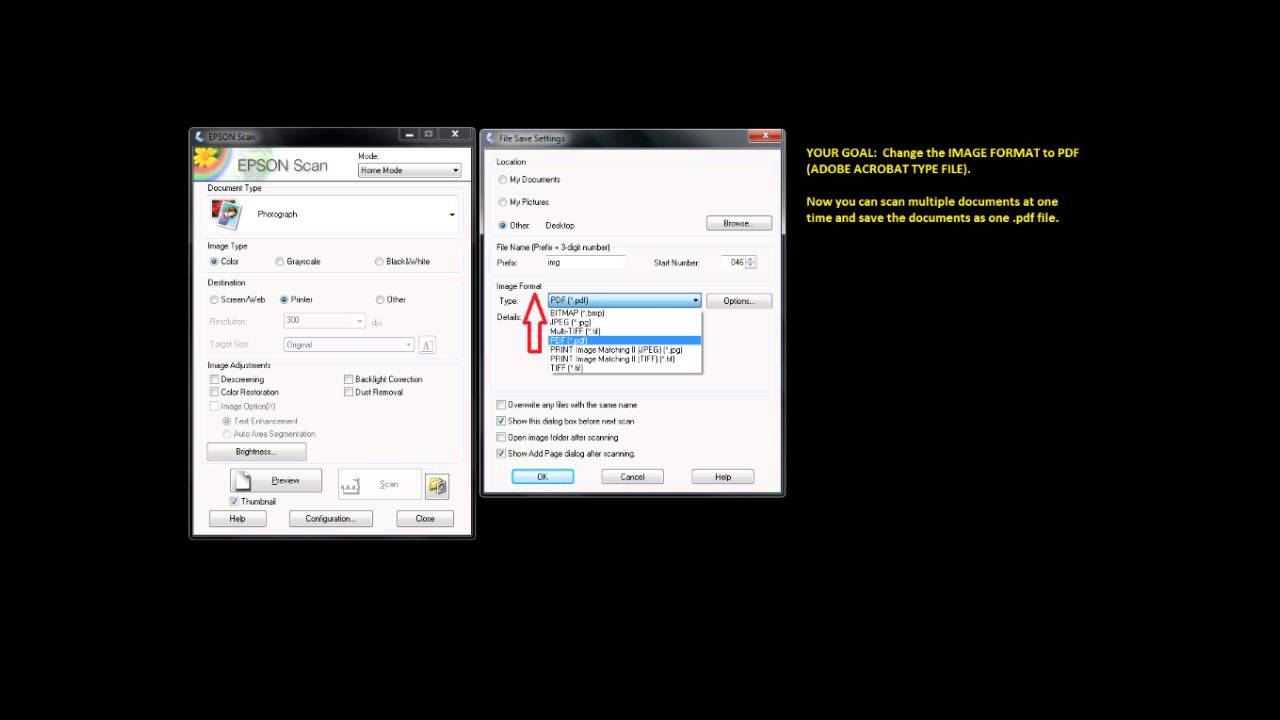
Scanning Multiple Documents to a PDF File

Epson Xp Scan Multiple Pages is what brought you here, and this page delivers it, presented through a broad set of image examples you can browse freely.
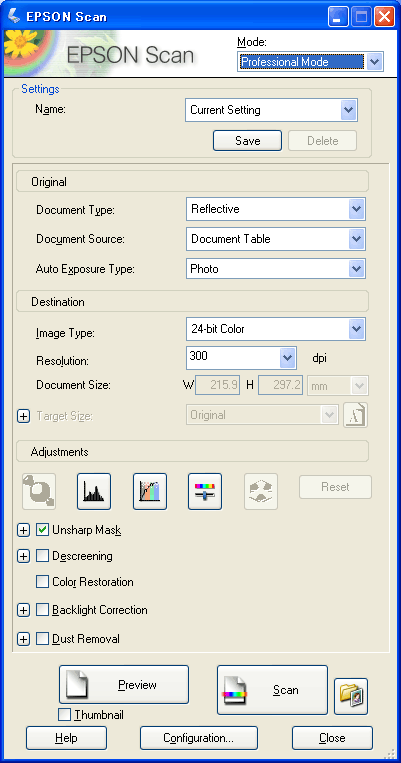
5 Solutions to Scan Multiple Pages into One PDF on Mac or Windows

A description can only go so far before a picture does the job better, because one clear image can answer what paragraphs cannot.

Real Picture Examples for Epson Xp Scan Multiple Pages

Epson 2750 How To Scan: Imprimante Epson Et 2750 – YZFTE

Each picture captures Epson Xp Scan Multiple Pages from a different angle or context, and you will quickly see how much variety exists.

Scroll slowly and let each image register, because the more images you see, the clearer the overall idea becomes.

Preview scans multiple pages but only shows the first one - Mac user

Reading Epson Xp Scan Multiple Pages Through Images

Each image works as a small explanation of its own, making it much easier to judge what fits your needs.

Watch for the elements that appear again and again, because consistent details are usually the essential ones.
What Do The Numbers On A Scan Picture Mean at Olga Patrick blog

Different Variations, Different Styles

Variety is the whole point of a reference collection, a few lean traditional while others feel modern, and seeing them together makes your own preference obvious.

Whenever a particular picture stands out, stop and study it, since your natural preference reveals itself faster than you think.
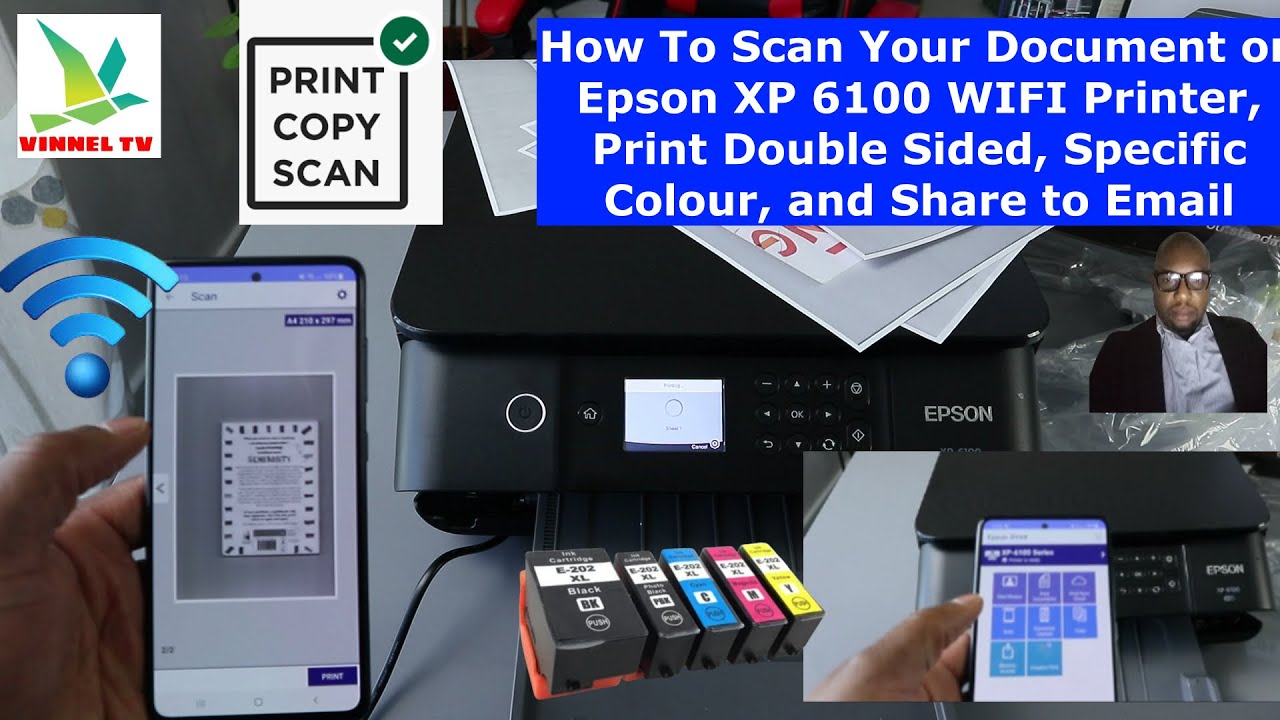
How To Scan Your Document on Epson XP 6100 WIFI Printer, Print Double ...

Turning Pictures Into Useful Reference

These images are meant to be used, not just viewed, such as saving the examples closest to what you need.

faq-00004da-et2650 | SPT_C11CF47201 | Epson ET-2650 | ET Series | All ...
Scanner That Scans Multiple Pages At Once
Scanning Multiple Images Simultaneously
How to Scan Multiple Pages Using Epson Event Manager
Scanning Multiple Documents to a PDF File
Epson scan software multiple pages - sethisa
How to Scan Multiple Pages Into One PDF File With Epson Printer Scanner ...
Scan Multiple Images Simultaneously
Epson XP-4105 Scan Multiple Pages: Step-by-Step Guide
Scanning to a PDF File
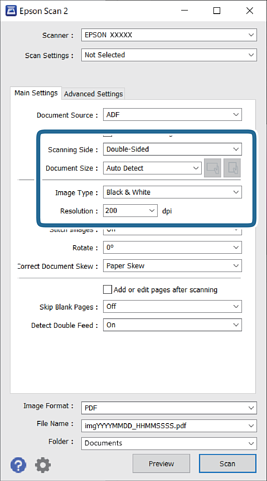
Scanning in Epson Scan 2
How to Scan a Document on Epson XP 8700 Printer, Print Specific Color ...
Epson XP-4105 Scan Multiple Pages: Step-by-Step Guide
Epson Scan Multiple Pages To Pdf - programocean
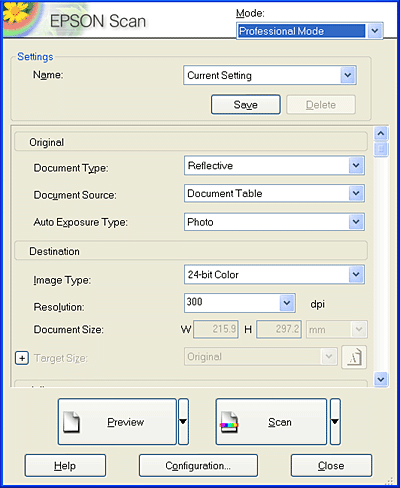
Scanning Multi-Page Originals as Separate Files - Windows
Scannen mit Epson Scan 2
Scanning Two Originals onto One Sheet (Stitching Images) - Windows
How to scan multiple pages and make a PDF file(Epson XP-6100,XP-8500 ...
Scanning Directly to a PDF File
Epson printers: Scan Multiple Pages into a Single Document - YouTube
Epson XP-4105 Scan Multiple Pages: Step-by-Step Guide
Scan Multiple Images at Once
faq-00004da-wfc869r | SPT_C11CF34201 | Epson WorkForce Pro WF-C869R ...
Epson XP-4105 Scan Multiple Pages: Step-by-Step Guide
How to scan multiple pages into one PDF file using Epson Scan (Epson ...
Scan Multiple Images Simultaneously

Visual references make it much easier to describe what you want, and alignment happens in seconds instead of paragraphs.

The Small Details That Matter

Beyond the first impression, each image contains useful details, paying attention to textures, proportions, colors, and how things are arranged.

A closer look at one good image beats skimming twenty, so choose the closest matches and examine those thoroughly.

The Power of Example Images

Our preference for images is not a trend, it is how understanding works, a picture removes interpretation and shows the thing itself.

A broad image set answers questions before they are asked, and whatever your reason was, the gallery has a use for it.

Come Back to This Gallery Anytime

You can return to this page of Epson Xp Scan Multiple Pages images anytime, as your preferences may shift the second time you look.

Every return visit trains your judgment a little further, and let the gallery keep doing what it does best.