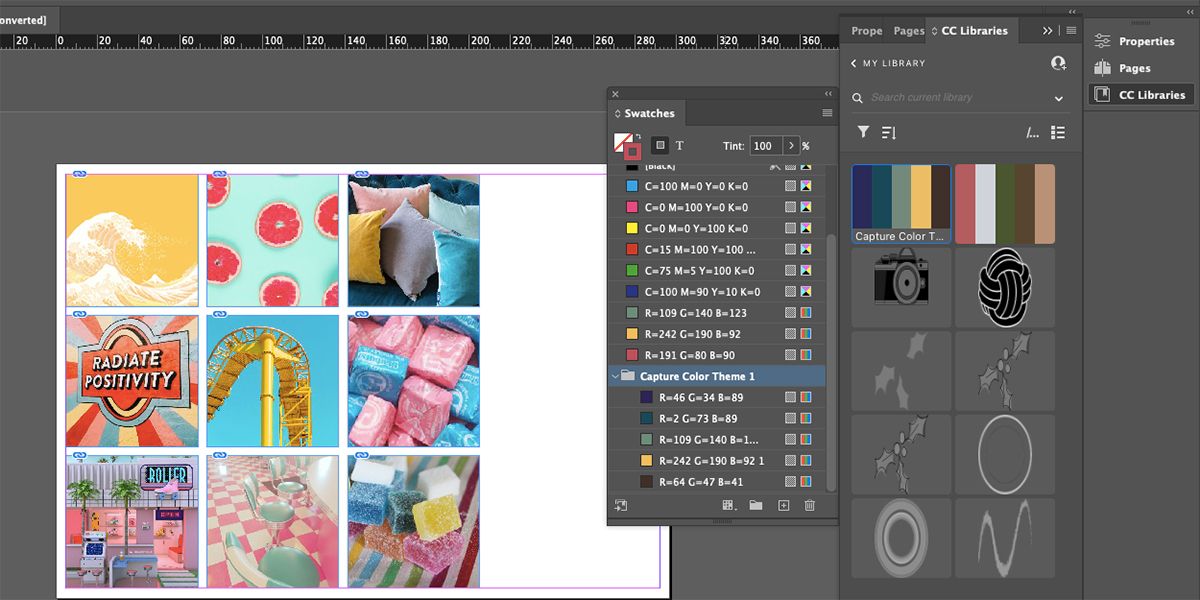
Adding Colours To Your Libraries In Indesign with Vernon Macdonald blog

Adding Colours To Your Libraries In Indesign: Right Where You Need It

Three More Great Ways to Add Colors to InDesign Documents

If you arrived here looking for Adding Colours To Your Libraries In Indesign, you are in the right place, with a growing collection of example images collected as visual reference.
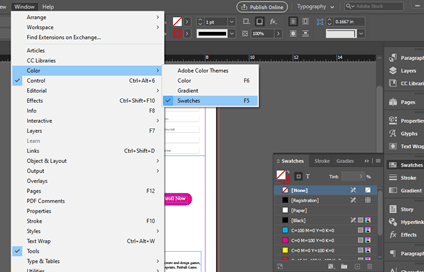
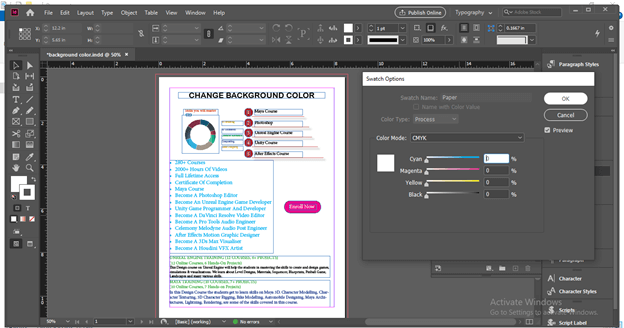
InDesign Background Color | How to create and use Background color?

A description can only go so far before a picture does the job better, which is why browsing through the images is often the fastest way to understand it.

Real Picture Examples for Adding Colours To Your Libraries In Indesign

How to Change the Color of Your Entire InDesign Document - YouTube

The images below show Adding Colours To Your Libraries In Indesign in many different forms and settings, so you can compare them side by side as you scroll.

There is no need to rush past the pictures, and repeated details across images reveal what truly matters.

InDesign Basics: Working with Swatches

What These Pictures Explain

Think of each example as a visual definition, so you can recognize the qualities worth noticing.

Watch for the elements that appear again and again, because consistent details are usually the essential ones.
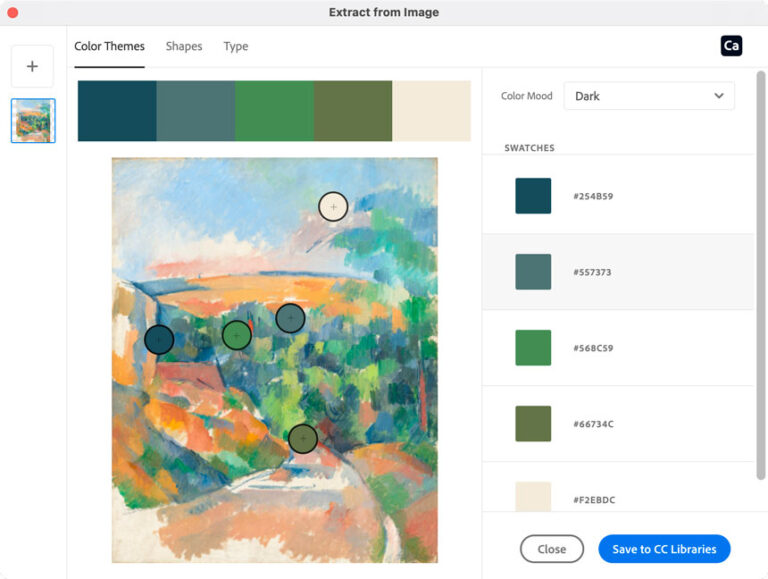
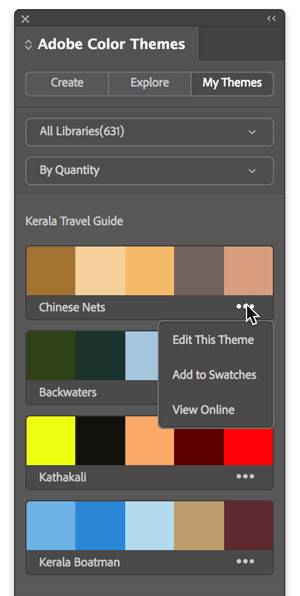
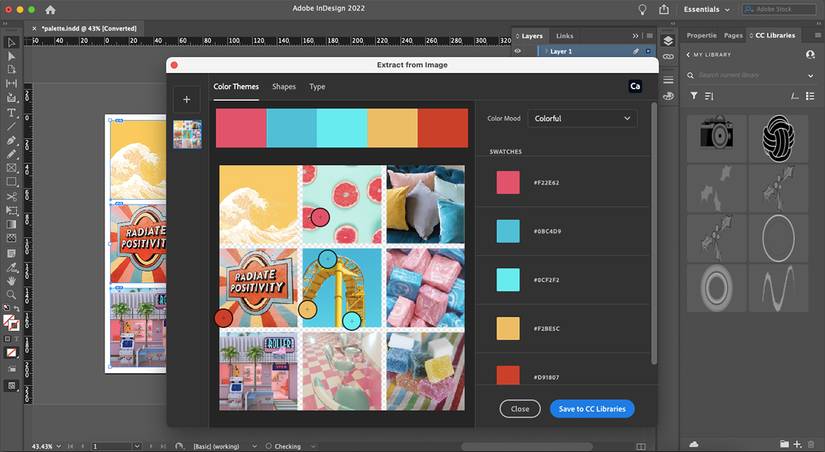
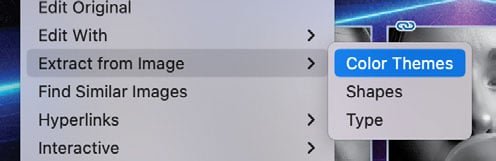
How to Extract and Share Colors from Images in InDesign

Many Forms and Variations

No two examples in the gallery look exactly the same, each one leans toward a slightly different taste, which helps you quickly narrow down what you actually want.

Whenever a particular picture stands out, stop and study it, that reaction is a better guide than any checklist.

Easy Ways to Capture and Share Colors

How to Use These Examples for Reference

The collection works best when you do something with it, like marking the images that match your idea.

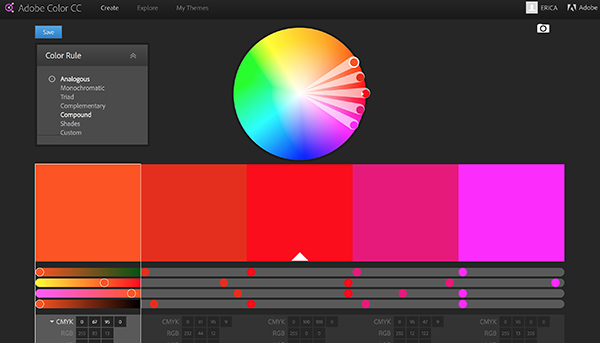
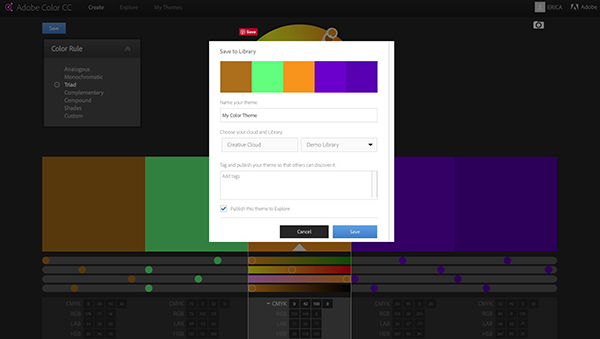
Quick Tip: Enhance Your Designs With Adobe Color in InDesign | Envato Tuts+
Indesign: Trouble Adding Color Swatches From The Swatch Palette To ...
Summer Theme Colour Palette Swatch Libraries for Illustrator, Photoshop ...
InDesign’s Hidden Color Tools
Quick Tip: Enhance Your Designs With Adobe Color in InDesign | Envato Tuts+
Changing Colors and Adding Swatches in InDesign - YouTube
Colours in Indesign : r/indesign
InDesign Tutorial: Introducing Adobe Colors and Adobe CC Library - YouTube
How Do I Do That In InDesign? - How Do I Do That In InDesign? [Book]
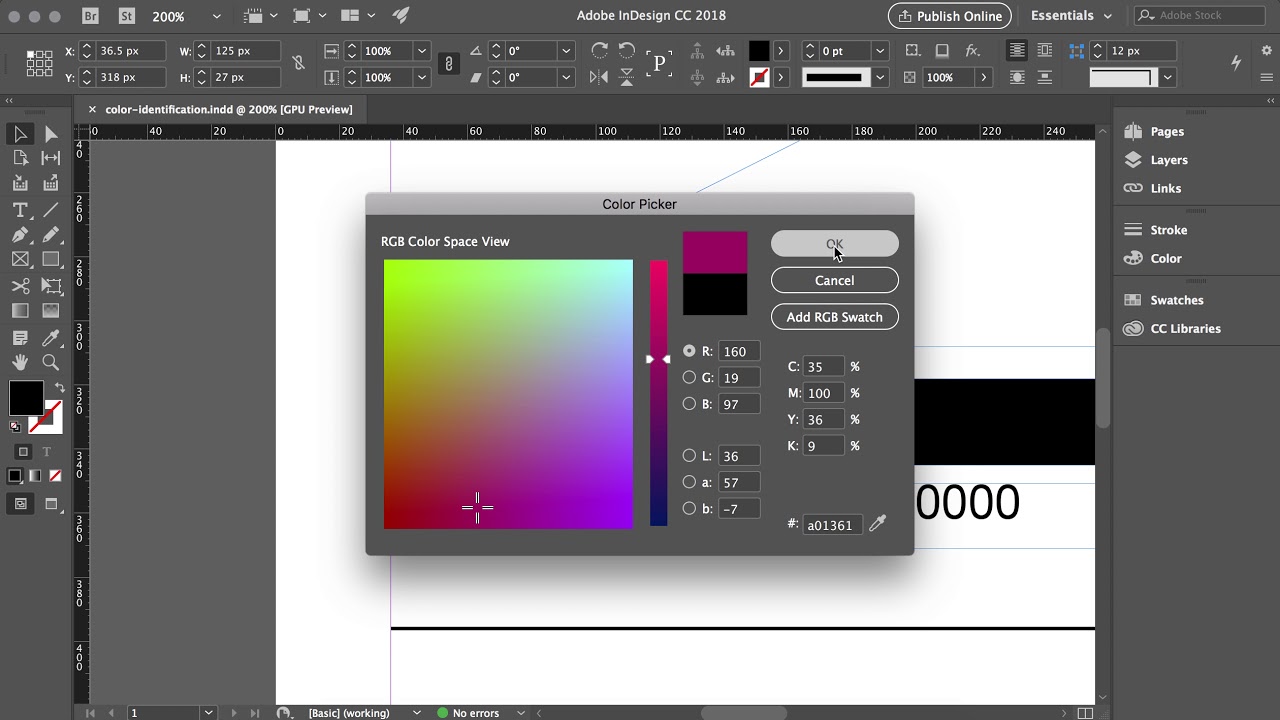
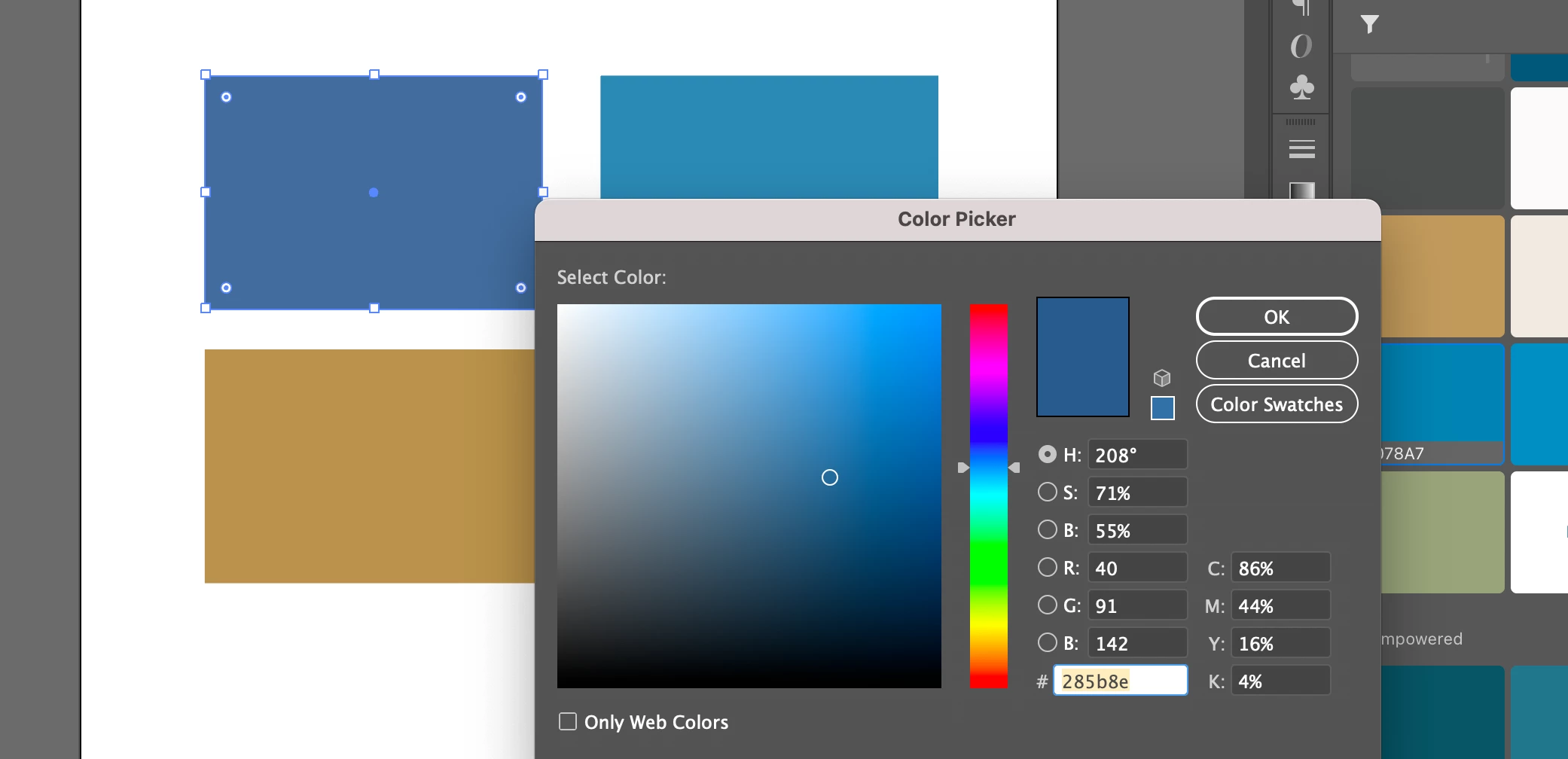
Color picker in InDesign - Graphic Design Stack Exchange
Techniques for Copying Pages between InDesign Documents, Part 2
InDesign’s Hidden Color Tools
Three More Great Ways to Add Colors to InDesign Documents
How to Change Color Mode in Adobe InDesign: 1-Min Guide
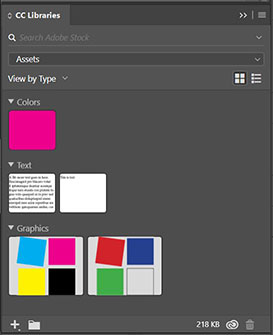
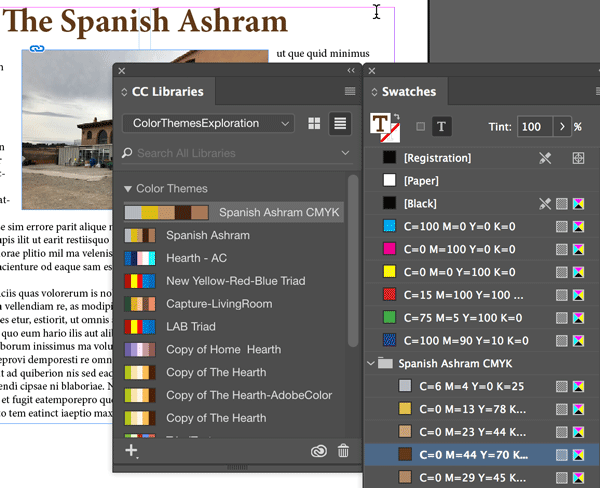
CC Libraries
CC Libraries
How to Create and Save a Color Palette in Adobe InDesign
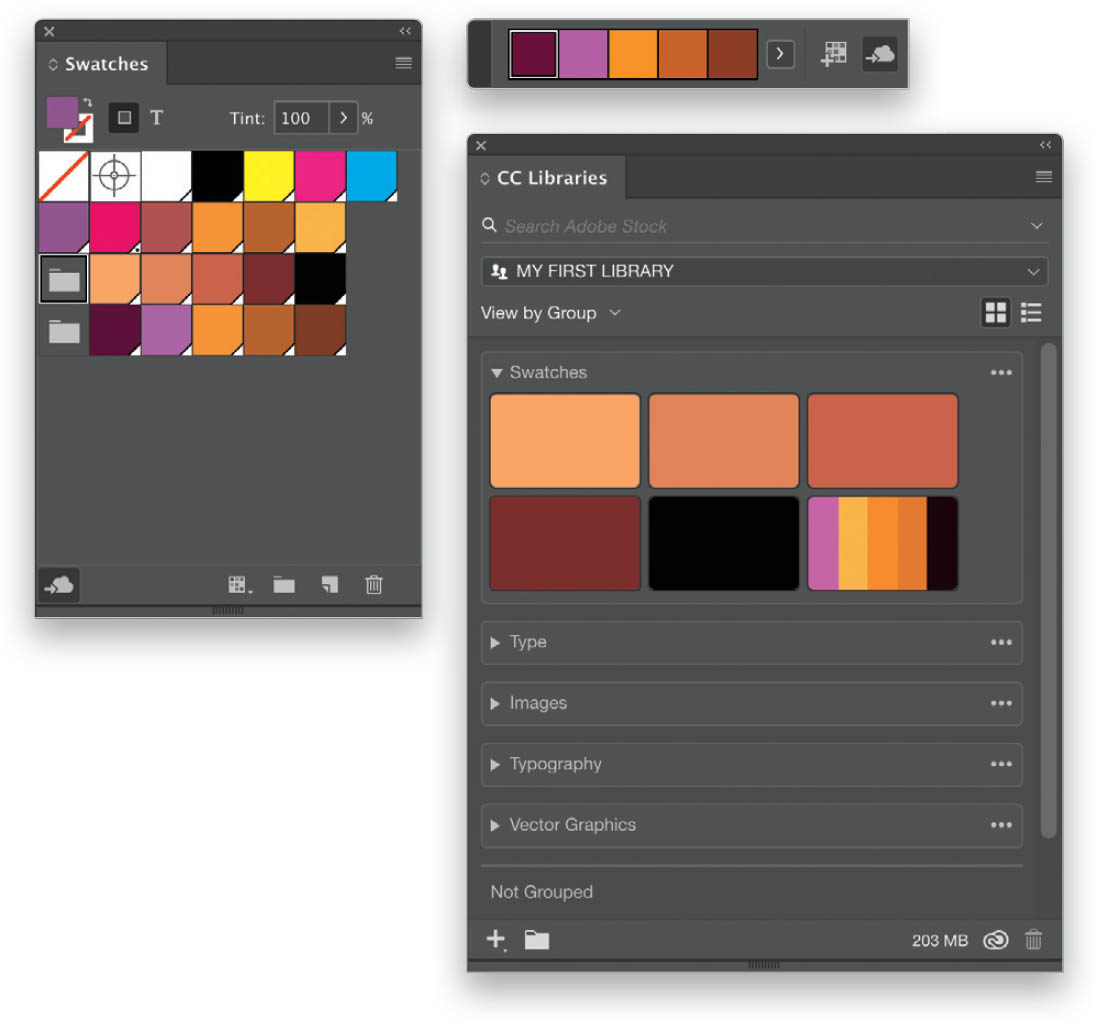
InDesign Tutorial: Adding Color Swatches to CC Libraries - YouTube
How to Change Gradient Color in InDesign | Envato Tuts+
Three More Great Ways to Add Colors to InDesign Documents
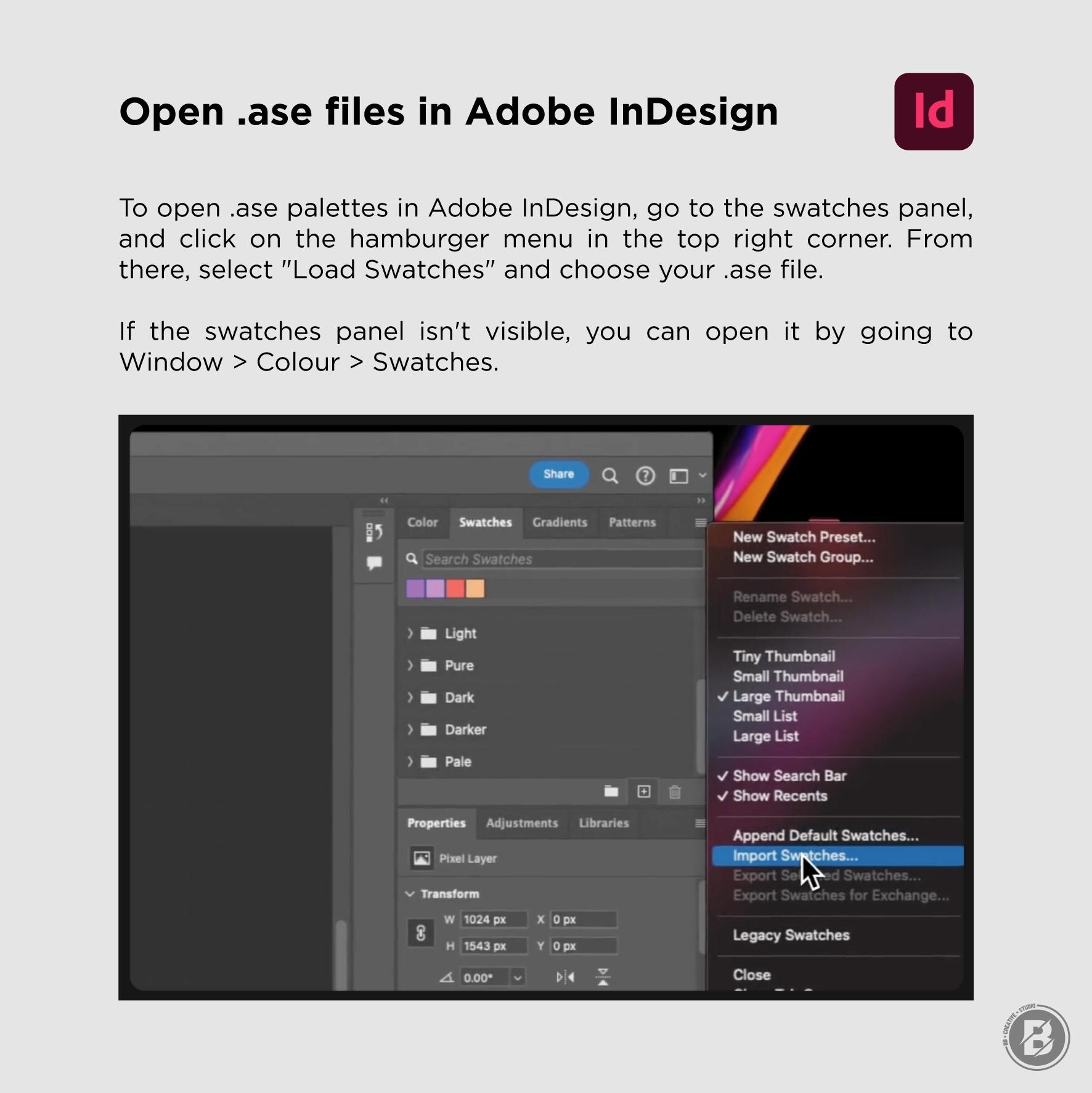
Adding colors to the Swatches palette in InDesign - YouTube
Recolor Images Using Extracted Color Themes in InDesign
Use Creative Cloud Libraries in InDesign to share and organize design ...
InDesign Background Color | How to create and use Background color?
Illustrator & Indesign: Colors in library change #HEX on their own ...
Three More Great Ways to Add Colors to InDesign Documents
Summer Theme Colour Palette Swatch Libraries for Illustrator, Photoshop ...
How to Create and Save a Color Palette in Adobe InDesign
Using Color in InDesign - PrettyWebz Media Business Templates & Graphics

Pictures remove the guesswork from conversations, which prevents most of the usual misunderstandings.

Closer Looks at the Examples

Every example rewards a second, closer look, paying attention to textures, proportions, colors, and how things are arranged.

A closer look at one good image beats skimming twenty, so choose the closest matches and examine those thoroughly.

Seeing Is Understanding

There is a simple reason image searches are so popular, a real example eliminates the gap between description and reality.

This is precisely why galleries like this one are valuable, be it ideas, verification, or simply knowing what to call it.

The Reference Is Here Whenever You Need It

Whenever Adding Colours To Your Libraries In Indesign comes up again, these images will be here, and a fresh look at the same gallery often reveals something new.

Over time, you will notice details casual viewers miss, and let the gallery keep doing what it does best.