How Do You Copy And Paste On Apple Mouse: Right Where You Need It
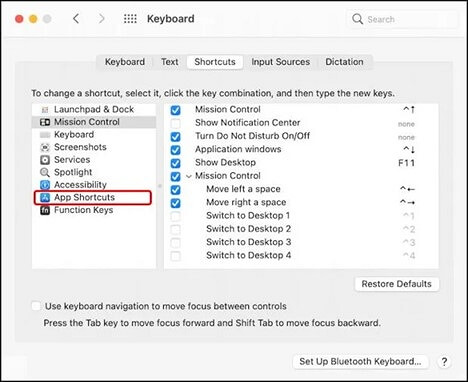
Since you are searching for How Do You Copy And Paste On Apple Mouse, this page was made for you, with a growing collection of example images collected as visual reference.

A description can only go so far before a picture does the job better, so looking at real examples explains far more than any description can.
Example Images of How Do You Copy And Paste On Apple Mouse

Each picture captures How Do You Copy And Paste On Apple Mouse from a different angle or context, giving you a fuller picture than any single example could.
There is no need to rush past the pictures, because the more images you see, the clearer the overall idea becomes.
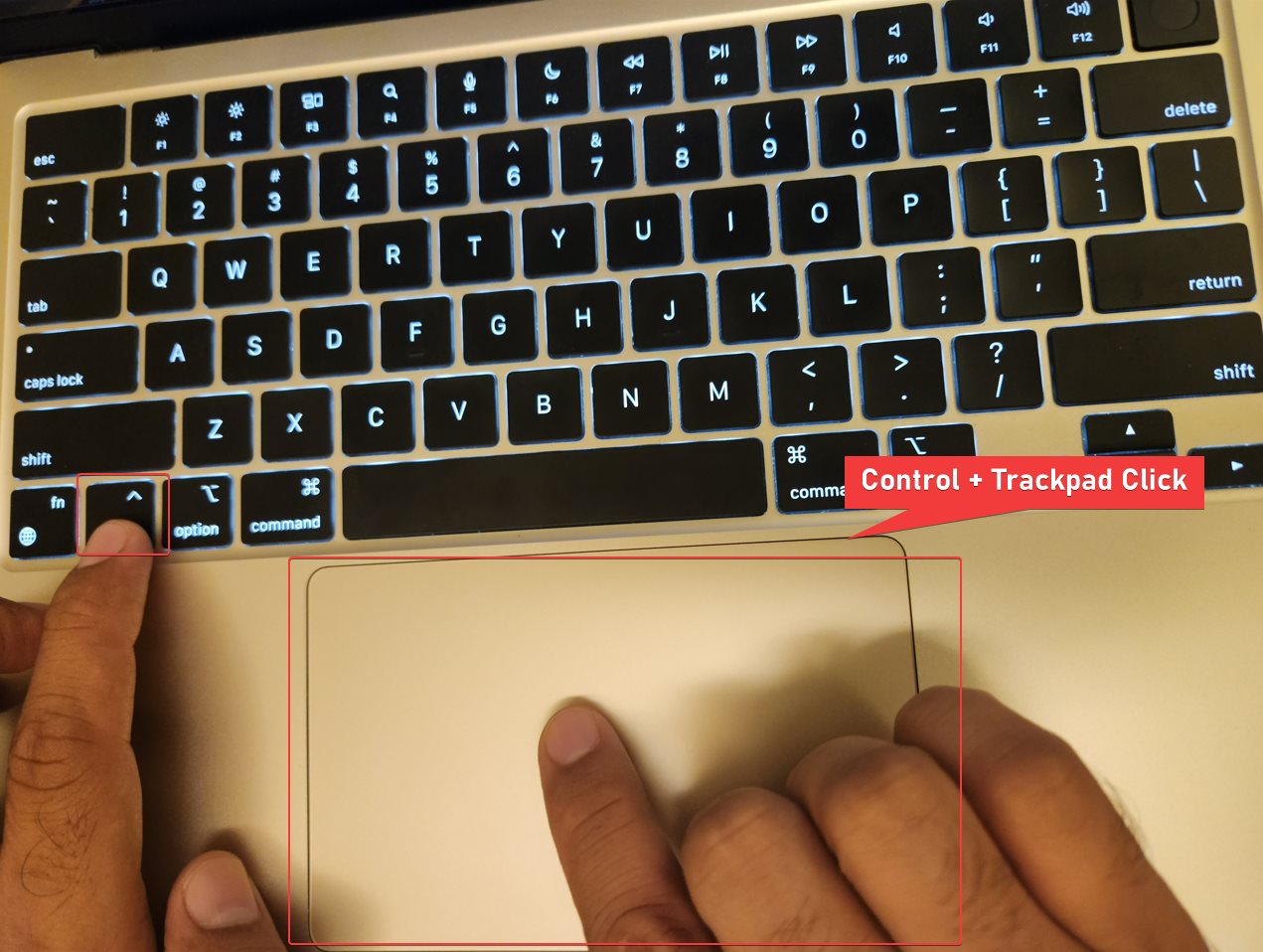
Reading How Do You Copy And Paste On Apple Mouse Through Images
Think of each example as a visual definition, capturing exactly the kind of details people usually ask about.
Notice which details stay consistent across the pictures, because consistent details are usually the essential ones.

Different Variations, Different Styles
The differences between examples are part of what makes browsing useful, a few lean traditional while others feel modern, so studying the range helps you identify which style suits you best.
Notice which image makes you stop scrolling, because that instinct usually points toward what you are really looking for.

Turning Pictures Into Useful Reference
Every picture here can serve as a working reference, comparing your reaction across several examples.



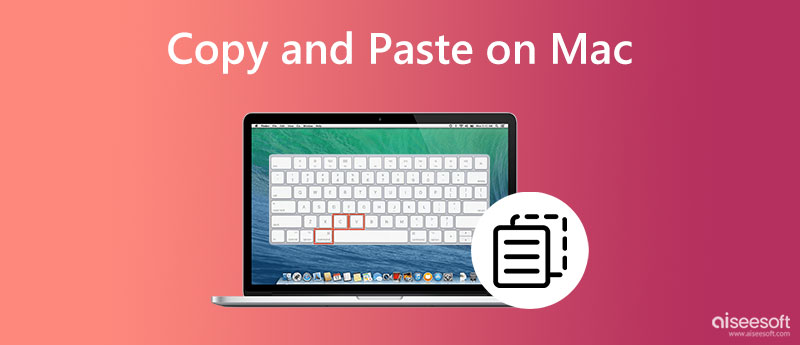





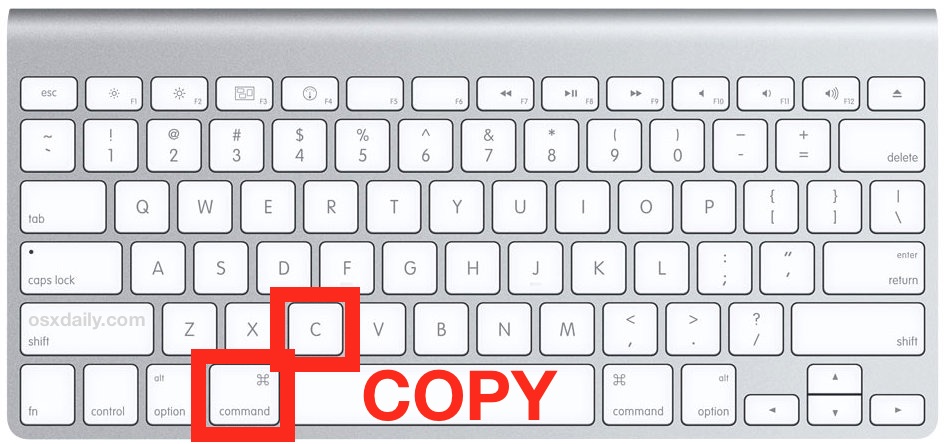
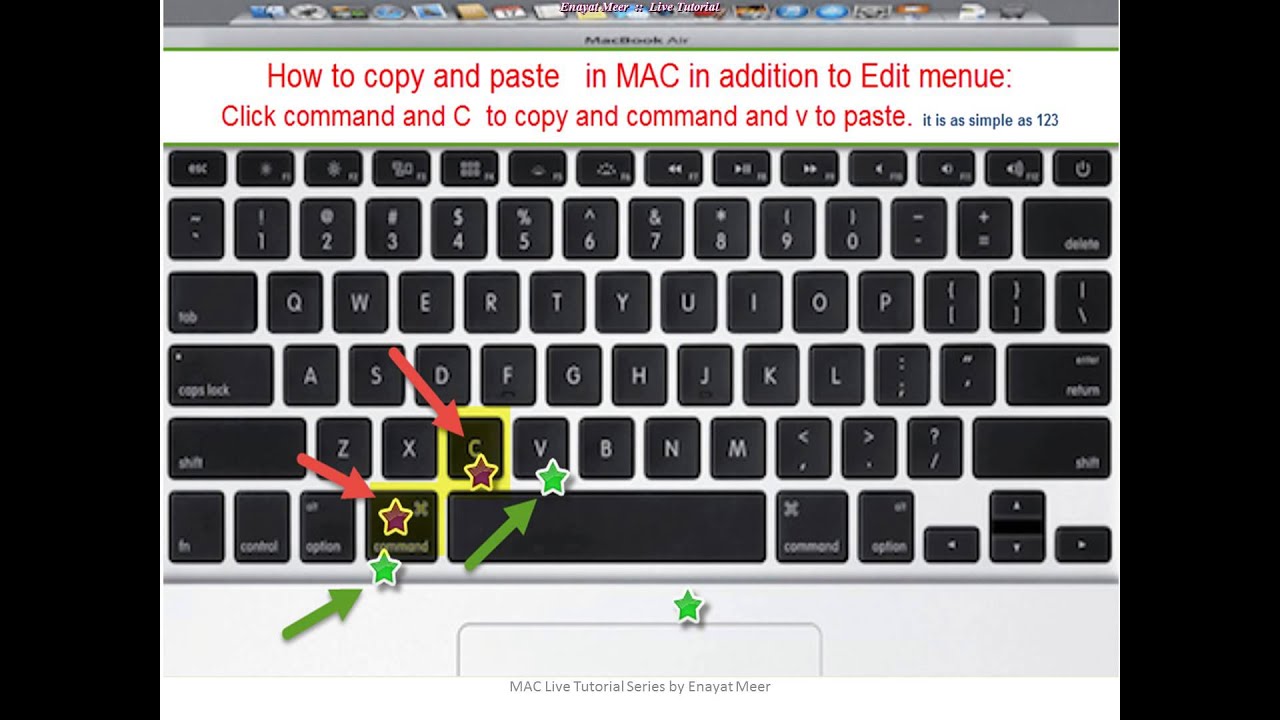




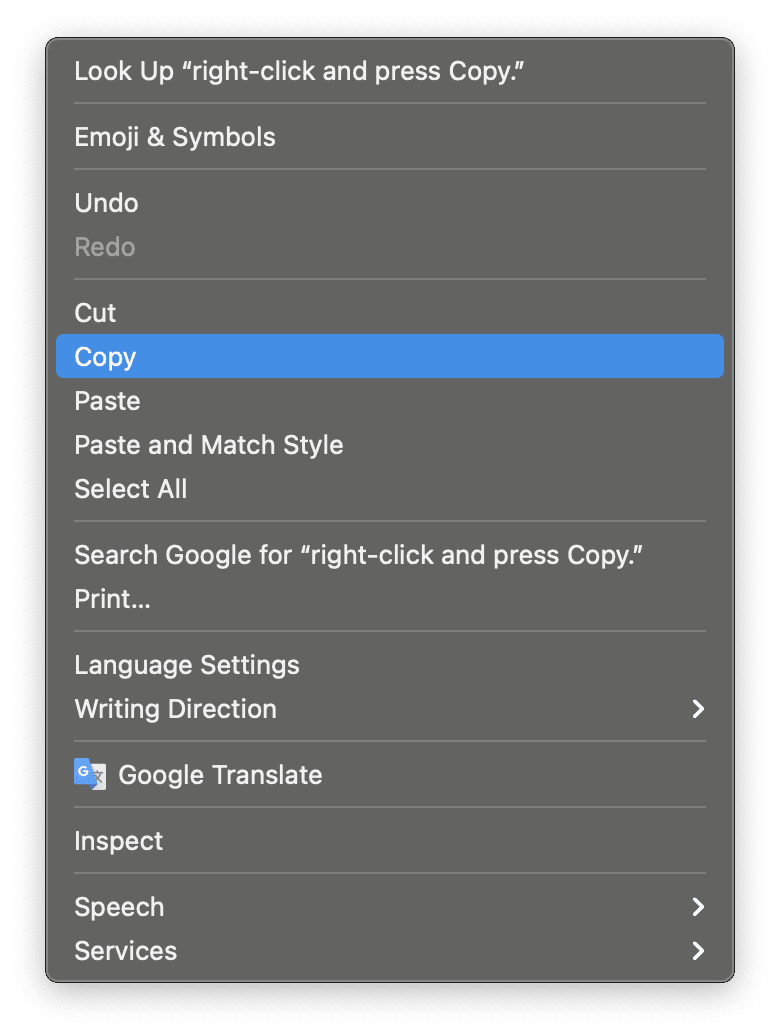



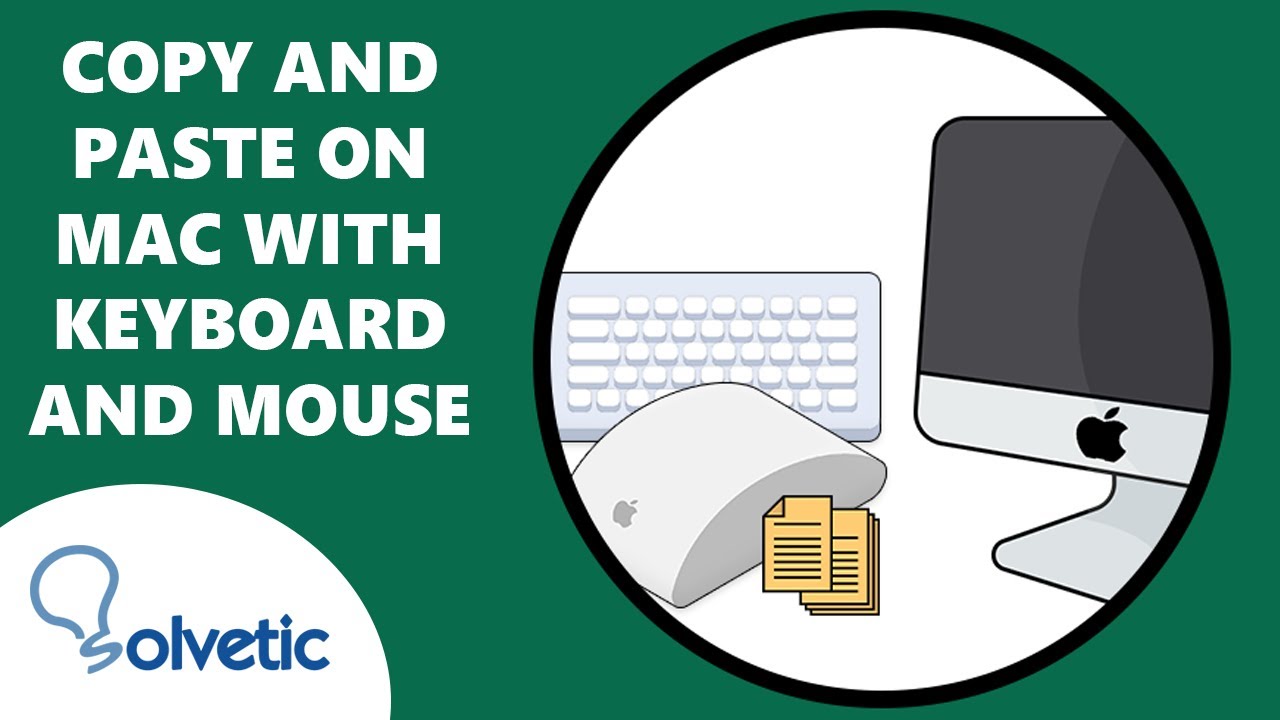

Pictures remove the guesswork from conversations, because pointing to a real example replaces a long and error-prone description.
What to Notice in Each Picture
Beyond the first impression, each image contains useful details, such as positioning, scale, material feel, and overall balance.
Depth beats speed when it comes to visual learning, so instead of racing through all the examples, study a handful properly.
Pictures Explain Faster Than Words
It is no accident that people search for images first, a real example eliminates the gap between description and reality.
This is precisely why galleries like this one are valuable, so whatever brought you here, the images can carry you the rest of the way.
The Reference Is Here Whenever You Need It
Bookmark this collection of How Do You Copy And Paste On Apple Mouse examples, and a fresh look at the same gallery often reveals something new.
Every return visit trains your judgment a little further, so scroll back up and give the collection another look.