docs / articles / How To Add Running Clock In Powerpoint with Scott Davidson blog

How To Add Running Clock In Powerpoint with Scott Davidson blog

Scott Davidson Nov 28, 2026 2026-11-28 16:23:16

How To Add Running Clock In Powerpoint: Right Where You Need It
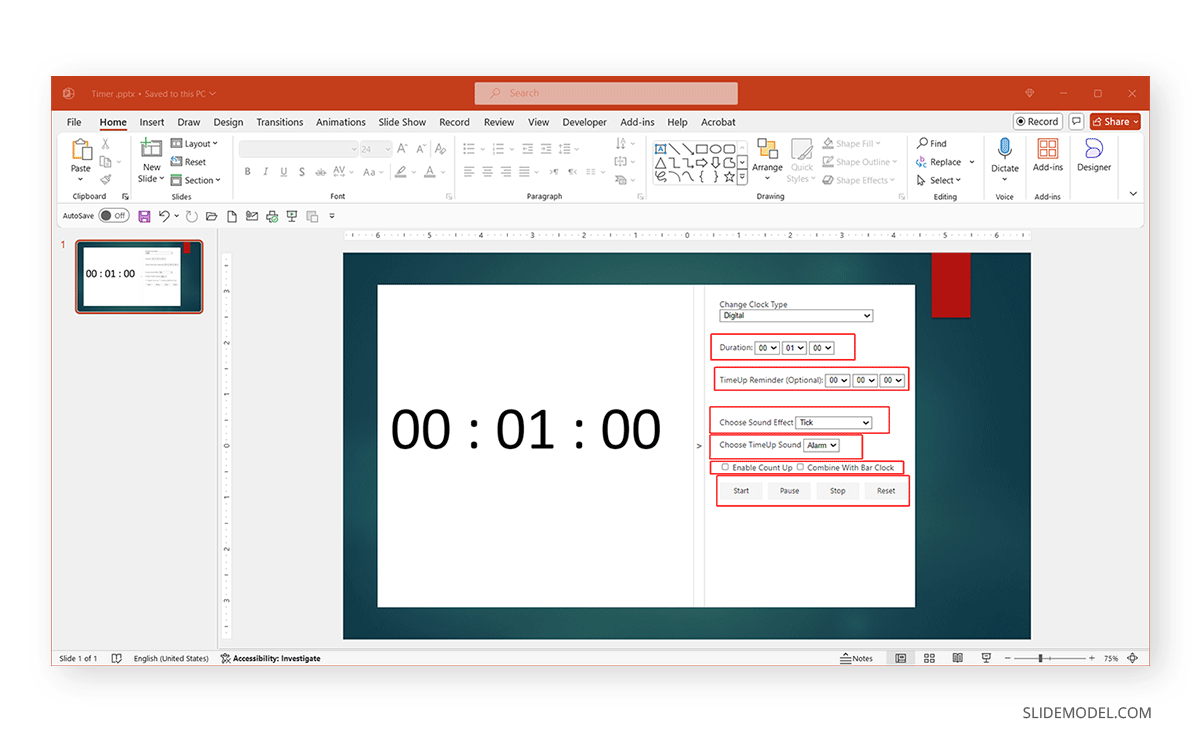
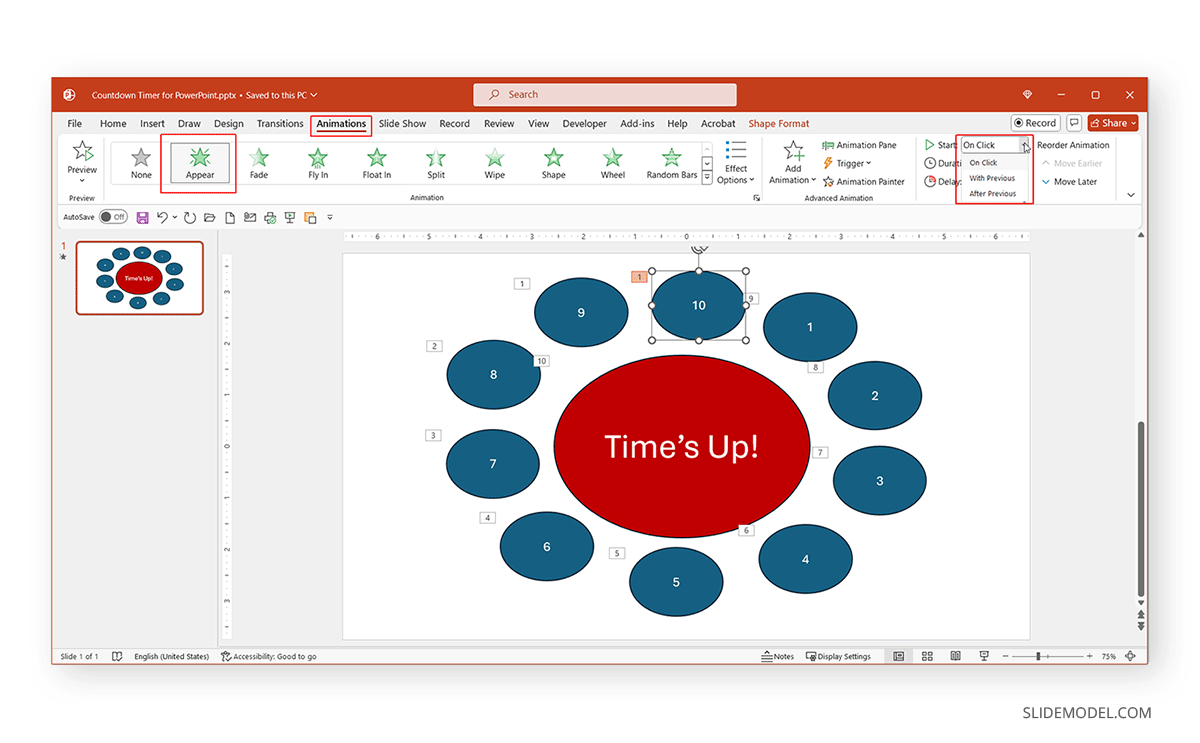
How to Add a Timer to PowerPoint - SlideModel

If you arrived here looking for How To Add Running Clock In Powerpoint, you are in the right place, with a growing collection of example images collected as visual reference.
Add A Live Clock In Microsoft PowerPoint - YouTube

Reading about something is one thing; seeing it is another, and that is exactly why visual references work so well here.

Example Images of How To Add Running Clock In Powerpoint
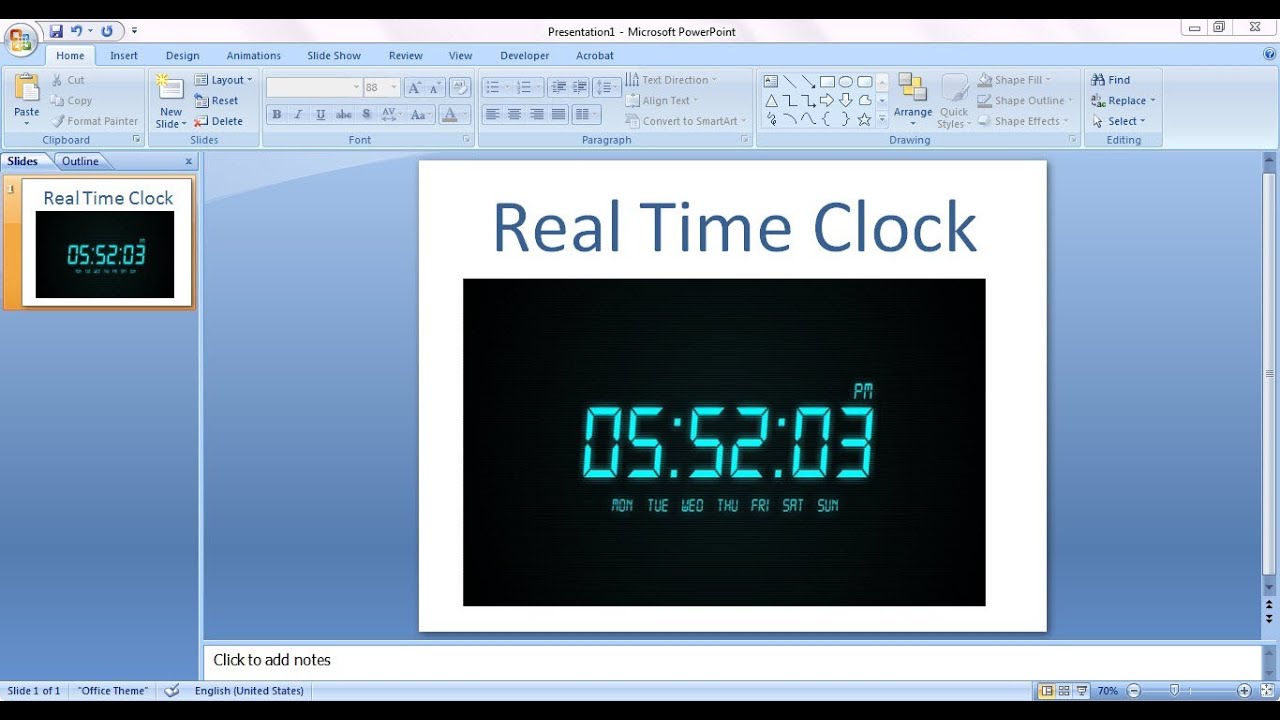
How to embed Real Time Clock in Power Point Presentation(Ppt) - YouTube

The images below show How To Add Running Clock In Powerpoint in many different forms and settings, giving you a fuller picture than any single example could.

Take your time moving through the collection, and familiarity builds faster than you might expect.
How To Add A Timer To PowerPoint (We Tried All & Here Are The Best 4 ...

What the Images Can Show You

A single picture can communicate shape, scale, style, and context at once, so you can recognize the qualities worth noticing.

Compare a few examples and observe what repeats, and these shared traits are your best guide.

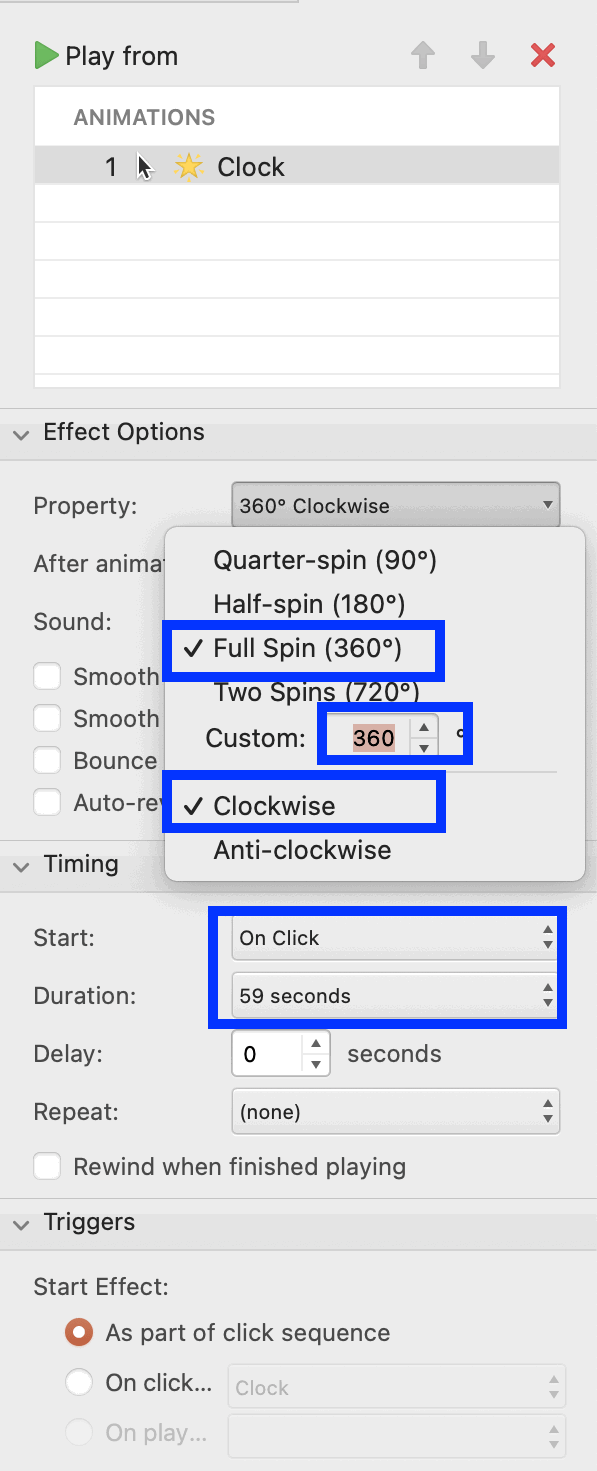
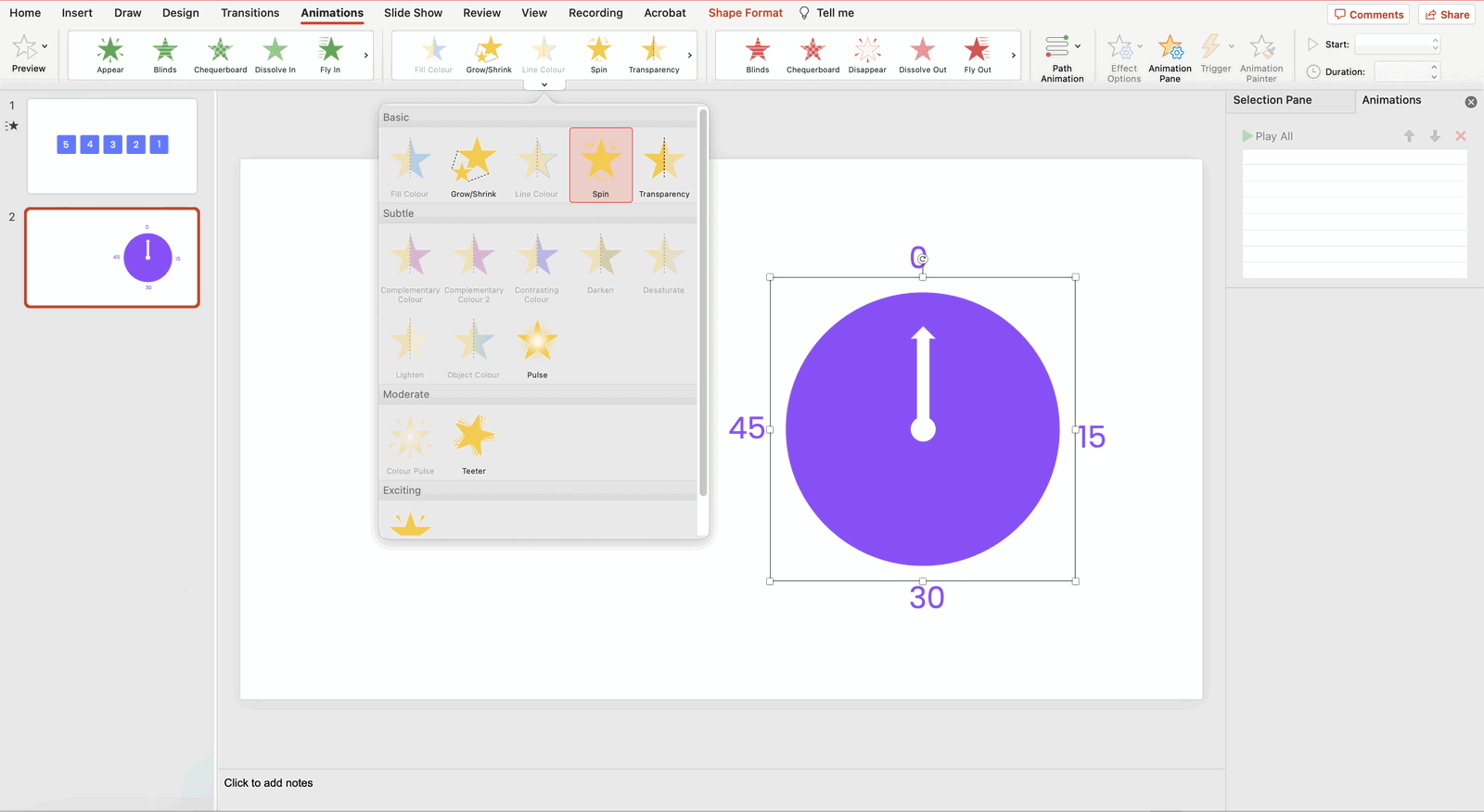
PowerPoint Animation Clock Effect - Animate Clock Hands in PowerPoint ...

Many Forms and Variations

Variety is the whole point of a reference collection, a few lean traditional while others feel modern, so studying the range helps you identify which style suits you best.

Notice which image makes you stop scrolling, since your natural preference reveals itself faster than you think.
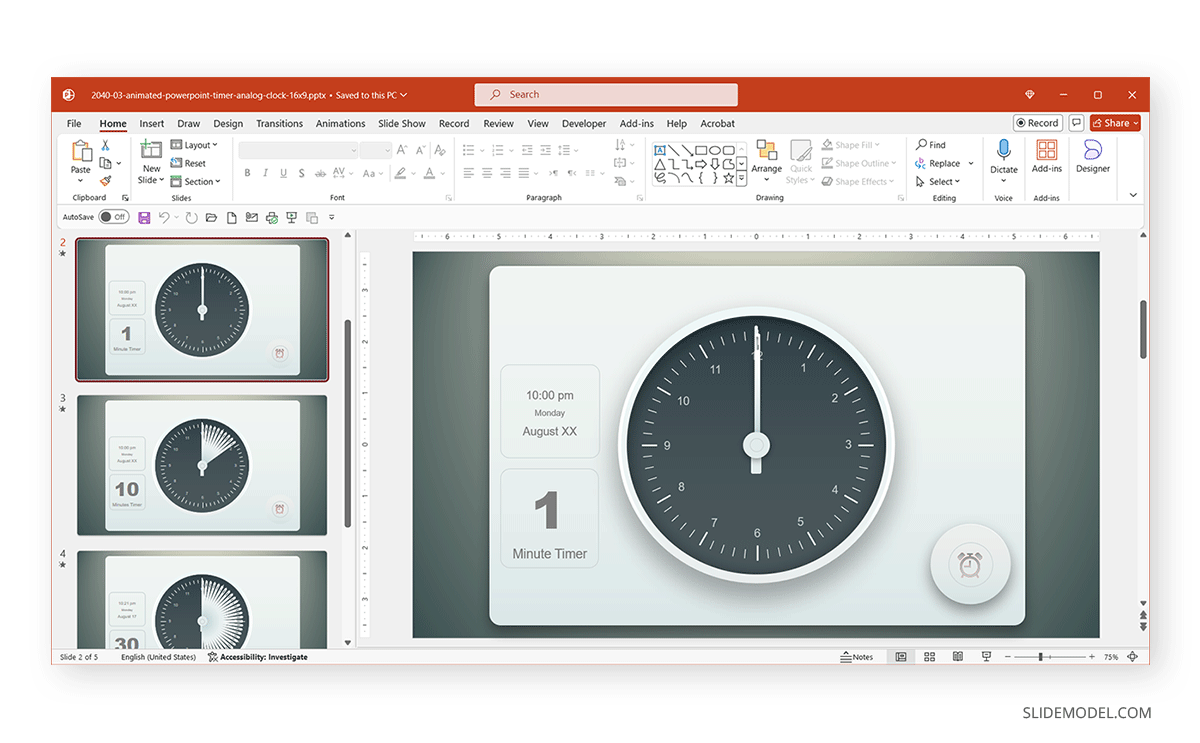
How to Add an Animated Clock to PowerPoint Slides - Classwork

How to Use These Examples for Reference

These images are meant to be used, not just viewed, for instance, keeping a shortlist of your favorite pictures.

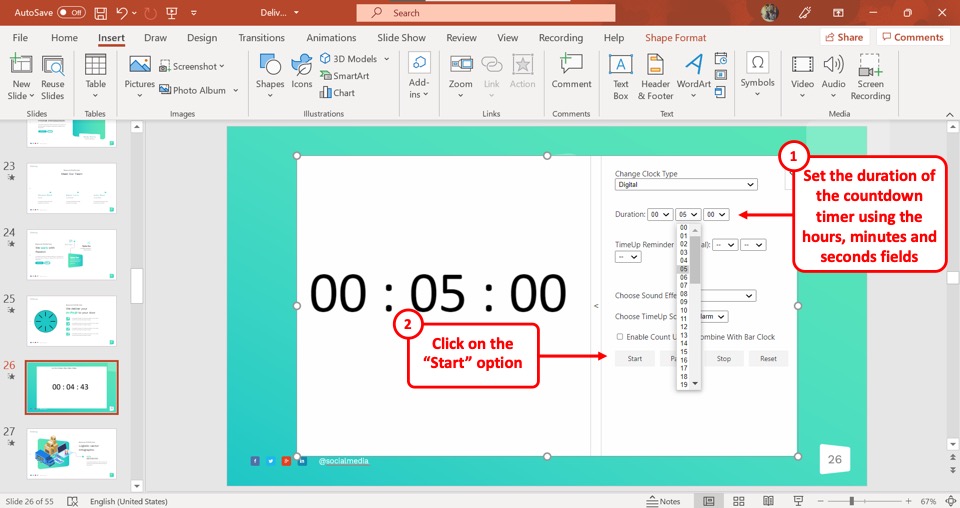
How to Add a Timer to Powerpoint | Powerpoint countdown timer
Powerpoint Slide Time | How To Change Powerpoint Time – TVHGD
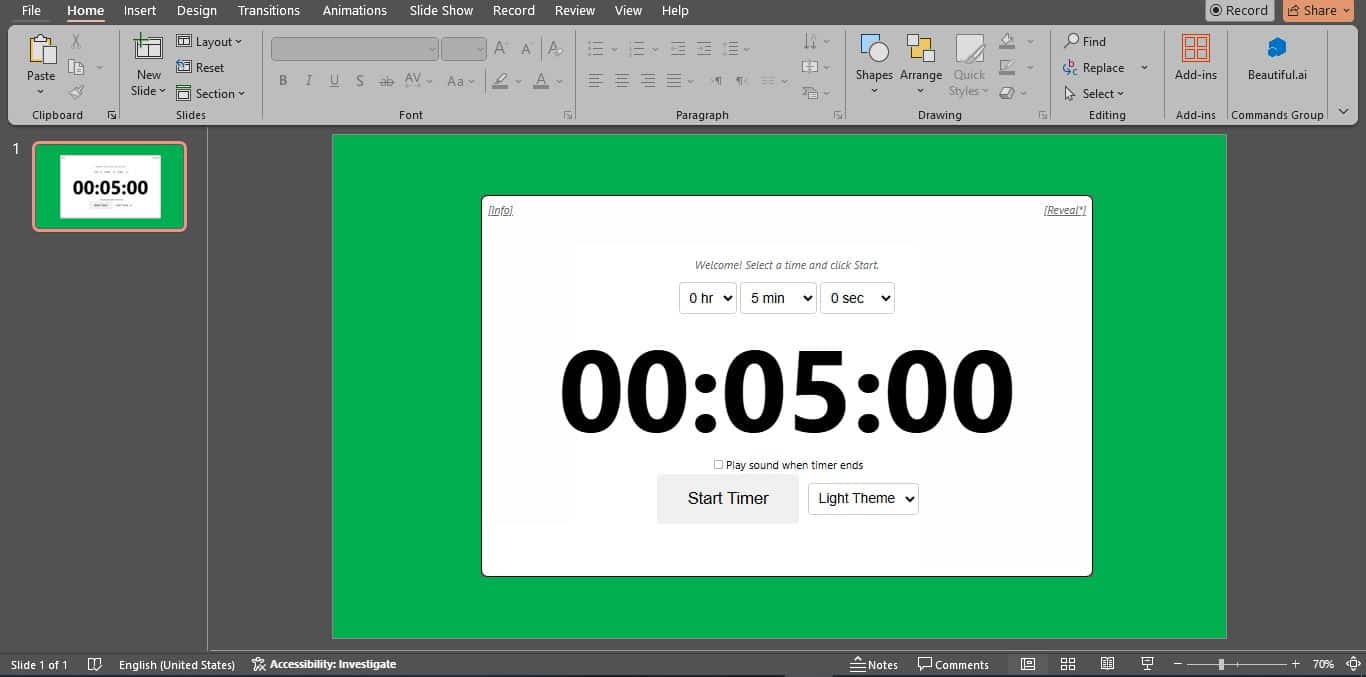
How To Add A Timer To PowerPoint (We Tried All & Here Are The Best 4 ...
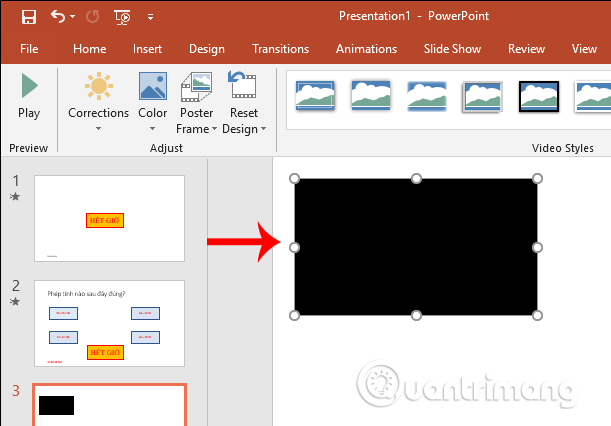
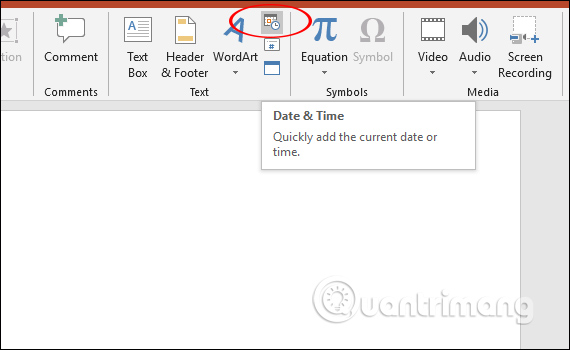
How to insert a clock into PowerPoint - TipsMake.com
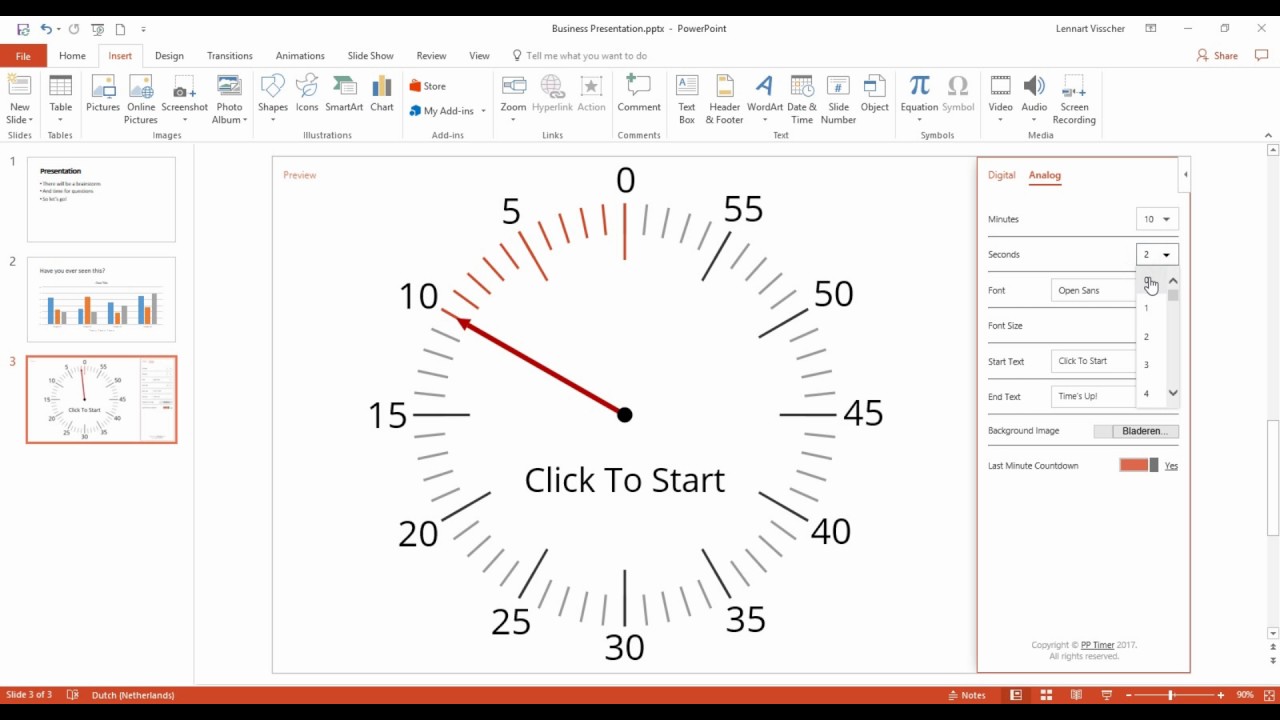
Timer for PowerPoint: insert PP Timer into your slide - YouTube
How to Add Timer in PowerPoint - YouTube
How to Add a Timer to Powerpoint | Powerpoint countdown timer
How To Make Clock In Powerpoint at Liza Tinker blog
How to insert a clock into PowerPoint - TipsMake.com
How To Display a Live Clock in PowerPoint?
Powerpoint Timer In Slide at John Mccloud blog
How to Add a Timer to Powerpoint | Powerpoint countdown timer
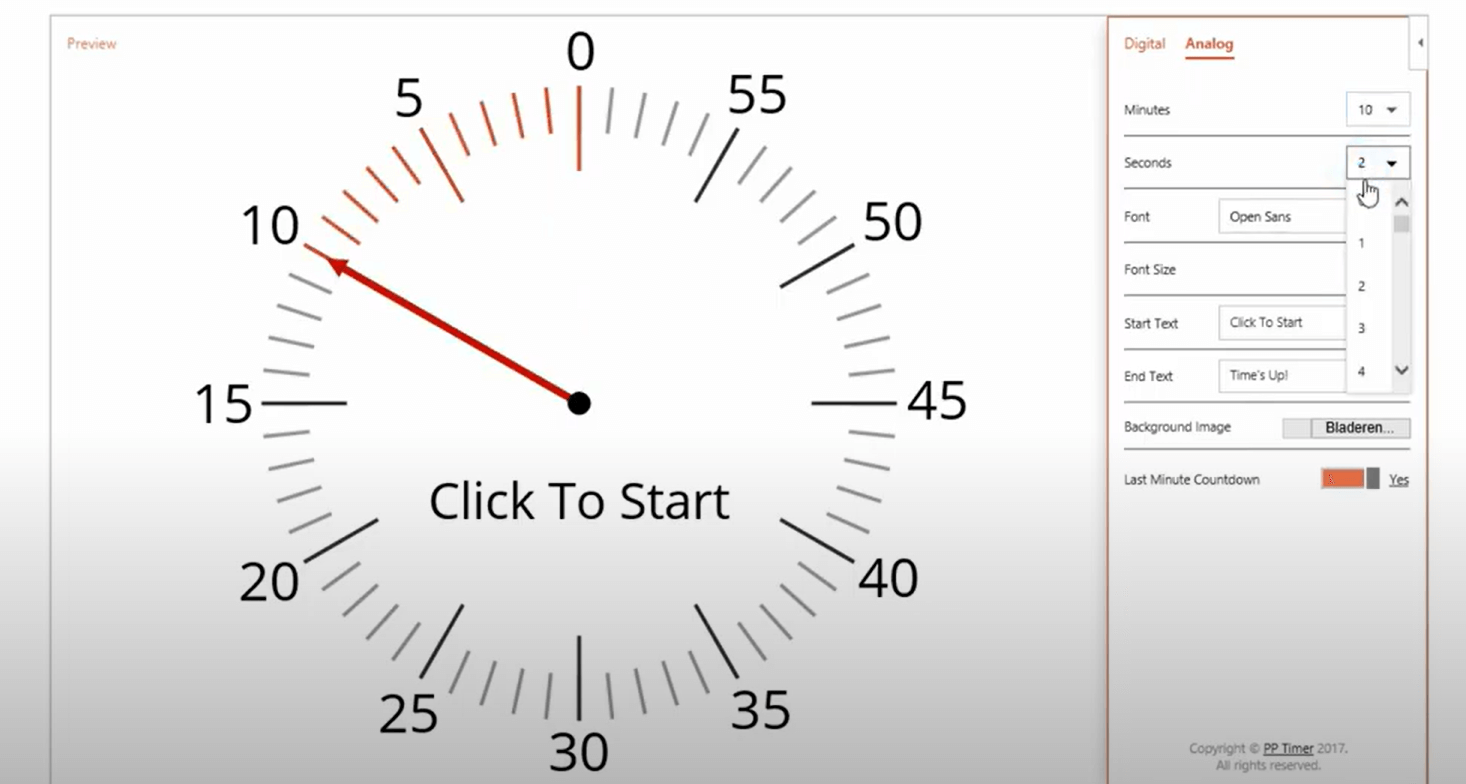
How to Insert Timer in PowerPoint? Use PP Timer to Add a Timer
5 Easy Ways to Add a Timer and countdown in PowerPoint
How To Add Clock In Powerpoint Presentation at Micheal Wilder blog
How To Add a Real-Time Clock to PowerPoint
How To Create A Digital Timer In Powerpoint at Chuck Miranda blog
How to Quickly Insert a Countdown Timer in PowerPoint - YouTube
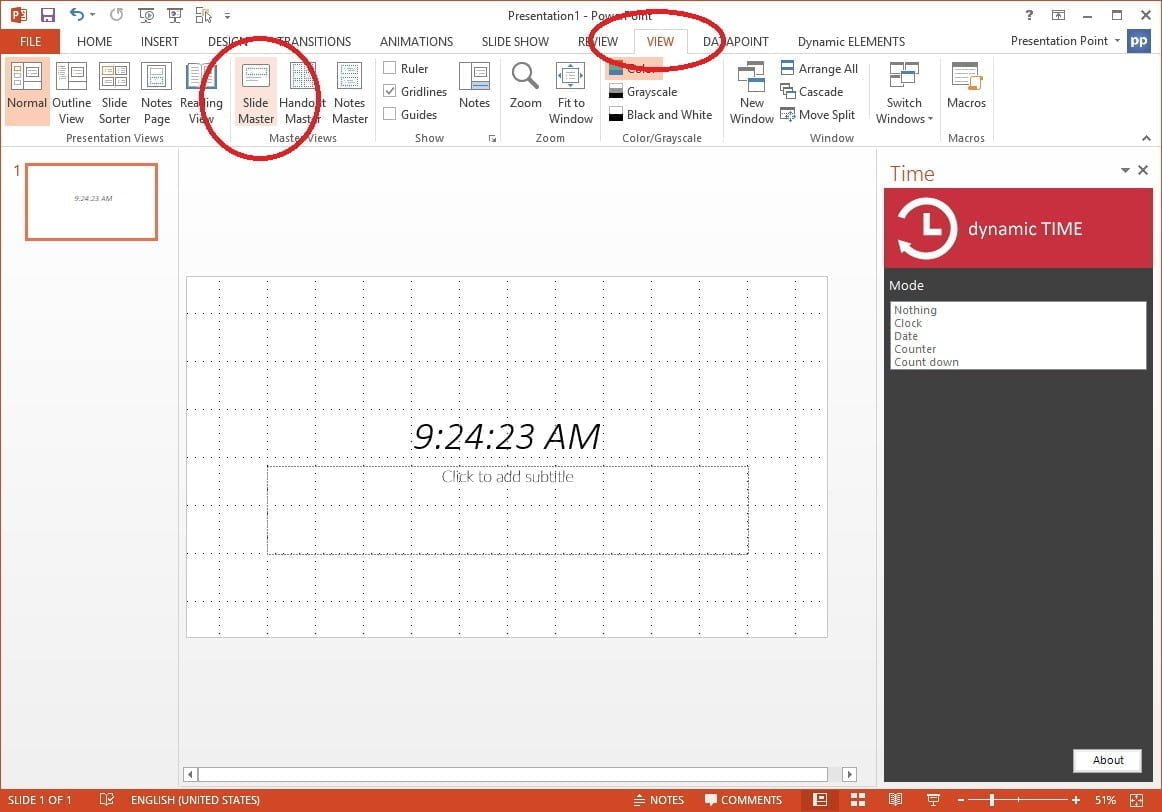
PowerPoint Clock with Date & Time Display • PresentationPoint
How to Add a Timer to Powerpoint | Powerpoint countdown timer
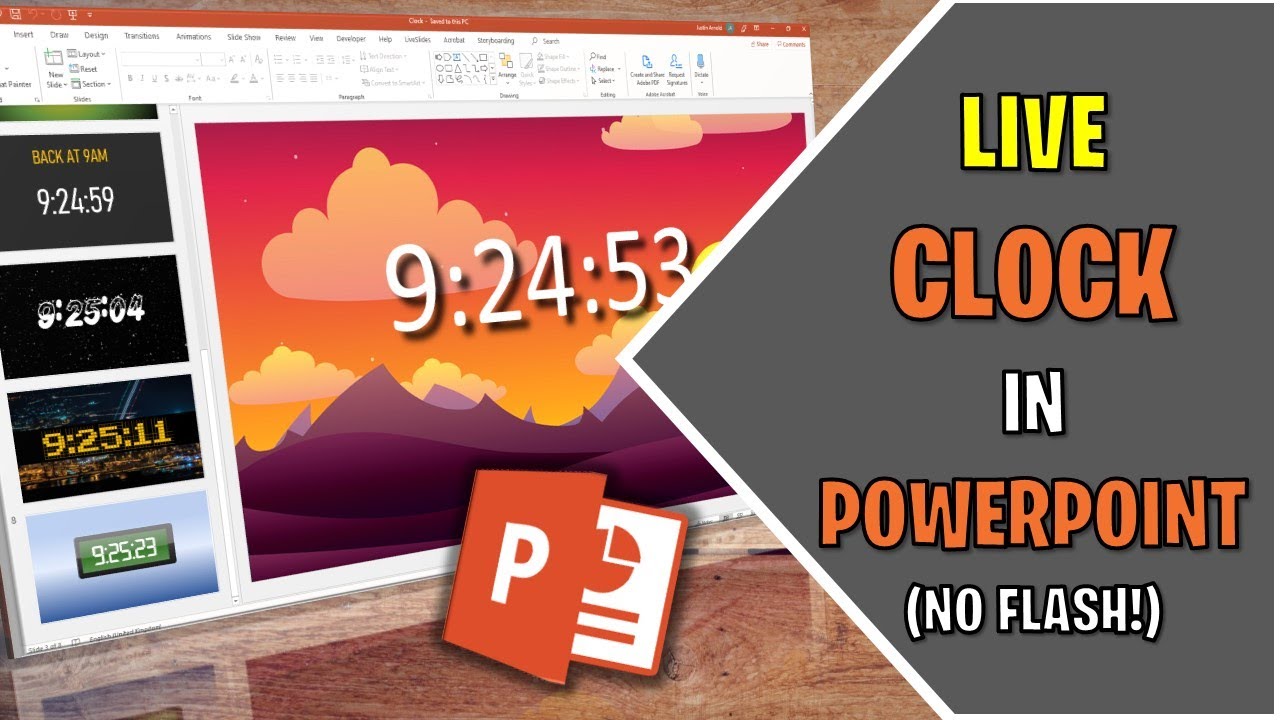
Create A Live Clock In Any PowerPoint Presentation (No Flash!) - YouTube
Countdown Clock For Powerpoint
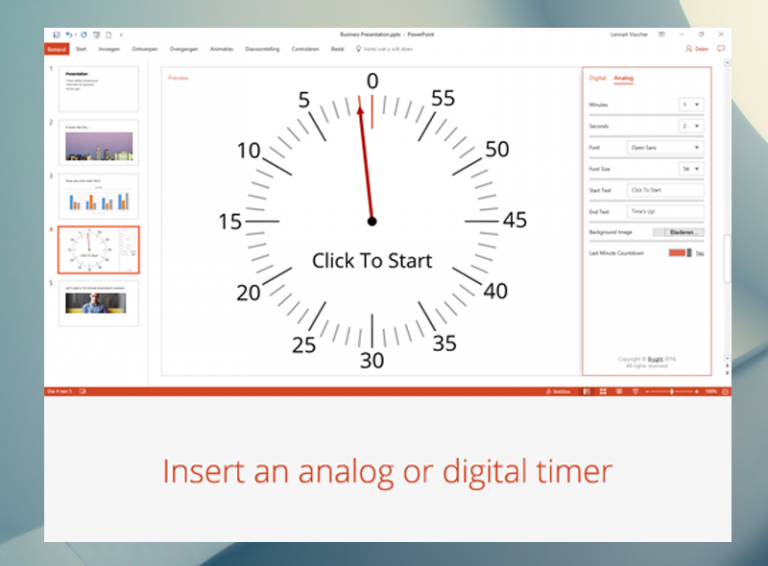
How to Add a Timer to PowerPoint - SlideModel
How To Create Clock In Powerpoint at Marva Owens blog
How To Insert A Clock In A Powerpoint at Benjamin Mott blog
How To Make Clock In Powerpoint at Liza Tinker blog
How Do I Add A Timer On Powerpoint
How to insert a clock into PowerPoint - TipsMake.com

Visual references make it much easier to describe what you want, and alignment happens in seconds instead of paragraphs.

The Small Details That Matter

The second viewing always reveals more than the first, such as positioning, scale, material feel, and overall balance.

The images you linger on will shape your understanding most, so choose the closest matches and examine those thoroughly.

Seeing Is Understanding

It is no accident that people search for images first, a picture removes interpretation and shows the thing itself.

That is why a varied collection like this is so effective, and whatever your reason was, the gallery has a use for it.

The Reference Is Here Whenever You Need It

Bookmark this collection of How To Add Running Clock In Powerpoint examples, as your preferences may shift the second time you look.

Over time, you will notice details casual viewers miss, and let the gallery keep doing what it does best.