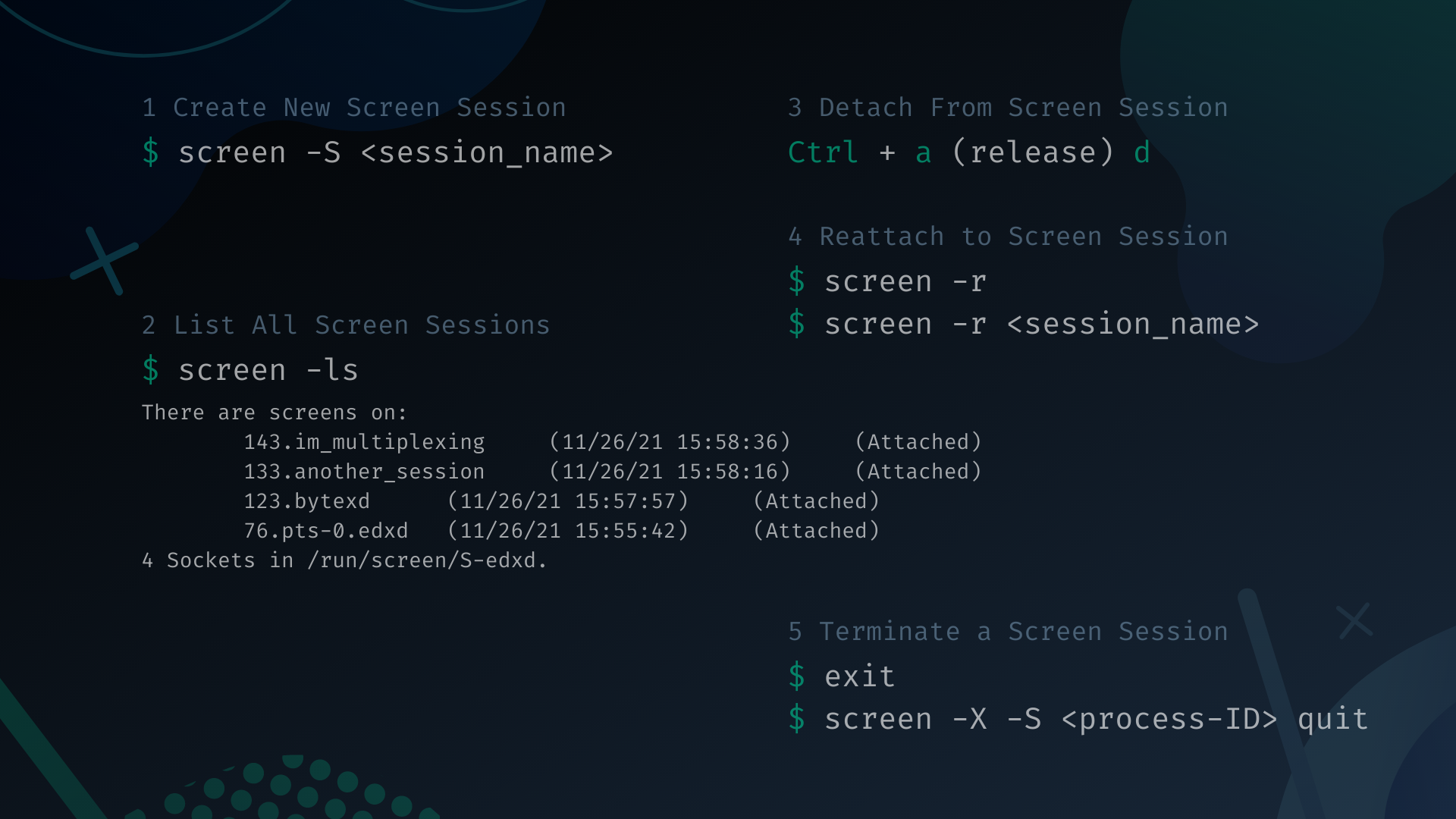
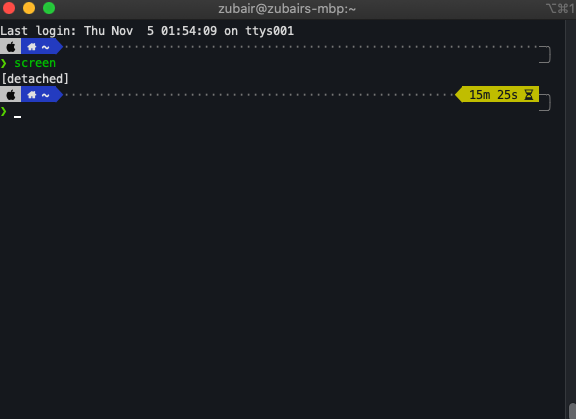
docs / articles / Linux Screen Detach And Reattach with Scott Davidson blog

Linux Screen Detach And Reattach with Scott Davidson blog

Scott Davidson Nov 28, 2026 2026-11-28 16:23:16

Linux Screen Detach And Reattach: Right Where You Need It

Screen Linux Terminate Session at Derek Herrman blog

You came here for Linux Screen Detach And Reattach, and everything below is exactly that, presented through a broad set of image examples you can browse freely.
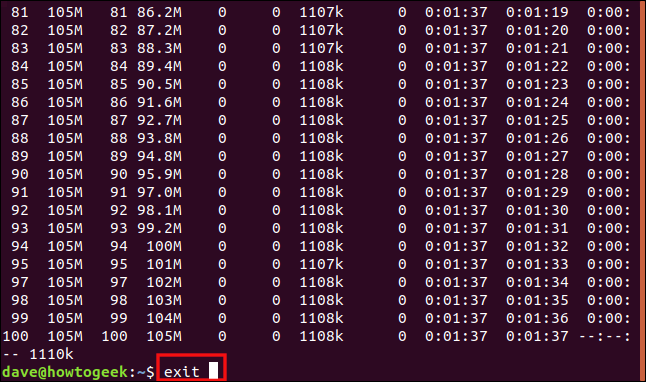
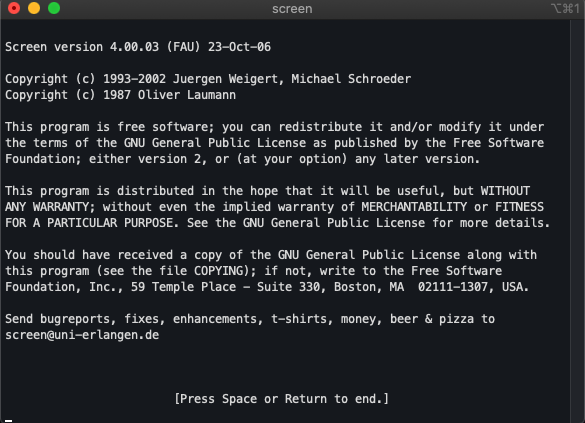
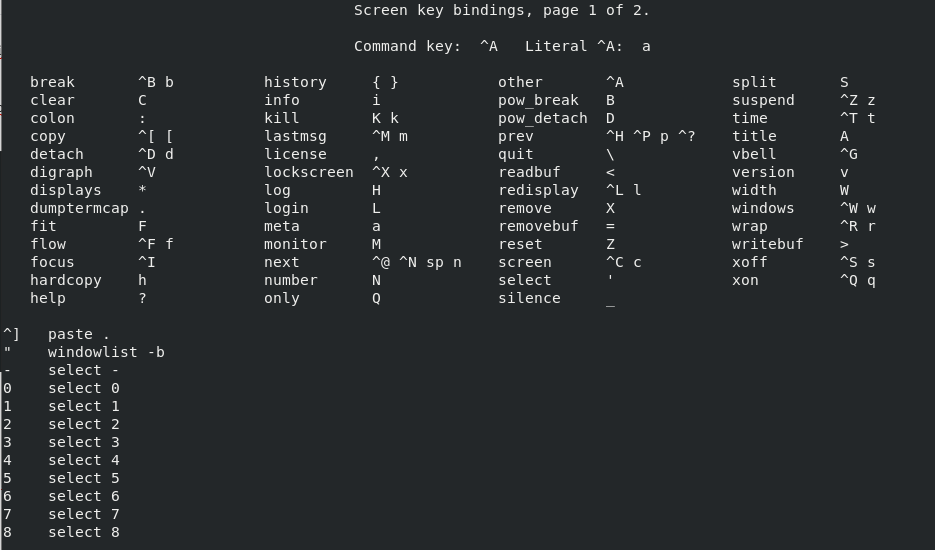
How to Use Linux's screen Command

Text can only take your search so far, and that is exactly why visual references work so well here.

Real Picture Examples for Linux Screen Detach And Reattach

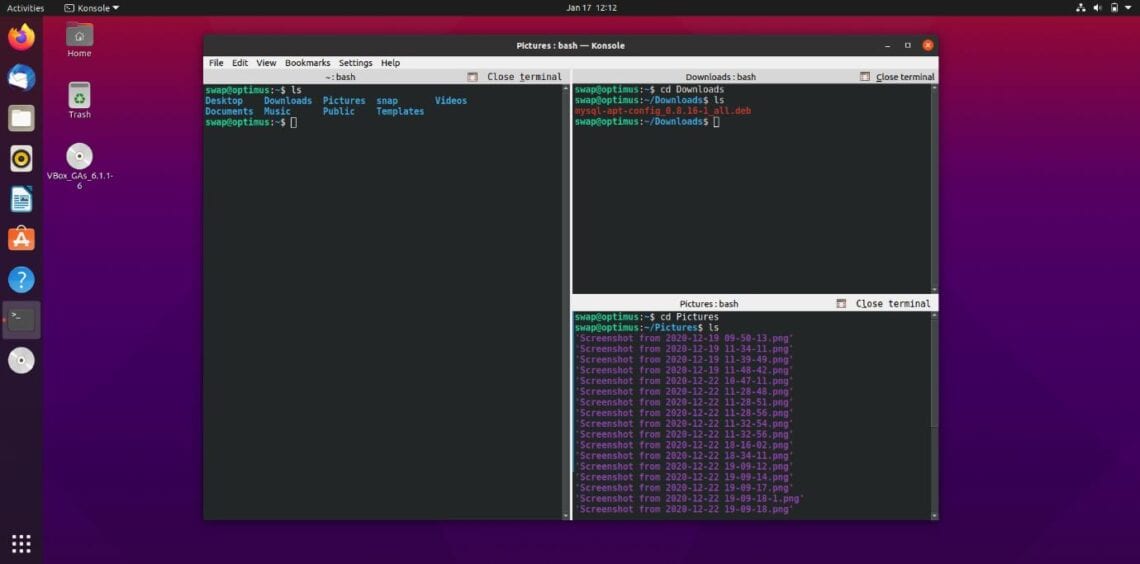
How to Multitask on the Linux Terminal With Screen

This collection gathers all kinds of Linux Screen Detach And Reattach in one scrollable view, which makes it easy to spot the differences between variations.

Let the gallery speak for itself as you move downward, and familiarity builds faster than you might expect.
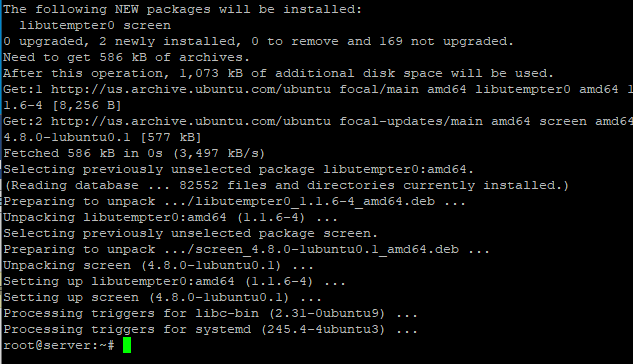
How To Install and Use Linux Screen Command {Tutorial}

Reading Linux Screen Detach And Reattach Through Images

Each image works as a small explanation of its own, so you can recognize the qualities worth noticing.

Look at how the same subject changes from image to image, because consistent details are usually the essential ones.

Screen Linux Reattach at Clyde Rucker blog

All the Different Looks of Linux Screen Detach And Reattach

There is a surprising range of styles and interpretations here, a few lean traditional while others feel modern, which helps you quickly narrow down what you actually want.

A strong reaction to one example is always useful information, because that instinct usually points toward what you are really looking for.

Screen Linux Reattach at Clyde Rucker blog

Getting Practical Value From the Images

Treat the gallery as a practical tool rather than decoration, such as saving the examples closest to what you need.

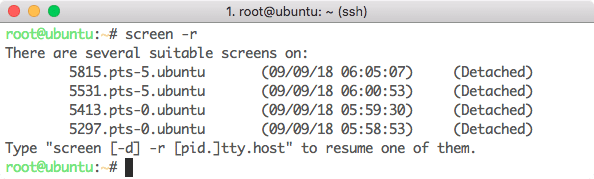
How to Detach and Reattach Screen Sessions — RackNerd
Ubuntu Reattach To Existing Screen – XRNXW
Linux Screen Detach And Reattach at Layla Swallow blog
How to use screen command in Linux – Its Linux FOSS
How to Detach and Reattach With Linux Screen – LinuxWays
screen command in Linux with Examples - GeeksforGeeks
How to use Screen on Linux to Detach and Reattach your Terminal ...
How to Use GNU Screen to Manage Terminal Sessions in Linux
How Do I Detach a Screen Session From a Terminal? - Linux Genie
How to use Screen on Linux to Detach and Reattach your Terminal ...
How to use screen command in Linux – Its Linux FOSS
Linux Screen Detach And Reattach at Layla Swallow blog
How to run a Minecraft server with start.sh and screen on Linux - KIBITKIN
Screen Linux Reattach at Clyde Rucker blog
Screen Detach Attached Screen _ How to Use GNU Screen to Manage ...
Miscellaneous Commands and Concepts - UFS HPC Documentation
Screen Linux Reattach at Clyde Rucker blog
How to use screen command in Linux – Its Linux FOSS
Linux Screen Detach And Reattach at Layla Swallow blog
How to Use the Linux Screen Command
How to Detach and Reattach Screen Sessions — RackNerd
Linux Screen Detach And Reattach at Layla Swallow blog
How to use Screen on Linux to Detach and Reattach your Terminal ...
Screen Linux Reattach at Clyde Rucker blog
How to use Screen on Linux to Detach and Reattach your Terminal ...

Visual references make it much easier to describe what you want, and alignment happens in seconds instead of paragraphs.

What to Notice in Each Picture

Every example rewards a second, closer look, such as positioning, scale, material feel, and overall balance.

The pictures you look at longest often teach the most, so instead of racing through all the examples, study a handful properly.

Seeing Is Understanding

It is no accident that people search for images first, an image delivers the subject directly with no filter.

That is the strength of having many examples side by side, so whatever brought you here, the images can carry you the rest of the way.

The Reference Is Here Whenever You Need It

Whenever Linux Screen Detach And Reattach comes up again, these images will be here, and a fresh look at the same gallery often reveals something new.

The more examples you absorb, the sharper your eye becomes, so scroll back up and give the collection another look.