You Searched for How To Build Interactive Google Sheets Dashboards — Here It Is

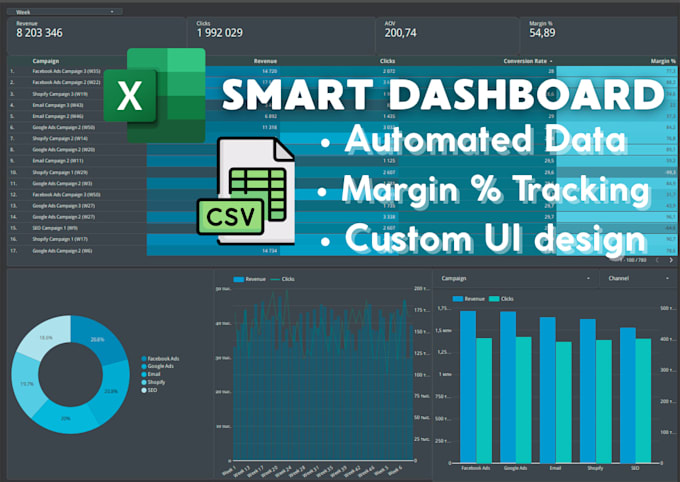
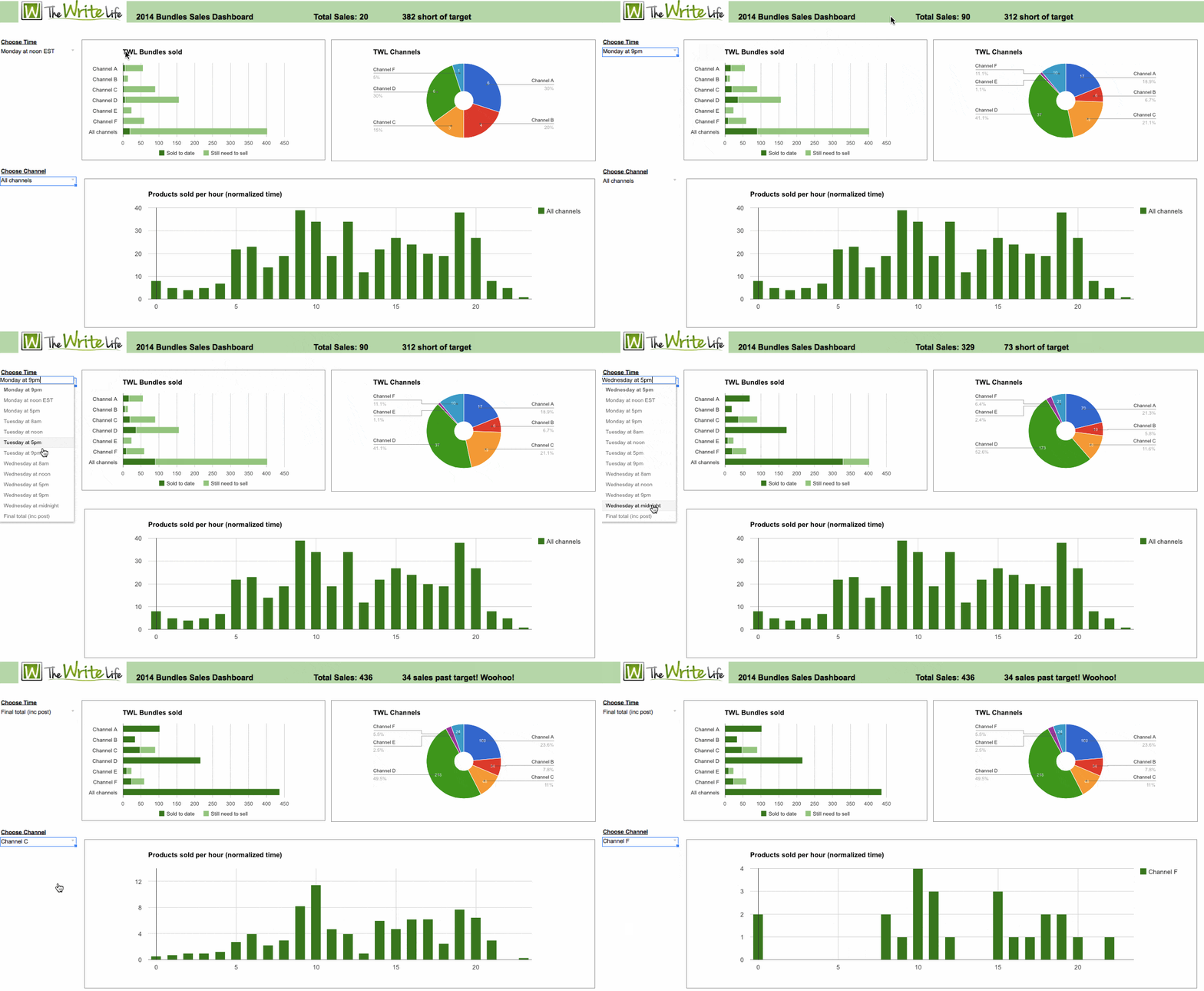
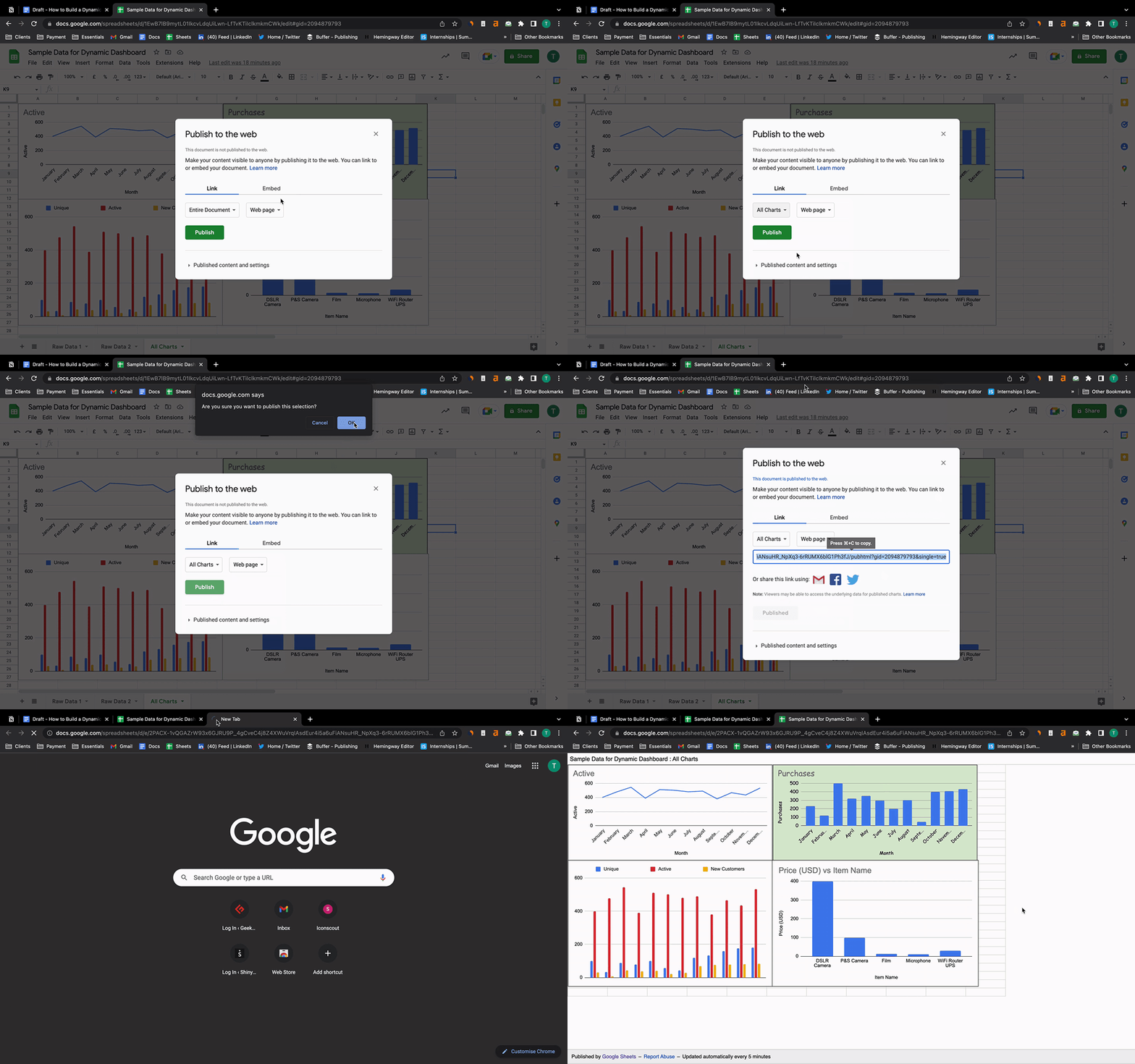
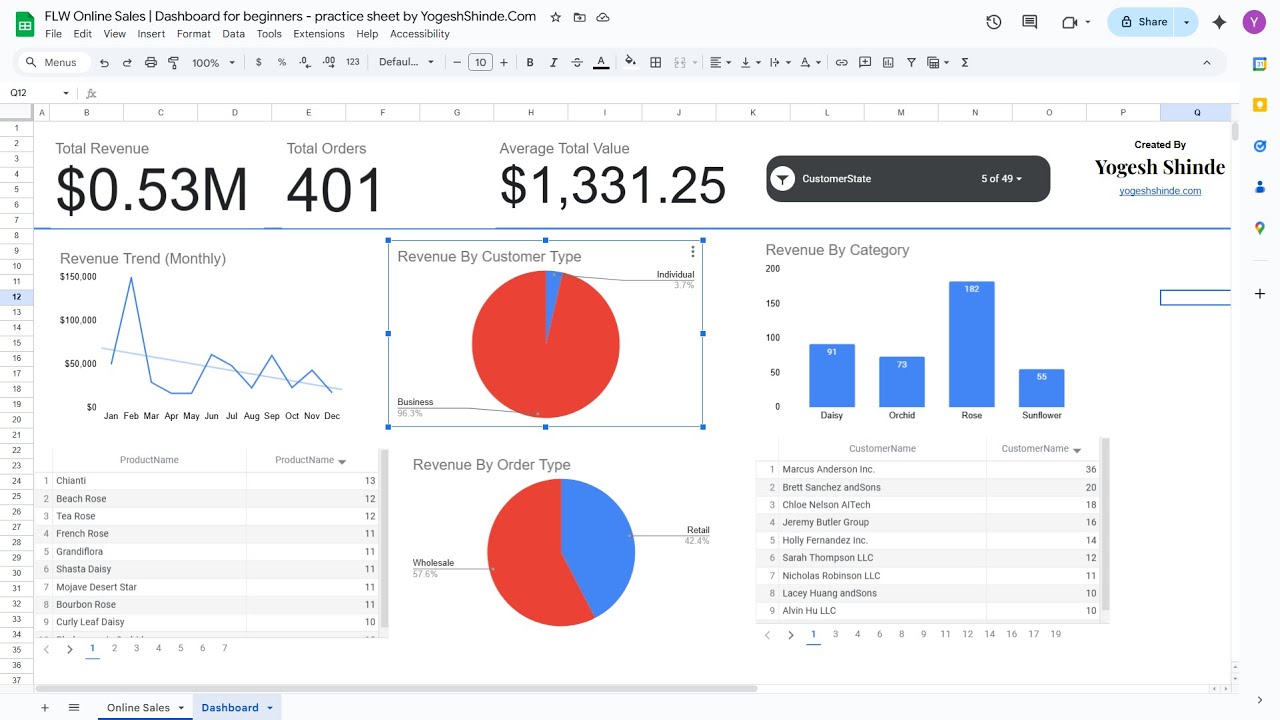
If you arrived here looking for How To Build Interactive Google Sheets Dashboards, you are in the right place, with a growing collection of example images collected as visual reference.

Sometimes words are not enough to describe what you have in mind, so looking at real examples explains far more than any description can.
How To Build Interactive Google Sheets Dashboards in Actual Pictures
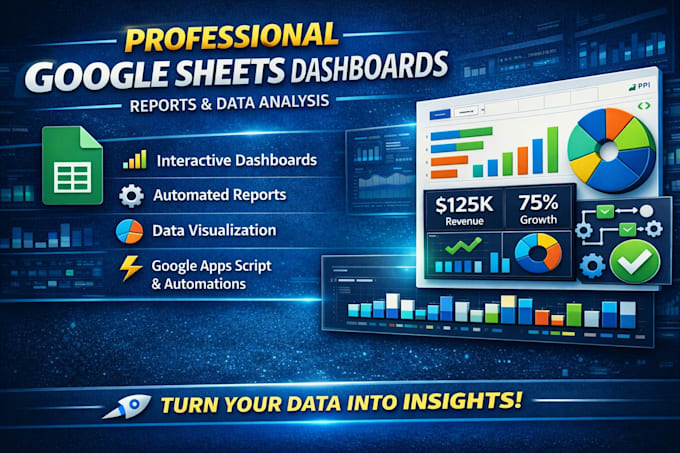
Every example image highlights a slightly different version of How To Build Interactive Google Sheets Dashboards, which makes it easy to spot the differences between variations.
There is no need to rush past the pictures, and repeated details across images reveal what truly matters.

What the Images Can Show You
Each image works as a small explanation of its own, capturing exactly the kind of details people usually ask about.
Look at how the same subject changes from image to image, because consistent details are usually the essential ones.
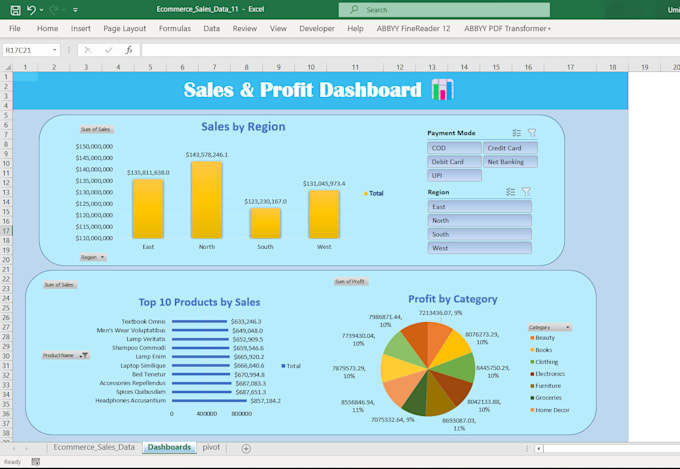
From One Style to Another
There is a surprising range of styles and interpretations here, some are simple and minimal, others are bold and detailed, and seeing them together makes your own preference obvious.
Notice which image makes you stop scrolling, since your natural preference reveals itself faster than you think.
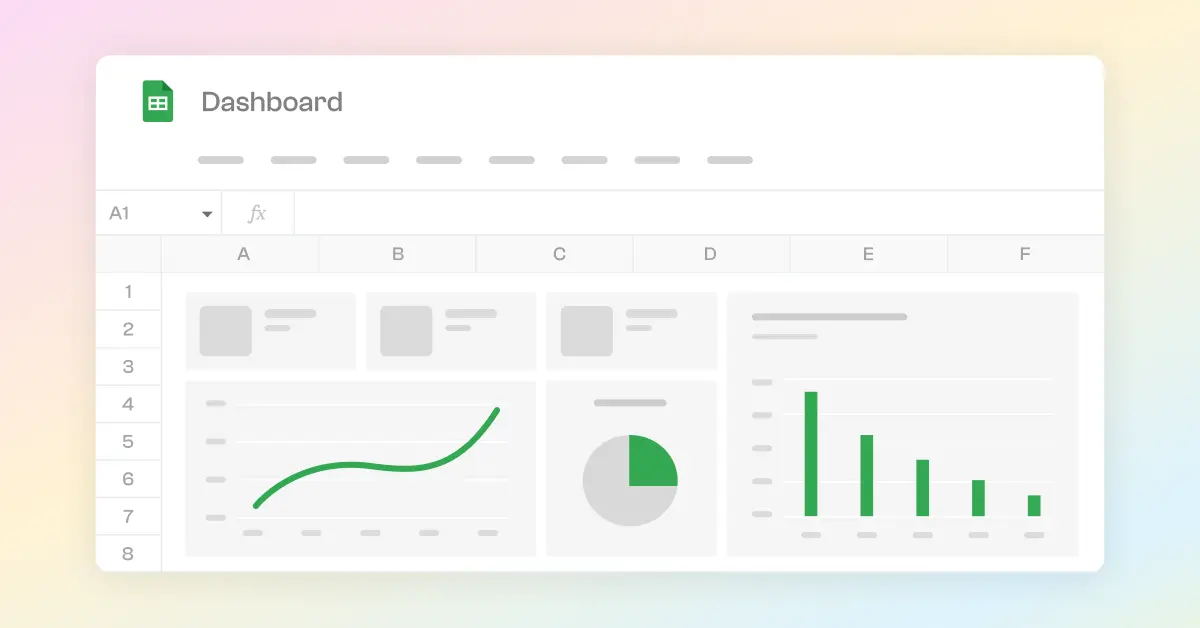
Making the Most of the Gallery
The collection works best when you do something with it, comparing your reaction across several examples.
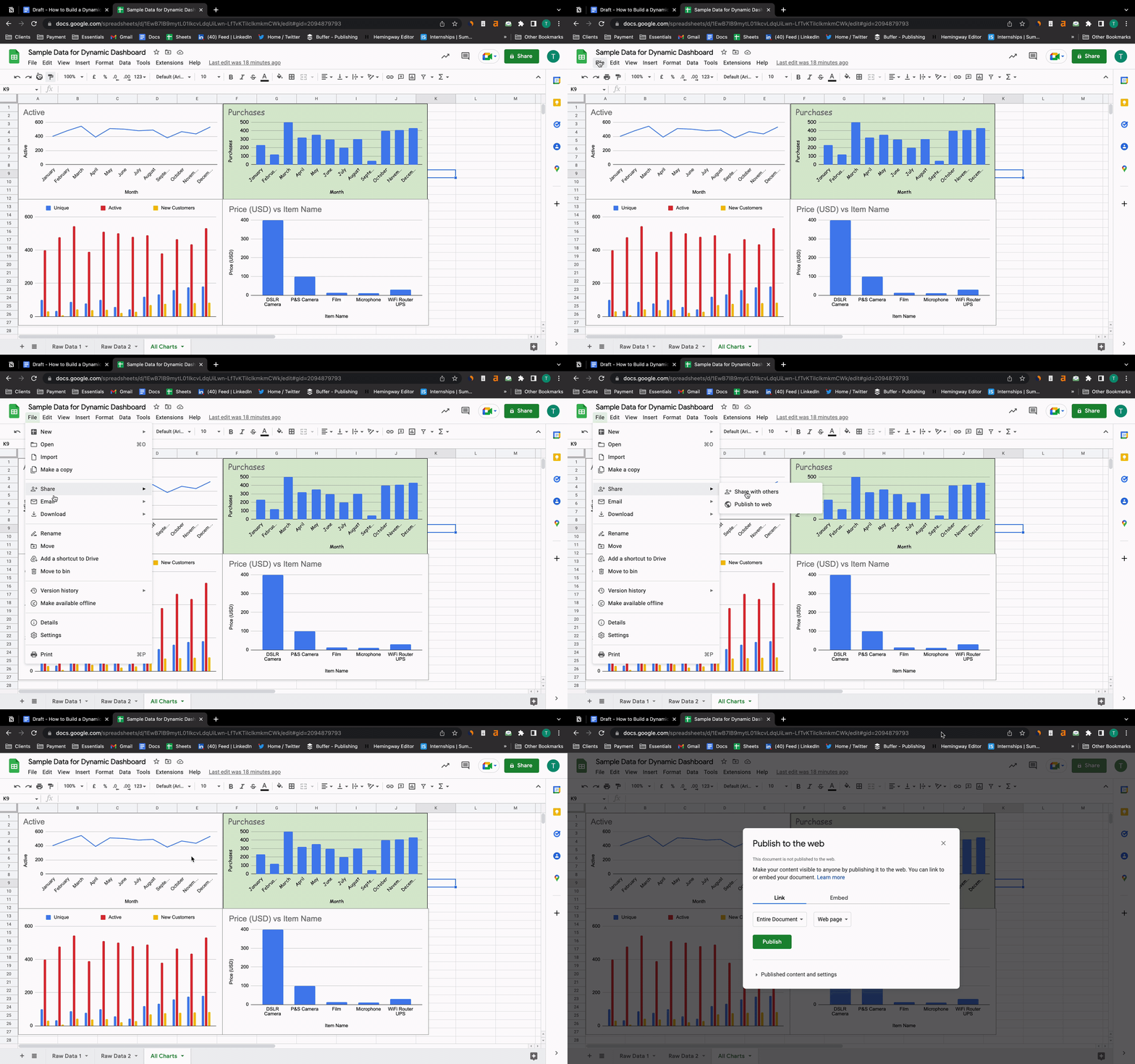
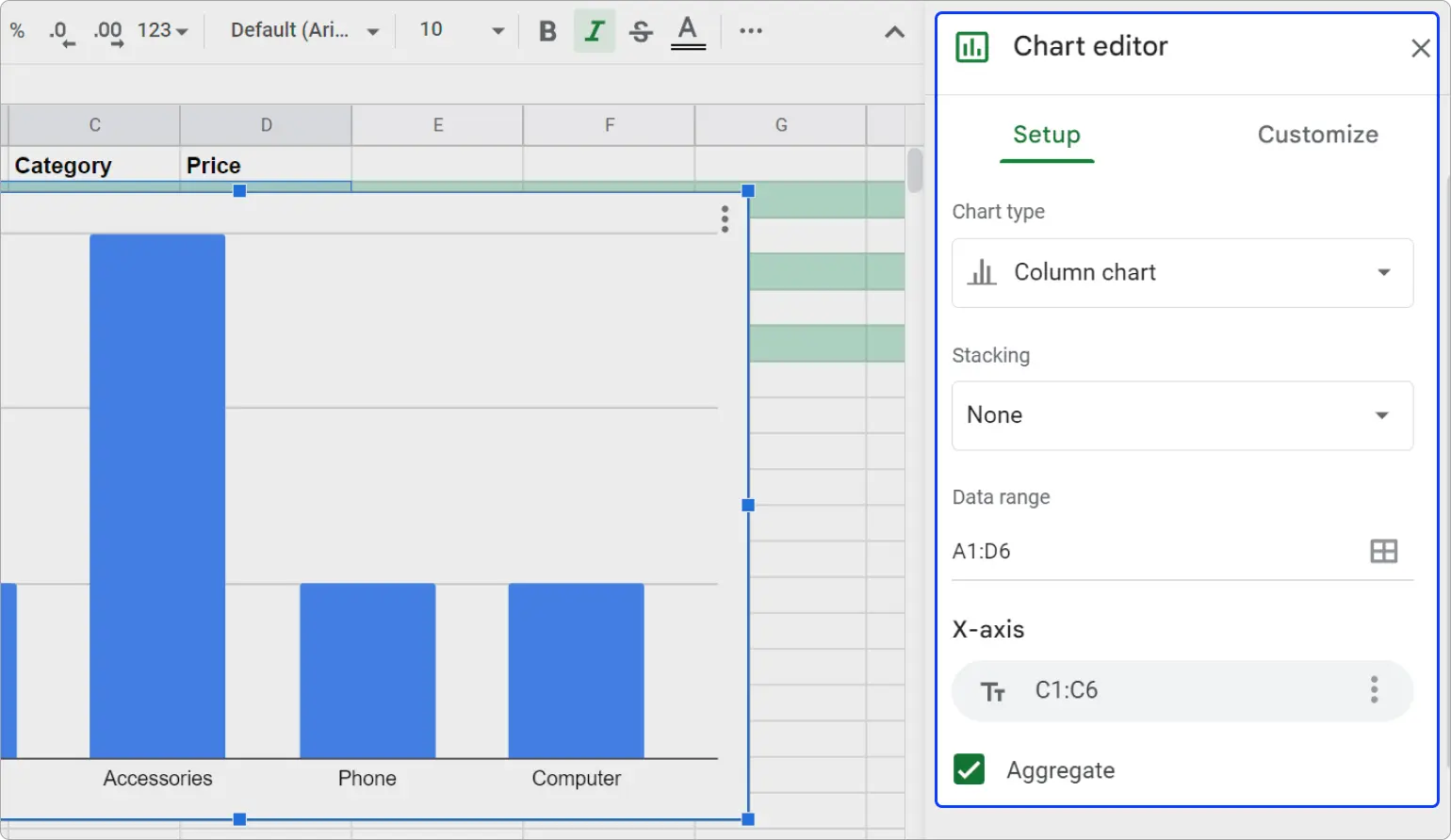


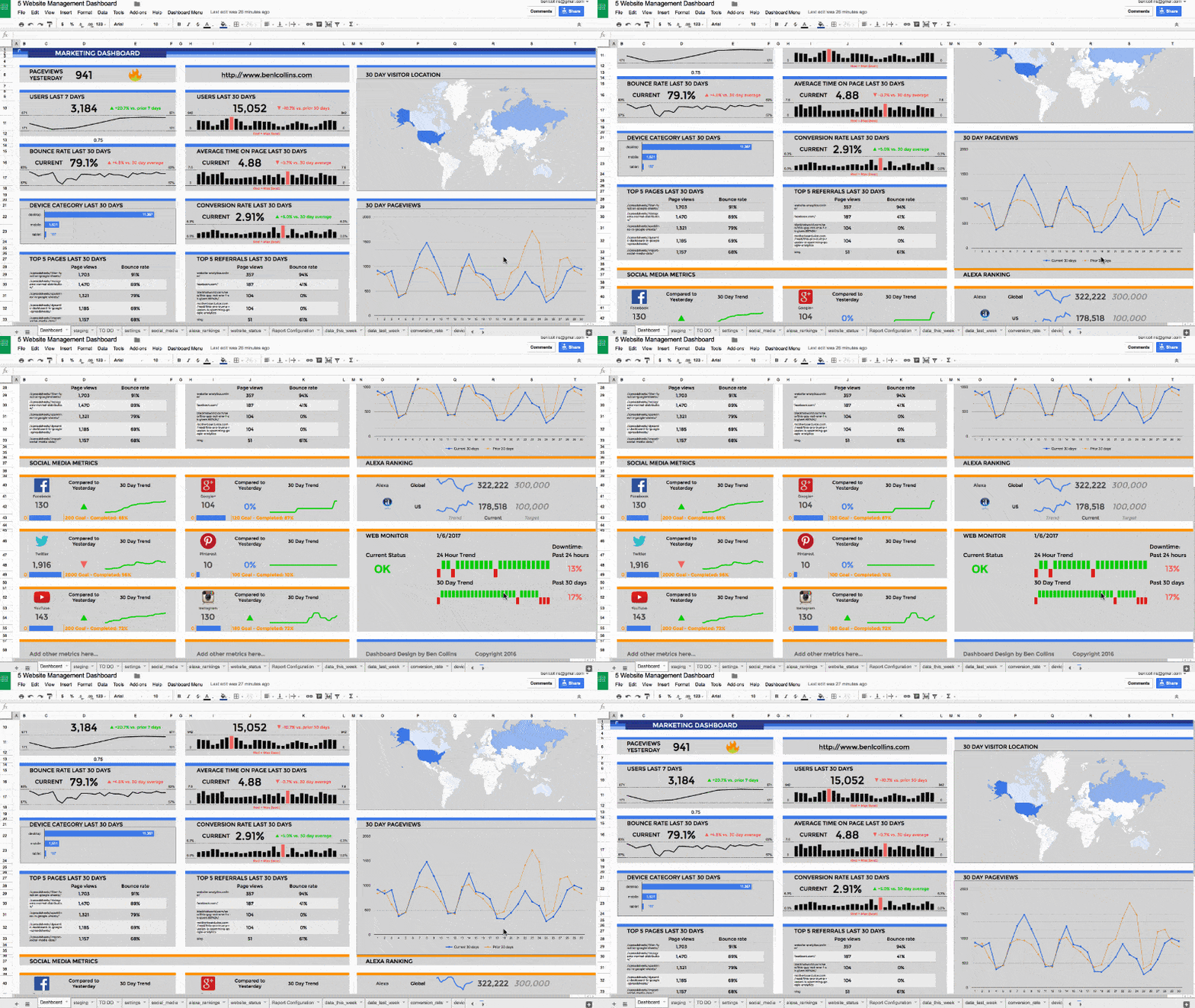

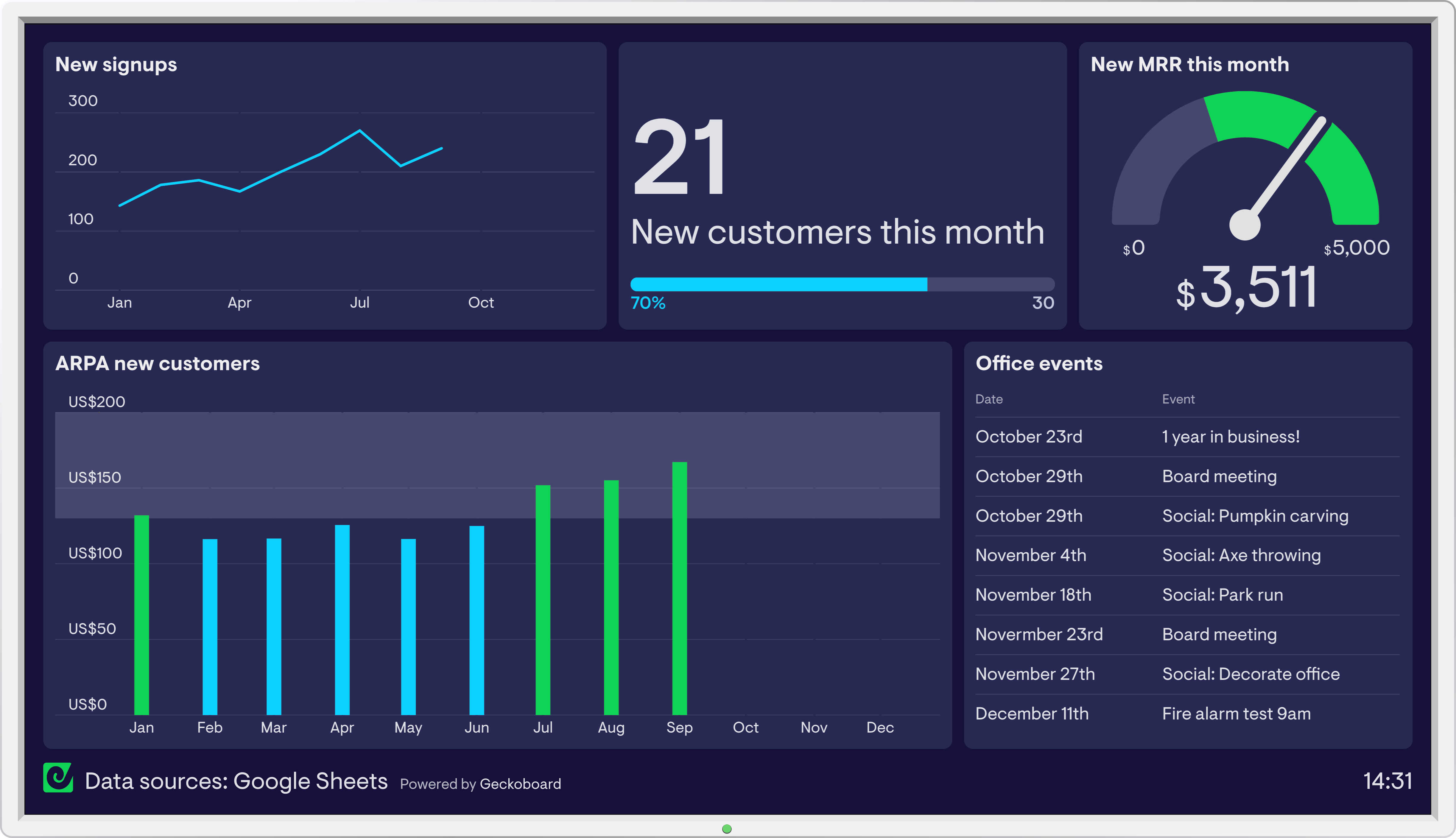



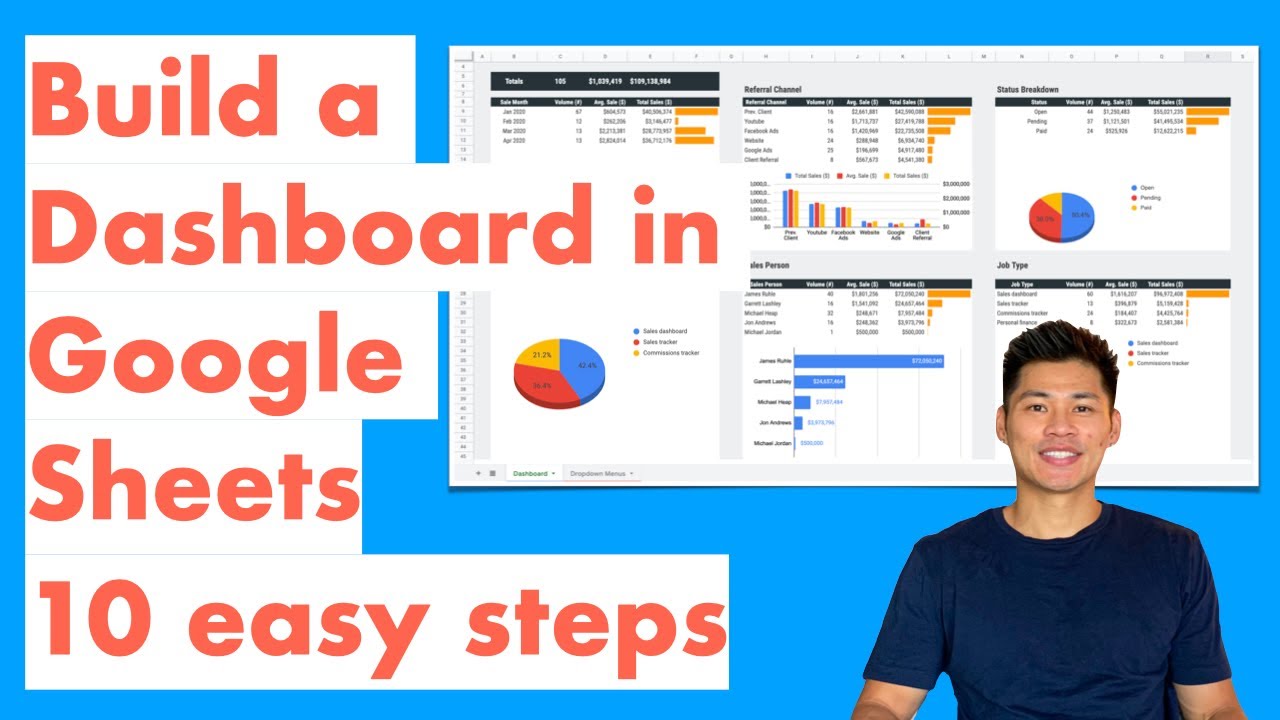


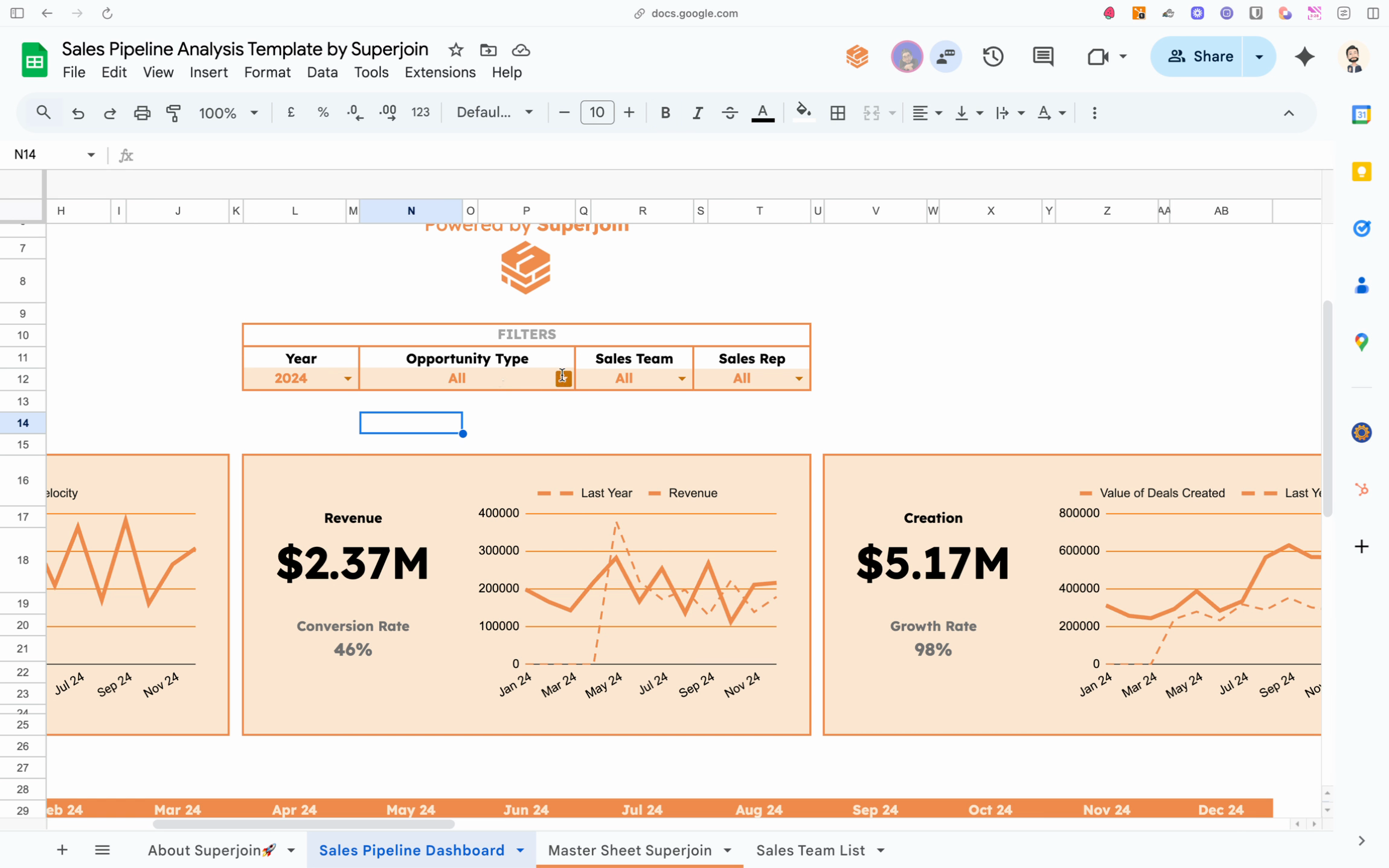


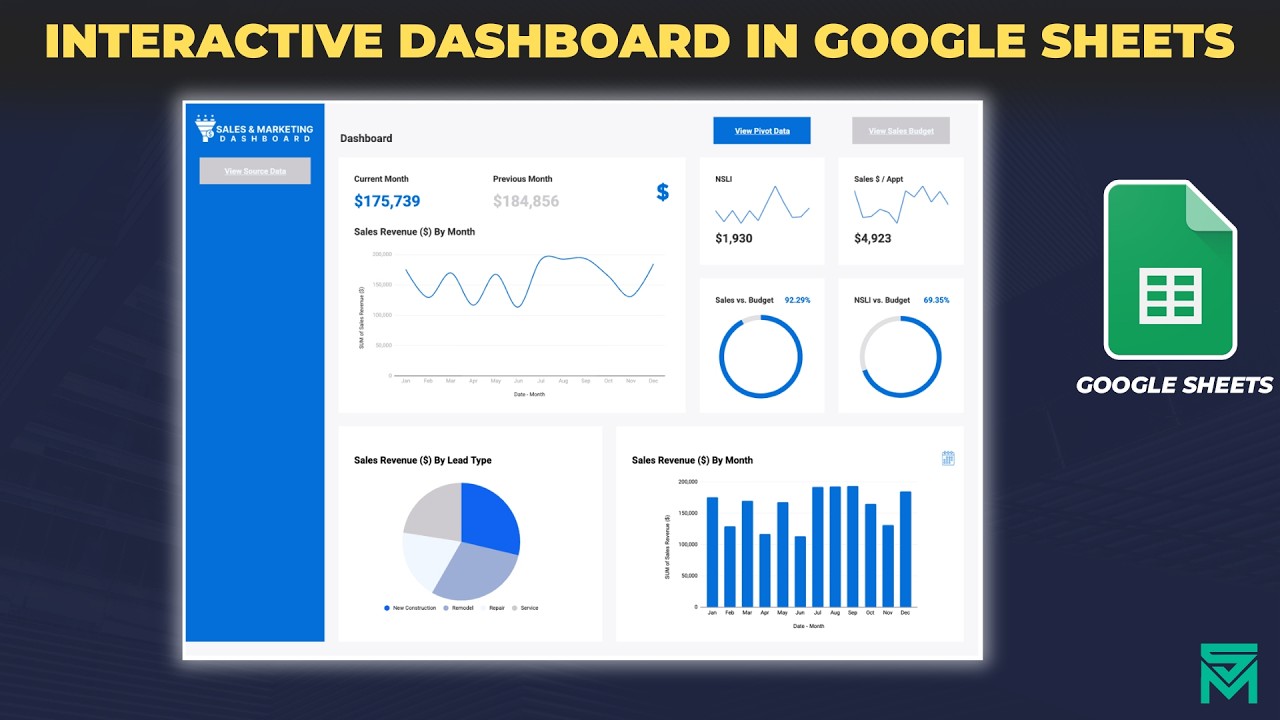
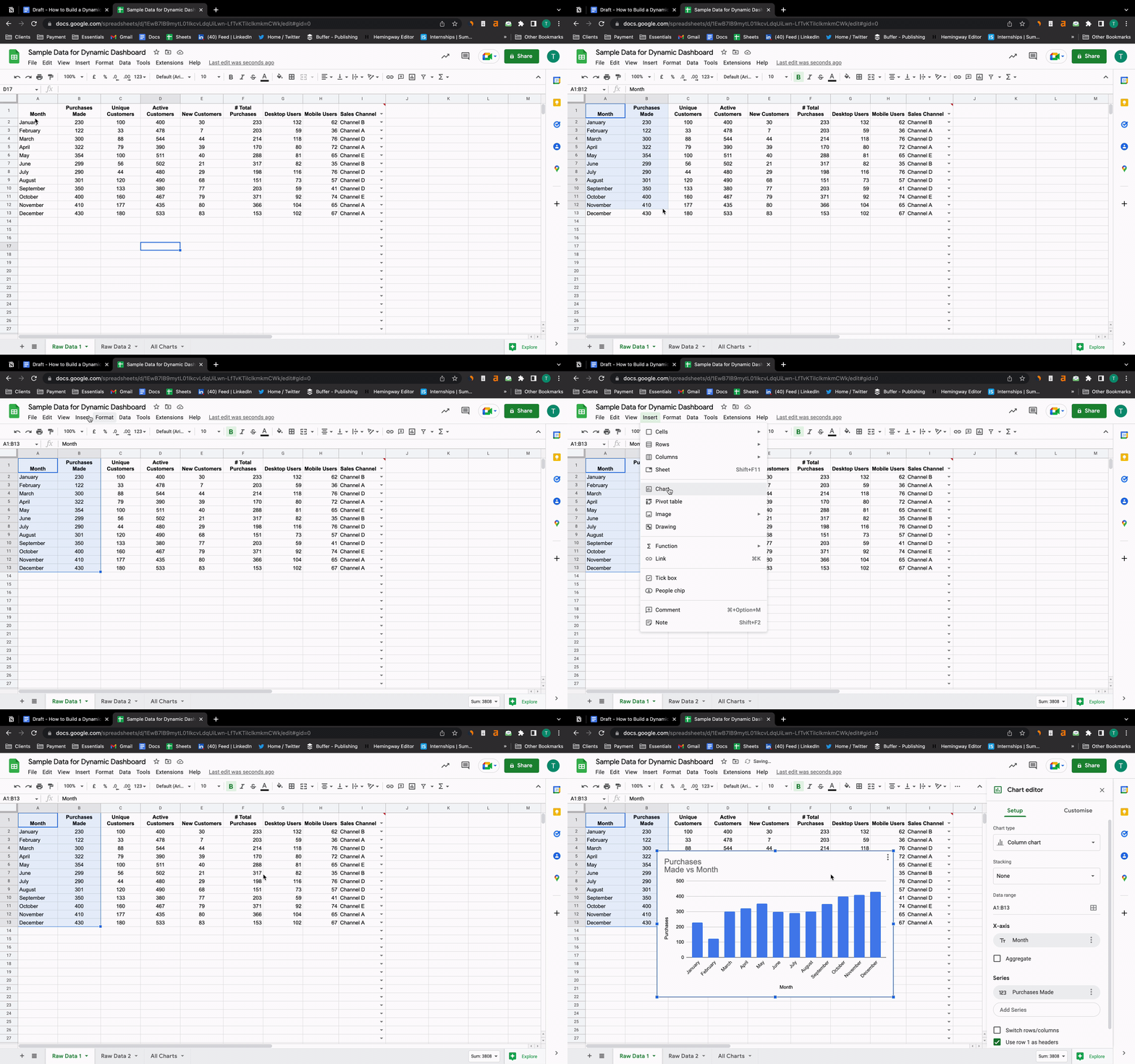


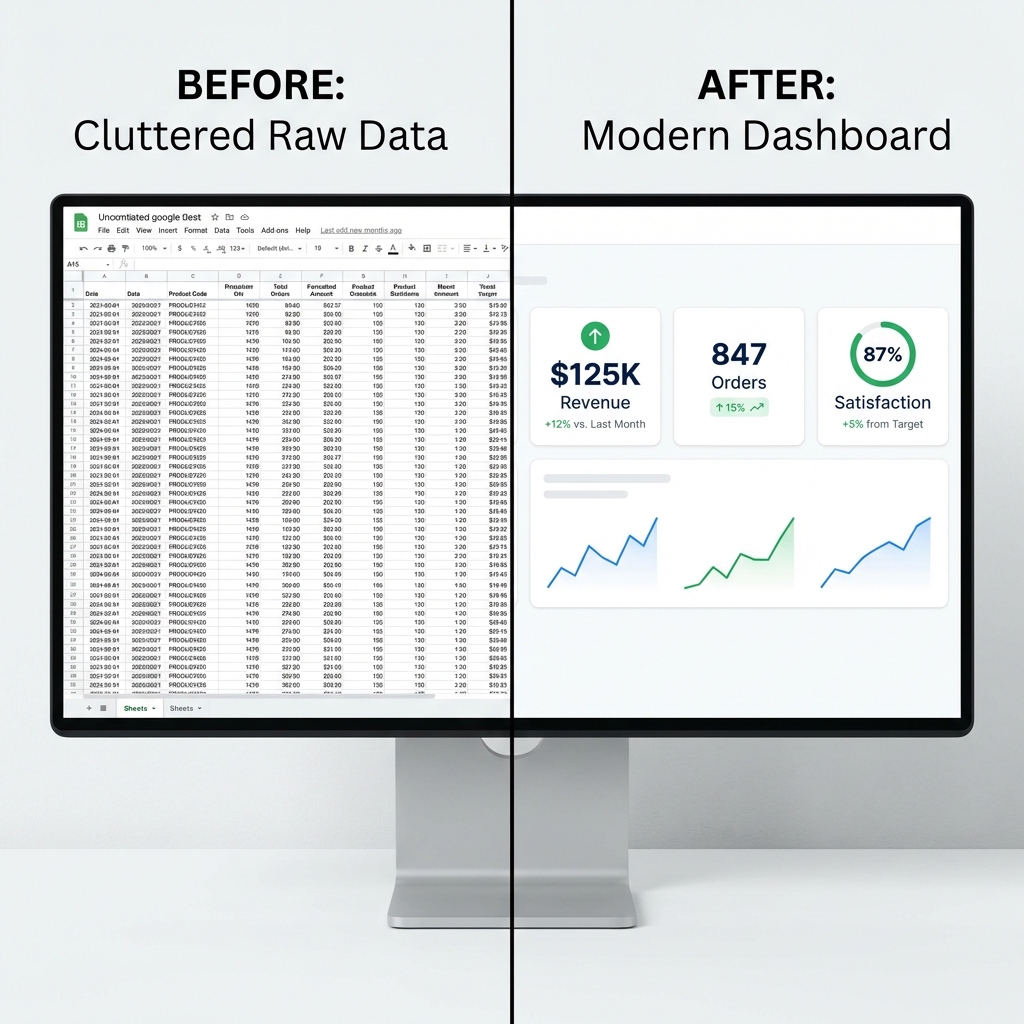
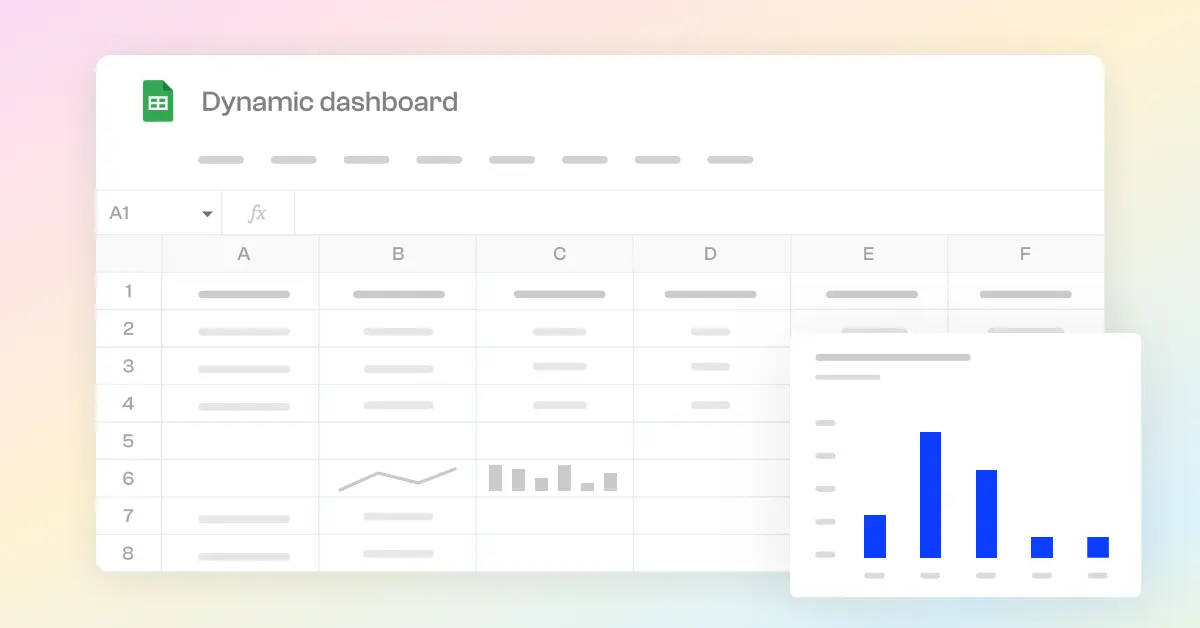

Pictures remove the guesswork from conversations, so the other person sees exactly what you see.
Details Worth Zooming In On
Every example rewards a second, closer look, noting the choices that give each example its character.
The pictures you look at longest often teach the most, because a small set of well-understood images is worth a large pile of quick glances.
Why Visual References Work So Well
Visual search exists because the human brain processes pictures instantly, a real example eliminates the gap between description and reality.
A broad image set answers questions before they are asked, be it ideas, verification, or simply knowing what to call it.
Browse More Images Whenever You Need
You can return to this page of How To Build Interactive Google Sheets Dashboards images anytime, because needs change and new examples make old ones more useful.
The more examples you absorb, the sharper your eye becomes, so scroll back up and give the collection another look.