Looking for Microsoft Teams Performance Mode? Here It Is

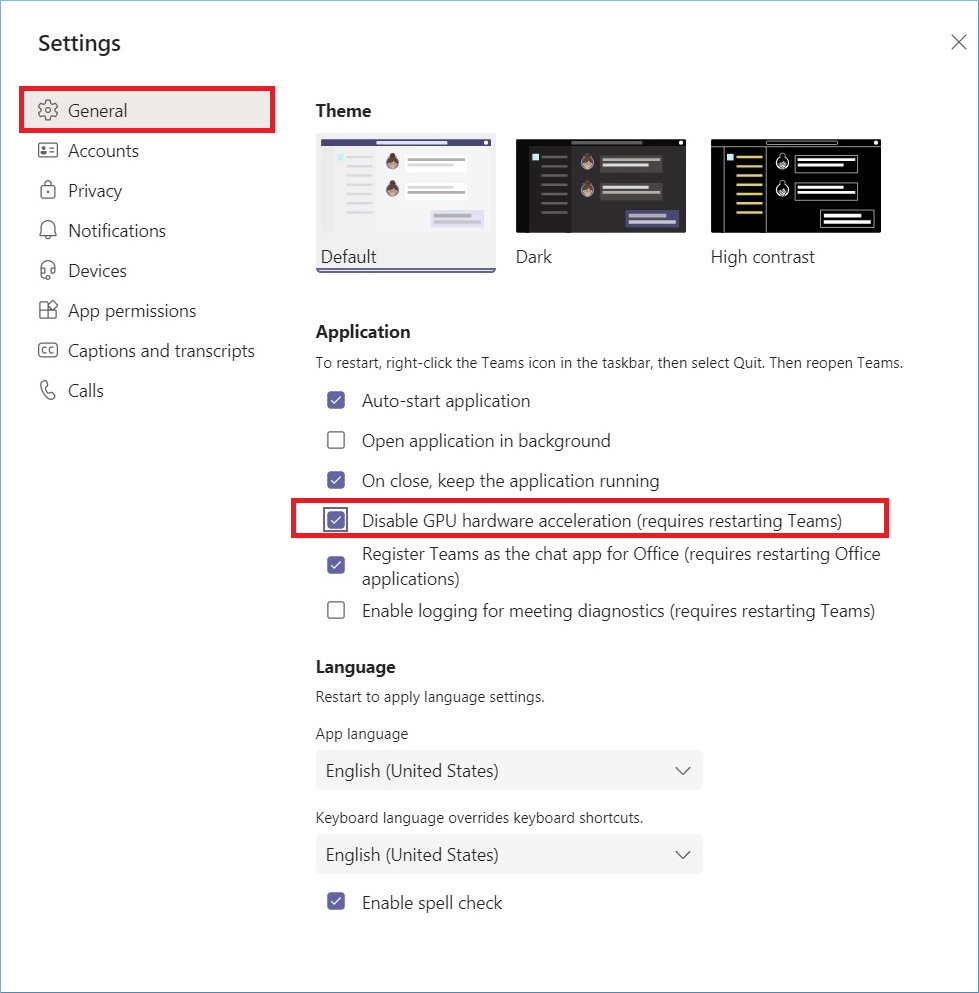
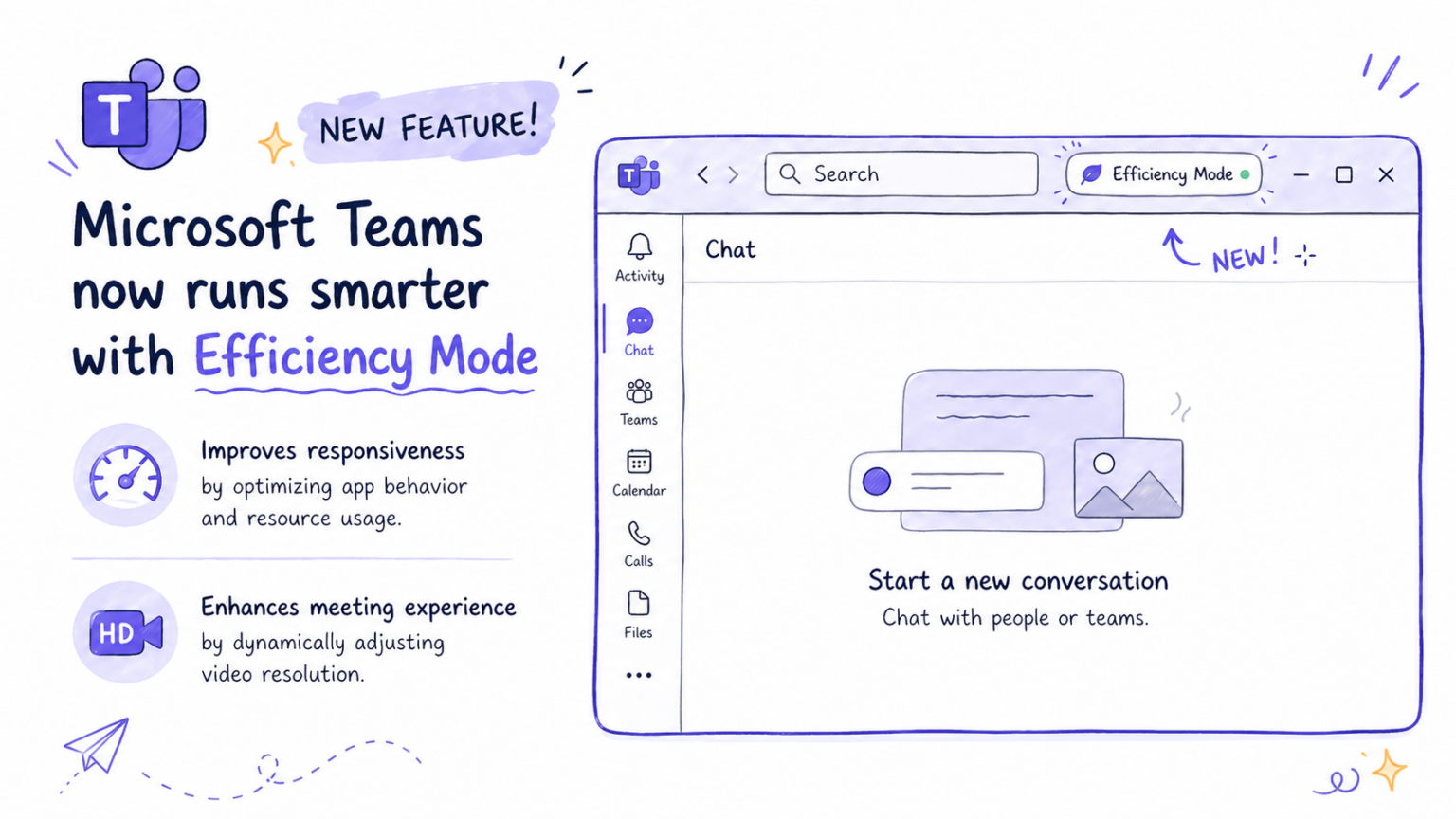
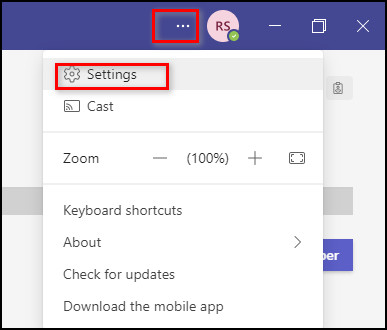
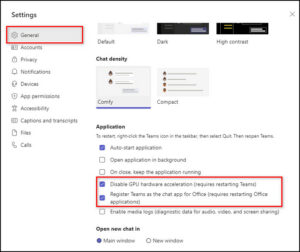
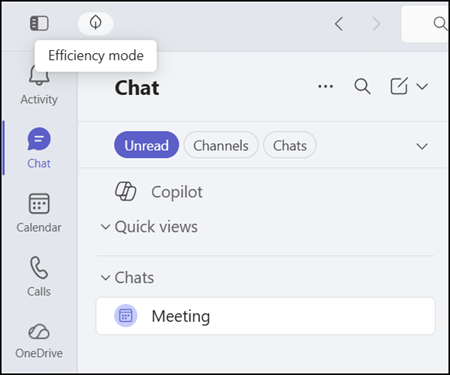
Microsoft Teams Performance Mode is what brought you here, and this page delivers it, shown here as a varied gallery of reference images.

A description can only go so far before a picture does the job better, so looking at real examples explains far more than any description can.
Example Images of Microsoft Teams Performance Mode

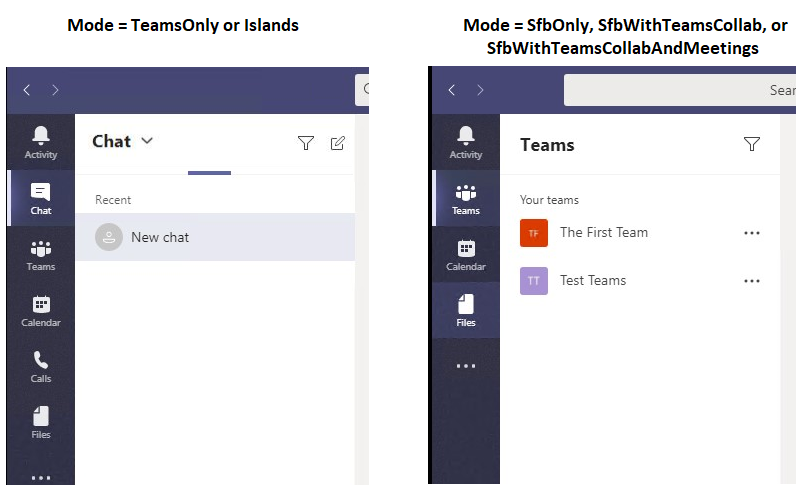
Every example image highlights a slightly different version of Microsoft Teams Performance Mode, which makes it easy to spot the differences between variations.
Let the gallery speak for itself as you move downward, because the more images you see, the clearer the overall idea becomes.

What the Images Can Show You
Every photo tells you something a description would miss, capturing exactly the kind of details people usually ask about.
Watch for the elements that appear again and again, since repetition across images signals what defines it.

Many Forms and Variations
The differences between examples are part of what makes browsing useful, each one leans toward a slightly different taste, and seeing them together makes your own preference obvious.
If one image catches your eye, pause on it and ask why, that reaction is a better guide than any checklist.
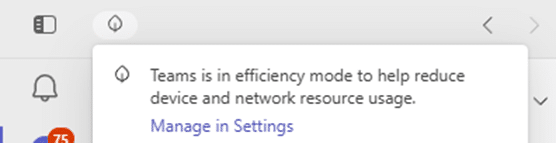
Getting Practical Value From the Images
The collection works best when you do something with it, like marking the images that match your idea.
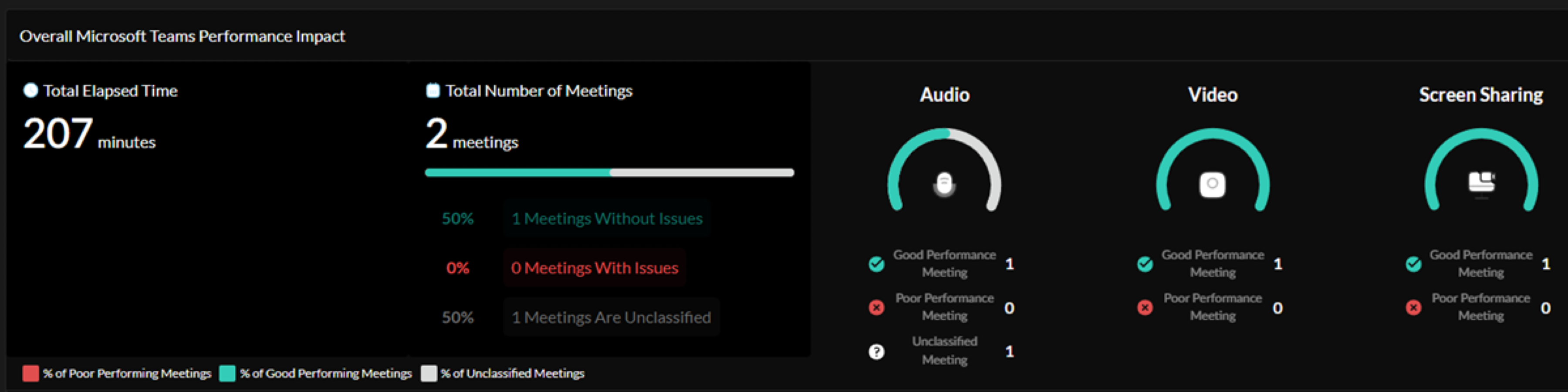

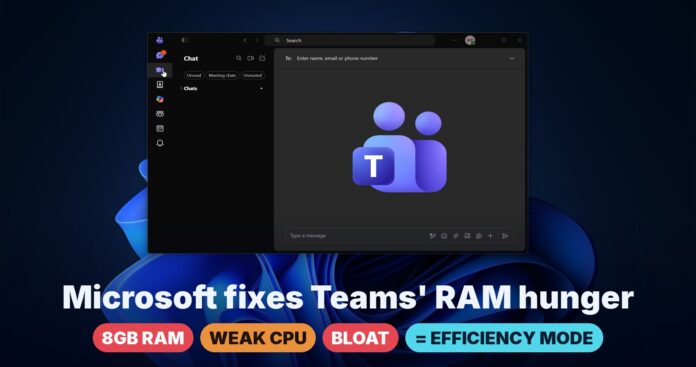
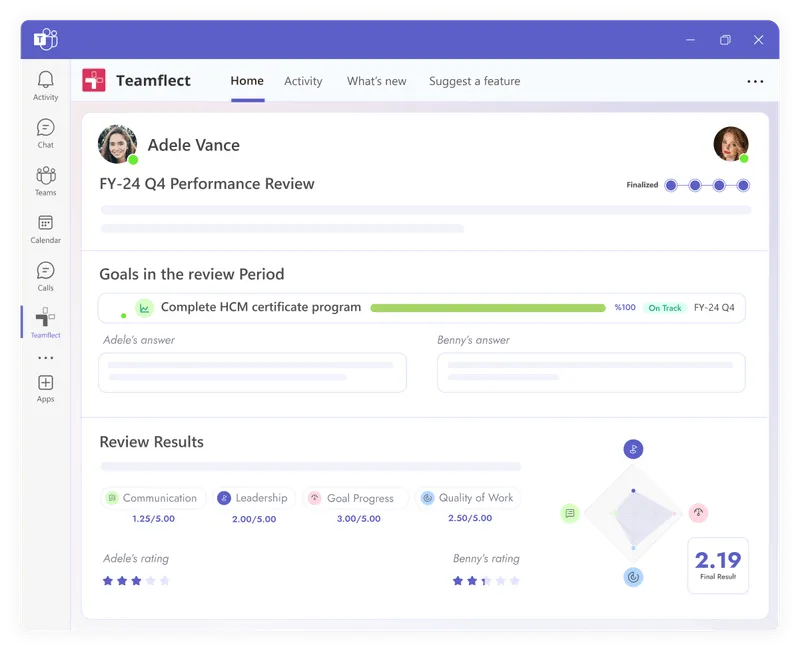











Sometimes the fastest way to communicate is to share the picture itself, so the other person sees exactly what you see.
Details Worth Zooming In On
Beyond the first impression, each image contains useful details, such as positioning, scale, material feel, and overall balance.
The images you linger on will shape your understanding most, and let a few carefully chosen references guide your direction.
Pictures Explain Faster Than Words
There is a simple reason image searches are so popular, a real example eliminates the gap between description and reality.
That is why a varied collection like this is so effective, and whatever your reason was, the gallery has a use for it.
Come Back to This Gallery Anytime
Whenever Microsoft Teams Performance Mode comes up again, these images will be here, since every revisit tends to surface details you missed.
Over time, you will notice details casual viewers miss, so scroll back up and give the collection another look.