Everything You Need to Know About Рутер D Link Wireless N Pocket Router and Access Points · a step-by-step guide

People frequently ask about Рутер D Link Wireless N Pocket Router and Access Points · a step-by-step guide and how to handle it well, and the goal here is to give you a clear and practical overview without any confusion.
Whether you are just starting to explore it, looking for reliable guidelines, or trying to solve a specific problem, you will find practical details here that support better decisions and clearer expectations.
Why Paying Attention to Рутер D Link Wireless N Pocket Router and Access Points · a step-by-step guide Matters

Many people overlook Рутер D Link Wireless N Pocket Router and Access Points · a step-by-step guide because it seems simple at first, but the fine points can completely change the results you see.
Understanding why it works this way prevents typical errors, evaluate your options fairly, and avoid surprises, so you are never left relying on luck.

Core Principles Worth Remembering
In simple terms, Рутер D Link Wireless N Pocket Router and Access Points · a step-by-step guide comes down to choosing what fits your own situation and then applying that choice with consistency.
Build on the basics first, and progress gradually, measuring your results and correcting course whenever reality differs from the plan.
Selecting What Works for Your Рутер D Link Wireless N Pocket Router and Access Points · a step-by-step guide Situation
There is no single answer that works for everyone, because choosing well for Рутер D Link Wireless N Pocket Router and Access Points · a step-by-step guide relies on your money, your priorities, and the options around you.
Looking at the usual options together makes it far easier to choose something dependable without paying more than you have to.
Common Mistakes to Avoid
People often fail at Рутер D Link Wireless N Pocket Router and Access Points · a step-by-step guide because they ignore the preparation stage, which almost always costs extra time and effort in the end.



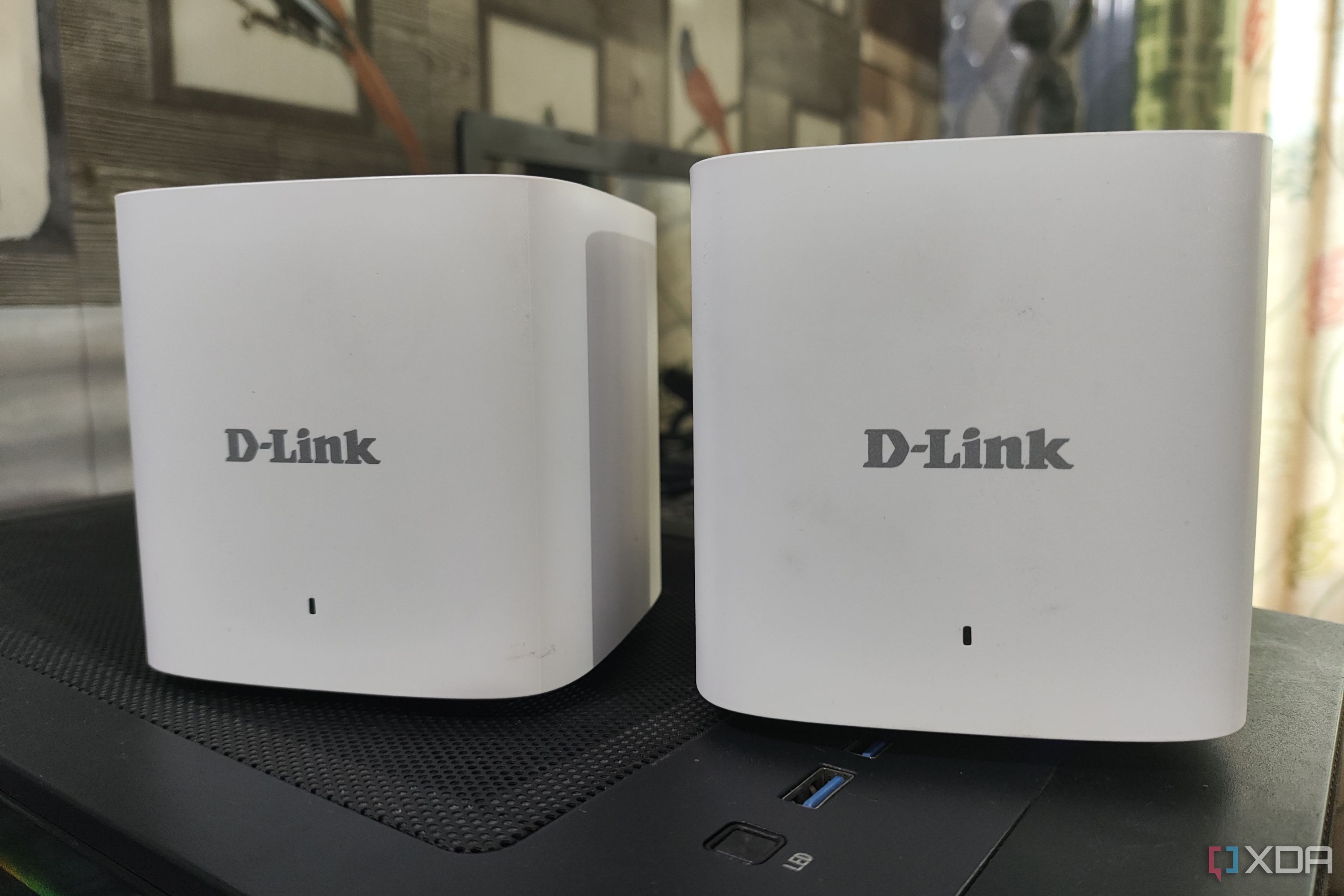
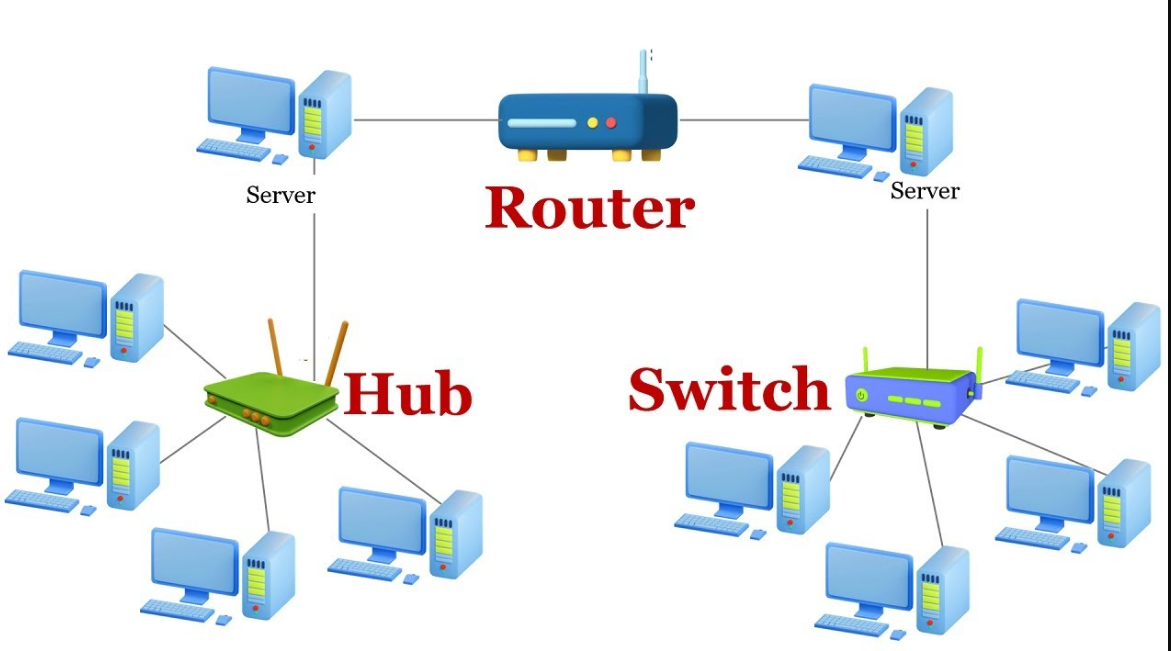
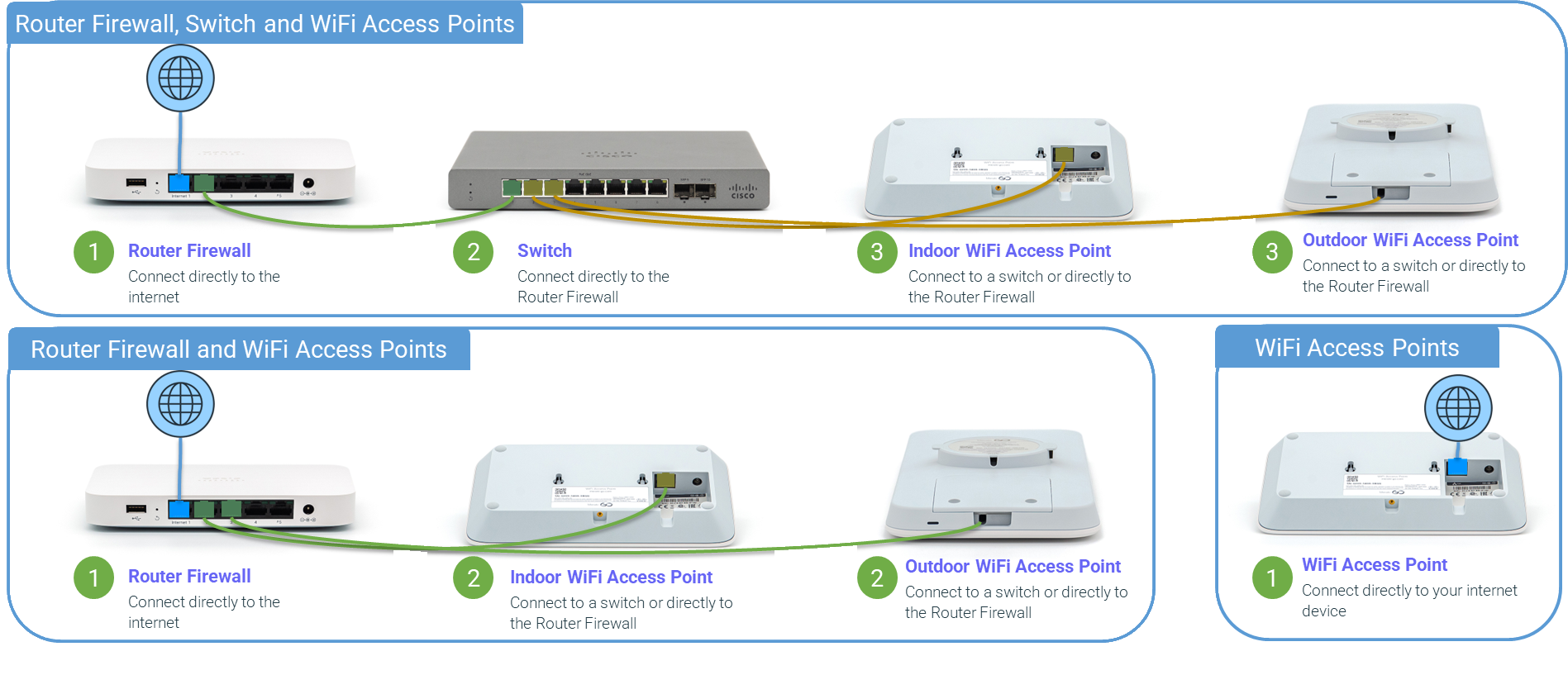
Hurrying past the details, skipping upkeep, and trusting random advice usually ends badly, and that is exactly why patience plus regular checks win in the end.
Ways to Get Better Results
You can improve your experience with Рутер D Link Wireless N Pocket Router and Access Points · a step-by-step guide by setting clear expectations, while also monitoring how things are going on a steady basis.
Track what changes happen and how the situation responds, because those notes will help you adjust quickly and avoid repeating the same issue twice.
Cost, Schedule, and Upkeep
In most cases, the three biggest factors are how much it costs, when things happen, and how you maintain it, and all of them should be planned together.
Drawing up a practical plan for each one cuts down on surprises, and reviewing them when something changes keeps your approach flexible and controllable.
When to Seek Guidance
Occasionally, professional assistance is clearly the safer choice, especially when the risk or the complexity is high.
Do not hesitate to reach out when you are unsure, because expert input frequently saves you time, cash, and headaches.
Final Thoughts
Investing time in understanding Рутер D Link Wireless N Pocket Router and Access Points · a step-by-step guide up front leads to smoother results and wiser choices overall.
Treat this guide as a foundation, adjust it to fit your life, and grow more confident over time what works best for you.