Windows 11 Hardware Check: Right Where You Need It
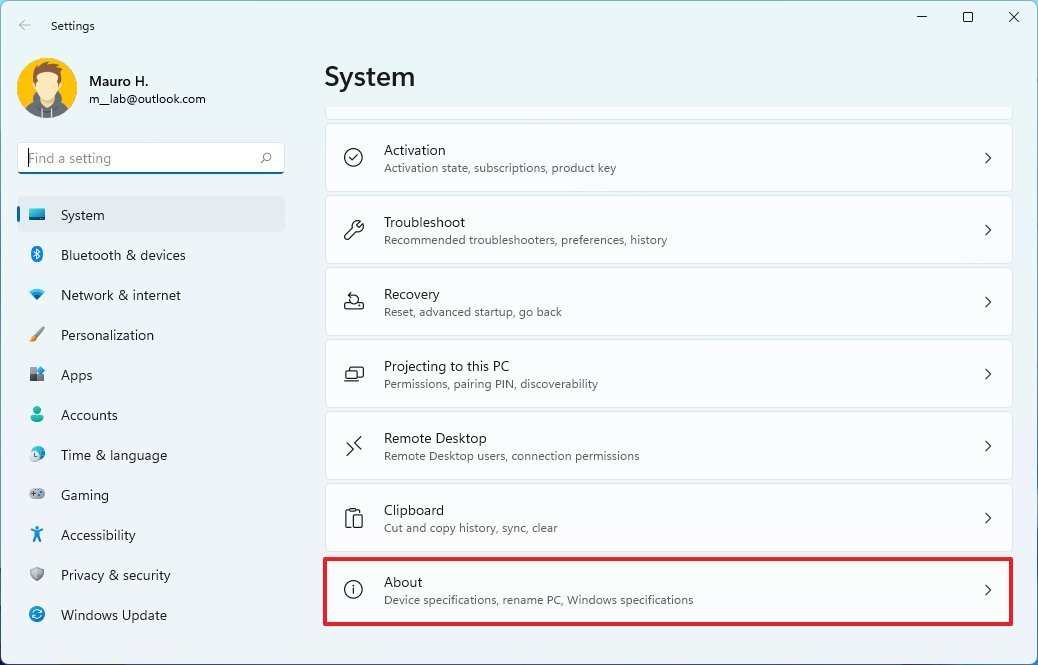
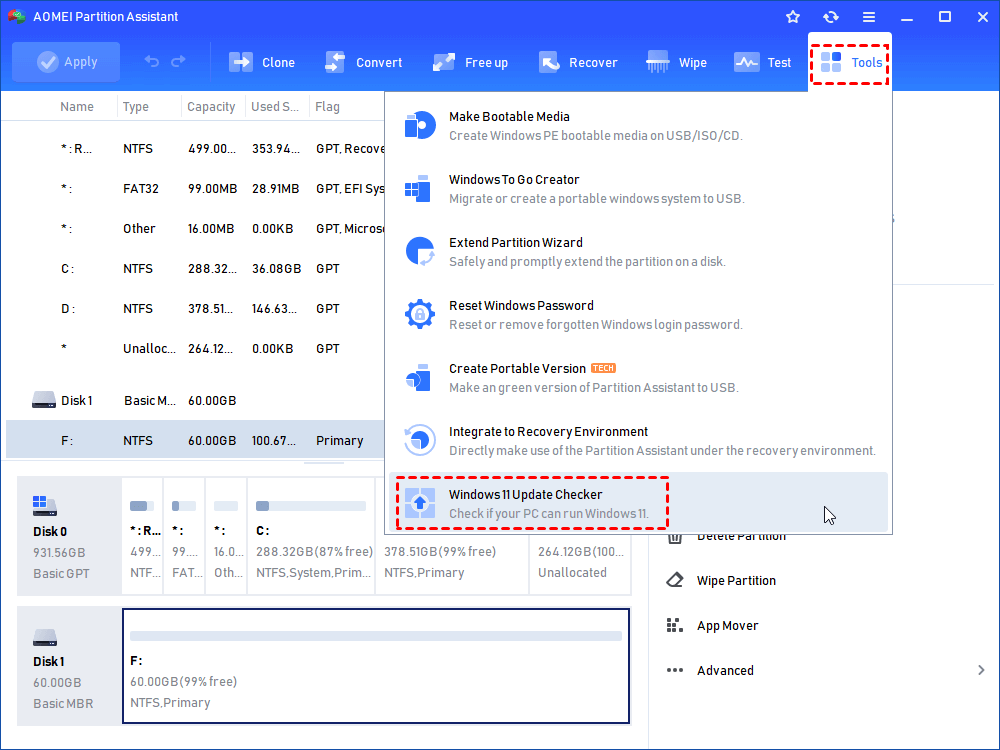
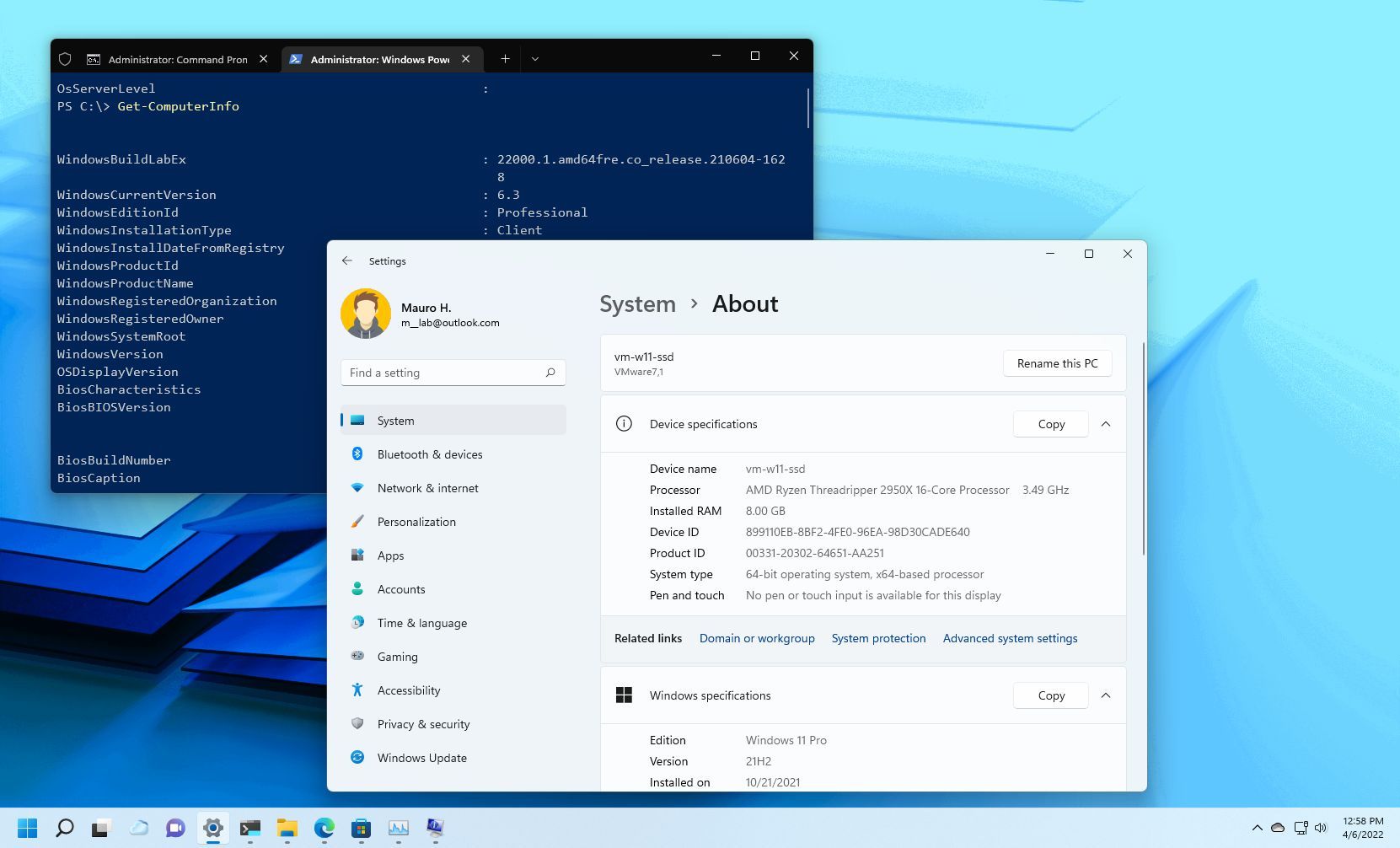
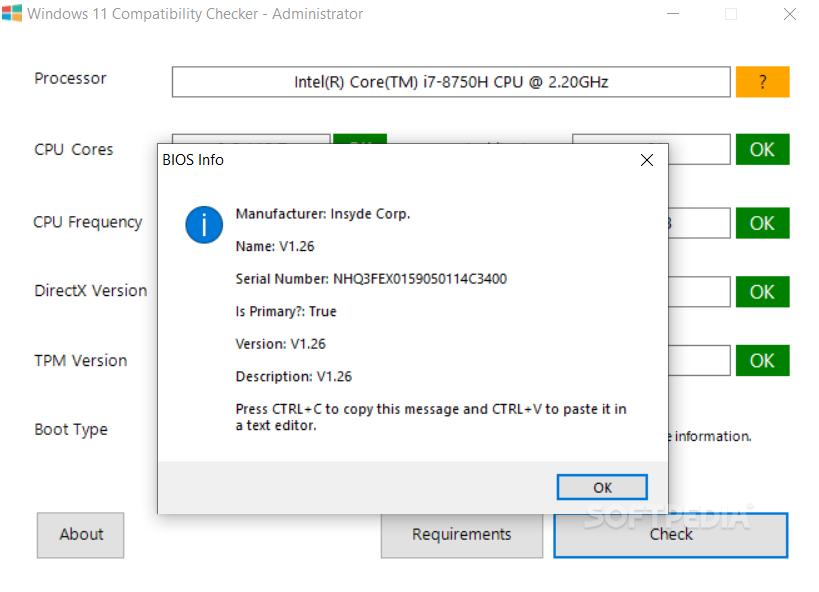
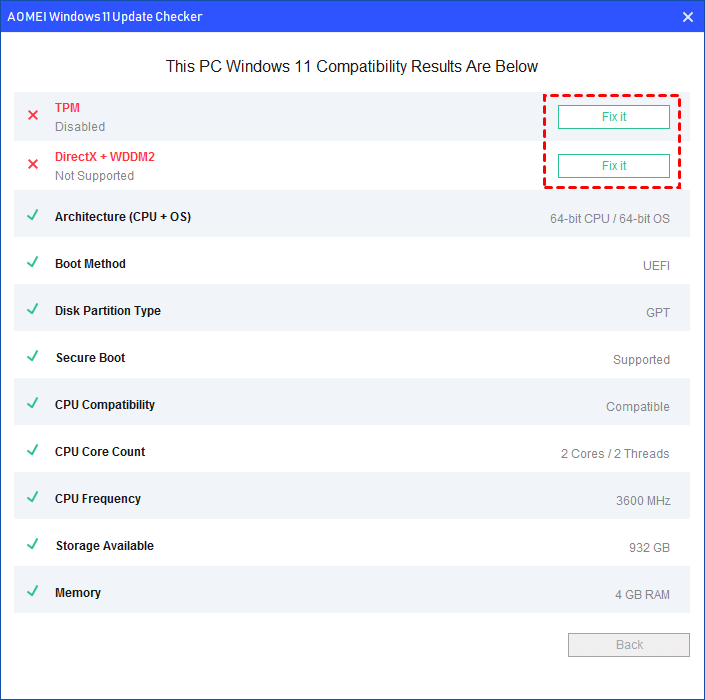
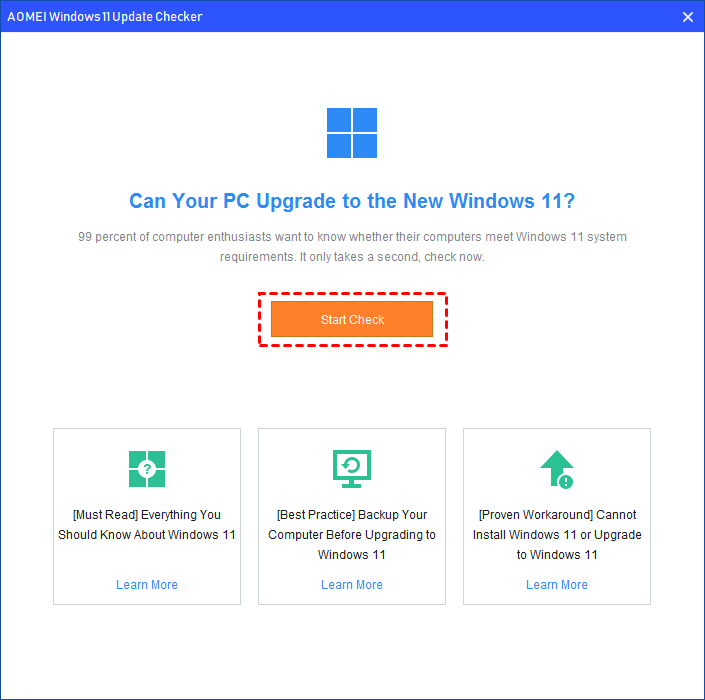
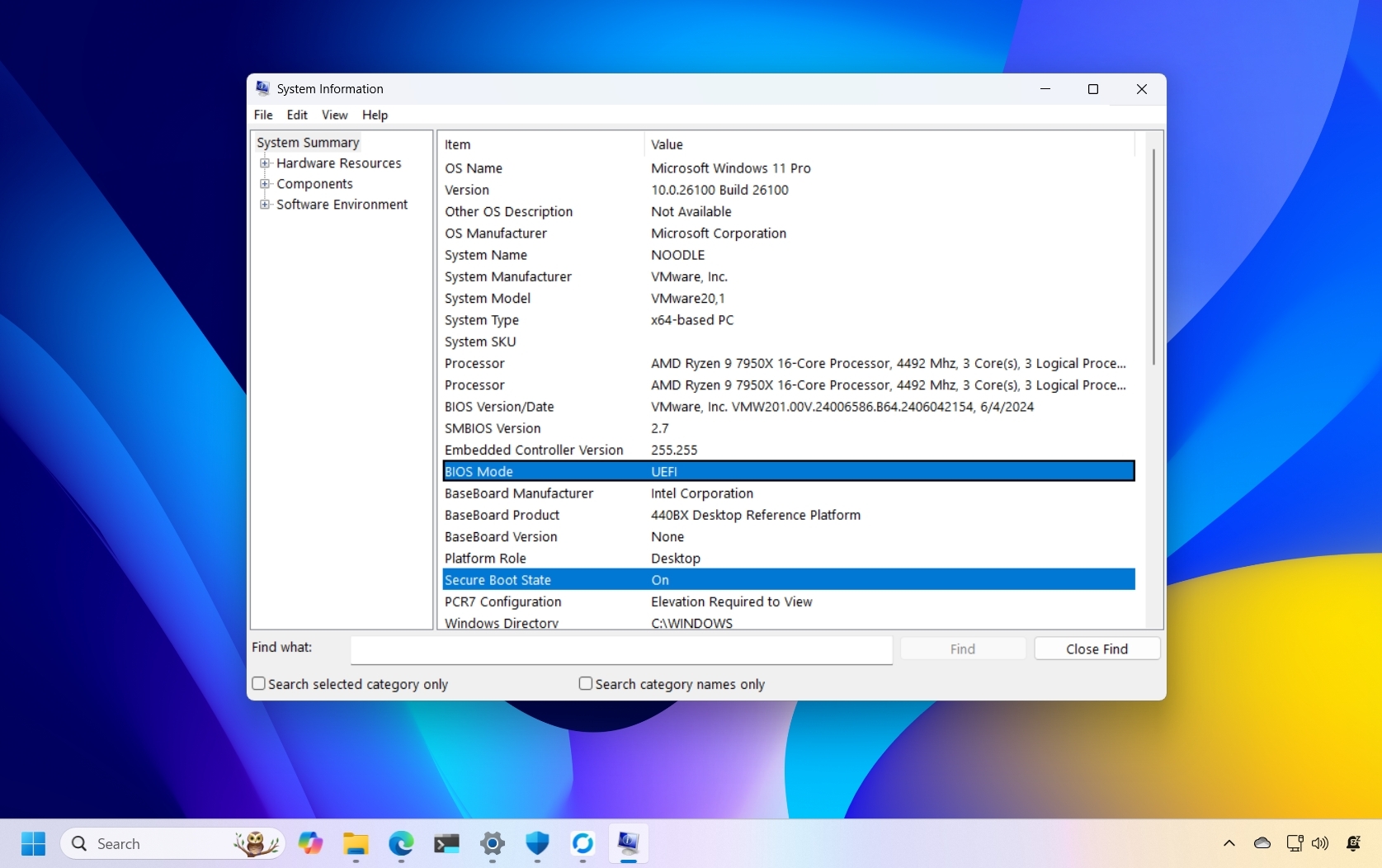
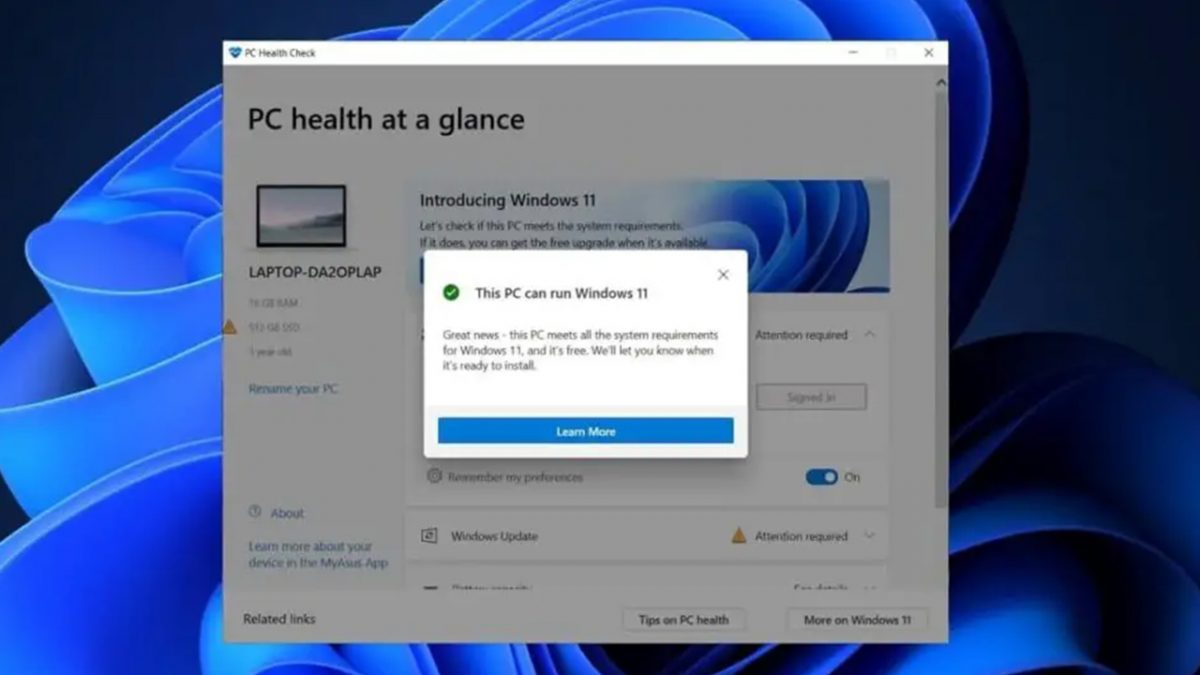
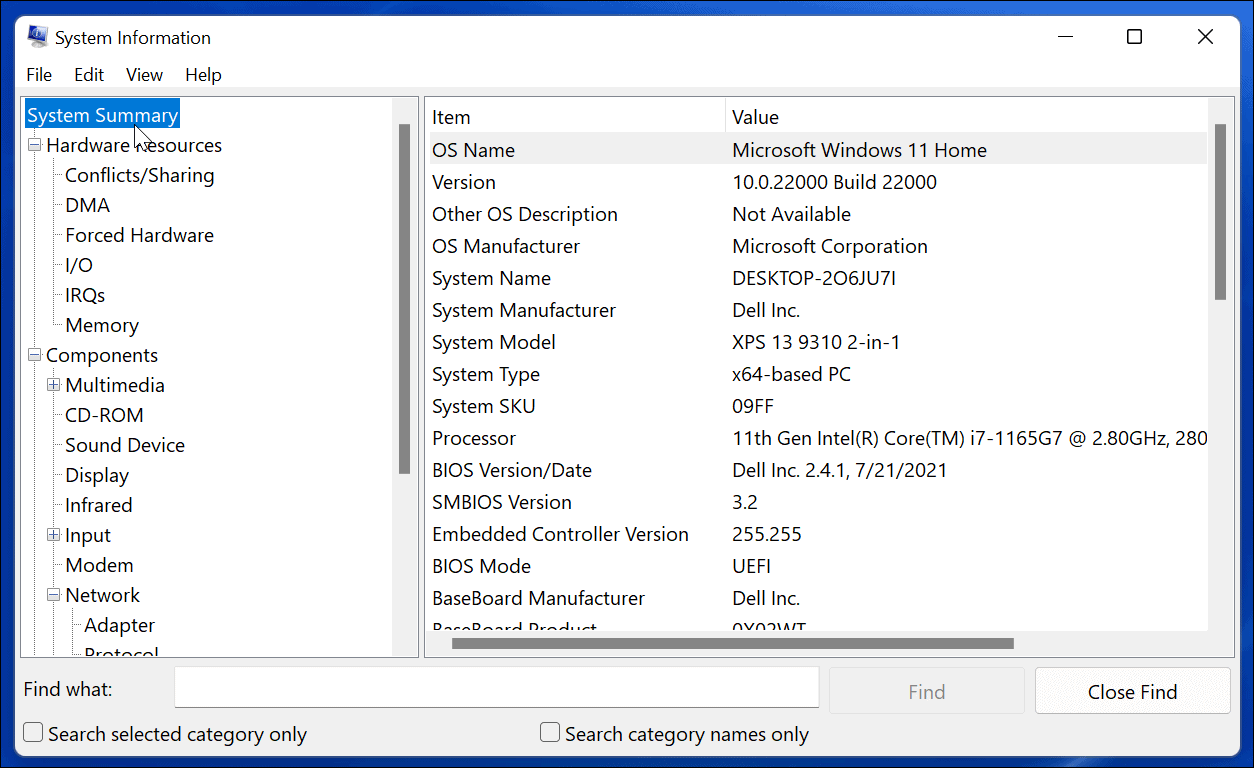
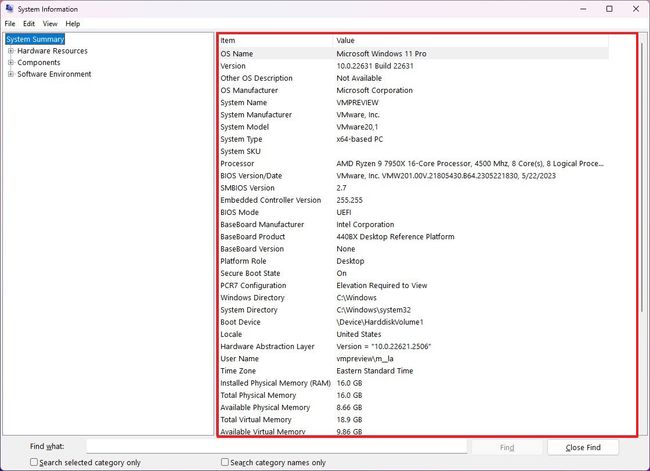
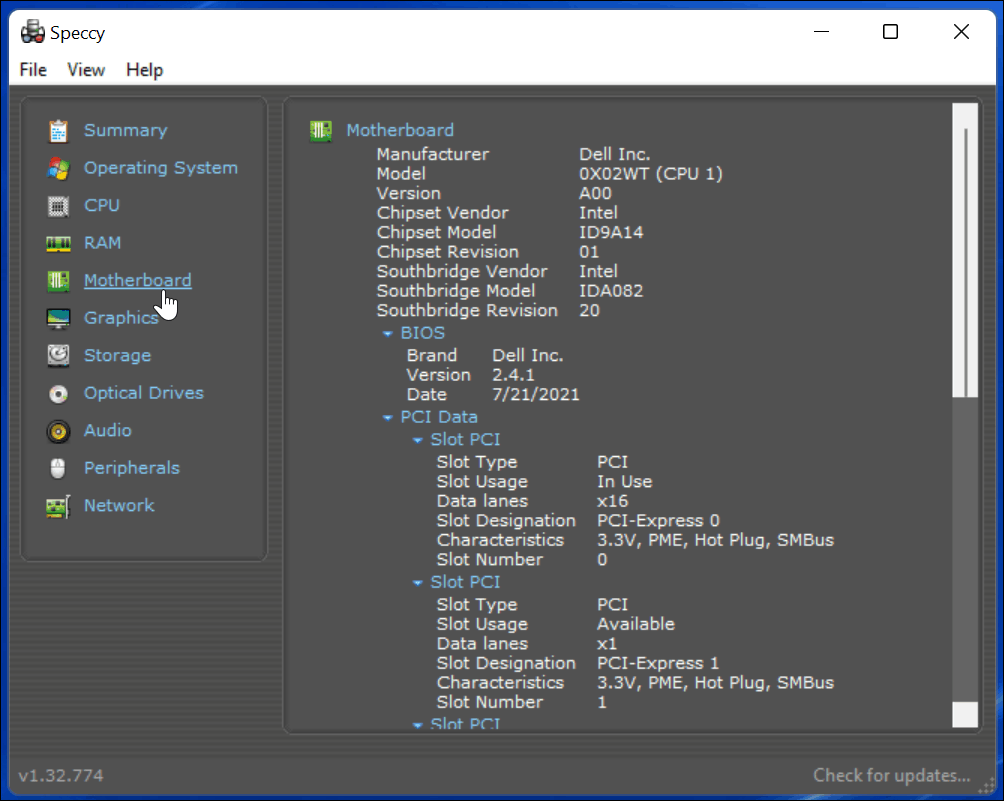
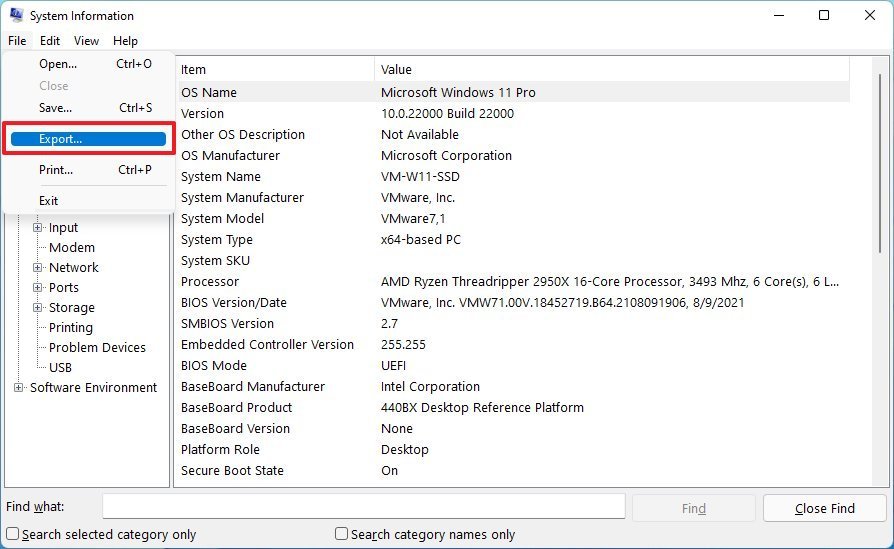
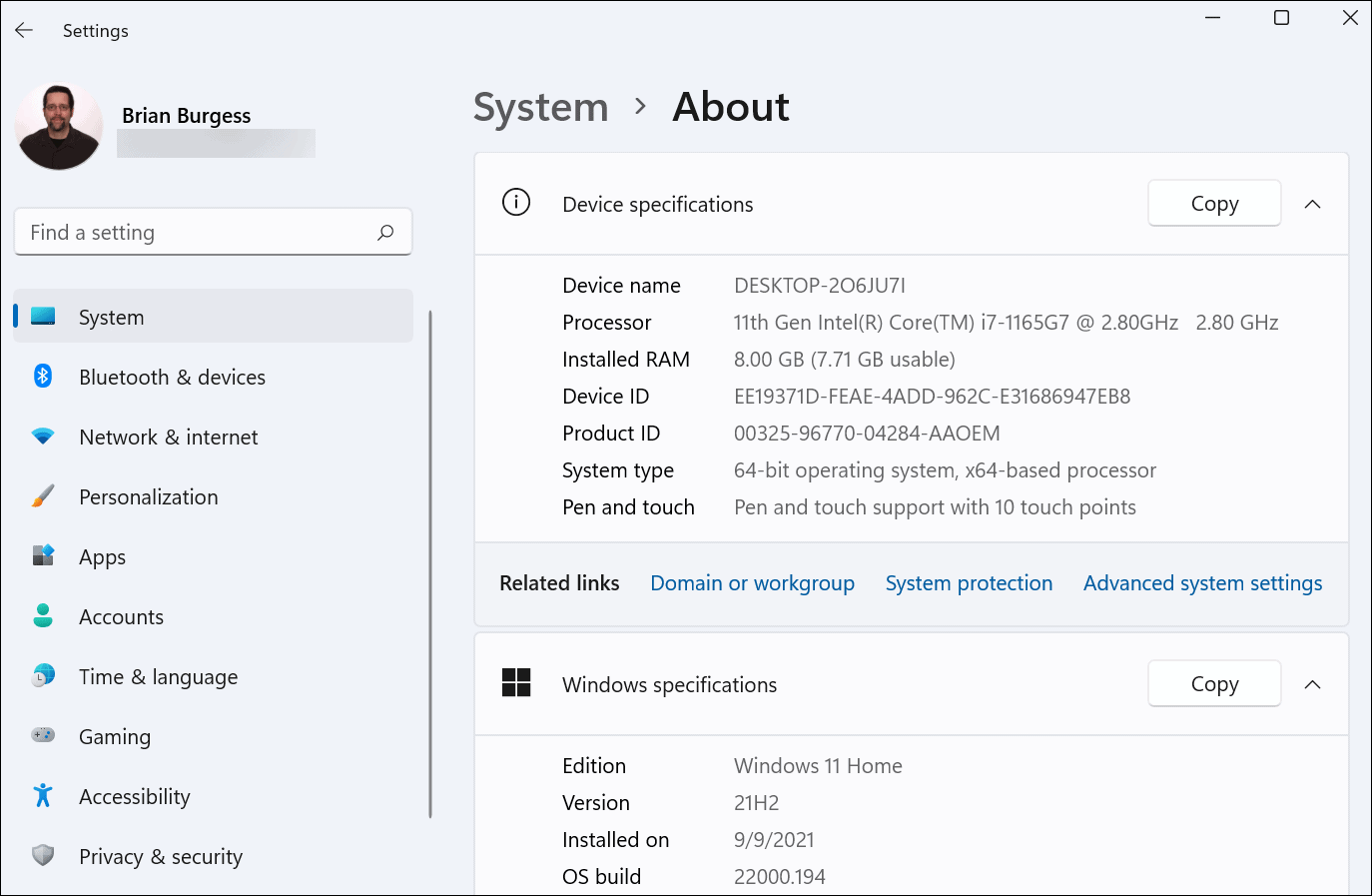
You came here for Windows 11 Hardware Check, and everything below is exactly that, supported by a wide range of real example pictures for reference.
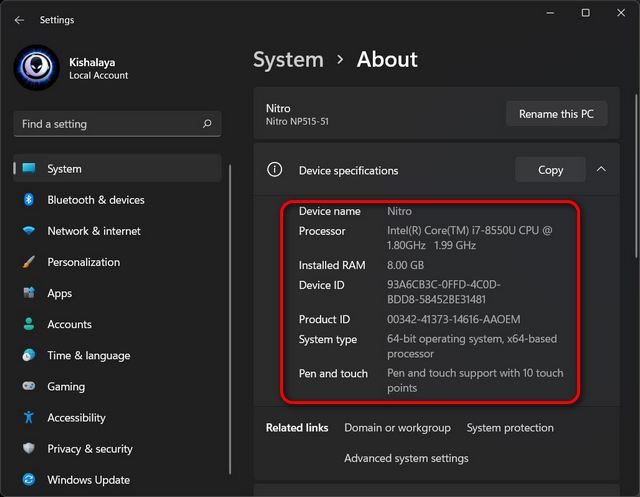
Sometimes words are not enough to describe what you have in mind, so looking at real examples explains far more than any description can.
Windows 11 Hardware Check in Actual Pictures
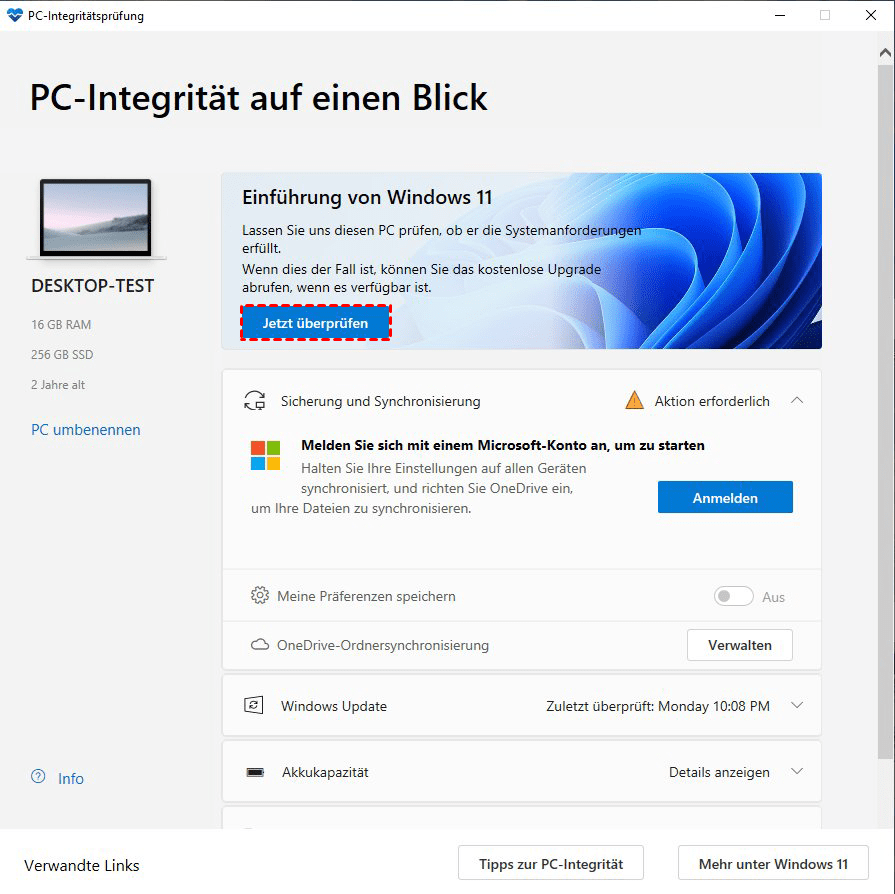
The images below show Windows 11 Hardware Check in many different forms and settings, and you will quickly see how much variety exists.
There is no need to rush past the pictures, and familiarity builds faster than you might expect.
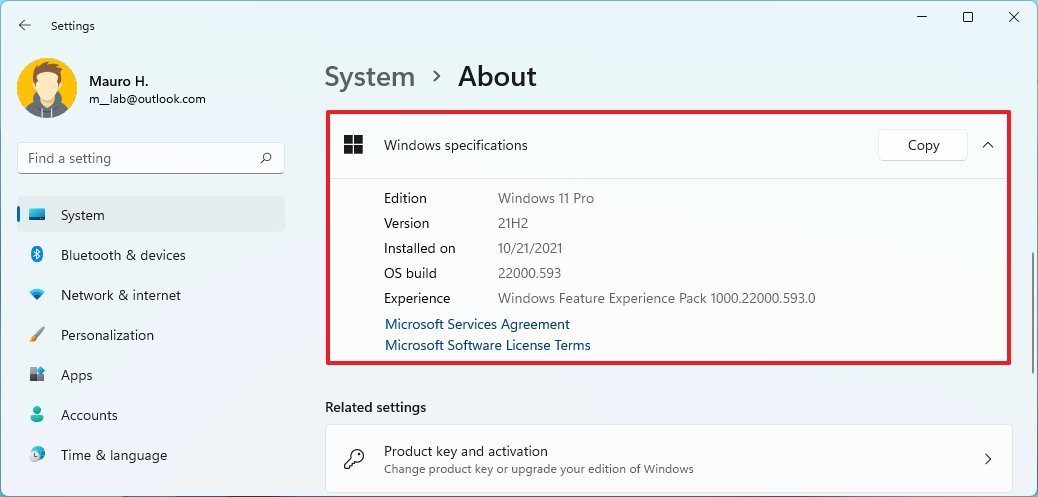
Reading Windows 11 Hardware Check Through Images
Each image works as a small explanation of its own, capturing exactly the kind of details people usually ask about.
Look at how the same subject changes from image to image, since repetition across images signals what defines it.
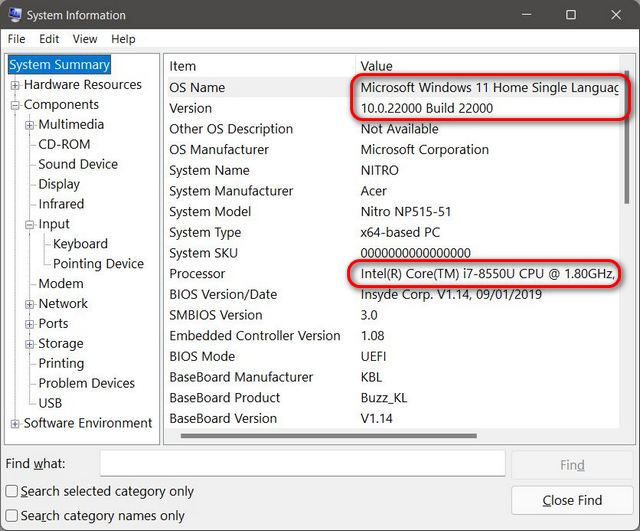
All the Different Looks of Windows 11 Hardware Check
No two examples in the gallery look exactly the same, certain images favor a clean look while others go for something richer, and seeing them together makes your own preference obvious.
Whenever a particular picture stands out, stop and study it, since your natural preference reveals itself faster than you think.

Making the Most of the Gallery
Treat the gallery as a practical tool rather than decoration, comparing your reaction across several examples.
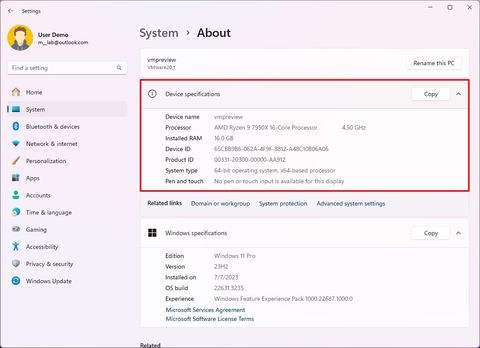


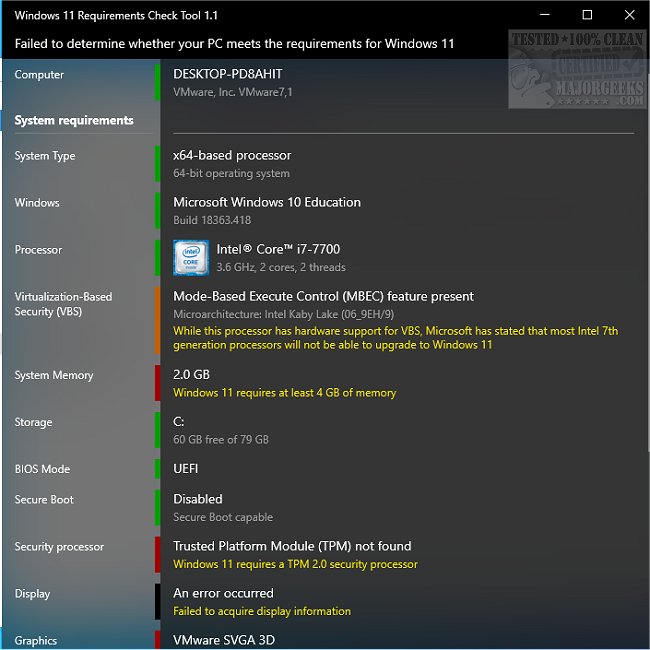
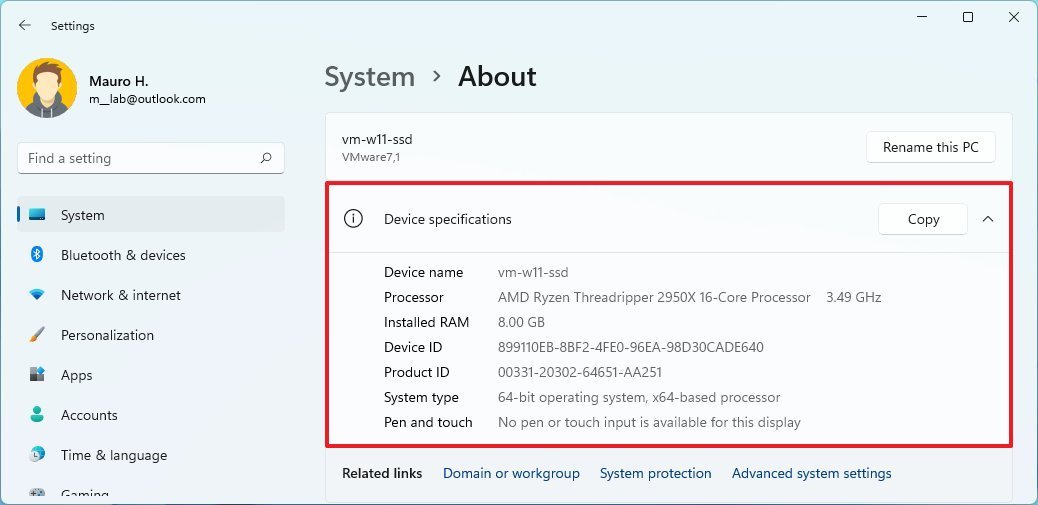


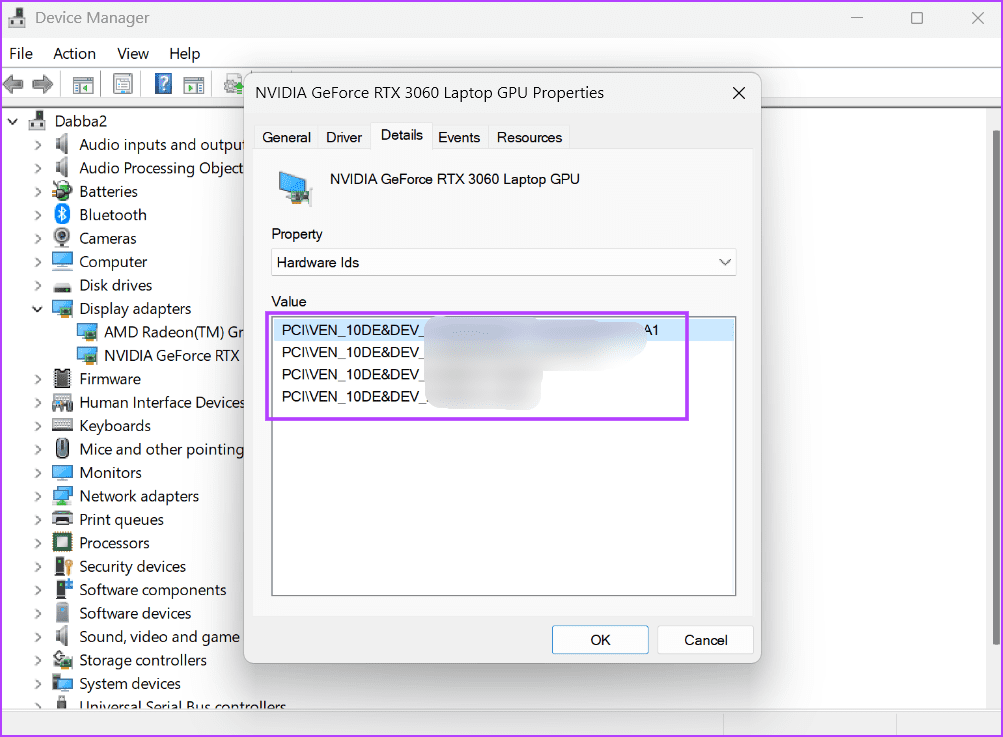
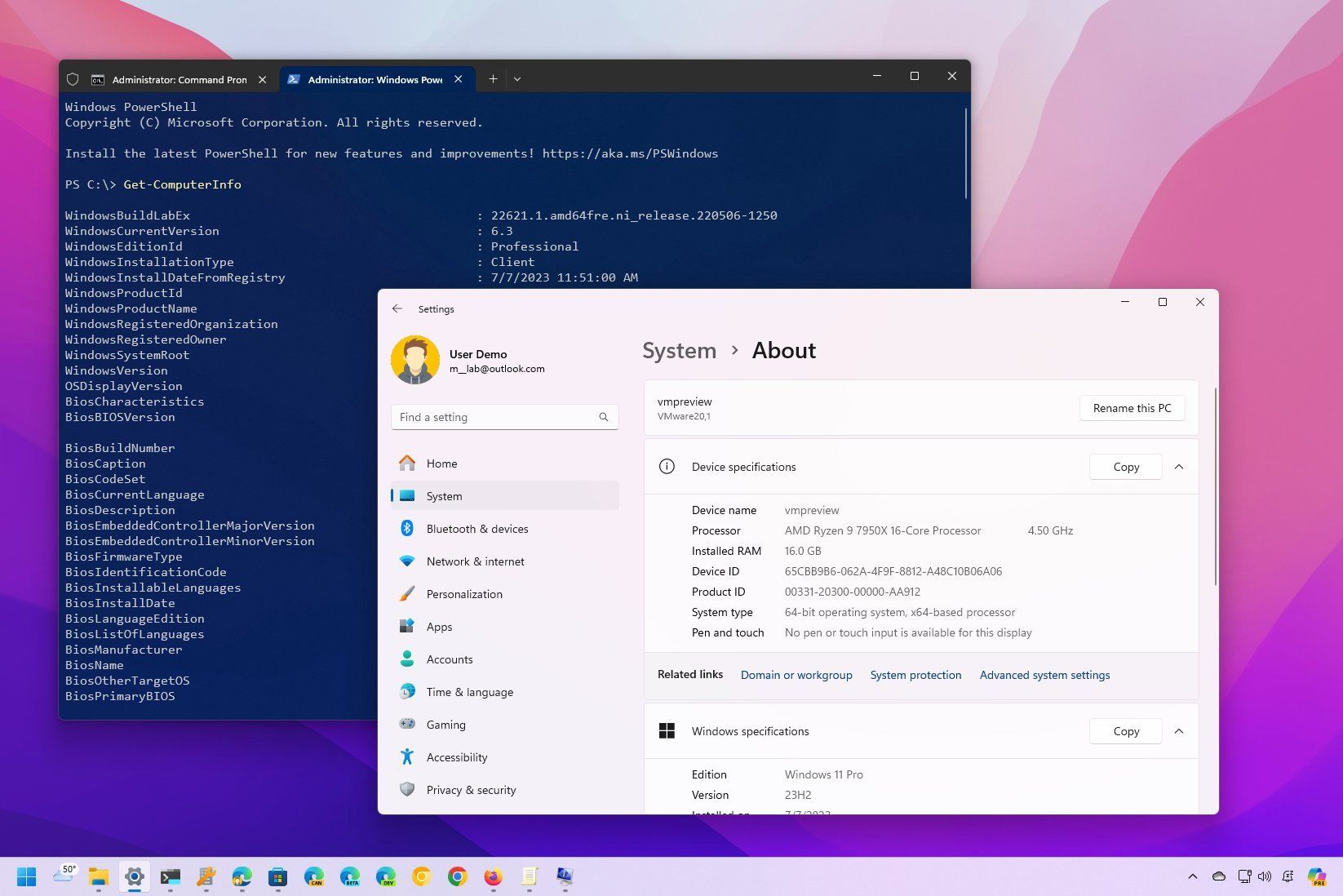
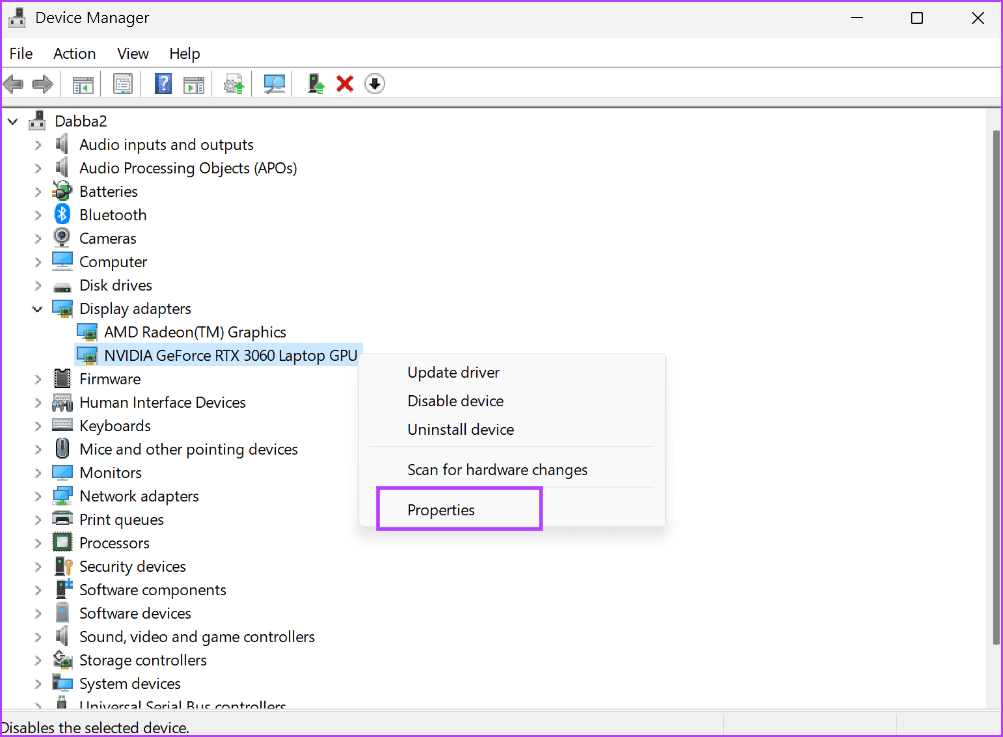
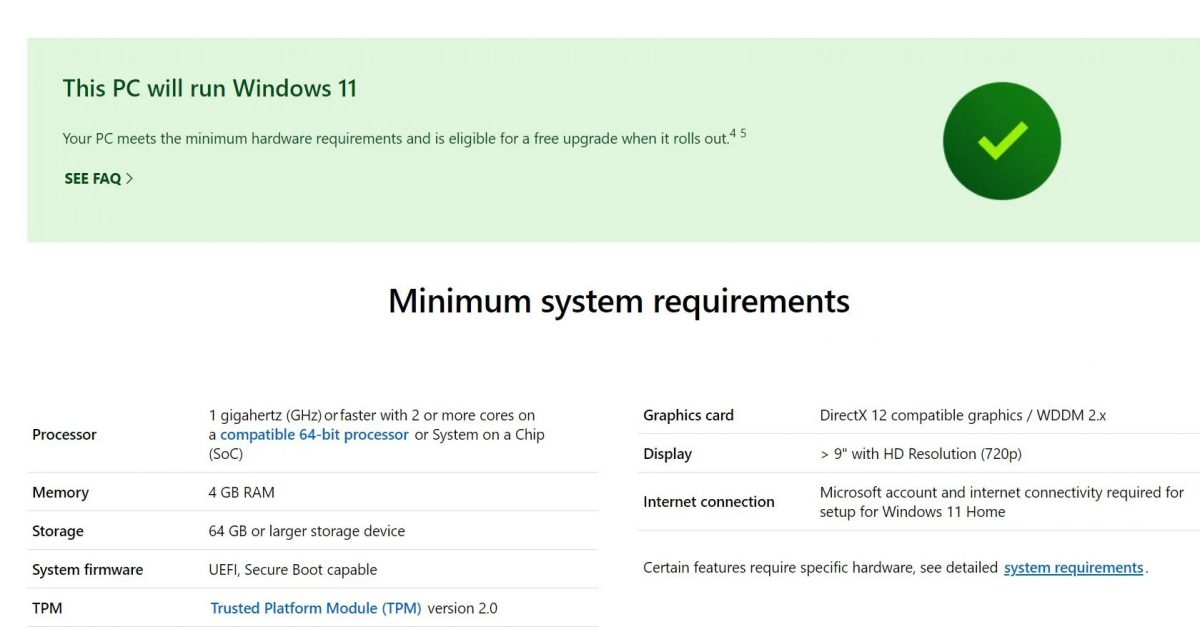

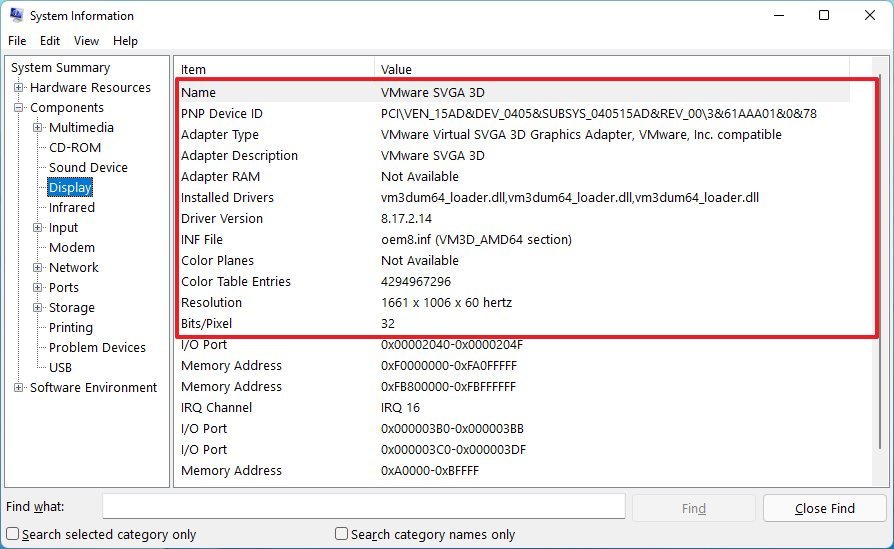
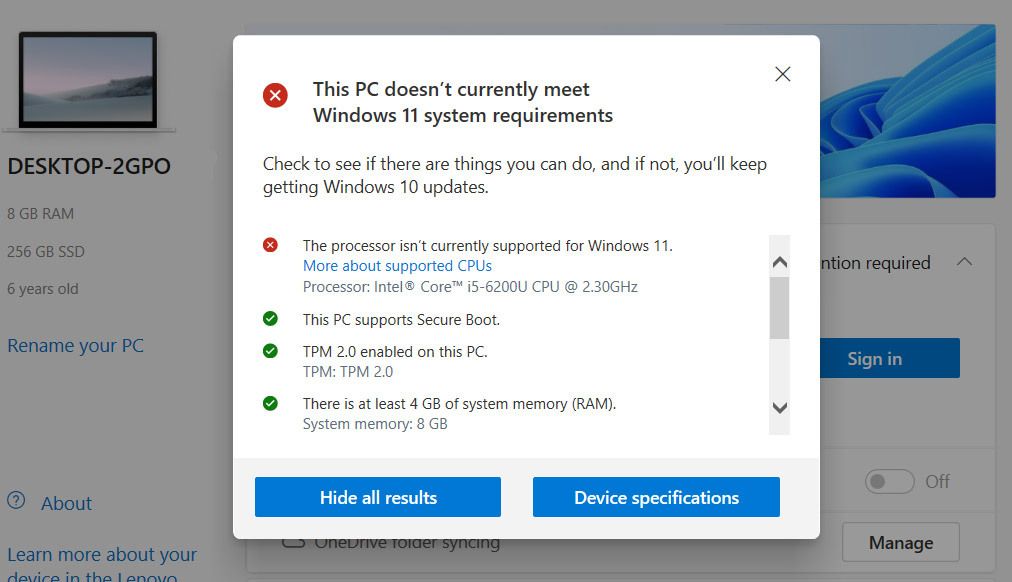
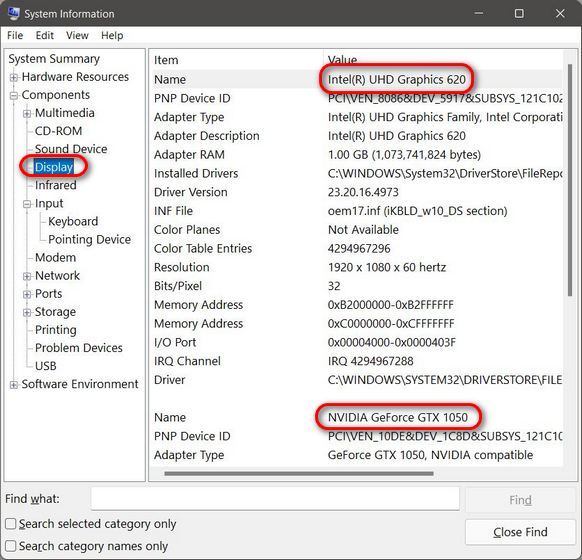
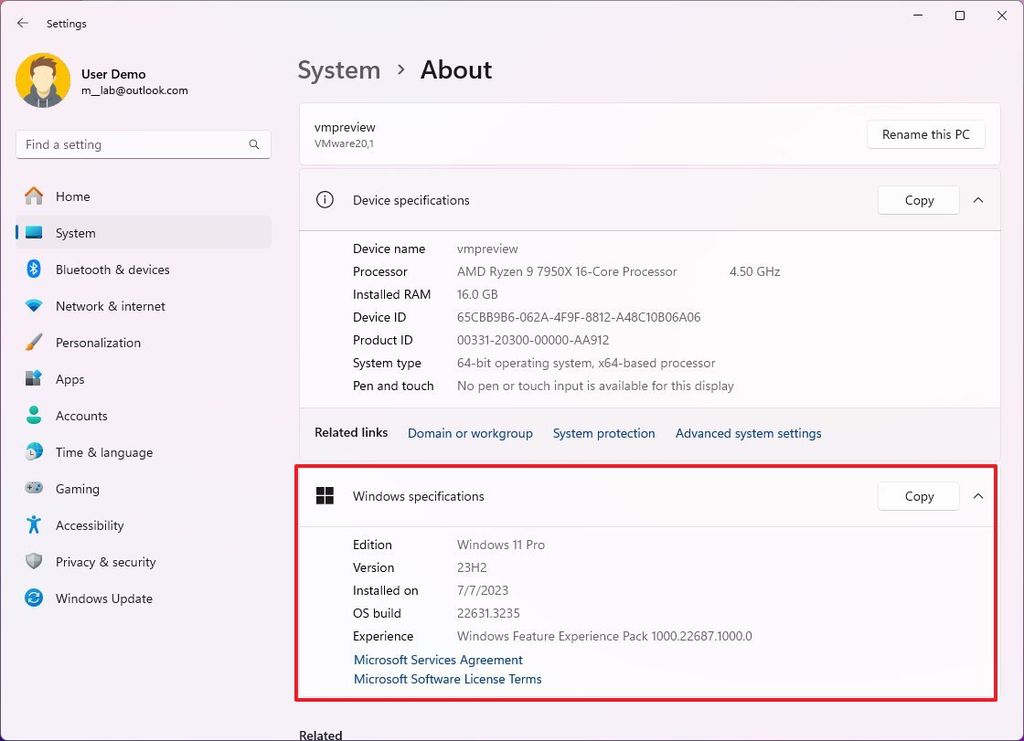

You can also use the images to explain the idea to someone else, which prevents most of the usual misunderstandings.
Closer Looks at the Examples
Slow down and examine fewer images more carefully, noting the choices that give each example its character.
A closer look at one good image beats skimming twenty, because a small set of well-understood images is worth a large pile of quick glances.
Pictures Explain Faster Than Words
There is a simple reason image searches are so popular, an image delivers the subject directly with no filter.
That is why a varied collection like this is so effective, so whatever brought you here, the images can carry you the rest of the way.
Come Back to This Gallery Anytime
You can return to this page of Windows 11 Hardware Check images anytime, as your preferences may shift the second time you look.
Over time, you will notice details casual viewers miss, so treat every revisit as a chance to see something you skipped.