You Searched for Autocad Create Detail View — Here It Is
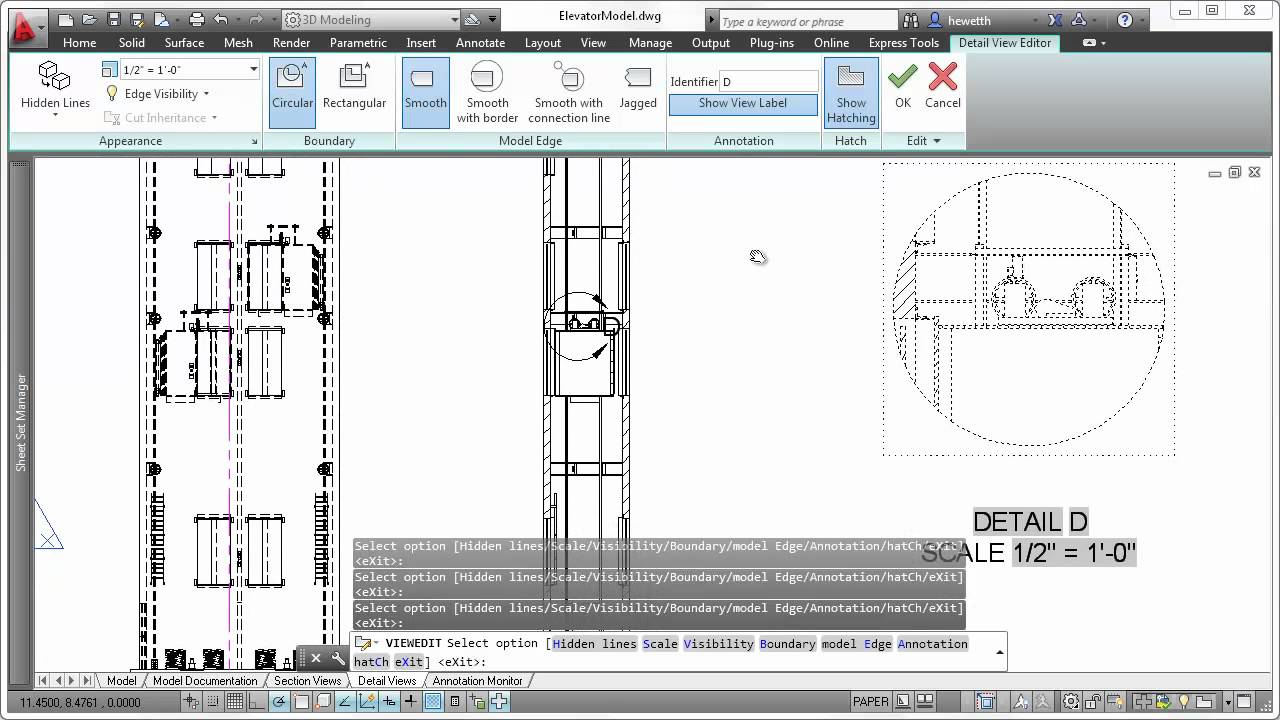
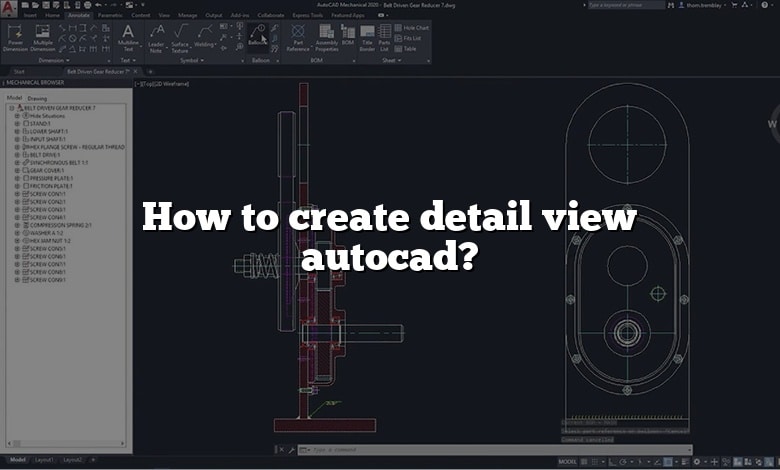
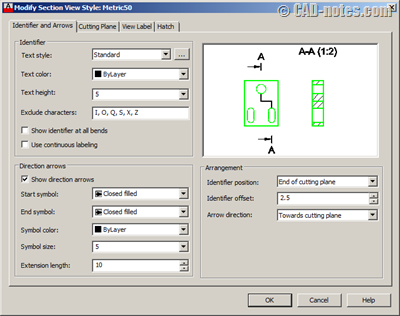
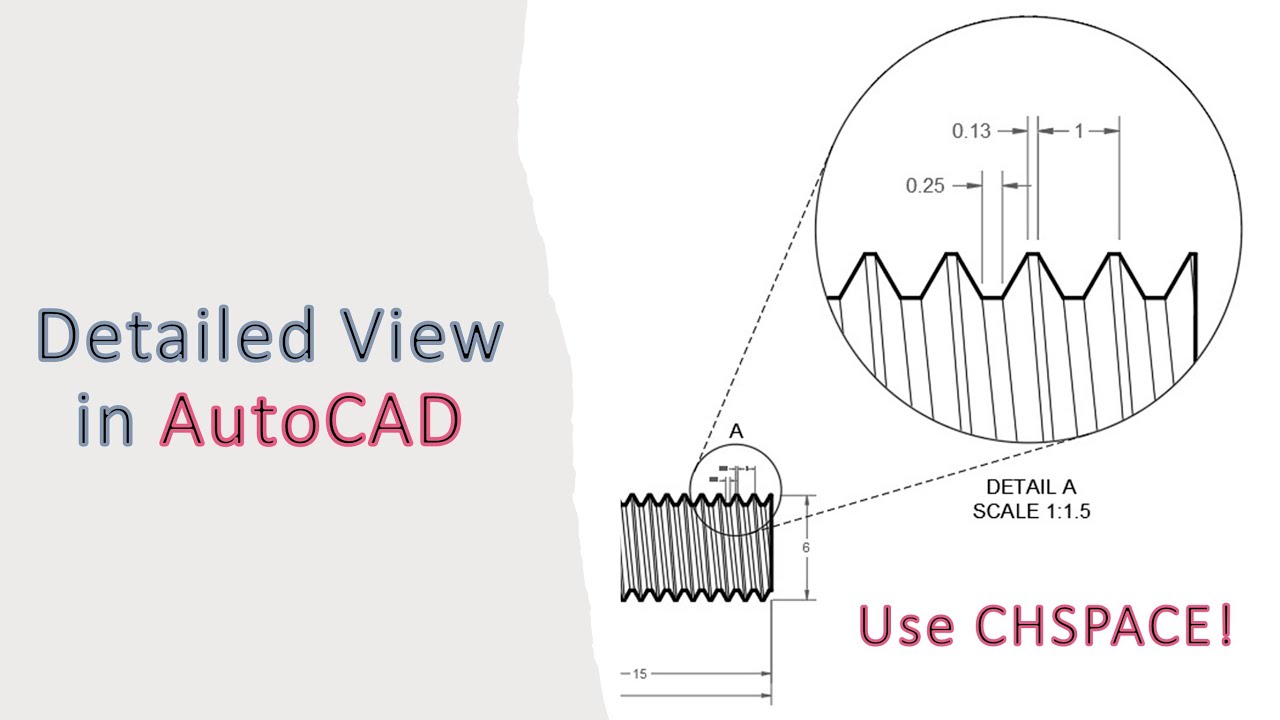
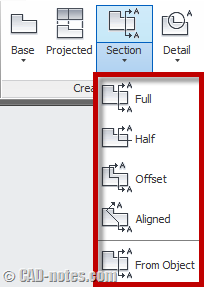
You came here for Autocad Create Detail View, and everything below is exactly that, presented through a broad set of image examples you can browse freely.

Text can only take your search so far, and that is exactly why visual references work so well here.
Example Images of Autocad Create Detail View

This collection gathers all kinds of Autocad Create Detail View in one scrollable view, and you will quickly see how much variety exists.
Let the gallery speak for itself as you move downward, and familiarity builds faster than you might expect.

How the Gallery Helps You Understand
Think of each example as a visual definition, showing details that are hard to put into words.
Compare a few examples and observe what repeats, because consistent details are usually the essential ones.
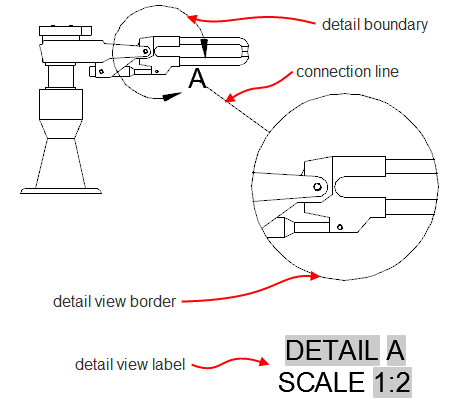
From One Style to Another
The differences between examples are part of what makes browsing useful, each one leans toward a slightly different taste, so studying the range helps you identify which style suits you best.
If one image catches your eye, pause on it and ask why, since your natural preference reveals itself faster than you think.

Turning Pictures Into Useful Reference
Every picture here can serve as a working reference, such as saving the examples closest to what you need.

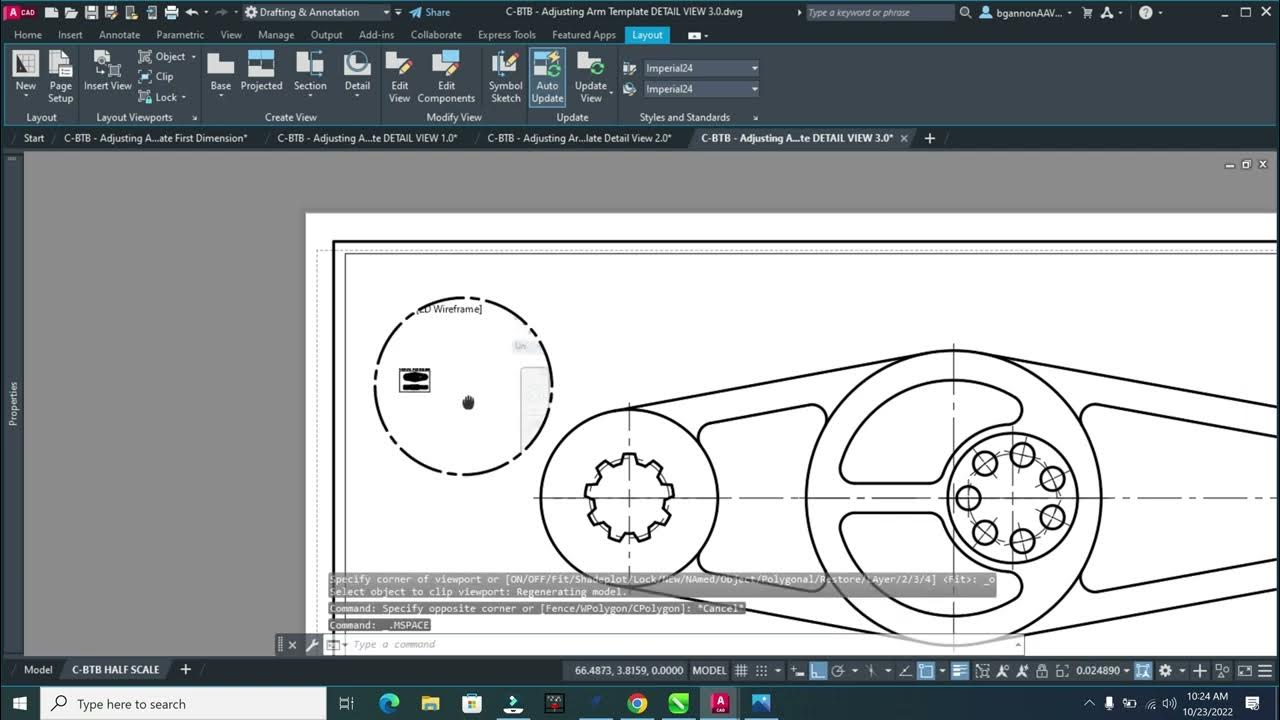

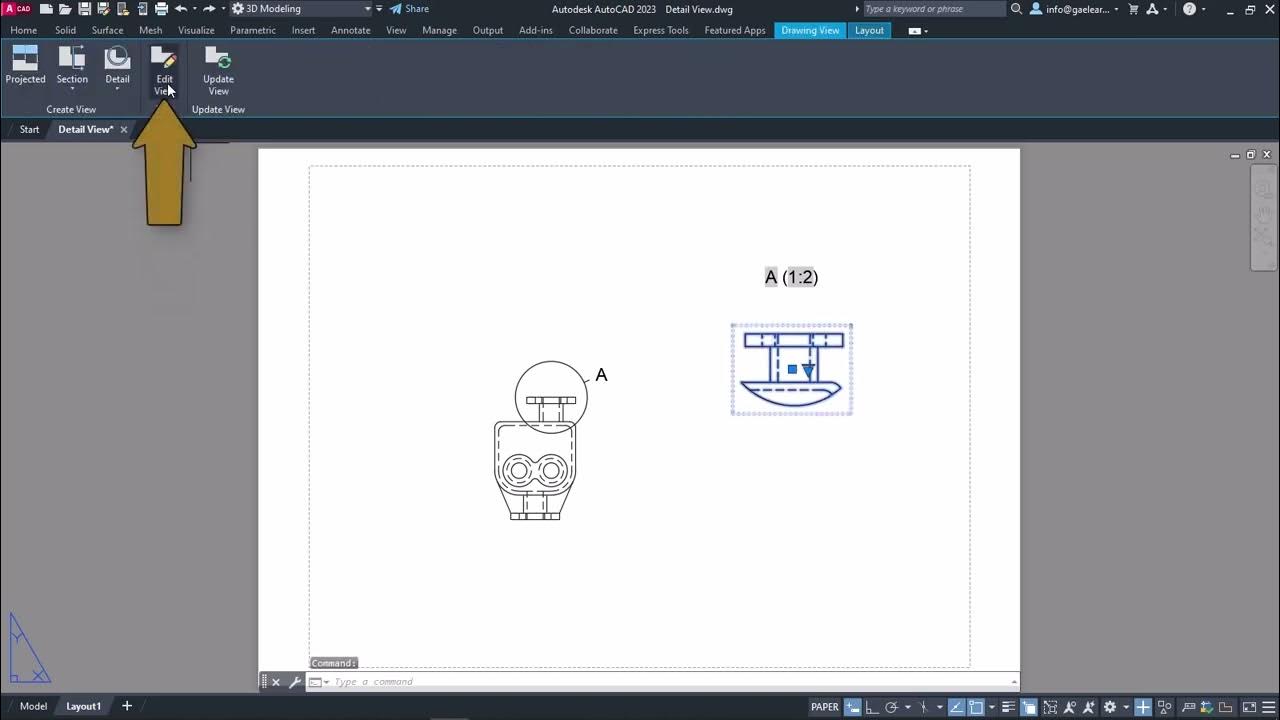
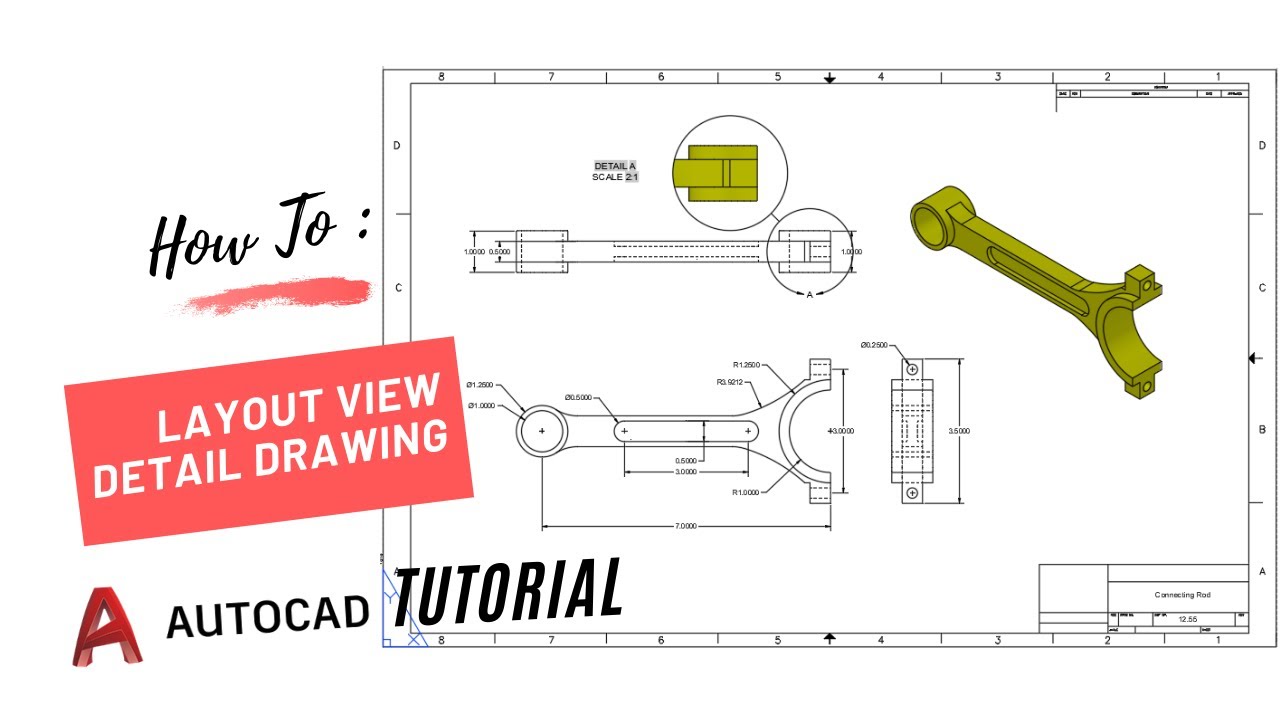


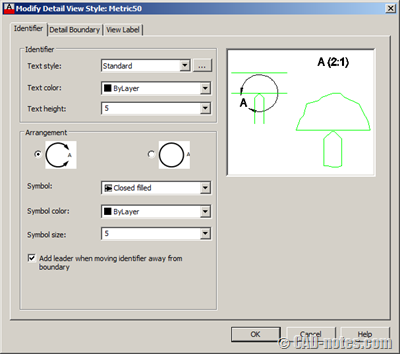

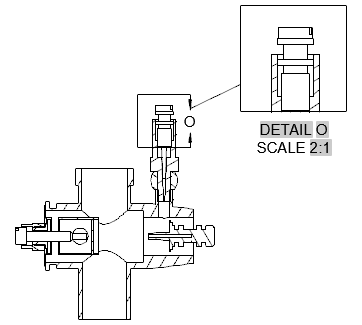
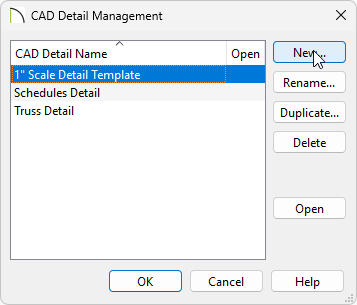






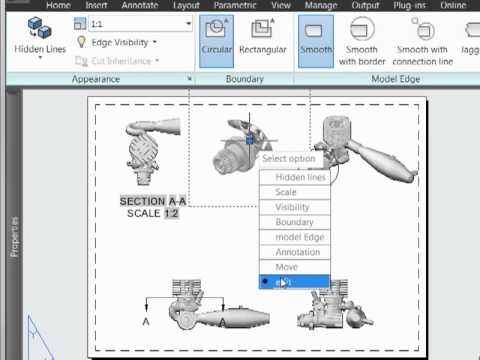
Pictures remove the guesswork from conversations, so the other person sees exactly what you see.
Closer Looks at the Examples
Slow down and examine fewer images more carefully, such as positioning, scale, material feel, and overall balance.
Depth beats speed when it comes to visual learning, because a small set of well-understood images is worth a large pile of quick glances.
Why Visual References Work So Well
There is a simple reason image searches are so popular, a real example eliminates the gap between description and reality.
A broad image set answers questions before they are asked, so whatever brought you here, the images can carry you the rest of the way.
Come Back to This Gallery Anytime
You can return to this page of Autocad Create Detail View images anytime, because needs change and new examples make old ones more useful.
The more examples you absorb, the sharper your eye becomes, and each pass through the images adds to what you already know.