How To Make A Table On A Mac with Randy Thomas blog

Randy Thomas Nov 16, 2026

Looking for How To Make A Table On A Mac? Here It Is

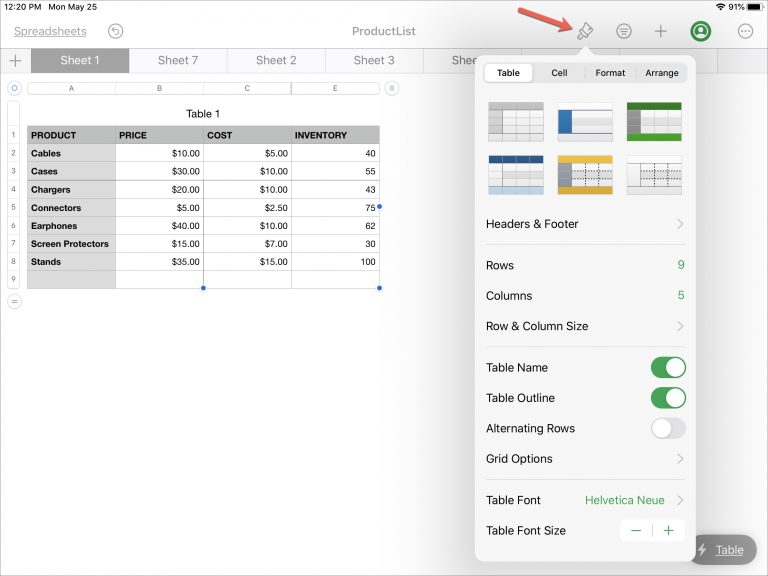
How to Make a Table on a Mac: Easy Step-by-Step Guide

Since you are searching for How To Make A Table On A Mac, this page was made for you, with a growing collection of example images collected as visual reference.

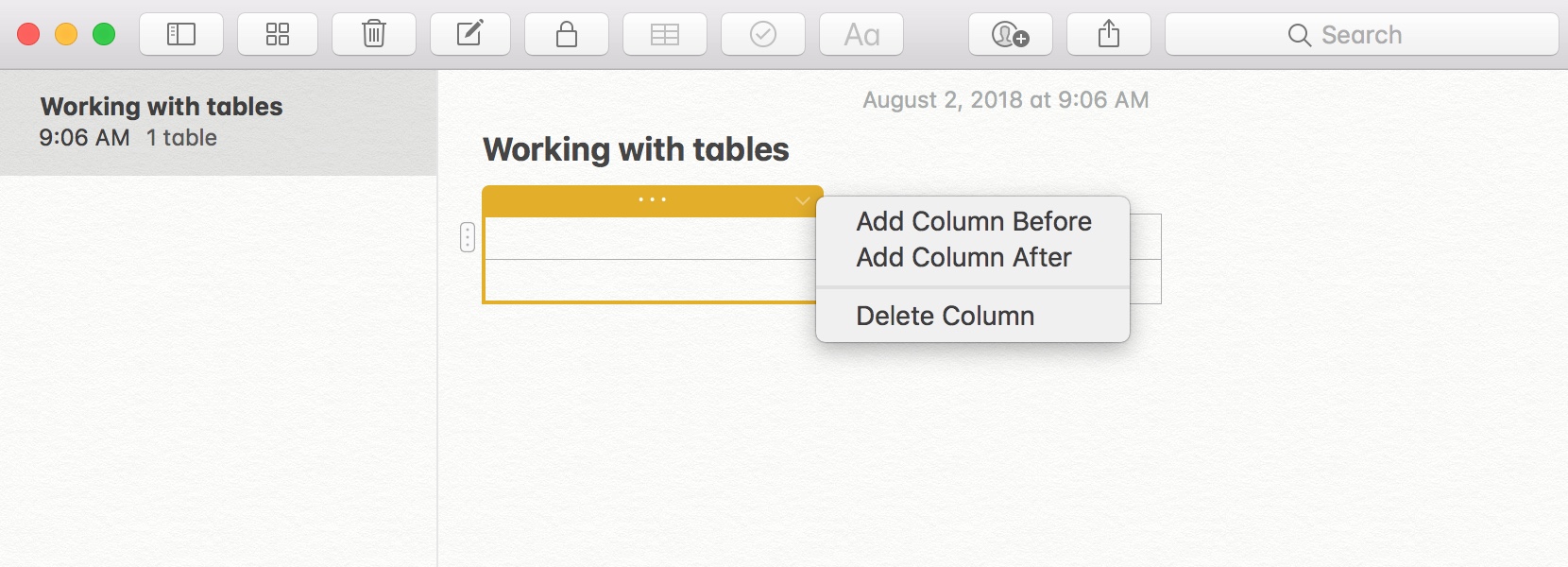
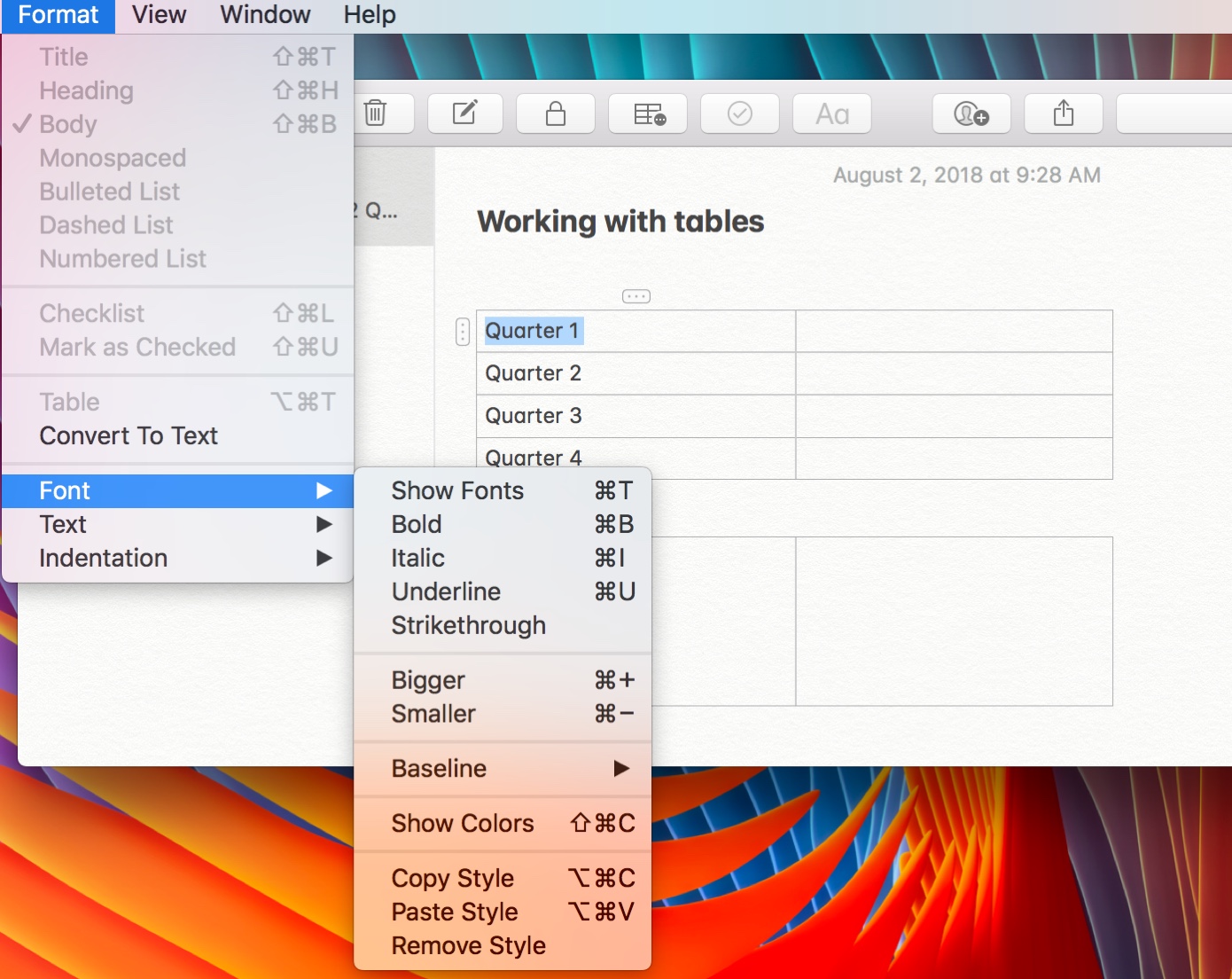
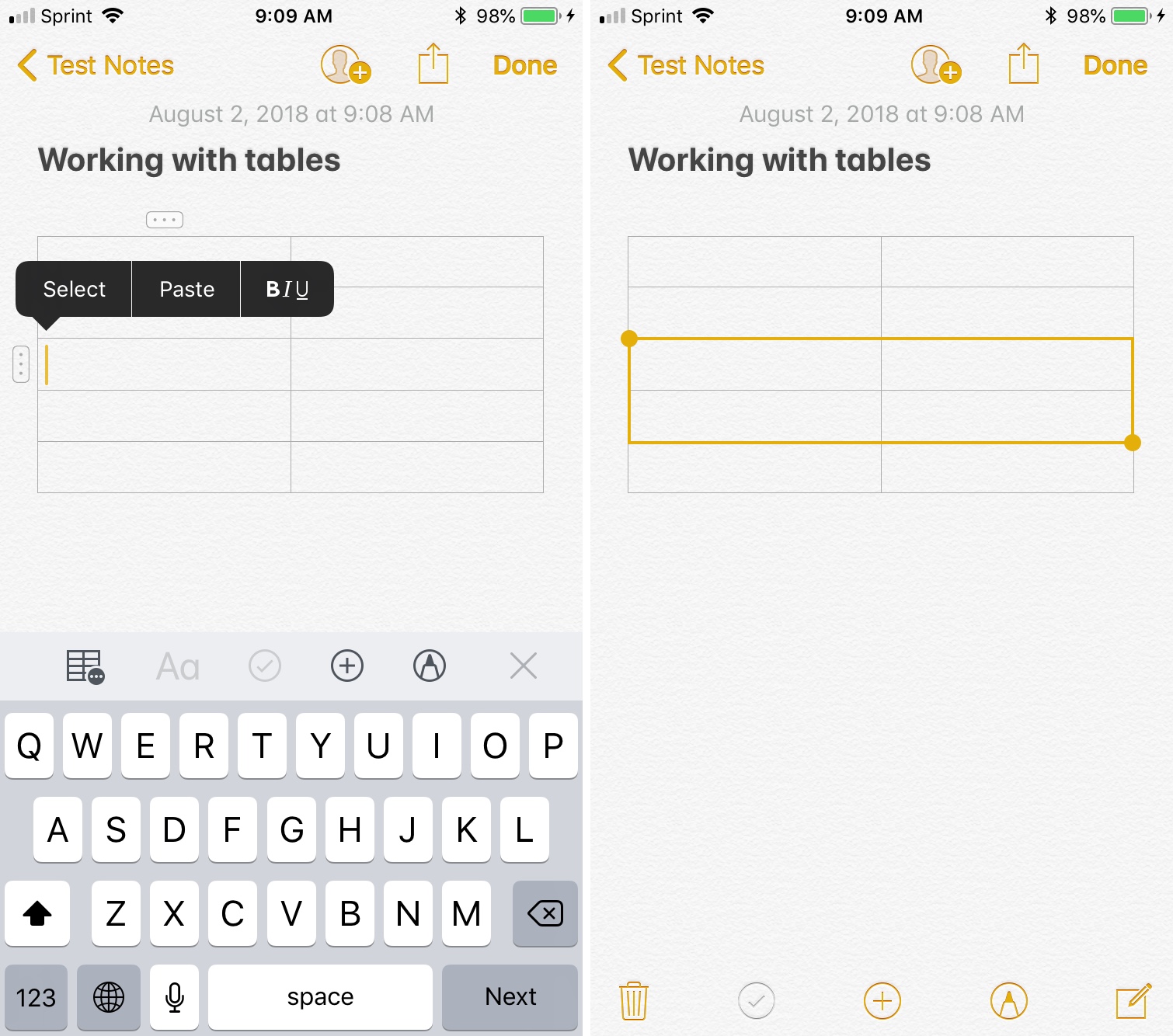
Add a table in Notes on Mac - Apple Support

Reading about something is one thing; seeing it is another, and that is exactly why visual references work so well here.

Example Images of How To Make A Table On A Mac
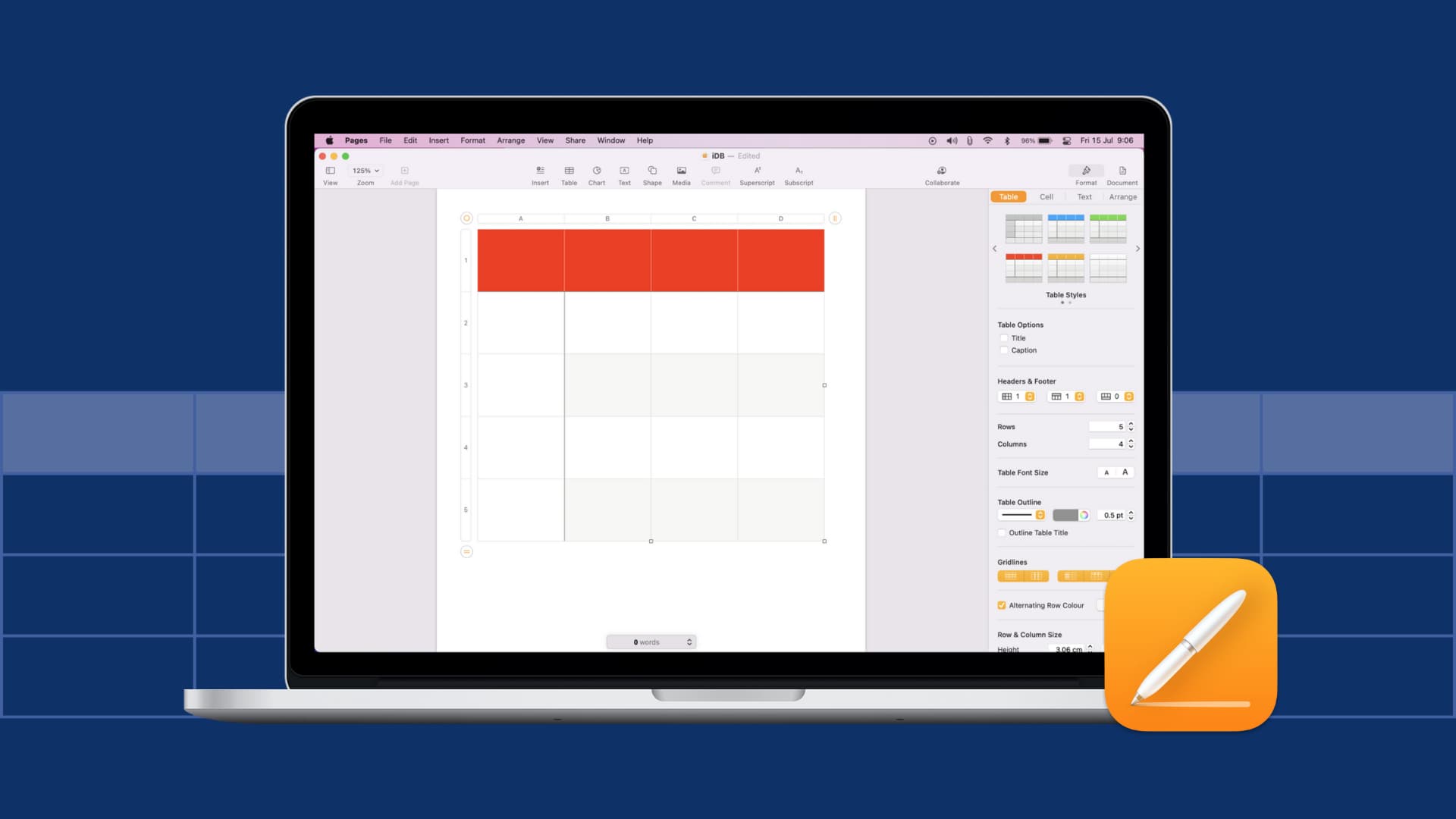
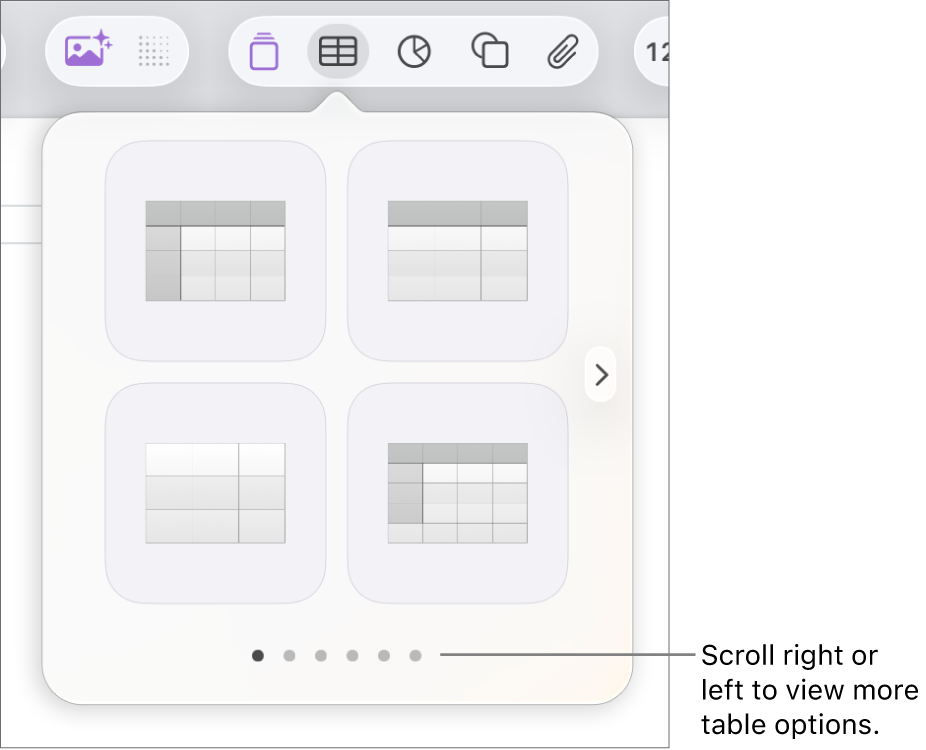
How to work with tables in Apple Pages on Mac, iPhone, iPad

Each picture captures How To Make A Table On A Mac from a different angle or context, which makes it easy to spot the differences between variations.

There is no need to rush past the pictures, and repeated details across images reveal what truly matters.
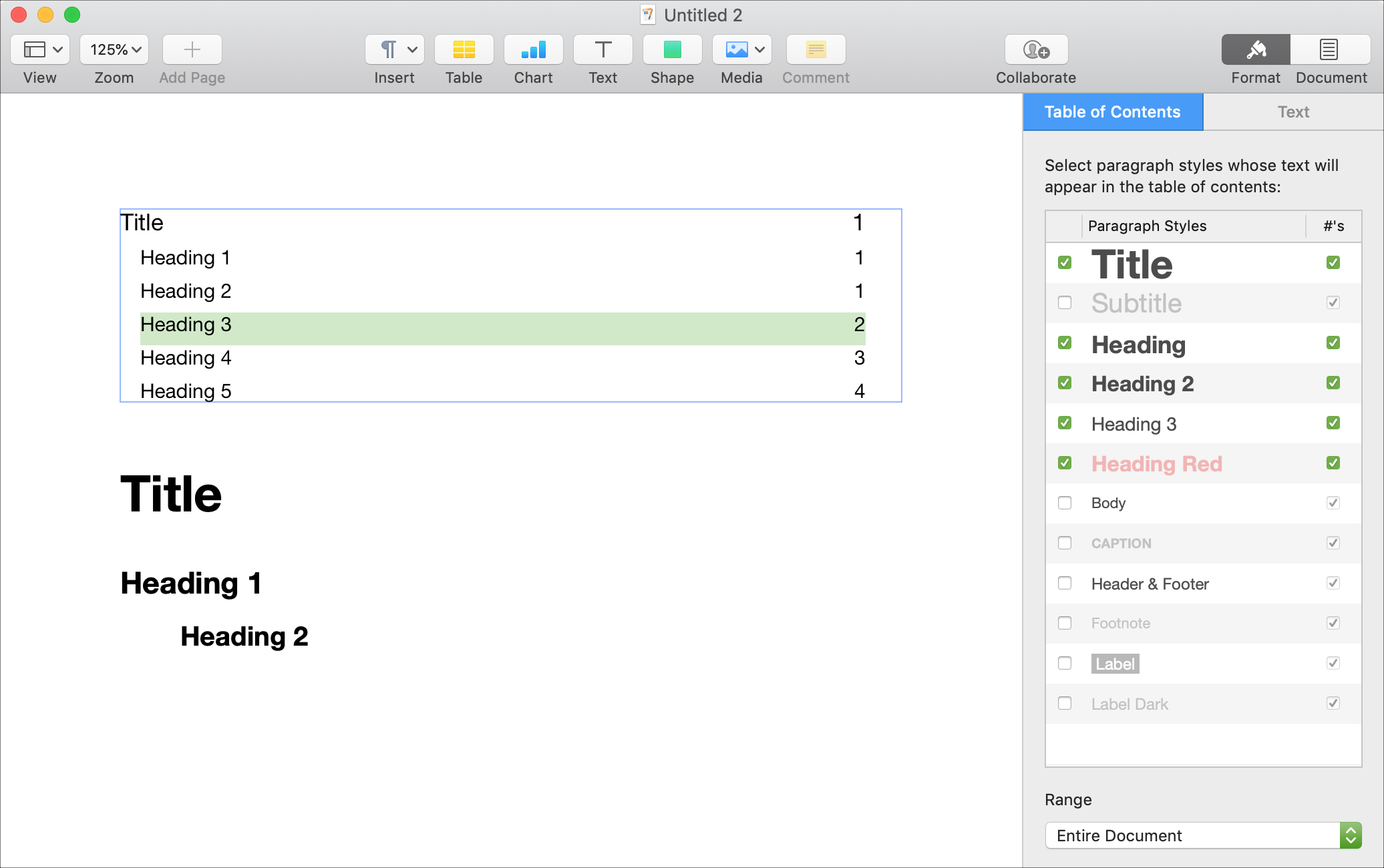
How to create a table of contents in Pages on Mac

Reading How To Make A Table On A Mac Through Images

A single picture can communicate shape, scale, style, and context at once, capturing exactly the kind of details people usually ask about.

Look at how the same subject changes from image to image, since repetition across images signals what defines it.

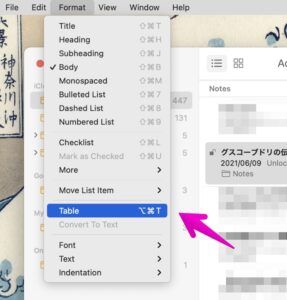
How to use Tables in Note on MacBook Pro, Air, iMac Big sur

Different Variations, Different Styles

Variety is the whole point of a reference collection, a few lean traditional while others feel modern, and seeing them together makes your own preference obvious.

If one image catches your eye, pause on it and ask why, since your natural preference reveals itself faster than you think.
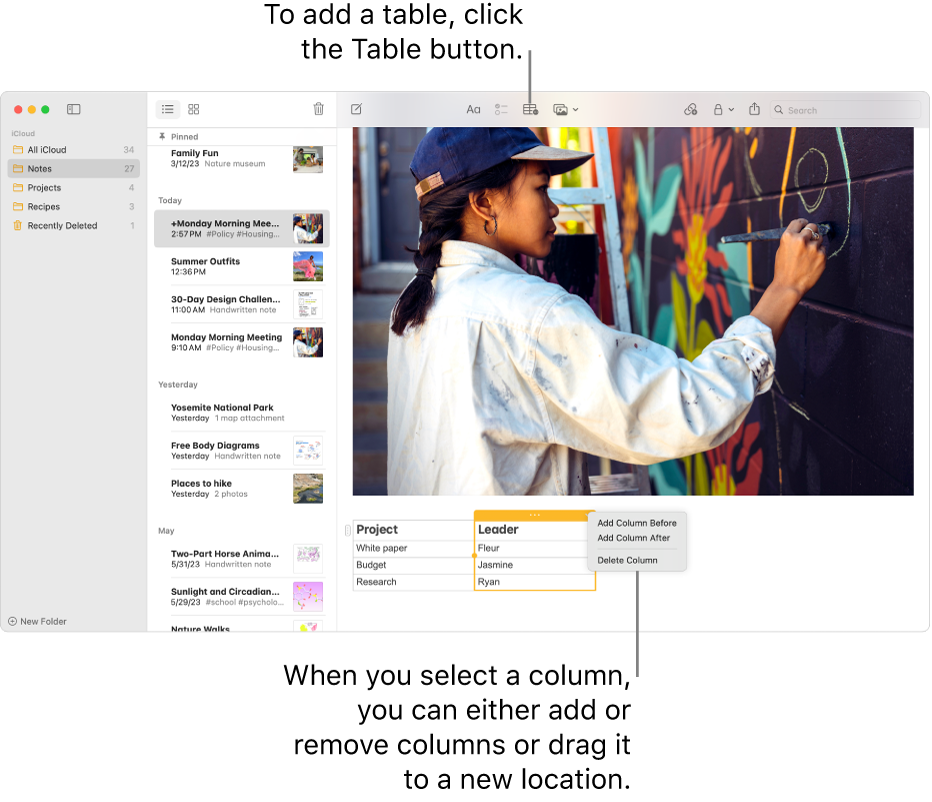
Add a table in Notes on Mac - Apple Support

Getting Practical Value From the Images

The collection works best when you do something with it, such as saving the examples closest to what you need.
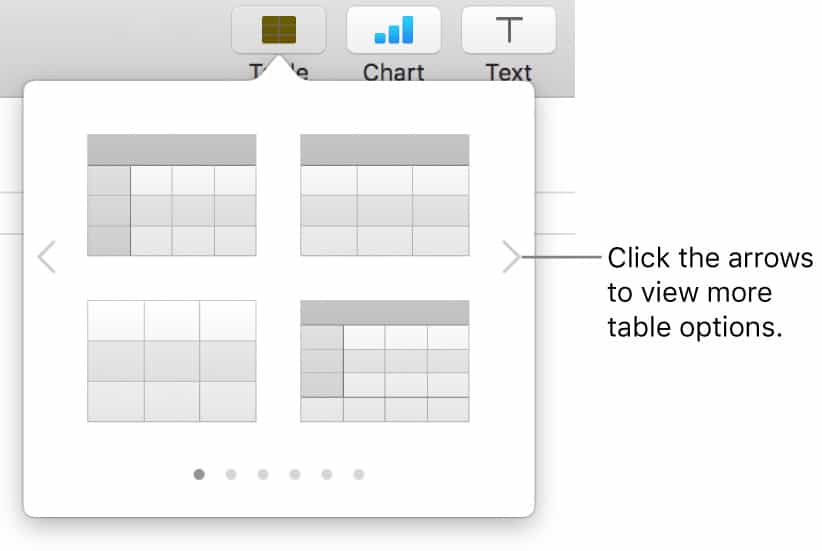
How To Create a Gantt Chart In Pages For Mac
How to easily create and work with tables in Apple Notes
How to use Tables in Note on MacBook Pro, Air, iMac Big sur
How to easily create and work with tables in Apple Notes
How To Draw Table On Mac
How to make a table in “Notes” on Mac | Mac Cheat Sheet
Numbers For Mac Templates
How to Create and Format Tables in Apple Notes Like a Pro
How to Add a Table in Apple Notes on Mac (Tutorial) - YouTube
How to work with tables in Apple Pages on Mac, iPhone, iPad
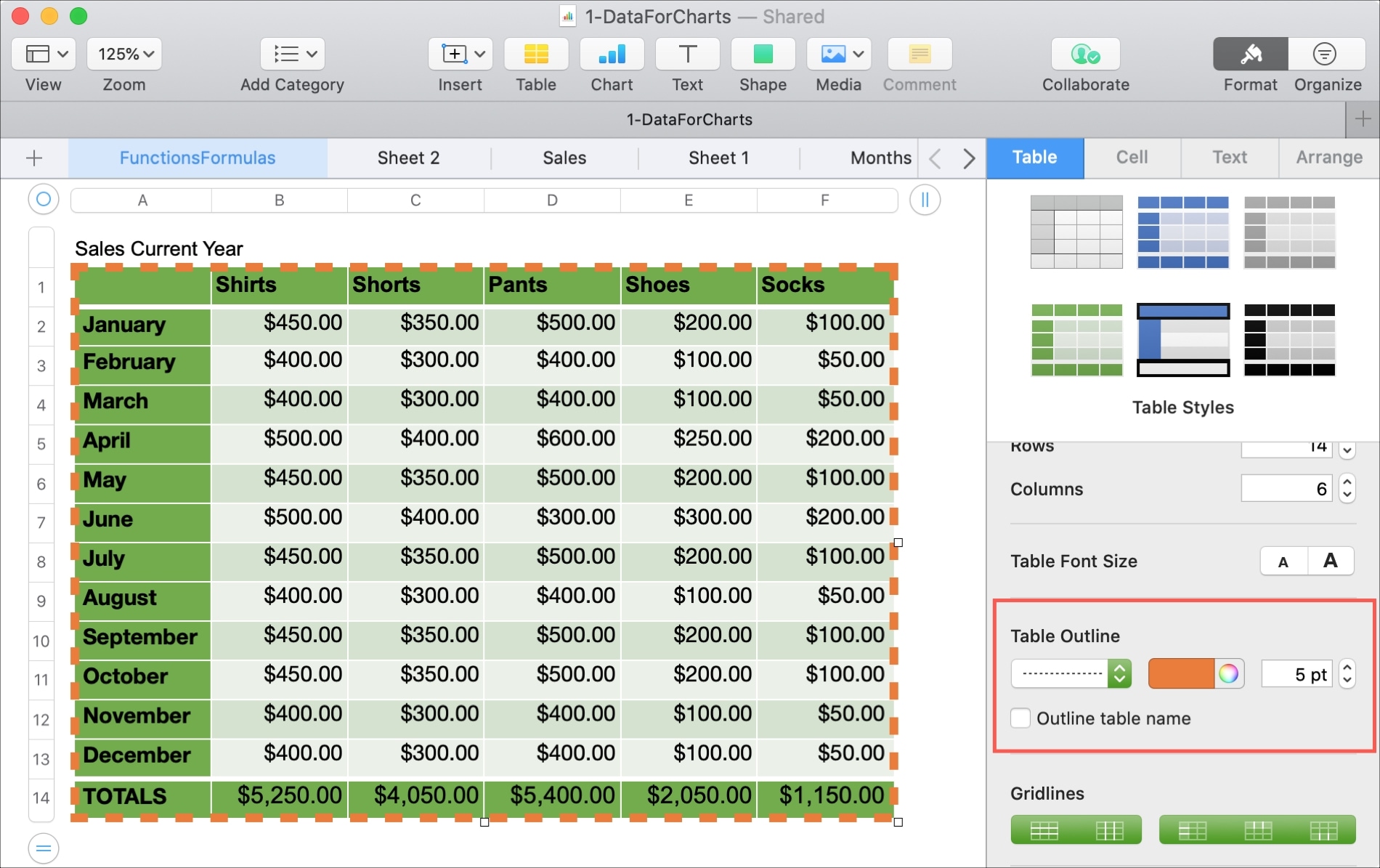
Use table styles in Numbers on Mac - Apple మద్దతు (IN)
How to insert tables into your email on Mac
Add or delete a table in Pages on Mac - Apple 支持 (SG)
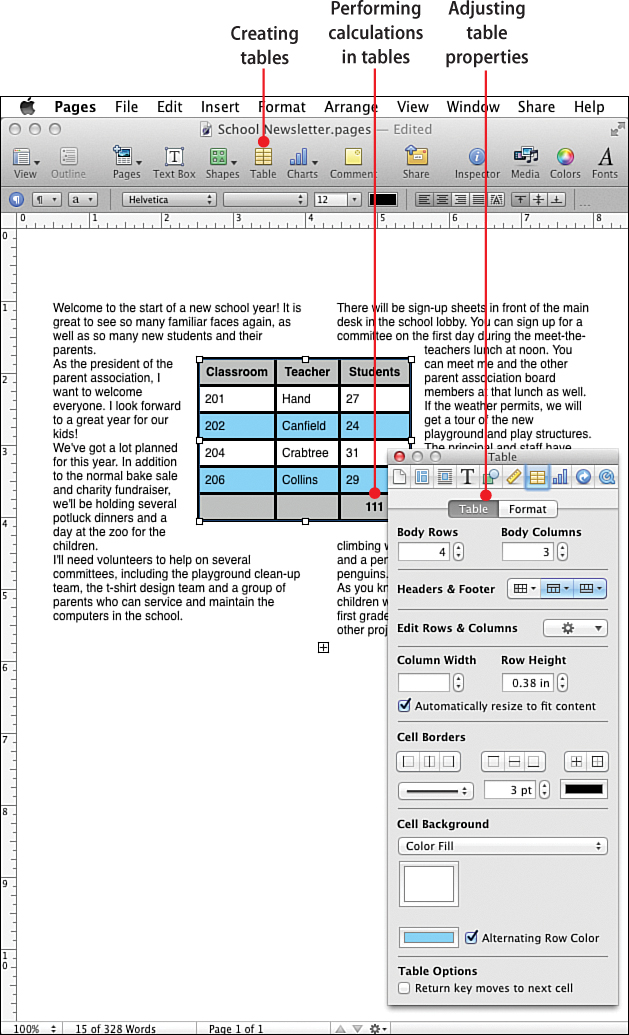
10. Creating Tables - My Pages® (for Mac) [Book]
How to work with tables in Apple Pages on Mac, iPhone, iPad
How to work with tables in Pages on Mac, iPhone, and iPad
How To Create A Pivot Table In Numbers On Mac | Cabinets Matttroy
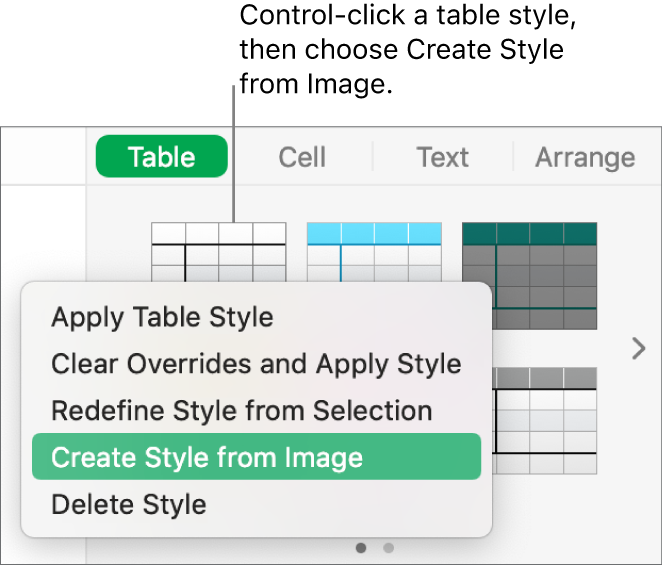
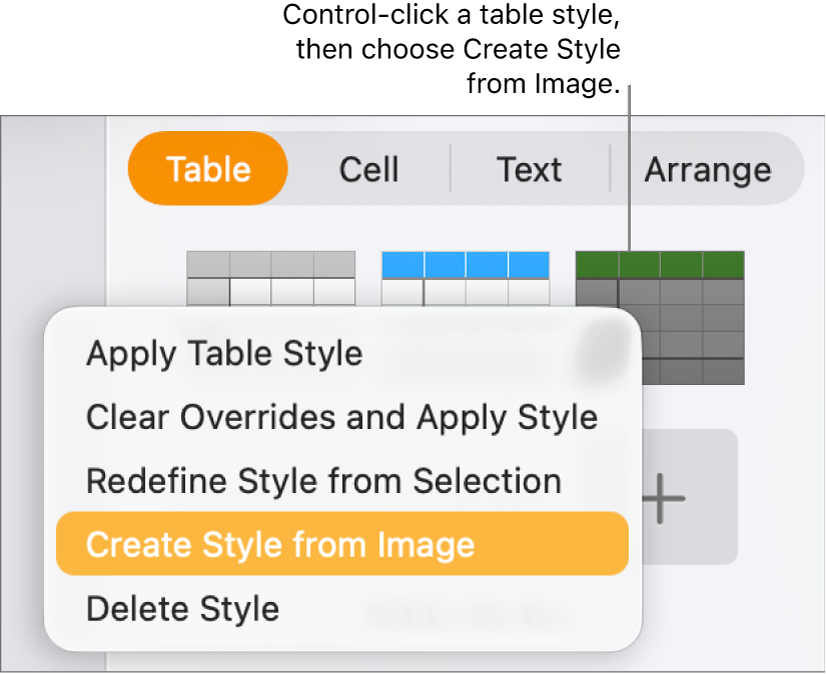
Use table styles in Pages on Mac - Apple Support
Add or delete a table in Pages on Mac - Apple Support
How to easily create and work with tables in Apple Notes
How To Make A Table In Apple Notes: Simplify Your Organization ...
How to create charts and tables in Apple's Pages word processing app ...
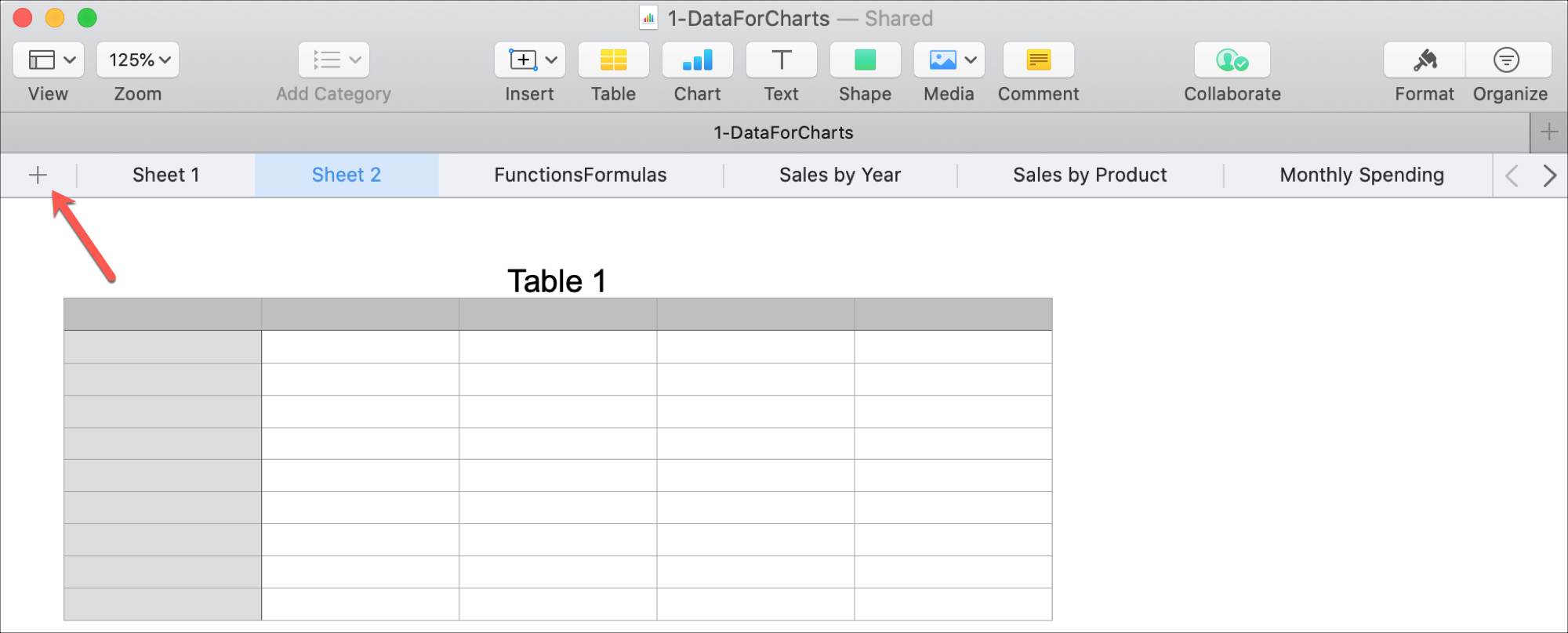
How to Create a Pivot Table in Numbers on Mac/iPad (Step-by-Step)
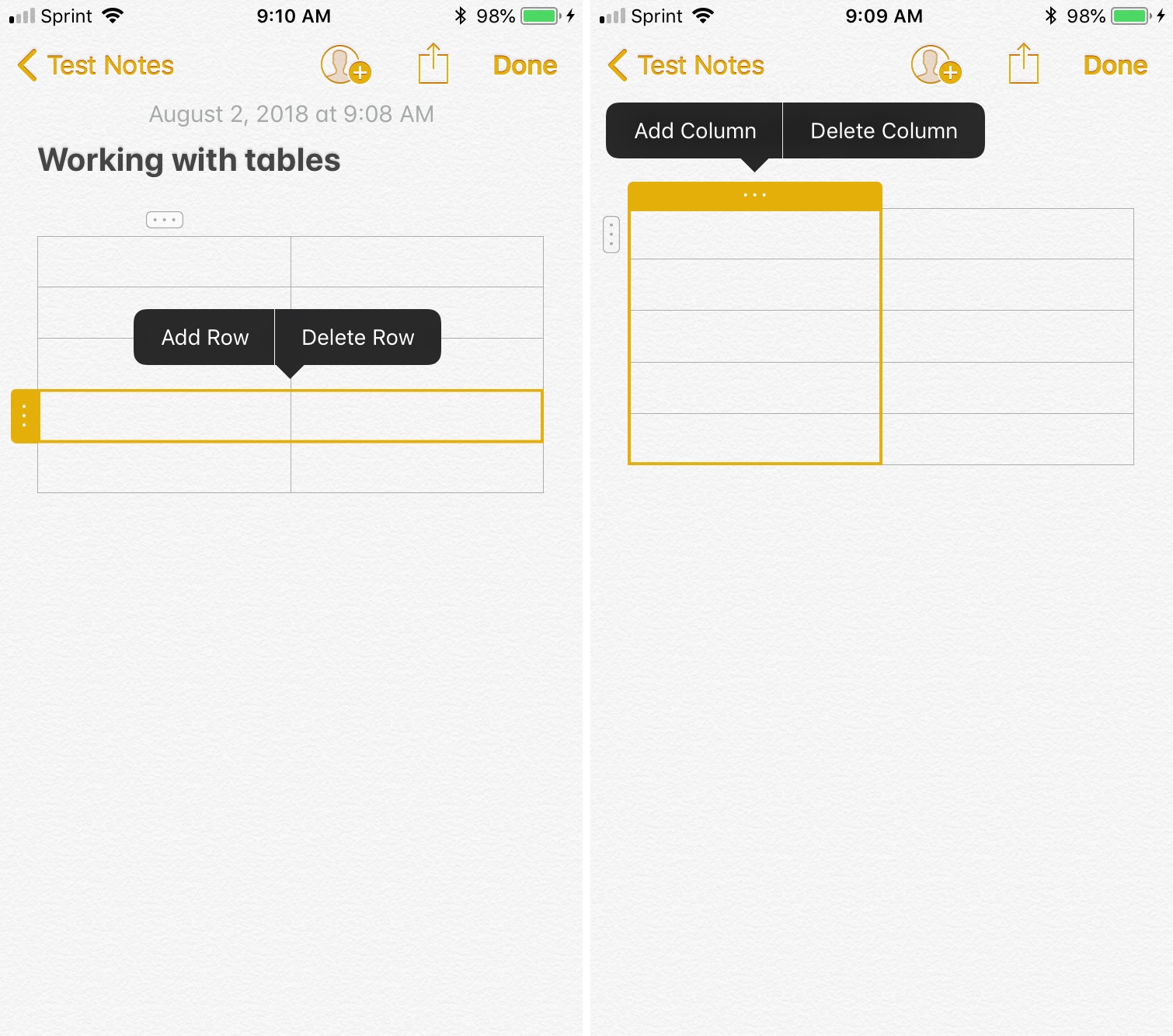
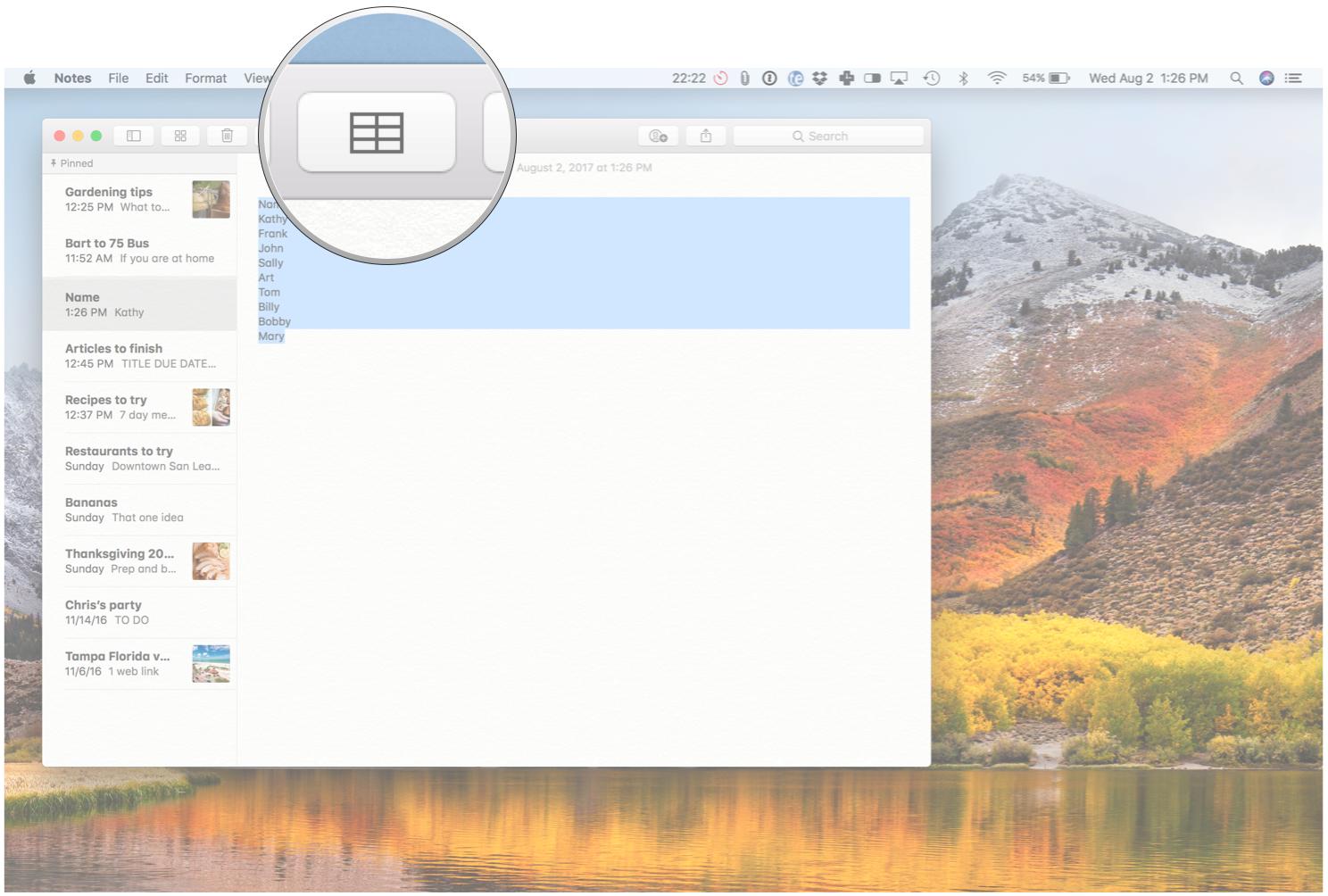
How to use tables in Notes on Mac | iMore
How to Make a Table on a Mac: Easy Step-by-Step Guide
Add a table in Notes on Mac - Apple Support
How to add style to your tables in Numbers on Mac and iOS
Insert Table Mac Mail at James Kaiser blog

Visual references make it much easier to describe what you want, and alignment happens in seconds instead of paragraphs.

Closer Looks at the Examples

Slow down and examine fewer images more carefully, noting the choices that give each example its character.

The images you linger on will shape your understanding most, so choose the closest matches and examine those thoroughly.

The Power of Example Images

Our preference for images is not a trend, it is how understanding works, a real example eliminates the gap between description and reality.

That is the strength of having many examples side by side, so whatever brought you here, the images can carry you the rest of the way.

Come Back to This Gallery Anytime

You can return to this page of How To Make A Table On A Mac images anytime, because needs change and new examples make old ones more useful.

Over time, you will notice details casual viewers miss, and let the gallery keep doing what it does best.