Feature Story

J5Create Docking Station Driver Download with James Mills blog

You Searched for J5Create Docking Station Driver Download — Here It Is
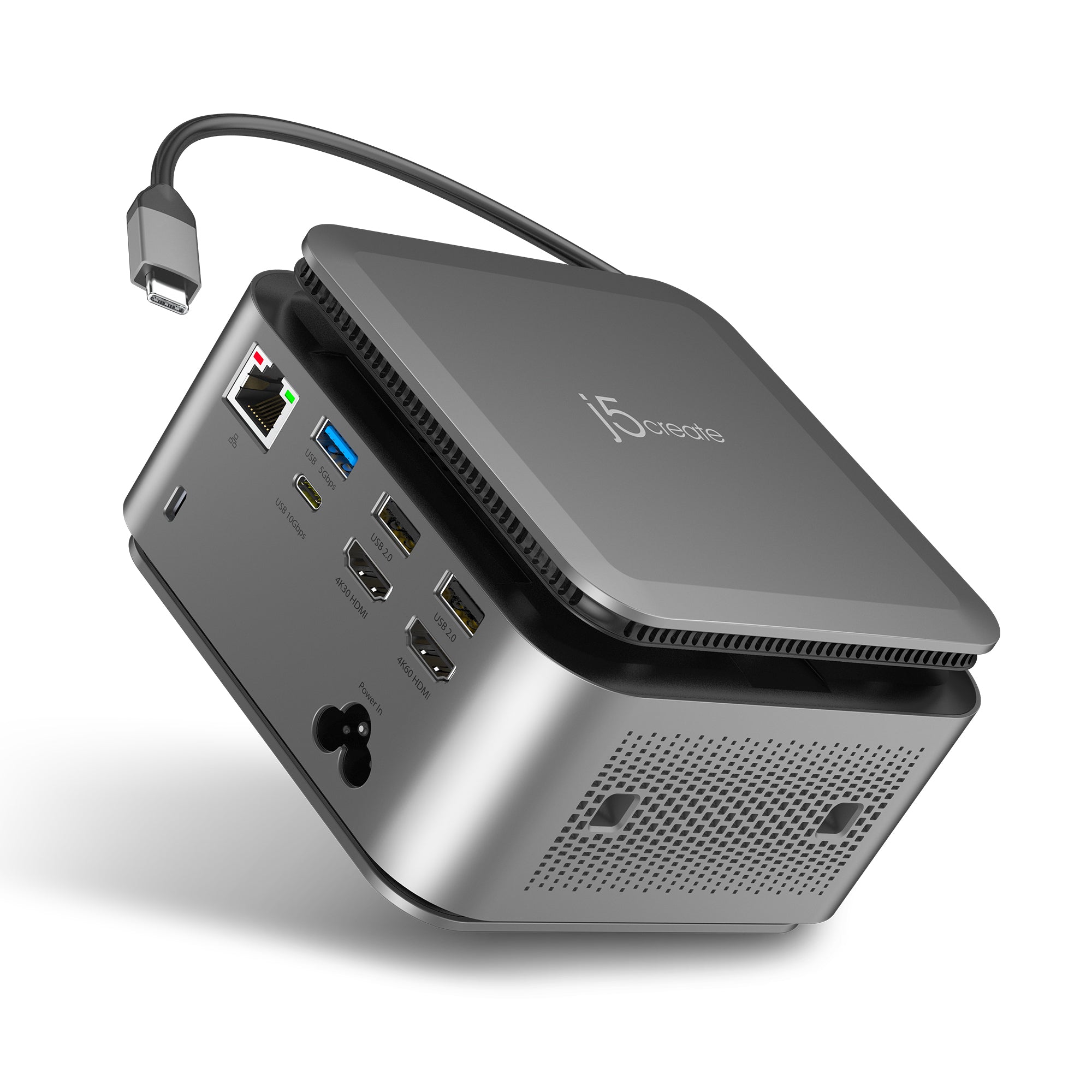
Drivers & Downloads - j5create

J5Create Docking Station Driver Download is what brought you here, and this page delivers it, presented through a broad set of image examples you can browse freely.

Drivers – j5create International

A description can only go so far before a picture does the job better, which is why browsing through the images is often the fastest way to understand it.

Real Picture Examples for J5Create Docking Station Driver Download
Download and Reinstall J5create driver for Windows/Mac – Techs Magic

The images below show J5Create Docking Station Driver Download in many different forms and settings, giving you a fuller picture than any single example could.

Scroll slowly and let each image register, because the more images you see, the clearer the overall idea becomes.

j5create JUD380 USB 3.0 Mini Dock Installation Guide

How the Gallery Helps You Understand

Think of each example as a visual definition, so you can recognize the qualities worth noticing.

Watch for the elements that appear again and again, and those repeated features are what make it recognizable.
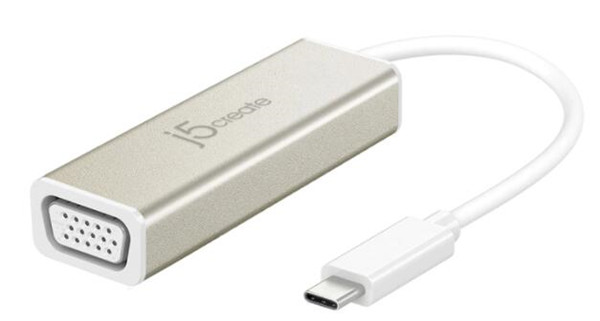
Download and Update J5create Drivers on Windows and Mac

All the Different Looks of J5Create Docking Station Driver Download

No two examples in the gallery look exactly the same, each one leans toward a slightly different taste, and seeing them together makes your own preference obvious.

A strong reaction to one example is always useful information, since your natural preference reveals itself faster than you think.

j5create | JCD543 USB-C™ Triple Display Docking Station – j5create ...

Turning Pictures Into Useful Reference

Every picture here can serve as a working reference, such as saving the examples closest to what you need.

j5create JUD380 USB 3.0 Mini Dock Installation Guide
j5Create USB-C Dual HDMI Mini Dock JCD381 Installation Guide
j5create 11-in-1 USB-C Dock with Dual 4K HDMI JCD3198 B&H Photo
J5Create Docking Station Firmware Update at Joel Morton blog
Drivers & Downloads - j5create
j5create JUD530SE Universal USB Docking Station USB Multi Adapter ...
Drivers & Downloads - j5create – j5create Europe
j5create USB-C Triple Display Docking Station
j5create JUD380 USB 3.0 Mini Dock Installation Guide
Drivers & Downloads - j5create
Drivers – j5create International
Drivers & Downloads - j5create
Drivers & Downloads - j5create – j5create Europe
J5Create Docking Station Install at Jean Shinn blog
j5create USB 3.0 Mini Dock - Quick Installation Guide and Drivers
j5create JCD543P USB C Triple Display Docking Station Installation Guide
j5create JUD481 Universal USB Docking Station USB 3.0 Mini Dock ...
Drivers & Downloads - j5create – j5create Europe
J5Create Docking Station Install at Jean Shinn blog
j5create JCD381 USB C Dual HDMI Mini Dock Installation Guide
How To Install J5Create Docking Station - YouTube
Drivers & Downloads - j5create – j5create Europe
j5create JCD543P USB C Triple Display Docking Station Installation Guide
j5create JUD530SE Universal USB Docking Station USB Multi Adapter ...
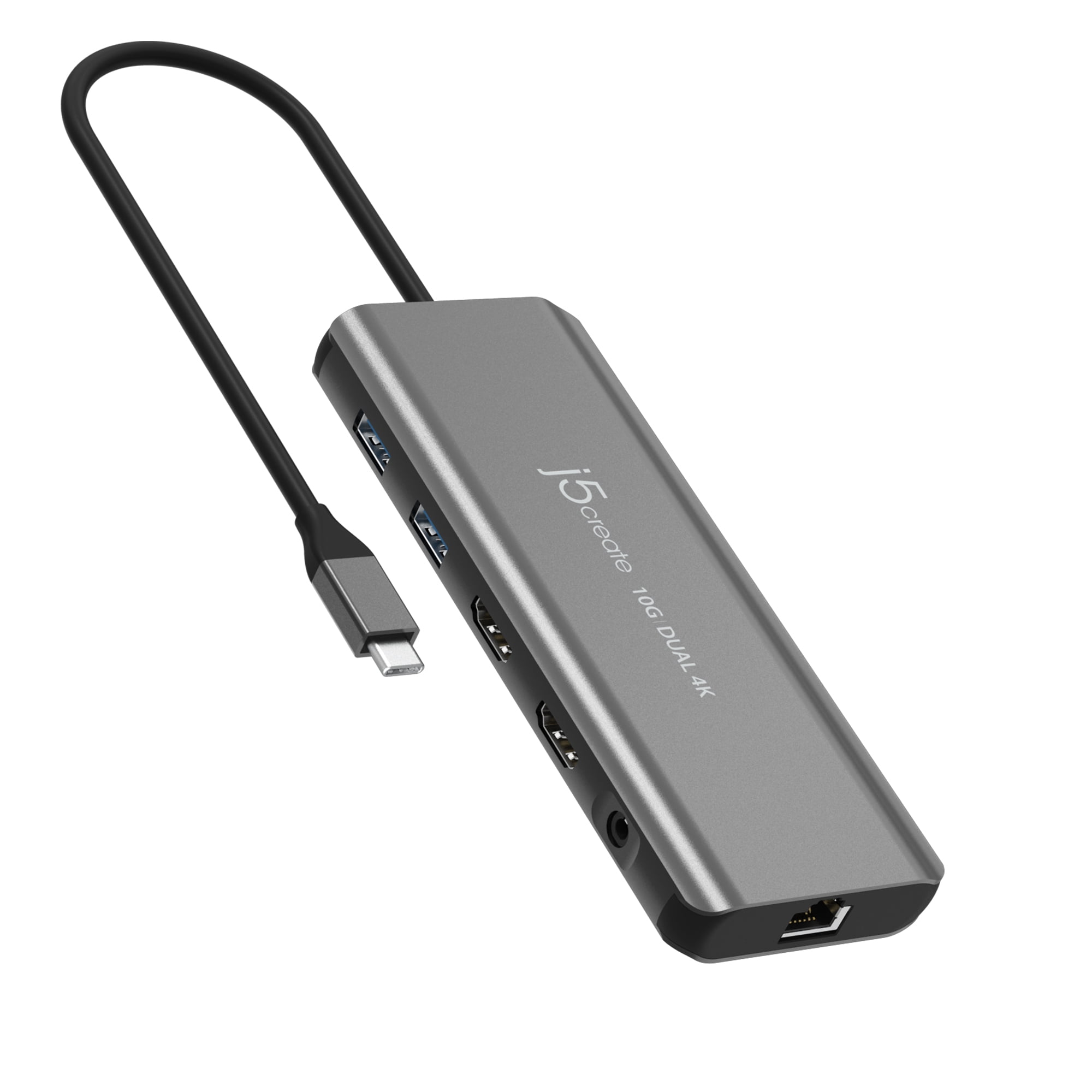
j5create USB-C Dual 4K HDMI 10Gbps Mini Dock (2.24x5.8in and 4oz) 100W ...
j5Create USB-C Dual HDMI Mini Dock JCD381 Installation Guide
How To Install J5Create Docking Station – Step-By-Step Setup, Driver ...

Pictures remove the guesswork from conversations, so the other person sees exactly what you see.

The Small Details That Matter

Every example rewards a second, closer look, paying attention to textures, proportions, colors, and how things are arranged.

Depth beats speed when it comes to visual learning, and let a few carefully chosen references guide your direction.

Pictures Explain Faster Than Words

It is no accident that people search for images first, a real example eliminates the gap between description and reality.

This is precisely why galleries like this one are valuable, whether you need inspiration, confirmation, or a clearer definition of what you want.

The Reference Is Here Whenever You Need It

Keep this gallery close for whenever the question resurfaces, as your preferences may shift the second time you look.

Every return visit trains your judgment a little further, so scroll back up and give the collection another look.