Kristina Thomas Ideas

How To Edit Corners In Illustrator with Kristina Thomas blog

Looking for How To Edit Corners In Illustrator? Here It Is

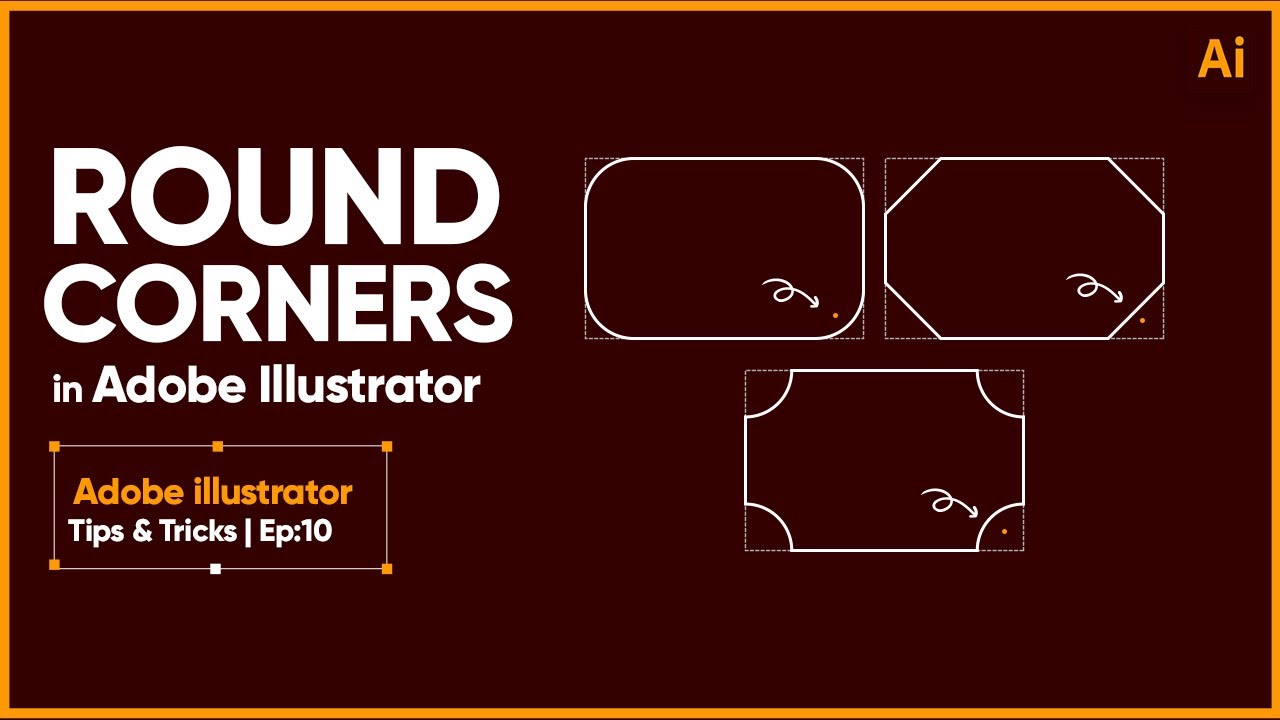
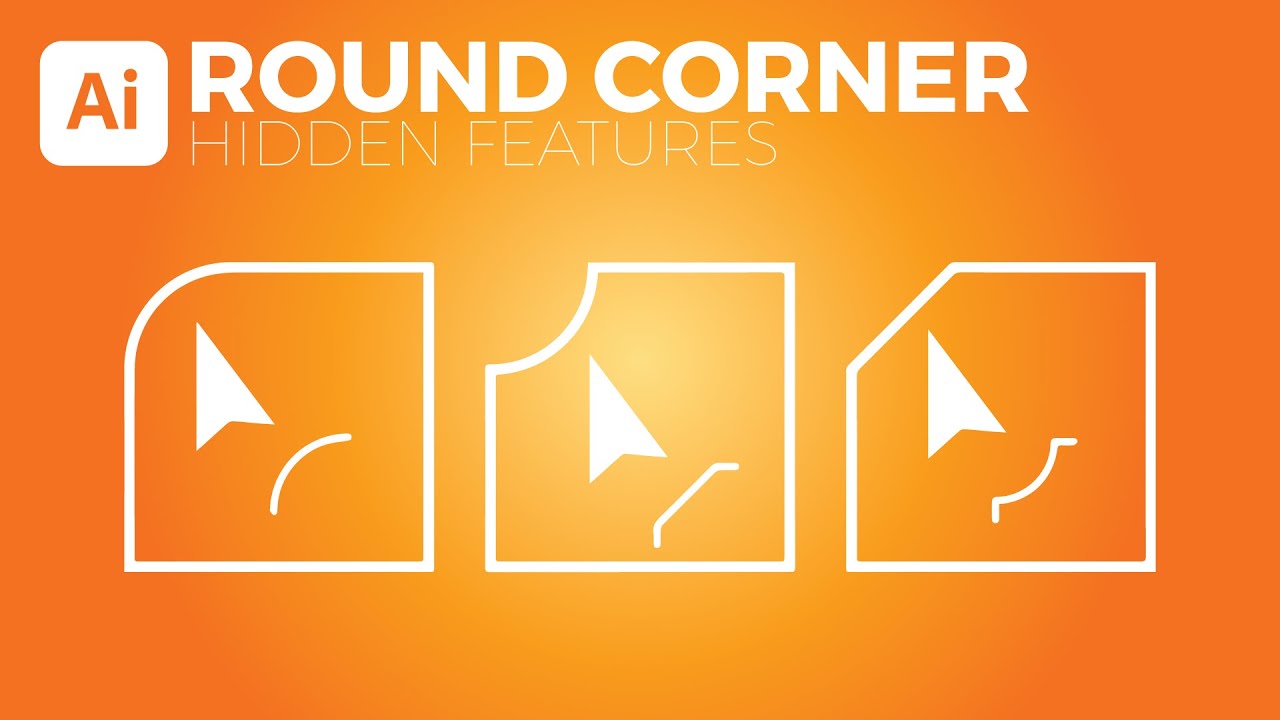
How to Edit Shape Corners in Adobe Illustrator | Beginners Tutorial ...

If you arrived here looking for How To Edit Corners In Illustrator, you are in the right place, with a growing collection of example images collected as visual reference.
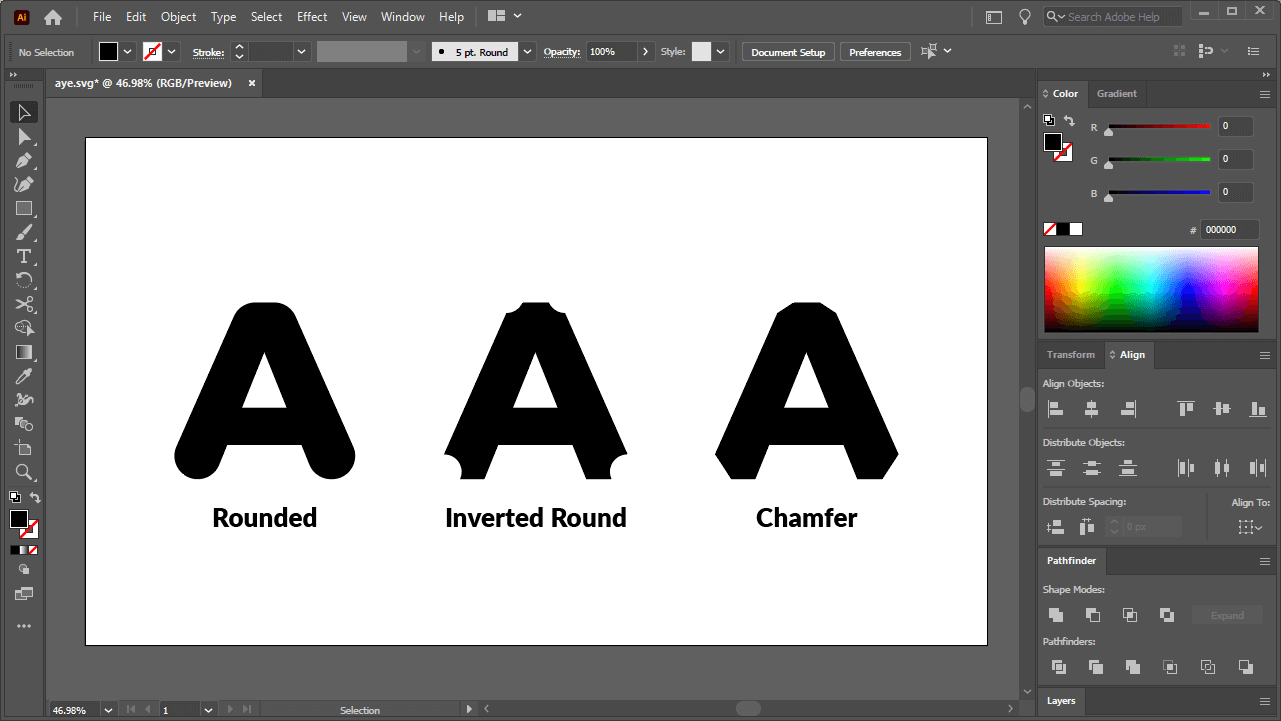
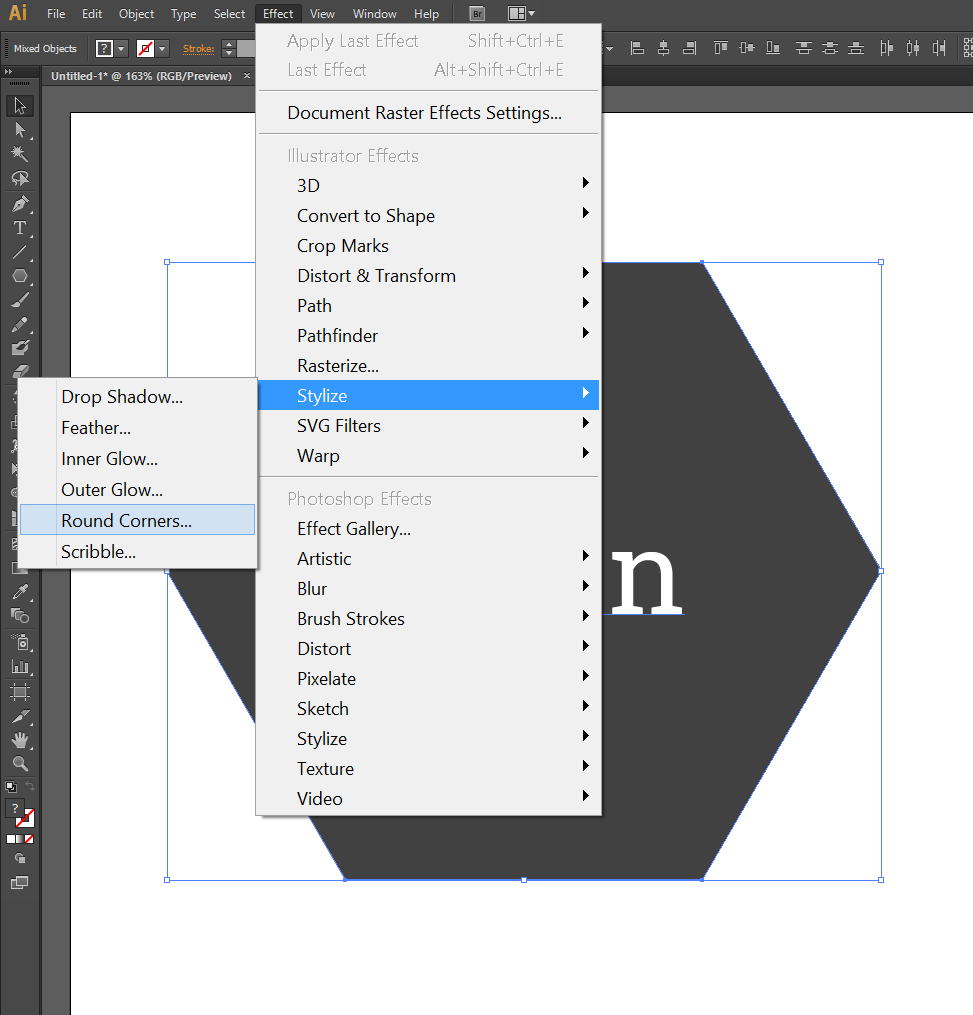
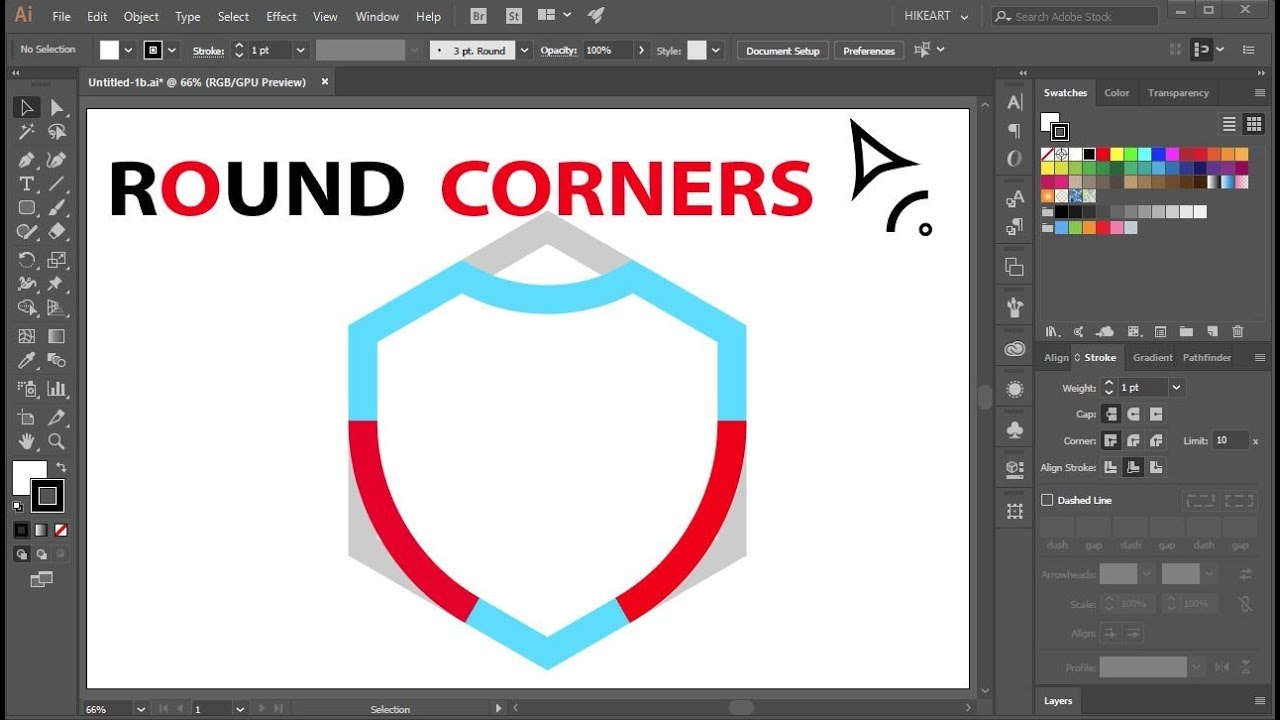
How To Round Corners In Adobe Illustrator – Logos By Nick

Reading about something is one thing; seeing it is another, so looking at real examples explains far more than any description can.

Real Picture Examples for How To Edit Corners In Illustrator

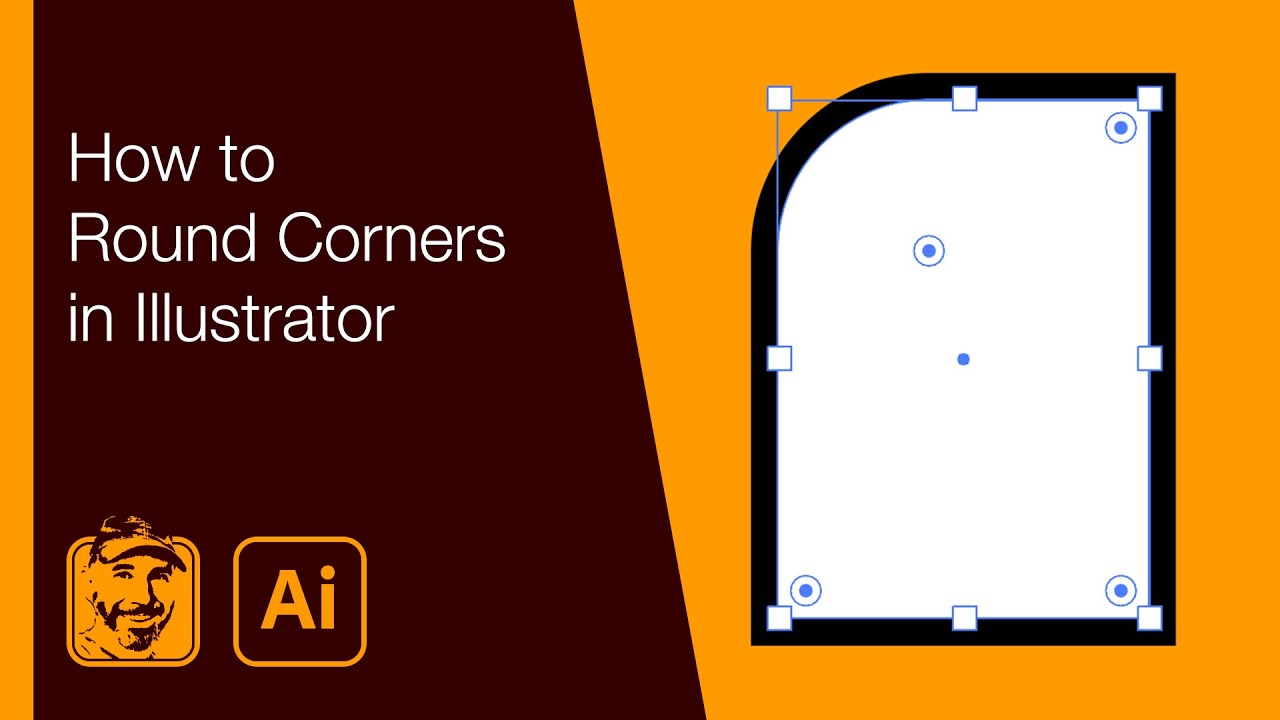
How to Round Corners in Adobe Illustrator - Change Corner Radius - YouTube

Every example image highlights a slightly different version of How To Edit Corners In Illustrator, and you will quickly see how much variety exists.

Scroll slowly and let each image register, because the more images you see, the clearer the overall idea becomes.

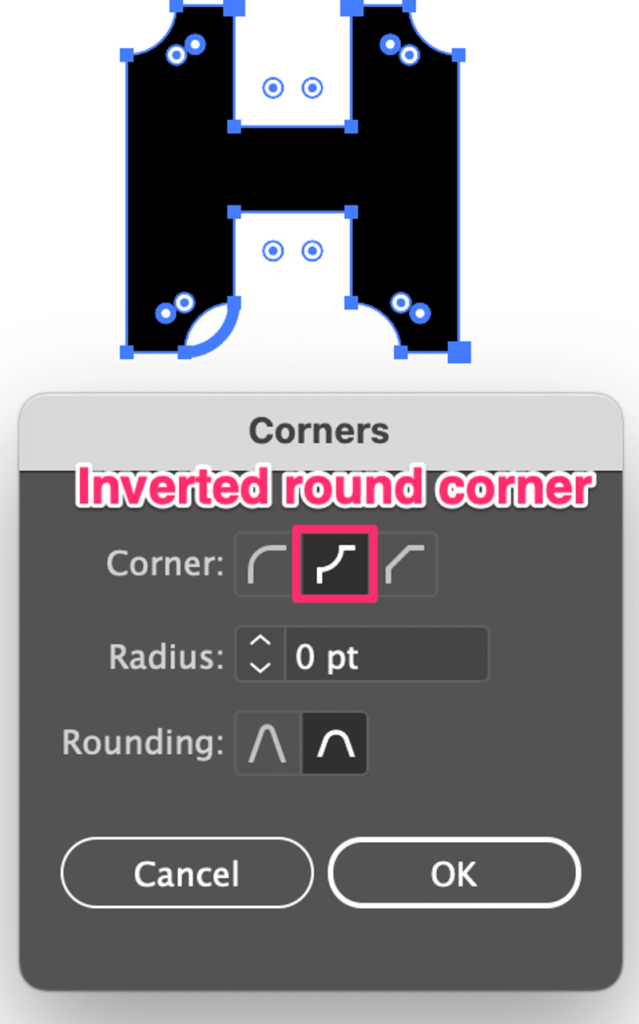
How To Edit Rounded Corners In Illustrator at Larissa Morning blog

How the Gallery Helps You Understand

Every photo tells you something a description would miss, making it much easier to judge what fits your needs.

Notice which details stay consistent across the pictures, and those repeated features are what make it recognizable.
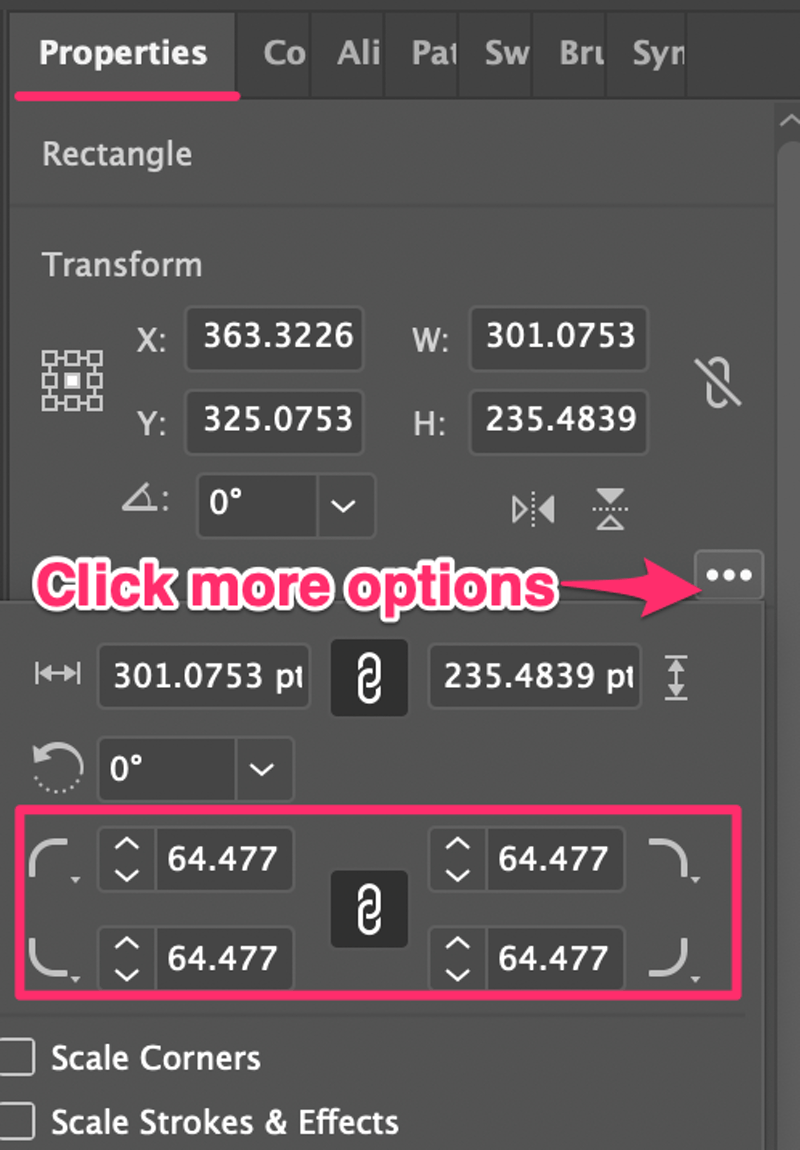
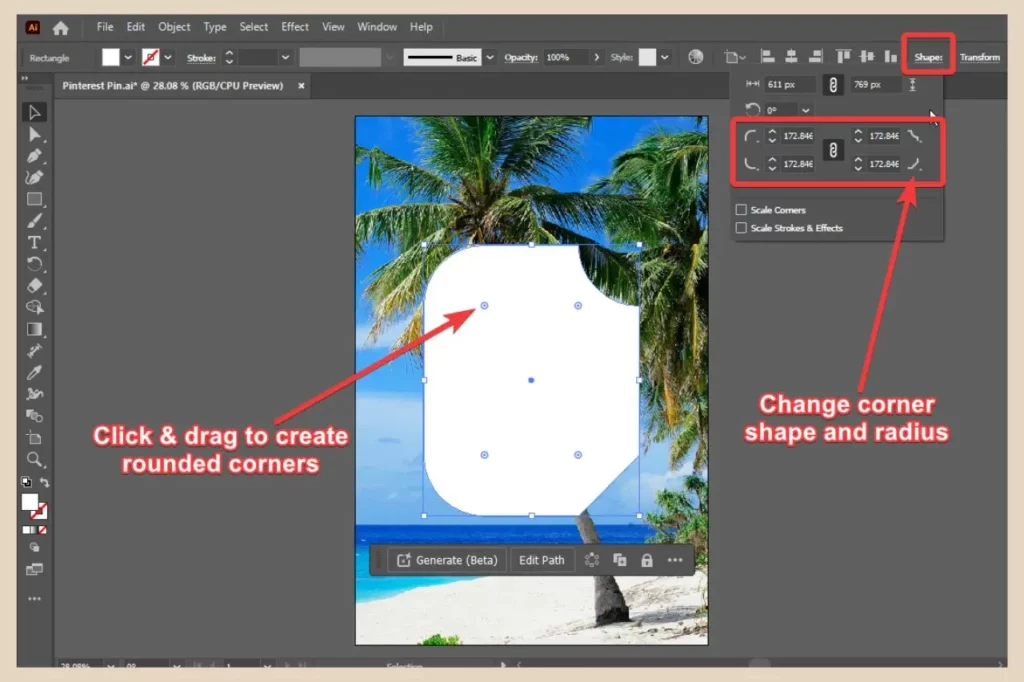
How to Make Rounded Corners in Adobe Illustrator (2 Methods)

From One Style to Another

Variety is the whole point of a reference collection, each one leans toward a slightly different taste, and that discovery is exactly what a reference gallery is for.

Notice which image makes you stop scrolling, and it often matches what you will want in the end.
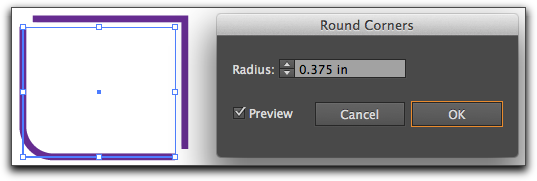
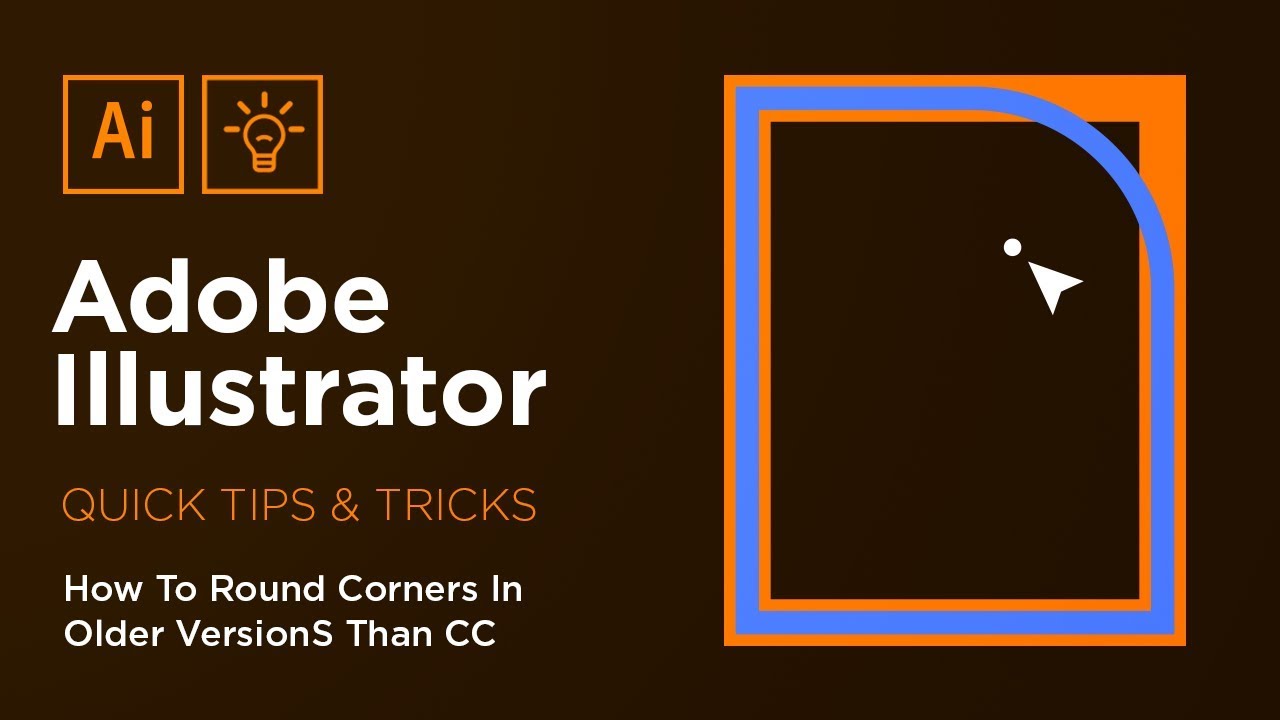
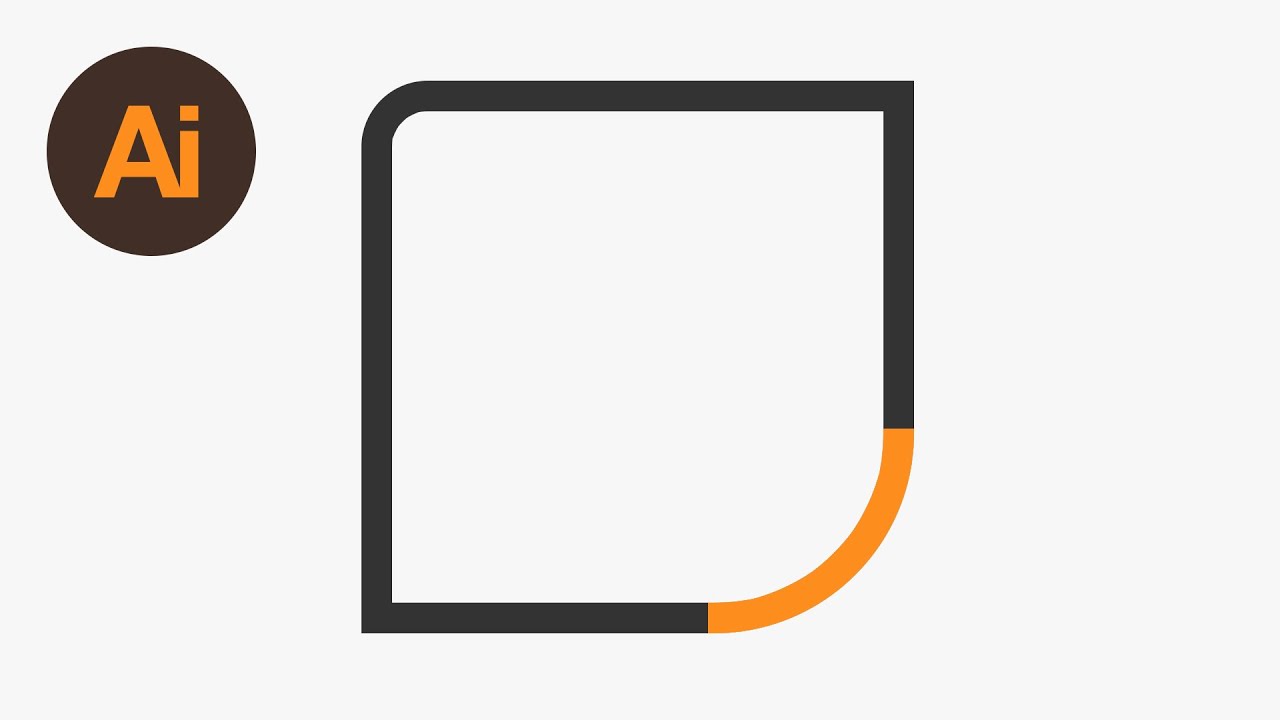
Adobe Illustrator CS6: Rounding One (or Two) Corners - Rocky Mountain ...

How to Use These Examples for Reference

These images are meant to be used, not just viewed, comparing your reaction across several examples.

Add corner radius in Adobe Illustrator - YouTube
cc 2014 - How do I modify custom radius for each corner of a rectangle ...
shapes - How to make corners round in Illustrator? - Graphic Design ...
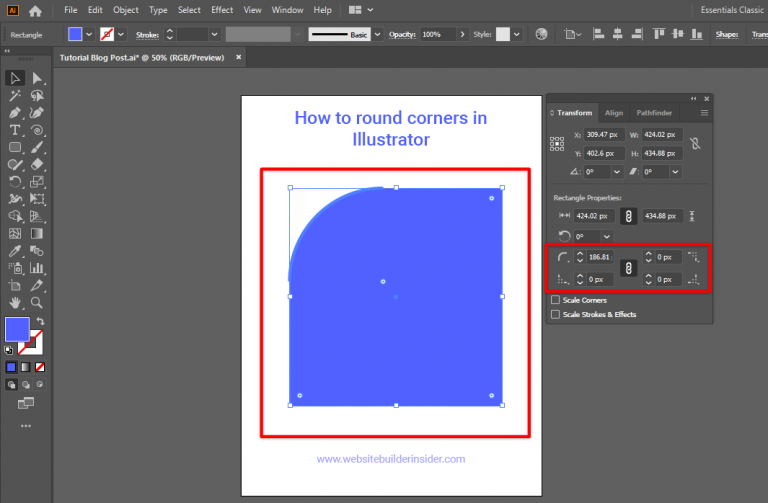
How do I round corners in Illustrator? - WebsiteBuilderInsider.com
Path Tools
Path Tools
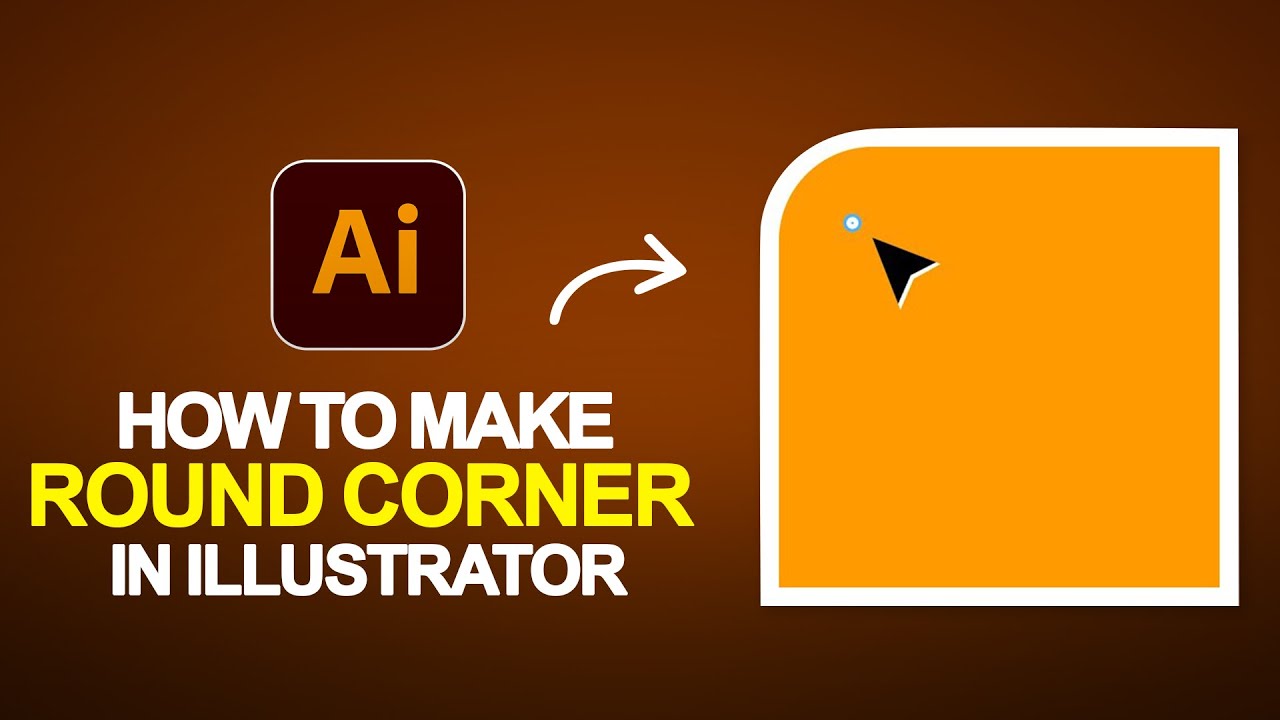
How to Make Round Corners in Illustrator 2025 | Illustrator Beginner ...
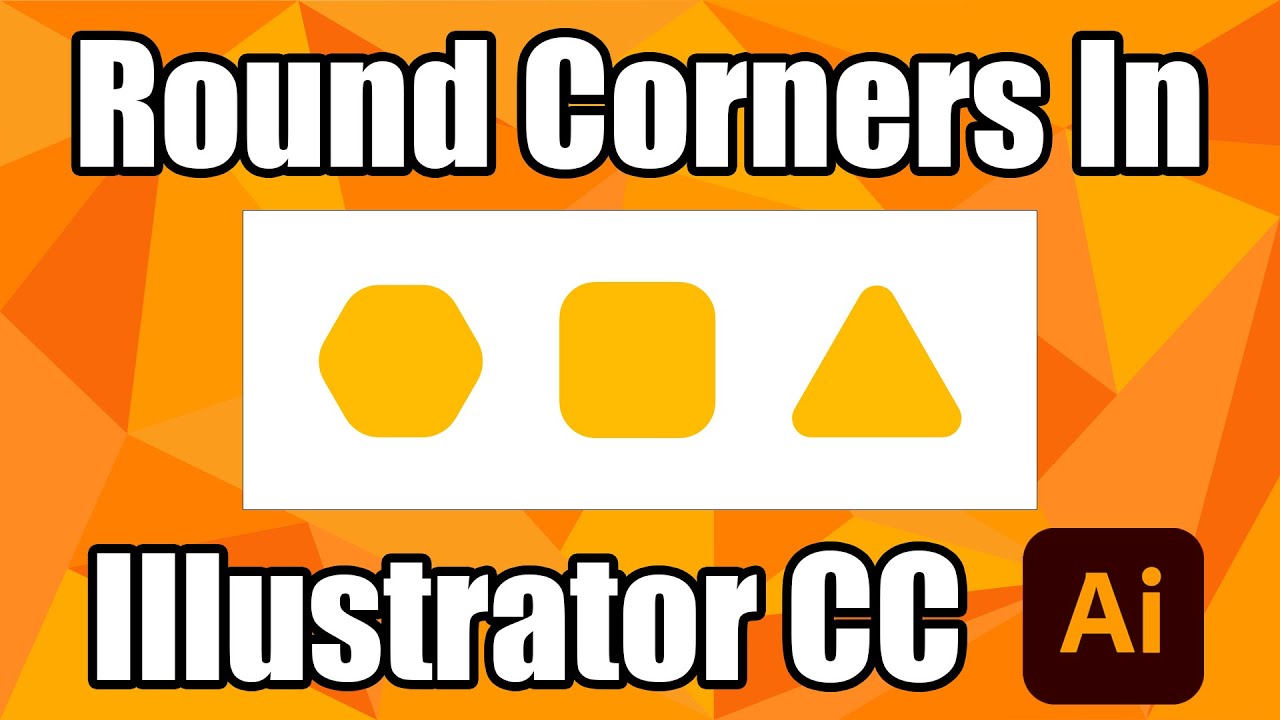
How to Round Corners in Illustrator | Envato Tuts+
How to Round Corners in Illustrator
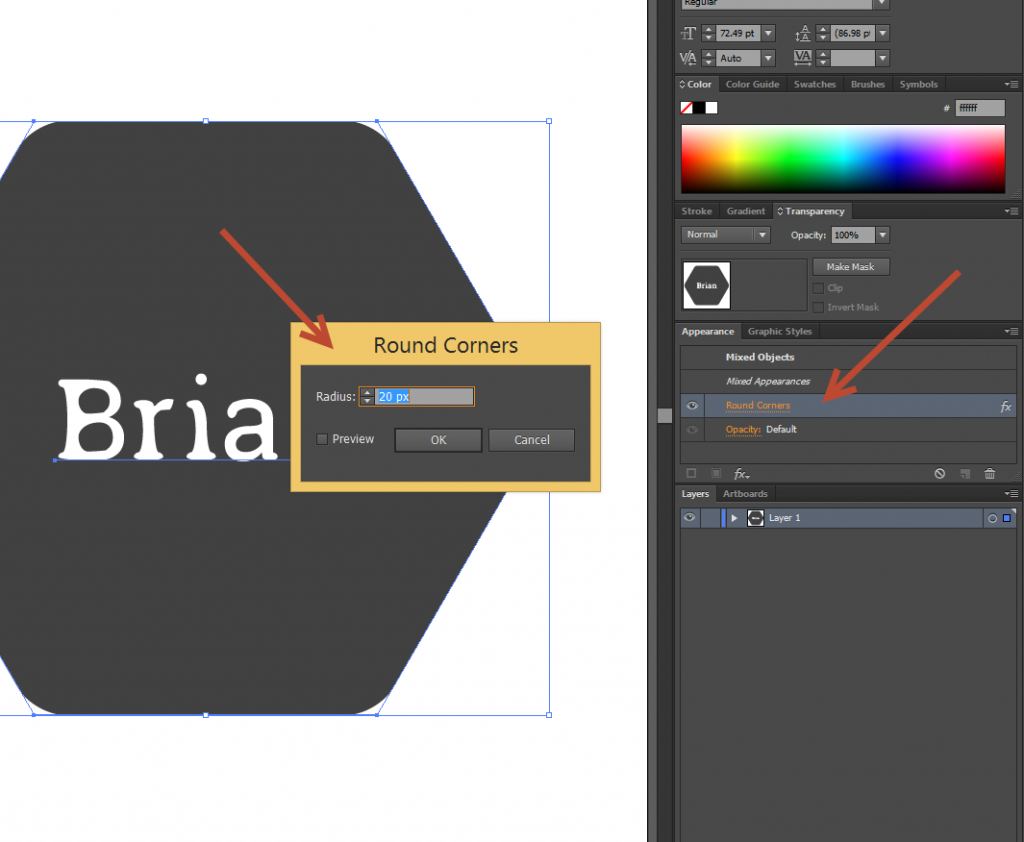
Quick Tip – 12: Rounding Corners in Illustrator | Brian Treese
How to Round Corners in Illustrator
How To Edit Rounded Corners In Illustrator at Larissa Morning blog
How to Round Corners in Adobe Illustrator? | Illustrator tutorials for ...
How To Curve Corners In Illustrator at Nate Frederick blog
Illustrator- 2 ways to make corner or rounded edges in rectangles and ...
How To Make A Corner In Illustrator at Liam Raphael blog
GitHub - kefiijrw/Round-Corners-Customization-for-Illustrator: Corner ...
How To Draw Corners In Illustrator? – WYLC
Quick Tip – 12: Rounding Corners in Illustrator | Brian Treese
How To Create Awesome Blog Graphics With Adobe Illustrator
Corner widgets in Adobe Illustrator - Graphic Design Stack Exchange
How to Round Corners in Illustrator
How to Change Shape Corners in Adobe Illustrator - YouTube
How to Round Corners in Adobe Illustrator - YouTube
How to Make Rounded Corners in Adobe Illustrator (2 Methods)
How to Round Corners in Illustrator
How To Edit Rounded Corners In Illustrator at Larissa Morning blog
Learn How to Quickly Edit Shape Corners in Adobe Illustrator | Dansky ...
Illustrator Tutorial Rounded Corners - YouTube
adobe illustrator - Cleaning up messy corner lines? - Graphic Design ...

Visual references make it much easier to describe what you want, because pointing to a real example replaces a long and error-prone description.

Closer Looks at the Examples

Beyond the first impression, each image contains useful details, paying attention to textures, proportions, colors, and how things are arranged.

The images you linger on will shape your understanding most, so choose the closest matches and examine those thoroughly.

Seeing Is Understanding

It is no accident that people search for images first, a picture removes interpretation and shows the thing itself.

A broad image set answers questions before they are asked, and whatever your reason was, the gallery has a use for it.

Keep Exploring the Collection

Keep this gallery close for whenever the question resurfaces, and a fresh look at the same gallery often reveals something new.

Repeated exposure quietly builds real visual understanding, and let the gallery keep doing what it does best.

Read Next