Install Lens Kubernetes Linux: Right Where You Need It
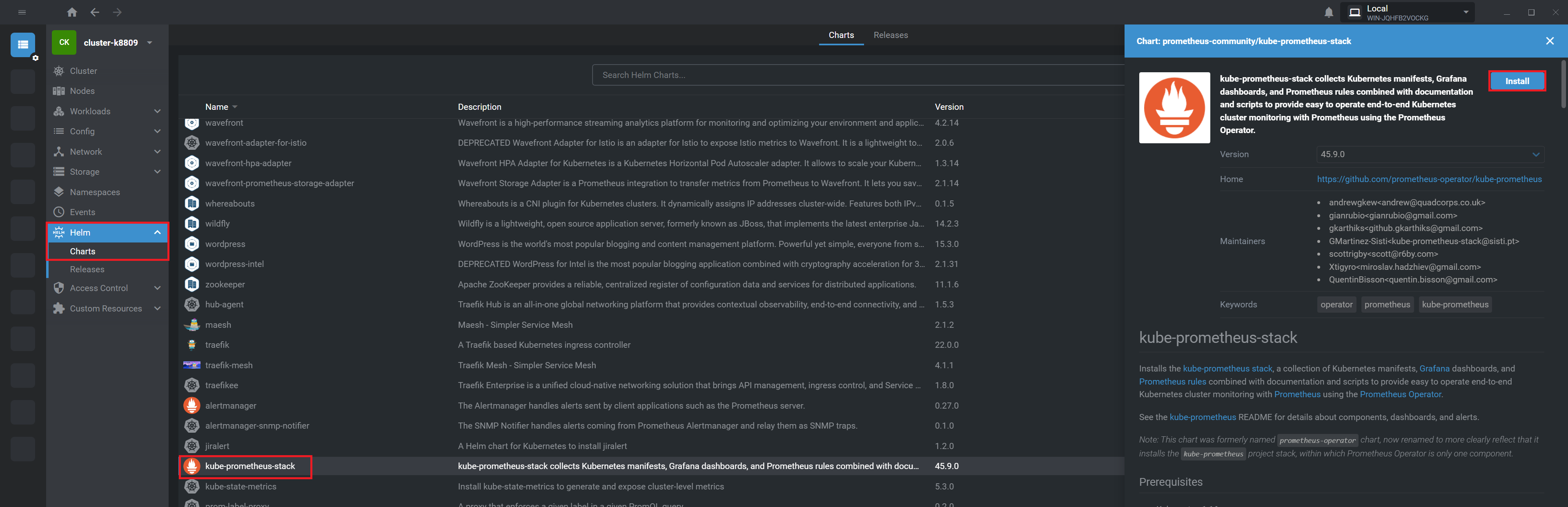
Since you are searching for Install Lens Kubernetes Linux, this page was made for you, supported by a wide range of real example pictures for reference.
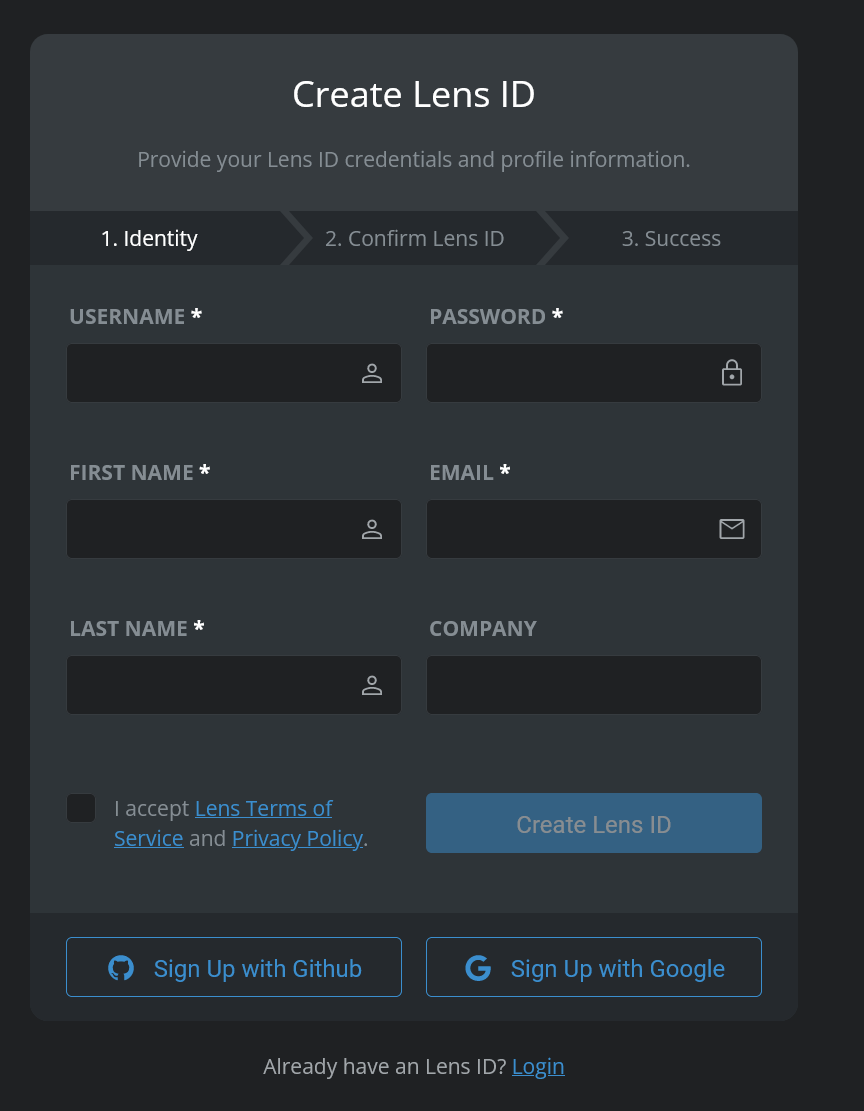
A description can only go so far before a picture does the job better, so looking at real examples explains far more than any description can.
Real Picture Examples for Install Lens Kubernetes Linux
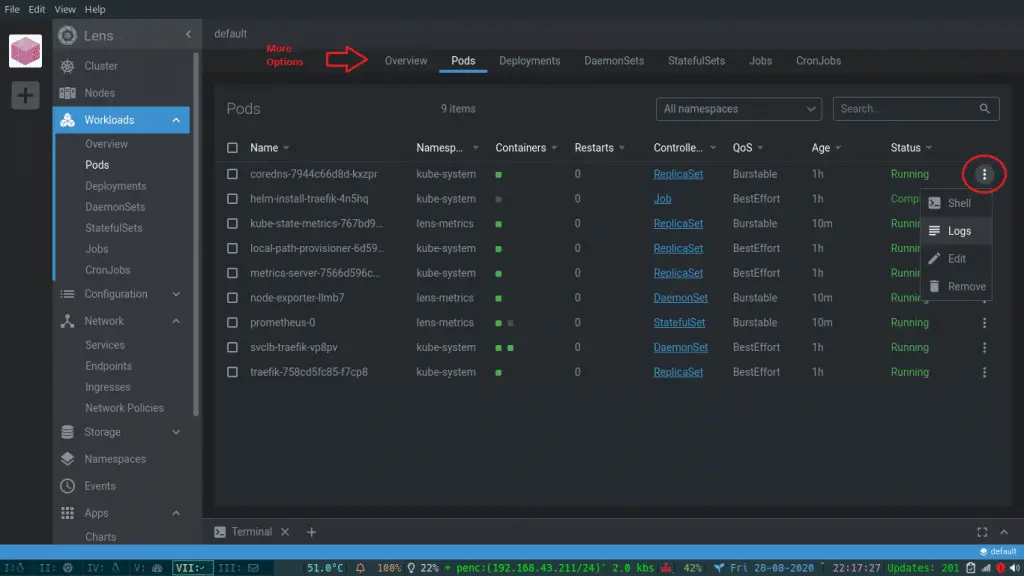
Each picture captures Install Lens Kubernetes Linux from a different angle or context, and you will quickly see how much variety exists.
Scroll slowly and let each image register, since patterns start to appear after just a few examples.
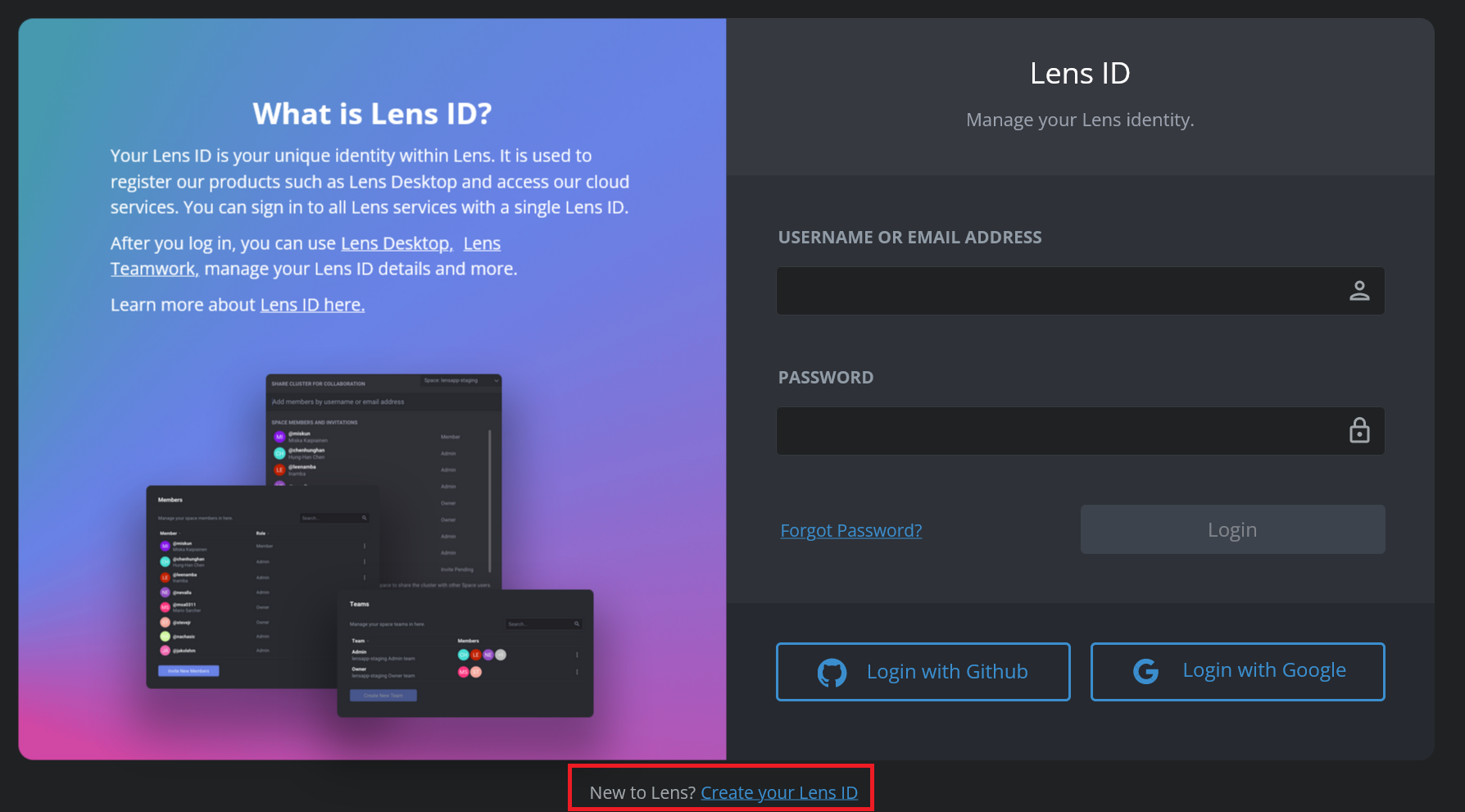
What These Pictures Explain
A single picture can communicate shape, scale, style, and context at once, making it much easier to judge what fits your needs.
Compare a few examples and observe what repeats, and these shared traits are your best guide.
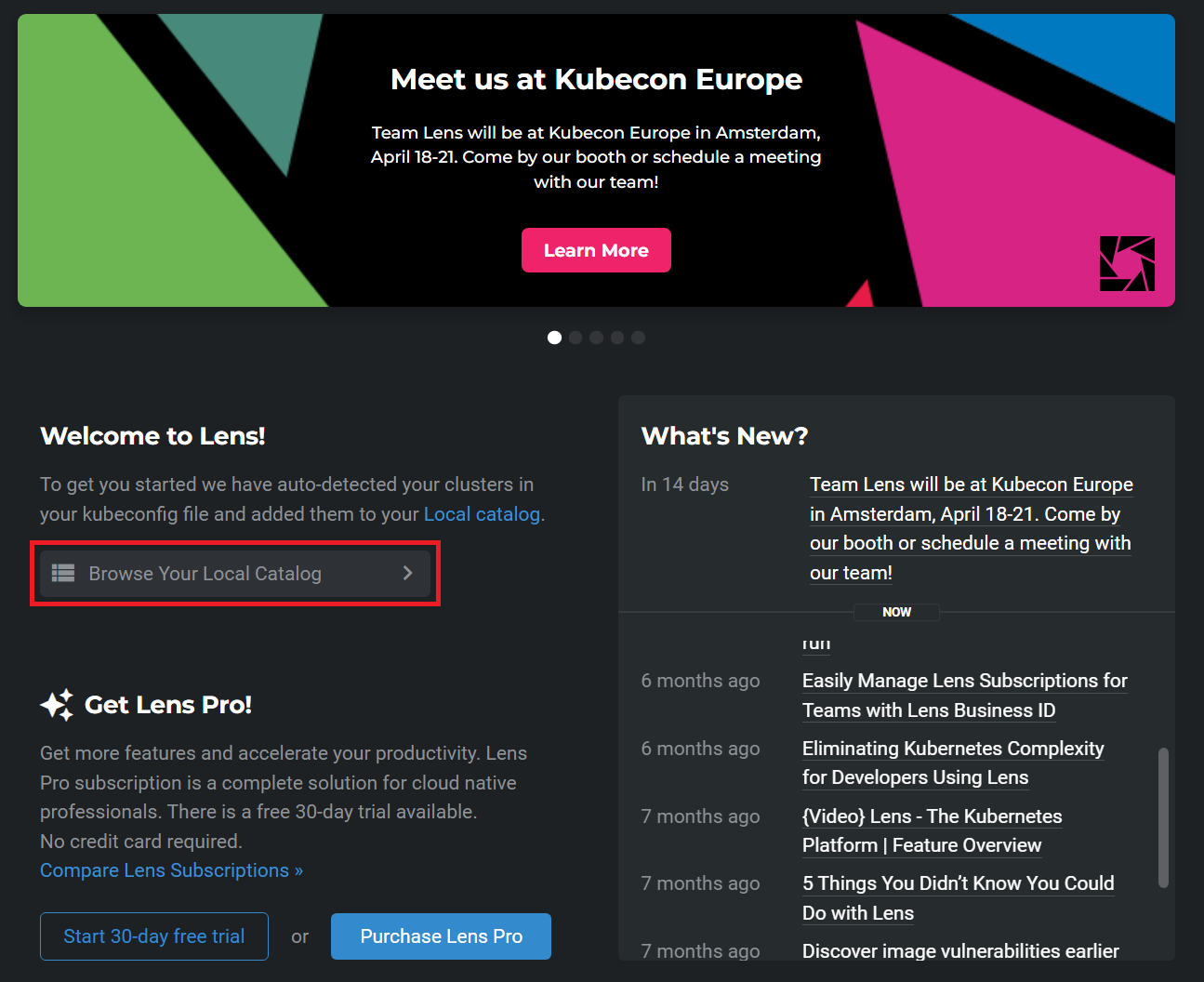
From One Style to Another
There is a surprising range of styles and interpretations here, each one leans toward a slightly different taste, and seeing them together makes your own preference obvious.
Whenever a particular picture stands out, stop and study it, and it often matches what you will want in the end.
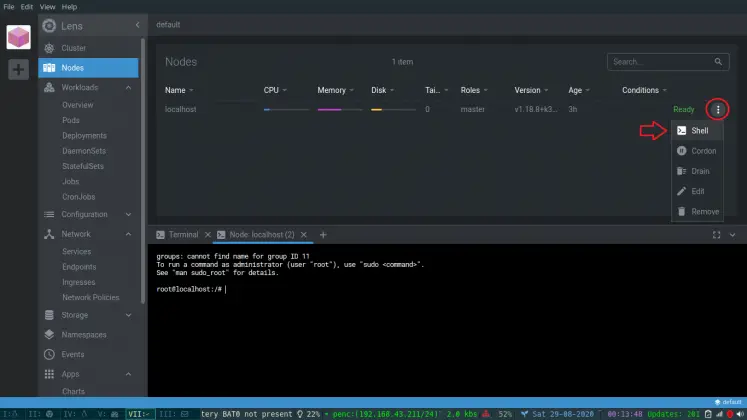
Getting Practical Value From the Images
Every picture here can serve as a working reference, like marking the images that match your idea.

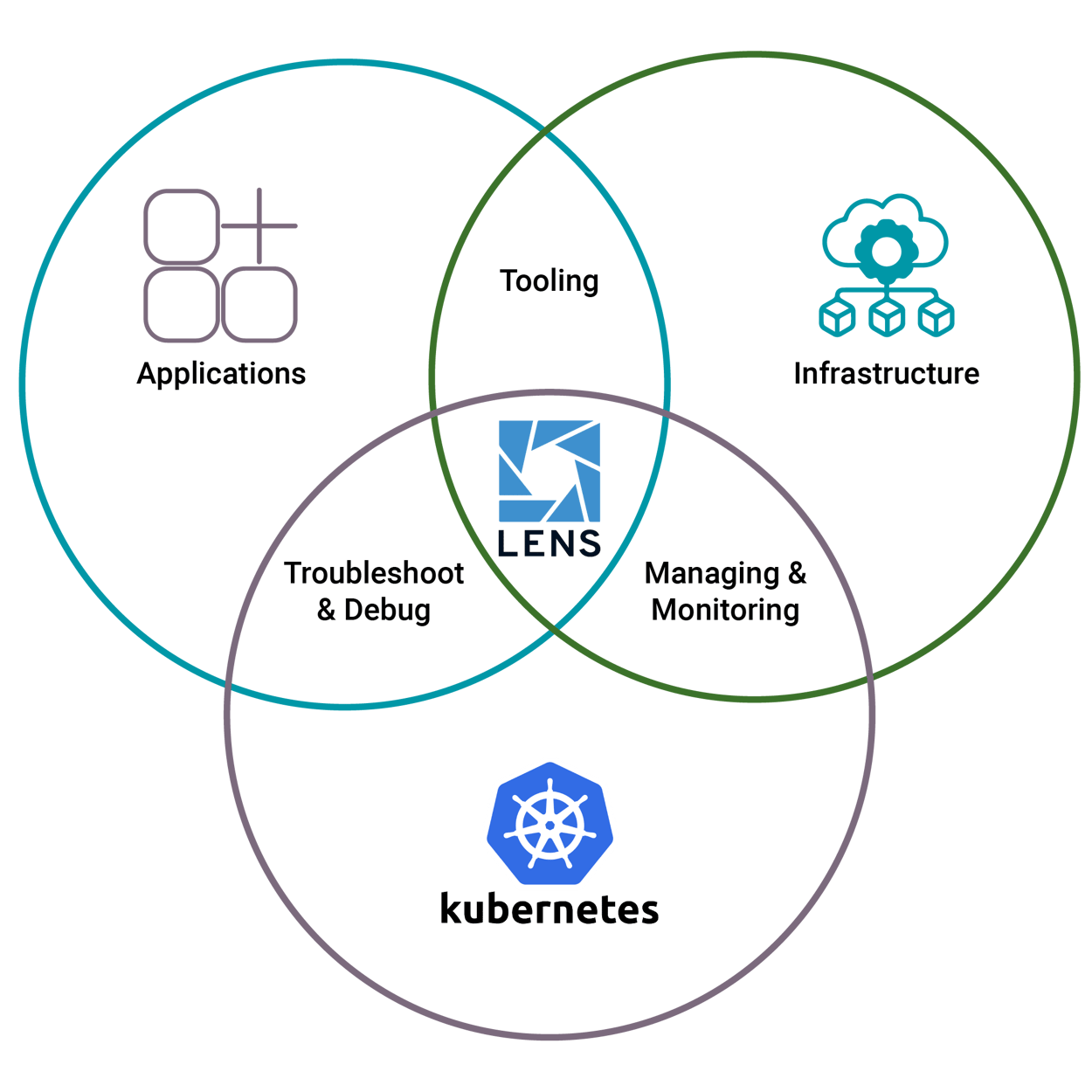
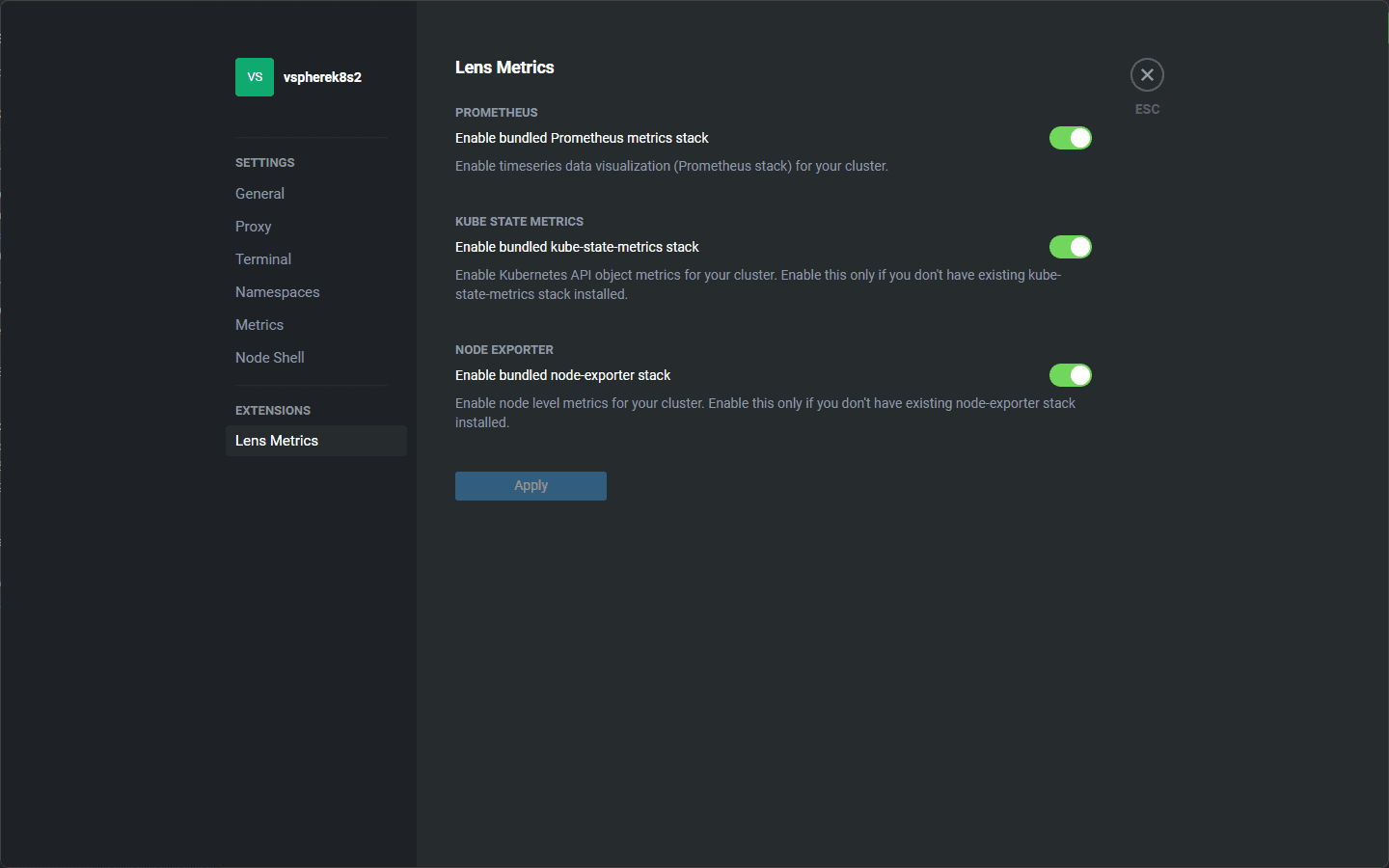








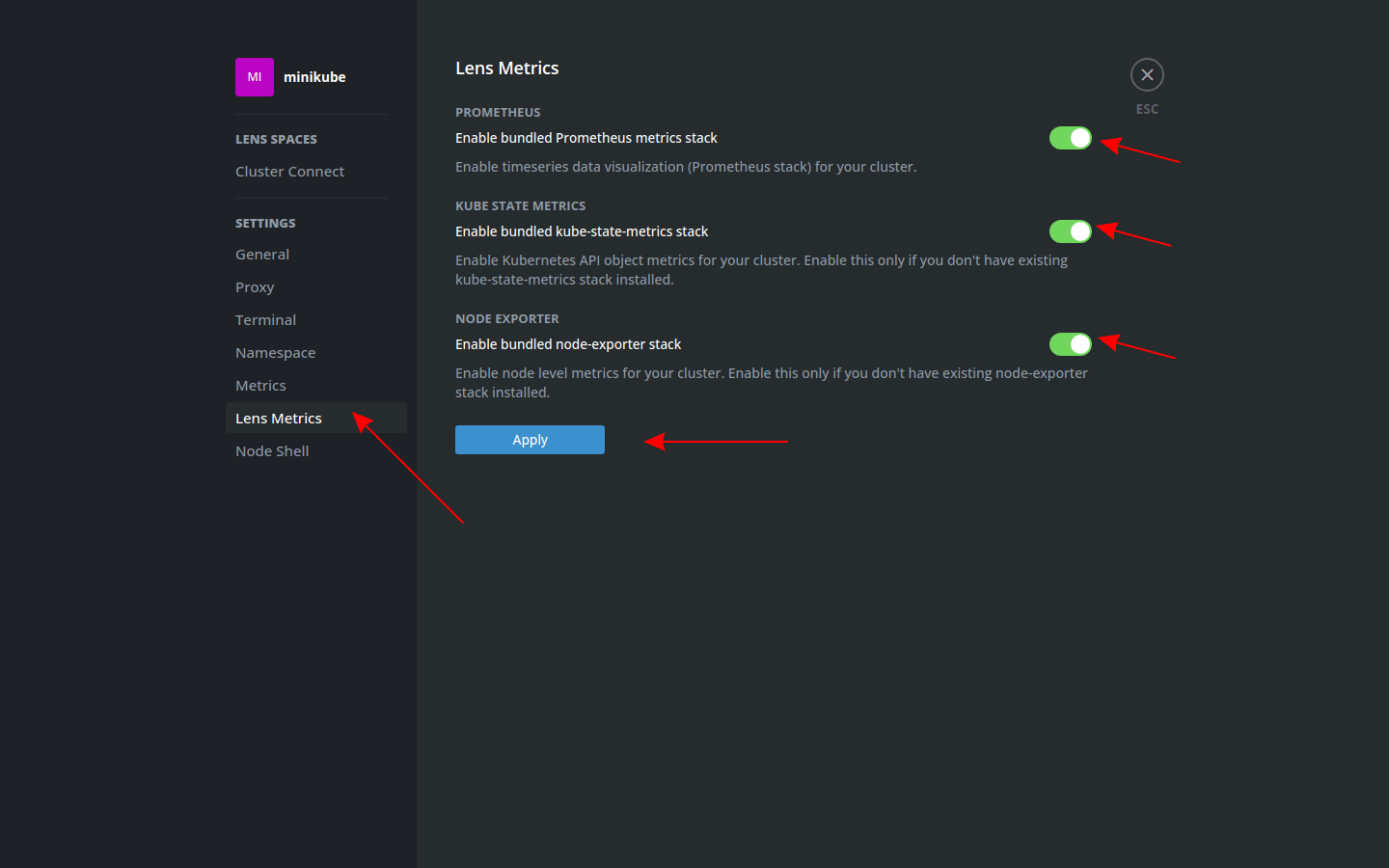
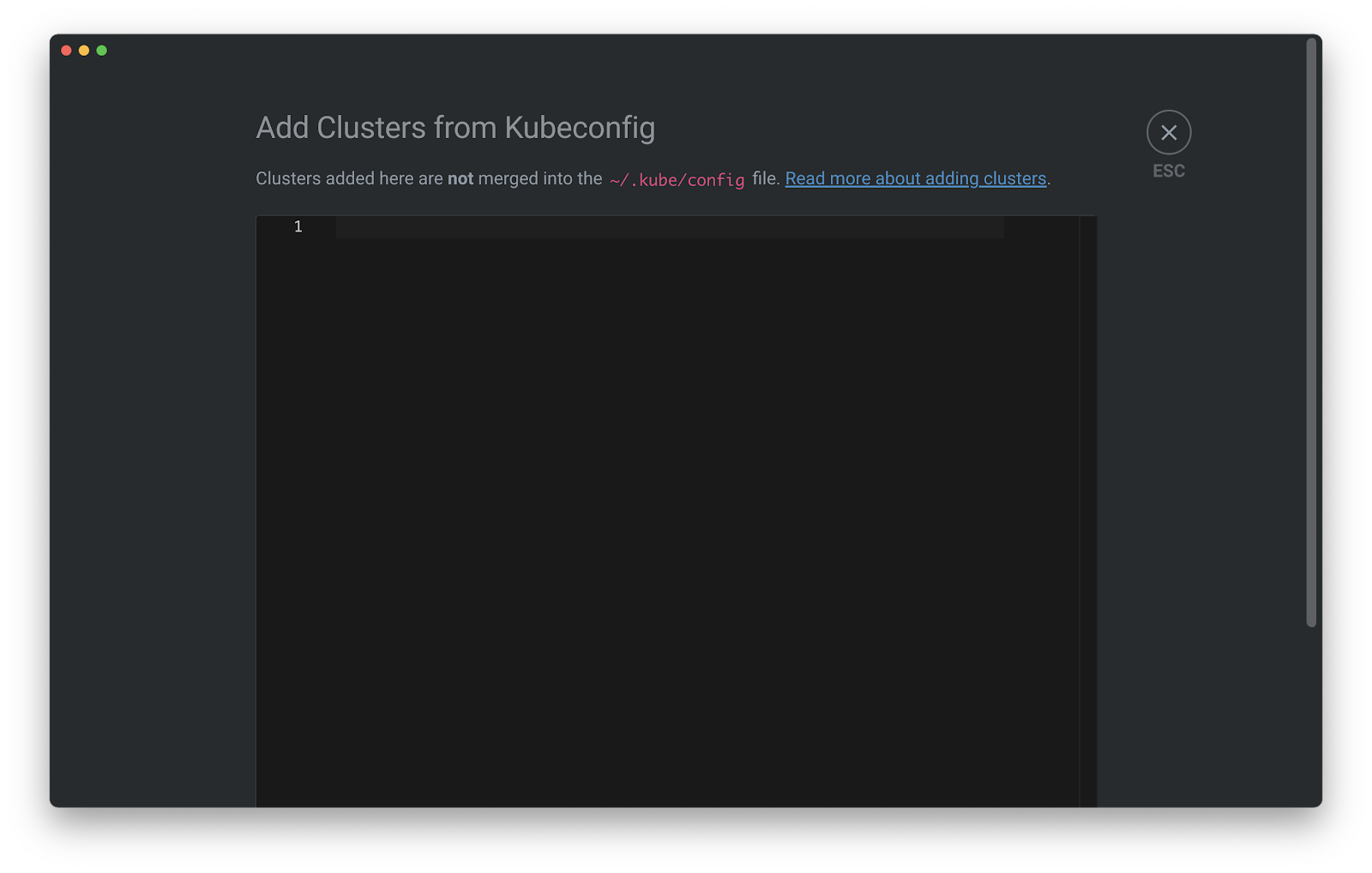
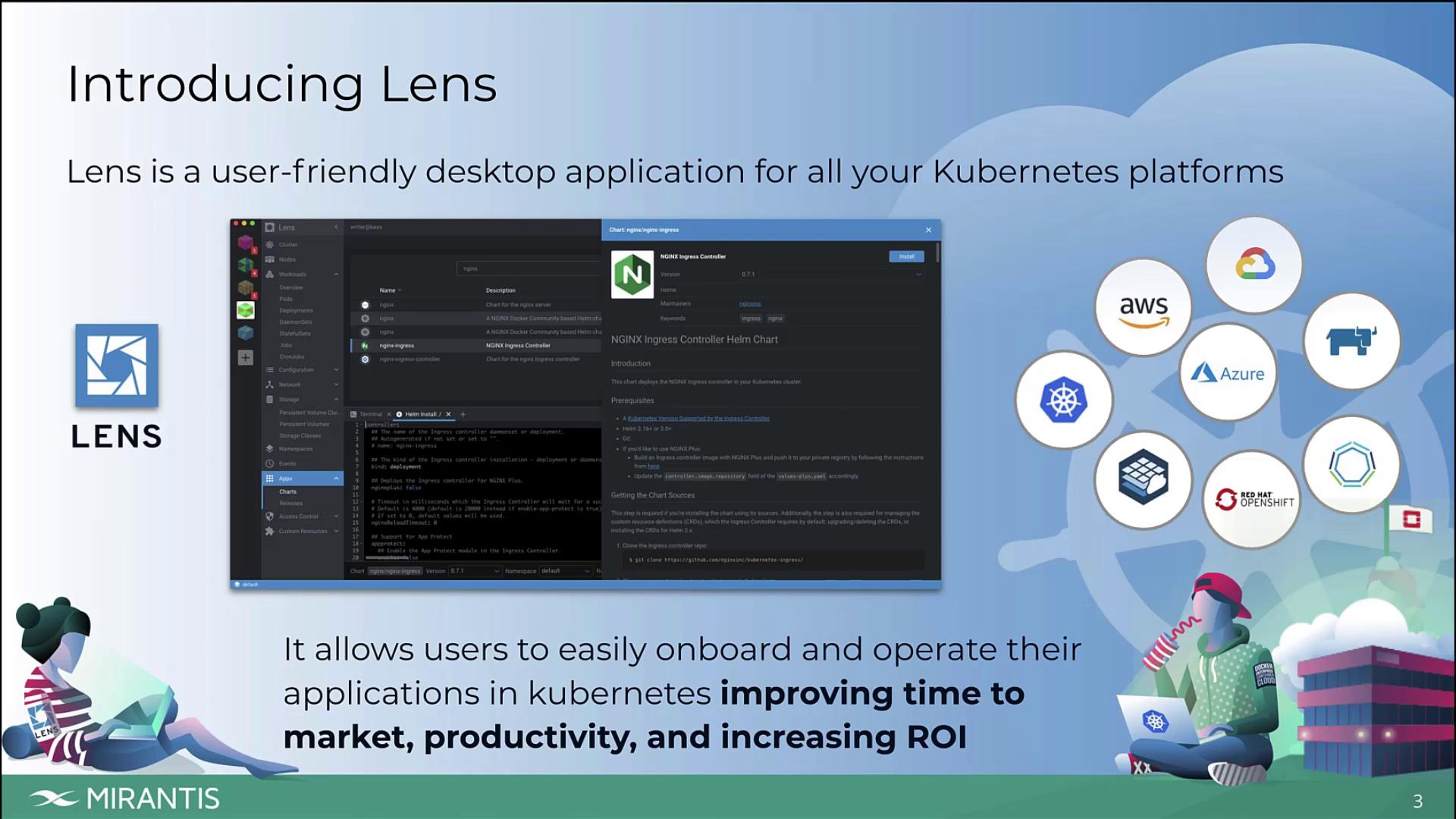


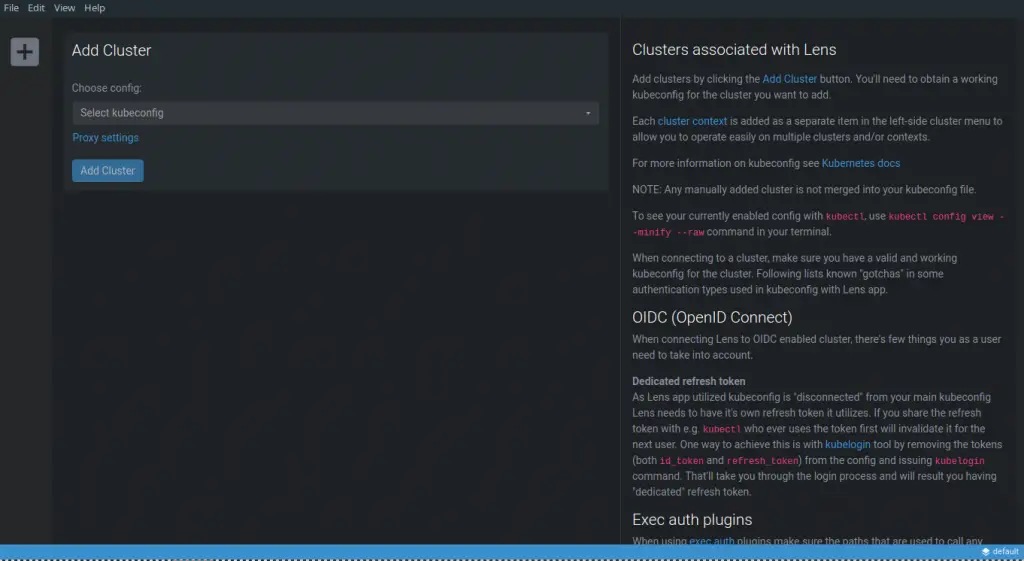
Sometimes the fastest way to communicate is to share the picture itself, because pointing to a real example replaces a long and error-prone description.
Closer Looks at the Examples
Beyond the first impression, each image contains useful details, paying attention to textures, proportions, colors, and how things are arranged.
The images you linger on will shape your understanding most, and let a few carefully chosen references guide your direction.
Why Visual References Work So Well
Visual search exists because the human brain processes pictures instantly, a visual cuts straight past every possible misunderstanding.
That is the strength of having many examples side by side, and whatever your reason was, the gallery has a use for it.
Keep Exploring the Collection
Whenever Install Lens Kubernetes Linux comes up again, these images will be here, as your preferences may shift the second time you look.
Every return visit trains your judgment a little further, so treat every revisit as a chance to see something you skipped.