Powerpoint Layout Designer: Right Where You Need It

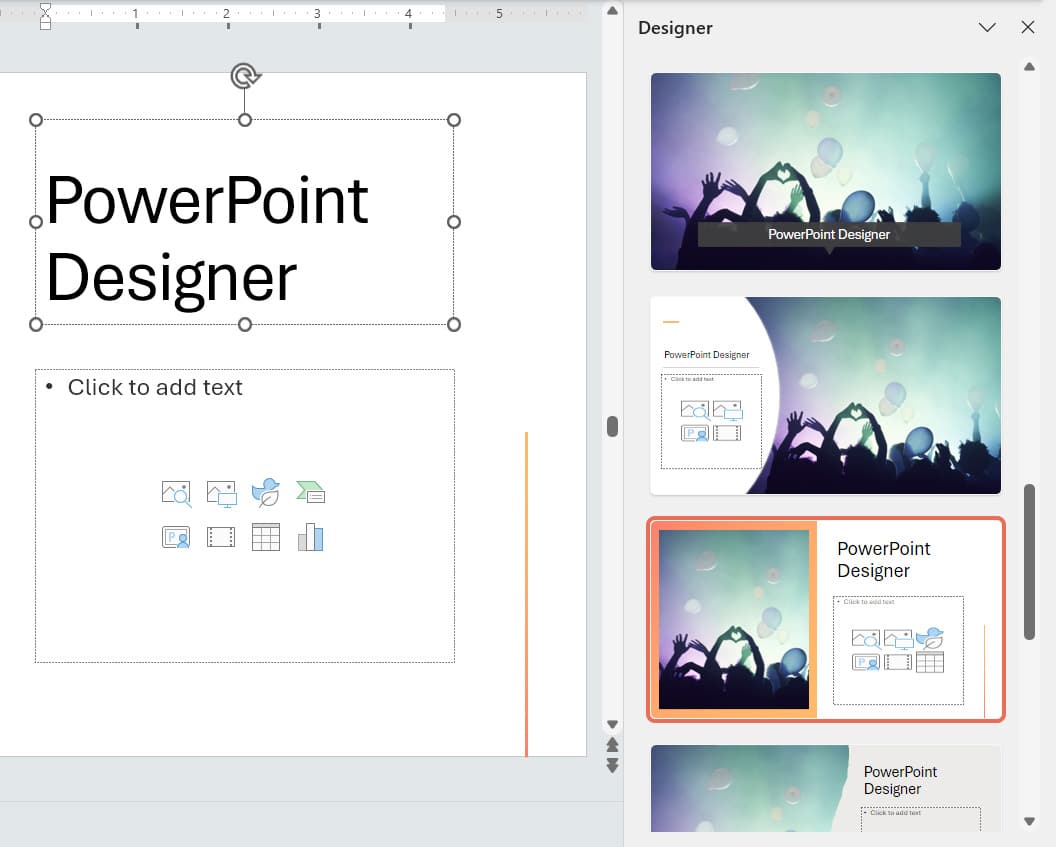
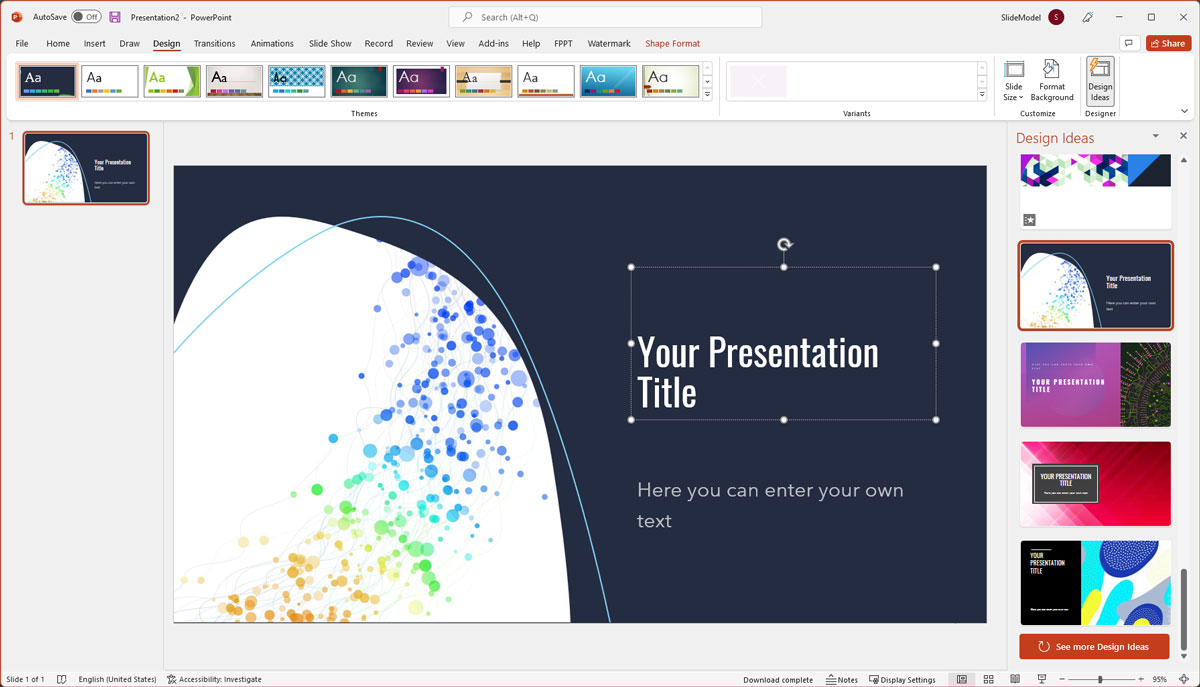
If you arrived here looking for Powerpoint Layout Designer, you are in the right place, presented through a broad set of image examples you can browse freely.
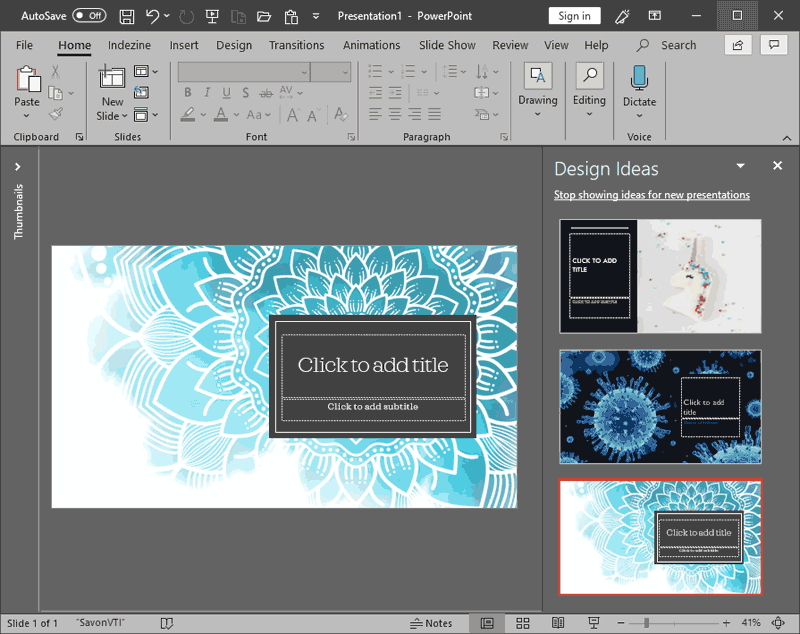
Reading about something is one thing; seeing it is another, and that is exactly why visual references work so well here.
Example Images of Powerpoint Layout Designer

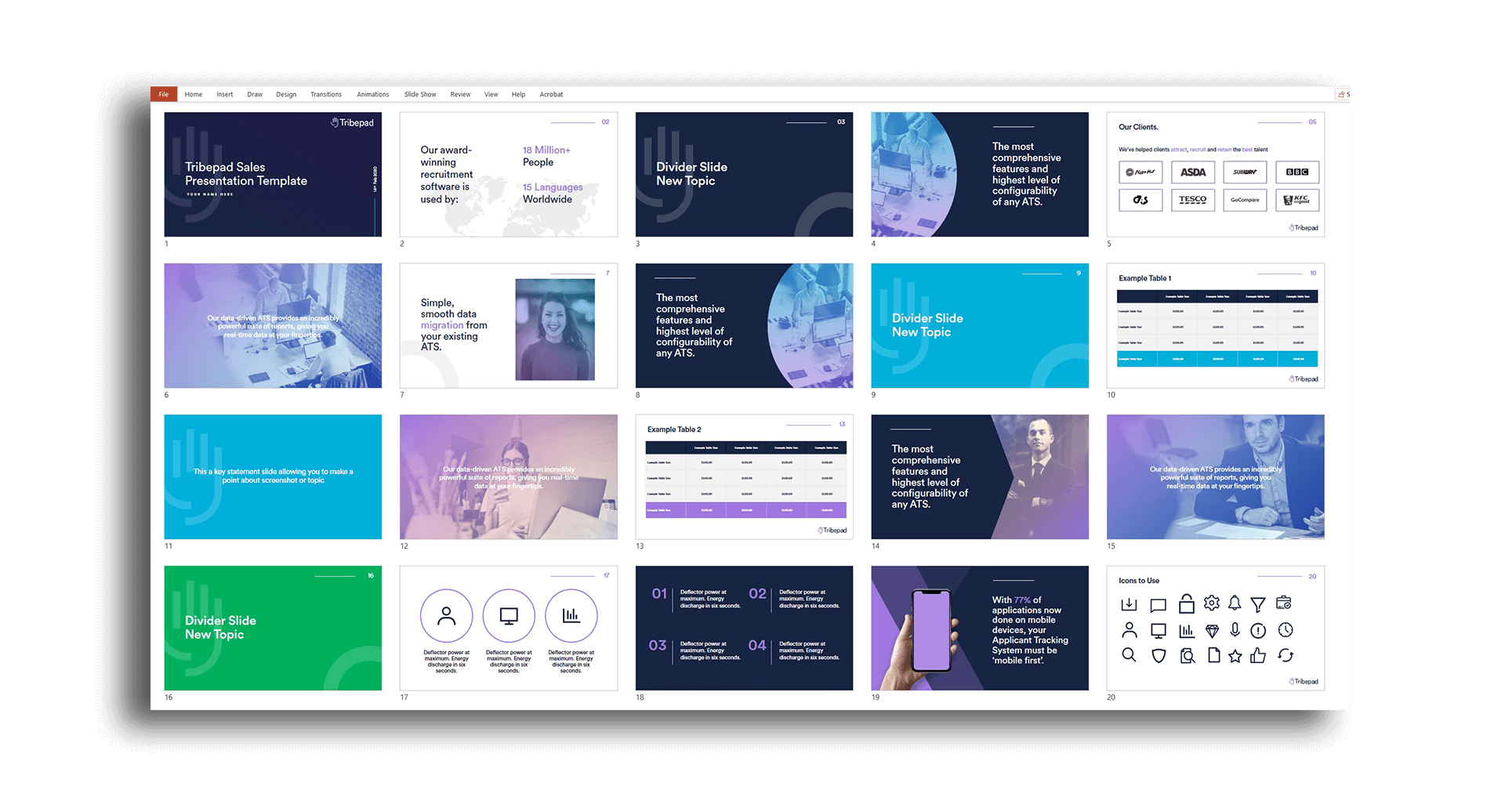
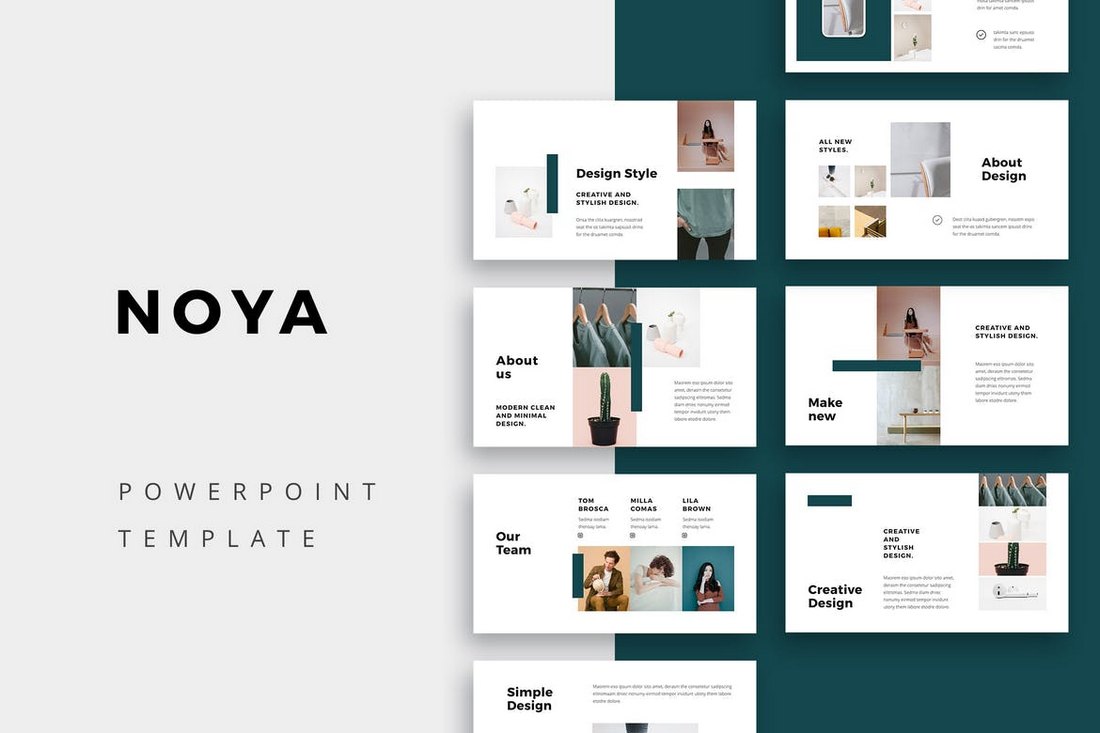
Each picture captures Powerpoint Layout Designer from a different angle or context, and you will quickly see how much variety exists.
Scroll slowly and let each image register, because the more images you see, the clearer the overall idea becomes.

What the Images Can Show You
Every photo tells you something a description would miss, showing details that are hard to put into words.
Look at how the same subject changes from image to image, and those repeated features are what make it recognizable.
.jpg)
Many Forms and Variations
No two examples in the gallery look exactly the same, a few lean traditional while others feel modern, which helps you quickly narrow down what you actually want.
Notice which image makes you stop scrolling, since your natural preference reveals itself faster than you think.
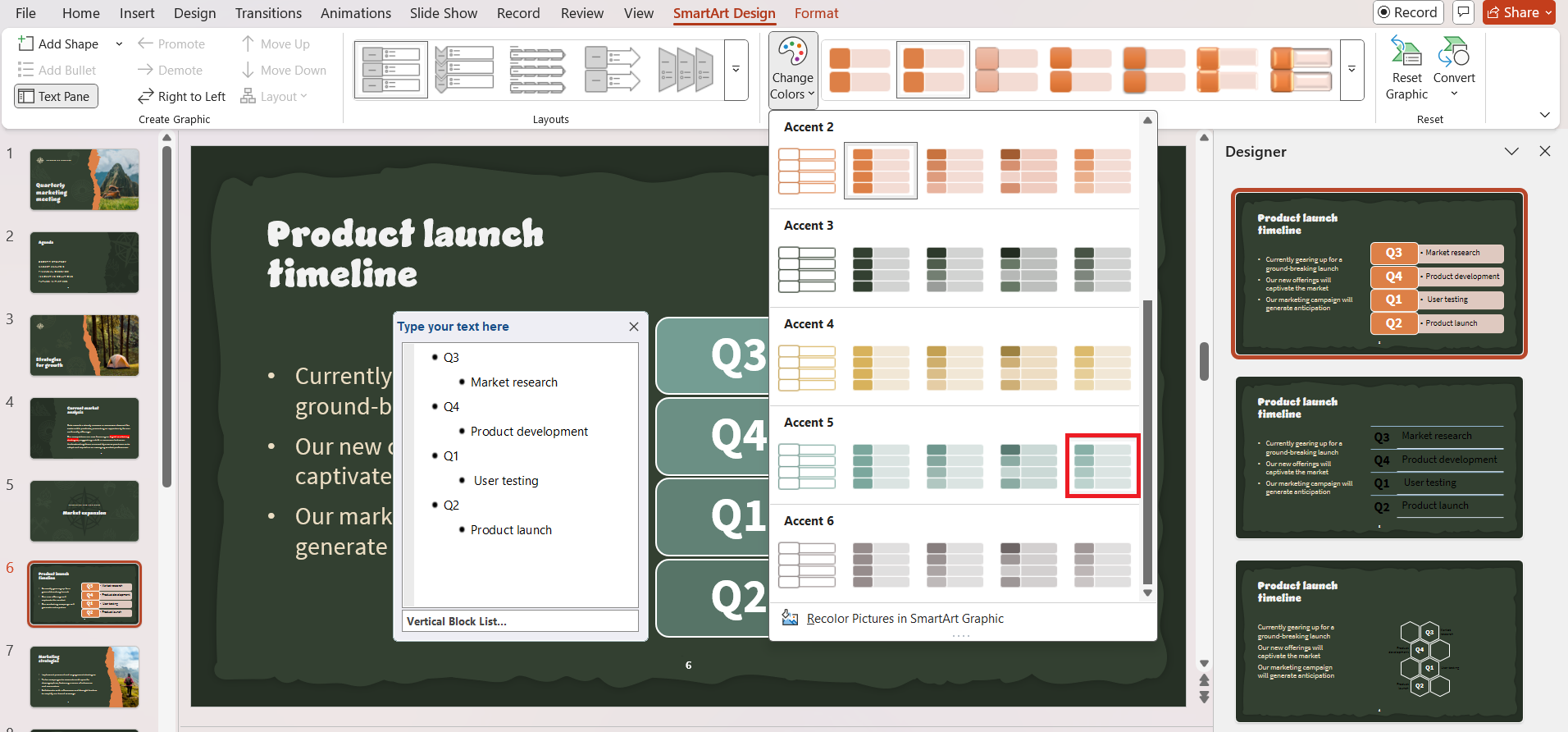
Turning Pictures Into Useful Reference
Treat the gallery as a practical tool rather than decoration, comparing your reaction across several examples.


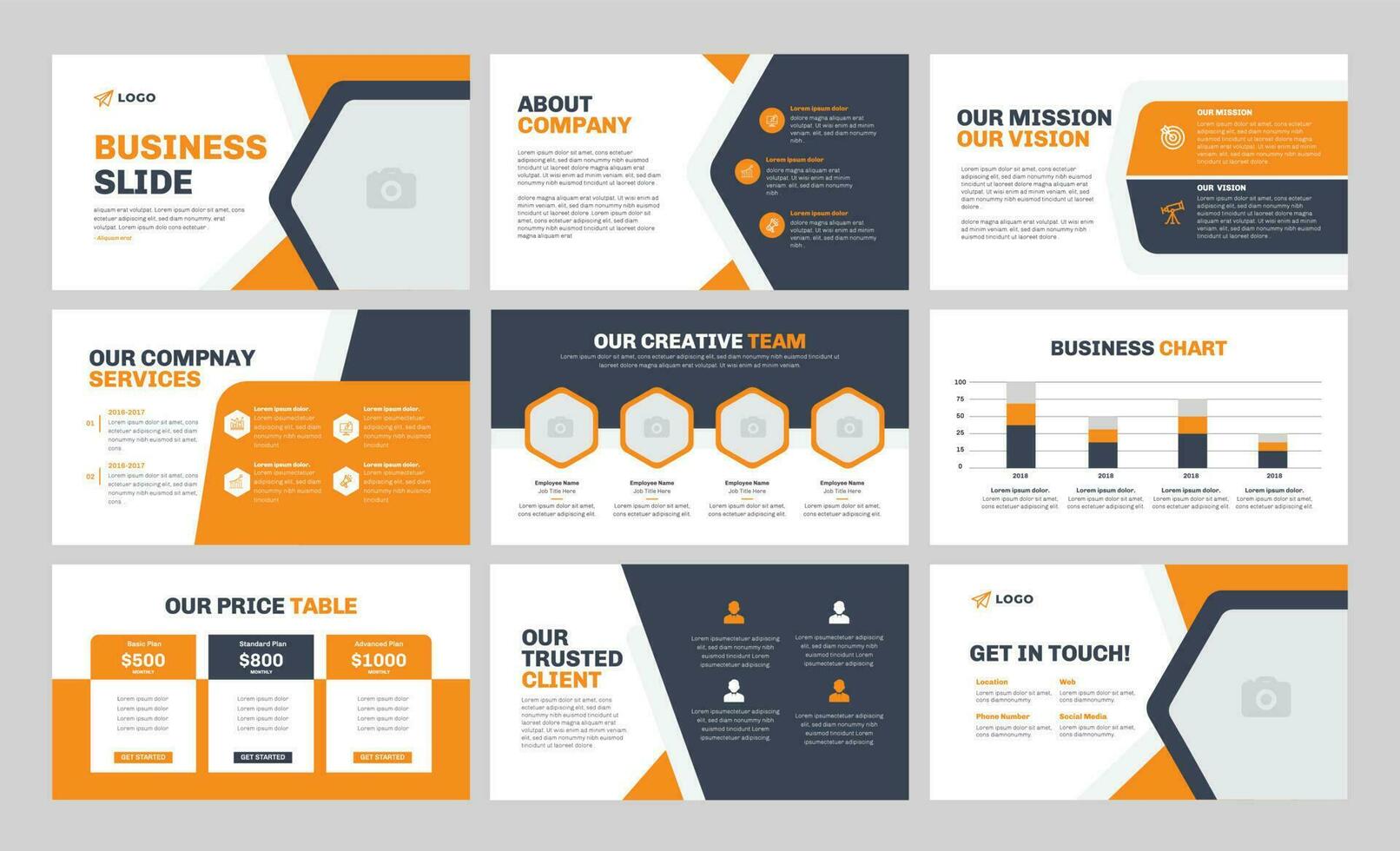

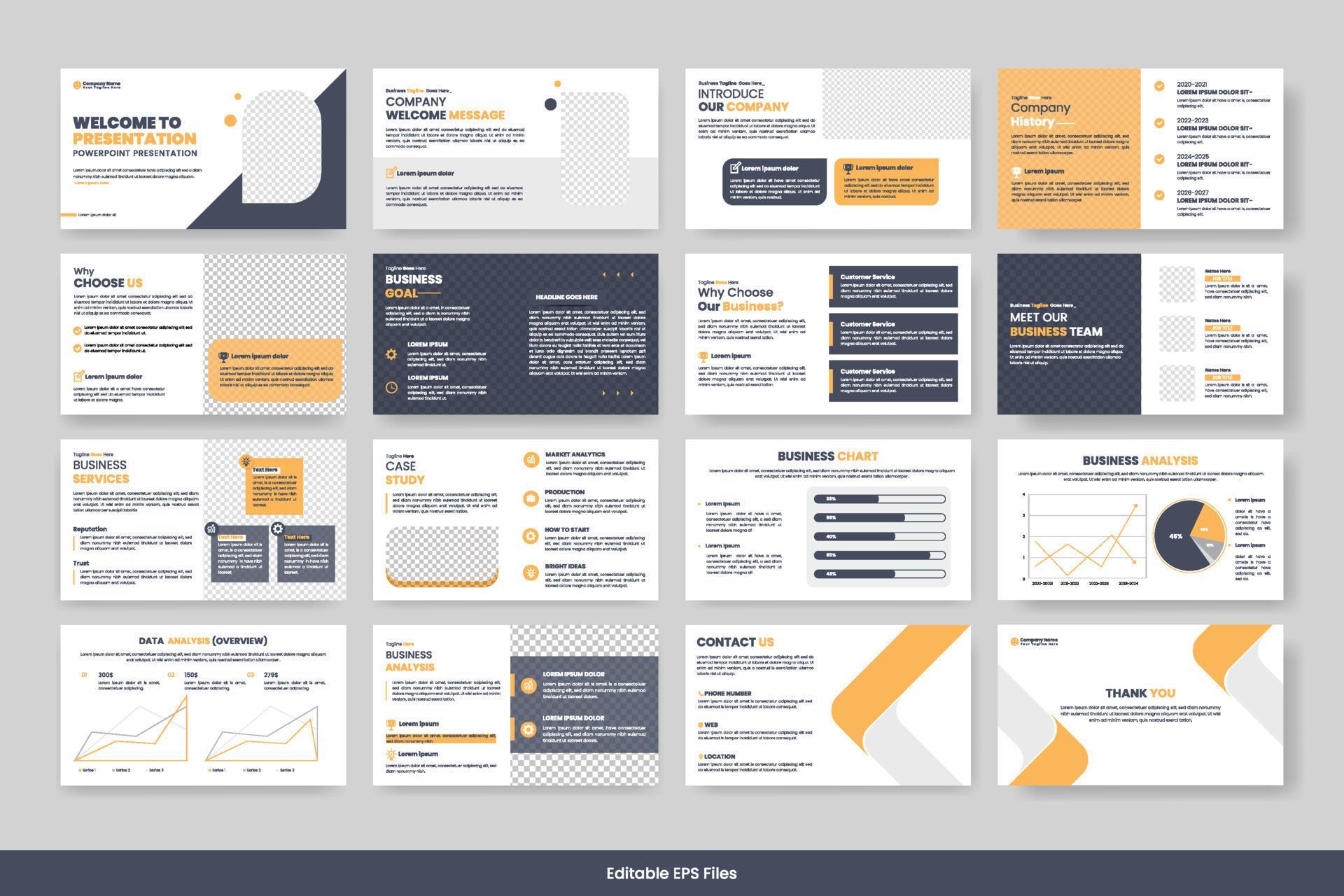

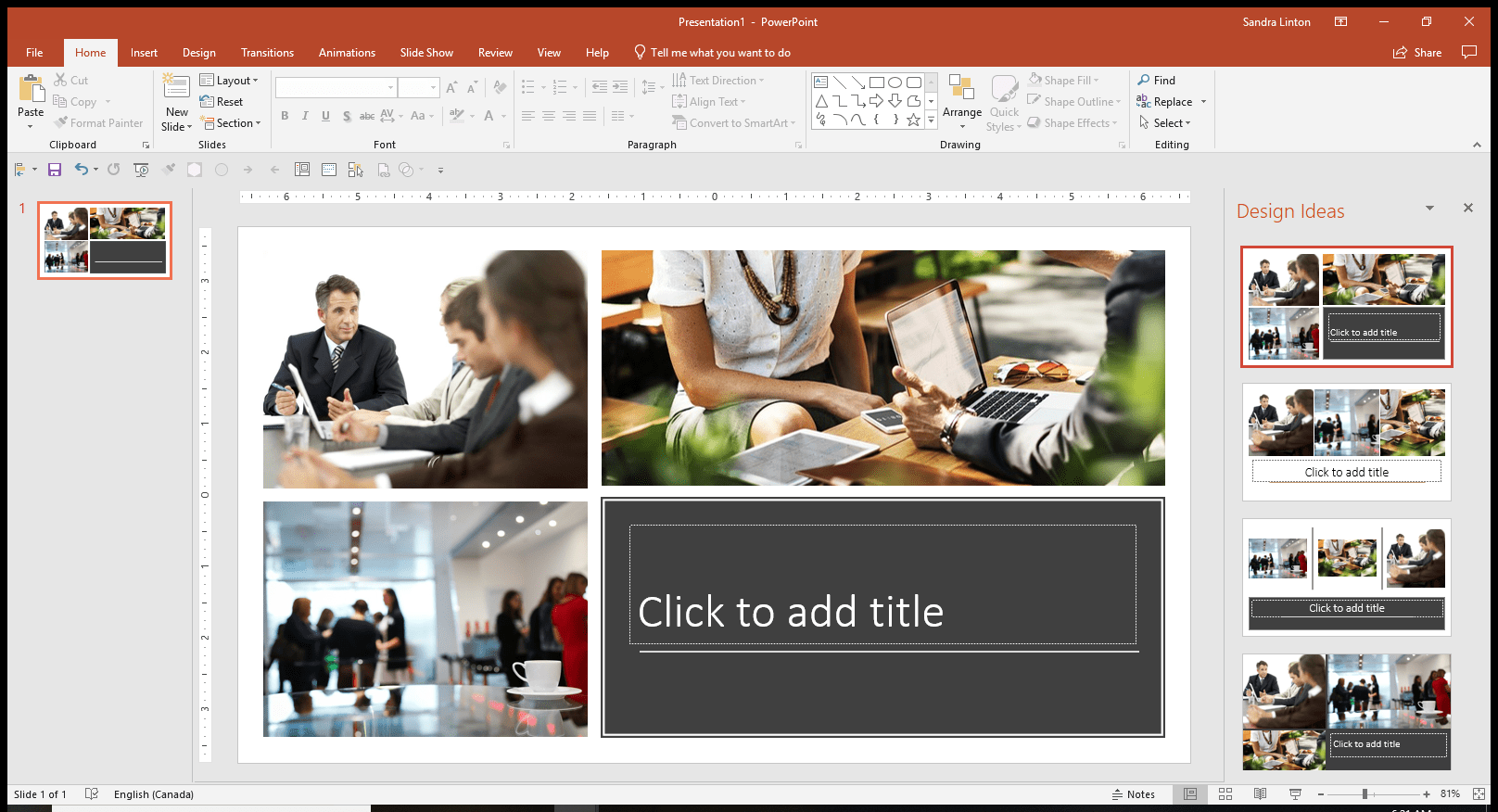
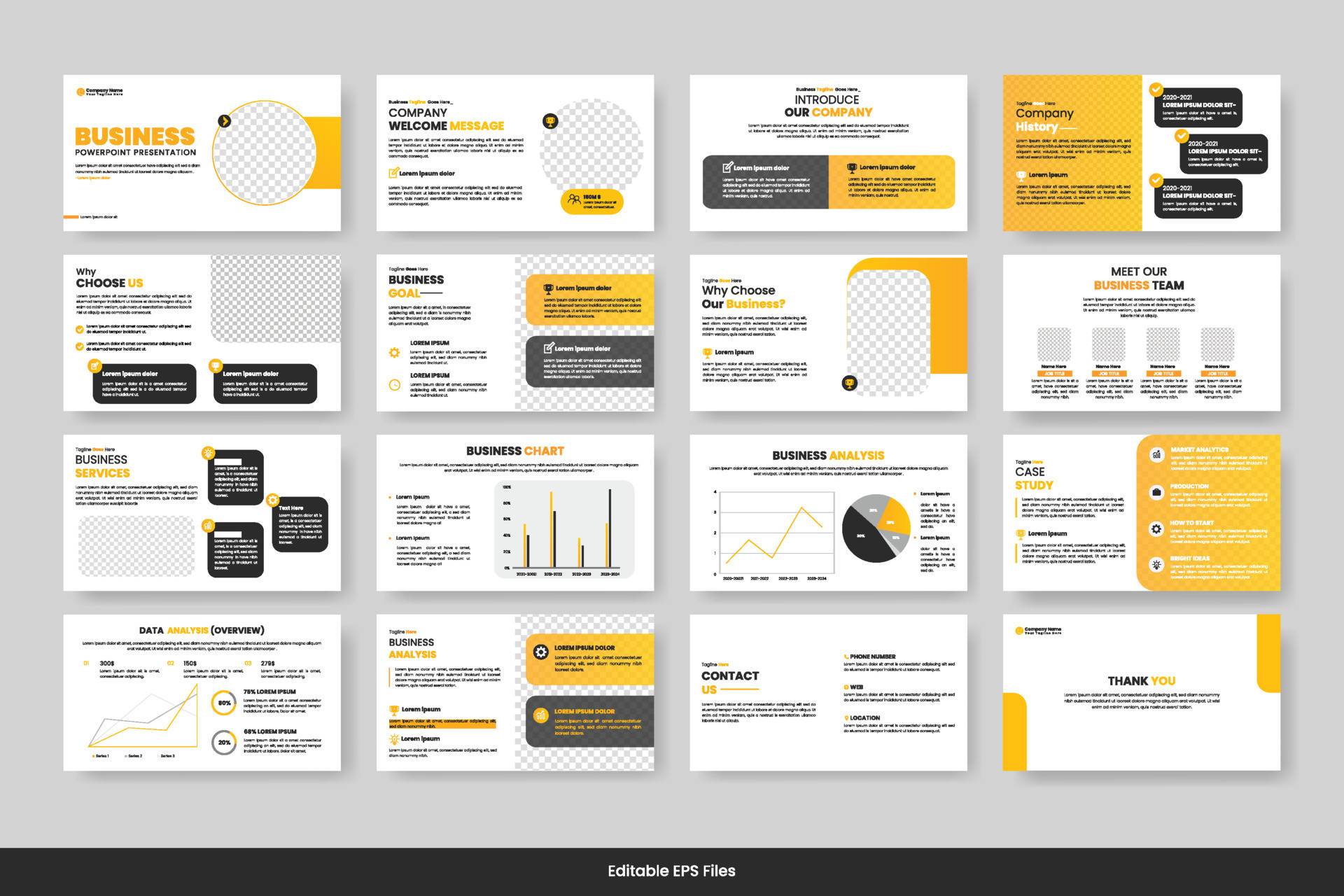
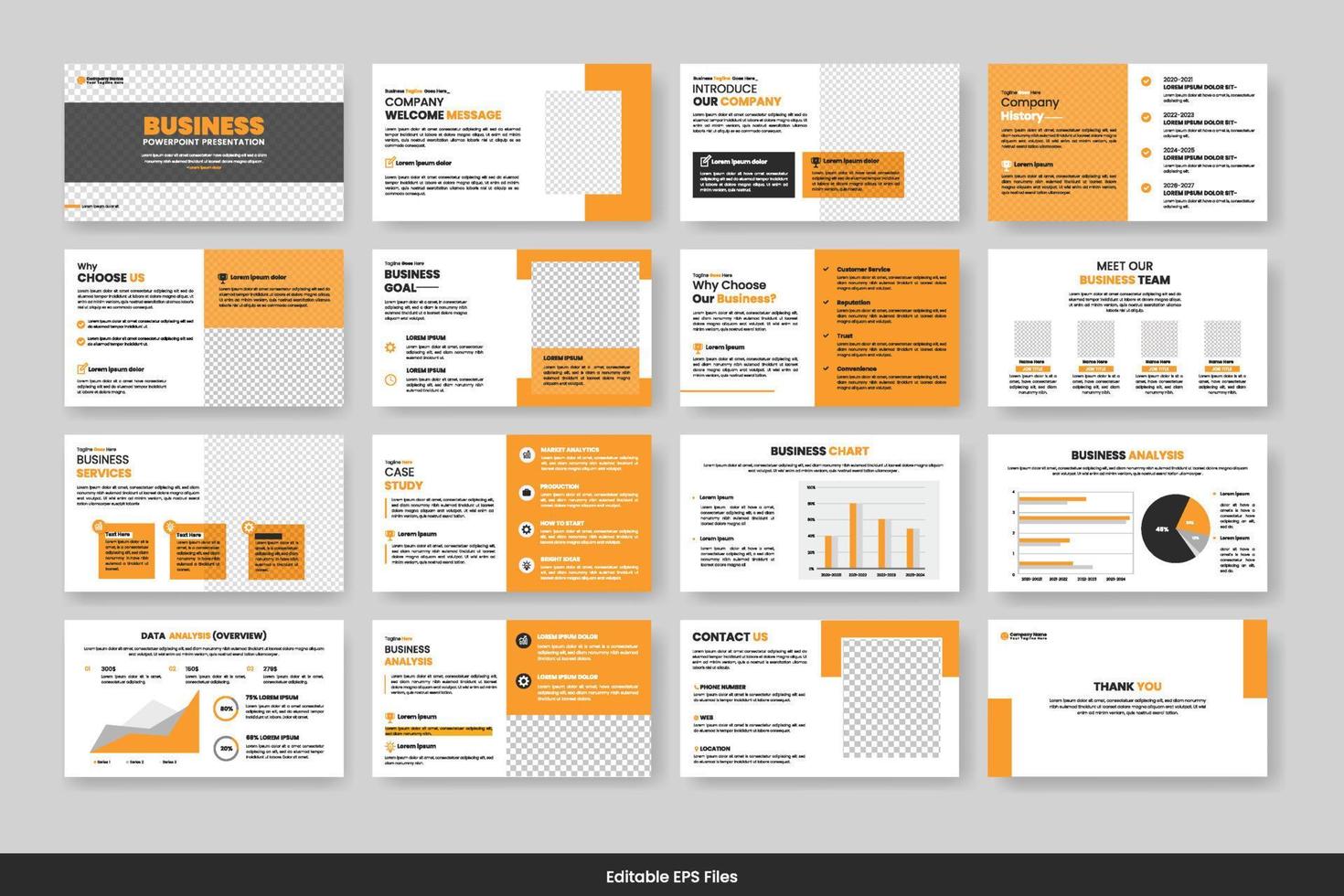

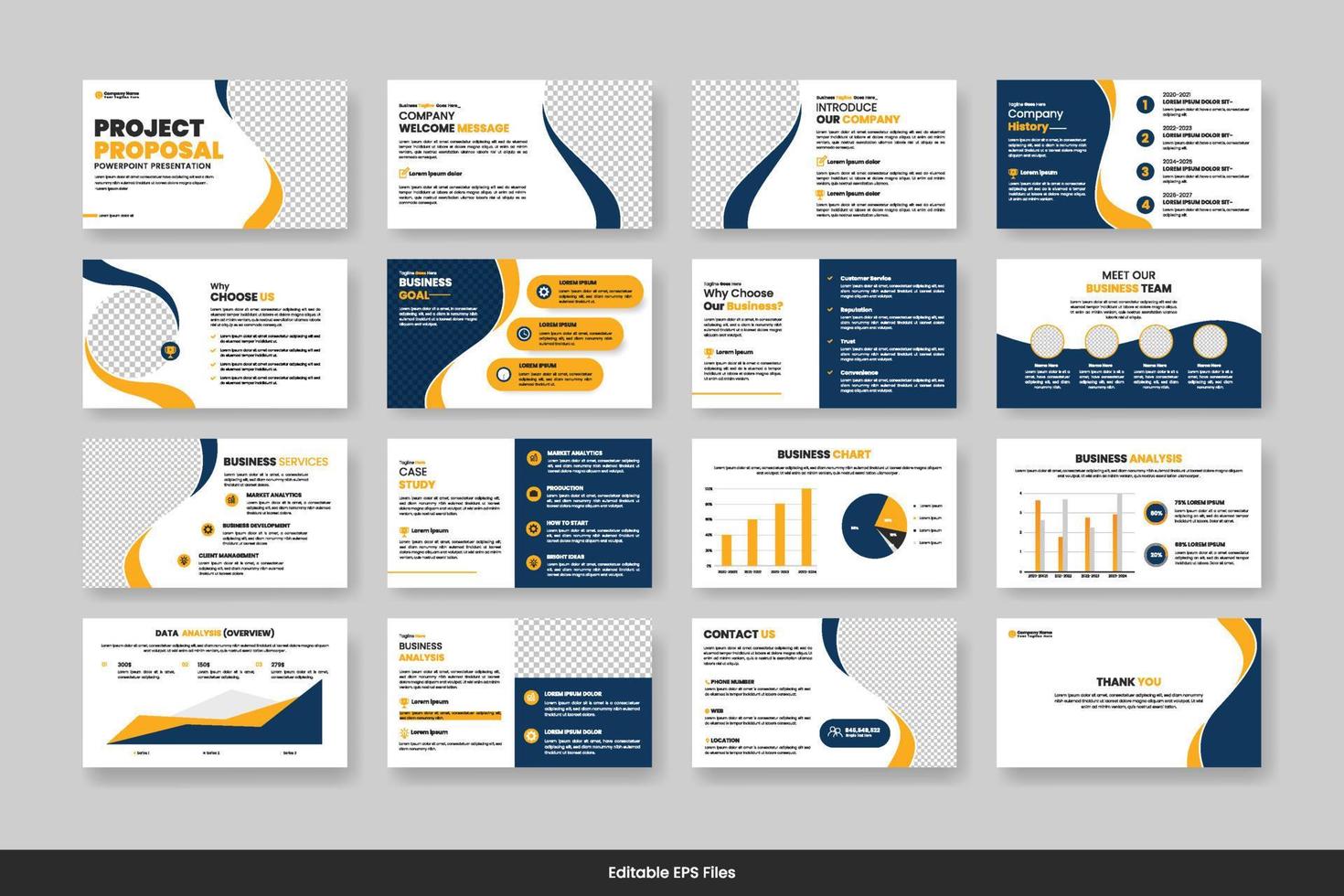




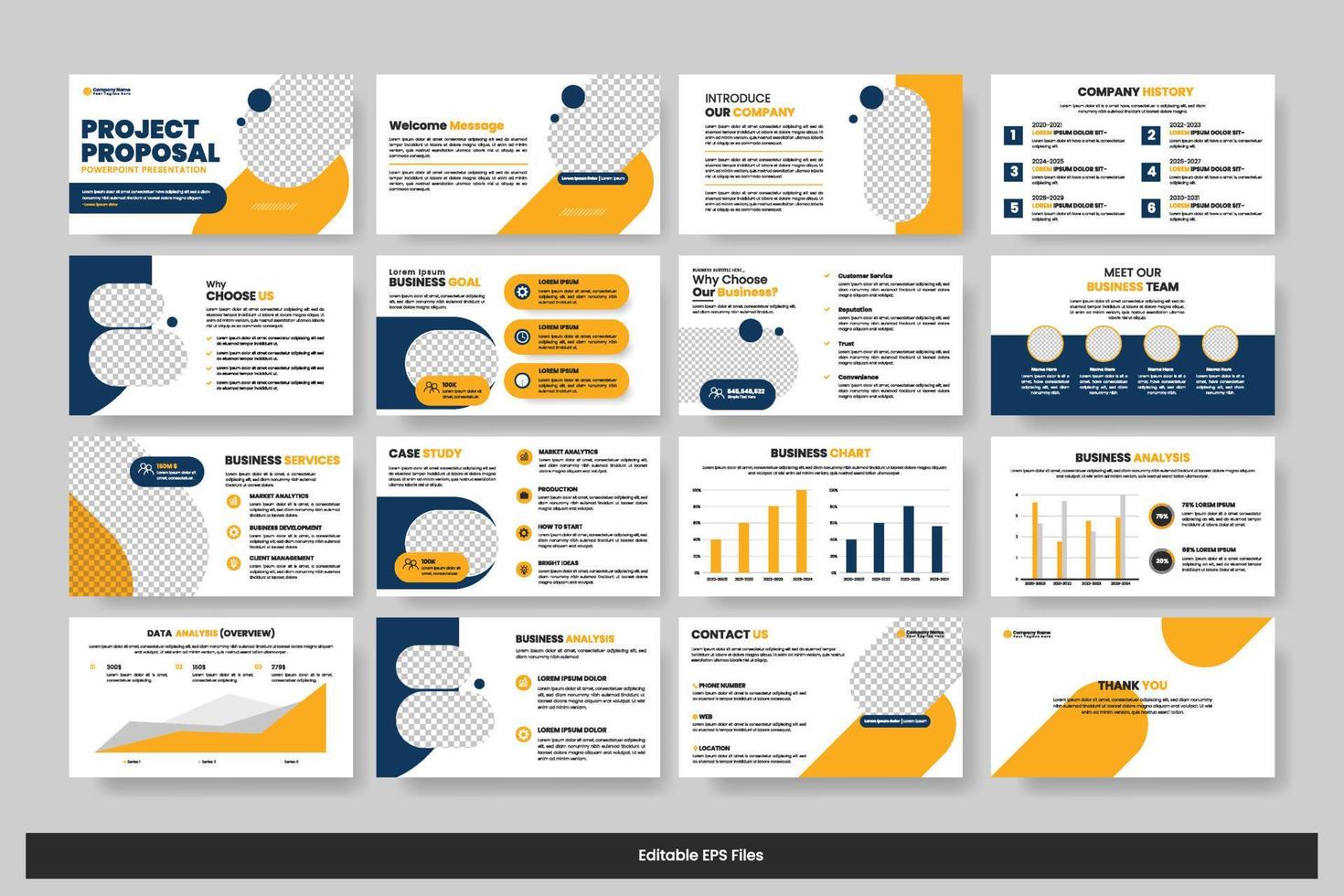
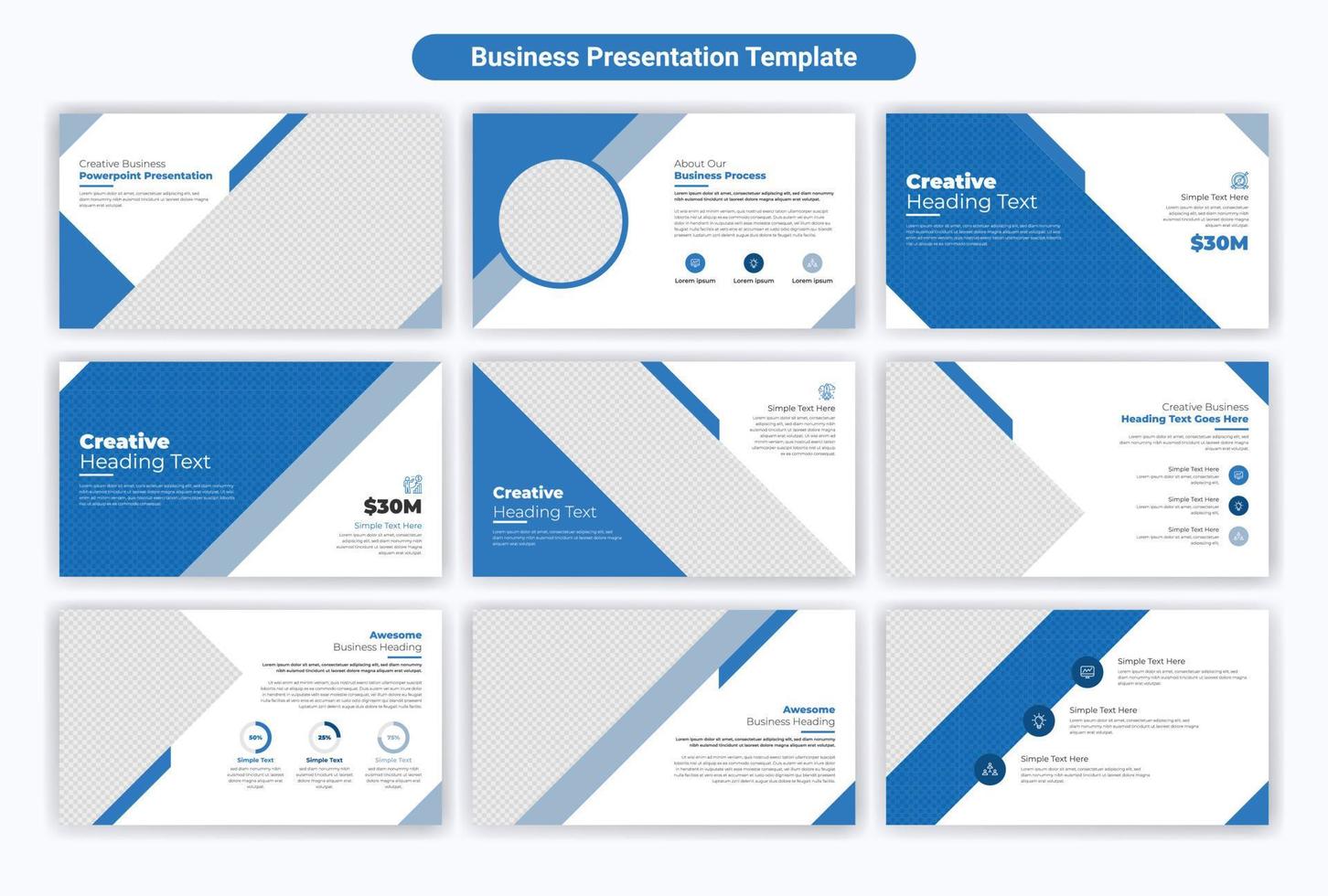

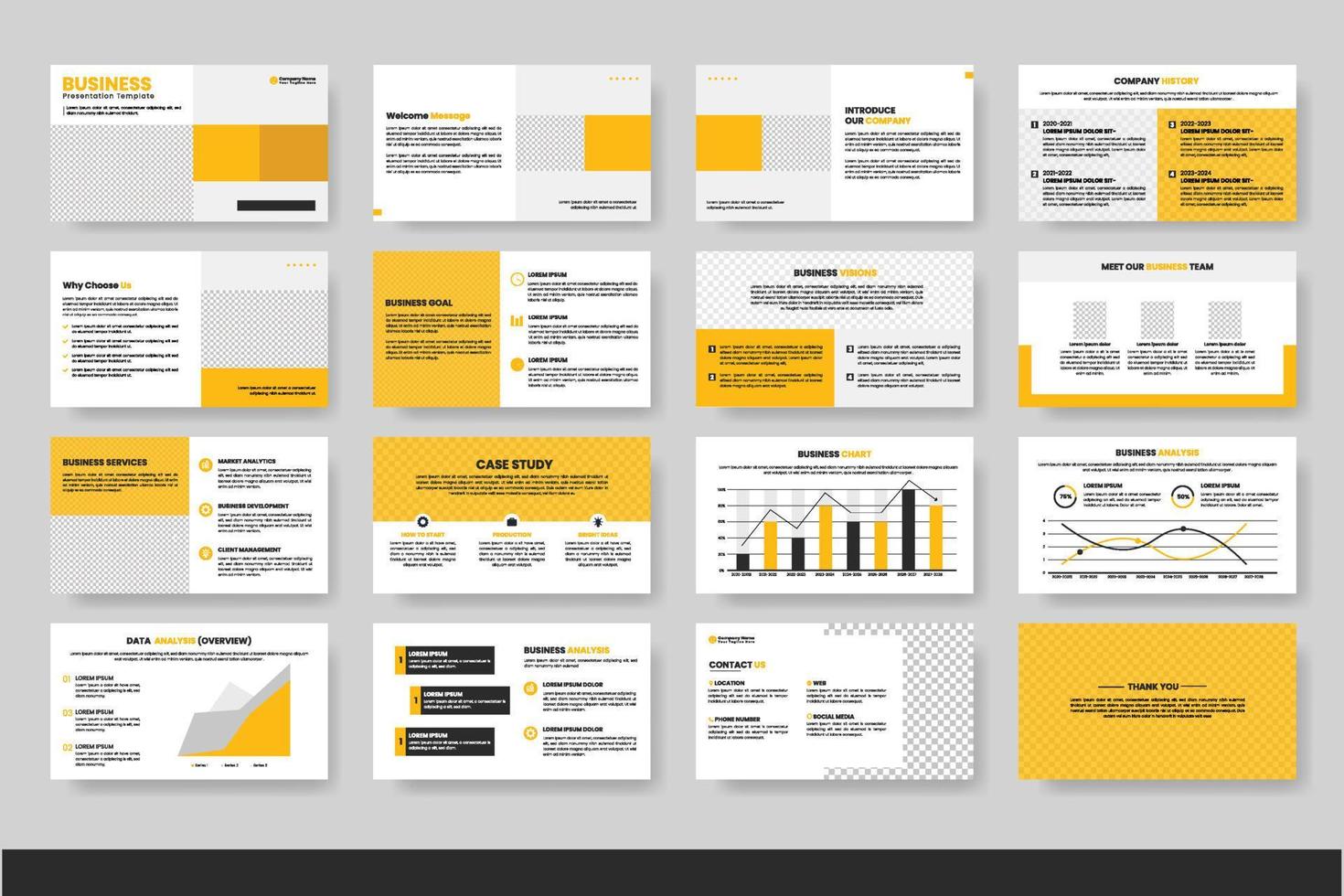
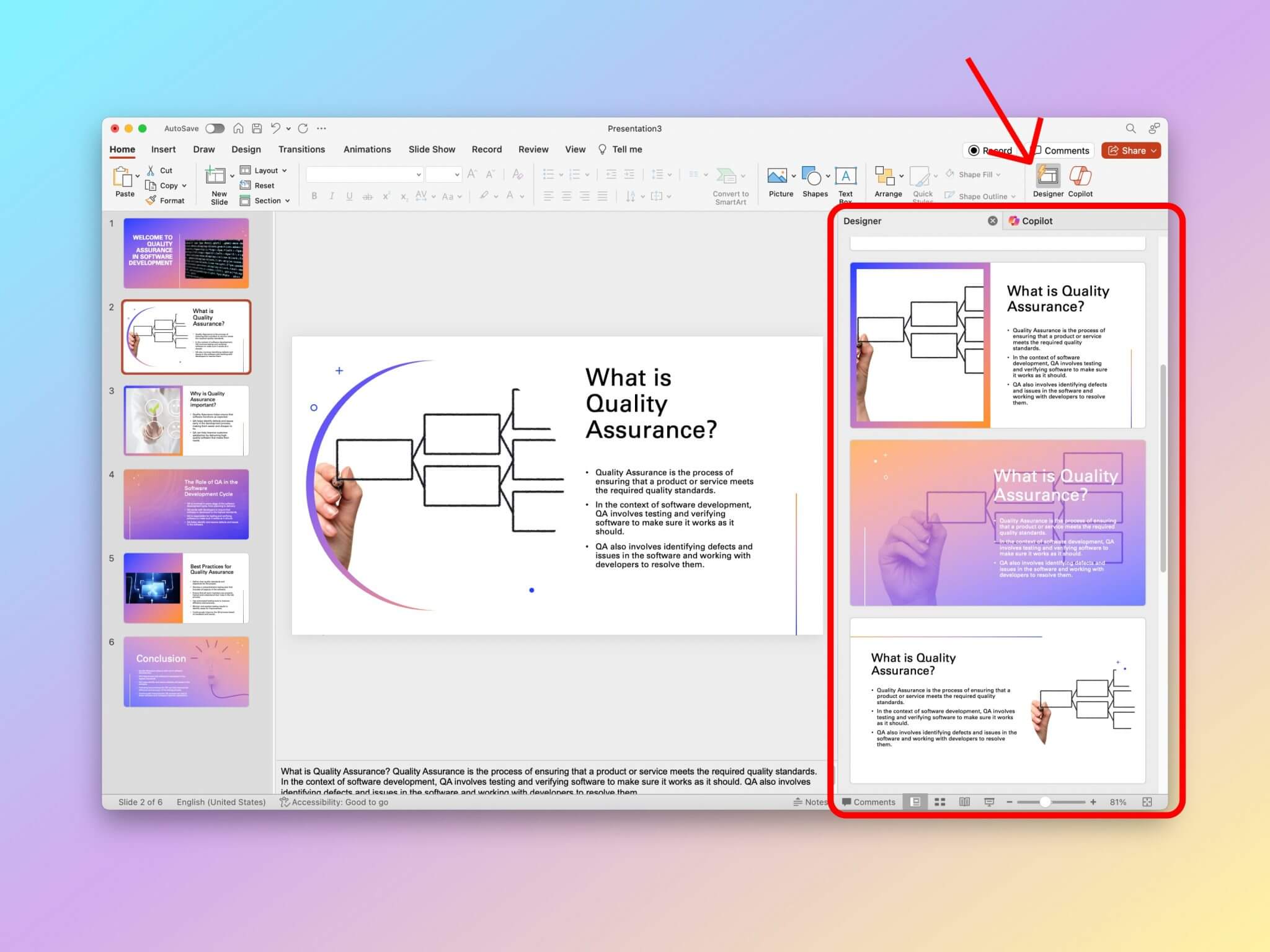
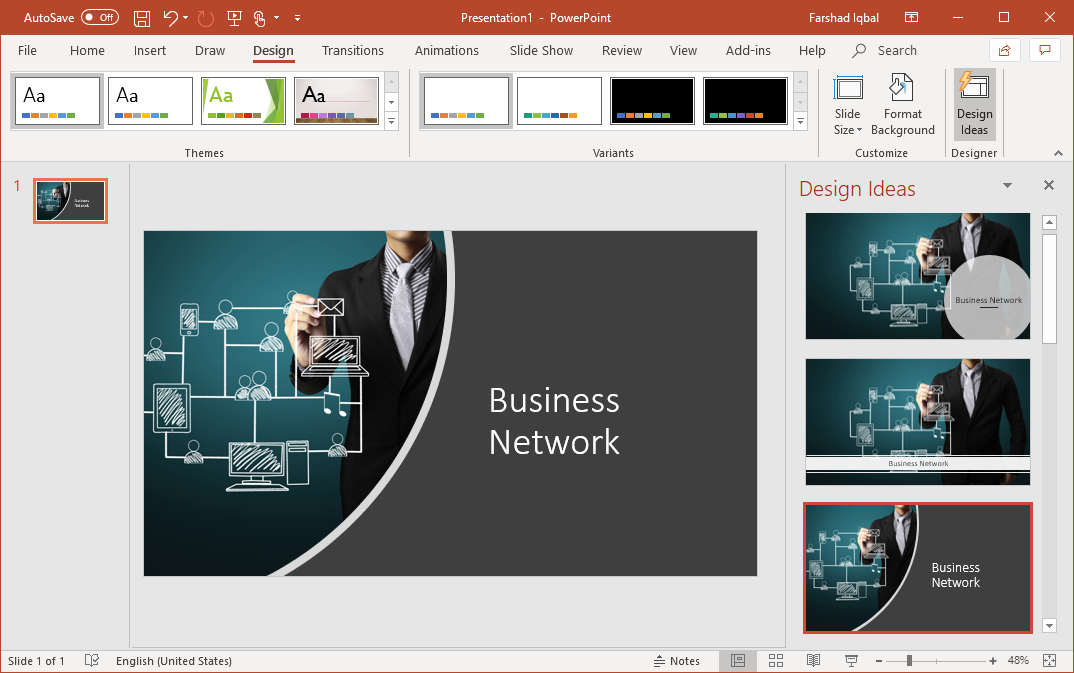


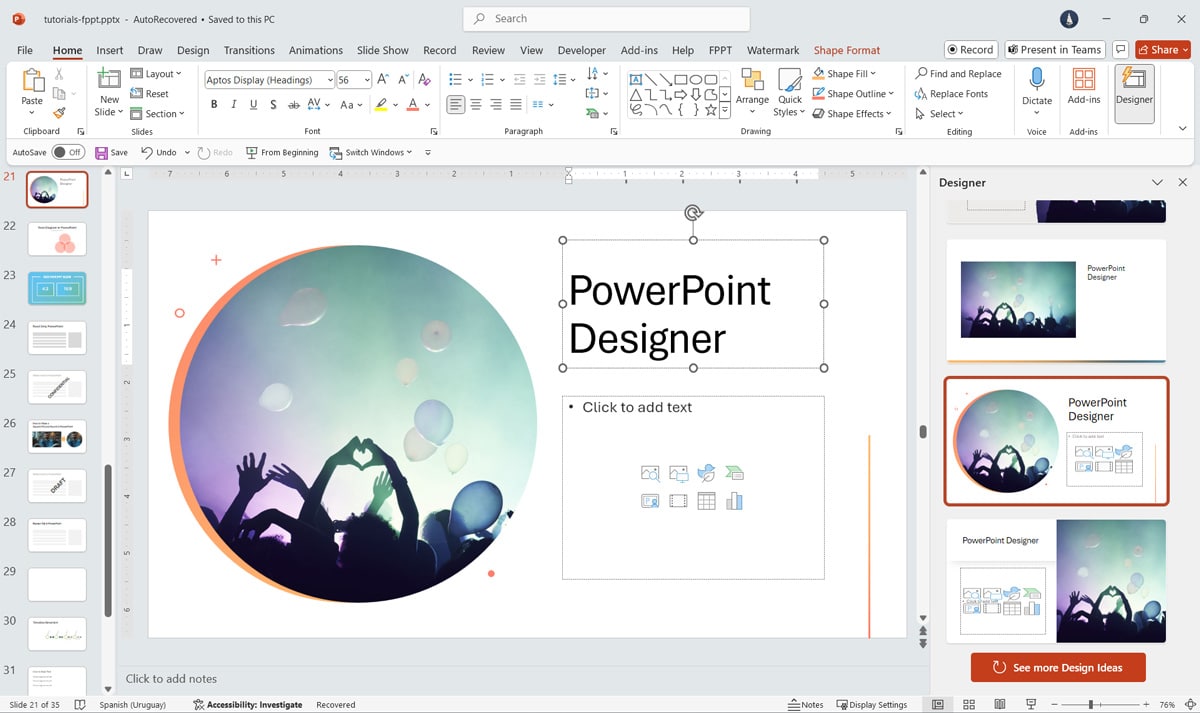
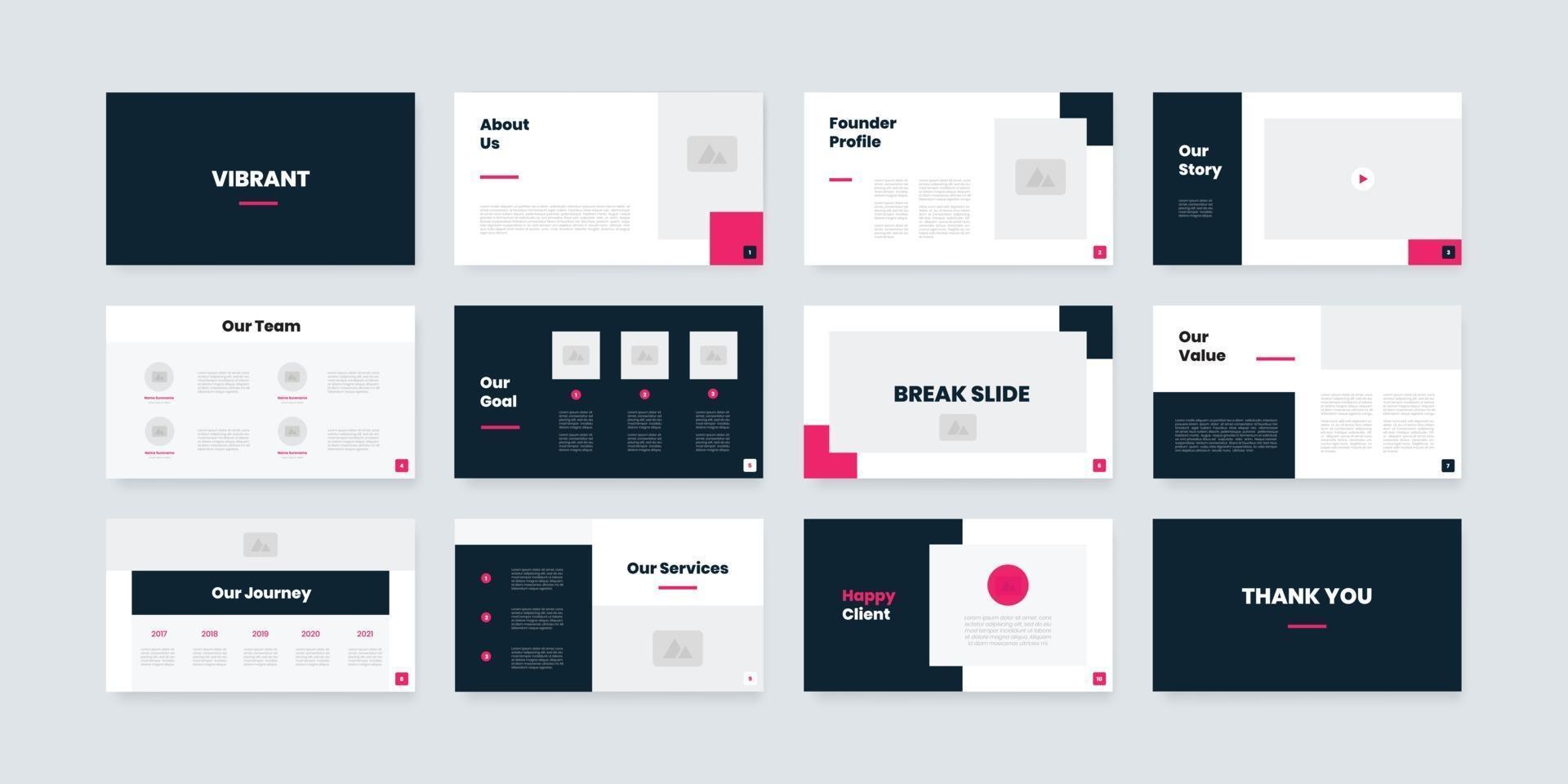
You can also use the images to explain the idea to someone else, which prevents most of the usual misunderstandings.
The Small Details That Matter
Slow down and examine fewer images more carefully, such as positioning, scale, material feel, and overall balance.
A closer look at one good image beats skimming twenty, so instead of racing through all the examples, study a handful properly.
The Power of Example Images
There is a simple reason image searches are so popular, a visual cuts straight past every possible misunderstanding.
That is why a varied collection like this is so effective, and whatever your reason was, the gallery has a use for it.
Come Back to This Gallery Anytime
Keep this gallery close for whenever the question resurfaces, as your preferences may shift the second time you look.
Over time, you will notice details casual viewers miss, so treat every revisit as a chance to see something you skipped.