You Searched for How To Install Angry Ip Scanner Ubuntu — Here It Is

How To Install Angry Ip Scanner Ubuntu is what brought you here, and this page delivers it, supported by a wide range of real example pictures for reference.

Reading about something is one thing; seeing it is another, and that is exactly why visual references work so well here.
Example Images of How To Install Angry Ip Scanner Ubuntu

Every example image highlights a slightly different version of How To Install Angry Ip Scanner Ubuntu, and you will quickly see how much variety exists.
Let the gallery speak for itself as you move downward, and familiarity builds faster than you might expect.
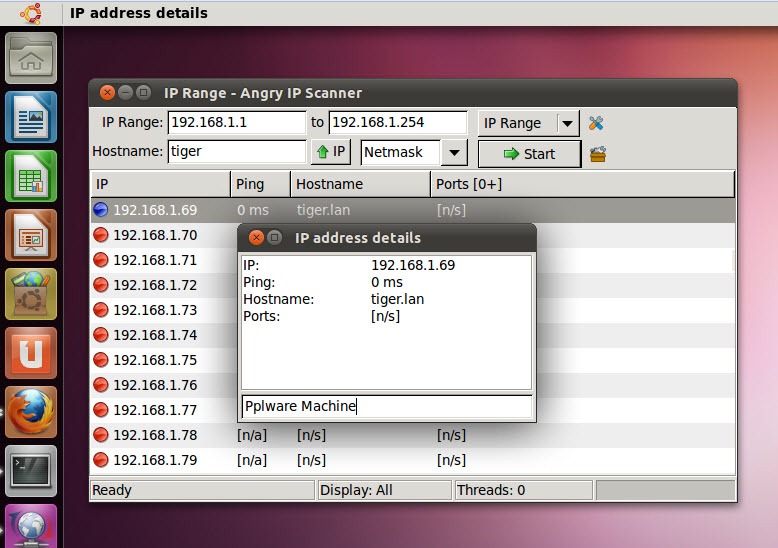
What These Pictures Explain
Every photo tells you something a description would miss, showing details that are hard to put into words.
Compare a few examples and observe what repeats, because consistent details are usually the essential ones.

From One Style to Another
There is a surprising range of styles and interpretations here, a few lean traditional while others feel modern, which helps you quickly narrow down what you actually want.
Whenever a particular picture stands out, stop and study it, and it often matches what you will want in the end.

Turning Pictures Into Useful Reference
These images are meant to be used, not just viewed, like marking the images that match your idea.




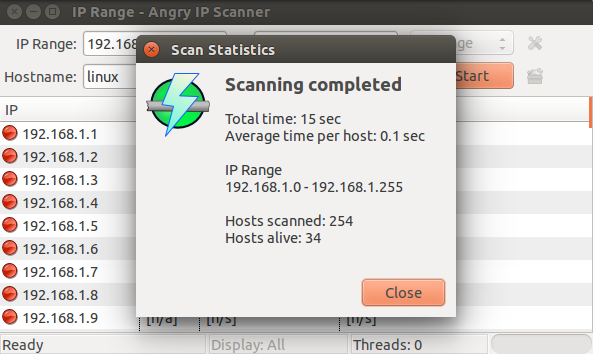





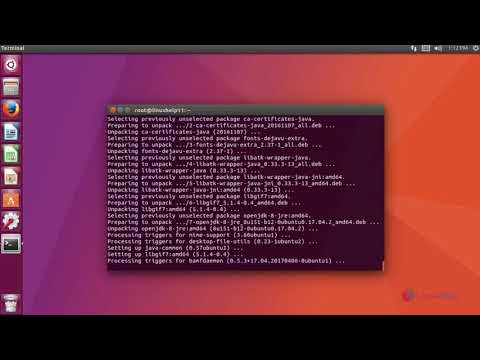

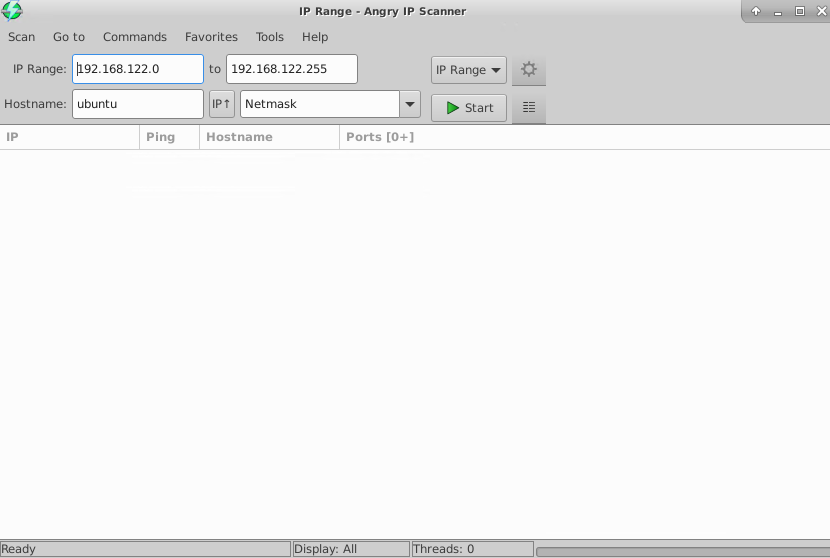


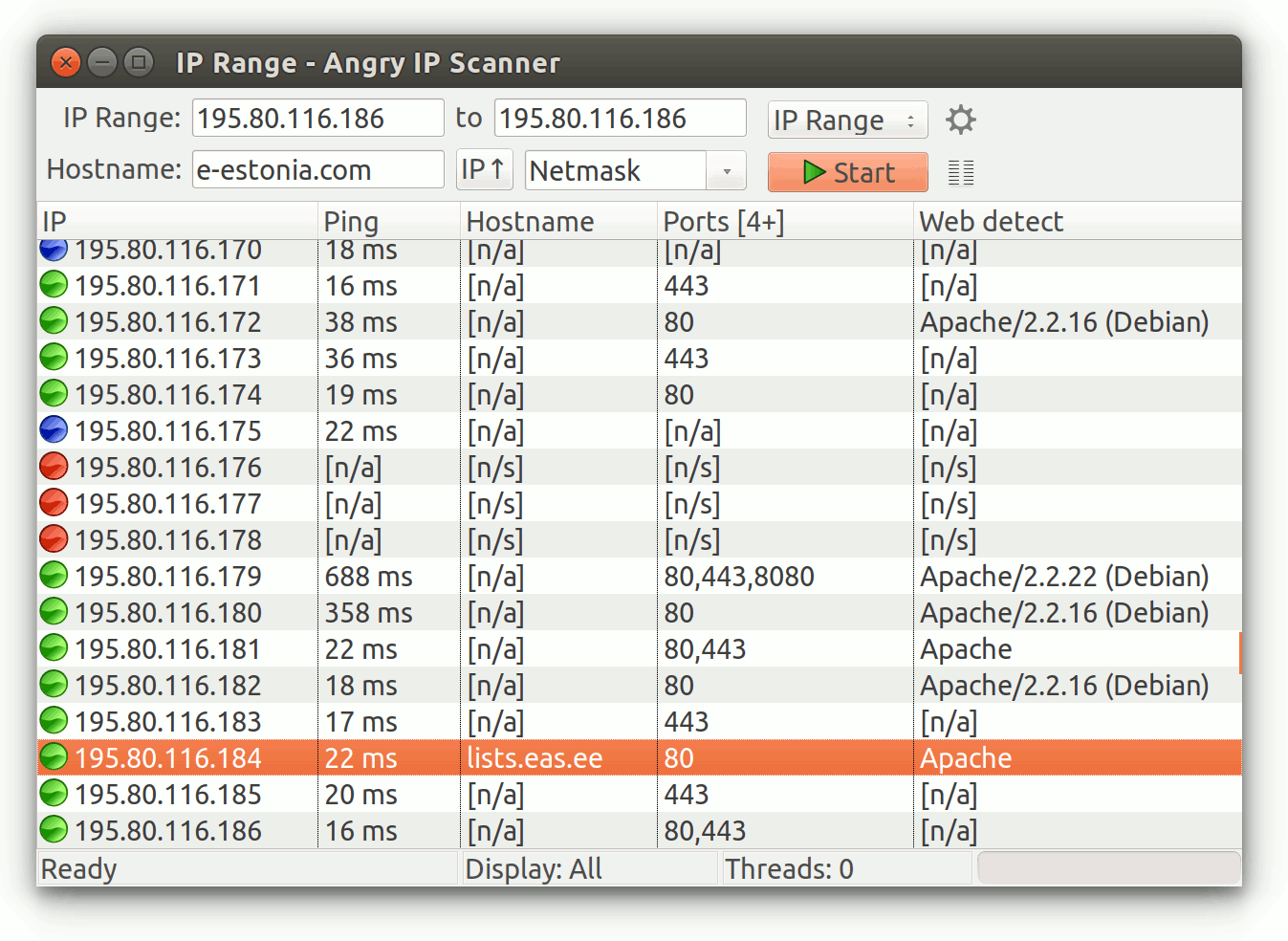
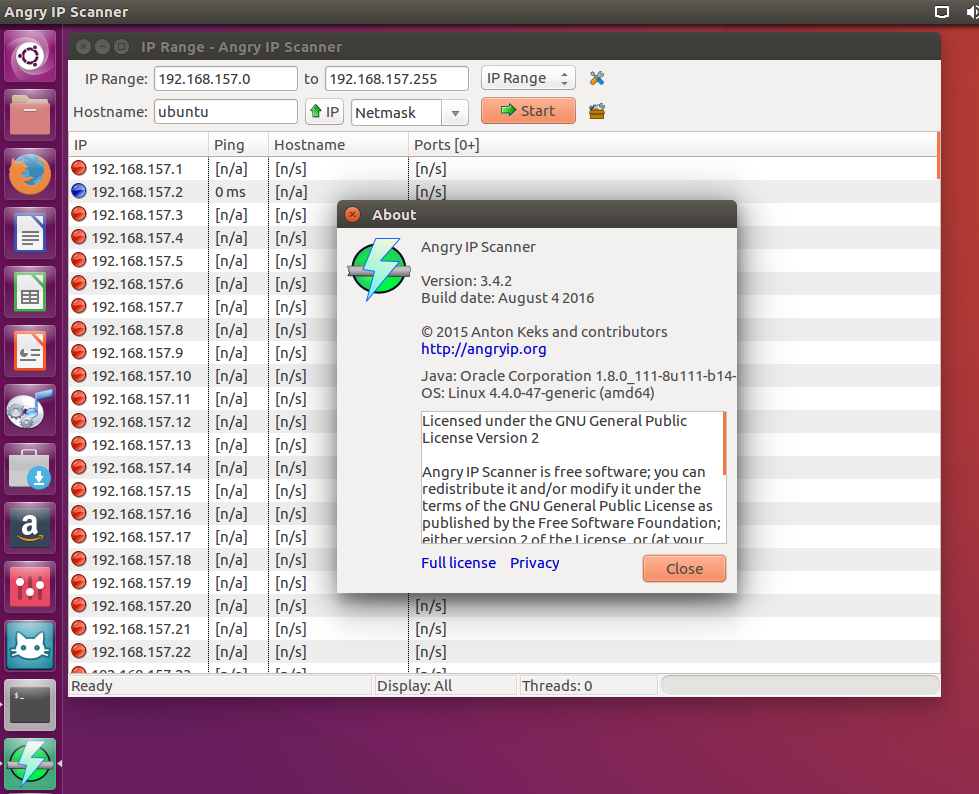


Sometimes the fastest way to communicate is to share the picture itself, which prevents most of the usual misunderstandings.
What to Notice in Each Picture
Slow down and examine fewer images more carefully, such as positioning, scale, material feel, and overall balance.
A closer look at one good image beats skimming twenty, so choose the closest matches and examine those thoroughly.
Seeing Is Understanding
It is no accident that people search for images first, a real example eliminates the gap between description and reality.
A broad image set answers questions before they are asked, be it ideas, verification, or simply knowing what to call it.
Browse More Images Whenever You Need
Keep this gallery close for whenever the question resurfaces, as your preferences may shift the second time you look.
Repeated exposure quietly builds real visual understanding, so scroll back up and give the collection another look.