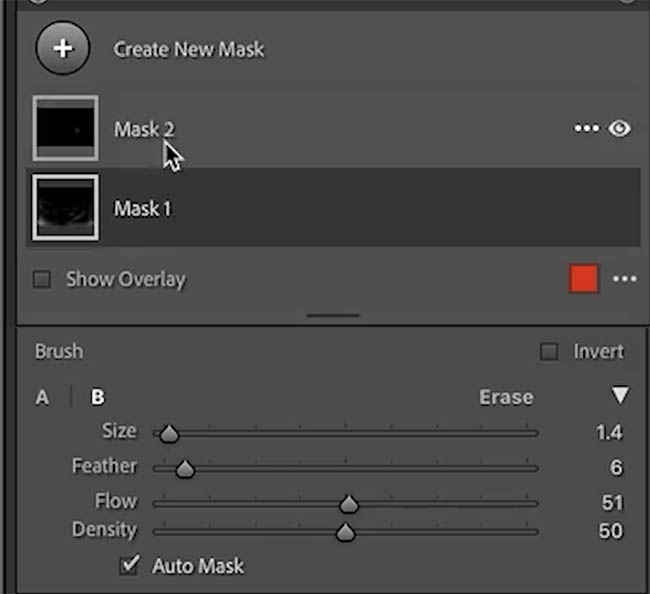
Lightroom Brush Settings with Kenneth Hernandez blog

Kenneth Hernandez Oct 25, 2026

Lightroom Brush Settings: Right Where You Need It
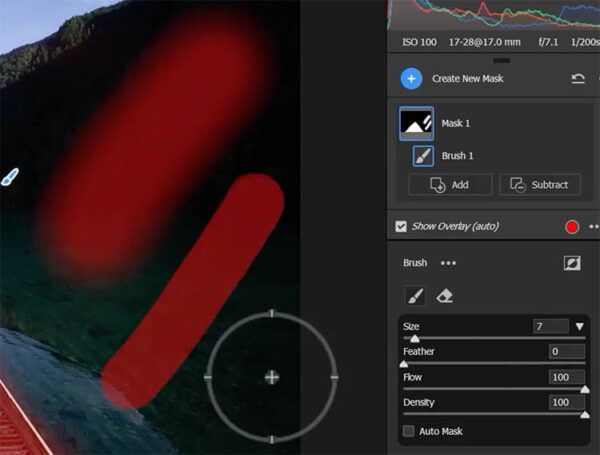
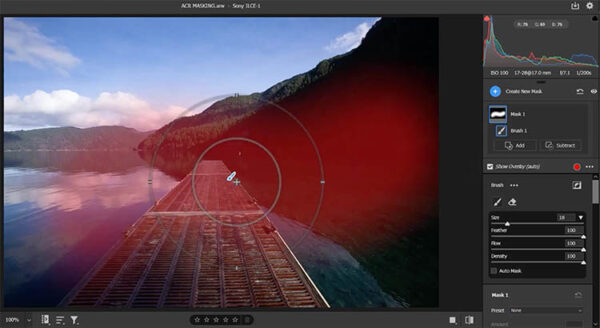
How to Use the Local Adjustment Brush in Lightroom: Part 2 | Photoshop ...

Lightroom Brush Settings is what brought you here, and this page delivers it, with a growing collection of example images collected as visual reference.

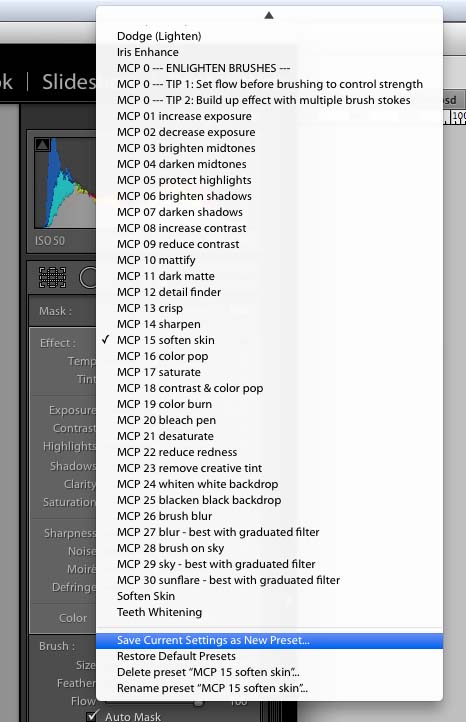
Lightroom – adjustment brush presets | Haladó FOTÓKÖNYV

Text can only take your search so far, and that is exactly why visual references work so well here.

A Visual Collection of Lightroom Brush Settings

How to Use the Adjustment Brush in Lightroom | Nature TTL

The images below show Lightroom Brush Settings in many different forms and settings, and you will quickly see how much variety exists.

Take your time moving through the collection, because the more images you see, the clearer the overall idea becomes.

How to Use the Brush Tool in Adobe Lightroom

Reading Lightroom Brush Settings Through Images

Every photo tells you something a description would miss, showing details that are hard to put into words.

Notice which details stay consistent across the pictures, because consistent details are usually the essential ones.

How To Install Lightroom Brushes

Many Forms and Variations

There is a surprising range of styles and interpretations here, a few lean traditional while others feel modern, so studying the range helps you identify which style suits you best.

A strong reaction to one example is always useful information, and it often matches what you will want in the end.
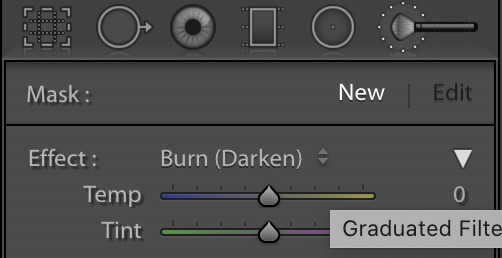
5 Insider Lightroom Tips: Learn from My Mistakes

How to Use These Examples for Reference

The collection works best when you do something with it, for instance, keeping a shortlist of your favorite pictures.
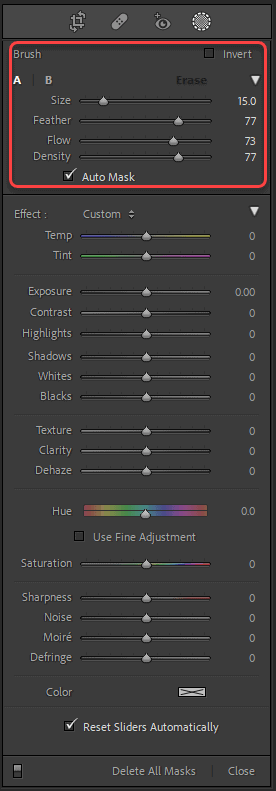
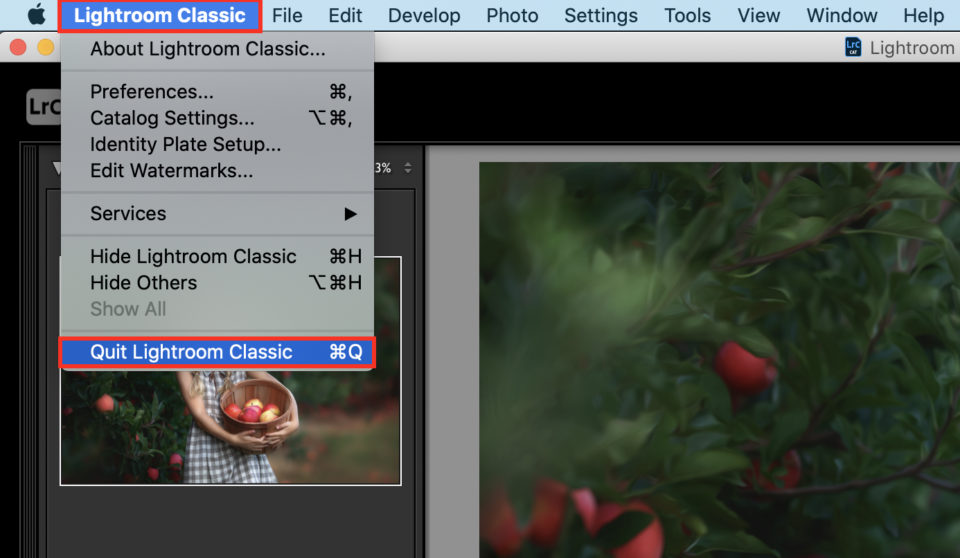
How To Blur The Background in Lightroom
How To Install Lightroom Brushes - Greater Than Gatsby
Tutorials on How to Make a White Background in Lightroom | Photoshop
Color Portraiture with Retouch and Enhancement in Lightroom 4 and 5
Build Your Own Lightroom AI Presets! Here's How - Signature Edits
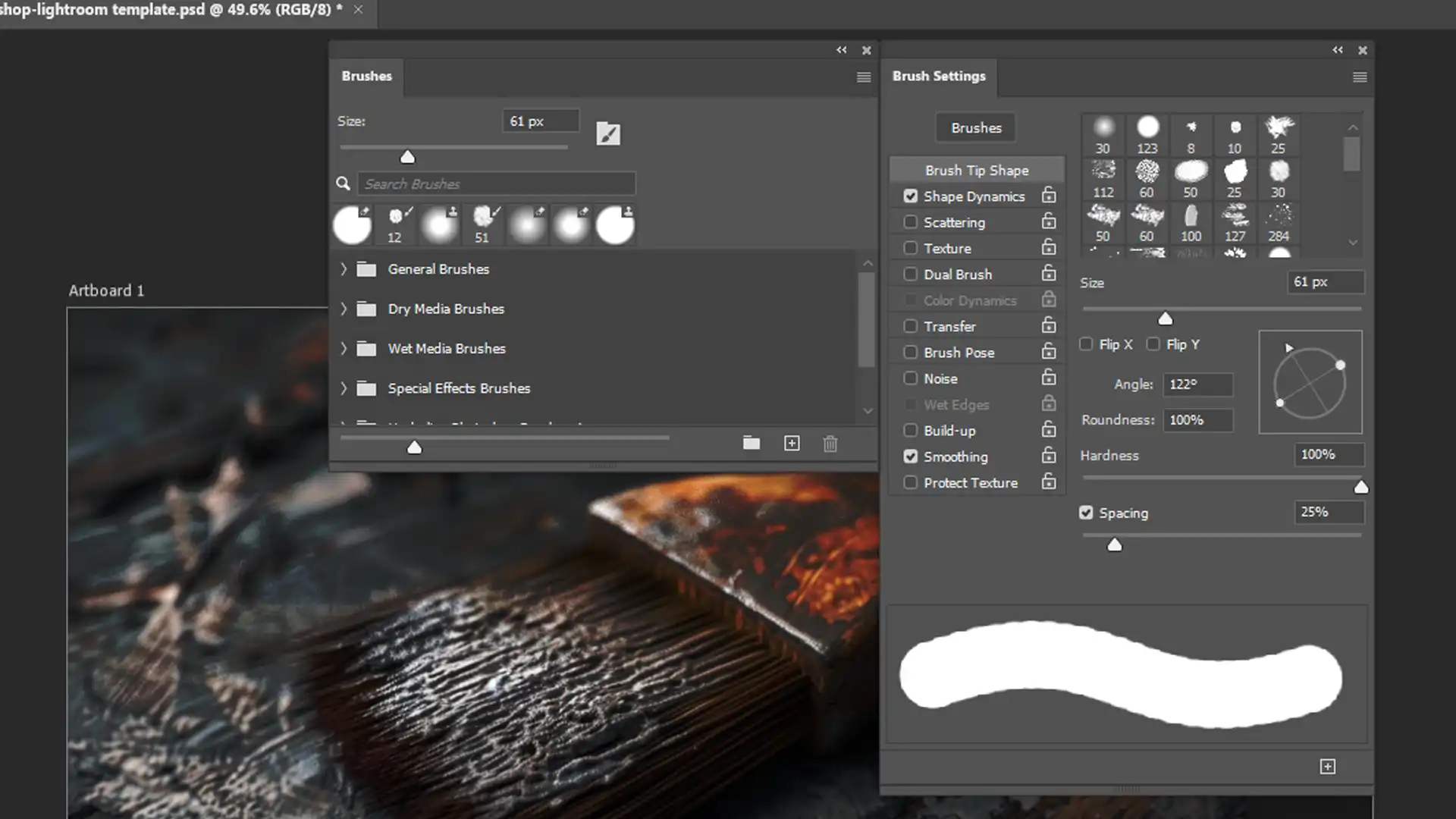
How to Make a Brush in Photoshop: A Step-by-Step Guide - Lightroom ...
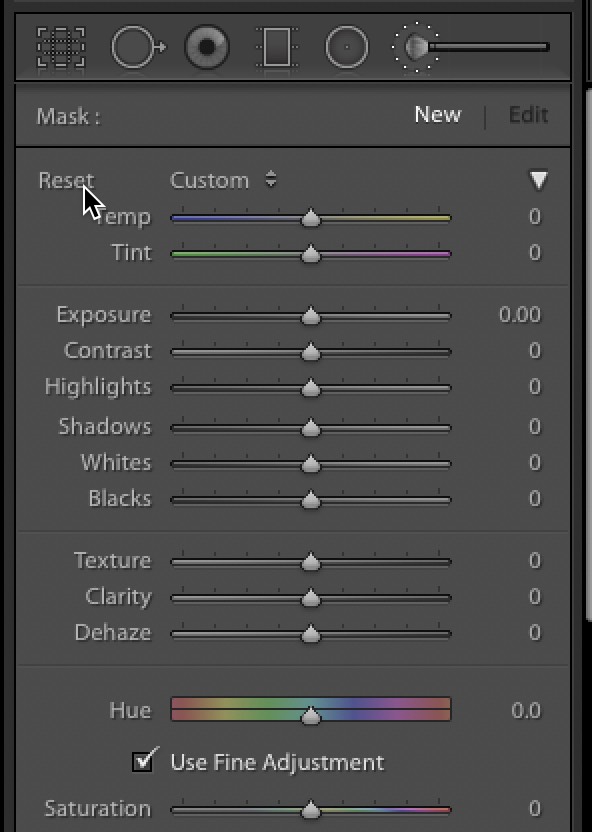
How to use the brush tool in Lightroom masking (2024)
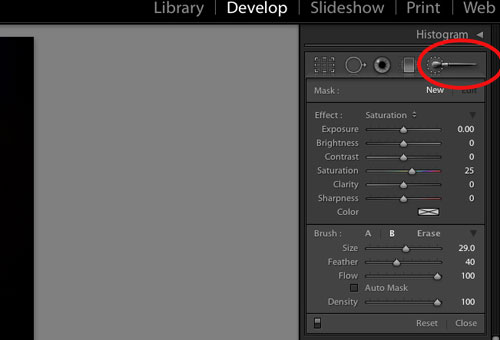
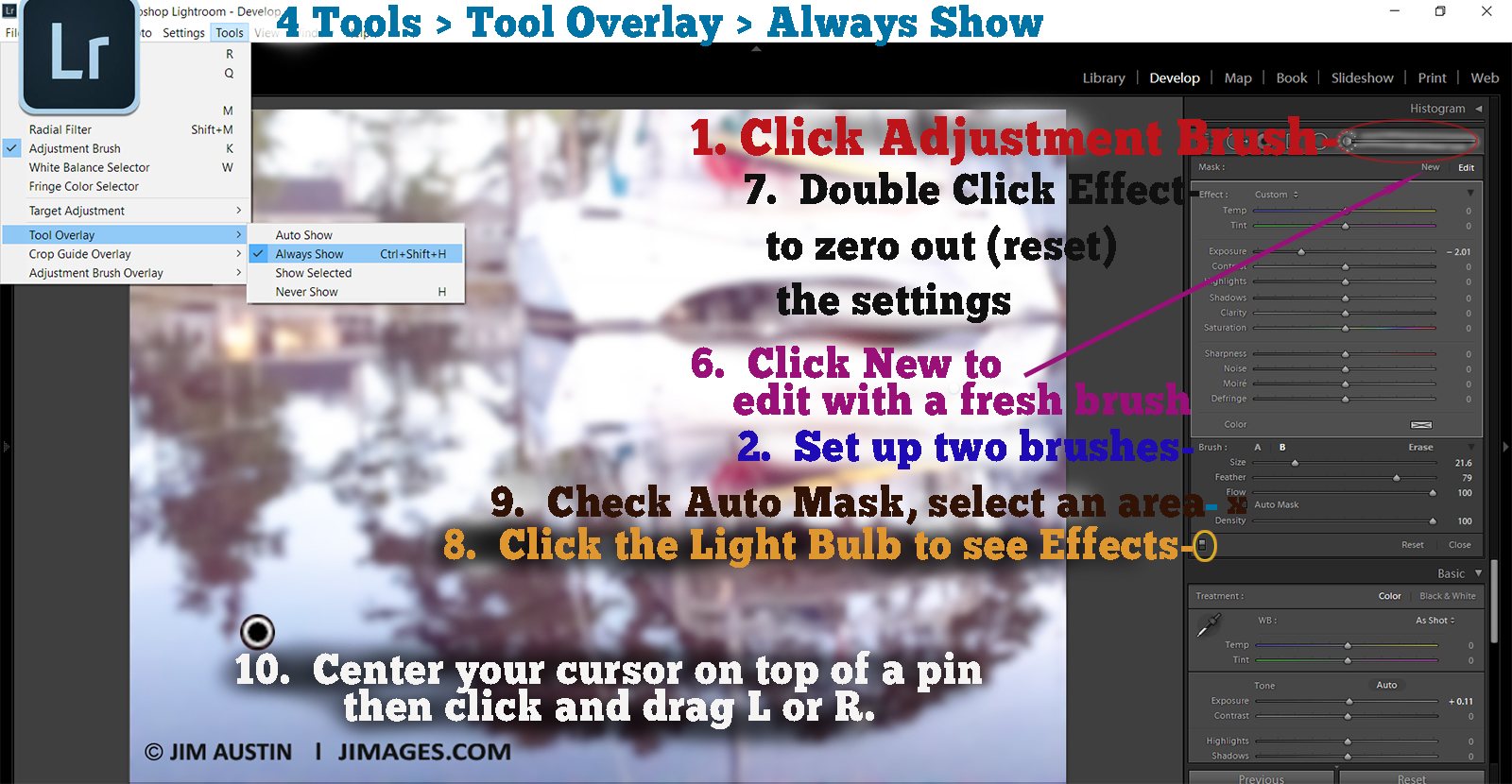
Lightroom Better | How To Use Adjustment Brushes In Lightroom
Lightroom Beginners Week: Learning The Adjustment Brush (Part 1 ...
How To Shape The Light and Mood Using Adjustment Brushes In Lightroom ...
Using Local Adjustments to Enhance Photos in Lightroom 3
Master the Adjustment Brush in Camera Raw and Lightroom - PhotoshopCAFE
adobe lightroom adjustment brush 02 - YouTube
Adding layers of dimension with the Lightroom brush | How to dehaze ...
Using Adobe Lightroom to Create Custom Brushes - FilterGrade
Adjustment Brush In Lightroom Cc at Joanne Magana blog
How to Use the Adjustment Brush in Lightroom to Enhance Your Photos ...
How To Install Lightroom Brushes - Greater Than Gatsby
Brush Tools Beginners Guide- Lightroom Editing Tips - YouTube
Lesson 19 Working with Adjustment Brush in Lightroom 2020 | Tutorial ...
How to Use the Adjustment Brush in Lightroom to Enhance Your Photos ...
How to use the brush tool in Lightroom masking (2024)
Lightroom Brushes | How to make foliage brushes in photoshop, Lightroom ...
Adjustment brush in Photoshop Lightroom (12/19) - YouTube
Hidden Power of the 3 Brush Workflow in Lightroom to Dodge and Burn for ...
How to Use the Adjustment Brush in Lightroom - Nature TTL
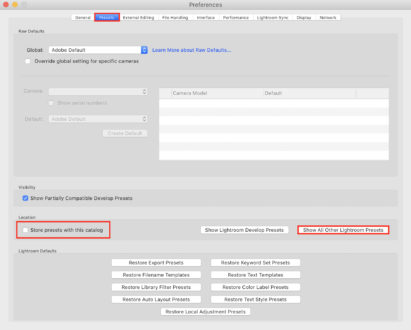
Creating New Default Settings For The Adjustment Brush - Lightroom ...
What are Lightroom Brushes? - Hue & Hatchet
Master the Adjustment Brush in Camera Raw and Lightroom - PhotoshopCAFE

Visual references make it much easier to describe what you want, because pointing to a real example replaces a long and error-prone description.

What to Notice in Each Picture

Slow down and examine fewer images more carefully, such as positioning, scale, material feel, and overall balance.

A closer look at one good image beats skimming twenty, because a small set of well-understood images is worth a large pile of quick glances.

Why Visual References Work So Well

Our preference for images is not a trend, it is how understanding works, a visual cuts straight past every possible misunderstanding.

A broad image set answers questions before they are asked, be it ideas, verification, or simply knowing what to call it.

Browse More Images Whenever You Need

You can return to this page of Lightroom Brush Settings images anytime, as your preferences may shift the second time you look.

Over time, you will notice details casual viewers miss, and let the gallery keep doing what it does best.