Found It: Excel Protect Sheet Password Forgot in One Place

You came here for Excel Protect Sheet Password Forgot, and everything below is exactly that, shown here as a varied gallery of reference images.

A description can only go so far before a picture does the job better, because one clear image can answer what paragraphs cannot.
Excel Protect Sheet Password Forgot in Actual Pictures
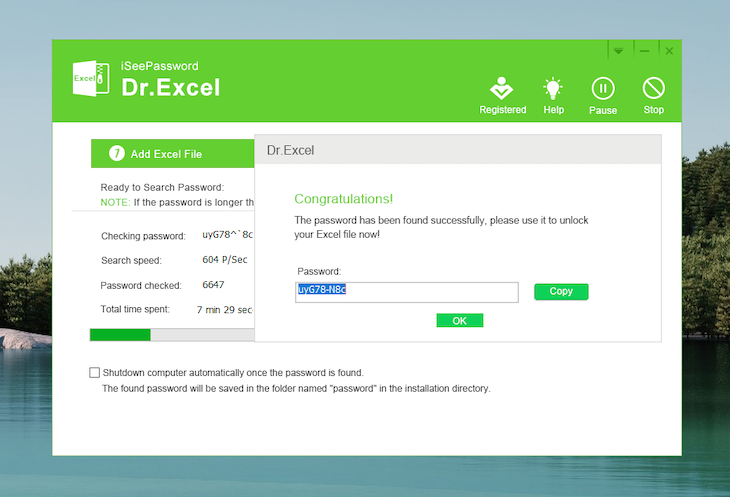
The images below show Excel Protect Sheet Password Forgot in many different forms and settings, and you will quickly see how much variety exists.
Scroll slowly and let each image register, and repeated details across images reveal what truly matters.

How the Gallery Helps You Understand
Think of each example as a visual definition, so you can recognize the qualities worth noticing.
Notice which details stay consistent across the pictures, and those repeated features are what make it recognizable.

All the Different Looks of Excel Protect Sheet Password Forgot
There is a surprising range of styles and interpretations here, each one leans toward a slightly different taste, and seeing them together makes your own preference obvious.
If one image catches your eye, pause on it and ask why, that reaction is a better guide than any checklist.
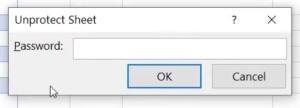
Getting Practical Value From the Images
The collection works best when you do something with it, comparing your reaction across several examples.


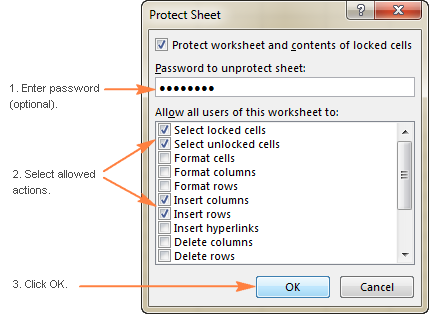


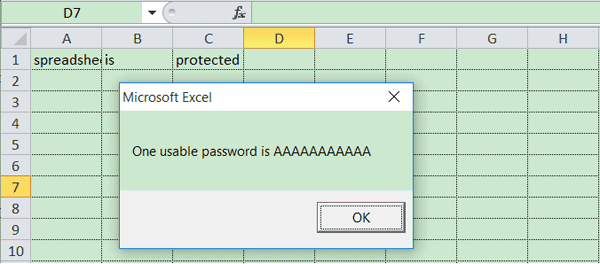


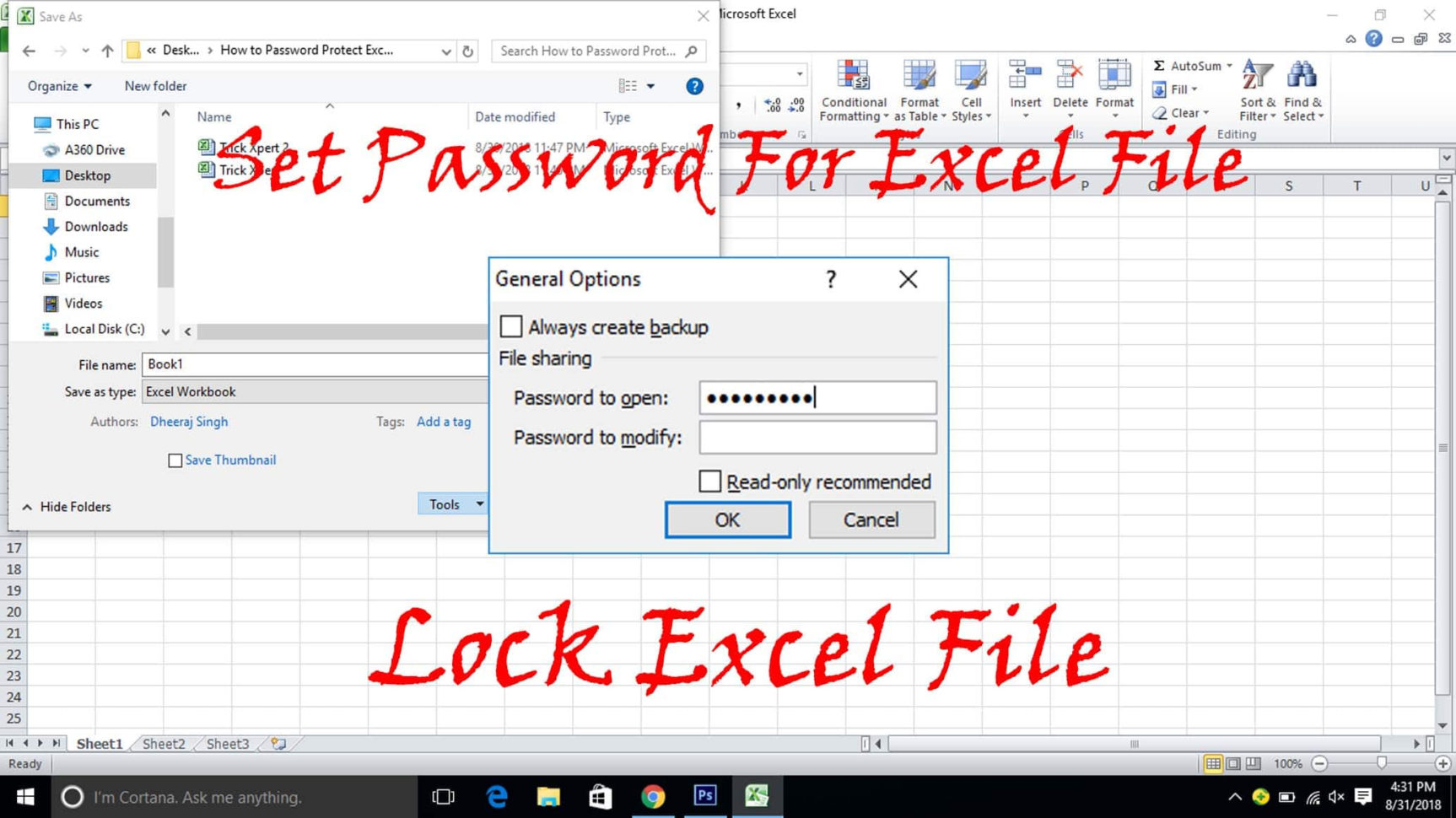
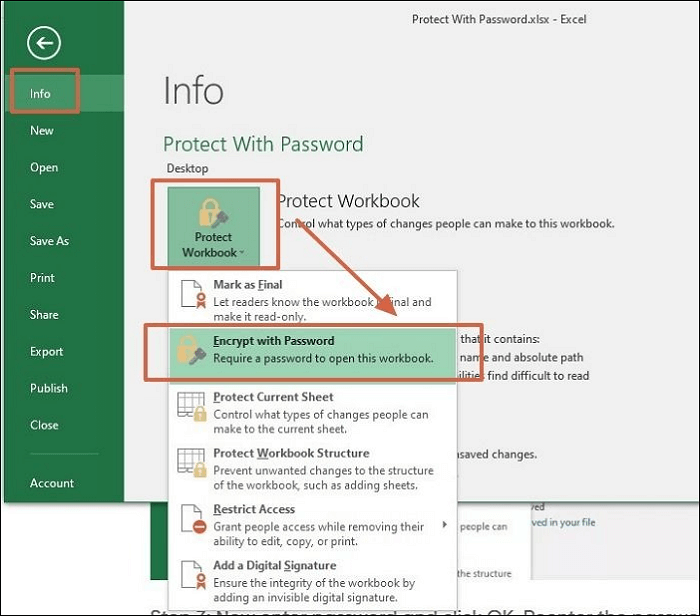

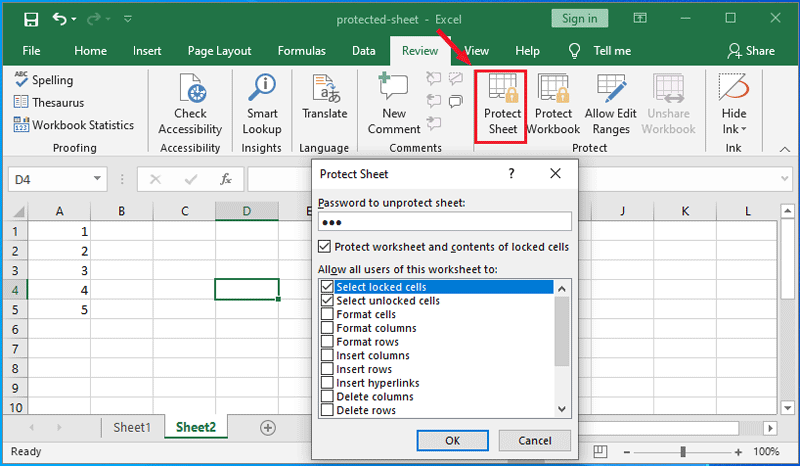
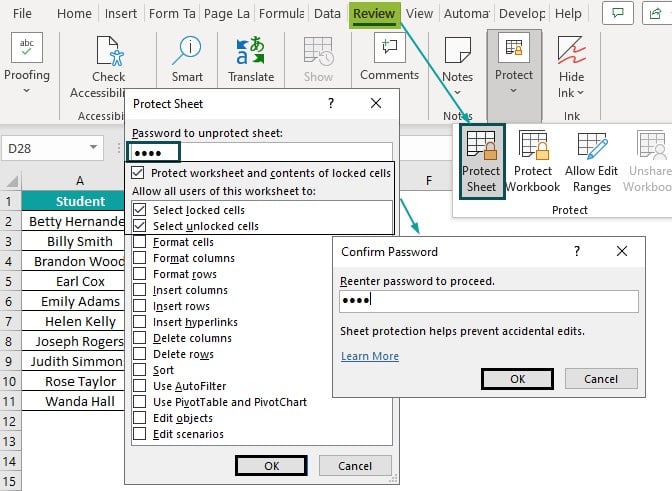

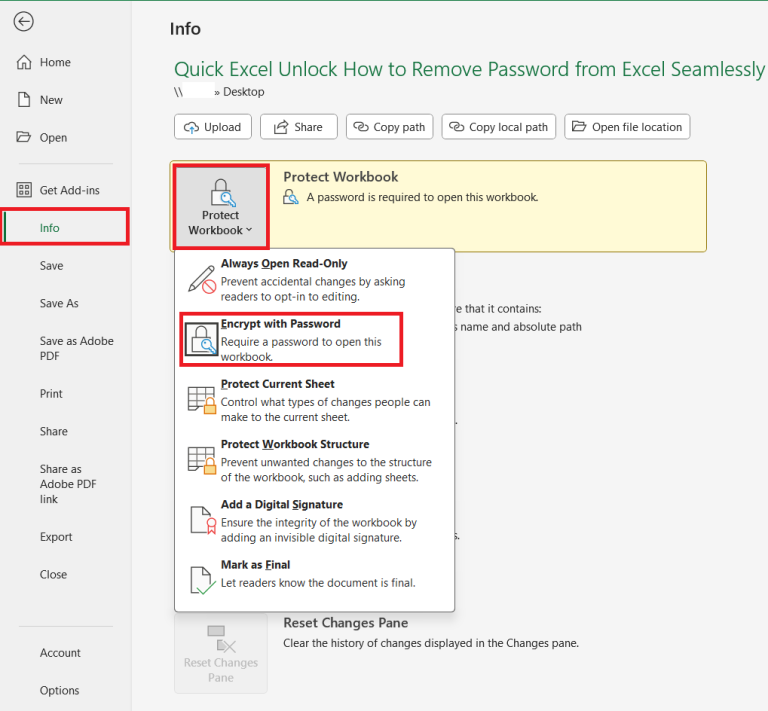
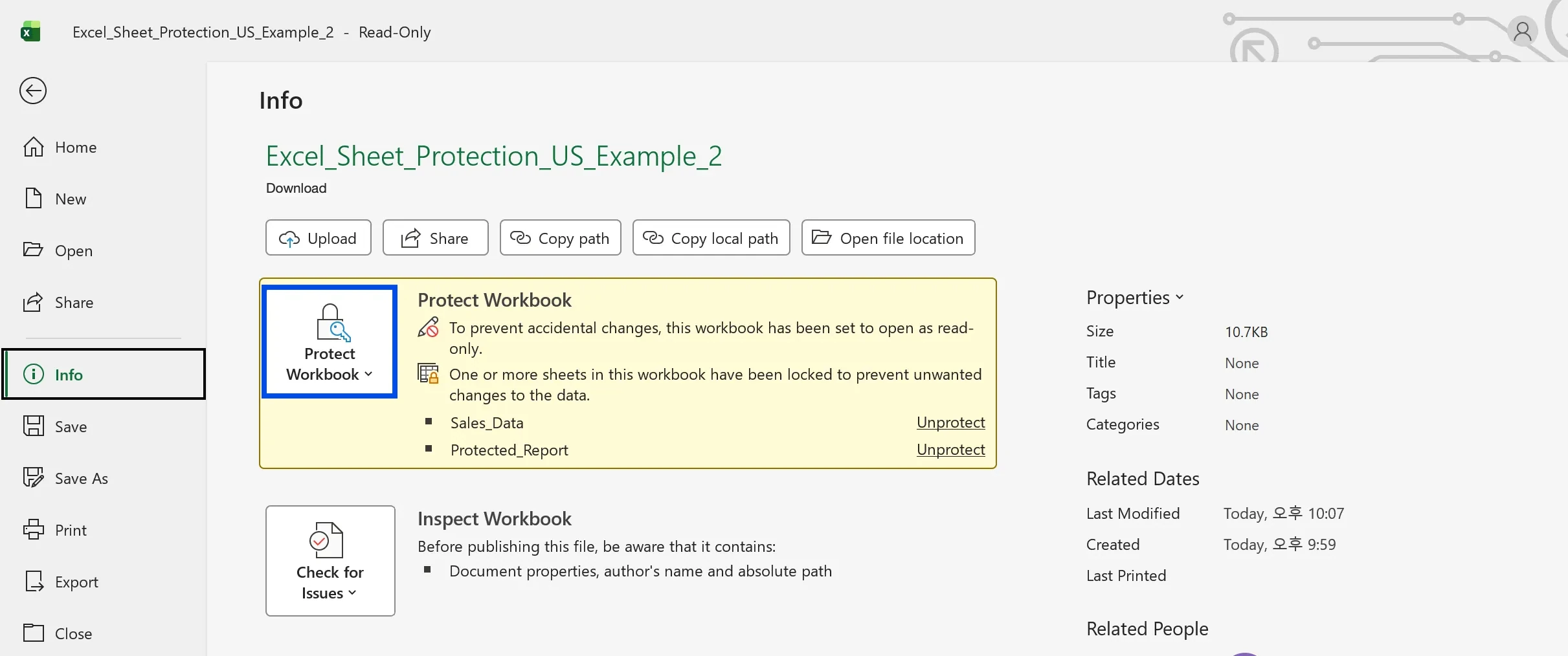
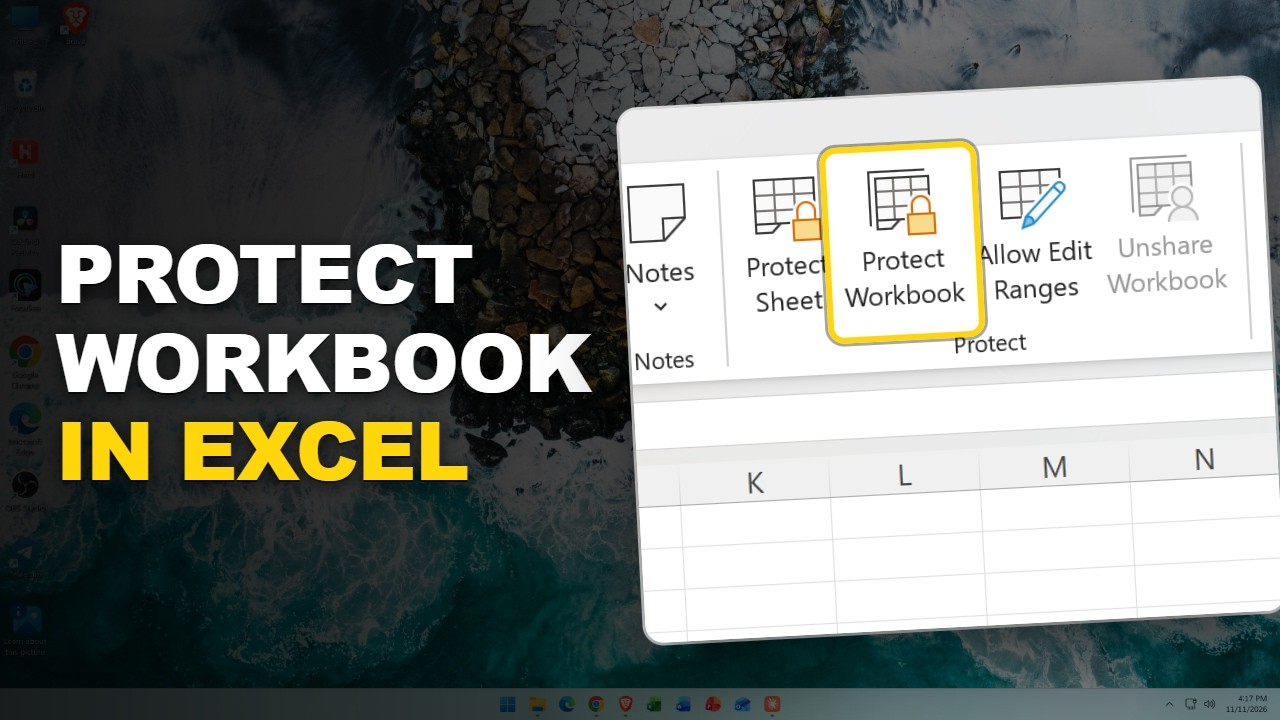
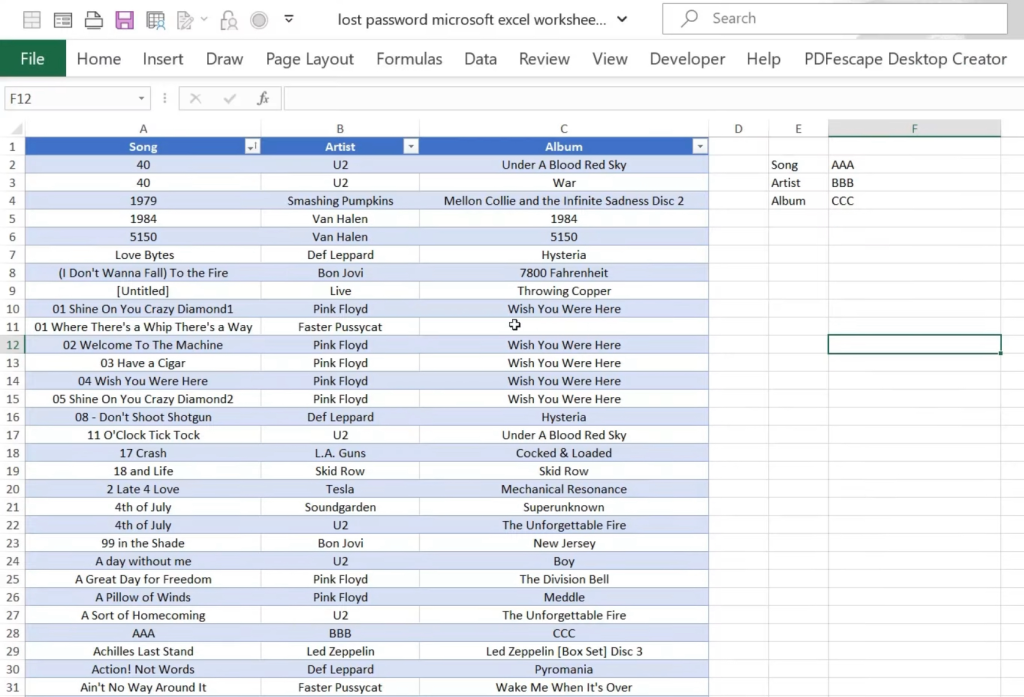
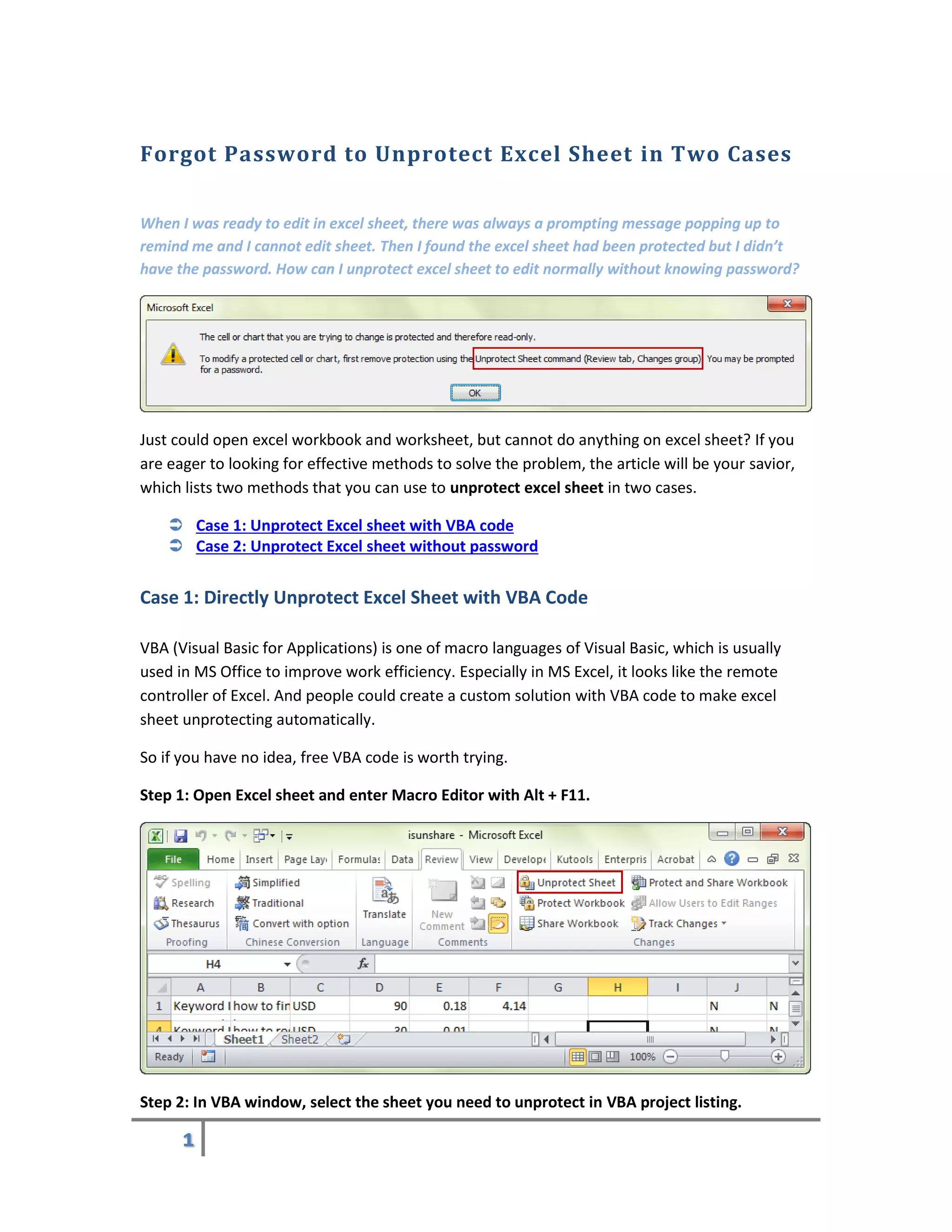

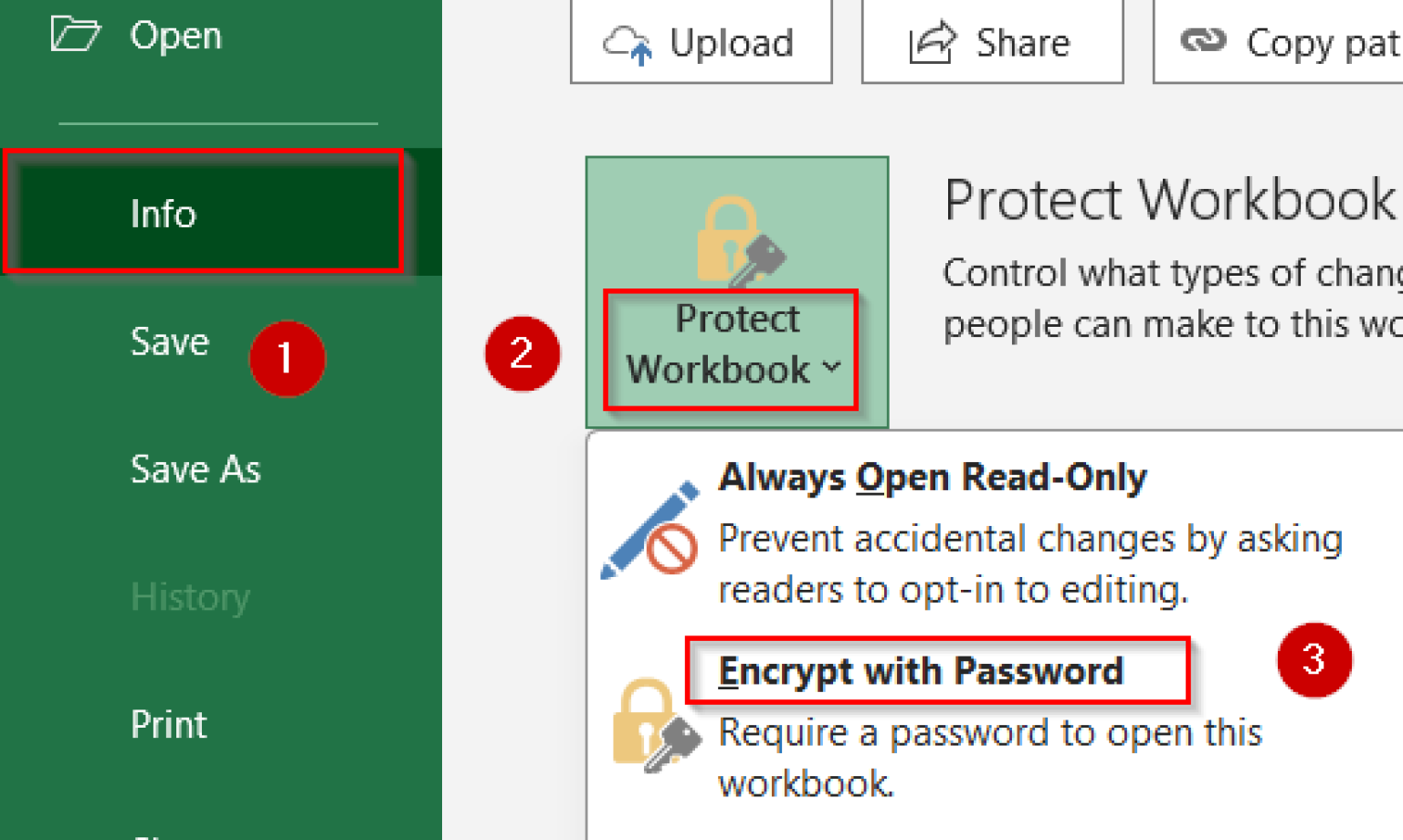


Visual references make it much easier to describe what you want, because pointing to a real example replaces a long and error-prone description.
Closer Looks at the Examples
Slow down and examine fewer images more carefully, paying attention to textures, proportions, colors, and how things are arranged.
The pictures you look at longest often teach the most, so choose the closest matches and examine those thoroughly.
The Power of Example Images
Visual search exists because the human brain processes pictures instantly, an image delivers the subject directly with no filter.
That is why a varied collection like this is so effective, and whatever your reason was, the gallery has a use for it.
The Reference Is Here Whenever You Need It
You can return to this page of Excel Protect Sheet Password Forgot images anytime, and a fresh look at the same gallery often reveals something new.
Repeated exposure quietly builds real visual understanding, and let the gallery keep doing what it does best.