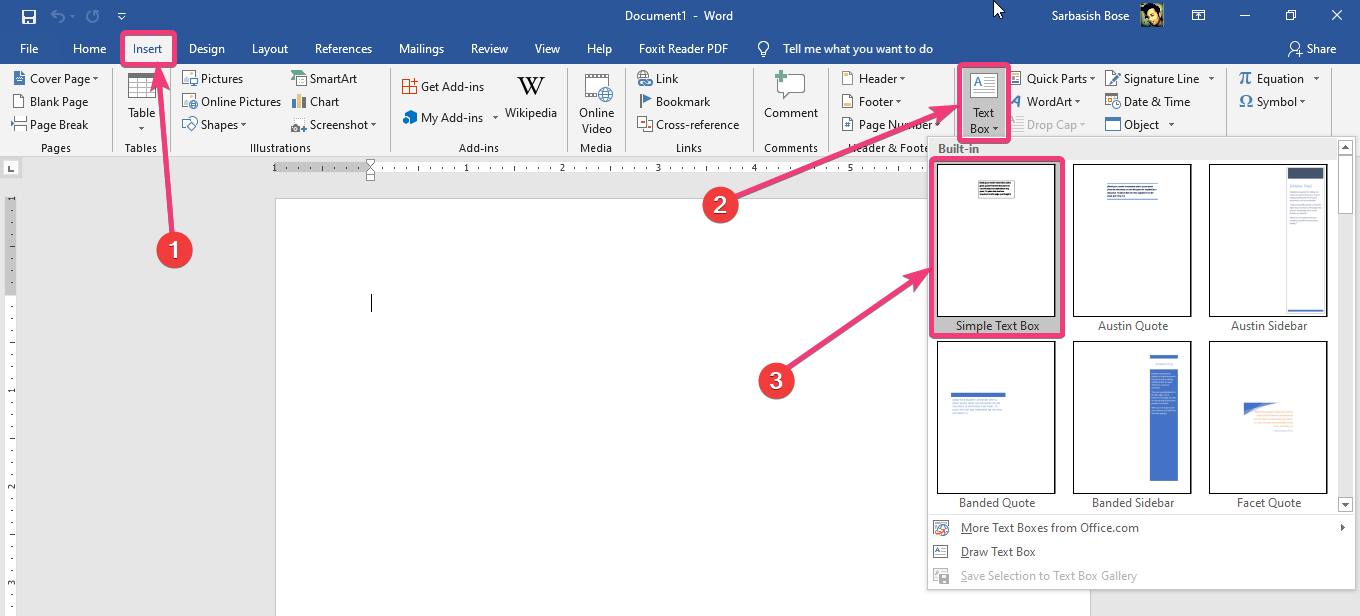
How To Mirror A Picture On Word with Natasha Carroll blog

Natasha Carroll Nov 26, 2026

Found It: How To Mirror A Picture On Word in One Place

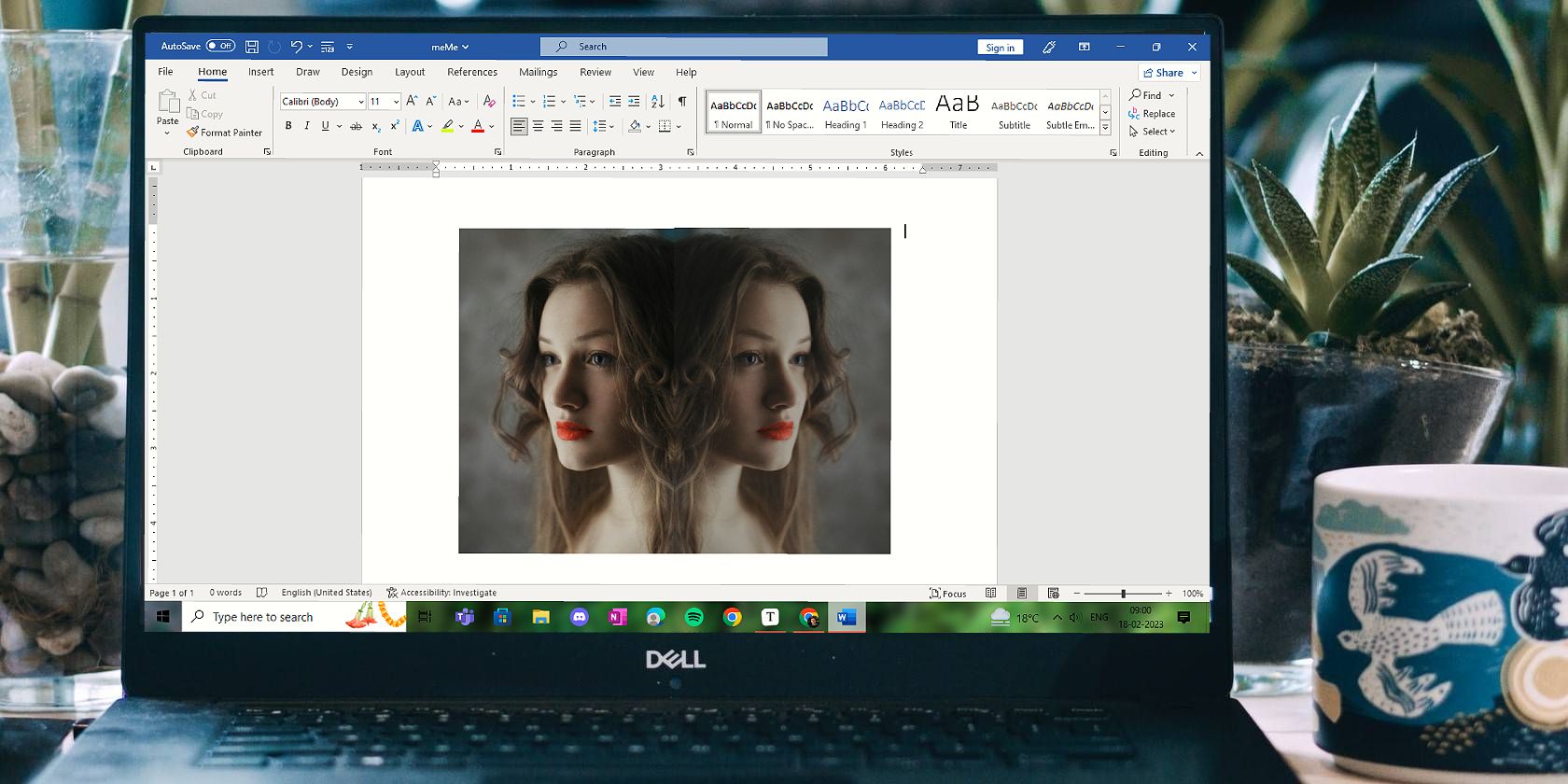
How to Mirror an Image in Microsoft Word [Quick Guide]

Since you are searching for How To Mirror A Picture On Word, this page was made for you, shown here as a varied gallery of reference images.
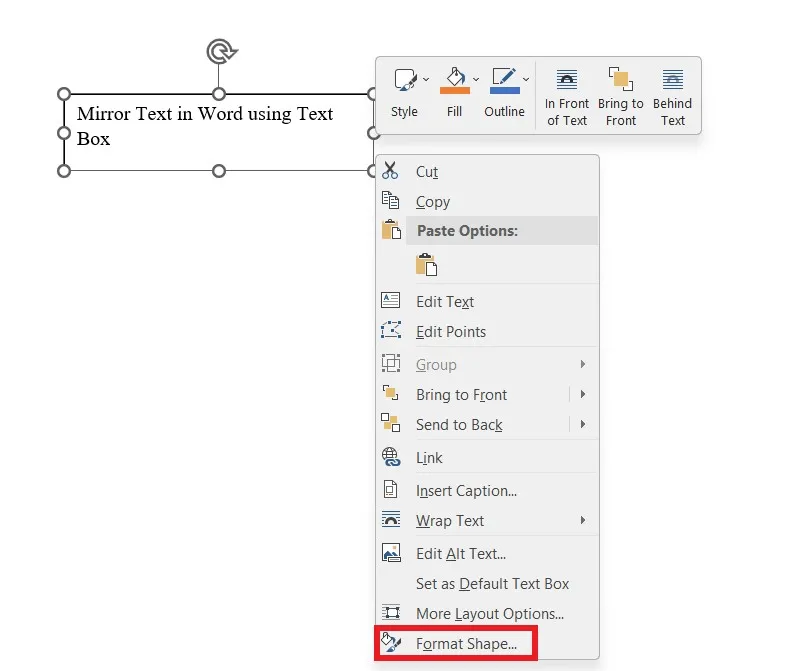
Wordで文字を反転・ミラーリングする方法4つ:図解付きガイド

Sometimes words are not enough to describe what you have in mind, and that is exactly why visual references work so well here.

Real Picture Examples for How To Mirror A Picture On Word
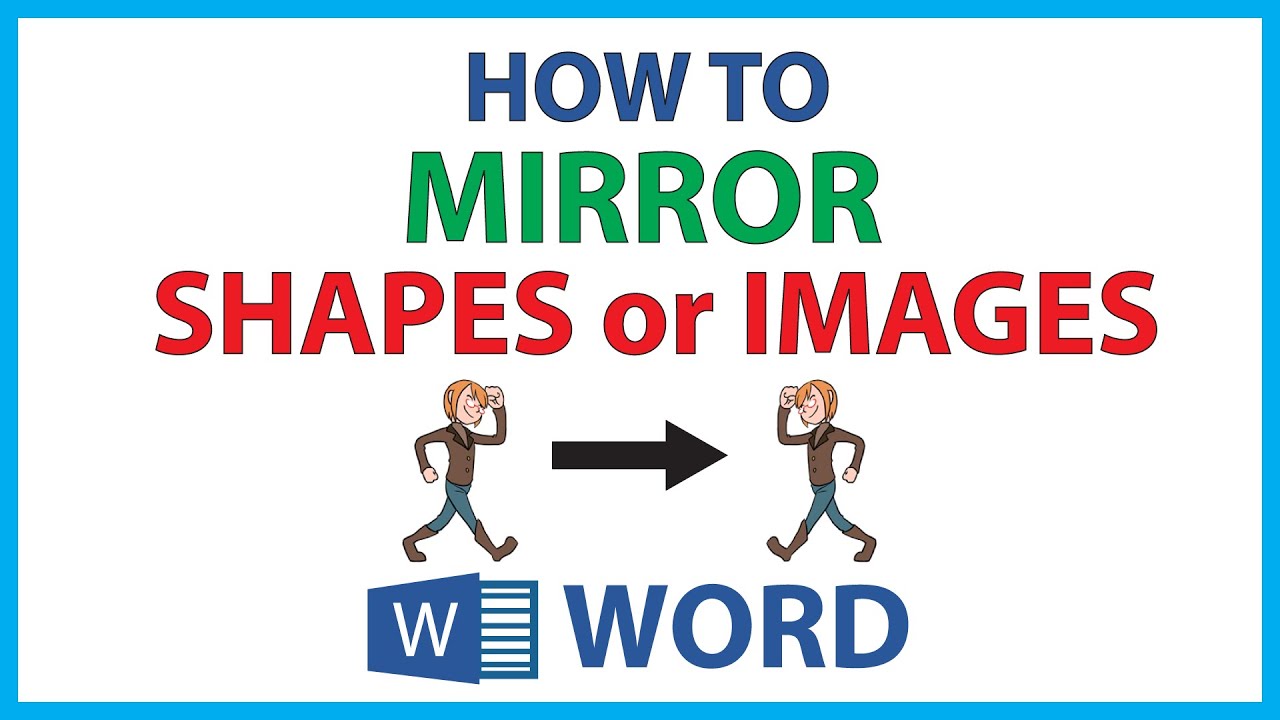
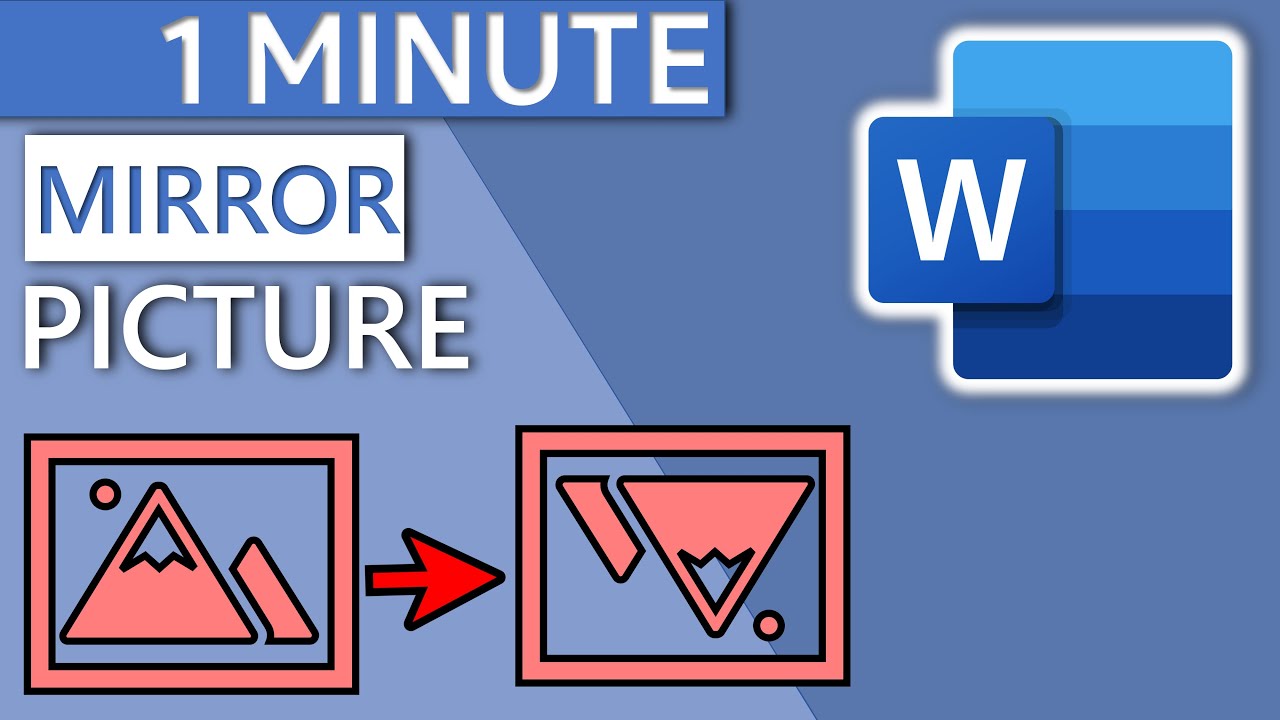
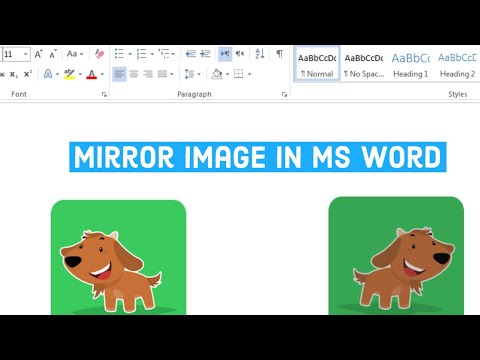
Microsoft Word: How To Mirror A Shape Or Image In Word | 365 | - YouTube

The images below show How To Mirror A Picture On Word in many different forms and settings, and you will quickly see how much variety exists.

There is no need to rush past the pictures, since patterns start to appear after just a few examples.

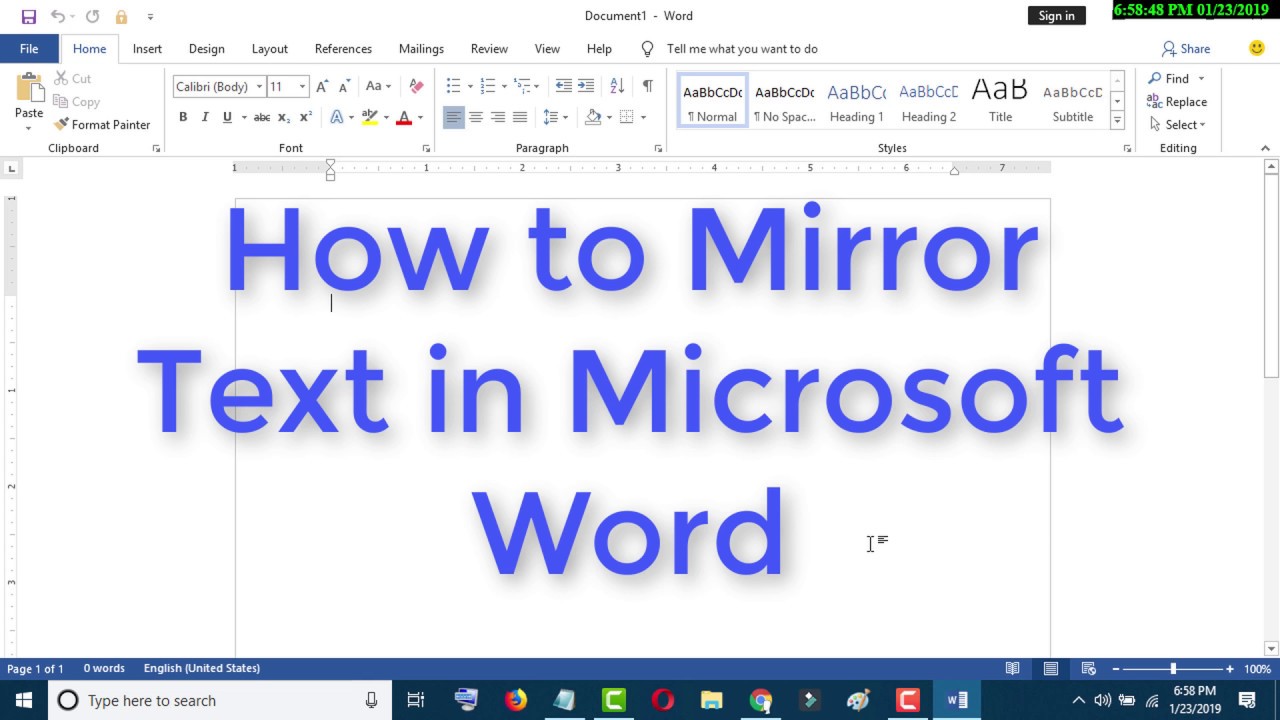
How to mirror text in Ms Word 2010, 2013, 2015, 365 - YouTube

Reading How To Mirror A Picture On Word Through Images

Each image works as a small explanation of its own, making it much easier to judge what fits your needs.

Notice which details stay consistent across the pictures, since repetition across images signals what defines it.

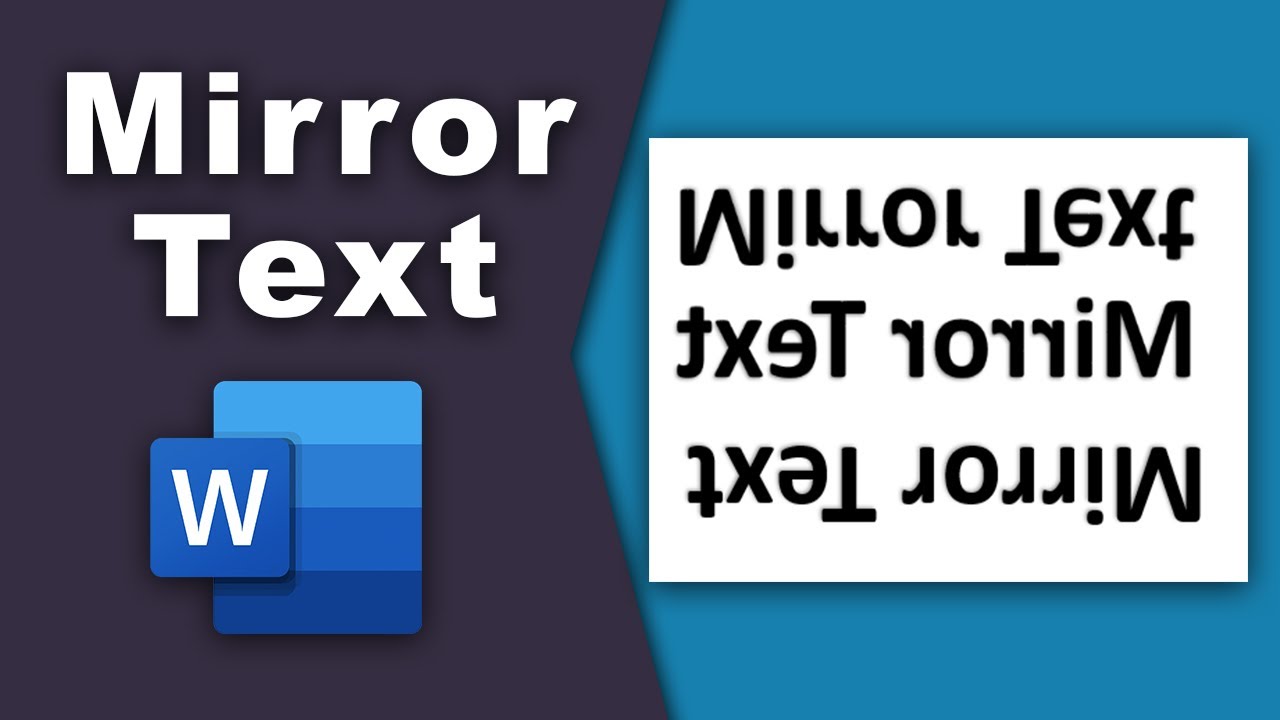
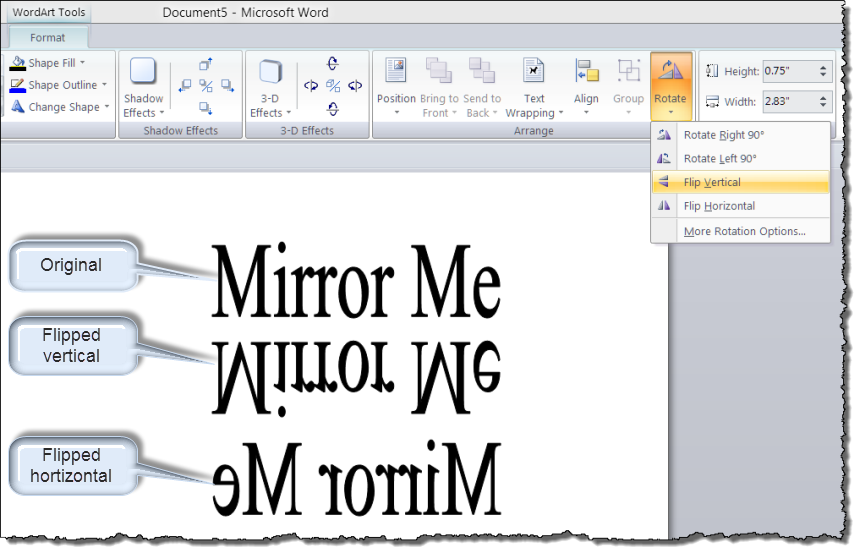
How to Mirror / Flip Text in MS Word - OfficeBeginner

All the Different Looks of How To Mirror A Picture On Word

The differences between examples are part of what makes browsing useful, a few lean traditional while others feel modern, so studying the range helps you identify which style suits you best.

If one image catches your eye, pause on it and ask why, and it often matches what you will want in the end.
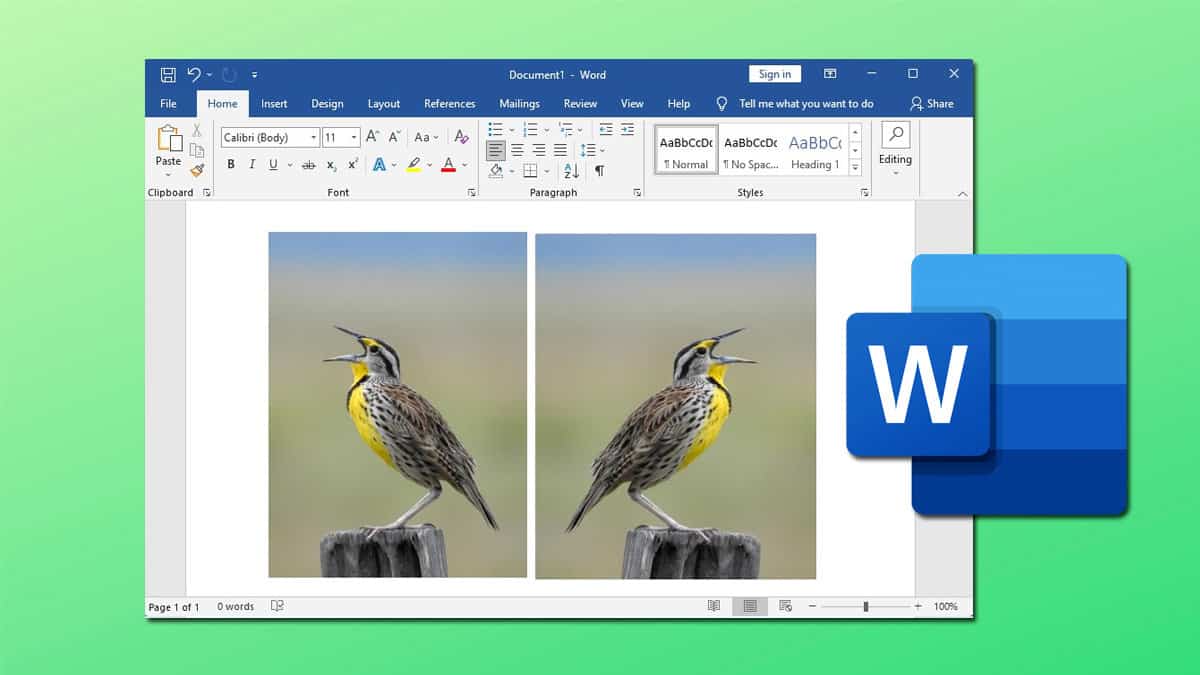
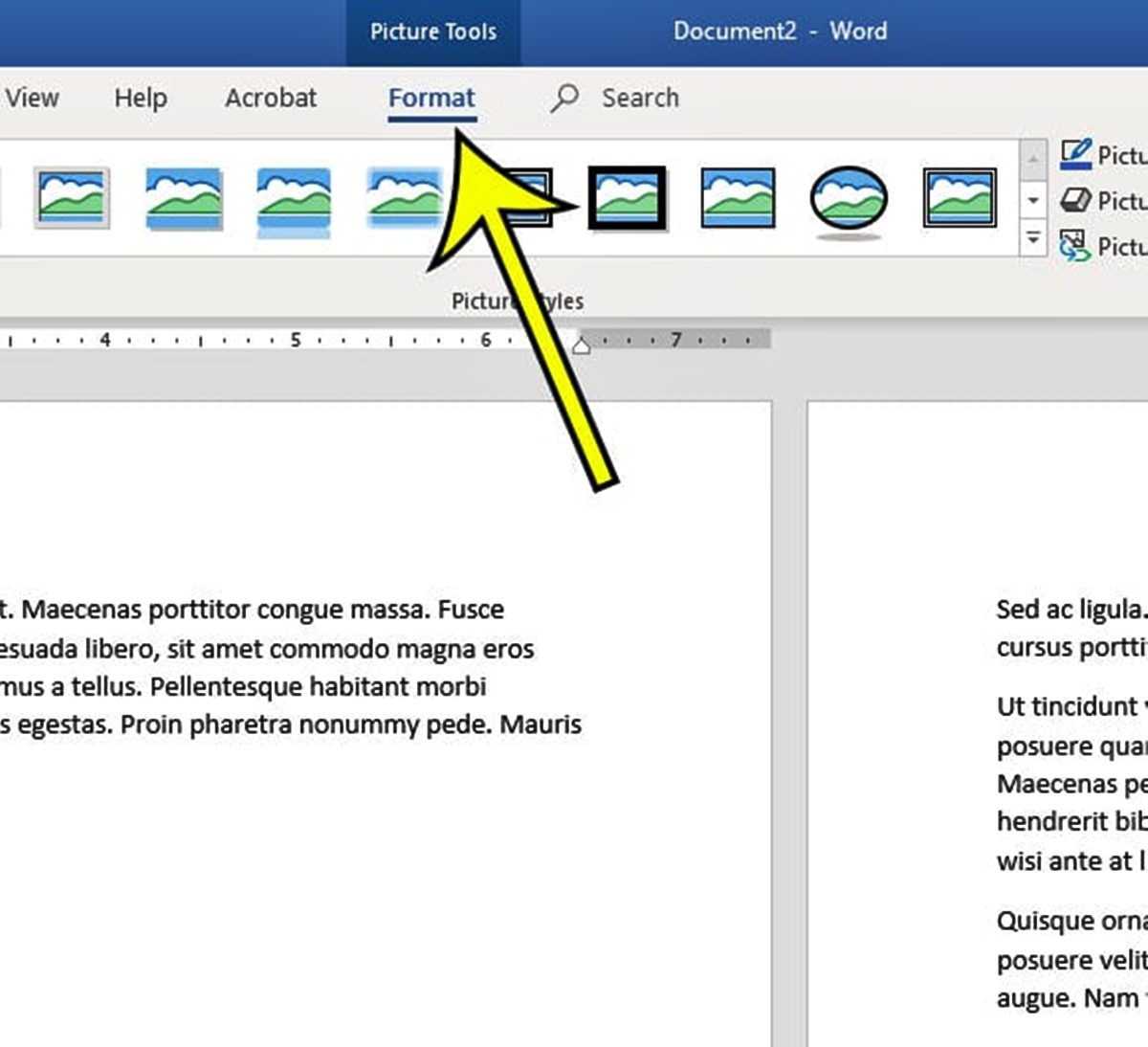
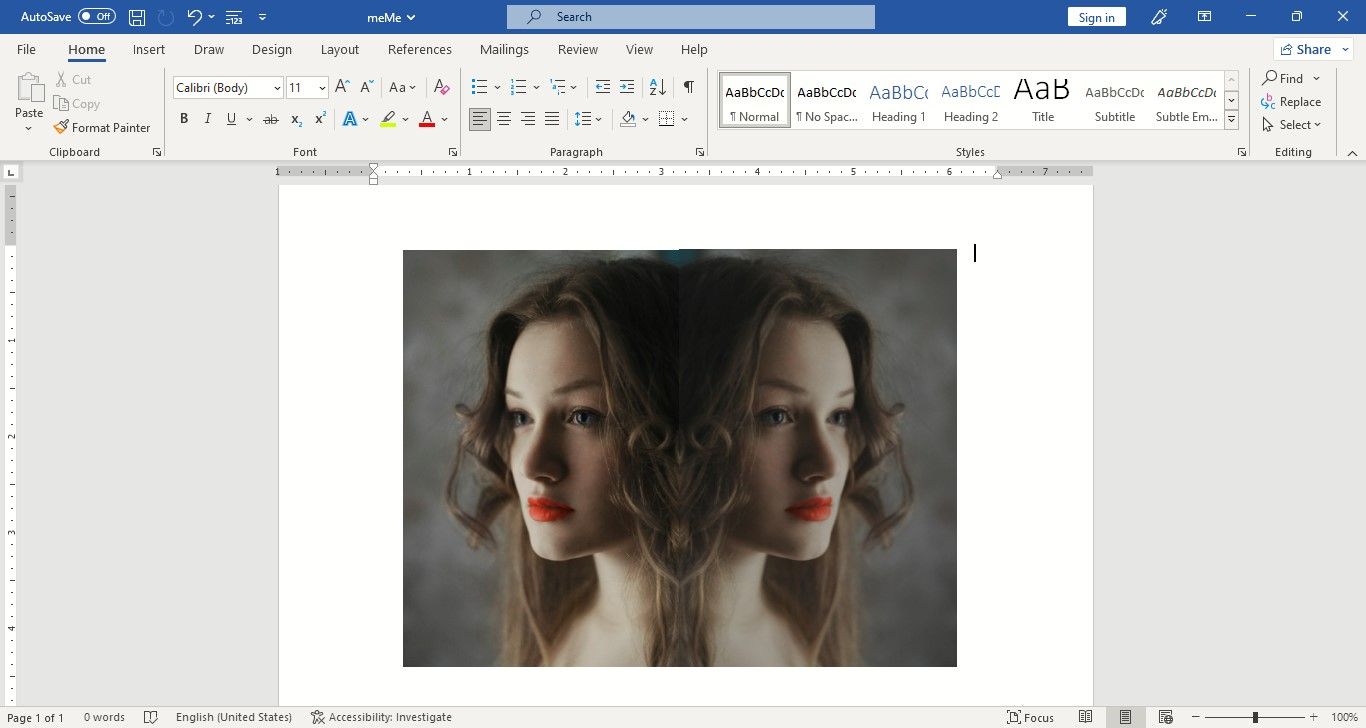
How to Mirror (Flip) an Image in Microsoft Word

Turning Pictures Into Useful Reference

Treat the gallery as a practical tool rather than decoration, for instance, keeping a shortlist of your favorite pictures.
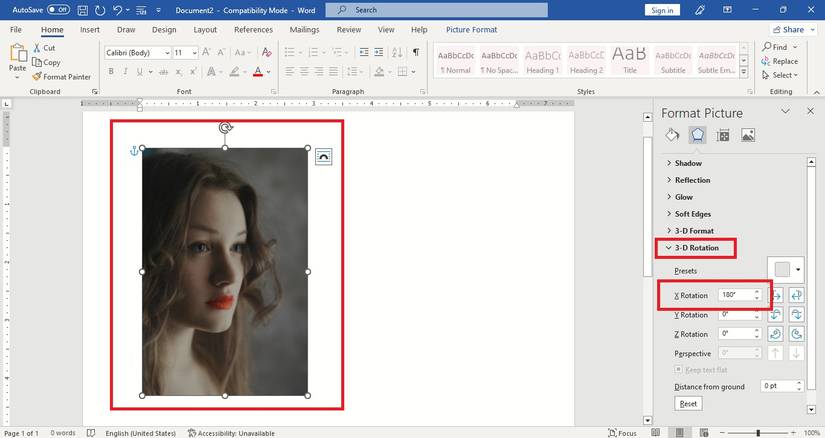
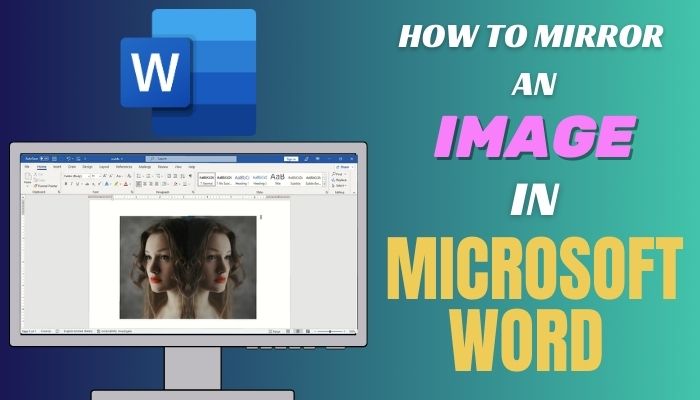
How to Mirror an Image Using Microsoft Word
How to Mirror an Image in Microsoft Word [Quick Guide]
How To Mirror Reverse An Image In Word at Otto Atkinson blog
How to Mirror Text in Microsoft Word - YouTube
How to Mirror an Image Using Microsoft Word
How to Mirror an Image in Microsoft Word
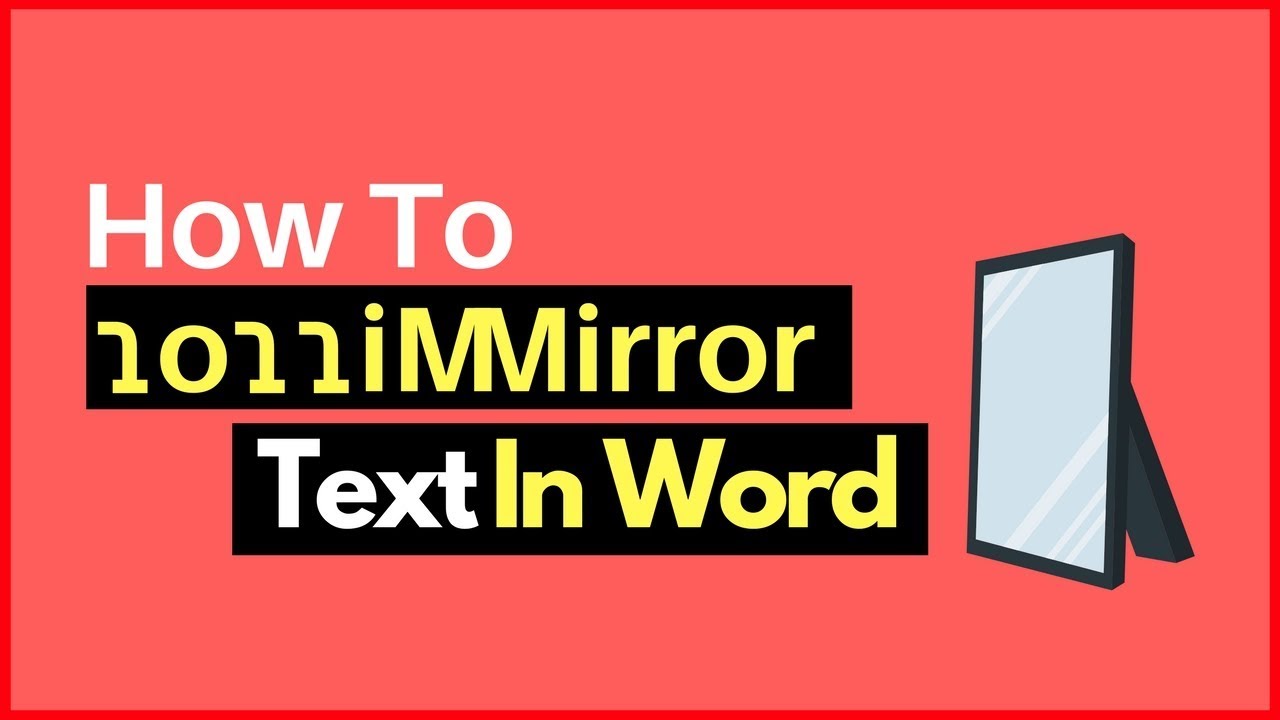
How to Mirror Text in Word the Easy Way - YouTube
How to Mirror an Image in Microsoft Word
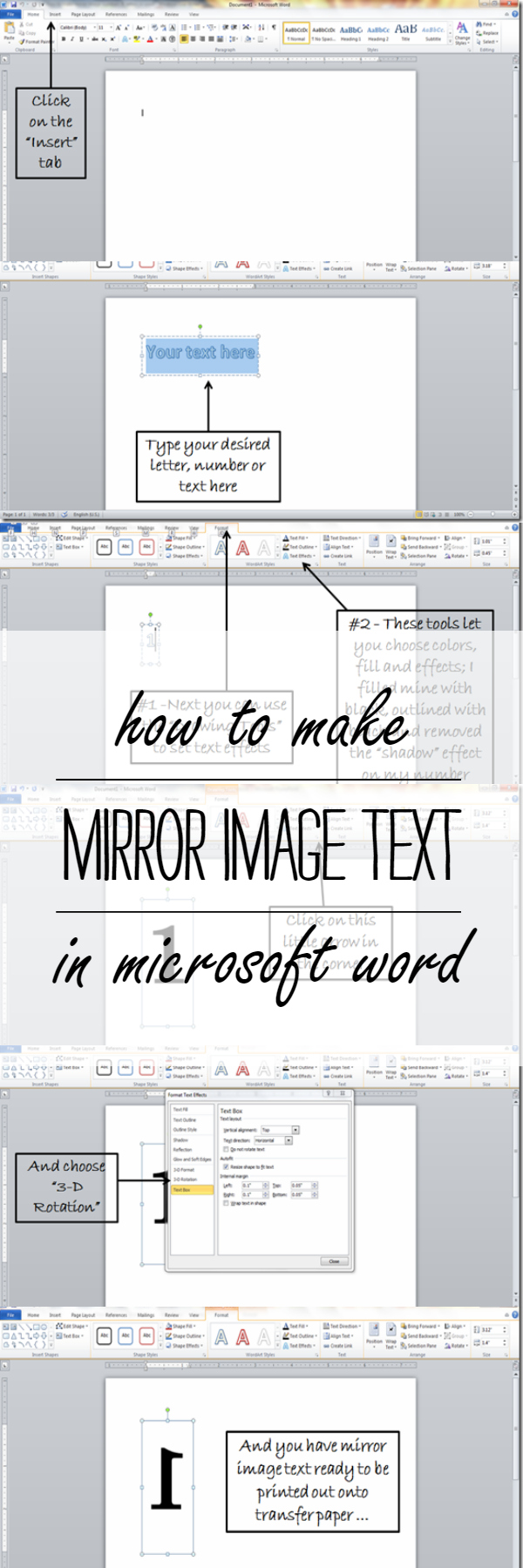
How To Print Mirror Text In Word - Design Talk
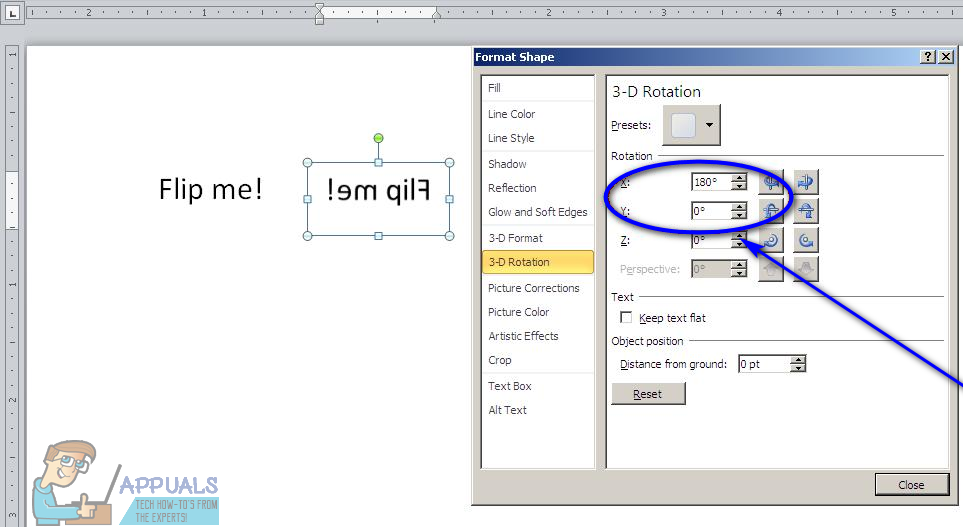
How to Mirror or Flip Text in Microsoft Word - YouTube
how to make mirror image text in Microsoft Word - It All Started With Paint
Mirror Image in Word Document (2019/2020) | Flip Image - YouTube
How to Mirror an Image in Microsoft Word | CitizenSide
How to Mirror an Image Using Microsoft Word
How to Mirror Text in Word
How to Mirror Image Text in Word?
How to Mirror an Image Using Microsoft Word
How to make a MIRROR IMAGE in WORD | REFLECTIONS in Word - YouTube
How to Mirror or Flip Text in Microsoft Word
How to Mirror an Image in Microsoft Word
How to Flip an Image in Word | Mirror Picture in Word - YouTube
How to Create a Mirror Image of WordArt in Microsoft Word (PC & Mac)
How to mirror image in Ms Word 2010, 2013, 2015, 365 - YouTube
How to Mirror an Image in Microsoft Word
How to Mirror Image on Microsoft Word on Windows - YouTube
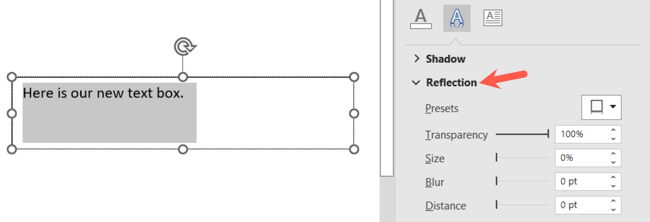
How to get the mirror image or water reflection of a text on Microsoft Word
How to Mirror an Image in Microsoft Word
How to get the mirror image or water reflection of a text on Microsoft Word
How to Mirror or Flip an Image in MS Word - OfficeBeginner

Sometimes the fastest way to communicate is to share the picture itself, which prevents most of the usual misunderstandings.

Details Worth Zooming In On

Beyond the first impression, each image contains useful details, paying attention to textures, proportions, colors, and how things are arranged.

A closer look at one good image beats skimming twenty, so instead of racing through all the examples, study a handful properly.

Seeing Is Understanding

Visual search exists because the human brain processes pictures instantly, a visual cuts straight past every possible misunderstanding.

This is precisely why galleries like this one are valuable, so whatever brought you here, the images can carry you the rest of the way.

The Reference Is Here Whenever You Need It

Bookmark this collection of How To Mirror A Picture On Word examples, since every revisit tends to surface details you missed.

The more examples you absorb, the sharper your eye becomes, so treat every revisit as a chance to see something you skipped.