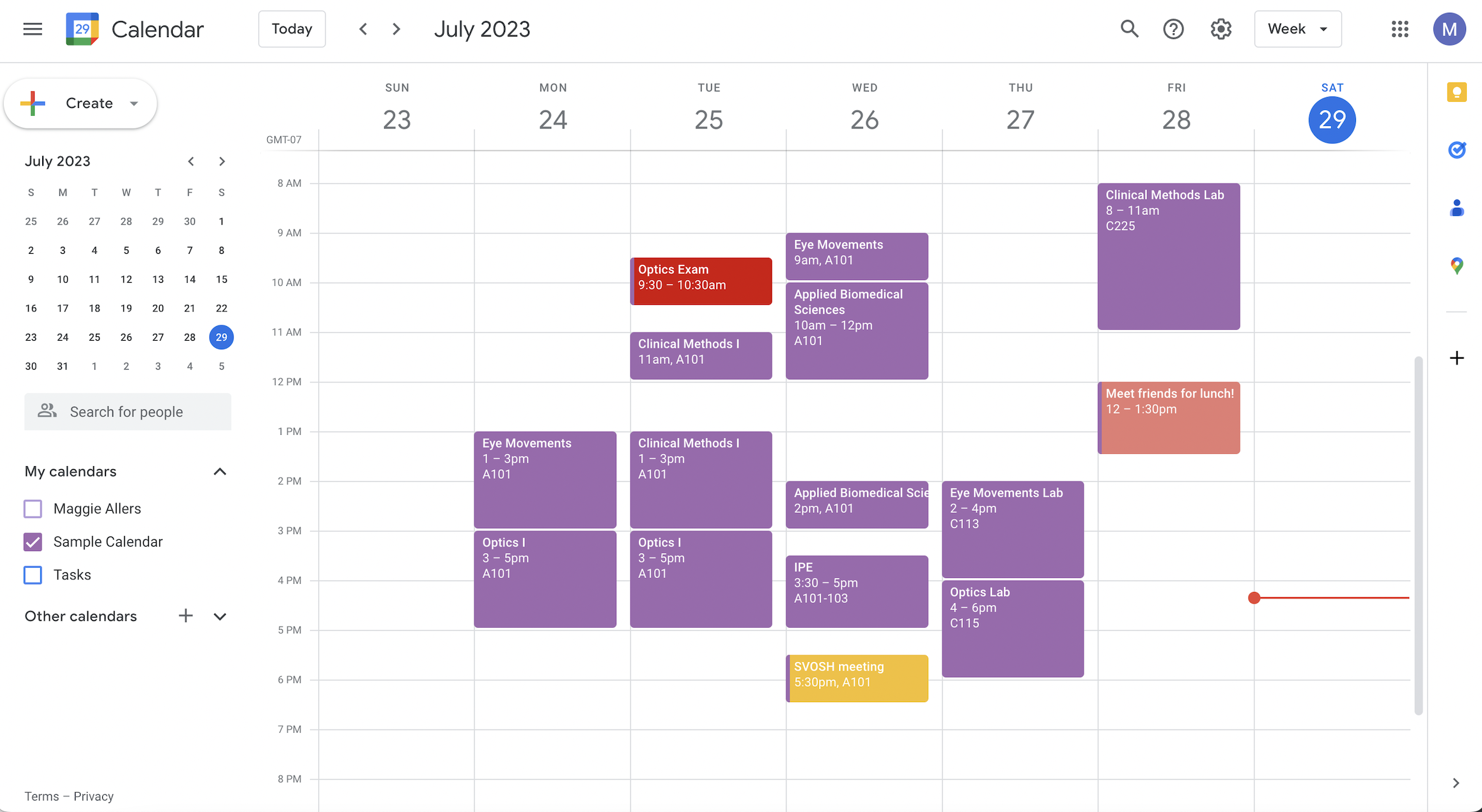
Does Google Calendar Have A Timer with Vernon Macdonald blog

Found It: Does Google Calendar Have A Timer in One Place
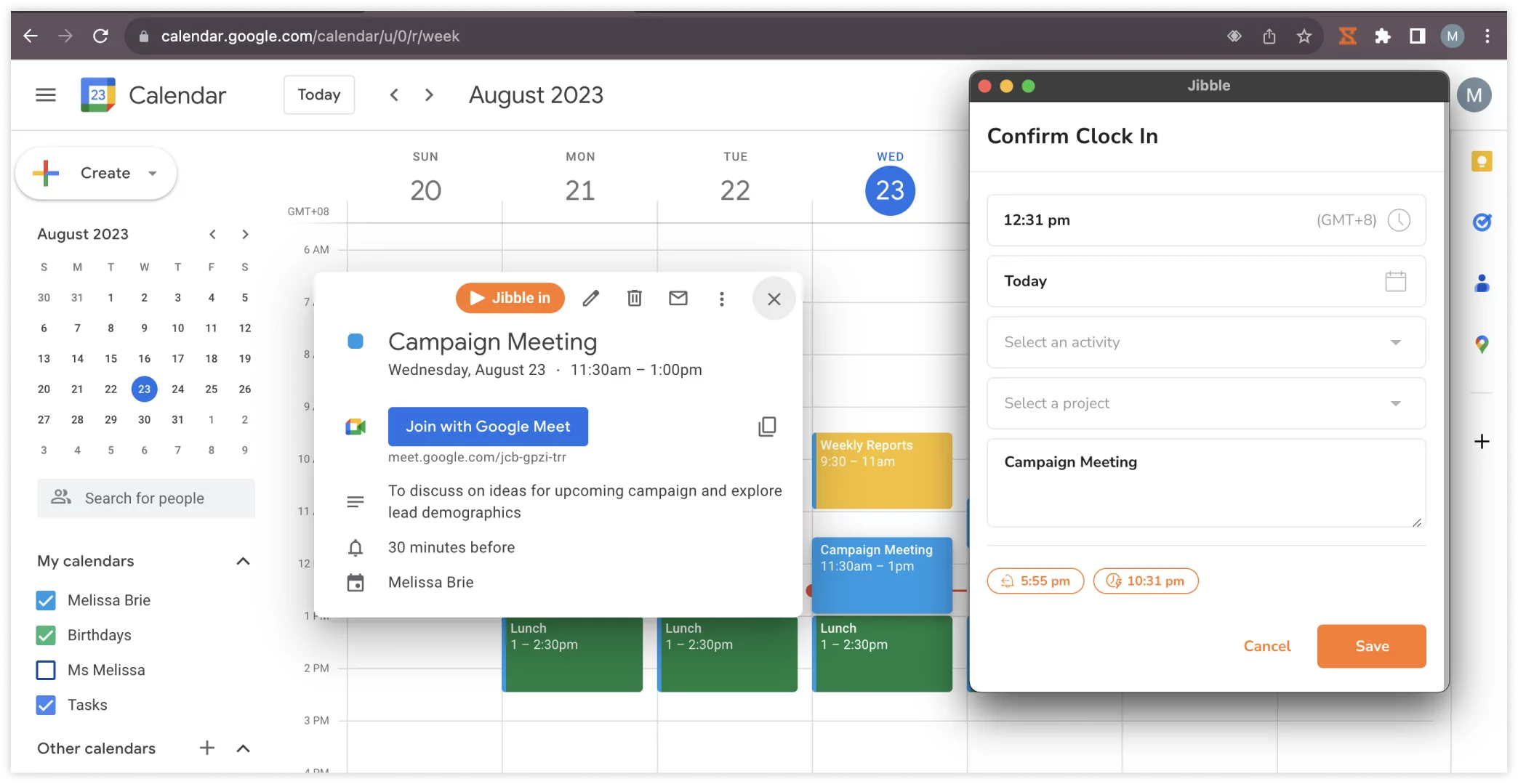
How do I track time in Google Calendar?

If you arrived here looking for Does Google Calendar Have A Timer, you are in the right place, with a growing collection of example images collected as visual reference.
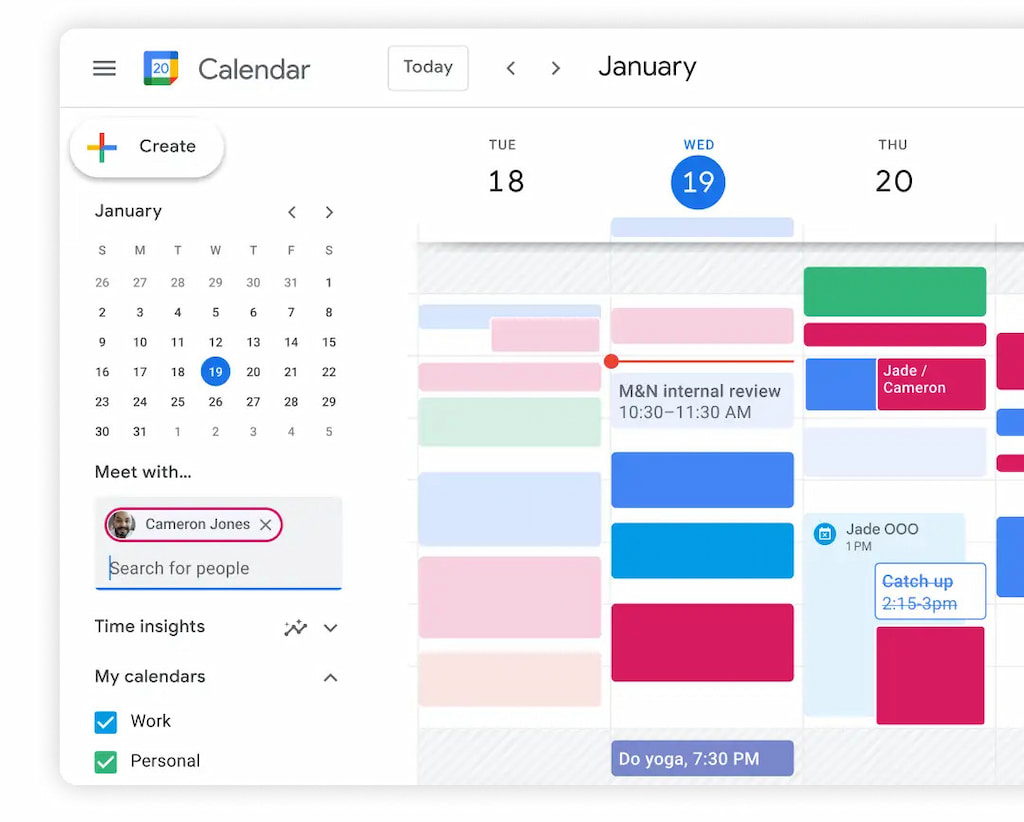
Google Calendar Shift Schedule: Simplify Shift Management & Allocation

Reading about something is one thing; seeing it is another, and that is exactly why visual references work so well here.

Does Google Calendar Have A Timer in Actual Pictures

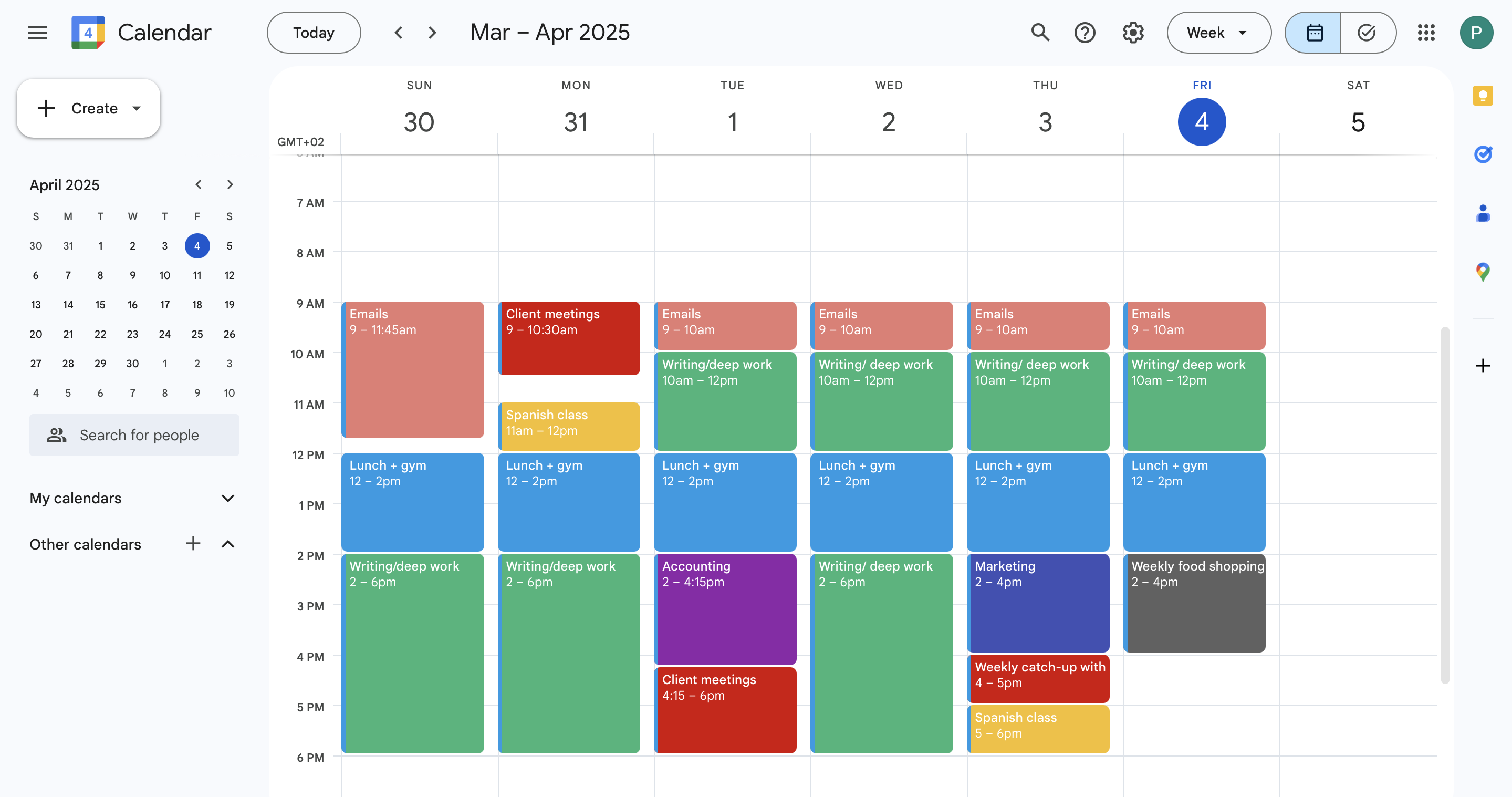
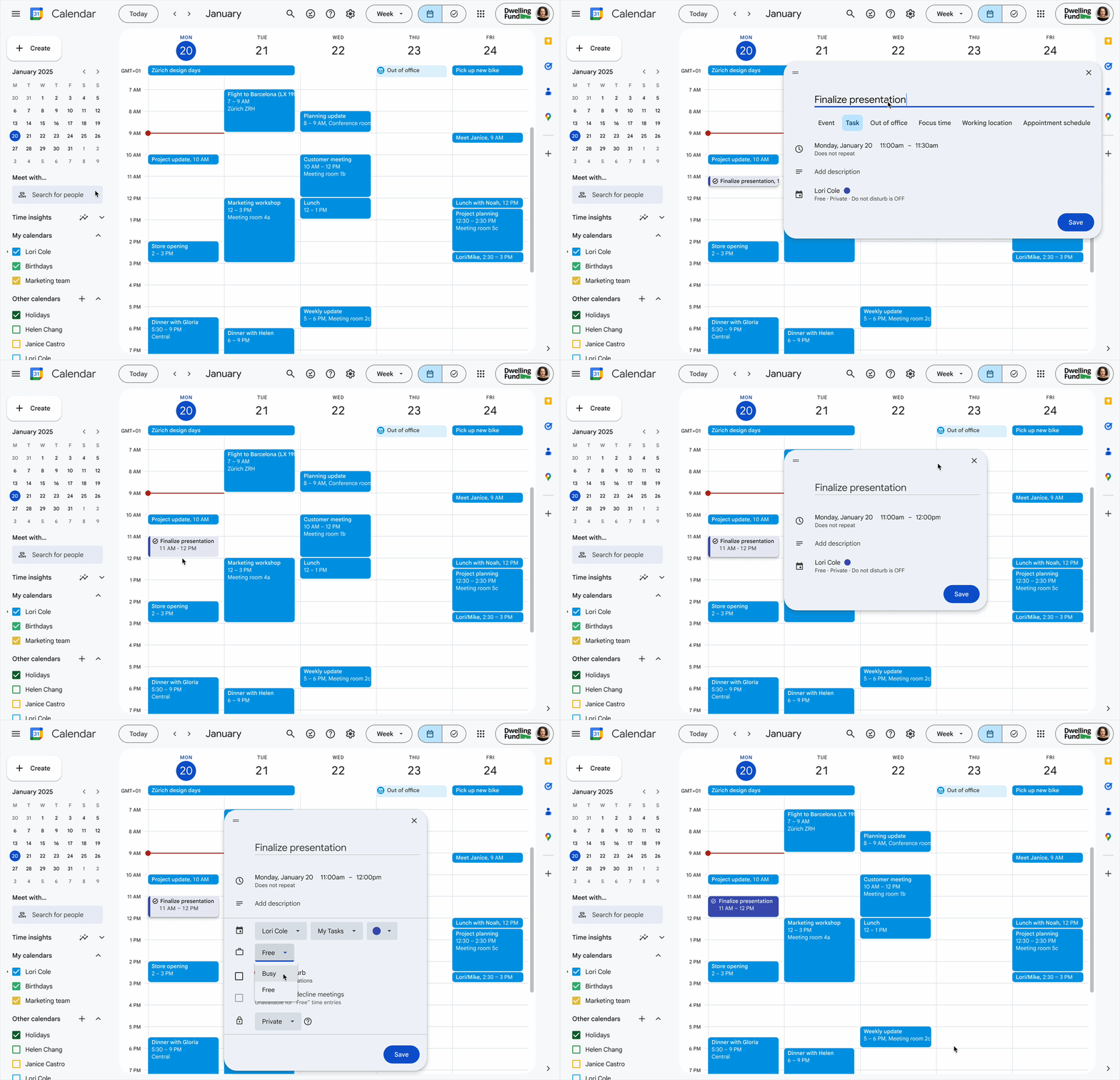
How to Block Time in Google Calendar

Every example image highlights a slightly different version of Does Google Calendar Have A Timer, and you will quickly see how much variety exists.

There is no need to rush past the pictures, since patterns start to appear after just a few examples.

How to Block Time in Google Calendar

What the Images Can Show You

Each image works as a small explanation of its own, showing details that are hard to put into words.

Notice which details stay consistent across the pictures, and those repeated features are what make it recognizable.

30 incredibly useful things you didn't know Google Calendar could do ...

All the Different Looks of Does Google Calendar Have A Timer

There is a surprising range of styles and interpretations here, a few lean traditional while others feel modern, and that discovery is exactly what a reference gallery is for.

Whenever a particular picture stands out, stop and study it, since your natural preference reveals itself faster than you think.
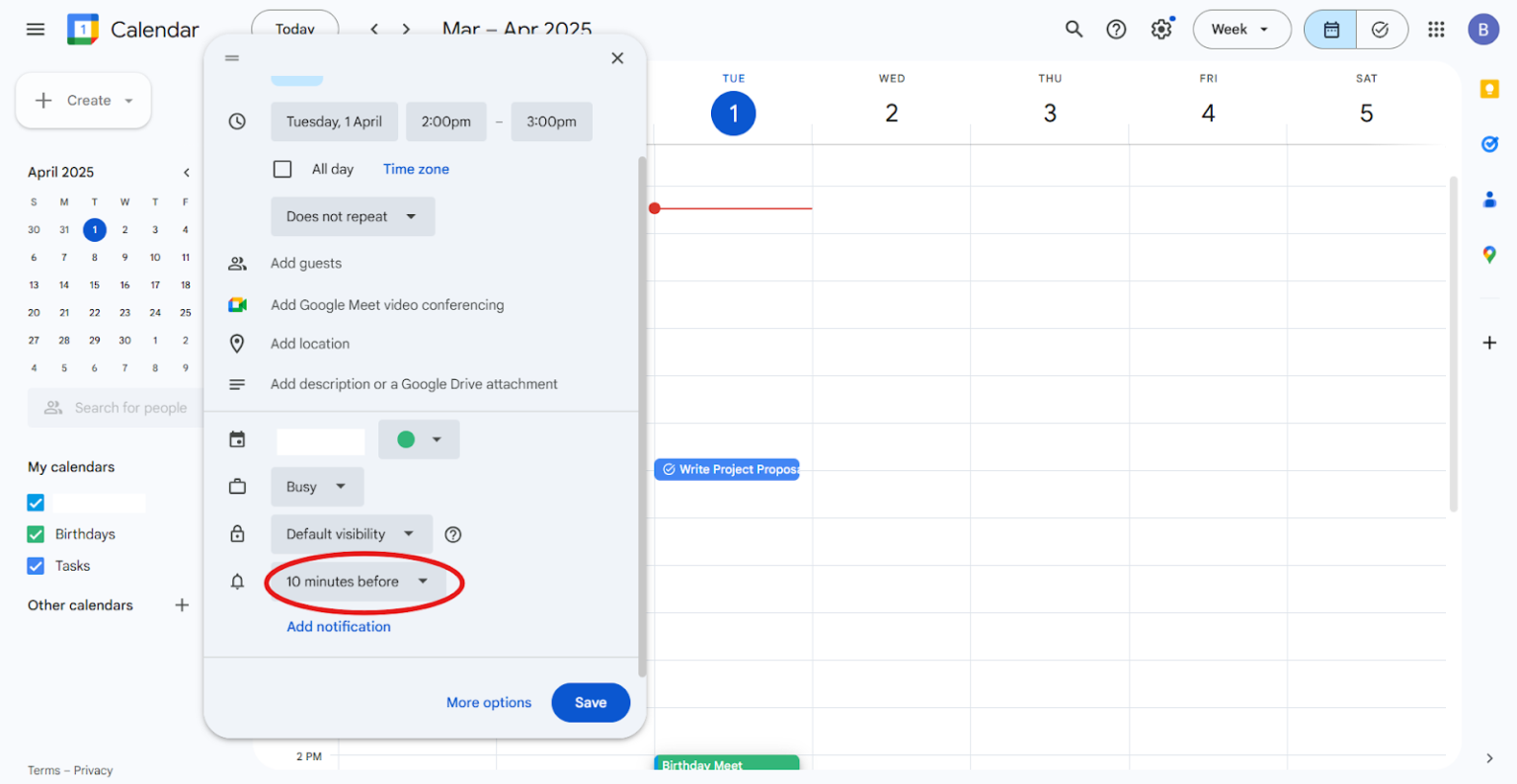
How to Use Google Calendar for Time Blocking? | ClickUp

How to Use These Examples for Reference

Every picture here can serve as a working reference, like marking the images that match your idea.
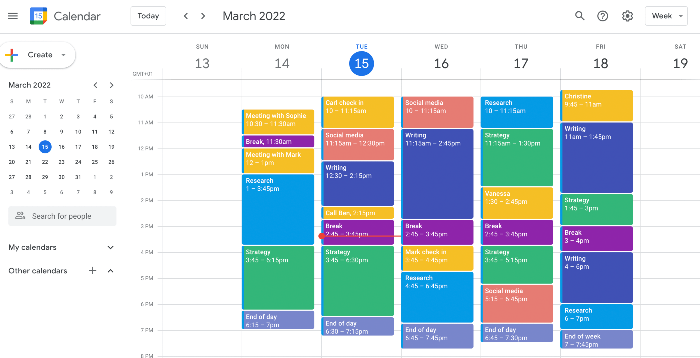
Ultimate Time Blocking Guide (+ Time Blocking Apps)
How to Block Time in Google Calendar
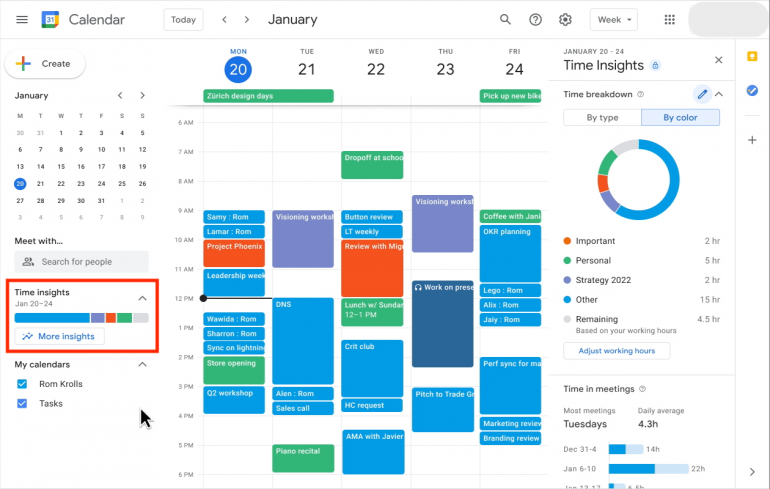
Google Calendar Time Insights: Complete Guide (2026)
Google Calendar - Integrações com a Factorial
5 Easy Time Blocking Templates to Optimize Your Calendar
How to Use Google Calendar for Time Blocking? | ClickUp
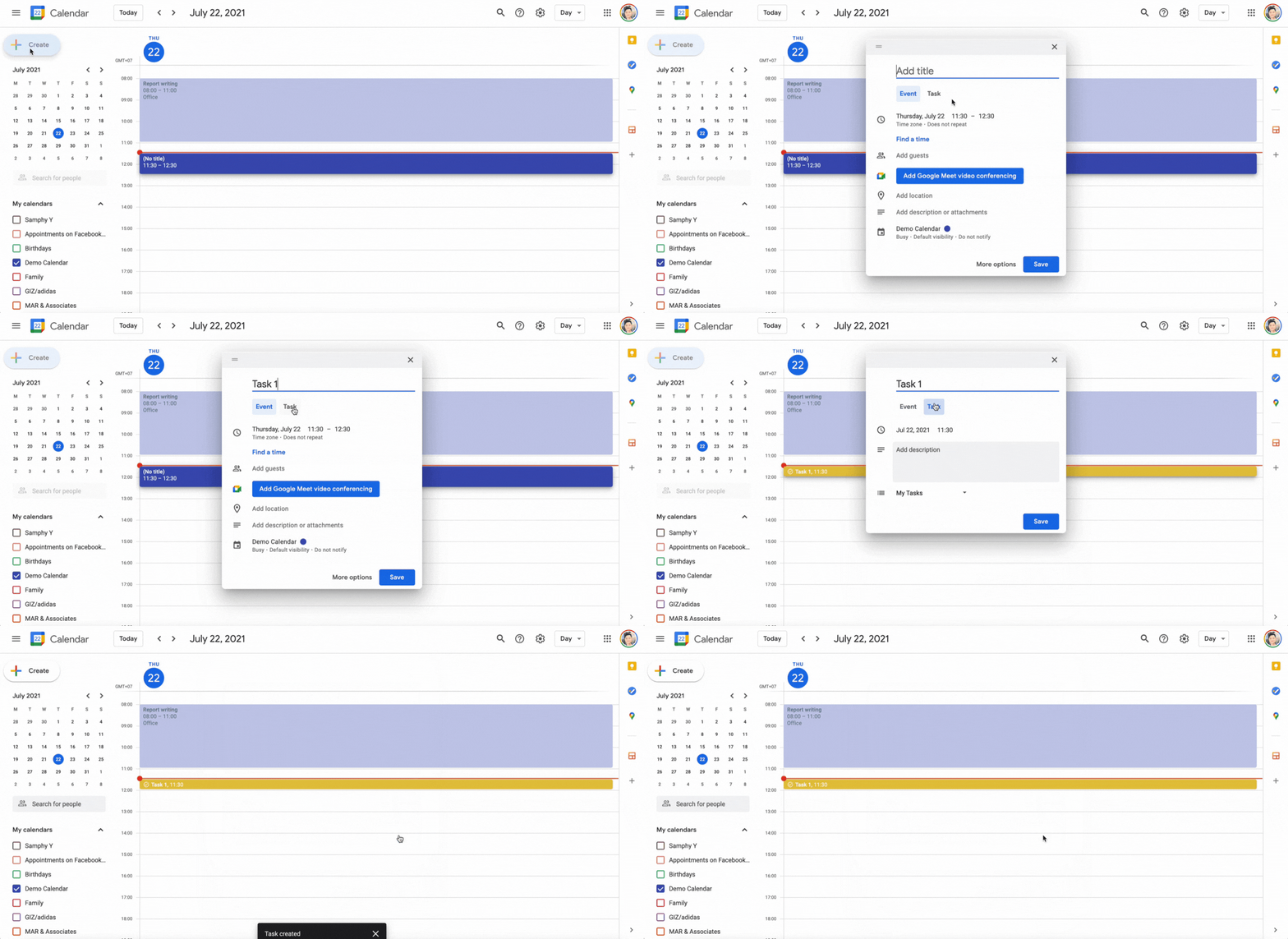
Google Calendar Now Lets Users Schedule Tasks With Time Blocking and Do ...
Tracking and analysis with Google Calendar time tracking - Tackle
Time-tracking software, Google-calendar-style - Software ...
How to Use Google Calendar for Proper Time Management - GeeksforGeeks
10 tips and tricks for easy scheduling in Google Calendar
How To Block Time in Google Calendar: Step-by-Step Guide
Google Calendar Countdown: 3 Ways to Track Events | Countdown Calendar Blog
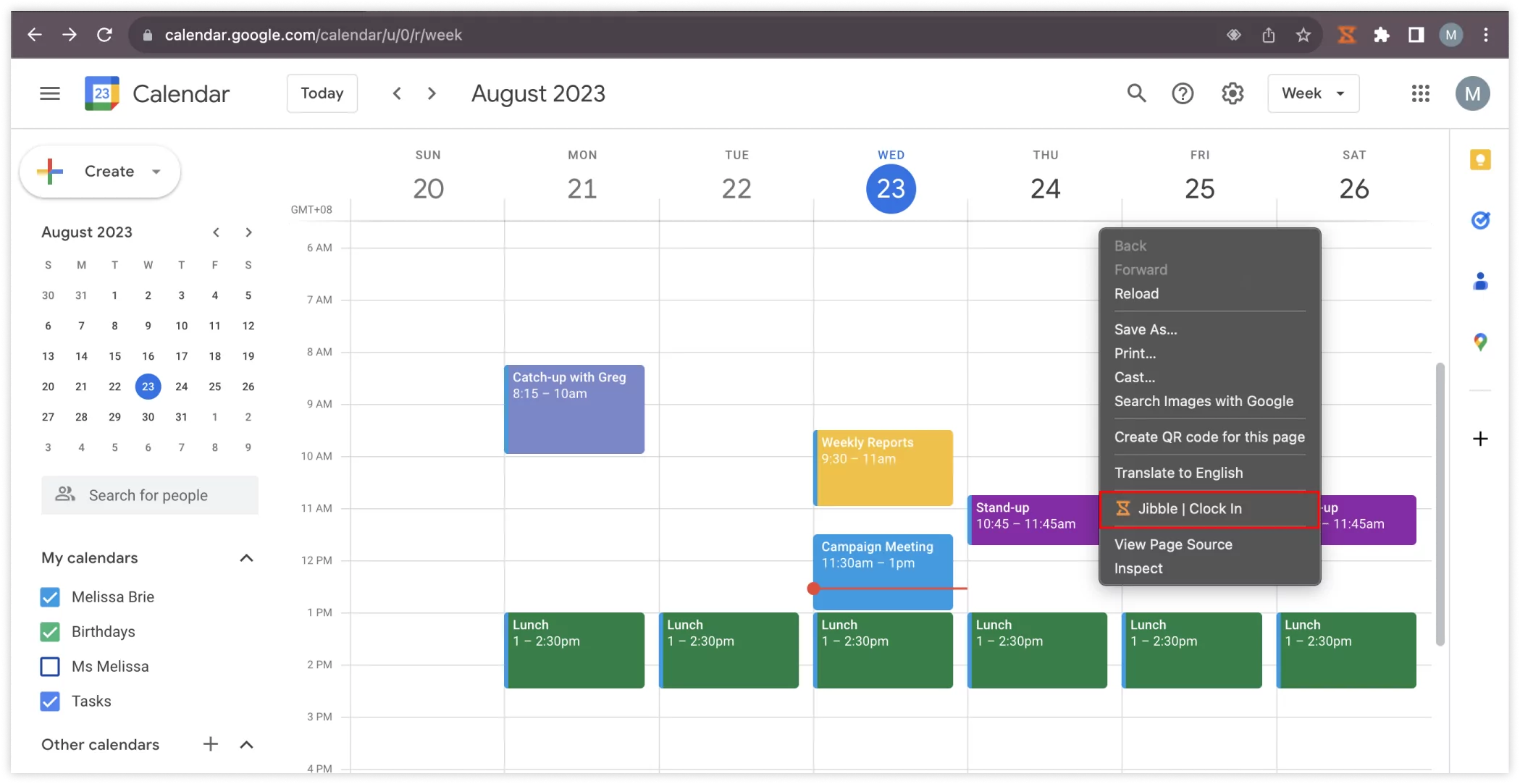
How do I track time in Google Calendar?
Need to get some work done? There's no need create a fake meeting to ...
How do I track time in Google Calendar?
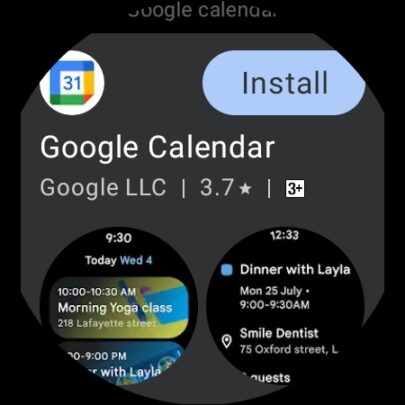
Google Calendar app now available for Wear OS Samsung smartwatches ...
How to Block Time in Google Calendar
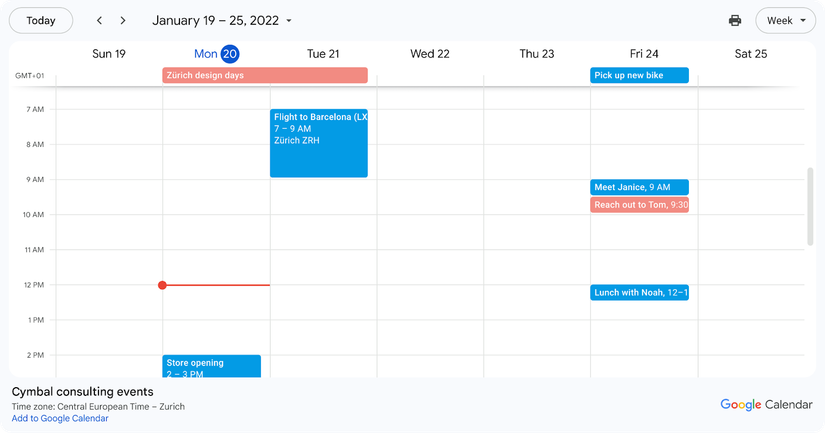
Google Calendar's web widget gets a fresh new Material Design 3 makeover
How To Time Block On Google Calendar
FREE Google Calendar Time Tracker - Clockify™
How to use Google Calendar Time Insights | Zapier
The Ultimate 21-feature Google Calendar Guide
Time Blocking in Google Calendar | Clockwise | Clockwise
FREE Google Calendar Time Tracker - Clockify™
The ultimate productivity setup: 10 apps that reshaped my phone
19 Best Time Management Tools Reviewed (2025)
How to Block Time in Google Calendar | CalendarBridge Guide
Peer Advice: Getting the Most Out of Google Calendar | Marshall B ...

Pictures remove the guesswork from conversations, because pointing to a real example replaces a long and error-prone description.

Details Worth Zooming In On

Beyond the first impression, each image contains useful details, such as positioning, scale, material feel, and overall balance.

Depth beats speed when it comes to visual learning, so instead of racing through all the examples, study a handful properly.

Pictures Explain Faster Than Words

There is a simple reason image searches are so popular, a picture removes interpretation and shows the thing itself.

That is why a varied collection like this is so effective, be it ideas, verification, or simply knowing what to call it.

Come Back to This Gallery Anytime

Bookmark this collection of Does Google Calendar Have A Timer examples, as your preferences may shift the second time you look.

The more examples you absorb, the sharper your eye becomes, and let the gallery keep doing what it does best.