You Searched for How To Make A Timer In Adobe Xd — Here It Is

Since you are searching for How To Make A Timer In Adobe Xd, this page was made for you, presented through a broad set of image examples you can browse freely.

Text can only take your search so far, which is why browsing through the images is often the fastest way to understand it.
How To Make A Timer In Adobe Xd in Actual Pictures

The images below show How To Make A Timer In Adobe Xd in many different forms and settings, giving you a fuller picture than any single example could.
There is no need to rush past the pictures, and repeated details across images reveal what truly matters.
Reading How To Make A Timer In Adobe Xd Through Images
Think of each example as a visual definition, capturing exactly the kind of details people usually ask about.
Look at how the same subject changes from image to image, since repetition across images signals what defines it.

From One Style to Another
Variety is the whole point of a reference collection, certain images favor a clean look while others go for something richer, so studying the range helps you identify which style suits you best.
A strong reaction to one example is always useful information, because that instinct usually points toward what you are really looking for.

Turning Pictures Into Useful Reference
The collection works best when you do something with it, like marking the images that match your idea.





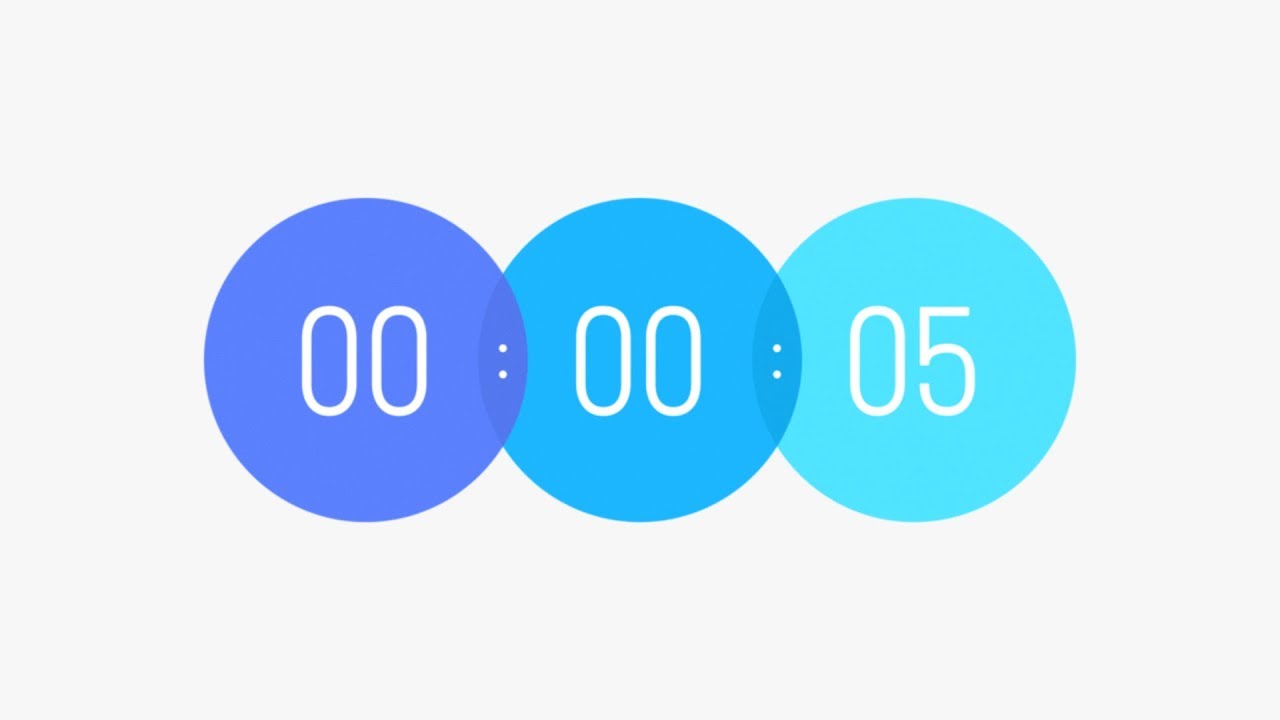


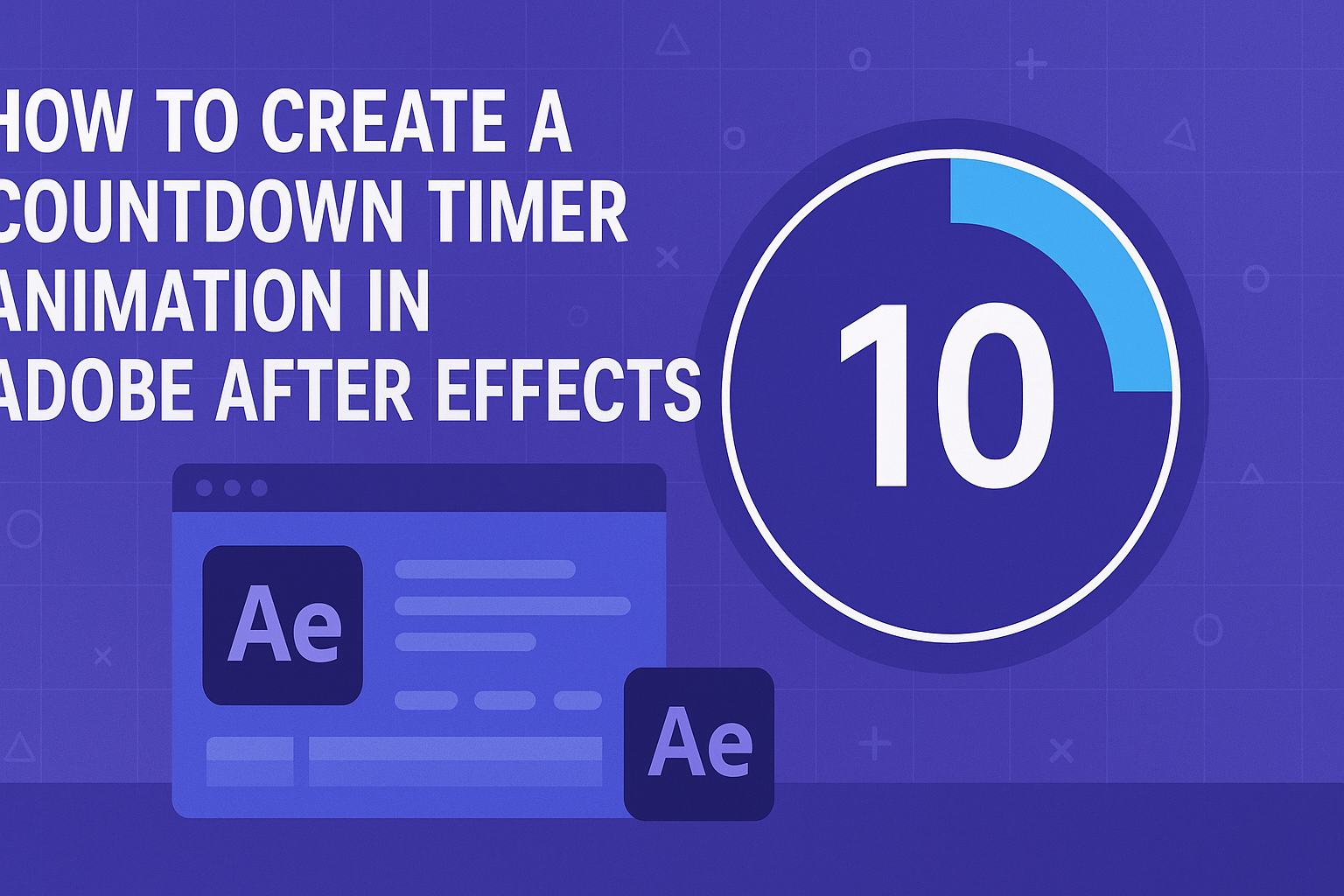




Visual references make it much easier to describe what you want, so the other person sees exactly what you see.
Details Worth Zooming In On
Slow down and examine fewer images more carefully, looking at how each part relates to the whole.
The images you linger on will shape your understanding most, and let a few carefully chosen references guide your direction.
Pictures Explain Faster Than Words
Our preference for images is not a trend, it is how understanding works, a visual cuts straight past every possible misunderstanding.
This is precisely why galleries like this one are valuable, and whatever your reason was, the gallery has a use for it.
Come Back to This Gallery Anytime
Keep this gallery close for whenever the question resurfaces, because needs change and new examples make old ones more useful.
The more examples you absorb, the sharper your eye becomes, and let the gallery keep doing what it does best.